Make your first image, video or short film
Pick what you want to make. Each path takes three steps, the price is on the button before anything runs, and the extra controls can wait until you need them.
Choose a goal
Make an image
Describe the picture you want. No camera vocabulary needed.
Step 1: Write who is in the picture, where they are and the mood. You can copy the example below.
Step 2: Leave the model on Auto or pick one yourself, then choose the aspect ratio. The other settings can stay as they are.
Step 3: Check the price on the Generate button, then press it. Open the result to edit it, make a video from it or save it to Assets.
Try this description
A cinematic portrait of an adult woman in an evening dress, waiting by a rain-streaked window. Warm light, a quiet expression, natural skin texture.
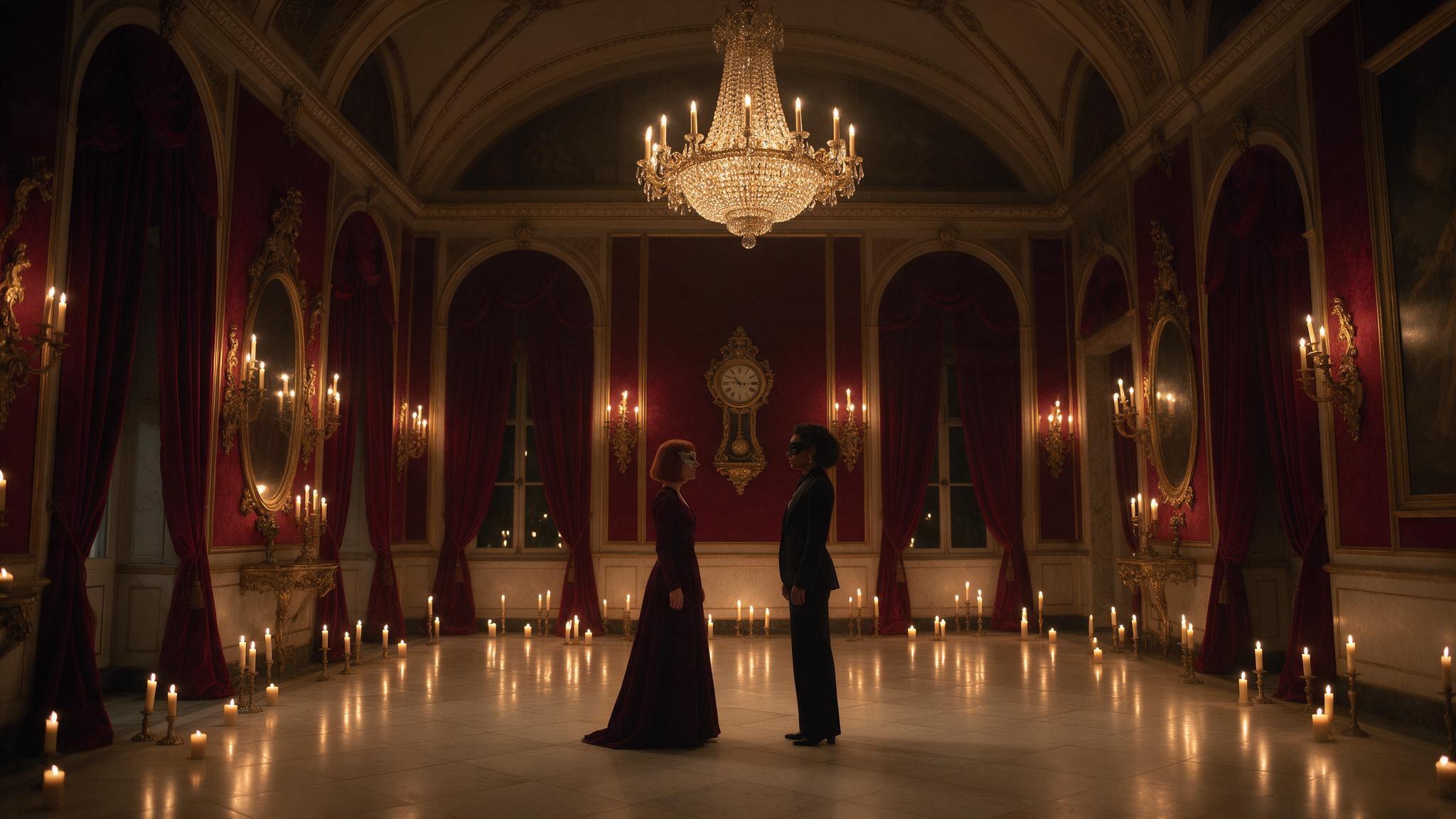
Short film in 4 steps
Write one idea and take it through four stages. You can go back, edit and regenerate at any stage.
Story
Write an idea or paste a script. An AI writer splits it into scenes with dialogue, and shows the price before it runs.
Assets
Create a portrait for each character and place, or upload your own, so every scene keeps the same faces.
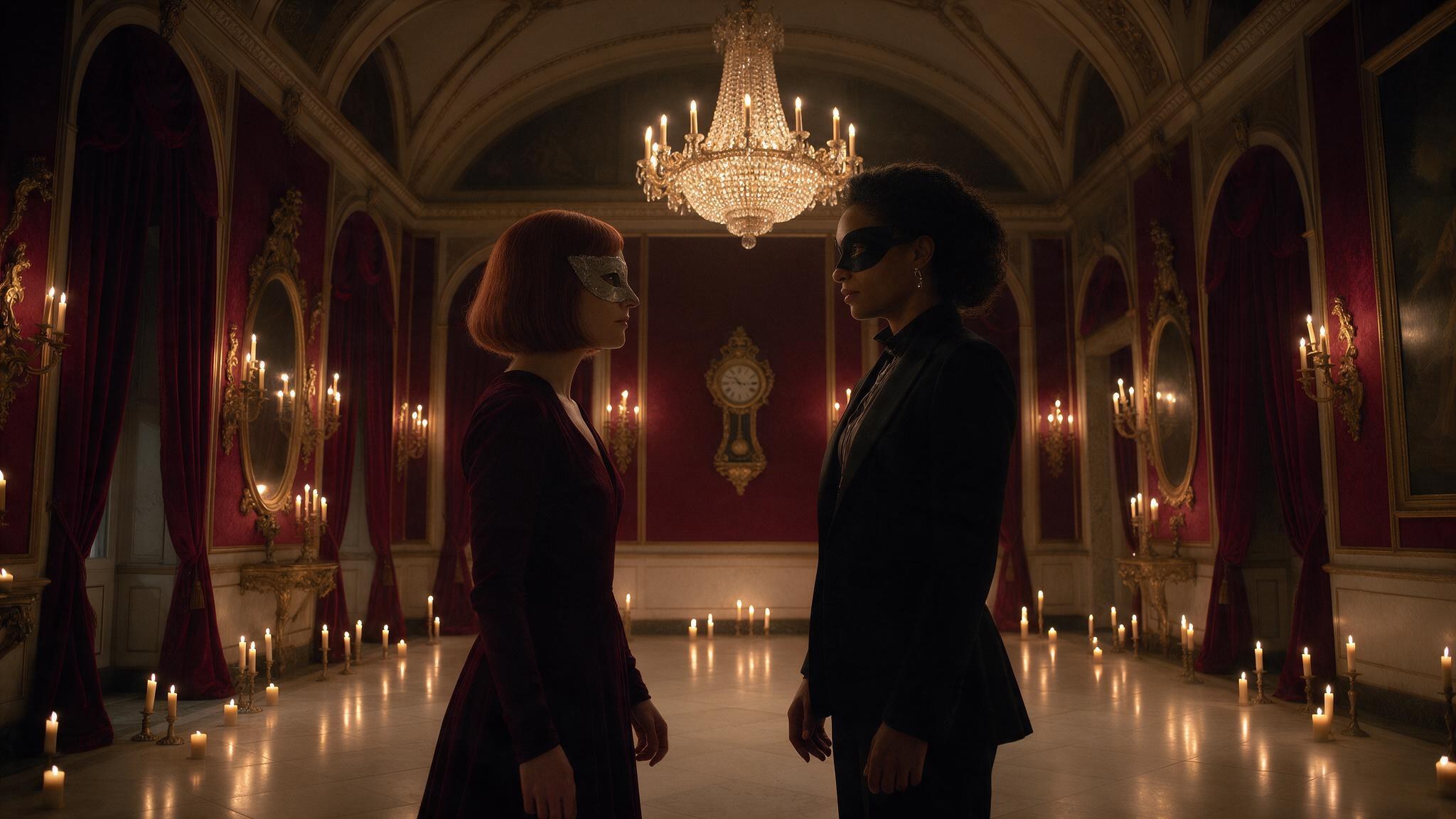
Scenes
Make a picture for each scene, then animate it. Every button shows its price first.
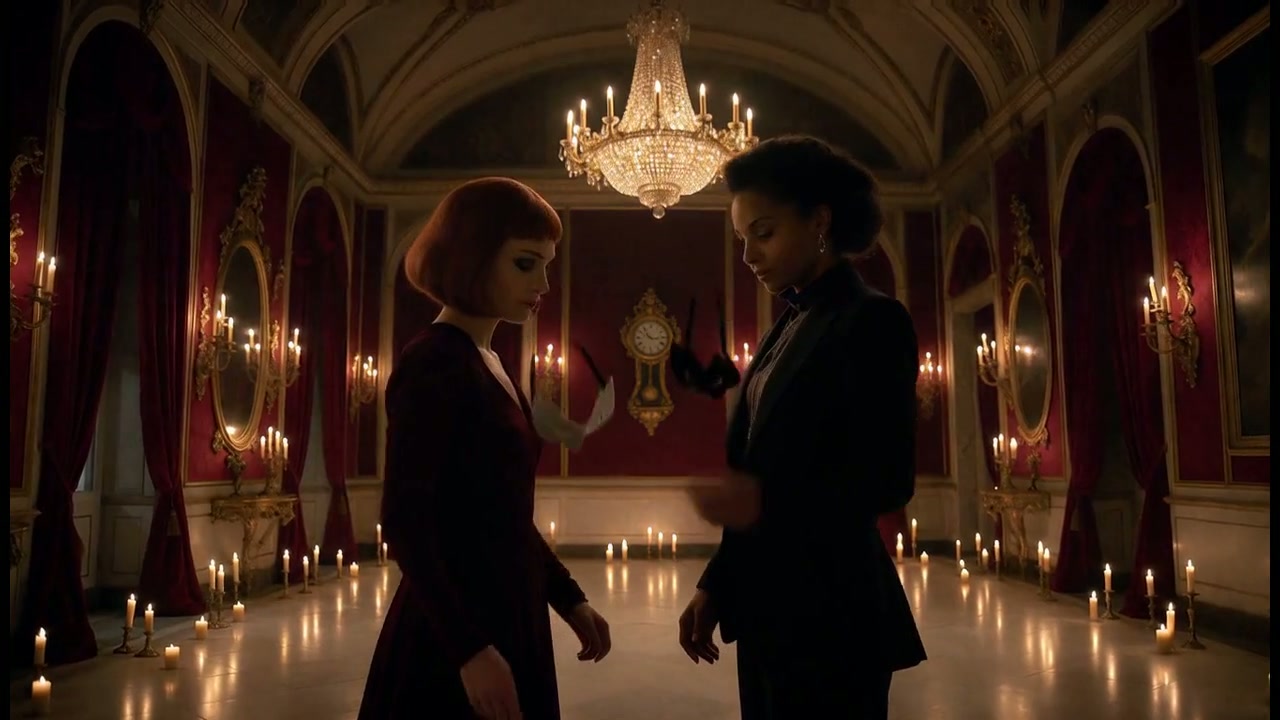
Film
Put the clips in order, add captions and music, and export an MP4. Exporting doesn't run a paid model.
Prefer your own AI for writing?
If you already use Codex, Claude Code or Cursor, connect it from the Short film page and draft stories on your own computer. Connect your AI
Good to know
Know the cost first
You pay for model runs only, and every Generate button shows its price before you press it. Browsing examples or editing a draft doesn't run anything.
Keep what matters
Results in History don't stay forever. Save the ones you want to keep to Assets, your private library; its limits are shown on that page.
A few words, made simple
Prompt: what you want to make. Reference: a picture that guides the result. Scene: one moment of your film. Model: the AI that does a step.