
Canvas
Canvas — direct the whole piece in one place.
Lay out prompts, references and results side by side, then chain them into scenes.
Canvas is arranged on a computer. On your phone, open your canvases or start a short film.
Prompt starters
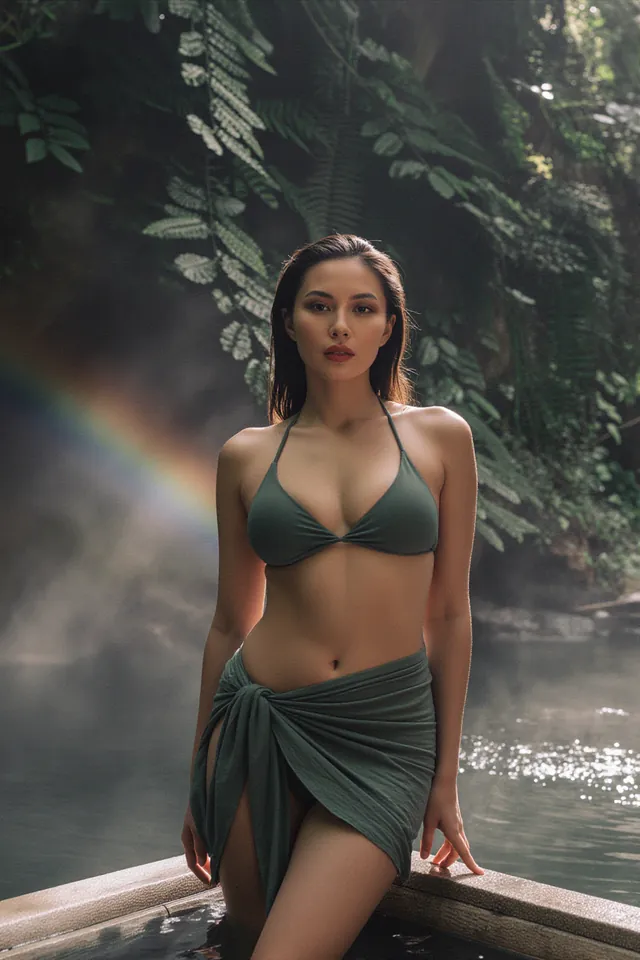

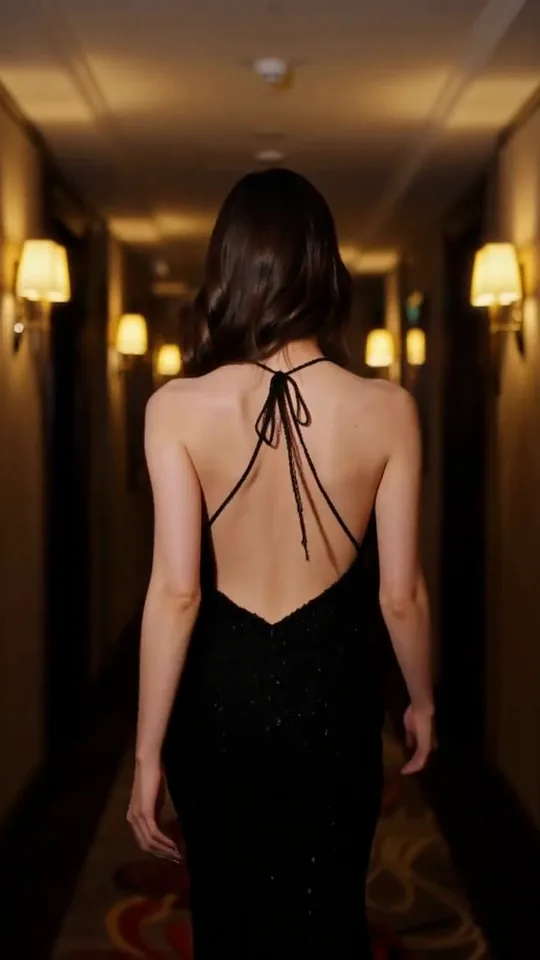
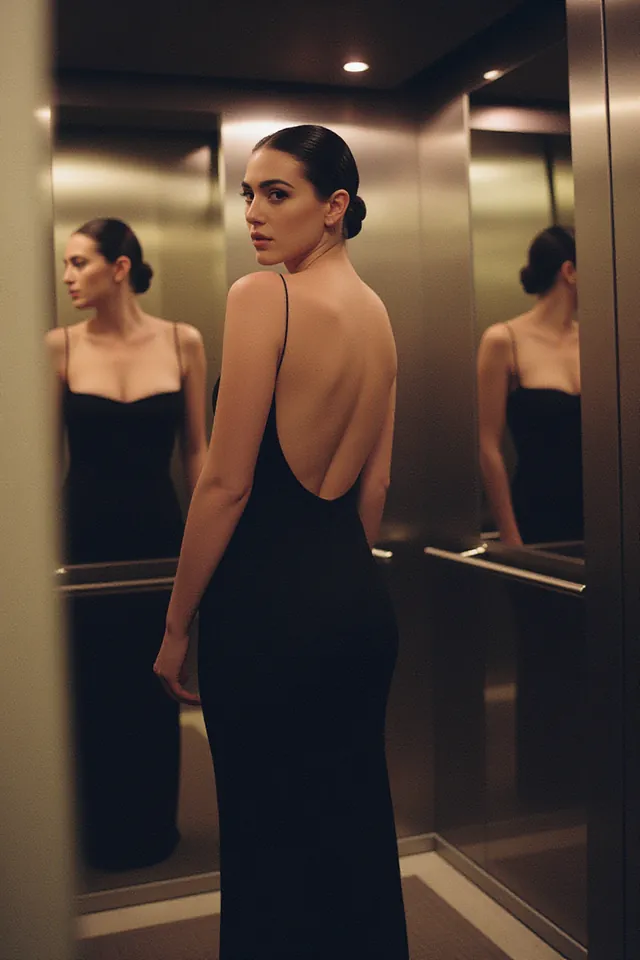
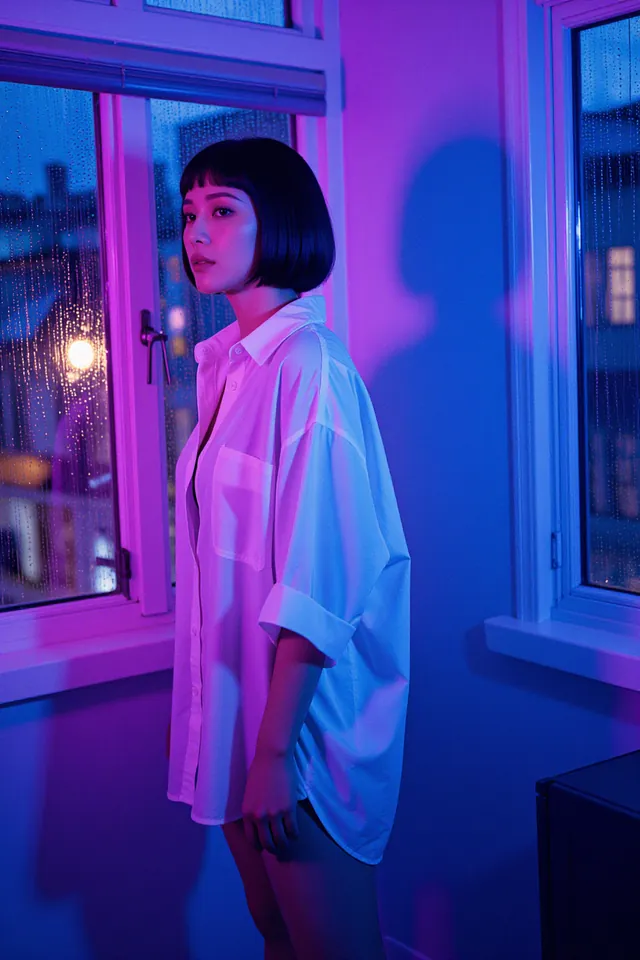
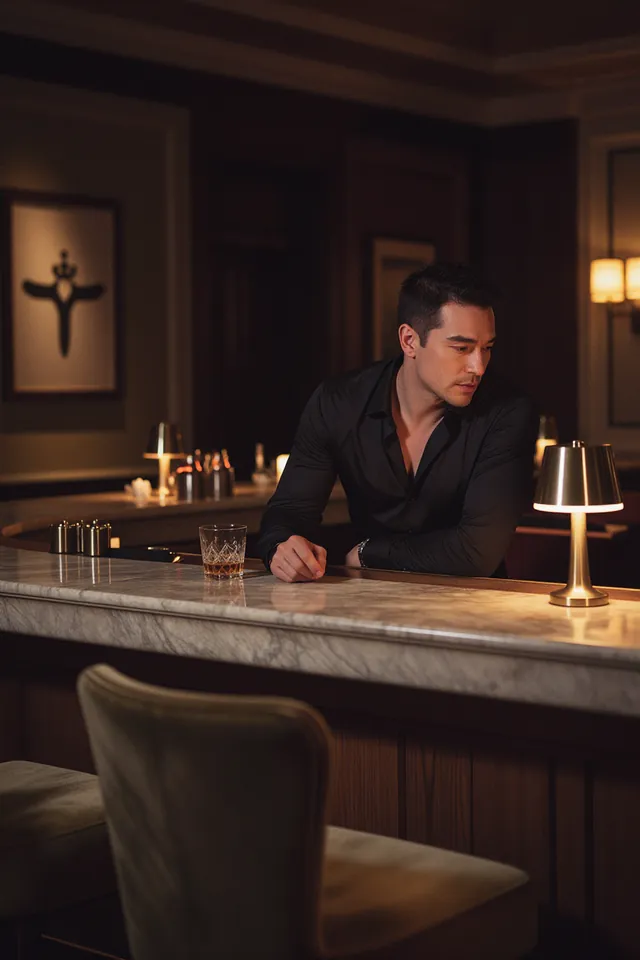
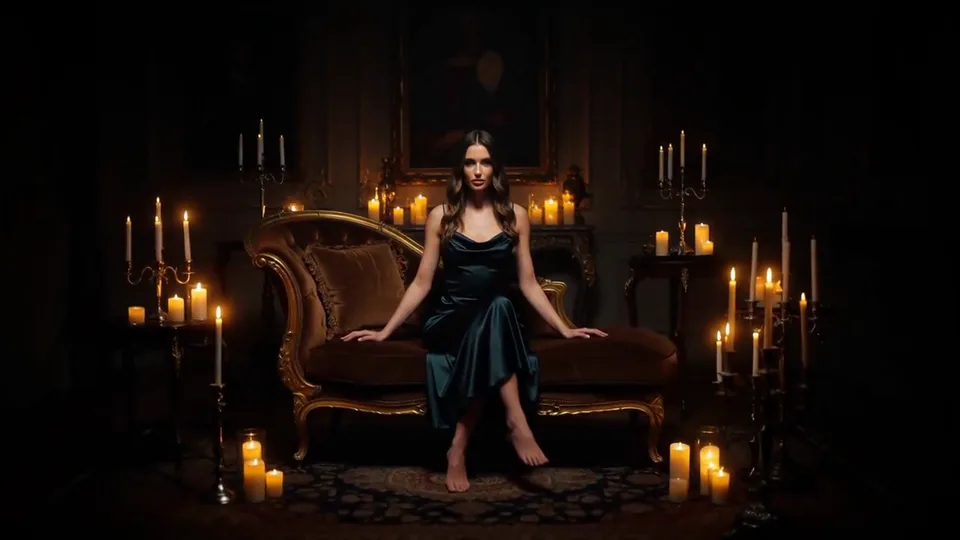
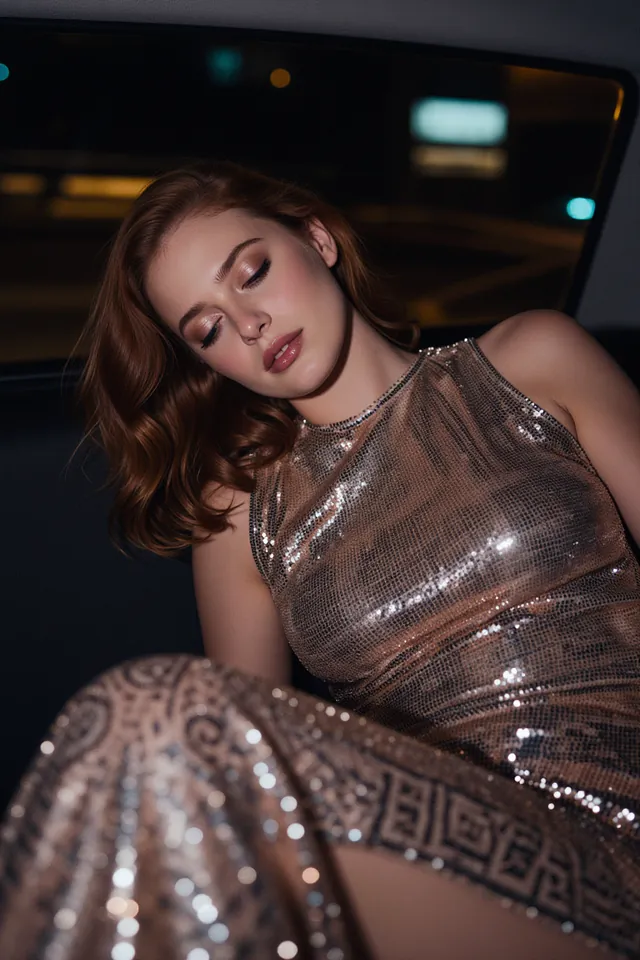
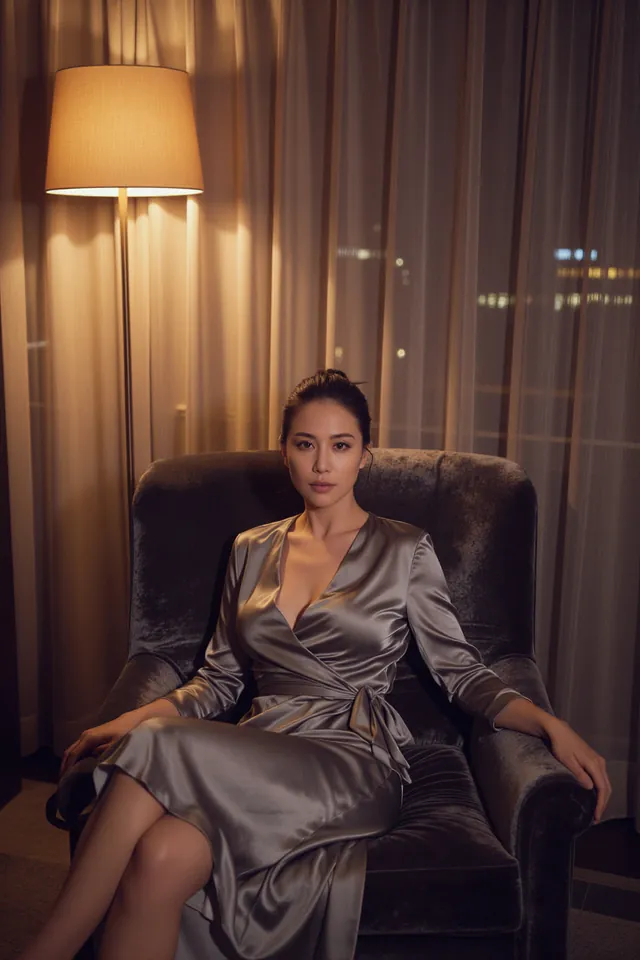
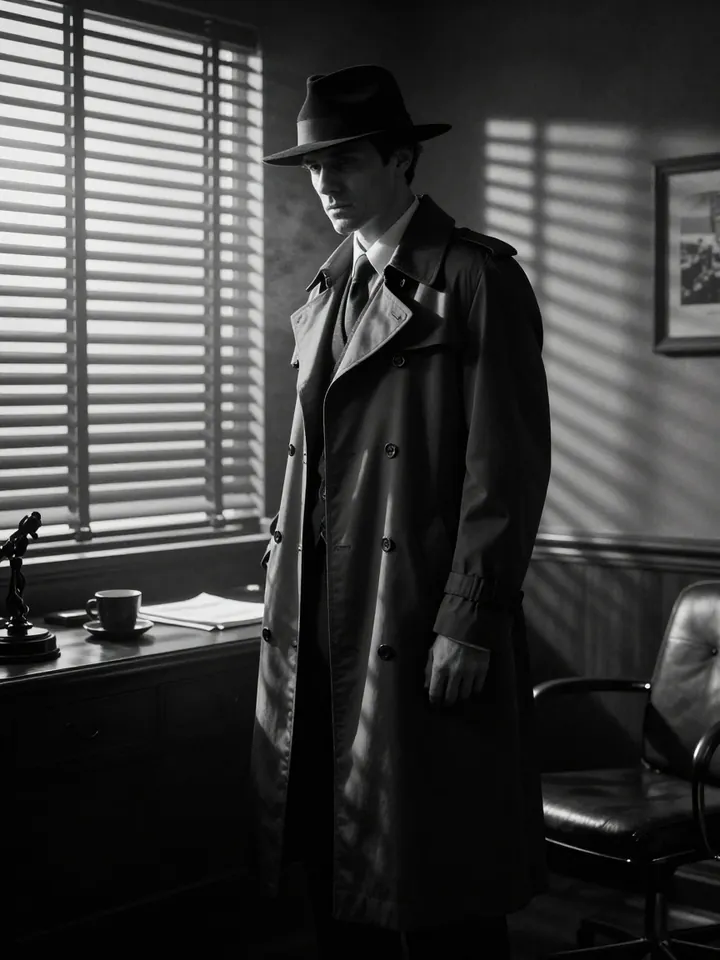
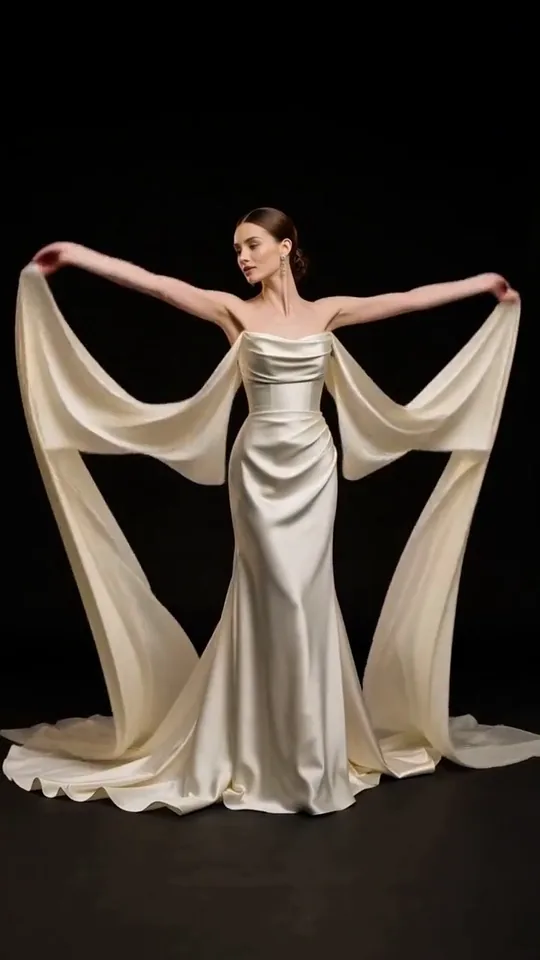
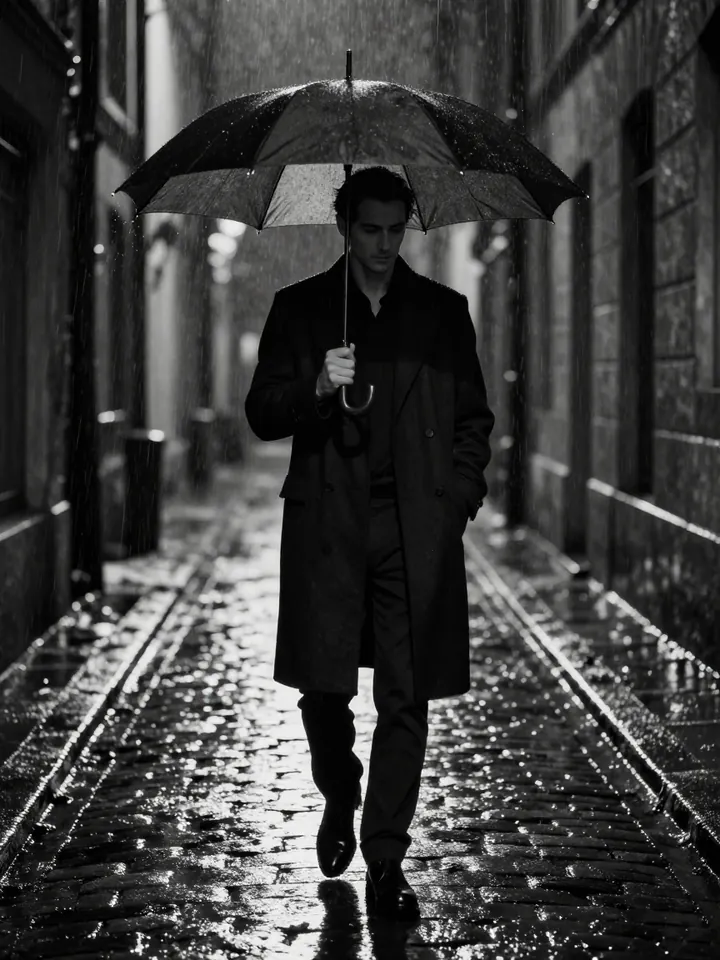
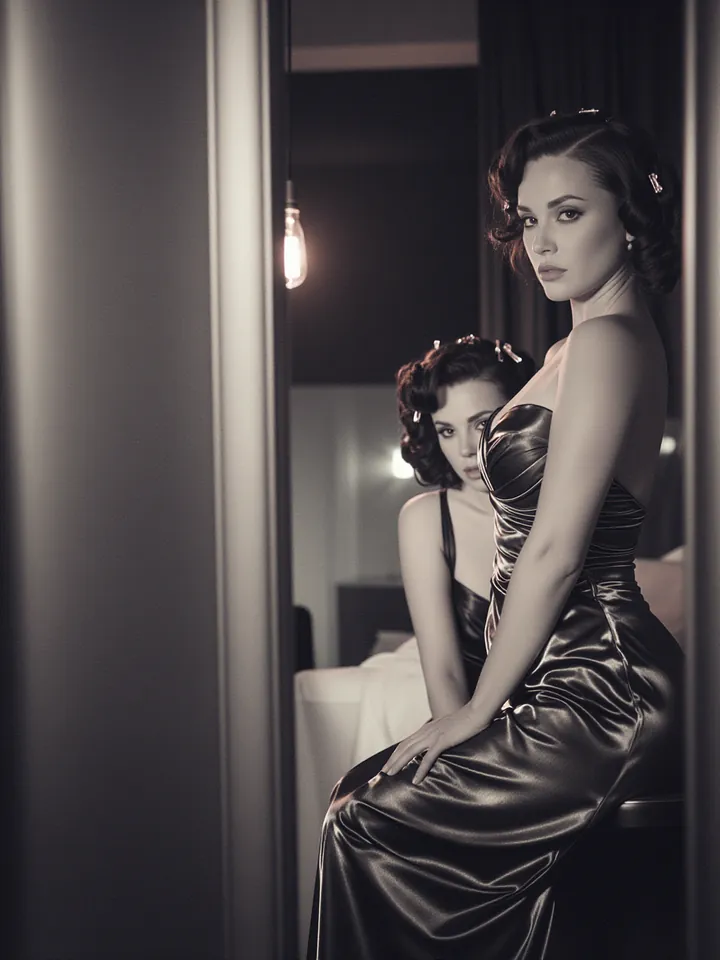
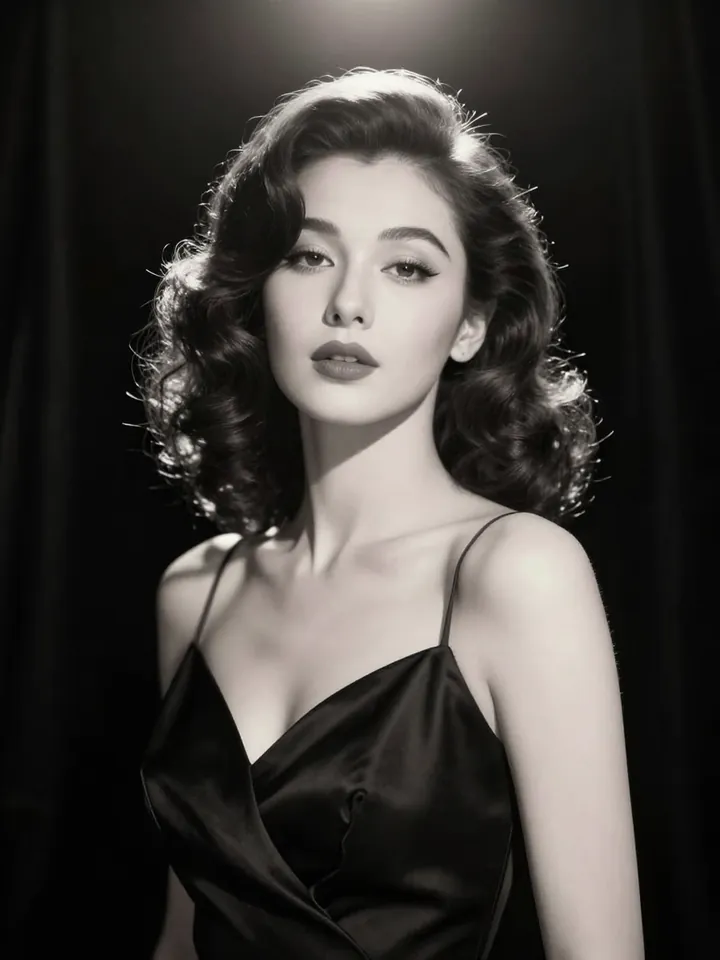
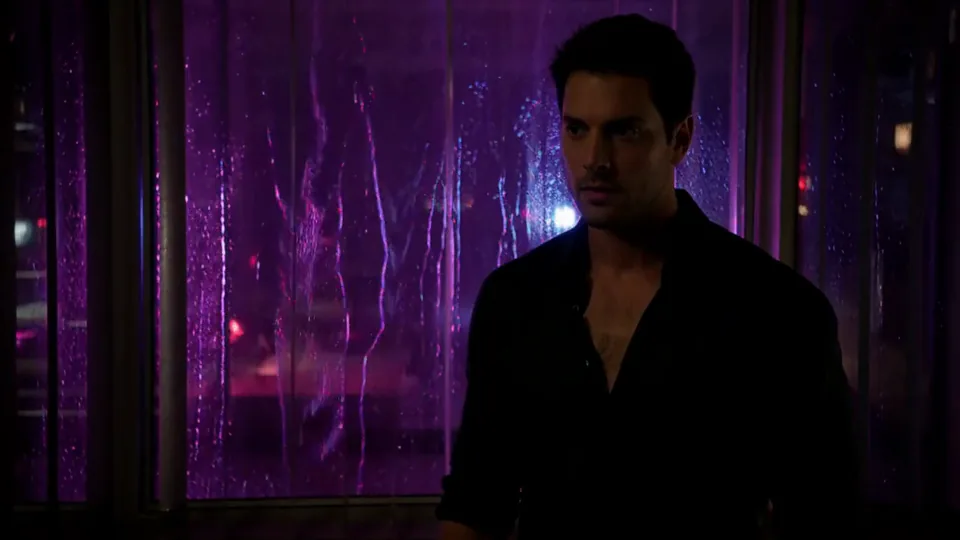
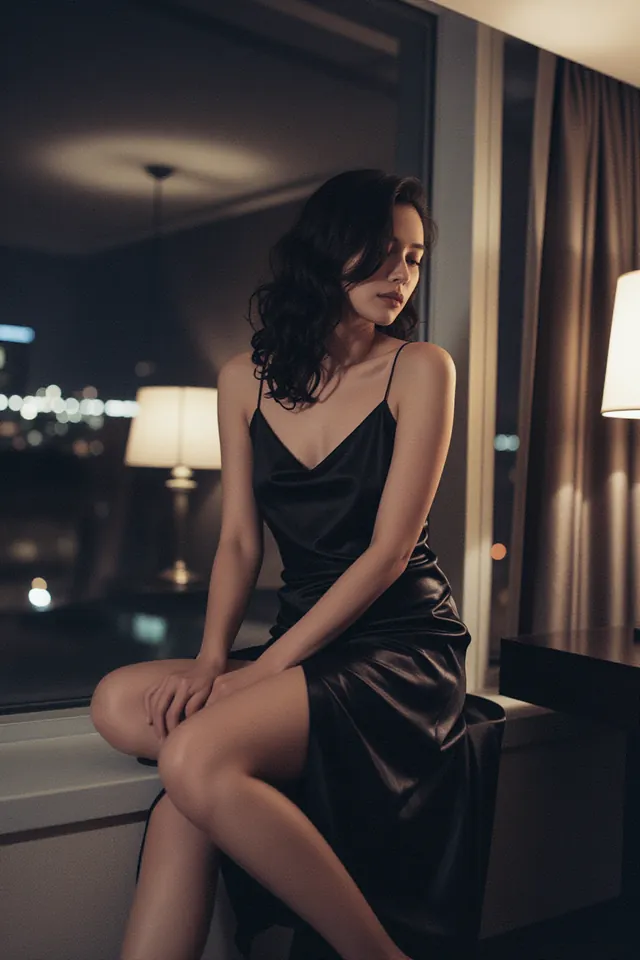
Lay out shots on one canvas, turn any frame into a video and keep every take linked. Uncensored models, no platform filter, pay per result.
What the canvas is for
A feed works for one idea at a time. A short piece with several shots needs a table where every shot is in view, so you can move them around and keep the takes that work.
Each take stays joined to the frame it came from by a thin line, so you can trace how a shot was made and branch again from any point.
It runs on the same models as the rest of the studio, uncensored ones included, with no platform filter on your prompts and the price on every button.
How the canvas works
- 01
Drop a card
Double-click anywhere on the canvas, write one line and press Generate. The price is on the button before it runs.
- 02
Branch from any frame
Select a result and choose Animate, Edit or More like this. The new take lands beside it, joined to its source by a thin line.
- 03
Group shots into a scene
Select a row of shots, group them into a scene, then open Storyboard to play them through in order.
What each part does
Nothing on the canvas costs anything until you press Generate and see the price.
Prompt cards
An Image or Video prompt holds one line of text, the model (Auto or your pick), the aspect ratio, the duration and an optional look.
Results and takes
Each run lands as a numbered take beside the card that made it, so versions of a shot sit together.
Branching from a frame
Select a still for Make video, Edit or More like this, or a clip for Run again or Last frame → image. New cards stay linked to their source.
References
Drag the + on any picture onto a prompt card. The card shows how many references its model takes; a clip needs its last frame pulled first.
Scenes
Group cards into a named scene. Generate scene runs every prompt inside it after you confirm one total.
Storyboard
Shows each scene shot by shot with its length. Play scene runs the shots back to back; Export strip saves them as one image.
Sources
Drag in results from History, templates, preset effects, styles and inspiration, or tap to drop them in the middle.
Notes
Shot lists, dialogue or reminders that sit beside the shots and are never sent to a model.
Two ways to build a short piece
Both use only what is on the canvas today.
One still, three shots
- 01Add an Image prompt, write your subject and pick a look. Every look is also browsable in Styles.
- 02Keep the frame you like and choose More like this for a few variations of it.
- 03Select the three strongest stills and press Make videos. They run on the same models as Image to Video, and you confirm the total first.
- 04With the clips selected, choose Group into scene.
- 05Open Storyboard, play the scene through, and use Export strip to share the shot order.
A longer take, shot by shot
- 01Add a Video prompt and write the opening shot, or drag in a preset move from Sources. The same moves are listed under Effects.
- 02When the clip is in, choose Last frame → image on it.
- 03Drag the + on that frame into a new Video prompt and write what happens next. The new take starts where the last one ended.
- 04Repeat for each beat of the scene.
- 05Group the takes into a scene and play it in Storyboard. Download the clips to join them in your editor.
Canvas, one generator page or a stack of tools
The models and prices are the same across the studio. What changes is how much of the piece you can see and steer at once.
| What you need | Canvas | One generator page | Several separate tools |
|---|---|---|---|
| Every shot of a piece in view at once | Yes, on one canvas | One result at a time | Spread across tabs and downloads |
| Each take tied to the frame it came from | A thin line on the canvas | A note in the viewer, such as “Edited from Take 2” | Only if you track it yourself |
| A still turned into a clip | Make video, right on the card | Make video from the result | Download, upload again, prompt again |
| The price before a run | On every Generate button | On the Generate button | Depends on the tool |
| Several runs at once | One confirmation with the total | One run per press | One tool at a time |
| Where the work is kept | The canvas in this browser, results in History | Results in History | Wherever you saved each file |
| Working from a phone | View and run shots; arrange on a computer | Works on a phone | Depends on the tool |
Prompt starters
Three video templates with their default subject filled in. Paste one into a Video prompt, or drag the template in from Sources and change who is in it.
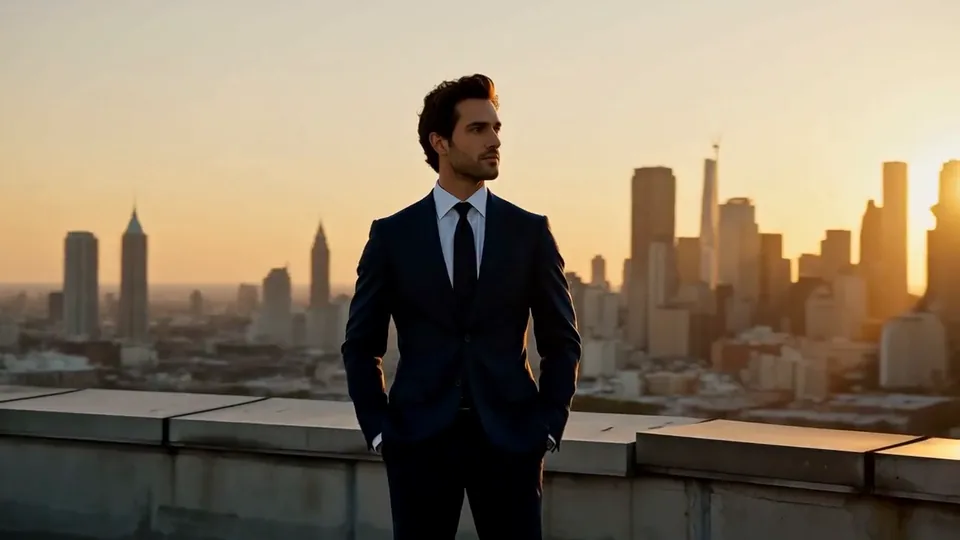
Half Orbit
A smooth half-circle on a golden rooftop.the camera sweeps a smooth half-circle around an adult man in a tailored navy suit on a rooftop at golden hour, the city skyline sliding behind, warm backlight, steady cinematic motion
Slow Push-In
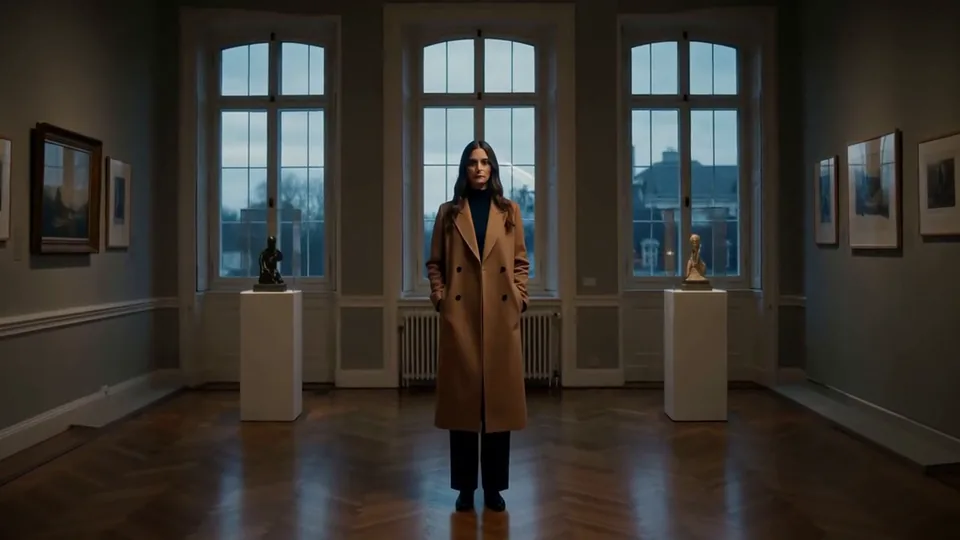
A steady push toward the subject at dusk.a slow, steady push-in toward an adult woman in a long camel coat standing in a quiet gallery at dusk, soft window light, shallow depth of field, cinematic stillness
Behind Rainy Glass
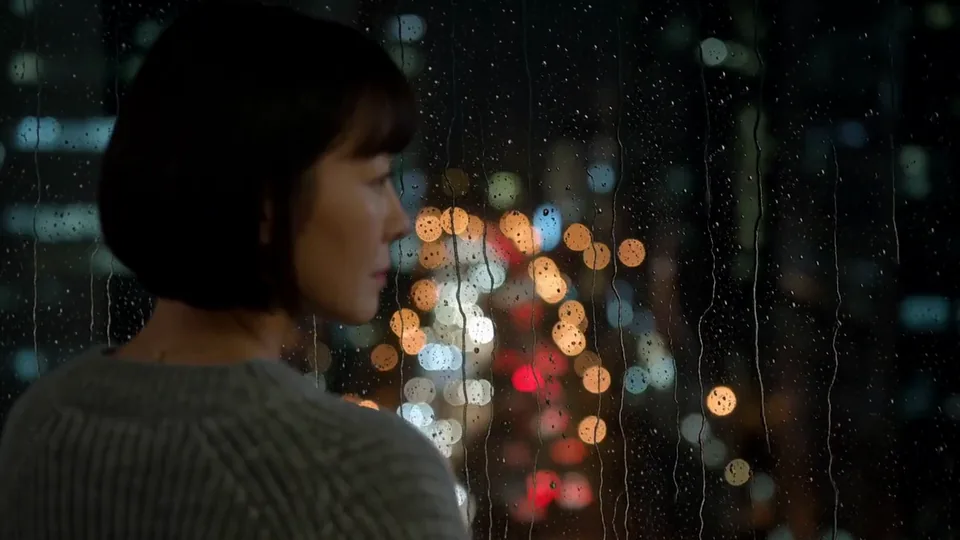
Droplets race down while the city glows.seen through a rain-streaked window at night, droplets racing down the glass while an adult woman with a short bob in a grey knit sweater watches the city lights, soft bokeh, slow focus shift
Longer than one take
A single take is as long as the model allows; the longest in the studio's video line-up today is 30 seconds, on Seedance 2.5 Spicy. Past that, pull the clip's last frame, use it as the reference for the next Video prompt and keep going. A scene plays the takes back to back.
What runs on the canvas
Auto starts from these defaults; any prompt card can switch to another model.
MiniMax H3
Uncensored — This model declares no content filter. SpicyAPI forwards the request without adding a platform content scan; legal and consent duties remain with the customer.Photo to video
From $0.037 / s
MiniMax H3
Uncensored — This model declares no content filter. SpicyAPI forwards the request without adding a platform content scan; legal and consent duties remain with the customer.Words to video
From $0.037 / s
Z-Image
Uncensored — This model declares no content filter. SpicyAPI forwards the request without adding a platform content scan; legal and consent duties remain with the customer.Words to image
From $0.01 / image
Canvas questions
A generator page makes one thing at a time from one form. The canvas holds many prompts, results and notes on one canvas, links every take to its source frame and groups shots into scenes. Models and prices are the same.
In this browser, on this device; results are also kept in History. Canvases in the trash are deleted after 30 days, and if a canvas changes in two tabs you choose which version to keep.
The run keeps going. Once a take is accepted its card remembers the job, and when you reopen the canvas on this device the result drops into place. It also lands in History.
No. Every prompt card shows its price on the Generate button, and anything that starts two or more runs, like Make videos or Generate scene, asks you to confirm the total. Up to 8 runs go in one batch.
Yes, shot by shot. Use Last frame → image on a finished clip, connect that frame to the next Video prompt, and the new take starts where the last one ended. Storyboard plays the takes back to back.
Yes. Start from the Storyboard option, which gives you one scene with four empty shots, or add a Scene with 4 shots to any board. Write a prompt per shot, add notes, then press Generate scene.
Not by us: prompts go to the model with no platform filter. Models marked Uncensored did not soften or refuse in our tests; others can apply limits of their own, and the content policy applies everywhere.
Finished images and clips are kept for 14 days, uploads for one day. An expired card says so and offers Run again with the same settings, so download what you want to keep.
Yes. Download every result or a selection (expired files are skipped), and use Export strip to save a scene's shots as one image in order, ready to share as a storyboard.
Partly. On a phone it opens in Storyboard, and you can select a card to run its actions, change and run a prompt, or download a result. Moving, grouping and connecting cards needs a computer.
Read next
- AI Image GeneratorMake the first still for a piece, with the looks from Styles.
- Image to Video AIOne photo and one prompt, with every length the model offers.
- Uncensored AI Video GeneratorPhoto-to-video and text-to-video on uncensored models first.
- StylesFilm, editorial, anime, painting and 3D looks to start a still from.
- Video effectsPreset camera moves, weather and film looks for one photo.
- Text, image or reference: picking a Wan 3.0 modeHow to choose the input by the one thing in the shot that must not change.