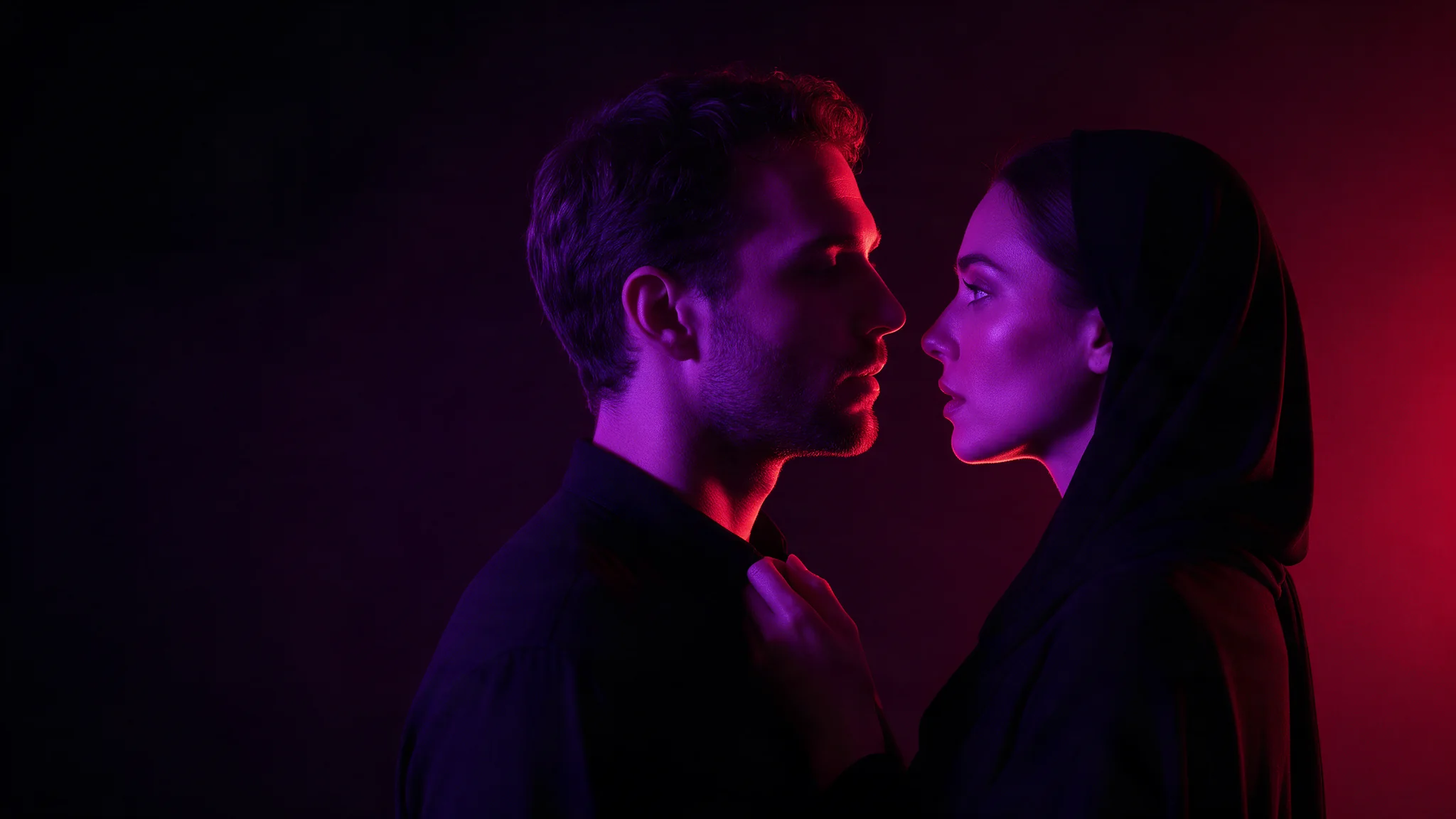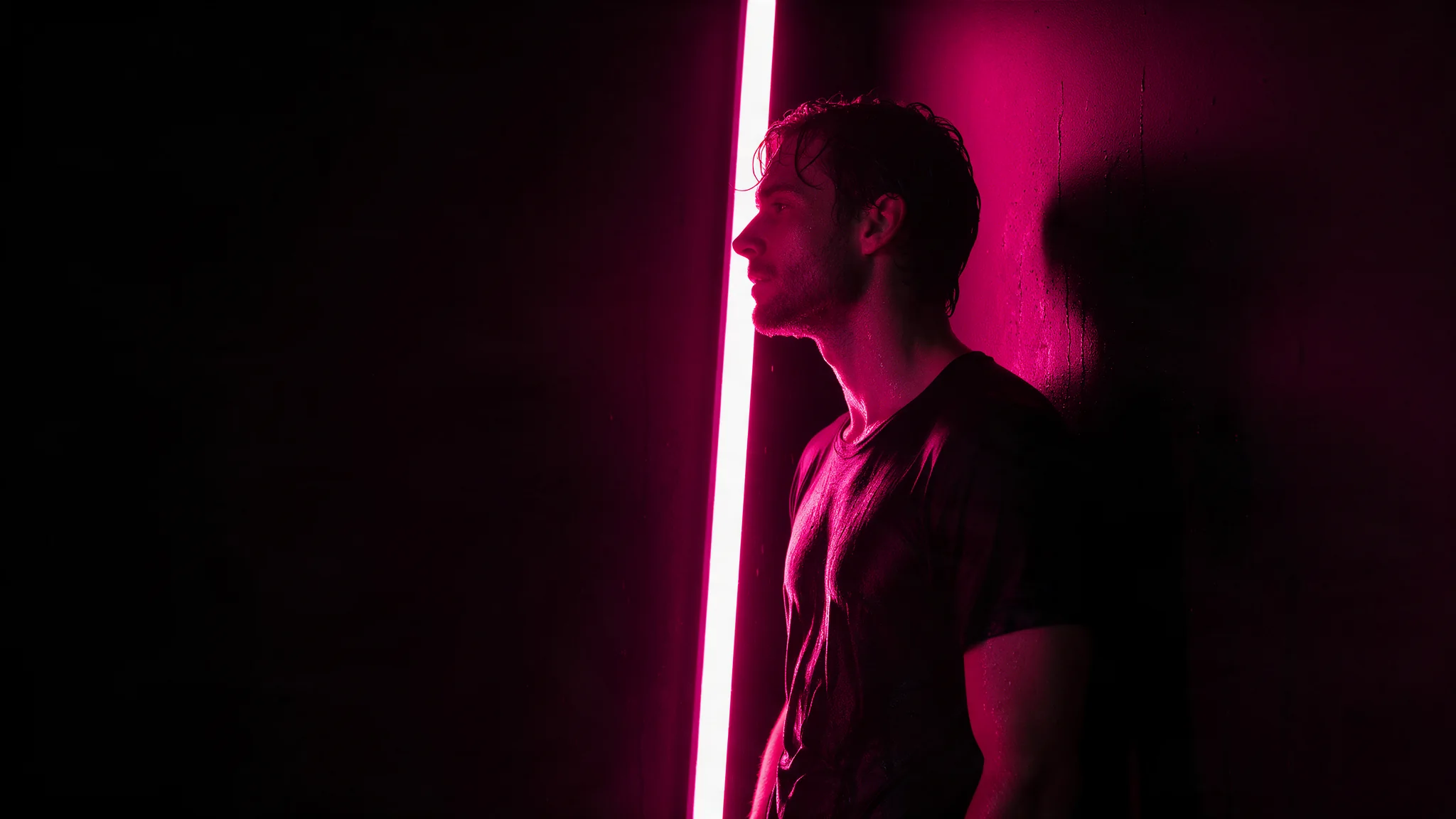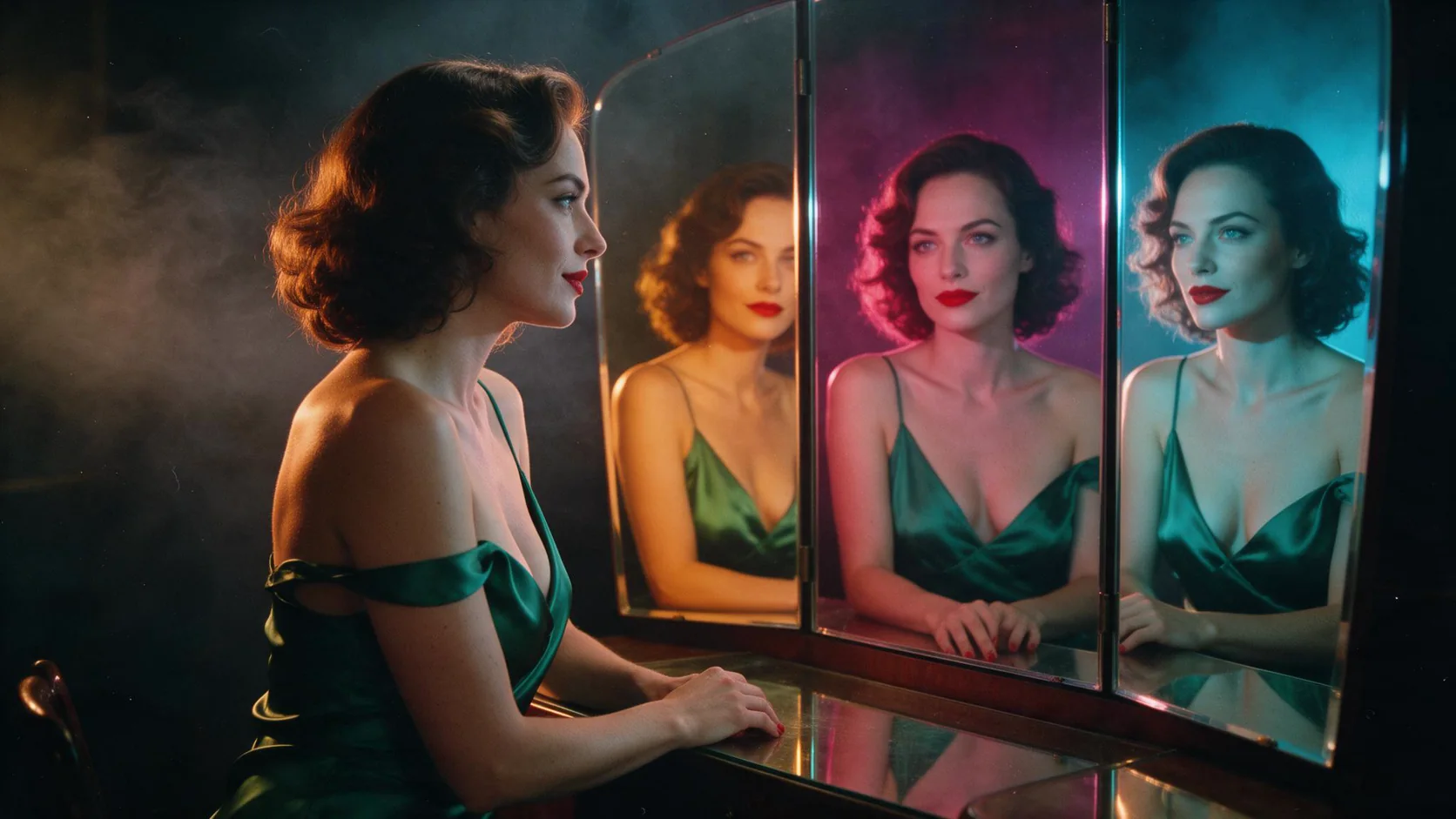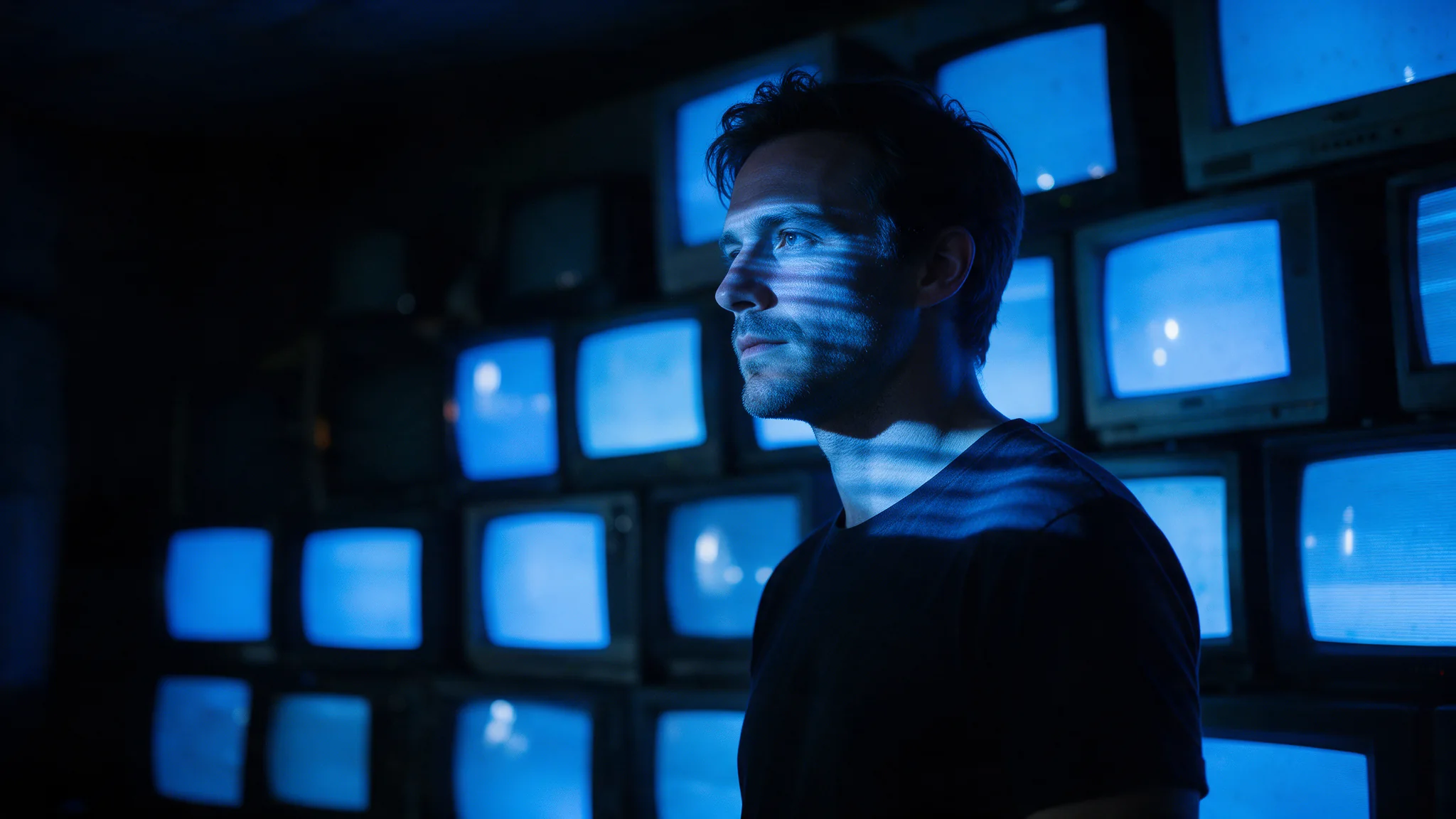
Introduction
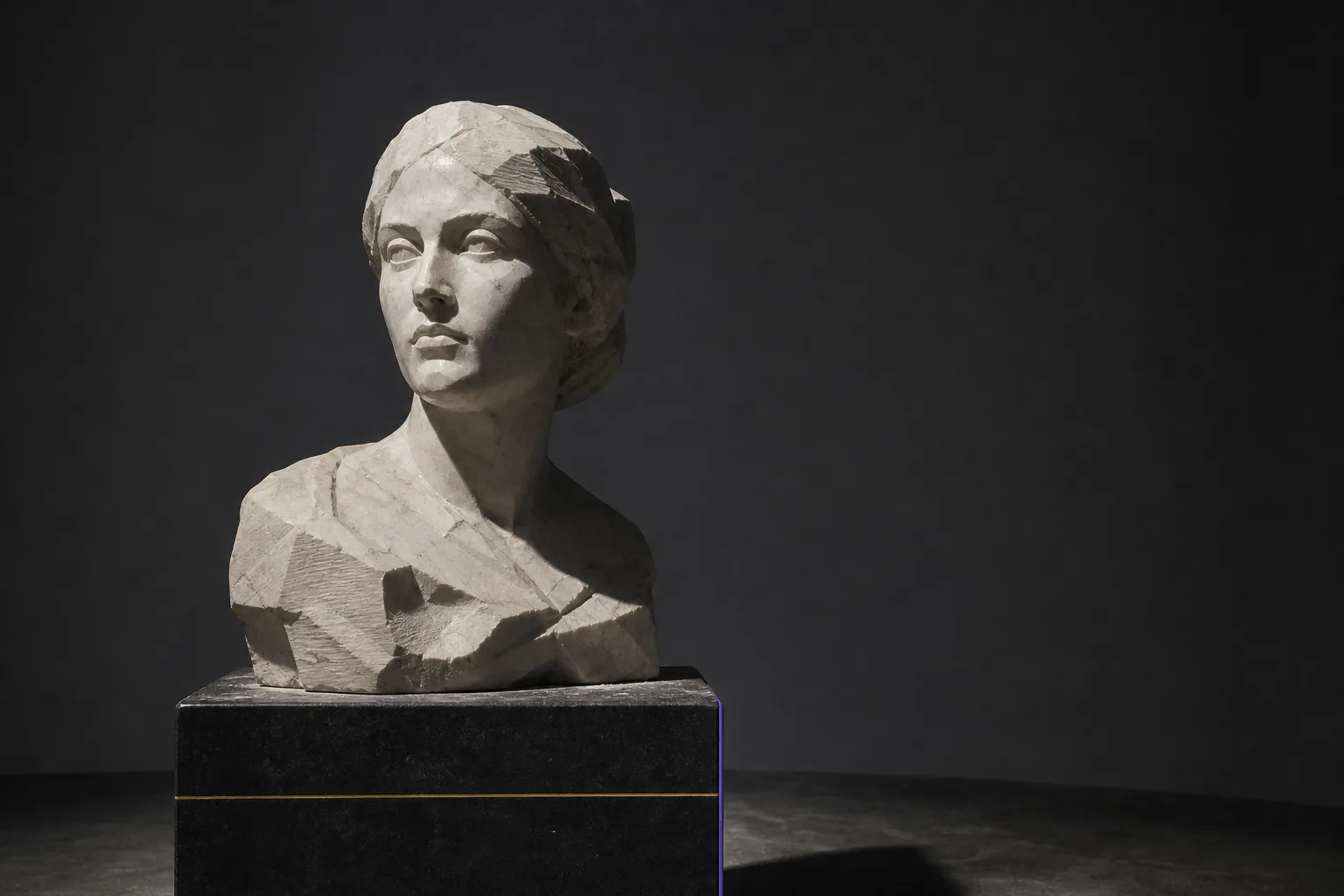
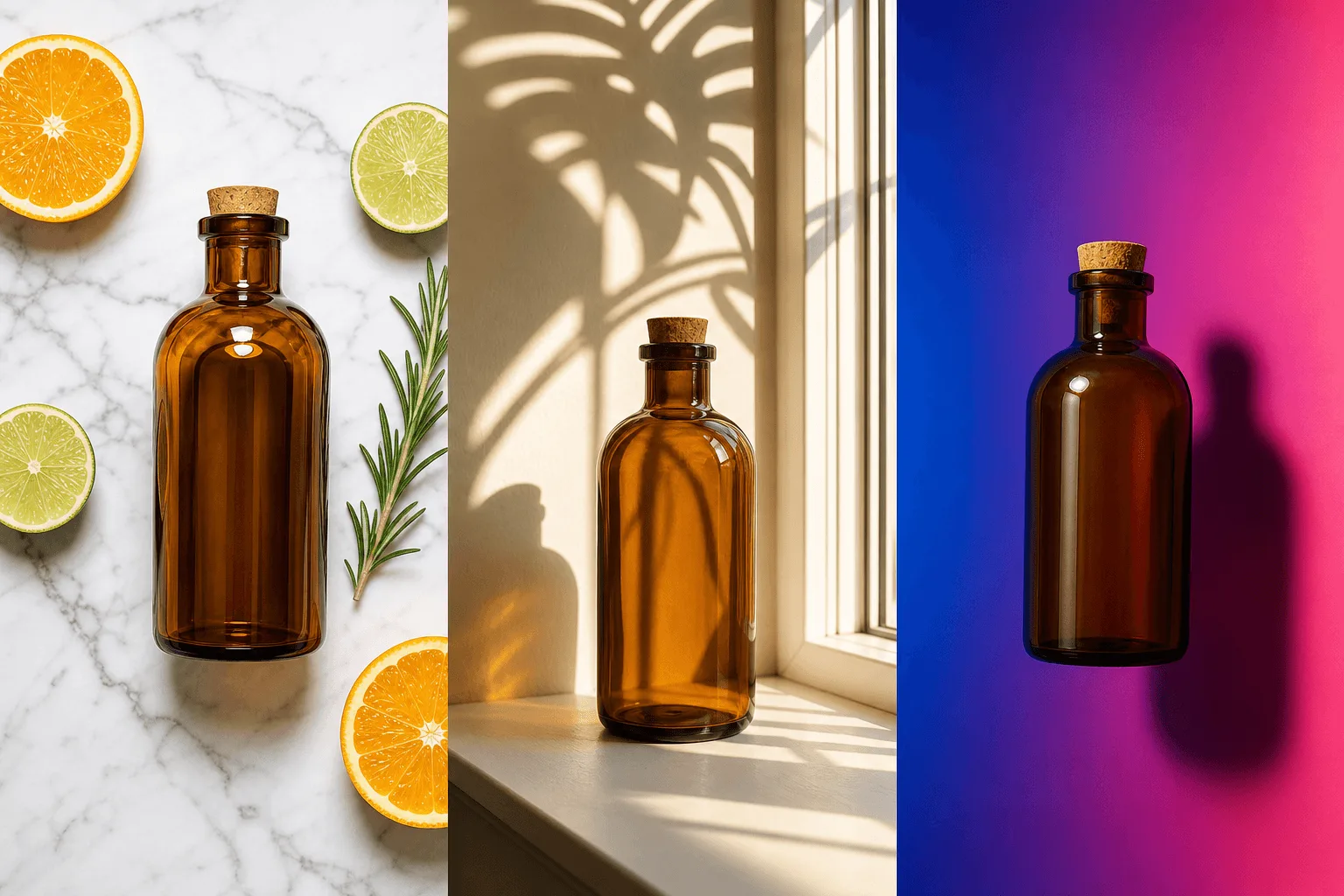
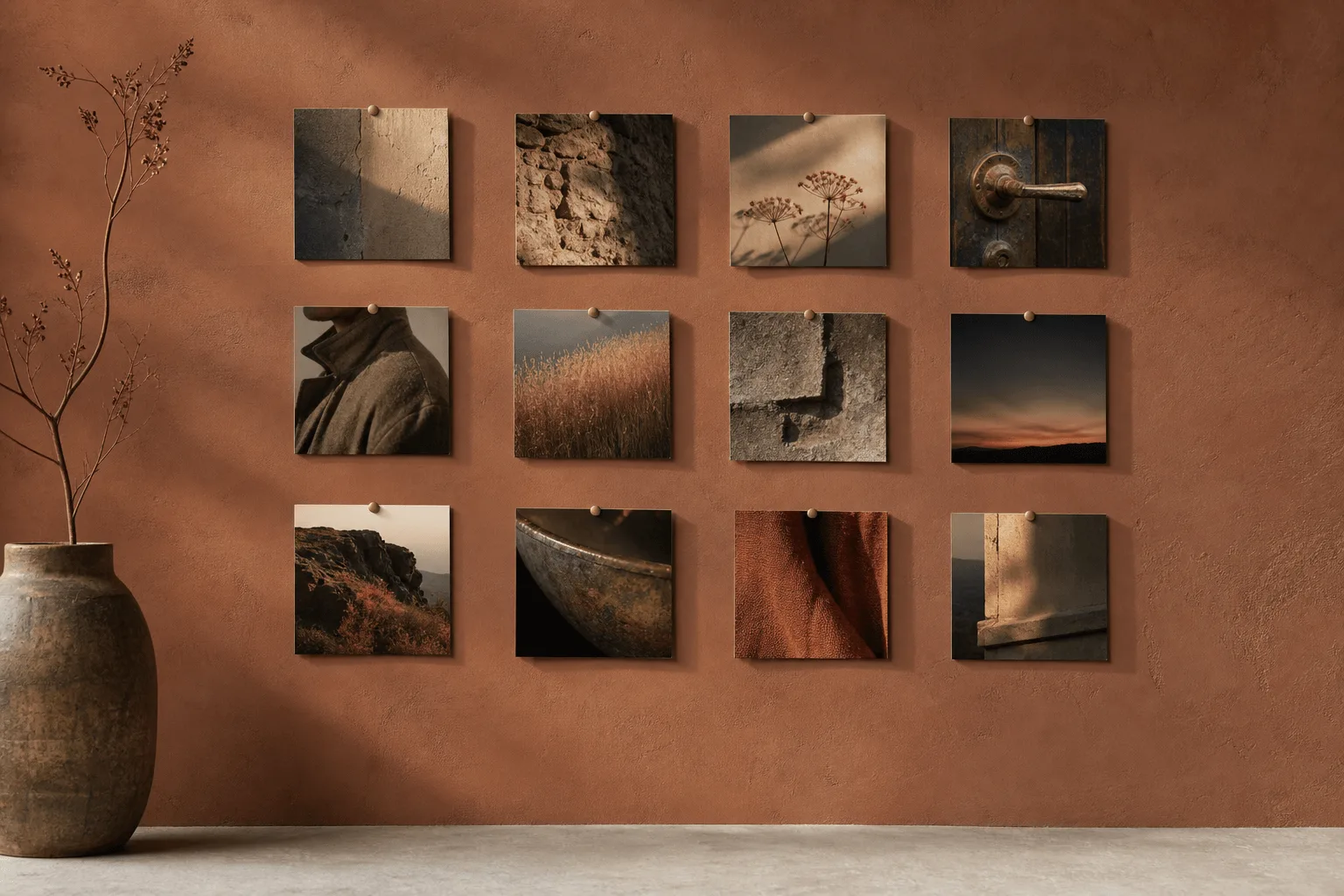
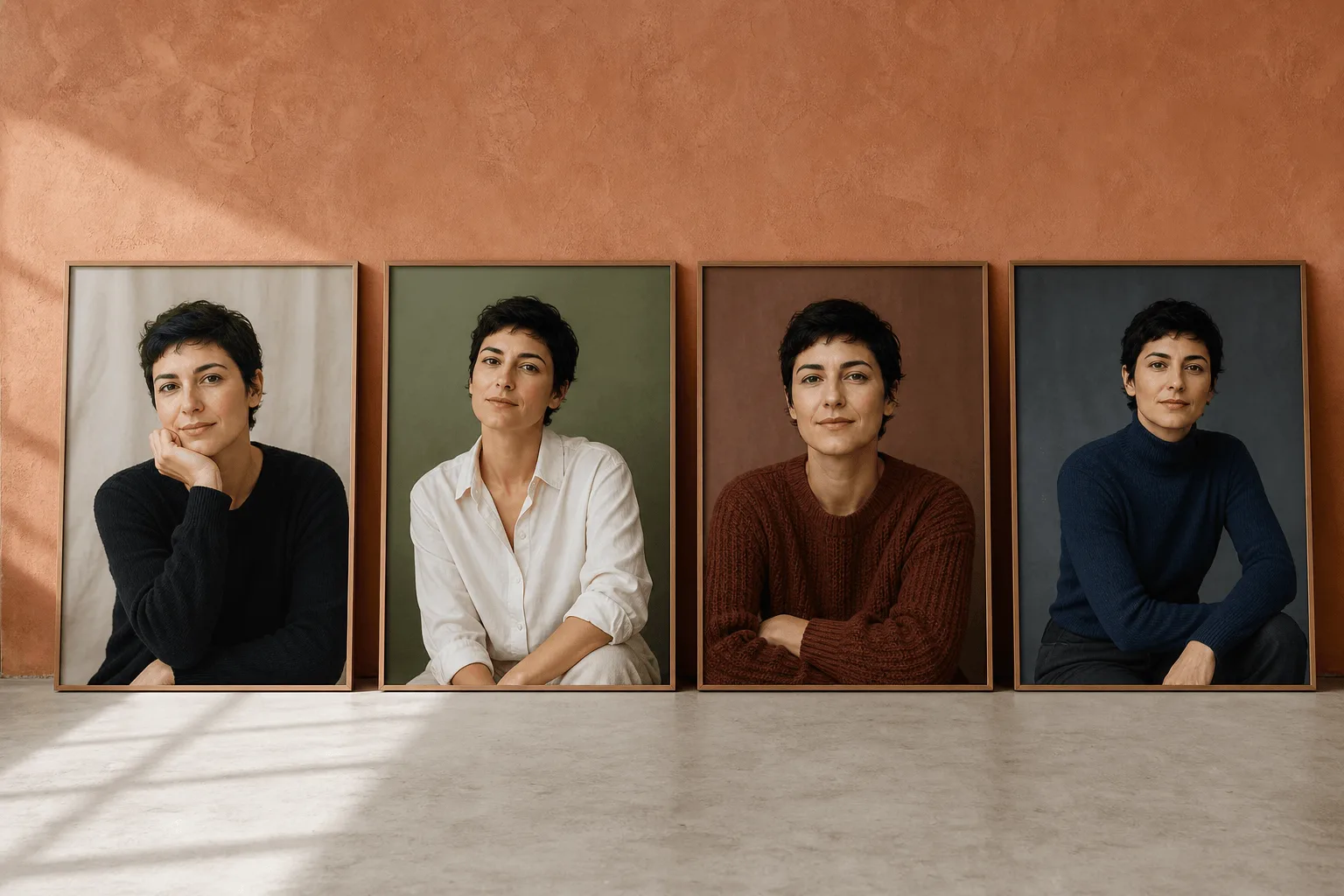
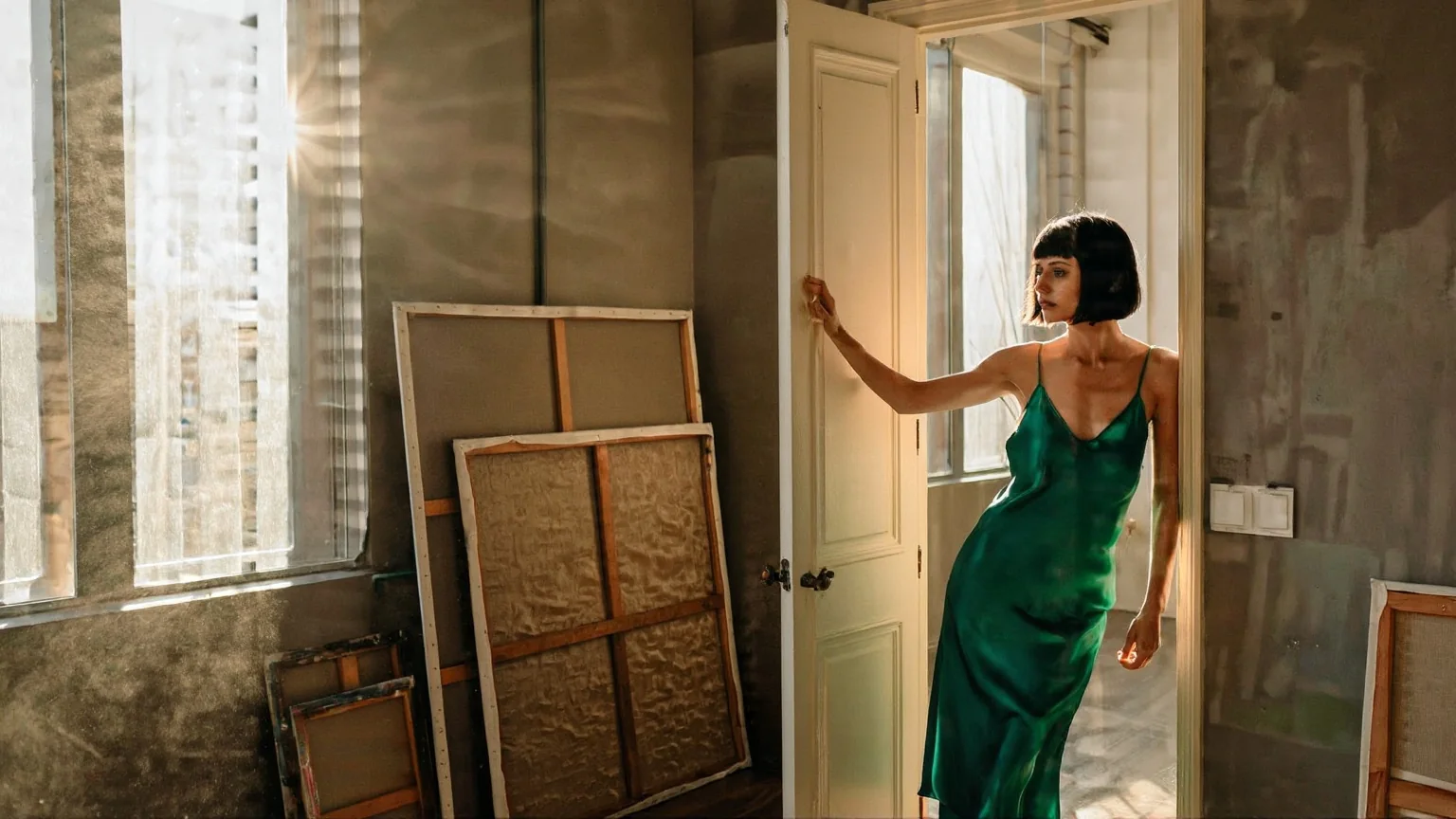
Z-Image Text to Image turns a written description into a single image, typically in around a second. The speed is the point: it makes generation cheap enough to treat as a loop rather than as a commitment.
Z-Image is Tongyi's compact 6B image family tuned for roughly one-second photoreal output, published as a single text-to-image endpoint. Five aspect ratios, lossless PNG, 1,000-character prompts. Uncensored.
Key features & highlights
Twenty iterations instead of one careful prompt
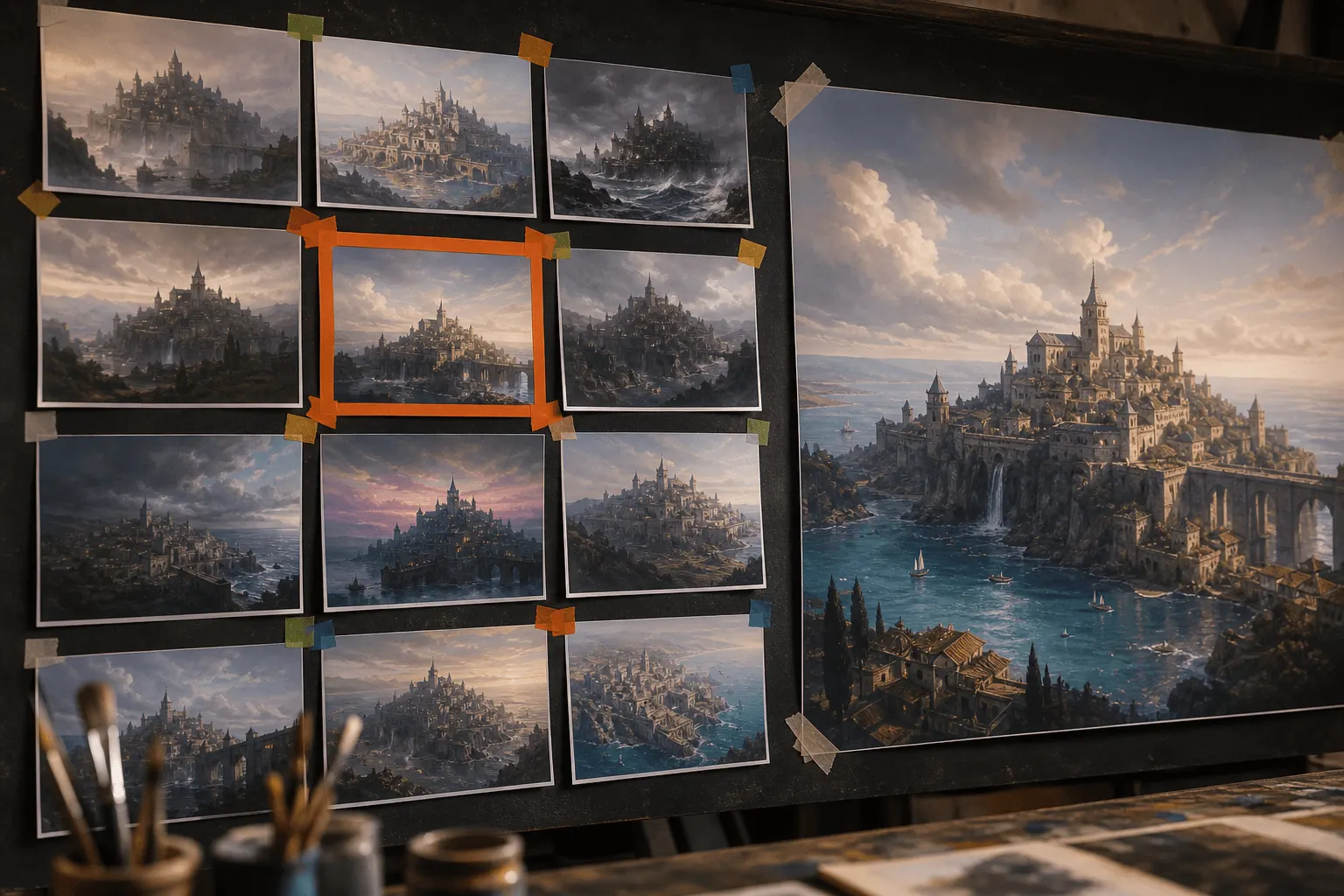
At roughly a second a frame, you stop writing prompts defensively. Write a line, look, adjust, look again — the loop is short enough that intuition builds from evidence rather than from guesswork, and twenty tries here still cost less than one call on a heavy finishing model.
Snapshot texture, not studio gloss
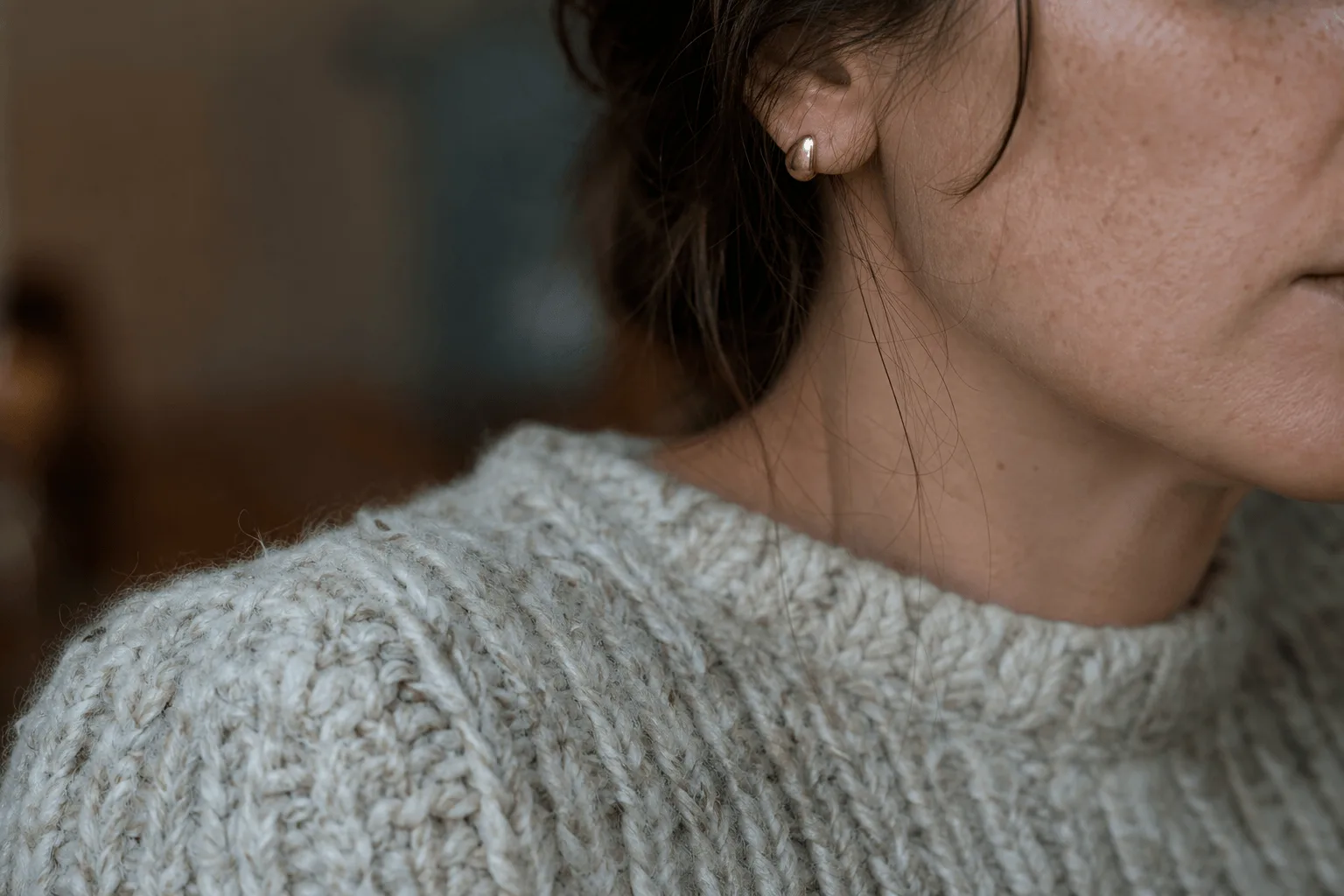
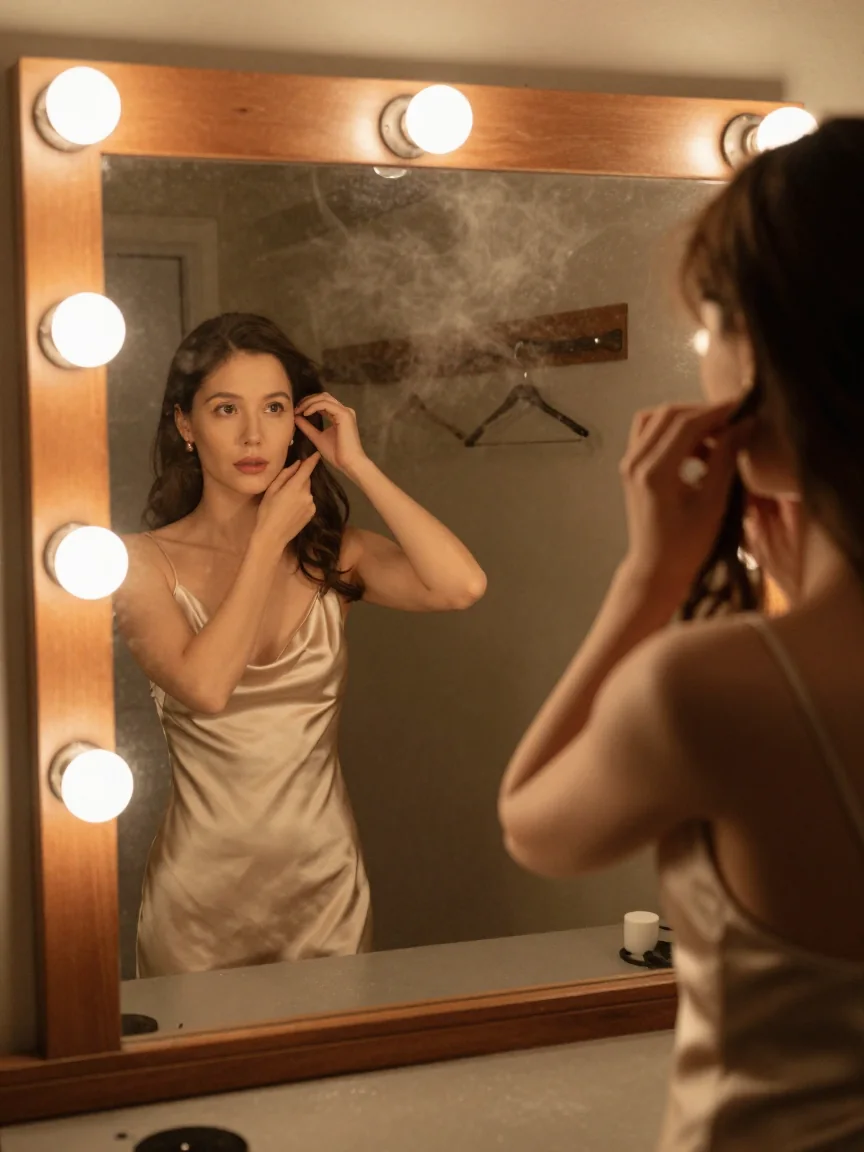
Its strongest register is the unglamorous one: phone-camera mirror selfies, fluorescent overhead light, slight motion blur, damp hair. Ask for a snapshot and it delivers something that reads as taken rather than rendered, which is exactly what heavier models tend to over-polish away.
Request parameters
| Parameter | Required | Description |
|---|---|---|
prompt | Yes | Up to 1,000 characters — a small budget on purpose. This endpoint comes back fast enough to treat wording as an experiment: change one thing per run instead of rewriting wholesale. at least 1 characters · at most 1000 characters |
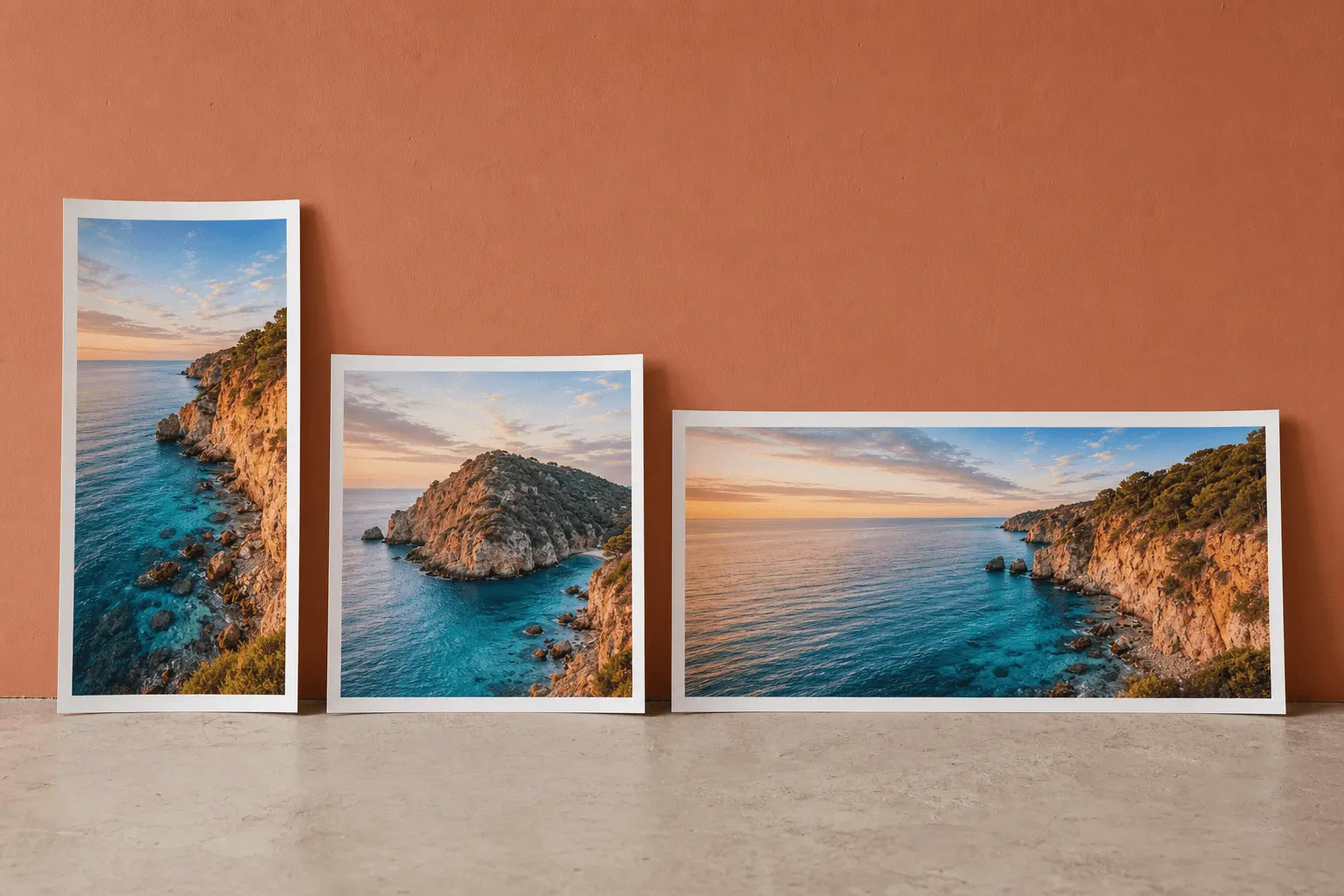
aspect_ratio | No | Output shape — five values, square by default, from 16:9 landscape to 9:16 portrait. |
enable_prompt_expansion | No | Off by default, so the prompt is used as written. Switch it on to have the model rewrite a short prompt into a fuller description before generating, for better results. Default: |
output_format | No |
|
seed | No | Integer from 0 to 2147483647 for the random start; leave it out and every run draws its own. |
Pricing
$0.01 / image
Use cases
Start from a written brief
Use this endpoint when you want many quick looks at a written idea: each call returns one lossless PNG in about a second, in one of five aspect ratios. Keep every prompt that lands together with its seed.
Character sweeps at volume
Character portraiture and role-play scene setting explored twenty directions at a time, with nothing to flag and no separate endpoint. Each run draws its own frame, so keep the prompts that land and vary wardrobe and setting one clause at a time.
Concepting before a finishing model
Find the composition here where a frame costs about a second, then take the wording that worked to a slower, higher-ceiling model for the version that ships. Same photographic vocabulary, no restructuring.
Content that looks like a real snapshot
Mirror selfies, gym strip lights and harsh overhead bulbs, candid phone-camera framing — the register that reads as an actual photograph in a feed. Ask for the flaws explicitly: fluorescent cast, motion blur, uneven focus.
Prompt guide & pro tips
Keep the brief tight and concrete
1,000 characters is a small budget — spend it on light, lens and texture. The published still came from: "iPhone mirror selfie, an adult woman in a charcoal sports bra and low-slung grey joggers standing in an empty late-night gym, midriff bare, one hand holding the phone, hair damp, casual confident smirk, overhead fluorescent light, slight motion blur, authentic amateur snapshot look."
Keep the prompt with the keeper
Without a seed, identical requests draw different frames. Save the prompt and the seed beside the asset, and change a single clause at a time while you are hunting for something better; with the seed held, the difference you see comes from that clause.
Adapt the included example
Start with the published example using aspect_ratio: 1:1, output_format: png. Replace the subject and creative direction while keeping the input contract for this mode intact.
iPhone mirror selfie, an adult woman in a charcoal sports bra and low-slung grey joggers standing in an empty late-night gym, midriff bare, one hand holding the phone, hair damp, casual confident smirk, overhead fluorescent light, slight motion blur, authentic amateur snapshot look.
A square take on the request behind the published still: a snapshot brief that names the light source, the blur and the framing rather than asking for quality.
Check the result before iterating
The prompt cap is 1,000 characters, and a longer prompt is rejected before the request is sent rather than truncated — this model rewards a tight brief rather than a shot list. Each aspect_ratio maps to a fixed size around the model's native one-megapixel range, so there is no resolution switch and no path to a large delivery frame here. Fine typography and dense small detail are not what a 6B model is for.
API quick start
# Generate the idempotency key once; reuse it when retrying after a lost response.
export SPICY_IDEMPOTENCY_KEY="${SPICY_IDEMPOTENCY_KEY:-$(uuidgen)}"
curl -X POST https://api.spicyapi.ai/api/v1/jobs/createTask \
  -H "Authorization: Bearer $SPICY_API_KEY" \
  -H "Content-Type: application/json" \
  -H "Idempotency-Key: $SPICY_IDEMPOTENCY_KEY" \
  -d '{
  "model": "alibaba/z-image-turbo/text-to-image",
  "input": {
    "prompt": "A ceramic teapot on a linen cloth, soft window light, muted palette",
    "aspect_ratio": "1:1",
    "output_format": "png",
    "enable_prompt_expansion": false
  }
}'

# Copy data.taskId from the response into TASK_ID, then poll the status.
TASK_ID="TASK_ID_FROM_RESPONSE"
curl "https://api.spicyapi.ai/api/v1/jobs/recordInfo?taskId=$TASK_ID" \
  -H "Authorization: Bearer $SPICY_API_KEY"
See the API reference for authentication, the complete schema, polling, and error handling.