Introduction
Z-Image Spicy renders an uncensored or ordinary brief into a single image at dimensions you set yourself. It is a dedicated uncensored tier rather than a general model with looser settings: there is no maturity flag, no declaration and no scanner between the request and the model.
Z-Image Spicy is the uncensored tier of the Z-Image line: exact pixel width and height up to 1536, an unlimited prompt field, an optional prompt expander that is off by default, and no content filter anywhere in the path.
Key features & highlights
A dedicated uncensored image tier
Z-Image Spicy is positioned for uncensored visual briefs rather than as a loosened general-purpose route. Make the intended context, subject and visual treatment clear, then review the output against the stated brief and applicable policy.
Deliberate wording remains part of the art direction
Keep the approved brief with the selected result. That lets a later variation change one visual decision without silently changing the intent or boundaries of the request.
Review the composition at its intended use
Assess subject, pose, scene and light where the image will be used. A plausible thumbnail is not enough if the selected frame loses the required visual relationship at delivery.
Request parameters
| Parameter | Required | Description |
|---|---|---|
prompt | Yes | No character cap. Spend the room on light direction, wardrobe material, film look and palette; uncensored wording is passed through as written when expansion is off. at least 1 characters |
width | No | Output width in pixels, 256 to 1536, set independently of height. Keep the long side within roughly twice the short side unless the dead space is intentional. |
height | No | Output height in pixels, 256 to 1536, set independently of width. Generating at the placement's height avoids a crop that moves the subject away from where the layout expects it. |
enable_prompt_expansion | No | Rewrites a short prompt into a longer one before generation. Default: |
seed | No | Pass the same seed with the same prompt and dimensions to hold the draw steady between two runs; that makes them comparable but does not guarantee an identical image. |
Pricing
| Specification | Price |
|---|---|
| $0.01235 / image |
| $0.0133 / image |
Use cases
Start from a written brief
Use this endpoint for uncensored or ordinary briefs that need an exact pixel size. Set width and height between 256 and 1536, leave enable_prompt_expansion off so the wording arrives as written, and fix seed once a look lands.
Prompts other image APIs decline
Uncensored wording that filtered endpoints reject is passed through unchanged, and with expansion off nothing rephrases it on the way in. Same task lifecycle as any other model here: create, poll, fetch from platform storage.
Placement-exact assets
Card art at 832x1216, a header at 1536x512, a square thumbnail at 512x512 — all from the same endpoint, all native rather than cropped, which keeps the subject where the layout expects it.
Portrait and fashion sets
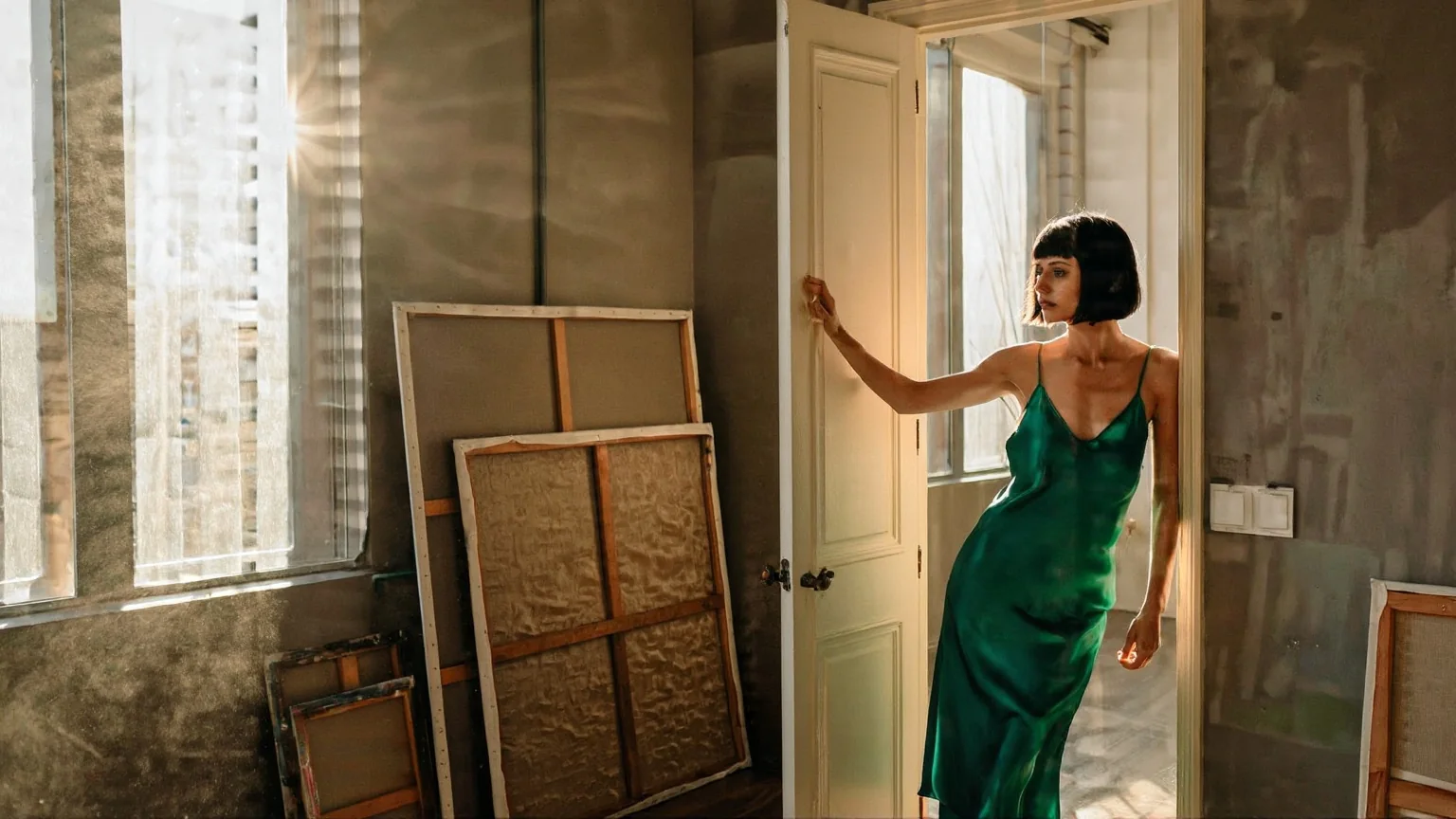
Hard venetian-blind light, rumpled linen, lace and silk at a size you choose. Pin a seed once a look lands, then run the same subject through several rooms and wardrobes to build a set that reads as one shoot.
Prompt guide & pro tips
Write the full brief, expansion off
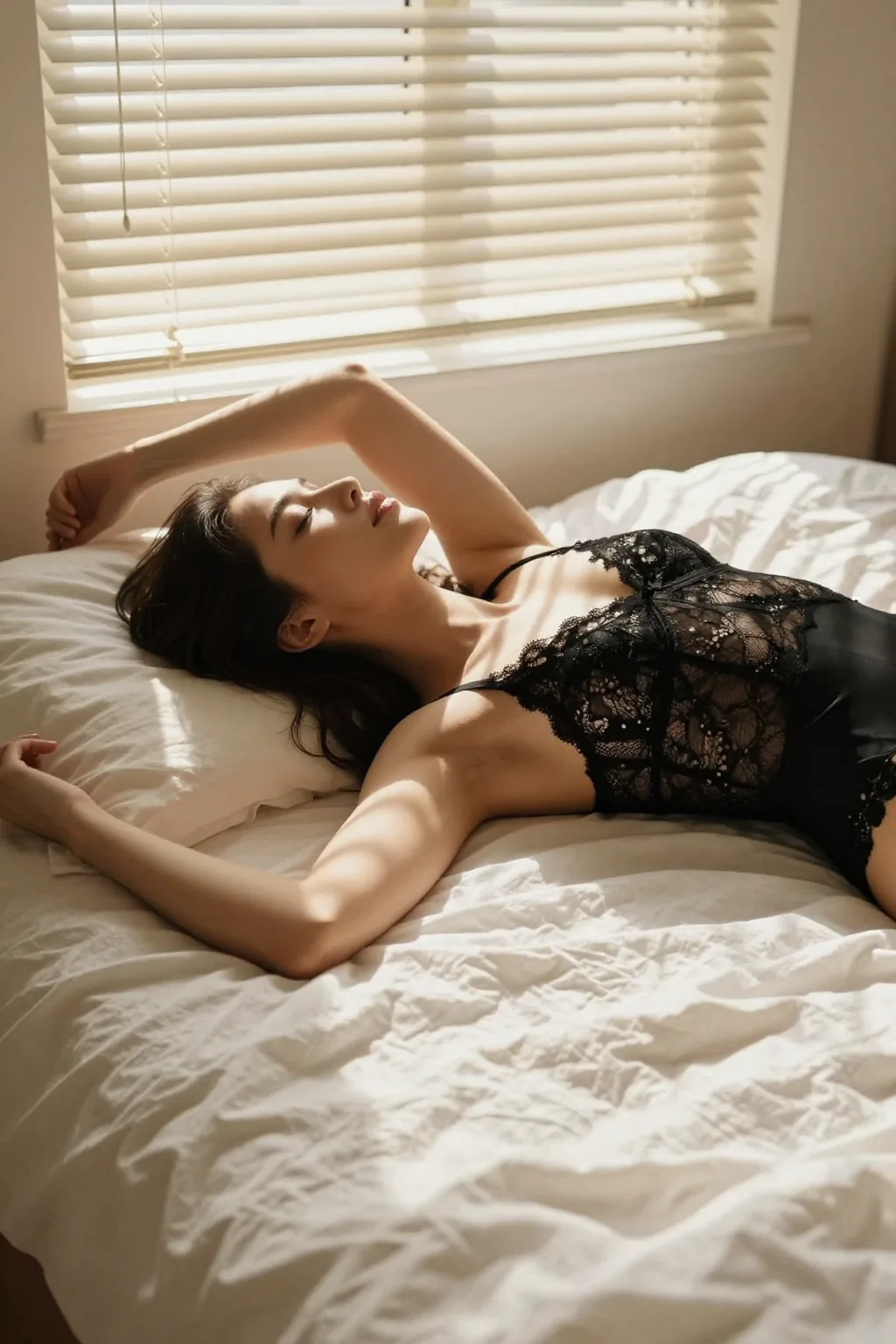
There is no character cap, so describe wardrobe, light direction, film look and palette in full. The published still came from: "Photograph of an adult woman lying on her side across rumpled white linen in a black lace bodysuit, morning sun through venetian blinds casting hard stripes across her skin and the sheets, one arm stretched above her head, eyes closed, calm and warm, medium format film look, soft grain, honey and cream palette."
Name the frame in pixels
Set width and height for the placement rather than picking a ratio — 1024x1536 for a portrait, 1536x640 for a header, 512x512 for a thumbnail. Both sides accept anything from 256 to 1536.
Adapt the included example
Start with the published example using height: 1536, width: 1024. Replace the subject and creative direction while keeping the input contract for this mode intact.
Photograph of an adult woman lying on her side across rumpled white linen in a black lace bodysuit, morning sun through venetian blinds casting hard stripes across her skin and the sheets, one arm stretched above her head, eyes closed, calm and warm, medium format film look, soft grain, honey and cream palette.
The prompt behind the reference frame for this endpoint, at 1024x1536 with expansion off so the wording reached the model intact. The image shown was produced on the Turbo tier of the same line as a style reference.
Check the result before iterating
1536 pixels is the ceiling on each side, so this is not the tier for a print-size deliverable — generate here and upscale elsewhere if a large frame is needed. Extreme dimension pairs push past what the model composes well; keep the long side within roughly twice the short side unless dead space is intentional. Leaving enable_prompt_expansion off is the more reliable path for uncensored briefs: turning it on can generalise the exact wording you chose. There is no negative prompt and no image input on this endpoint.
API quick start
# Generate the idempotency key once; reuse it when retrying after a lost response.
export SPICY_IDEMPOTENCY_KEY="${SPICY_IDEMPOTENCY_KEY:-$(uuidgen)}"
curl -X POST https://api.spicyapi.ai/api/v1/jobs/createTask \
  -H "Authorization: Bearer $SPICY_API_KEY" \
  -H "Content-Type: application/json" \
  -H "Idempotency-Key: $SPICY_IDEMPOTENCY_KEY" \
  -d '{
  "model": "alibaba/z-image-spicy/text-to-image",
  "input": {
    "prompt": "A ceramic teapot on a linen cloth, soft window light, muted palette",
    "enable_prompt_expansion": false
  }
}'

# Copy data.taskId from the response into TASK_ID, then poll the status.
TASK_ID="TASK_ID_FROM_RESPONSE"
curl "https://api.spicyapi.ai/api/v1/jobs/recordInfo?taskId=$TASK_ID" \
  -H "Authorization: Bearer $SPICY_API_KEY"
See the API reference for authentication, the complete schema, polling, and error handling.