Introduction
Z-Image Base LoRA uses the non-distilled Z-Image checkpoint for custom-weight image generation, with both text-to-image and source-image redrawing.
Base LoRA redrawing takes image_url, preserves its ratio and offers a 1k or 1.5k long side; strength ranges from 0 to 1 and defaults to 0.7.
For Base-trained weights, send up to three loras entries with a public HTTPS .safetensors URL in path and an individual scale from 0 to 4, default 1.
Base LoRA produces one image in JPEG by default, with PNG and WebP available at the same image price.
When testing a Base LoRA, hold seed constant and change one weight or prompt detail; this controls the random starting point without promising identical pixels.
SpicyAPI’s Base LoRA tests found the unmodified base less reliable on demanding NSFW requests; compatible custom weights load without review and no platform content filter is added.
| Field | Value |
|---|---|
| Input | Image |
| Output | Image |
| Endpoints | Z-Image Base LoRA uses the non-distilled Z-Image checkpoint for custom-weight image generation, with both text-to-image and source-image redrawing. |
| Base model | Z-Image (Base), 6 billion parameters, Alibaba Tongyi-MAI; the non-distilled build, Apache-2.0 weights |
| LoRA input | For Base-trained weights, send up to three |
| LoRA strength | For Base-trained weights, send up to three |
| Aspect ratios | 1:1, 16:9, 9:16, 4:3, 3:4, 3:2, 2:3, 21:9, 9:21 (text-to-image, about one megapixel) |
| Image to image | One source image, strength 0 to 1 (default 0.7), 1k or 1.5k long side; the output keeps the source aspect ratio |
| Content policy | SpicyAPI’s Base LoRA tests found the unmodified base less reliable on demanding NSFW requests; compatible custom weights load without review and no platform content filter is added. |
Key features & highlights
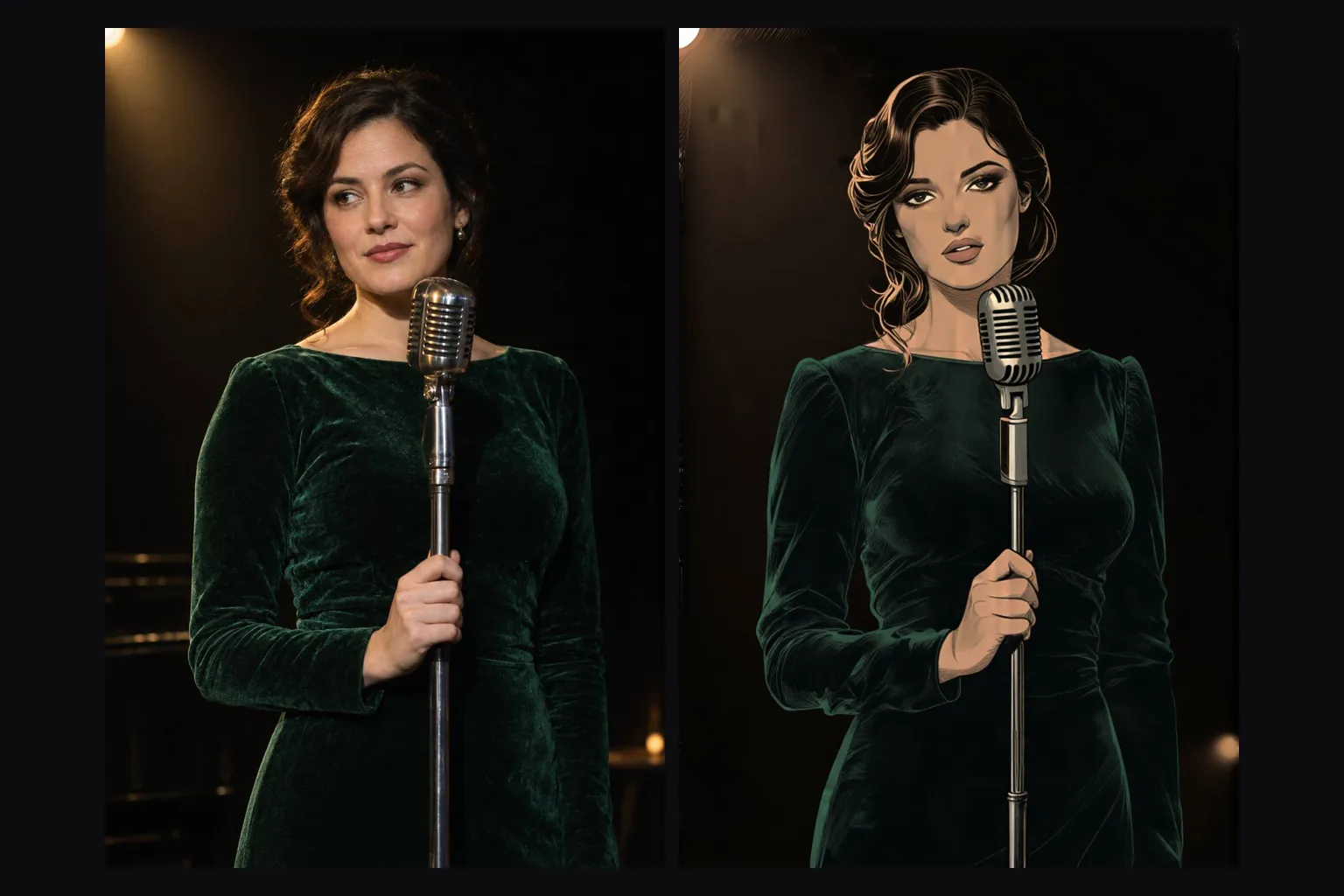
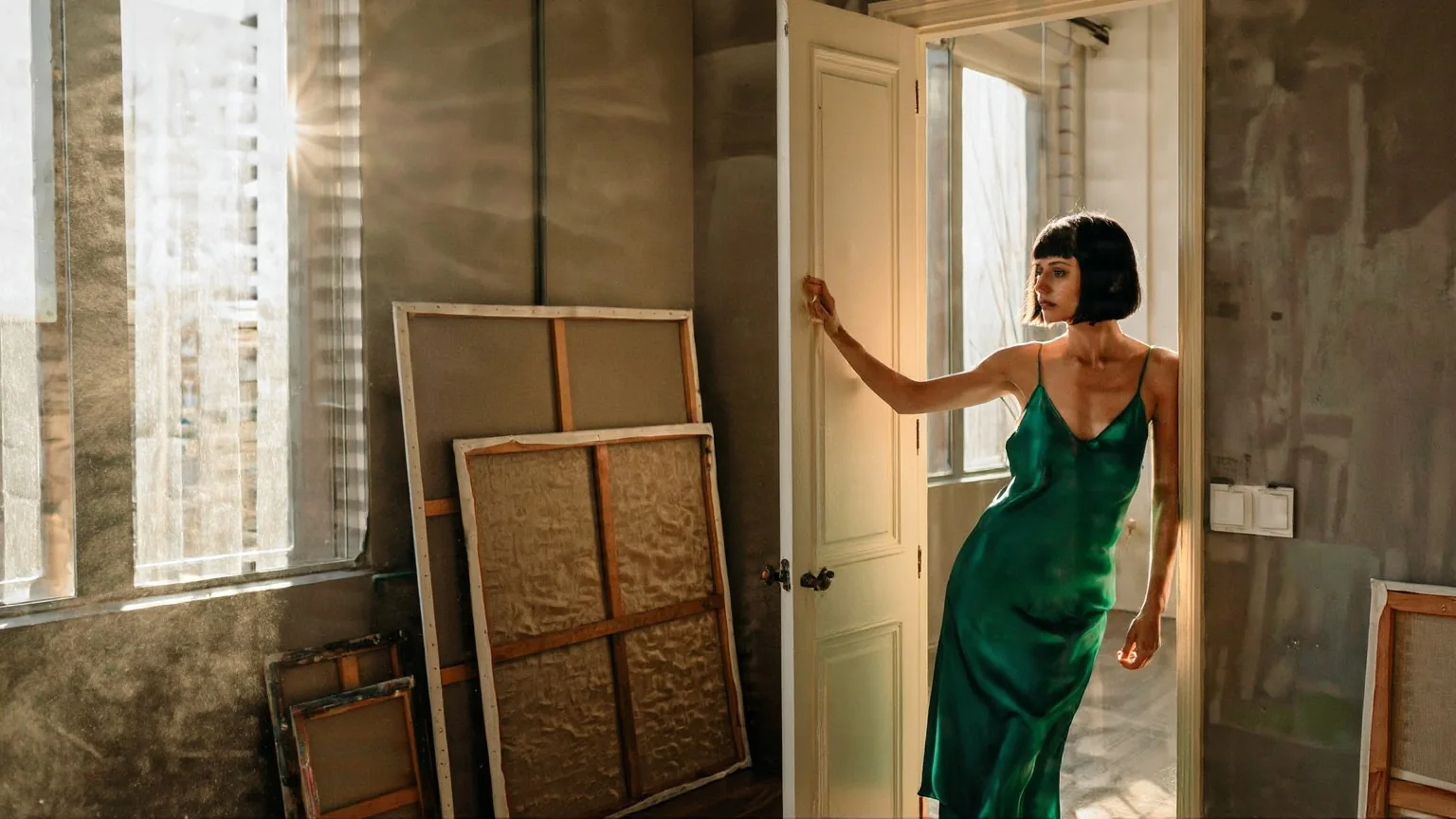
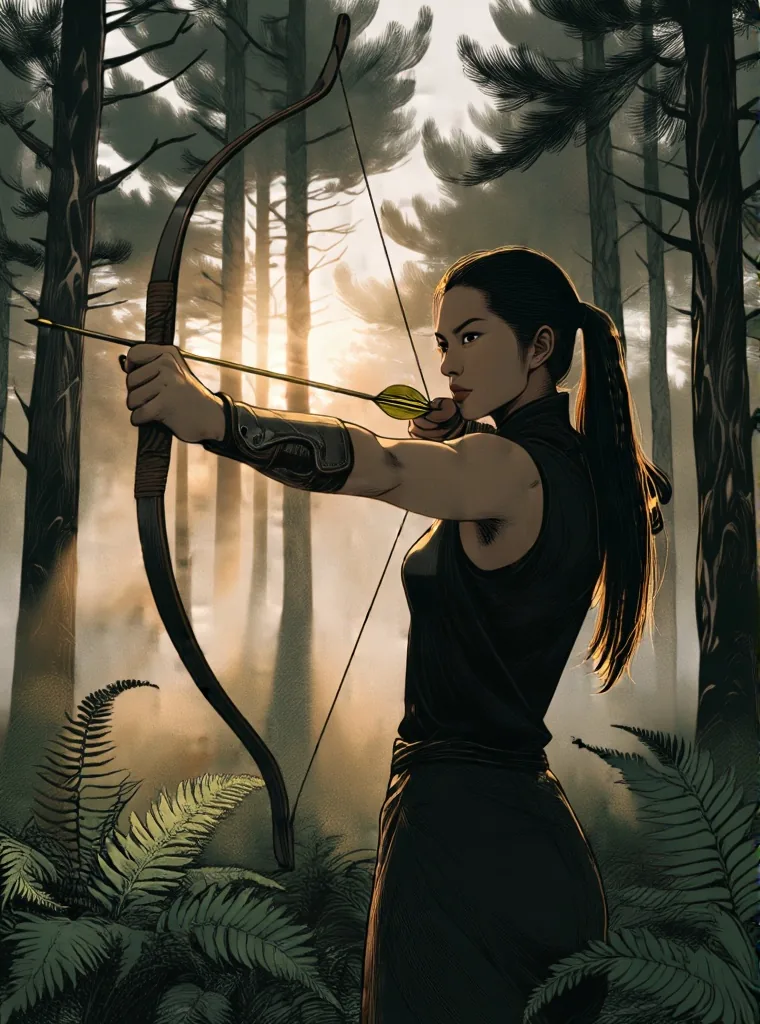
A photo redrawn by a LoRA
Image-to-image at strength 0.6 with an illustration LoRA trained on Z-Image Base: the archer, her bow and the shafts of light through the pines stay exactly in place, redrawn with ink linework and muted colour.
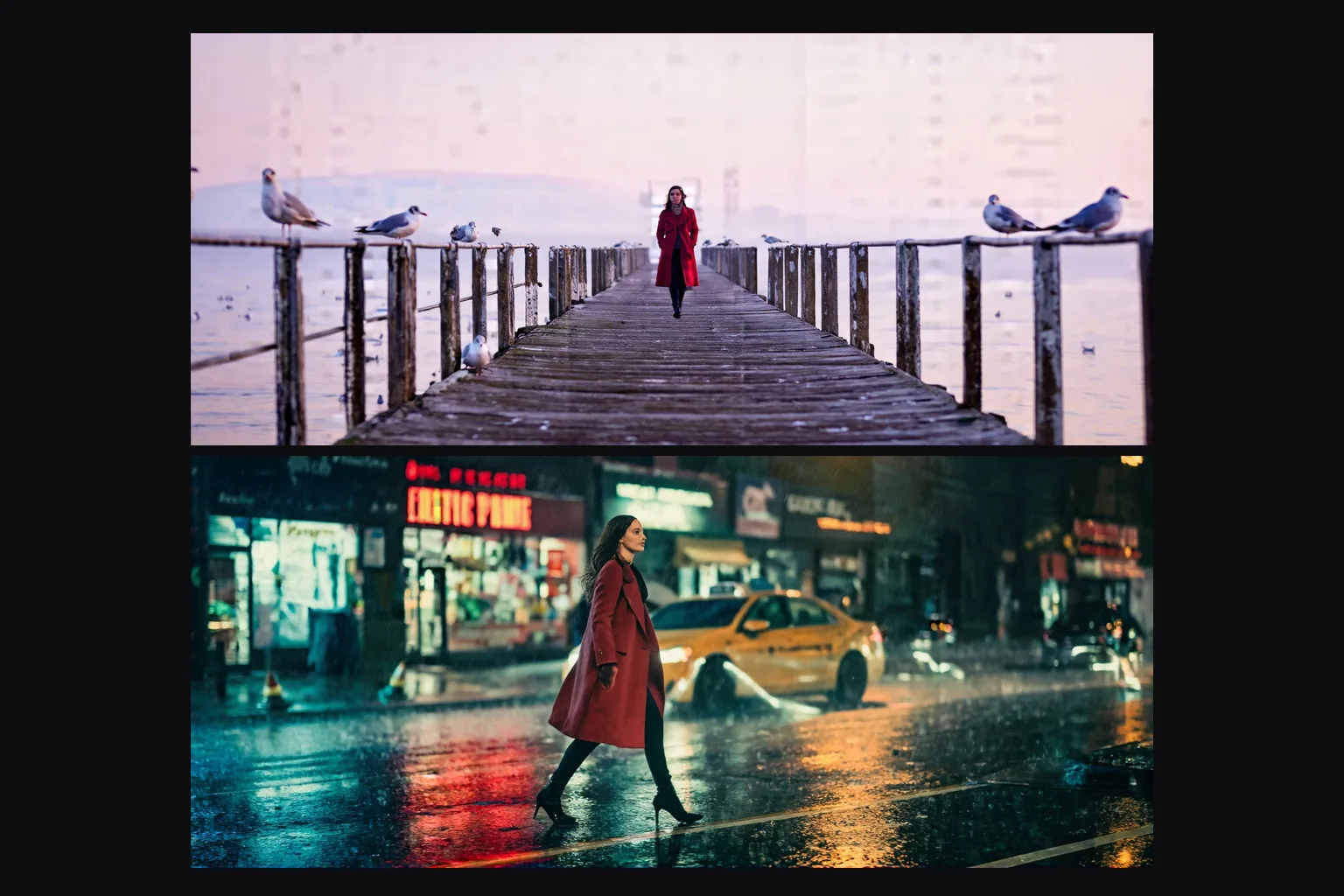
One LoRA, a whole look
The same illustration LoRA in text-to-image: an orange grove at sunrise and a couple standing forehead to forehead, drawn in the LoRA's muted, finely lined style at 16:9.
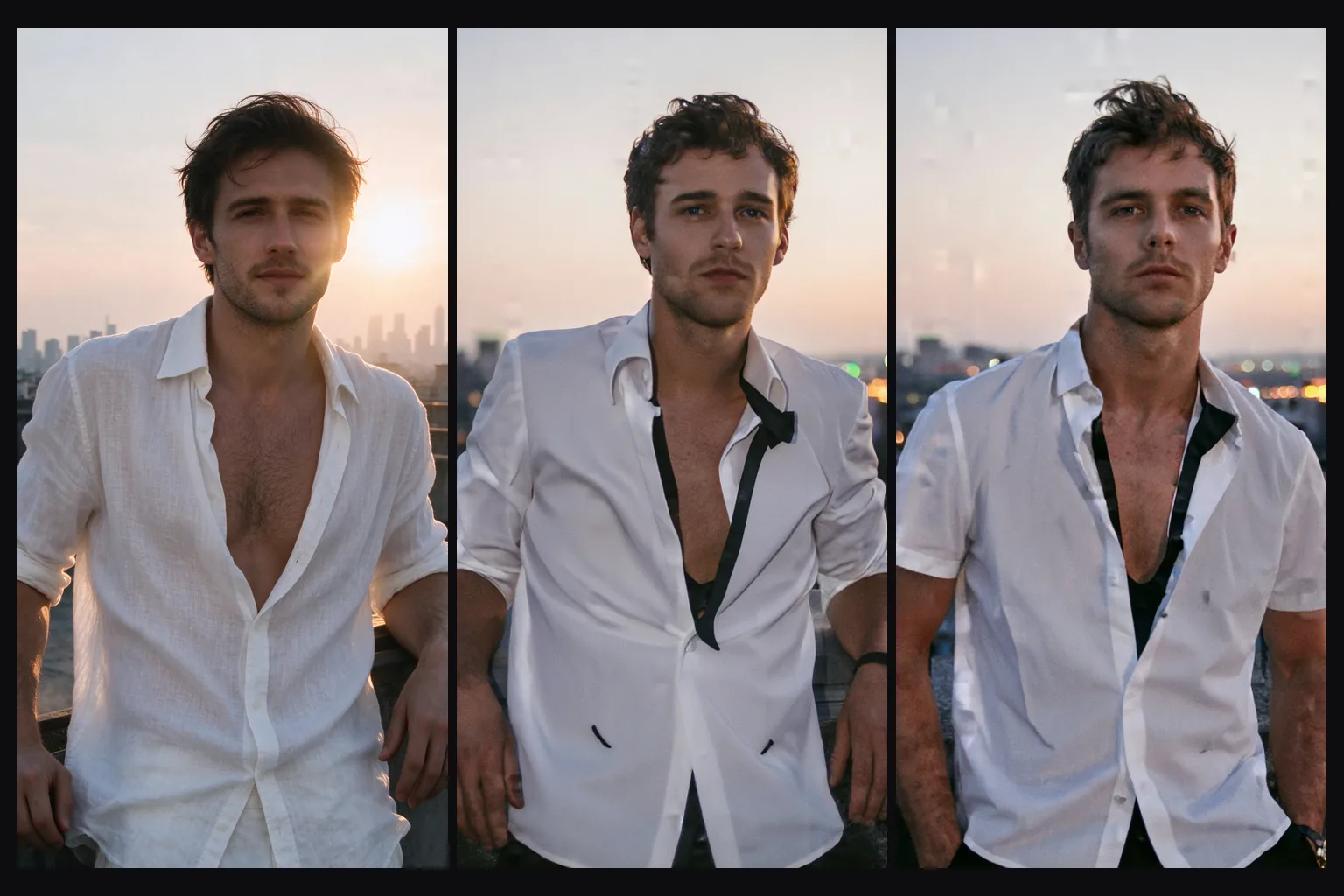
Photographs without any LoRA
No LoRA loaded: the base model on its own draws photographic light, skin and grain from a few sentences, here first light in a stable.
Request parameters
| Parameter | Required | Description |
|---|---|---|
prompt | Yes | Describe the whole picture you want back, not just the change. Put a LoRA's trigger phrase first. at least 1 characters · at most 5000 characters |
image_url | Yes | The picture to redraw. The result keeps its aspect ratio; the resolution tier sets the long side. |
resolution | No | 1k returns a long side of 1,024 pixels and is the default; 1.5k returns 1,536. Both cost the same, and the aspect ratio always follows the source. |
strength | No | Base LoRA redrawing takes |
loras | No | For Base-trained weights, send up to three |
output_format | No | Base LoRA produces one image in JPEG by default, with PNG and WebP available at the same image price. |
seed | No | When testing a Base LoRA, hold |
Pricing
$0.014 / image
Billed per image, at the same rate as text-to-image. The resolution tier, the output format and loading LoRAs do not change the price.
Use cases
Testing your own LoRAs
Train on Z-Image Base and run the file here at full quality, three at a time, without hosting a GPU.
Photo to illustration
An illustration LoRA plus image-to-image at 0.6 turns a set of photos into matching illustrations with the original compositions.
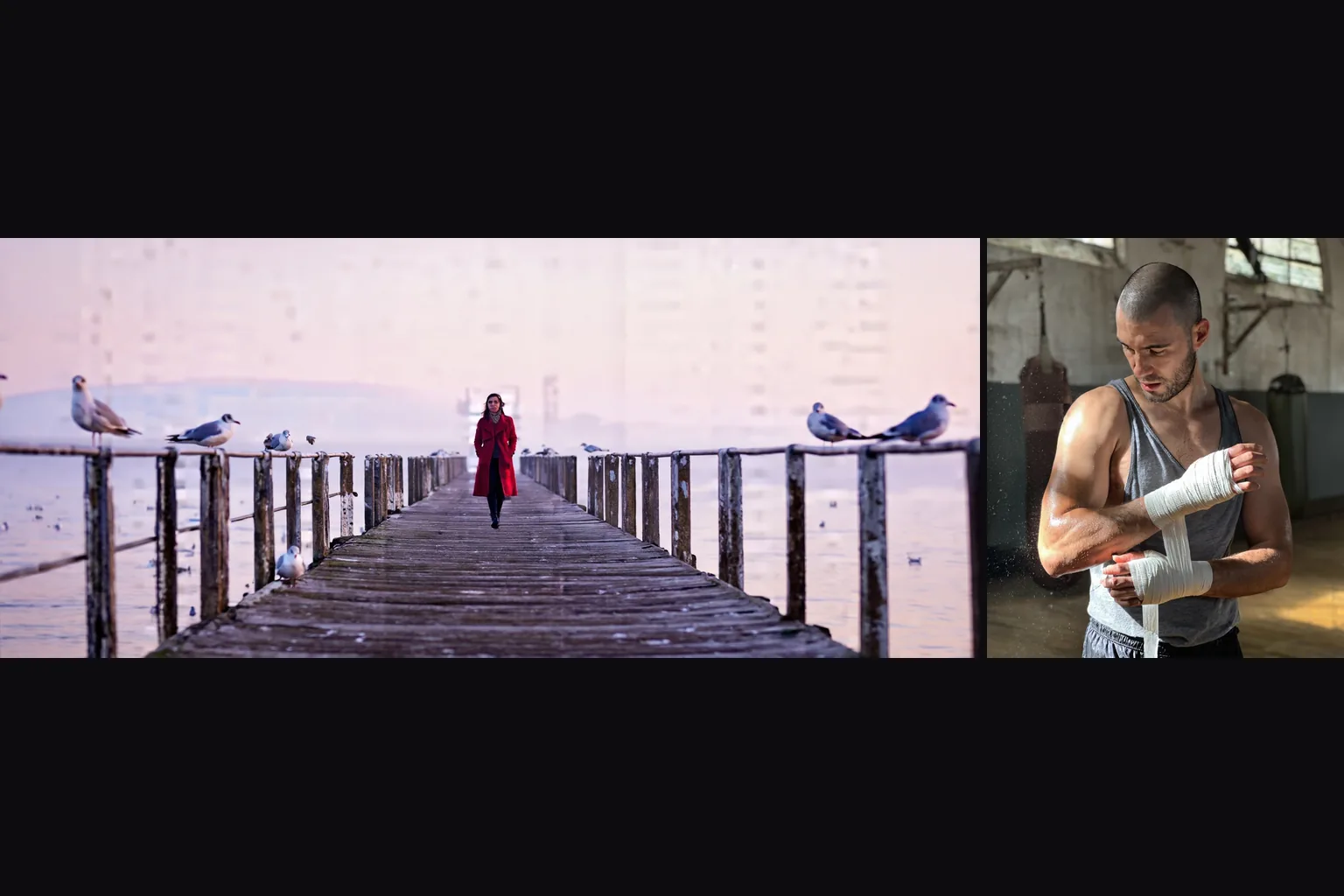
Photographic stills
Portraits, editorial and cinematic frames from written prompts, including 21:9 and 9:21 shapes.
Unfiltered LoRAs on an unfiltered base
Nothing is reviewed or filtered. The base model renders the Very strong level poorly on its own, so load a LoRA trained for what you need.
Prompt guide & pro tips
Use LoRAs trained on Z-Image Base
Look for LoRAs whose base model is Z-Image (Base). In our test a LoRA trained on Z-Image Turbo broke the image apart on this build, and a LoRA for another model family changed nothing.
Check the Base-trained file
Compare Base LoRA output with and without the file while keeping the prompt and seed fixed, since a trigger phrase alone can already affect the style.
Write sentences
Describe subject, clothing, place, light and lens in full sentences. There is no negative prompt here, so say what you want rather than what to avoid.
Restyle at 0.6
For image-to-image with a style LoRA, strength 0.6 kept pose and framing exactly in our tests. Go to 0.75 or 0.8 when you want the scene re-staged.
Z-Image Base LoRA uses the non-distilled Z-Image checkpoint for custom-weight image generation, with both text-to-image and source-image redrawing.
Base LoRA redrawing takes image_url, preserves its ratio and offers a 1k or 1.5k long side; strength ranges from 0 to 1 and defaults to 0.7.
For Base-trained weights, send up to three loras entries with a public HTTPS .safetensors URL in path and an individual scale from 0 to 4, default 1.
Base LoRA produces one image in JPEG by default, with PNG and WebP available at the same image price.
When testing a Base LoRA, hold seed constant and change one weight or prompt detail; this controls the random starting point without promising identical pixels.
SpicyAPI’s Base LoRA tests found the unmodified base less reliable on demanding NSFW requests; compatible custom weights load without review and no platform content filter is added.
On Base LoRA, text-to-image and redrawing share the displayed per-image rate; weights, format, ratio and resolution tier add no separate fee.
API quick start
# Generate the idempotency key once; reuse it when retrying after a lost response.
export SPICY_IDEMPOTENCY_KEY="${SPICY_IDEMPOTENCY_KEY:-$(uuidgen)}"
curl -X POST https://api.spicyapi.ai/api/v1/jobs/createTask \
  -H "Authorization: Bearer $SPICY_API_KEY" \
  -H "Content-Type: application/json" \
  -H "Idempotency-Key: $SPICY_IDEMPOTENCY_KEY" \
  -d '{
  "model": "alibaba/z-image-base-lora/edit",
  "input": {
    "image_url": "https://example.com/reference.png",
    "output_format": "jpeg",
    "prompt": "A ceramic teapot on a linen cloth, soft window light, muted palette",
    "resolution": "1k"
  }
}'

# Copy data.taskId from the response into TASK_ID, then poll the status.
TASK_ID="TASK_ID_FROM_RESPONSE"
curl "https://api.spicyapi.ai/api/v1/jobs/recordInfo?taskId=$TASK_ID" \
  -H "Authorization: Bearer $SPICY_API_KEY"
See the API reference for authentication, the complete schema, polling, and error handling.