Introduction
Qwen Image 3.0 Pro image editing edits or merges one to three reference images under a written instruction, including retyping a cover line without redrawing the picture. Output is one image at 1k or 2k in eight aspect ratios.
For Qwen Image 3.0 Pro, use the prompt to identify each reference by number and distinguish the requested change from the details to retain; the 5,000-character budget is shared by the whole editing instruction.
Supply one to three source images to Qwen Image 3.0 Pro for detailed final layouts, and tell the instruction which source provides the person, object or setting instead of leaving those roles implicit.
| Field | Value |
|---|---|
| Input | Image |
| Output | Image |
| Endpoints | Text to Image, Image to Image |
| Required input | Qwen Image 3.0 Pro: prompt up to 5,000 characters; editing accepts one to three source images. |
| Aspect ratios | Compose detailed final layouts in Qwen Image 3.0 Pro with |
| Resolution | 1k or 2k tier (2k default) |
| Reproducibility | Use seed in Qwen Image 3.0 Pro for controlled comparisons of detailed final layouts; save the chosen image itself because a matching seed does not guarantee identical pixels. |
| Content policy | SpicyAPI’s existing Qwen Image 3.0 Pro tests support the uncensored NSFW classification for this variant; treat the published results as observations, not a guarantee that every composition will match your instruction. |
Key features & highlights
Mastheads, cover lines and small caps in one render
The Pro tier is where multi-element typography stops falling apart: a condensed masthead across the top, two cover lines in small caps, a subject that still reads as a photograph underneath. Quote each string separately, say where it sits, and generate at 2k. It is a layout comp you can show, not a placeholder.
The same request as 3.0, with more detail in the result
Field for field, this endpoint takes the same request as Qwen Image 3.0 — prompt, negative prompt, ratio, resolution, outputs, seed. Explore on 3.0 at 1k where speed matters, then send the wording that worked here at 2k for the frame you intend to deliver. No rewrite between the two.
Uncensored editorial runs on the same endpoints
Low-key lighting and bold wording in the prompt are handled as ordinary description. There is no maturity flag, no per-request declaration and no separate endpoint that uncensored work is diverted to. Only the fields in the schema on this page affect what happens to your request.
Request parameters
| Parameter | Required | Description |
|---|---|---|
prompt | Yes | For Qwen Image 3.0 Pro, use the prompt to identify each reference by number and distinguish the requested change from the details to retain; the 5,000-character budget is shared… at least 1 characters · at most 5000 characters |
image_urls | Yes | Supply one to three source images to Qwen Image 3.0 Pro for detailed final layouts, and tell the instruction which source provides the person, object or setting instead of leavi… at least 1 items · at most 3 items |
aspect_ratio | No | Applies to the result, not to the sources, so a reference of a different shape comes back reshaped. Match it deliberately when the original framing has to survive. |
resolution | No | For detailed final layouts, Qwen Image 3.0 Pro exposes 1k, 2k; the tier changes the quote, and editing references add to it |
num_outputs | No | Request one output image with Qwen Image 3.0 Pro; for detailed final layouts, assess each returned candidate and budget by the number of output images. |
enable_prompt_expansion | No | With Qwen Image 3.0 Pro, prompt expansion rewrites the instruction before rendering; for detailed final layouts, compare the rewritten interpretation with your original brief ra… Default: |
negative_prompt | No | In Qwen Image 3.0 Pro, put unwanted elements in |
seed | No | Fix it to compare two phrasings of one instruction against an identical draw; leave it out when you want genuine variation. |
Pricing
| Specification | Price |
|---|---|
| $0.04 / image |
| $0.075 / image |
Use cases
Magazine covers and uncensored editorial
A full-bleed portrait with a real masthead, an issue number and two cover lines, generated in one call. The styling can change without changing anything about the request — the same endpoint handles both the type and the styling.
Poster and out-of-home comps
3:4 and 2:3 frames with a headline, a date line and a legal strap already set in the image, at the 2k tier. Enough to take into a review before anyone sets real type over a clean plate.
Packaging and label mockups
Bottle, box and tin labels where the brand name and a short claim have to be legible on a curved surface. Quote each string, name the material, and let the negative prompt handle stray duplicated lettering.
Character sets that have to match
Pin the seed that landed the character, then change one thing per request — a garment, the light, a cover line — so wardrobe and face stay consistent across a set. Useful for character sheets where a single unlucky draw would break the series.
Prompt guide & pro tips
Set the cover shape and stay at 2k
Pick 3:4 or 2:3 for covers and posters; the frame is composed for that shape rather than cropped into it. Leave resolution at 2k for anything with type — this tier's advantage disappears at 1k.
Quote every string and say where it sits
Name the masthead, the cover lines and the small caps separately, each in single quotes, each with a position. The cover on this page came from: "A glossy fashion magazine cover, full-bleed portrait of an adult woman in a black lace bodysuit under a sheer open kimono, arms raised adjusting her hair, studio rim light on a deep charcoal background; masthead text 'SPICY' in large condensed type across the top, cover lines reading 'THE LATE SHIFT' and 'ISSUE 07' in small caps, high-end print typography, razor-sharp 2K detail."
Pin the seed, then vary one line
Once the layout lands, record the seed and change a single cover line at a time. When you want several readings of the same layout instead of one committed frame, leave the seed out and send the brief as parallel requests.
Qwen Image 3.0 Pro image editing edits or merges one to three reference images under a written instruction, including retyping a cover line without redrawing the picture. Output is one image at 1k or 2k in eight aspect ratios.
Mastheads, cover lines and small caps in one render
The Pro tier is where multi-element typography stops falling apart: a condensed masthead across the top, two cover lines in small caps, a subject that still reads as a photograph underneath. Quote each string separately, say where it sits, and generate at 2k. It is a layout comp you can show, not a placeholder.
The same request as 3.0, with more detail in the result
Field for field, this endpoint takes the same request as Qwen Image 3.0 — prompt, negative prompt, ratio, resolution, outputs, seed. Explore on 3.0 at 1k where speed matters, then send the wording that worked here at 2k for the frame you intend to deliver. No rewrite between the two.
Uncensored editorial runs on the same endpoints
Low-key lighting and bold wording in the prompt are handled as ordinary description. There is no maturity flag, no per-request declaration and no separate endpoint that uncensored work is diverted to. Only the fields in the schema on this page affect what happens to your request.
Magazine covers and uncensored editorial
A full-bleed portrait with a real masthead, an issue number and two cover lines, generated in one call. The styling can change without changing anything about the request — the same endpoint handles both the type and the styling.
Poster and out-of-home comps
3:4 and 2:3 frames with a headline, a date line and a legal strap already set in the image, at the 2k tier. Enough to take into a review before anyone sets real type over a clean plate.
Packaging and label mockups
Bottle, box and tin labels where the brand name and a short claim have to be legible on a curved surface. Quote each string, name the material, and let the negative prompt handle stray duplicated lettering.
Character sets that have to match
Pin the seed that landed the character, then change one thing per request — a garment, the light, a cover line — so wardrobe and face stay consistent across a set. Useful for character sheets where a single unlucky draw would break the series.
Set the cover shape and stay at 2k
Pick 3:4 or 2:3 for covers and posters; the frame is composed for that shape rather than cropped into it. Leave resolution at 2k for anything with type — this tier's advantage disappears at 1k.
Quote every string and say where it sits
Name the masthead, the cover lines and the small caps separately, each in single quotes, each with a position. The cover on this page came from: "A glossy fashion magazine cover, full-bleed portrait of an adult woman in a black lace bodysuit under a sheer open kimono, arms raised adjusting her hair, studio rim light on a deep charcoal background; masthead text 'SPICY' in large condensed type across the top, cover lines reading 'THE LATE SHIFT' and 'ISSUE 07' in small caps, high-end print typography, razor-sharp 2K detail."
Pin the seed, then vary one line
Once the layout lands, record the seed and change a single cover line at a time. When you want several readings of the same layout instead of one committed frame, leave the seed out and send the brief as parallel requests.
The official 3.0 family announcement includes dense layouts and small text; the SpicyAPI Pro examples on this page test cover hierarchies with several short lines, which are examples rather than a fixed limit on text elements.
Merging works when the prompt assigns a role to each reference; with three sources and no roles named the result is a blend nobody asked for. Retyping in place needs both the old and the new string quoted. Faces drift when you restyle and retype in the same call, so split those into two passes.
For edits made with Qwen Image 3.0 Pro, use images you have permission to transform and publish, obtain adult participants’ consent, and avoid deceptive impersonation; these duties apply to detailed final layouts even without request screening.
aspect_ratio
Applies to the result, not to the sources, so a reference of a different shape comes back reshaped. Match it deliberately when the original framing has to survive.
enable_prompt_expansion
With Qwen Image 3.0 Pro, prompt expansion rewrites the instruction before rendering; for detailed final layouts, compare the rewritten interpretation with your original brief rather than assuming the wording is preserved.
image_urls
Supply one to three source images to Qwen Image 3.0 Pro for detailed final layouts, and tell the instruction which source provides the person, object or setting instead of leaving those roles implicit.
negative_prompt
In Qwen Image 3.0 Pro, put unwanted elements in negative_prompt so the positive instruction remains focused on detailed final layouts.
num_outputs
Request one output image with Qwen Image 3.0 Pro; for detailed final layouts, assess each returned candidate and budget by the number of output images.
prompt
For Qwen Image 3.0 Pro, use the prompt to identify each reference by number and distinguish the requested change from the details to retain; the 5,000-character budget is shared by the whole editing instruction.
resolution
For detailed final layouts, Qwen Image 3.0 Pro exposes 1k, 2k; the tier changes the quote, and editing references add to it
seed
Fix it to compare two phrasings of one instruction against an identical draw; leave it out when you want genuine variation.
A single-reference text edit with both strings quoted and the masthead explicitly protected. Supply your own cover frame — the image_urls value is a placeholder, not a hosted sample.
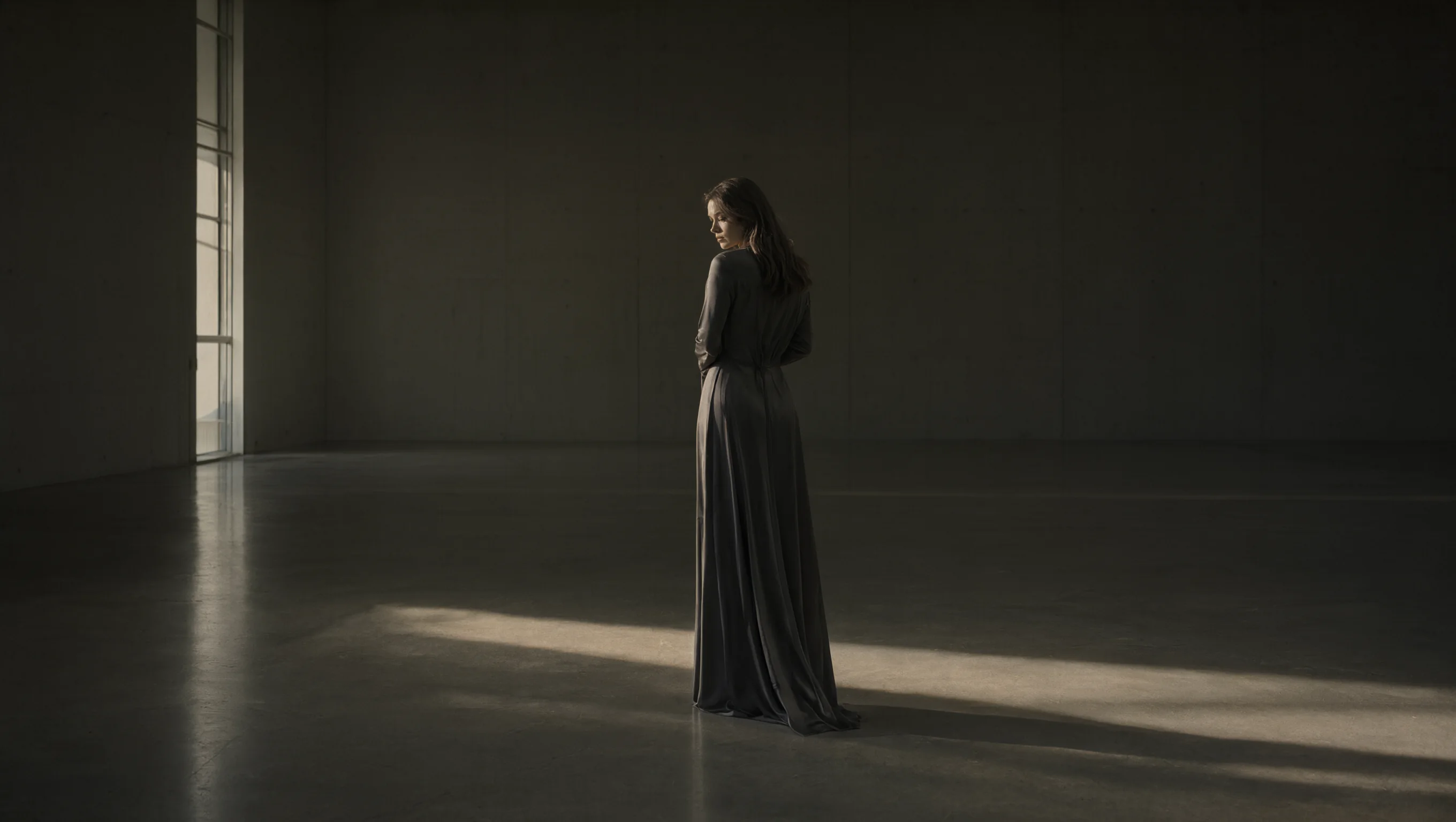
This one starts from the advertising frame the same model produced and changes exactly one thing, the line of type. The instruction spends more words on what must not move - pose, suspended mist, lighting, grain - than on the new wording, because that is the whole demonstration: retyping a headline in place rather than regenerating a picture that merely looks similar. Set the two frames side by side and everything outside the type block should be unchanged.
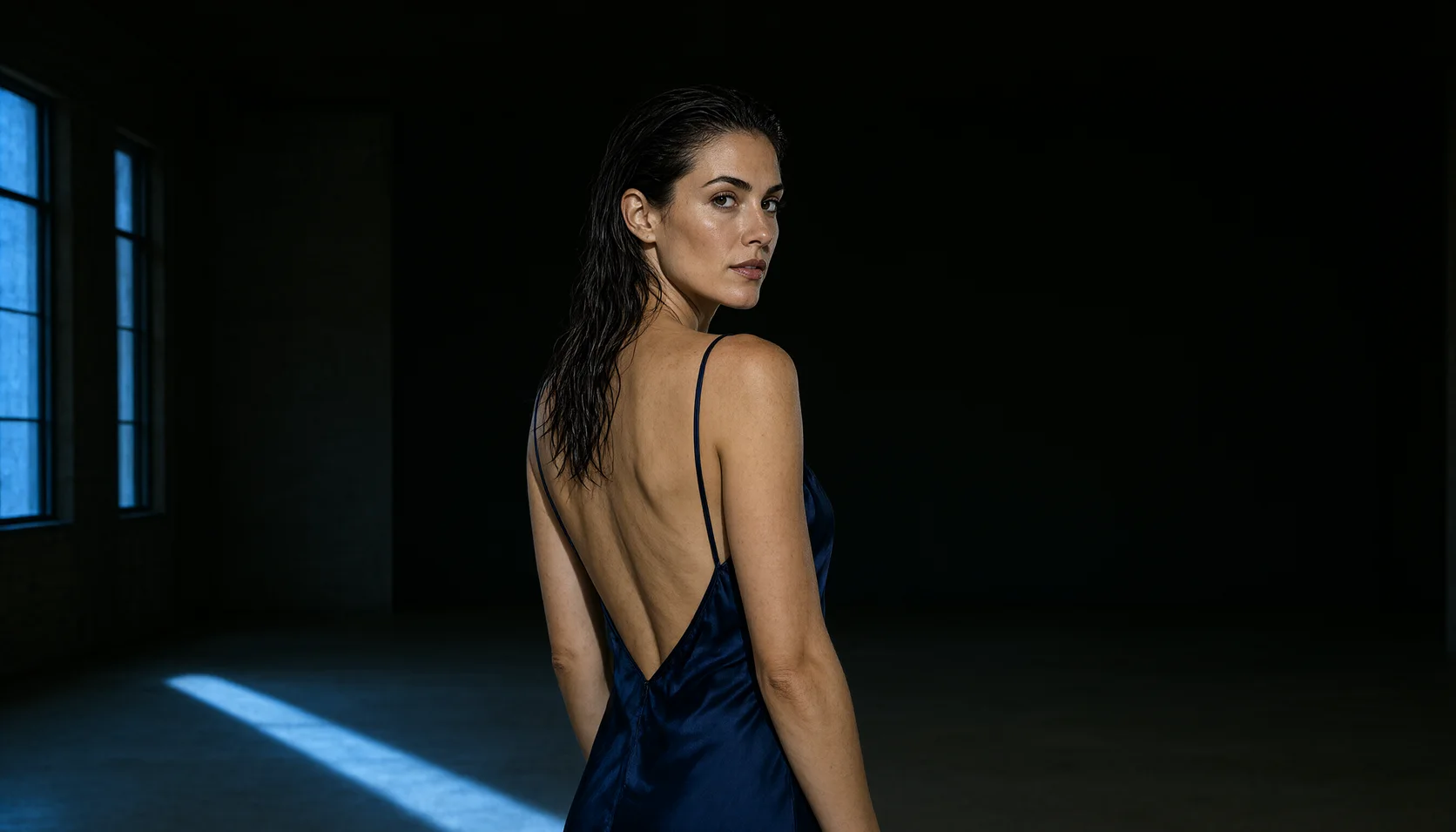
Two references with an explicit role for each: the first supplies face, hair and pose, the second the room and its light, while the kimono is described in the prompt. You provide both images; nothing here is fetched from a sample library.
The instruction protects the product completely — watch, ice, stone and light named untouchable — and only adds two quoted lines of type: a serif headline in the empty sky, small caps along the bottom. aspect_ratio is 3:4 and resolution 1k, a vertical frame that already leaves room above the watch.
API quick start
# Generate the idempotency key once; reuse it when retrying after a lost response.
export SPICY_IDEMPOTENCY_KEY="${SPICY_IDEMPOTENCY_KEY:-$(uuidgen)}"
curl -X POST https://api.spicyapi.ai/api/v1/jobs/createTask \
  -H "Authorization: Bearer $SPICY_API_KEY" \
  -H "Content-Type: application/json" \
  -H "Idempotency-Key: $SPICY_IDEMPOTENCY_KEY" \
  -d '{
  "model": "alibaba/qwen-image-3.0-pro/edit",
  "input": {
    "aspect_ratio": "1:1",
    "image_urls": [
      "https://example.com/reference.png"
    ],
    "num_outputs": 1,
    "prompt": "A ceramic teapot on a linen cloth, soft window light, muted palette",
    "resolution": "2k"
  }
}'

# Copy data.taskId from the response into TASK_ID, then poll the status.
TASK_ID="TASK_ID_FROM_RESPONSE"
curl "https://api.spicyapi.ai/api/v1/jobs/recordInfo?taskId=$TASK_ID" \
  -H "Authorization: Bearer $SPICY_API_KEY"
See the API reference for authentication, the complete schema, polling, and error handling.