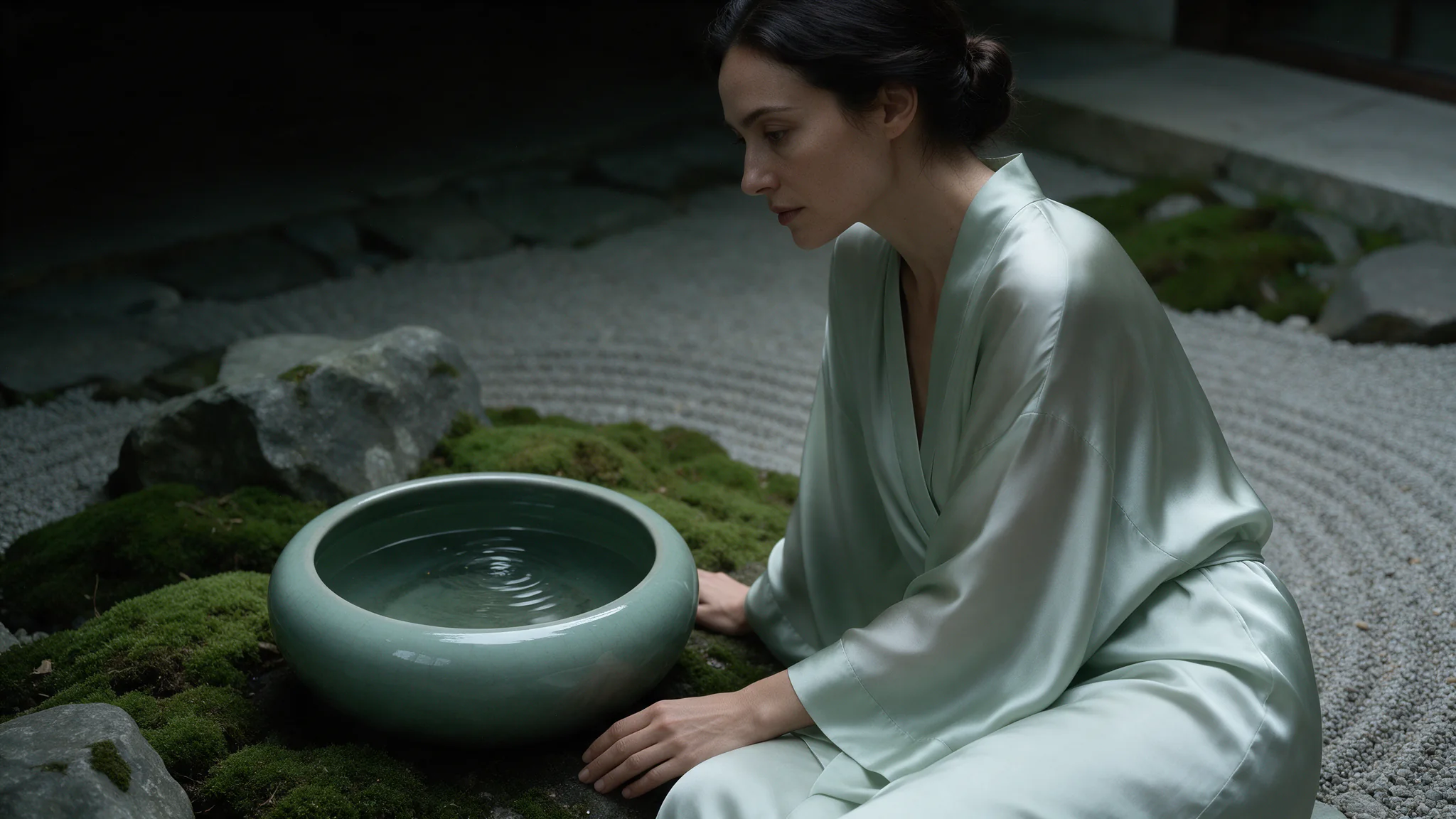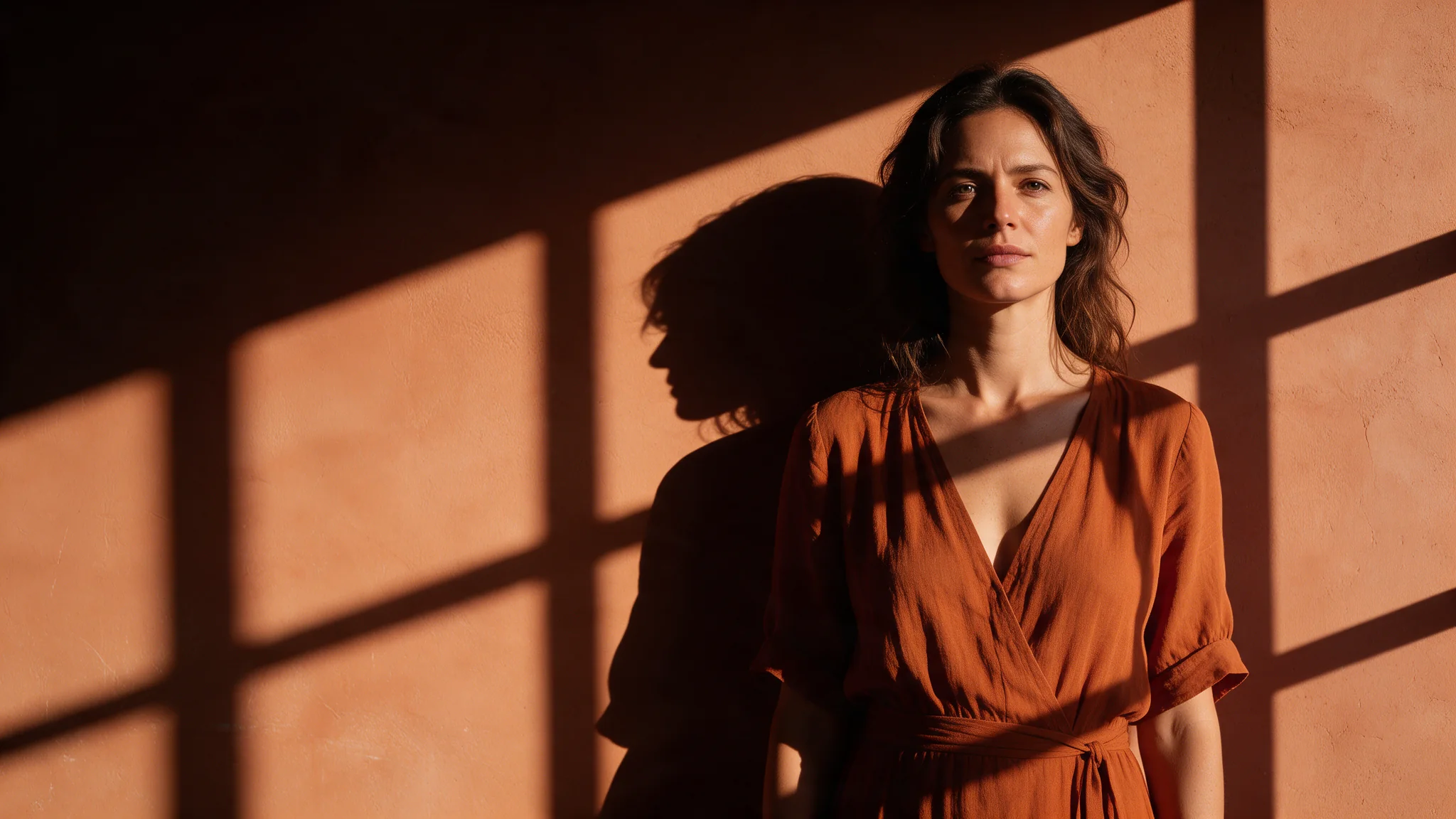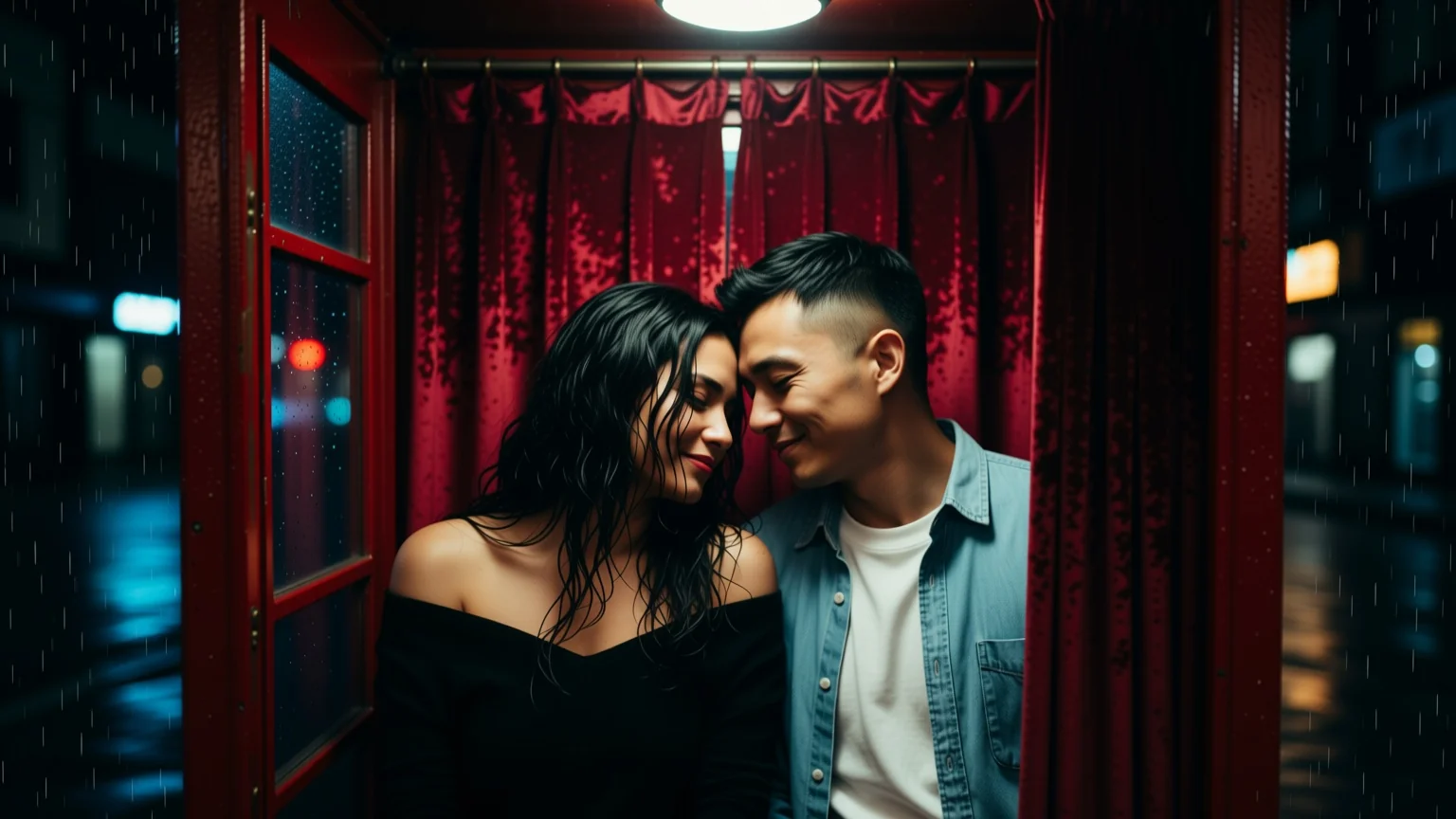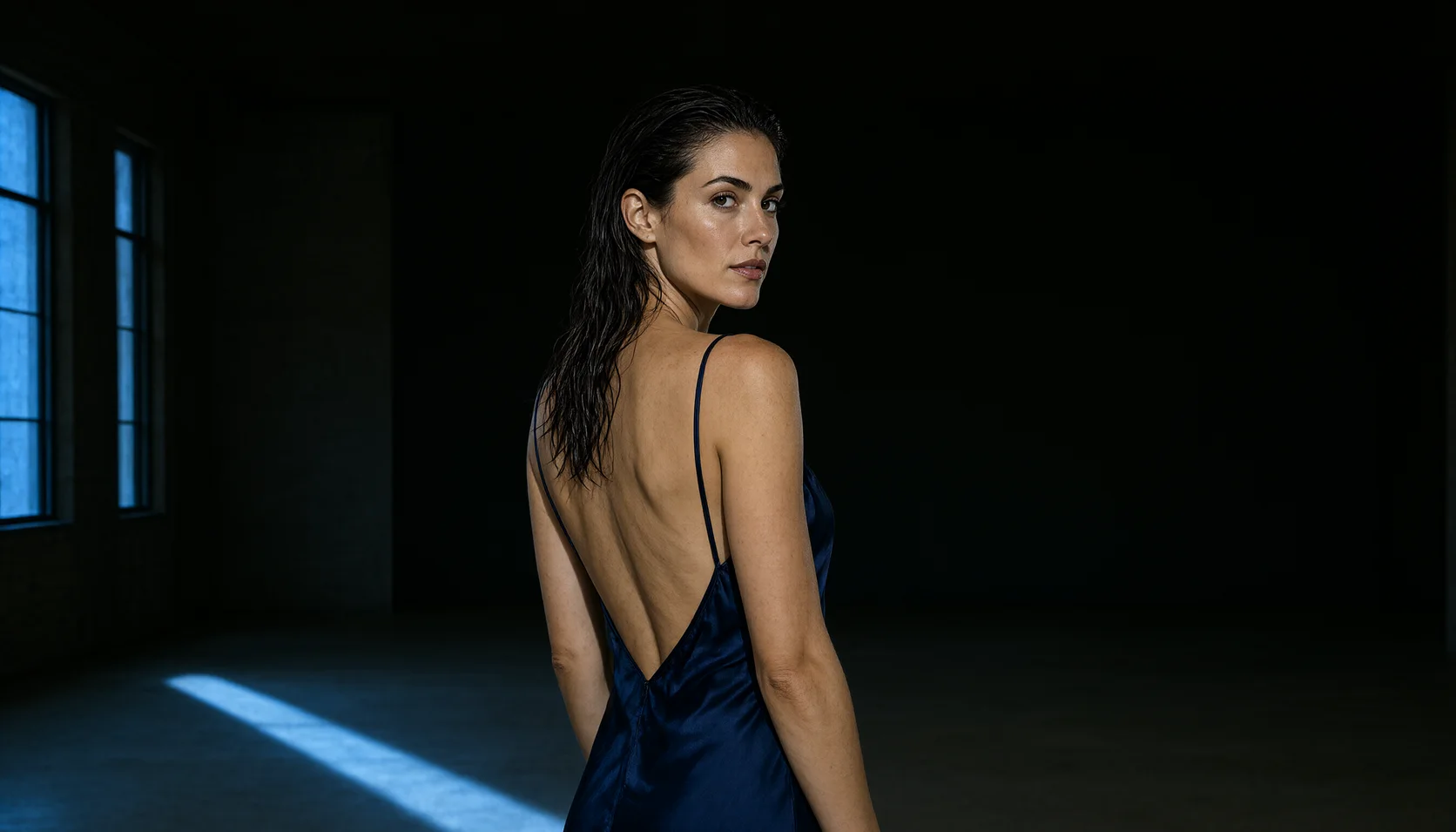
Introduction
What this endpoint does
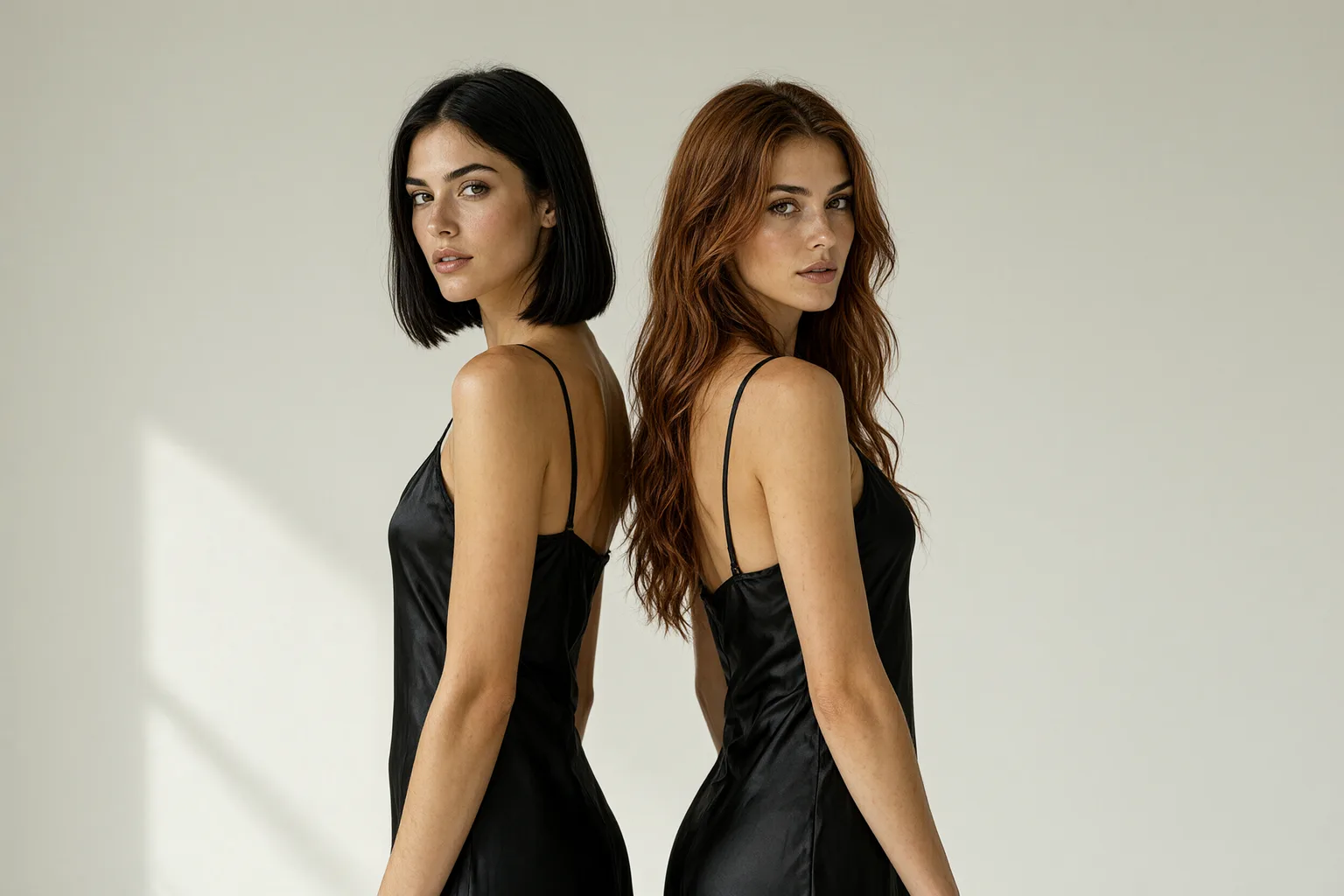
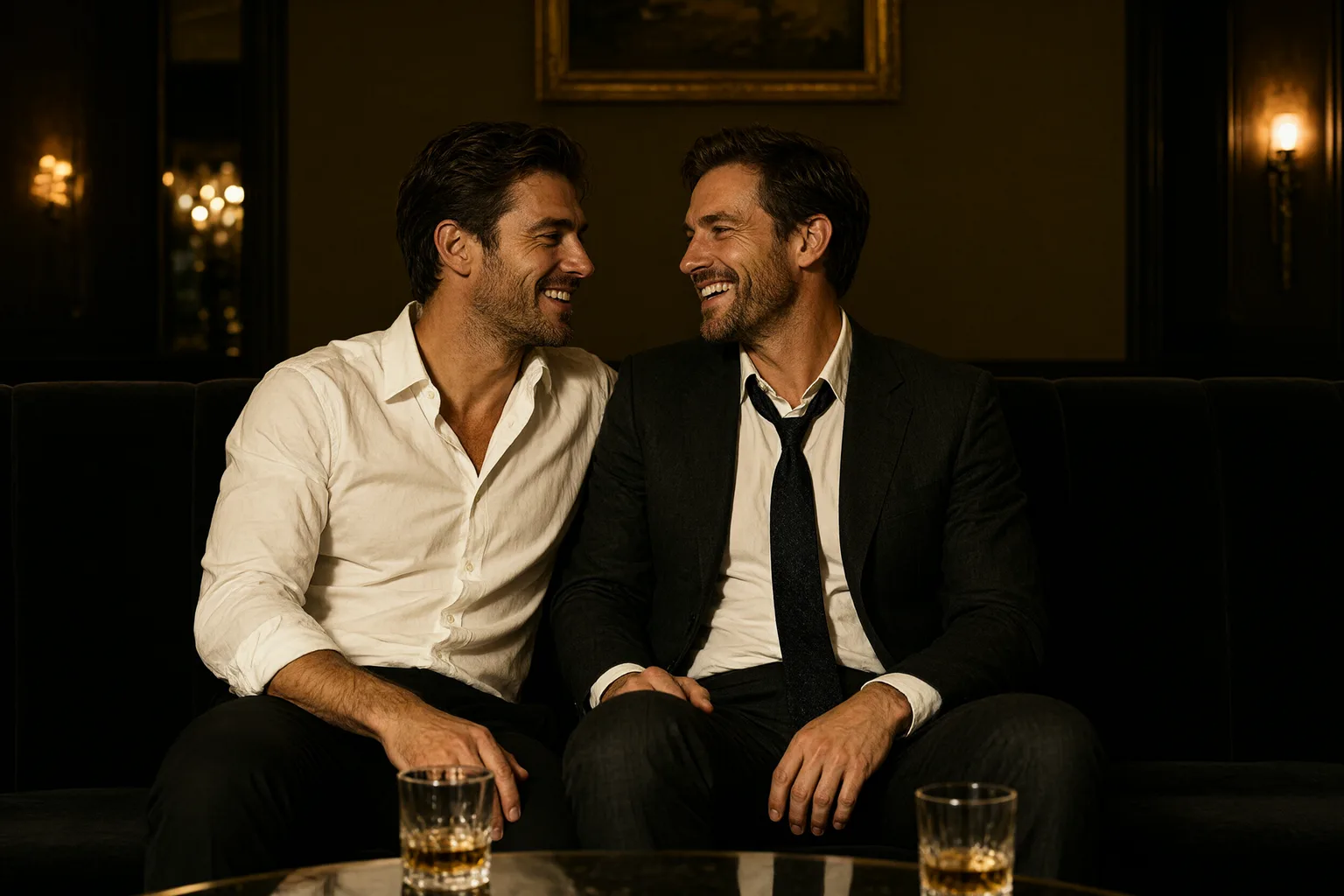
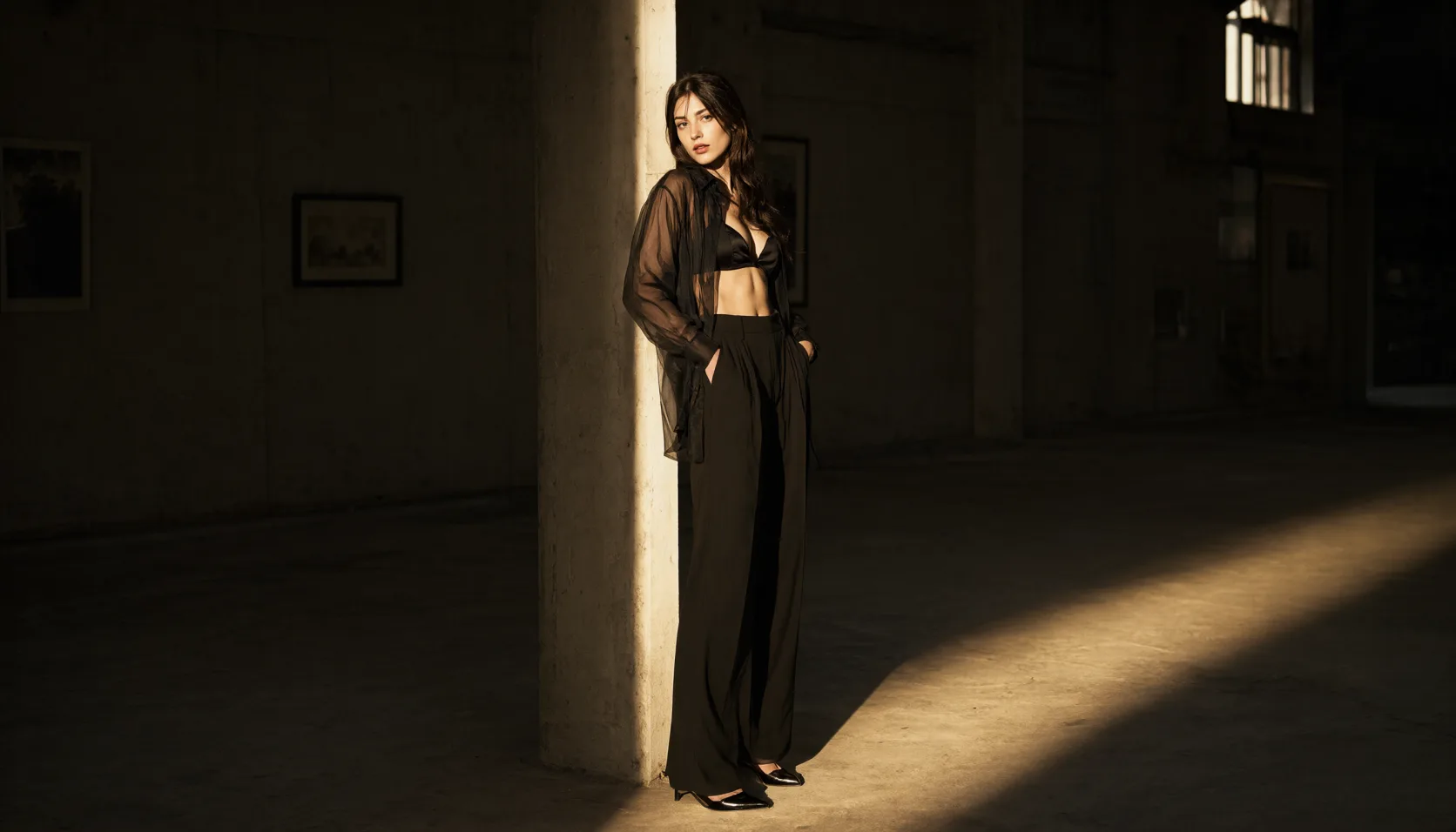
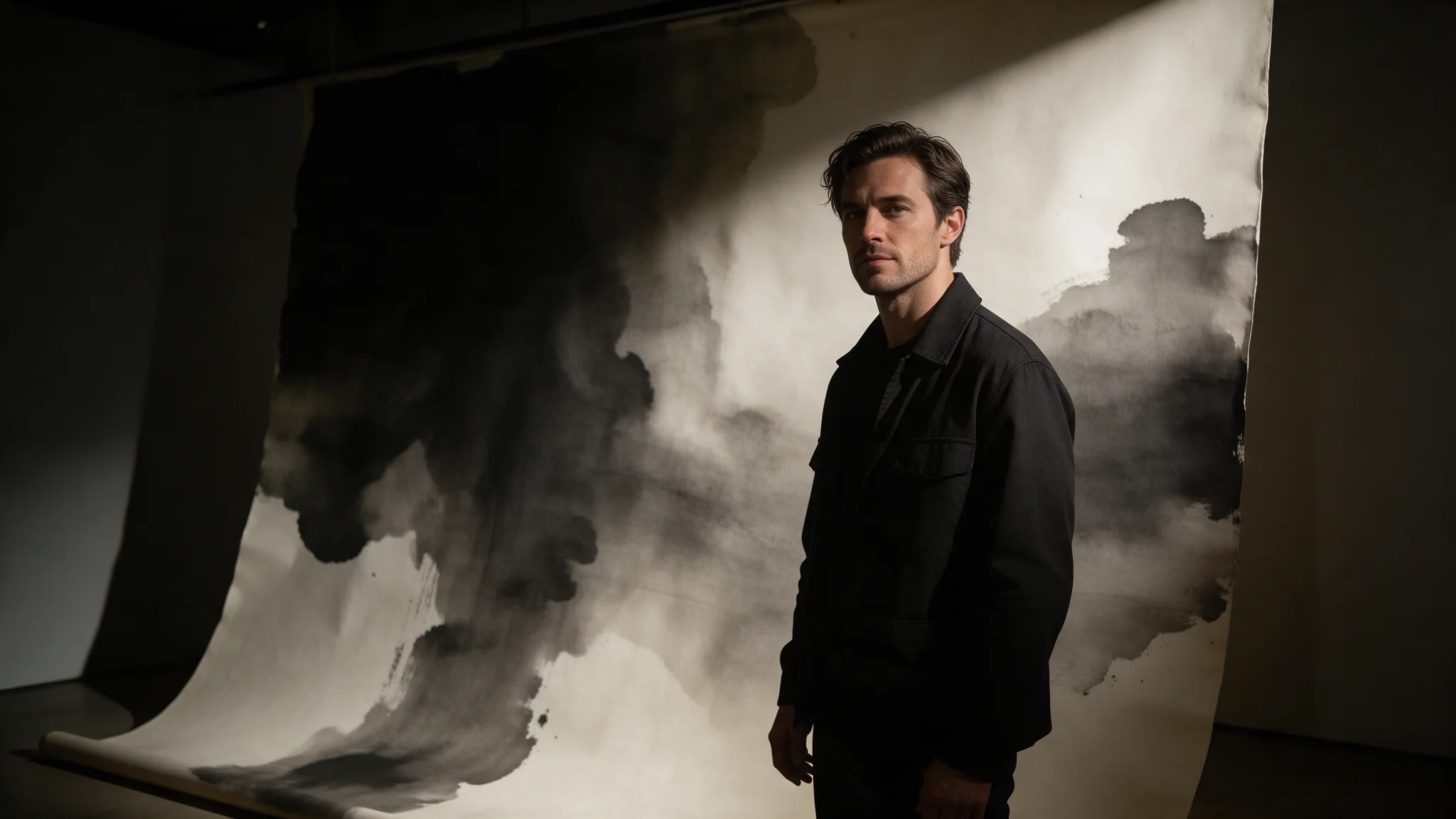
Qwen Image 2.1 Turbo Image Editing revises your source images against a written instruction and returns one to six new frames with Alibaba's 8-step checkpoint of Qwen Image 2.1. Our edits took 26 to 59 seconds end to end.
Inputs
image_urls carries one to ten references, in the order you call them Image 1, Image 2 and so on. prompt is the instruction. Leave aspect_ratio out to keep the source's shape at about 2K, or set it with resolution for a fixed size. num_outputs asks for one to six results, enable_prompt_expansion (off by default) and enable_thinking control Alibaba's rewrite, and seed steadies a series.
Content
No platform filter. With expansion off, edits that change clothing or reveal more came back as asked; with it on, the same instruction came back unchanged.
| Field | Value |
|---|---|
| Input | Image |
| Output | Image |
| Status on SpicyAPI | Live: text-to-image and image editing |
| Built on | Qwen Image 2.1, as an 8-step accelerated checkpoint of the same 7B model |
| Images per request | 1 to 6, billed per image returned |
| Price | One flat price per image at the 1k, 1.5k and 2k tiers; the live quote is on this page |
| Aspect ratios | 1:1, 16:9, 9:16, 4:3, 3:4, 3:2, 2:3, 21:9, 9:21, 2:1, 1:2, 3:1, 1:3, 5:4, 4:5 |
| 2K sizes | 1:1 2048 × 2048, 16:9 2688 × 1536, 9:16 1536 × 2688, 4:3 2368 × 1760, 3:2 2496 × 1664, 2:3 1664 × 2496 |
| Editing | 1 to 10 reference images; without an aspect ratio the output follows the source at about 2K |
| Prompt | Up to 5,000 characters; no negative prompt, so write exclusions into the prompt |
| Prompt expansion | Off by default; direct or agent rewrite when on, with an optional thinking pass |
| Measured wait | 13 to 39 seconds for text-to-image, 26 to 59 seconds for edits, across our runs |
| Content policy | Uncensored: no platform filter, no maturity flag |
| Open weights | Qwen/Qwen-Image-2.1-Turbo under the Qwen Research License Agreement |
Request parameters
| Parameter | Required | Description |
|---|---|---|
prompt | Yes | The edit instruction, up to 5,000 characters. Say what changes first, then what must stay: face, hair, pose, light. at least 1 characters · at most 5000 characters |
image_urls | Yes | One to ten source images, in the order you refer to them. The number of references does not change the price. at least 1 items · at most 10 items |
aspect_ratio | No | Leave it out and the result keeps the shape of your source at about 2K. Set one of fifteen shapes when you want a fixed frame, for example 16:9 for two people side by side. |
resolution | No | 1k, 1.5k or 2k, used only when you set an aspect ratio. Every tier costs the same per image. |
num_outputs | No | One to six results from the same instruction in one request. Each image returned is billed. |
enable_prompt_expansion | No | Off by default. On, Alibaba rewrites the instruction first, and in our tests that rewrite dropped requests to reveal more: the source came back unchanged and was still billed. Default: |
enable_thinking | No | Spends extra reasoning on the rewrite, at the cost of a longer wait. Only works while prompt expansion is on. Default: |
seed | No | Steadies a draw so you can compare one change at a time. It does not guarantee a pixel-identical image. |
Pricing
$0.014 / image
Use cases
Uncensored image work
SpicyAPI puts no content filter in front of Turbo. With prompt expansion off, our tests came back as written at every content level we run, from Mild to Maximum, for women and men alike. At the Very strong level one of two runs came through; the other stopped short of the request.
Many drafts before one keeper
Eight steps and up to six images a call make a cheap spread of options. Explore wardrobe, pose and light in one request, keep the frame that works, and spend your edits on that one.
One character across a set
Generate a character, then send the frame back as a reference and change the dress, the room or the light in separate passes. Each edit starts from your approved frame instead of a fresh roll, so the face carries across the set.
Couples from two portraits
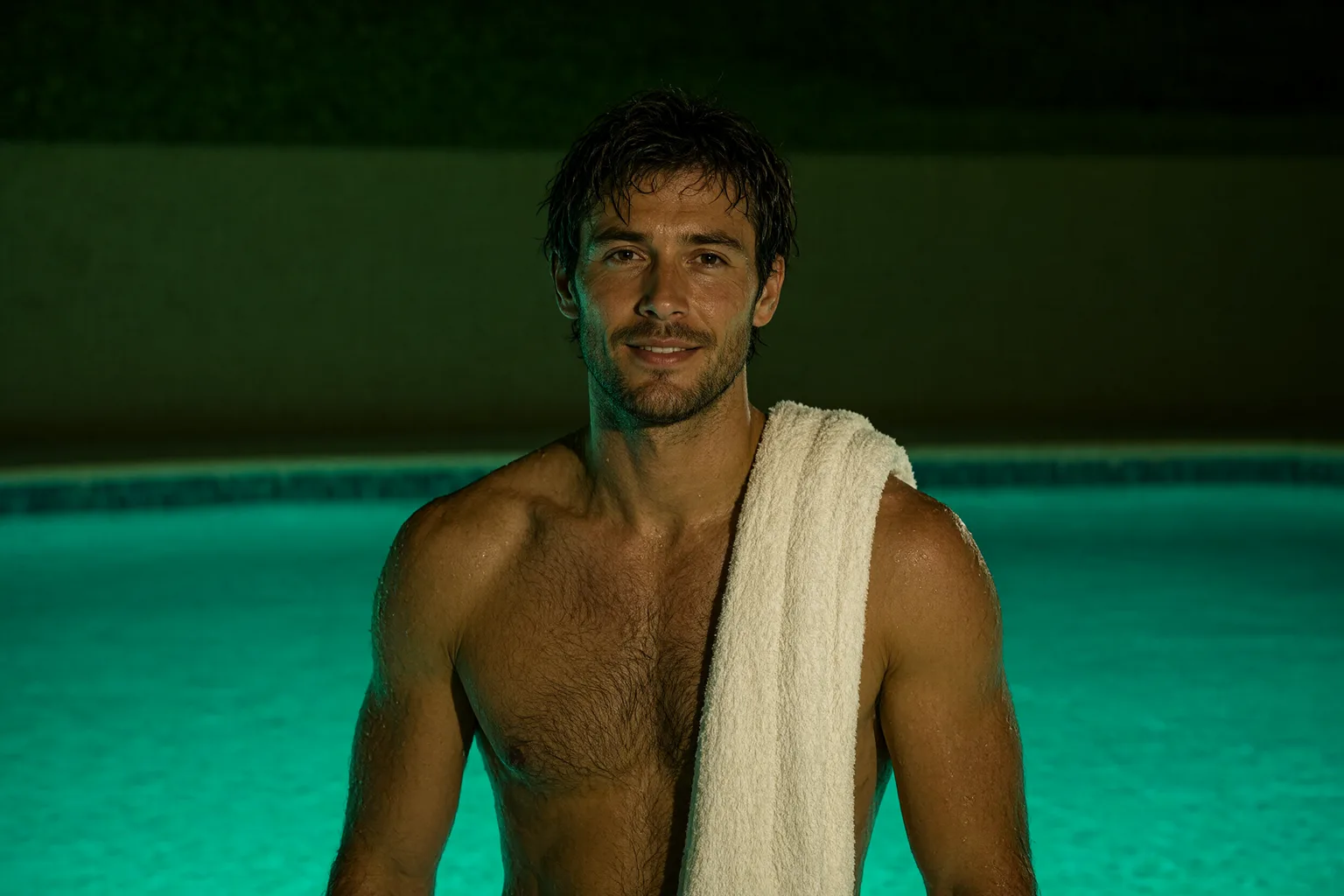
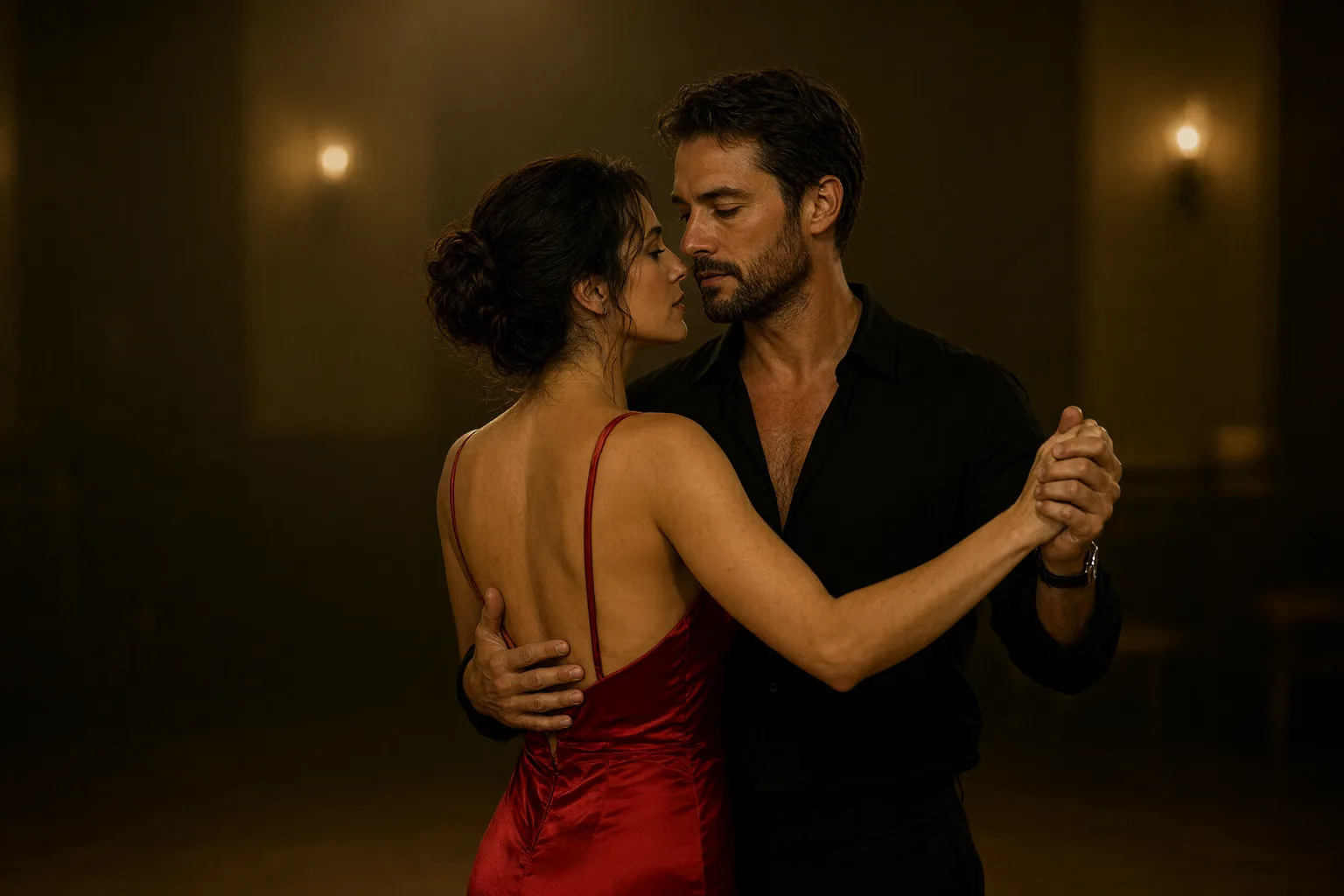
Send two portraits as Image 1 and Image 2 and describe the scene they share. In our test a man and a woman photographed separately ended up laughing side by side on a rooftop at dusk, both still recognisable.
Posters and typography
Turbo sets short headlines cleanly. Quote the wording, say where it sits, and describe the poster style: our cabaret poster came back with both lines spelled exactly.
Product shots and covers
Flat pricing up to 2K and six images a call suit thumbnails, covers and product shots, where you want several crops of one idea and a full-size master you can cut down.
Prompt guide & pro tips
Leave prompt expansion off for adult work
Expansion hands your prompt to Alibaba's rewriter before the image is drawn, and the rewriter tones unfiltered briefs down: in our tests it softened a Strong-level image, turned a Very strong scene into one that only implied it, and returned an edit that asked to go further without changing anything. With expansion off, the same prompts came back as written. It is off by default here; keep it that way unless you want the rewrite.
Turn it on for short everyday prompts
A six-word brief gets a fuller scene when expansion is on. direct rewrites in one pass and suits most prompts; agent rewrites in several steps for a finer result. Thinking mode spends extra reasoning on that rewrite and adds time; it does nothing while expansion is off.
Use 2K, it costs the same
Every tier is the same price per image, so 2K is the default and the sensible choice. Drop to 1k only when you want a smaller file or a slightly quicker return.
Ask for several images at once
Set
num_outputsfrom 1 to 6 to get variations of one prompt in one call. Each image that comes back is billed, so six images cost six times one. It is the cheapest way to find a pose or a composition you like before you start editing.Edit with the change first and the keep list second
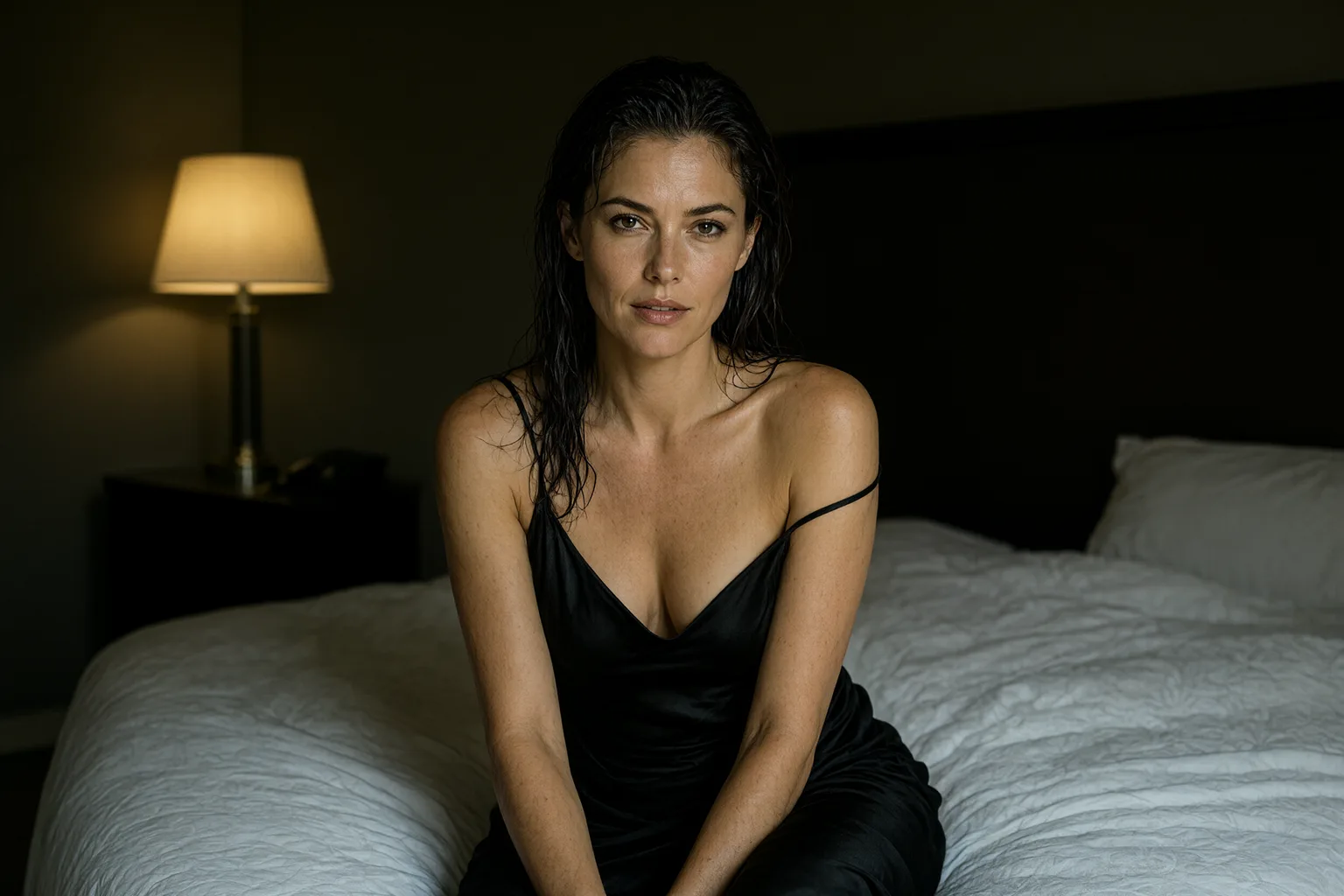
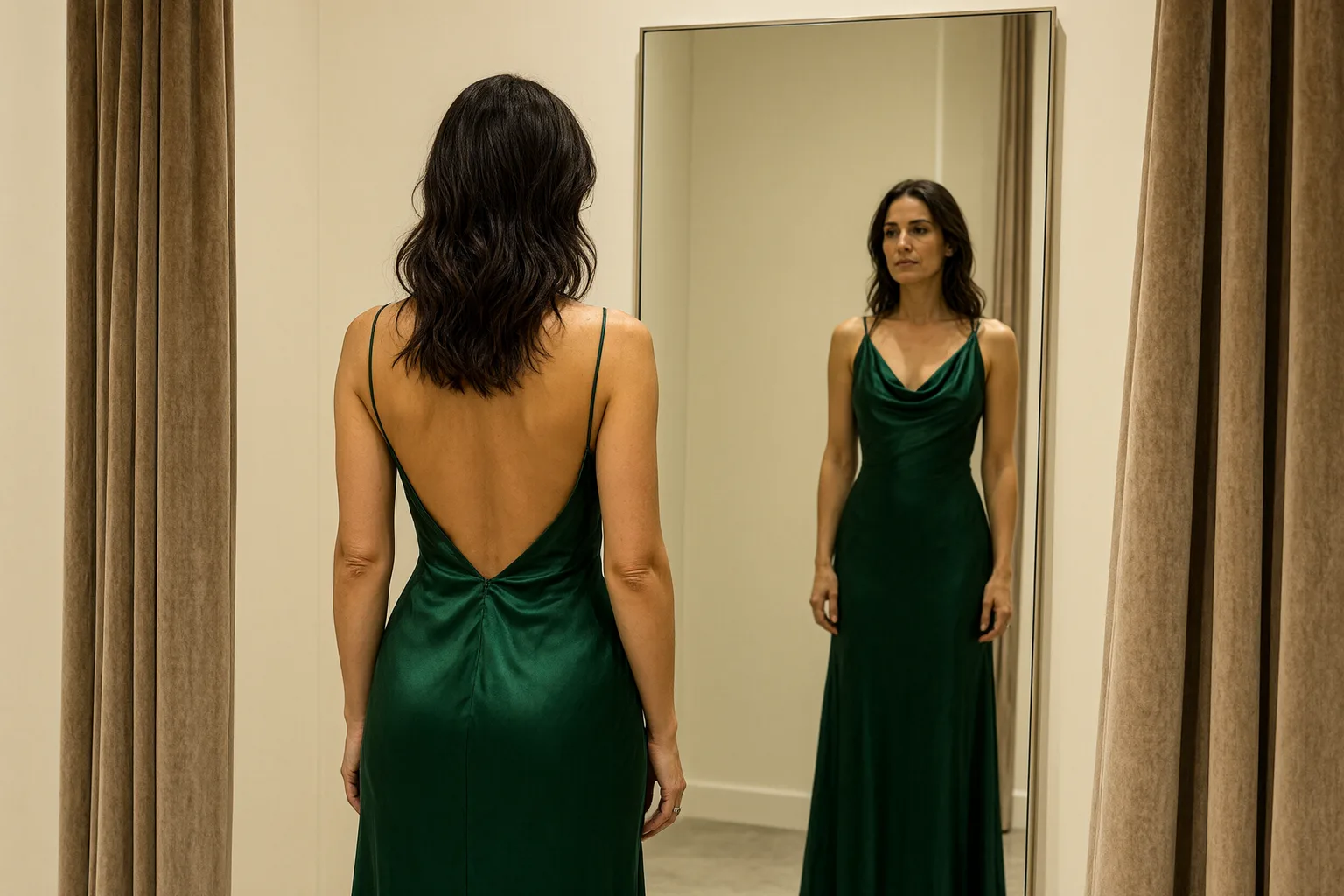
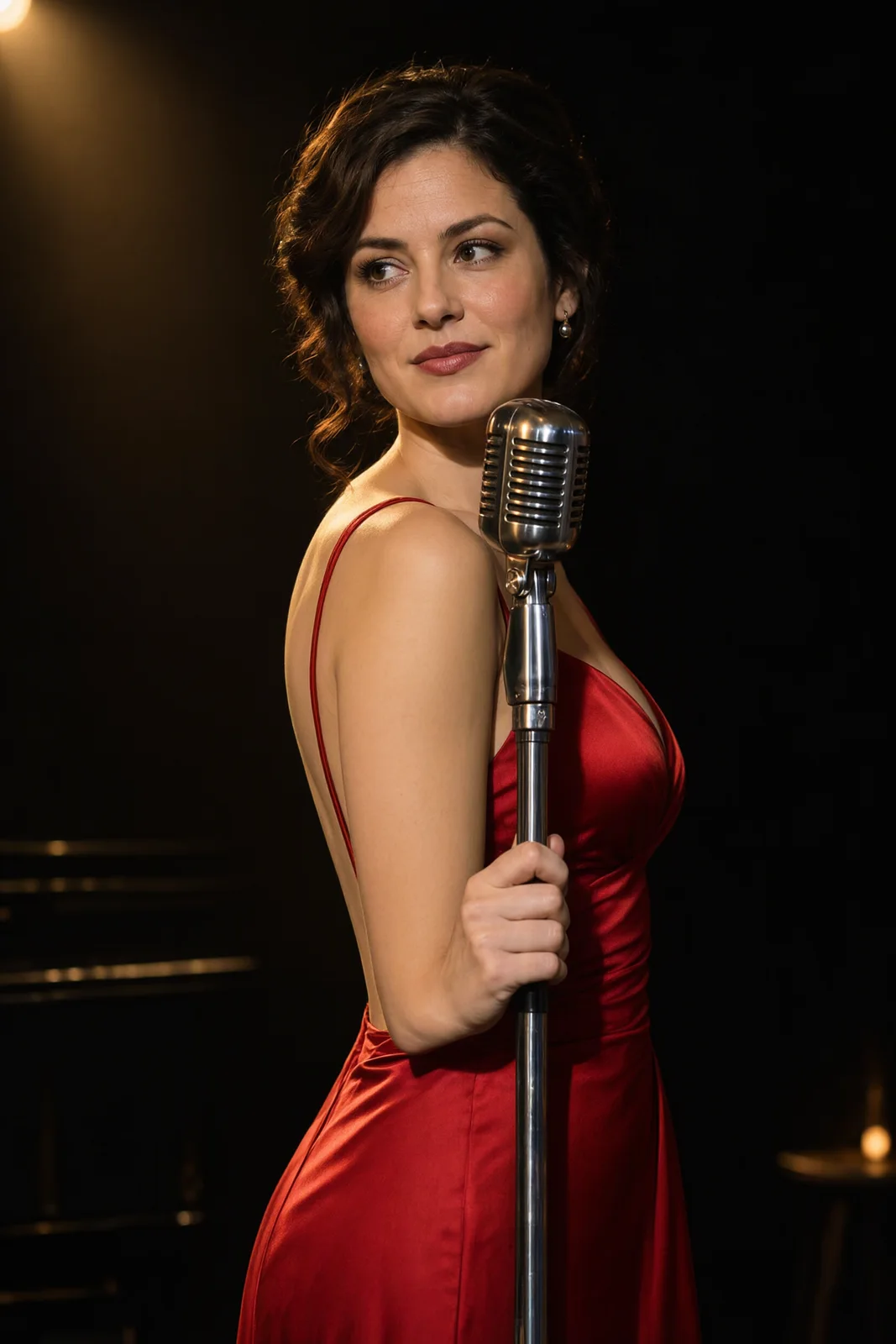
Write the one thing that changes, then everything that must stay: "Change her dark velvet dress into a backless crimson satin gown; keep her face, hair and expression." Name references by number. In our two-portrait test, "the man from Image 1 and the woman from Image 2" kept both faces recognisable in one frame.
Quote the words that must appear
Put exact wording in quotation marks and say where it goes. Our poster test, "VELVET HOUR" at the top and "LATE SHOW · FRIDAYS 11 PM" at the bottom, came back letter for letter. Keep each line short and check it at full size before you publish.
Write the prompt in a fixed order
Subject, wardrobe, pose, light, lens and palette, in plain sentences. Name the light source and its direction (one warm lamp on the left, rain-streaked glass behind her) rather than a mood word. With expansion off, Turbo draws what you write and does not fill gaps for you.
Introduction
Qwen Image 2.1 Turbo Image Editing changes an existing image from a plain-language instruction. Alibaba's Qwen team released Turbo with open weights on 9 October 2026 and built it for continued creation through natural-language edits, from adding an accessory to changing a scene, in 8 denoising steps on the same 7B architecture as Qwen Image 2.1.
On SpicyAPI it is live. One request takes one to ten references and returns one to six results at one flat price per image, with no content filter in front of the model. Every example on this page was generated on Turbo with the prompt shown.
Choose a mode by what you have
| Starting material | Mode |
|---|---|
| One or more images to change | Qwen Image 2.1 Turbo Image Editing |
| A written brief and nothing else | Qwen Image 2.1 Turbo Text to Image |
What we measured
Speed
26 to 59 seconds per edit end to end across our runs.
Shape
Without an aspect ratio, a 2:3 portrait came back as a 2:3 frame at about 2K (1680 × 2512). Set an aspect ratio when you need a fixed size.
Content
With prompt expansion off, the default, edits at every content level we test came back as asked, for a woman's and a man's portrait. With expansion on, the request to go further came back as the untouched source, twice, and was billed as completed.
Two references
A man and a woman photographed separately came back side by side on one rooftop, both recognisable, with her outfit changed as asked.
Turbo or Qwen Image 2.1 editing
| Turbo | Qwen Image 2.1 | |
|---|---|---|
| Denoising steps | 8 | 40 |
| Results per request | 1 to 6 | 1 |
| Price per extra reference | None | Each one adds to the price |
| Mask for local edits | No | Yes |
| Output format | PNG | JPEG, PNG or WebP |
| Content filter | None | None |
Pick Turbo for quick chains of edits and multi-reference work at a flat price. Pick Qwen Image 2.1 when you need a mask.
Prompt guide & Pro tips
Change first, keep second
"Change her dark velvet dress into a backless crimson satin gown; keep her face, hair and expression" is an edit. "Make it better" is a reroll.
Name every reference
The model does not assign roles to references on its own. Say which image is the person, which is the garment and which is the place.
Leave expansion off
The rewrite can drop your instruction and hand back the source. Off, the instruction reaches the model as written.
One change per pass
A single change is easy to judge. Five at once make it hard to tell which instruction moved the face or the hands.
Go back to the original after a few edits
Faces can drift over a long chain of edits. Return to your first approved frame when details start to move.
API quick start
# Generate the idempotency key once; reuse it when retrying after a lost response.
export SPICY_IDEMPOTENCY_KEY="${SPICY_IDEMPOTENCY_KEY:-$(uuidgen)}"
curl -X POST https://api.spicyapi.ai/api/v1/jobs/createTask \
  -H "Authorization: Bearer $SPICY_API_KEY" \
  -H "Content-Type: application/json" \
  -H "Idempotency-Key: $SPICY_IDEMPOTENCY_KEY" \
  -d '{
  "model": "alibaba/qwen-image-2.1-turbo/edit",
  "input": {
    "image_urls": [
      "https://example.com/reference.png"
    ],
    "num_outputs": 1,
    "prompt": "A ceramic teapot on a linen cloth, soft window light, muted palette",
    "resolution": "2k"
  }
}'

# Copy data.taskId from the response into TASK_ID, then poll the status.
TASK_ID="TASK_ID_FROM_RESPONSE"
curl "https://api.spicyapi.ai/api/v1/jobs/recordInfo?taskId=$TASK_ID" \
  -H "Authorization: Bearer $SPICY_API_KEY"
See the API reference for authentication, the complete schema, polling, and error handling.