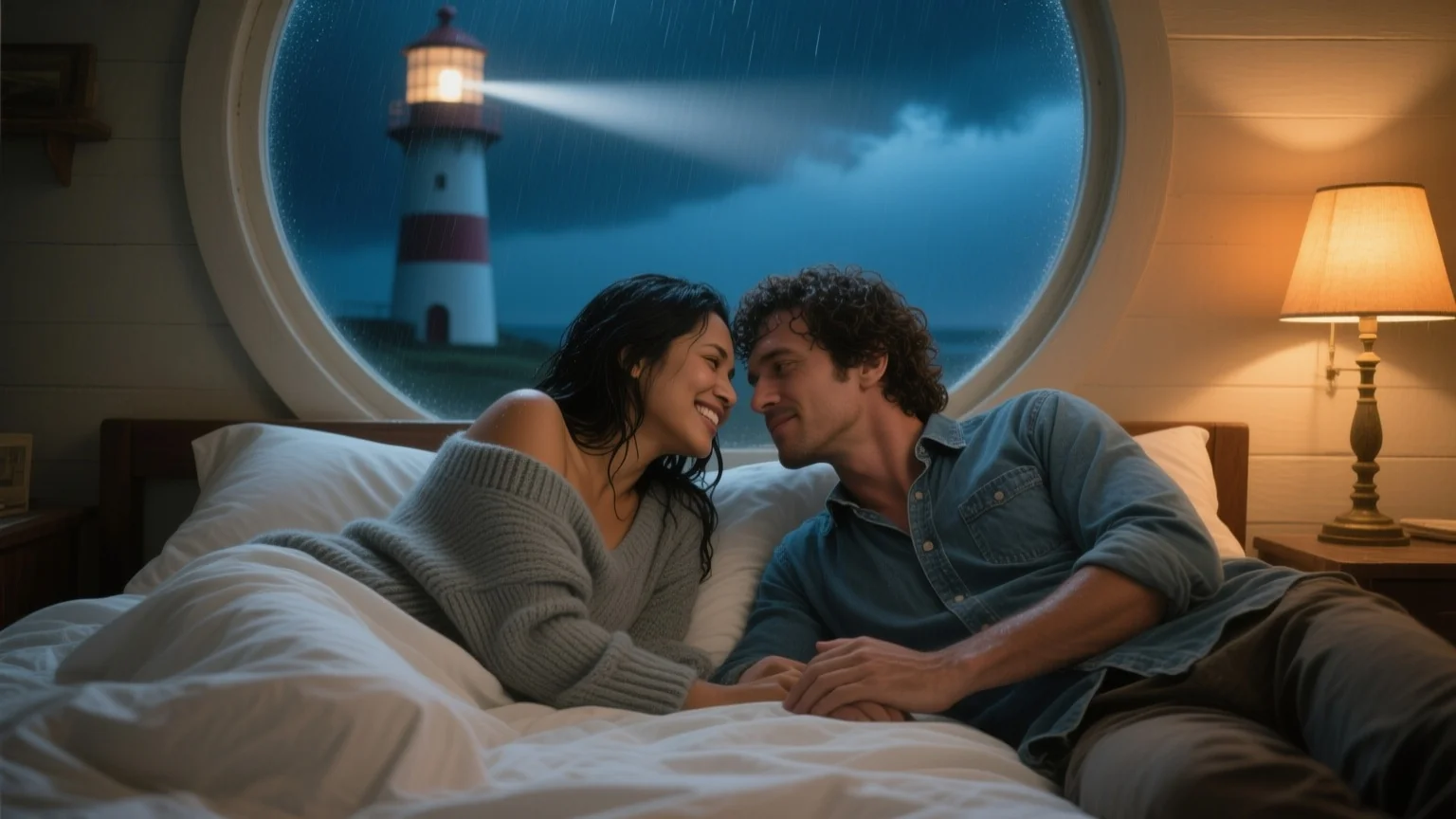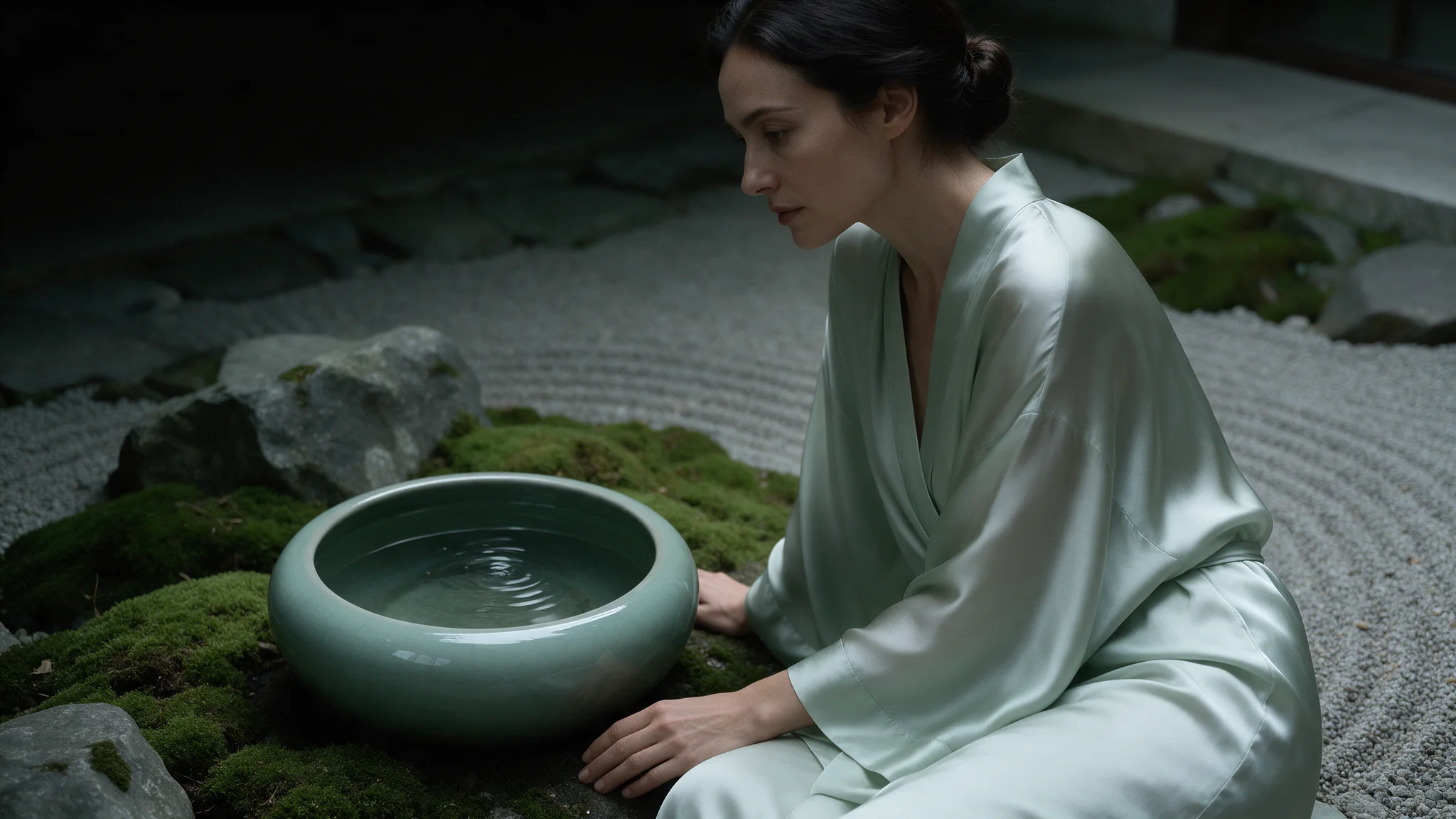
Introduction
Qwen Image 3.0 image editing edits or merges one to three reference images from a prompt, including retyping text already in the frame. It returns one image at 1k or 2k in eight aspect ratios.
For Qwen Image 3.0, use the prompt to identify each reference by number and distinguish the requested change from the details to retain; the 5,000-character budget is shared by the whole editing instruction.
Supply one to three source images to Qwen Image 3.0 for signs and lettering in a scene, and tell the instruction which source provides the person, object or setting instead of leaving those roles implicit.
| Field | Value |
|---|---|
| Input | Image |
| Output | Image |
| Endpoints | Text to Image, Image to Image |
| Required input | Qwen Image 3.0: prompt up to 5,000 characters; editing accepts one to three source images. |
| Aspect ratios | Compose signs and lettering in a scene in Qwen Image 3.0 with |
| Resolution | 1k or 2k tier (2k default) |
| Reproducibility | Use seed in Qwen Image 3.0 for controlled comparisons of signs and lettering in a scene; save the chosen image itself because a matching seed does not guarantee identical pixels. |
| Content policy | SpicyAPI’s existing Qwen Image 3.0 tests support the uncensored NSFW classification for this variant; treat the published results as observations, not a guarantee that every composition will match your instruction. |
Key features & highlights
Signage and labels come back spelled right
Most image models turn quoted text into letter-shaped noise. Qwen Image 3.0 renders it: a brass door hanger reading DO NOT DISTURB, a bar sign, a bottle label, a poster headline. Put the wording in single quotes, keep it under about eight words per element, and generate at the 2k tier so the strokes survive.
Add or retype lettering without redrawing the frame
The image-to-image endpoint writes onto surfaces that are already in the picture: letters drawn through fogged glass, lipstick on a mirror, a new line on an existing sign. Quote the wording, fence the edit to one area and say that everything else stays put, and the pose, light and grade come back as they were while only the words change.
Uncensored scenes run on the same two endpoints
Fashion editorial and bold wording in the prompt are not routed anywhere special and do not need a flag. There is no per-request content declaration and no prompt scanner in front of the model. The only inputs that matter are the ones in the schema on this page.
Request parameters
| Parameter | Required | Description |
|---|---|---|
prompt | Yes | For Qwen Image 3.0, use the prompt to identify each reference by number and distinguish the requested change from the details to retain; the 5,000-character budget is shared by… at least 1 characters · at most 5000 characters |
image_urls | Yes | Supply one to three source images to Qwen Image 3.0 for signs and lettering in a scene, and tell the instruction which source provides the person, object or setting instead of l… at least 1 items · at most 3 items |
aspect_ratio | No | Applies to the result, not to the sources. A reference that is not the ratio you set comes back reshaped, so match it deliberately when you want the original framing kept. |
resolution | No | For signs and lettering in a scene, Qwen Image 3.0 exposes 1k, 2k; the tier changes the quote, and editing references add to it |
num_outputs | No | Request one output image with Qwen Image 3.0; for signs and lettering in a scene, assess each returned candidate and budget by the number of output images. |
enable_prompt_expansion | No | With Qwen Image 3.0, prompt expansion rewrites the instruction before rendering; for signs and lettering in a scene, compare the rewritten interpretation with your original brie… Default: |
negative_prompt | No | In Qwen Image 3.0, put unwanted elements in |
seed | No | Omit it while exploring. Fix it to compare two wordings of the same instruction against an identical draw. |
Pricing
| Specification | Price |
|---|---|
| $0.03 / image |
| $0.03 / image |
Use cases
Hospitality and set-dressing plates
Hotel rooms, bars and lobbies where a specific sign has to read correctly: door hangers, room numbers, cocktail menus, neon above the back bar. Generate the plate with the wording already in place instead of compositing type over a render afterwards.
Character sets and fashion series
Wardrobe and styling prompts that other image APIs bounce run here without a flag. Pin the seed that gave you the character, then change one detail per request — wardrobe, light, pose — for a coherent set rather than a pile of unrelated draws.
Poster and packaging comps
Headline, subhead and a legal line, all rendered in the frame at 2k, in the ratio the placement actually uses. Useful for pitching a layout before a designer sets real type over a clean plate.
Localised copy variants
Send the approved frame to the editing endpoint and change only the words on the sign. The pose, wardrobe, lighting and grade are described as unchanged, so the variant differs in the copy rather than in the whole picture.
Prompt guide & pro tips
Choose the ratio and the tier first
aspect_ratiocomposes the frame, it does not crop one, so pick the shape you will publish at. Leave resolution at 2k whenever the image contains text; drop to 1k only for layout roughs where nothing has to be readable.Write the scene and quote the wording verbatim
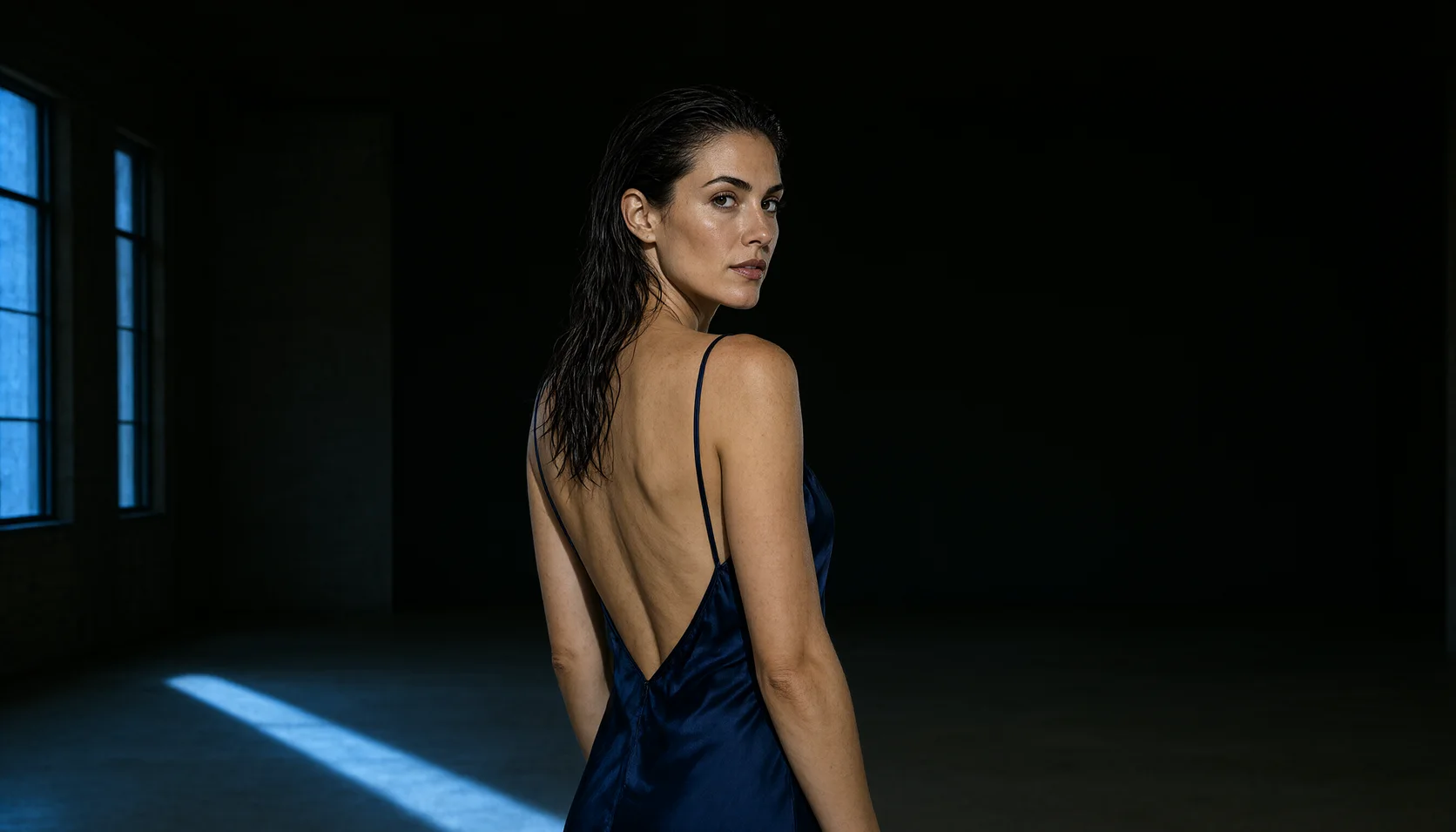
Describe subject, wardrobe, light and lens, then put the exact string in single quotes. The still on this page came from: "Editorial photograph, an adult woman sitting on a hotel bed in a navy satin slip dress, city lights blurred through the window behind her, a brass door hanger hanging in sharp foreground reading 'DO NOT DISTURB', warm tungsten bedside lamp, cinematic 35mm, shallow focus, moody blue and amber palette."
Pin the seed, then vary one field
When a draw works, record its seed and change one field at a time from there. When you want variety instead, leave the seed out and send several requests in parallel; each returns one image and is quoted on its own.
Qwen Image 3.0 image editing edits or merges one to three reference images from a prompt, including retyping text already in the frame. It returns one image at 1k or 2k in eight aspect ratios.
Signage and labels come back spelled right
Most image models turn quoted text into letter-shaped noise. Qwen Image 3.0 renders it: a brass door hanger reading DO NOT DISTURB, a bar sign, a bottle label, a poster headline. Put the wording in single quotes, keep it under about eight words per element, and generate at the 2k tier so the strokes survive.
Add or retype lettering without redrawing the frame
The image-to-image endpoint writes onto surfaces that are already in the picture: letters drawn through fogged glass, lipstick on a mirror, a new line on an existing sign. Quote the wording, fence the edit to one area and say that everything else stays put, and the pose, light and grade come back as they were while only the words change.
Uncensored scenes run on the same two endpoints
Fashion editorial and bold wording in the prompt are not routed anywhere special and do not need a flag. There is no per-request content declaration and no prompt scanner in front of the model. The only inputs that matter are the ones in the schema on this page.
Hospitality and set-dressing plates
Hotel rooms, bars and lobbies where a specific sign has to read correctly: door hangers, room numbers, cocktail menus, neon above the back bar. Generate the plate with the wording already in place instead of compositing type over a render afterwards.
Character sets and fashion series
Wardrobe and styling prompts that other image APIs bounce run here without a flag. Pin the seed that gave you the character, then change one detail per request — wardrobe, light, pose — for a coherent set rather than a pile of unrelated draws.
Poster and packaging comps
Headline, subhead and a legal line, all rendered in the frame at 2k, in the ratio the placement actually uses. Useful for pitching a layout before a designer sets real type over a clean plate.
Localised copy variants
Send the approved frame to the editing endpoint and change only the words on the sign. The pose, wardrobe, lighting and grade are described as unchanged, so the variant differs in the copy rather than in the whole picture.
Choose the ratio and the tier first
aspect_ratio composes the frame, it does not crop one, so pick the shape you will publish at. Leave resolution at 2k whenever the image contains text; drop to 1k only for layout roughs where nothing has to be readable.
Write the scene and quote the wording verbatim
Describe subject, wardrobe, light and lens, then put the exact string in single quotes. The still on this page came from: "Editorial photograph, an adult woman sitting on a hotel bed in a navy satin slip dress, city lights blurred through the window behind her, a brass door hanger hanging in sharp foreground reading 'DO NOT DISTURB', warm tungsten bedside lamp, cinematic 35mm, shallow focus, moody blue and amber palette."
Pin the seed, then vary one field
When a draw works, record its seed and change one field at a time from there. When you want variety instead, leave the seed out and send several requests in parallel; each returns one image and is quoted on its own.
Qwen’s 3.0 announcement covers complex layouts and fine text, not an eight-word ceiling; the SpicyAPI examples here concentrate on signs and labels, so proofread the actual wording and layout you receive.
The prompt has to name which reference supplies what; with two or three sources the model does not infer roles on its own. Editing text in place works when you spell out both the old and the new wording. Identity drifts across heavy edits, so change one thing per pass rather than restyling and retyping in the same call.
For edits made with Qwen Image 3.0, use images you have permission to transform and publish, obtain adult participants’ consent, and avoid deceptive impersonation; these duties apply to signs and lettering in a scene even without request screening.
aspect_ratio
Applies to the result, not to the sources. A reference that is not the ratio you set comes back reshaped, so match it deliberately when you want the original framing kept.
enable_prompt_expansion
With Qwen Image 3.0, prompt expansion rewrites the instruction before rendering; for signs and lettering in a scene, compare the rewritten interpretation with your original brief rather than assuming the wording is preserved.
image_urls
Supply one to three source images to Qwen Image 3.0 for signs and lettering in a scene, and tell the instruction which source provides the person, object or setting instead of leaving those roles implicit.
negative_prompt
In Qwen Image 3.0, put unwanted elements in negative_prompt so the positive instruction remains focused on signs and lettering in a scene.
num_outputs
Request one output image with Qwen Image 3.0; for signs and lettering in a scene, assess each returned candidate and budget by the number of output images.
prompt
For Qwen Image 3.0, use the prompt to identify each reference by number and distinguish the requested change from the details to retain; the 5,000-character budget is shared by the whole editing instruction.
resolution
For signs and lettering in a scene, Qwen Image 3.0 exposes 1k, 2k; the tier changes the quote, and editing references add to it
seed
Omit it while exploring. Fix it to compare two wordings of the same instruction against an identical draw.
The same idea one notch harder: letters drawn by a fingertip through condensation, two lines at different sizes, with water running down from the strokes. Fingertip writing has no even weight and no straight baseline, so this is the case that shows whether the model is really drawing on the surface or pasting type onto it.
Writing added onto a surface that is neither flat nor clean: fogged glass, where each stroke has to wipe the condensation away and show dark glass through it, with a little drip at the ends. The instruction fences the edit to the blank area left of the reflection and orders everything else to stay put. Supply your own plate — the URL is a placeholder.
Two jobs in one call: merge references through image_urls, a figure from one and a storefront from the other, then retype the shop sign while doing it. That combination is the useful case, because a merge that cannot also handle lettering leaves you compositing the sign back on by hand. Rain and neon running down a wet overcoat give the seam between the two sources somewhere to hide - and somewhere to fail visibly if the light directions disagree.
What must stay — the android chef, counter, steam, holographic menus — is listed first; the prompt then adds one object: a hand-painted wooden sign on a rope reading 'OPEN TILL THE RAIN STOPS' in brush letters, with a small bowl painted beside the words. aspect_ratio is 3:4, resolution 1k, matching the source frame.
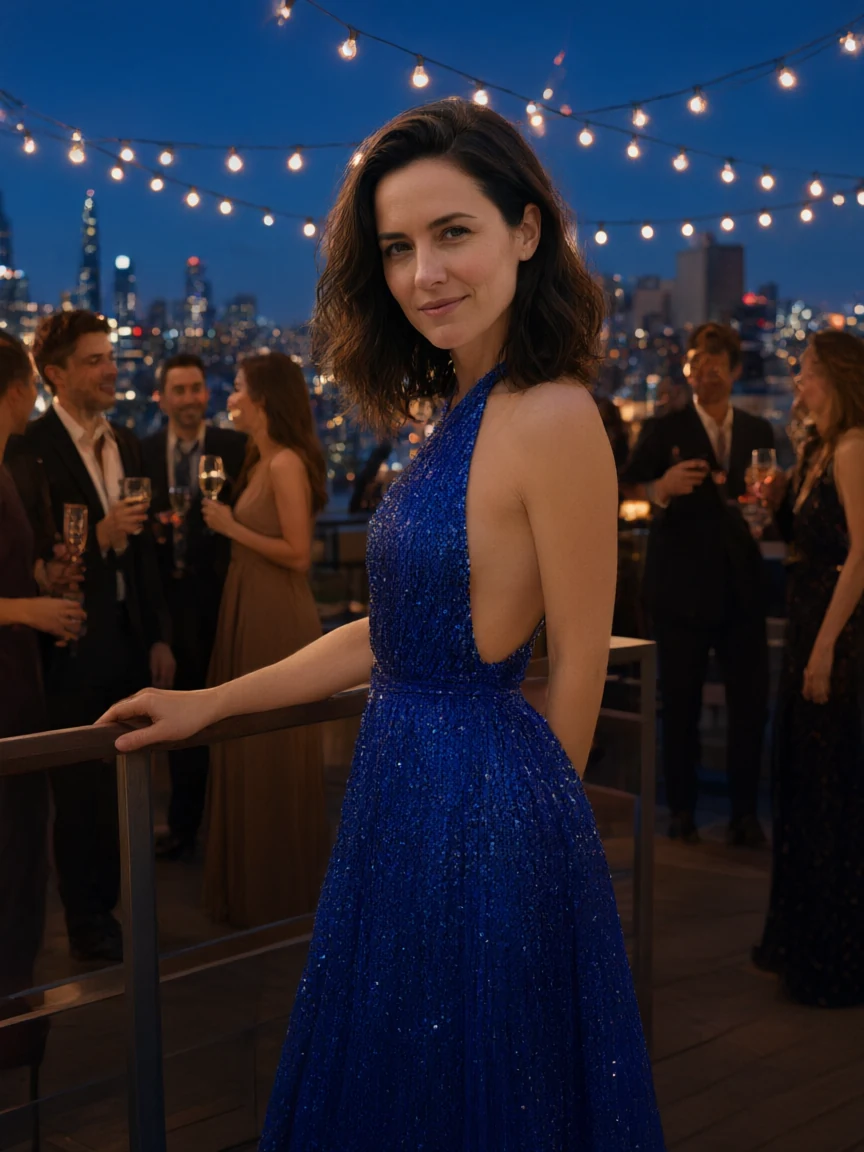
image_urls holds one photo, which the prompt names as Image 1: a woman in a white T-shirt and jeans on a plain rooftop in overcast daylight, one hand on the railing. The prompt first lists what must stay — her face, her hairstyle and her standing pose with that hand on the rail — then asks for a new setting and a new outfit. Both land: the rooftop becomes a blue-hour party with festoon lights criss-crossing overhead, a skyline lit to the horizon and guests holding glasses behind her, and the T-shirt and jeans become a royal-blue sequined halter-neck gown with an open back. Her face, her shoulder-length wavy hair and the three-quarter stance with her hand on the railing match the source. aspect_ratio 3:4 keeps the portrait shape of the source, resolution is 1k, and enable_prompt_expansion is false, so the instruction is applied as written.
A two-reference merge where the prompt assigns a role to each source. You need to provide both images yourself: a portrait to keep and a garment reference to take the outfit from.
API quick start
# Generate the idempotency key once; reuse it when retrying after a lost response.
export SPICY_IDEMPOTENCY_KEY="${SPICY_IDEMPOTENCY_KEY:-$(uuidgen)}"
curl -X POST https://api.spicyapi.ai/api/v1/jobs/createTask \
  -H "Authorization: Bearer $SPICY_API_KEY" \
  -H "Content-Type: application/json" \
  -H "Idempotency-Key: $SPICY_IDEMPOTENCY_KEY" \
  -d '{
  "model": "alibaba/qwen-image-3.0/edit",
  "input": {
    "aspect_ratio": "1:1",
    "image_urls": [
      "https://example.com/reference.png"
    ],
    "num_outputs": 1,
    "prompt": "A ceramic teapot on a linen cloth, soft window light, muted palette",
    "resolution": "2k"
  }
}'

# Copy data.taskId from the response into TASK_ID, then poll the status.
TASK_ID="TASK_ID_FROM_RESPONSE"
curl "https://api.spicyapi.ai/api/v1/jobs/recordInfo?taskId=$TASK_ID" \
  -H "Authorization: Bearer $SPICY_API_KEY"
See the API reference for authentication, the complete schema, polling, and error handling.