An NSFW AI image generator accepts your prompt, starts working, and returns a finished task. You open the image and discover that the scene has been changed into something much more restrained. Another service rejects the same brief immediately. A third accepts text prompts but refuses the reference image you need for a character series.
Those are three different experiences, and a ranking that gives each service a single “uncensored” tick hides the difference that matters to you.
For an adult-oriented image workflow, choose the exact generation or editing endpoint that supports your content category, then judge the delivered image. An accepted prompt and a successful task are necessary steps, but neither proves that the requested scene arrived. On SpicyAPI, Qwen Image 3.0 generation and editing are listed as uncensored; Wan 2.7 Pro illustrates why the task matters, with softened text-to-image and uncensored editing. These are endpoint labels, not a promise that every composition will work.
The useful way to understand filter layers is to separate what happens to the prompt, the reference image, and the output, while keeping the model’s learned limitations in view. These are observable checkpoints, not proof that every service has exactly three internal filters. Training-data selection is a different issue and cannot be audited by sending a few prompts.
This guide explains how to interpret each outcome, which choices follow from it, and when another reroll is simply spending money on the wrong tool.
What a three-layer ranking should tell you
Suppose you are making a paid character gallery with a fictional adult protagonist. You need a photographic style, several mature scenes, and a recognizable face across the set. The important questions are straightforward:
- Can the service accept the lawful adult brief you actually want to create?
- Can its editor accept your authorized source image and preserve the character?
- Does the delivered image meet the brief, or does it quietly change the important part?
A model that draws suggestive fashion well might become unreliable at a stronger adult category. An image editor might accept a source but replace the face, which makes it unsuitable for your series even without a refusal.
For a shortlist, separate content compatibility from picture quality. Content compatibility tells you whether the task is even a sensible candidate. Picture quality tells you whether it can produce the face, pose, lighting, and visual style your customer expects. A broad NSFW label is not a quality score.
An image-generator ranking becomes useful when it names the task, the tested category, and what happened to the actual image. It becomes misleading when “the API returned something” is treated as “the generator delivered everything.”
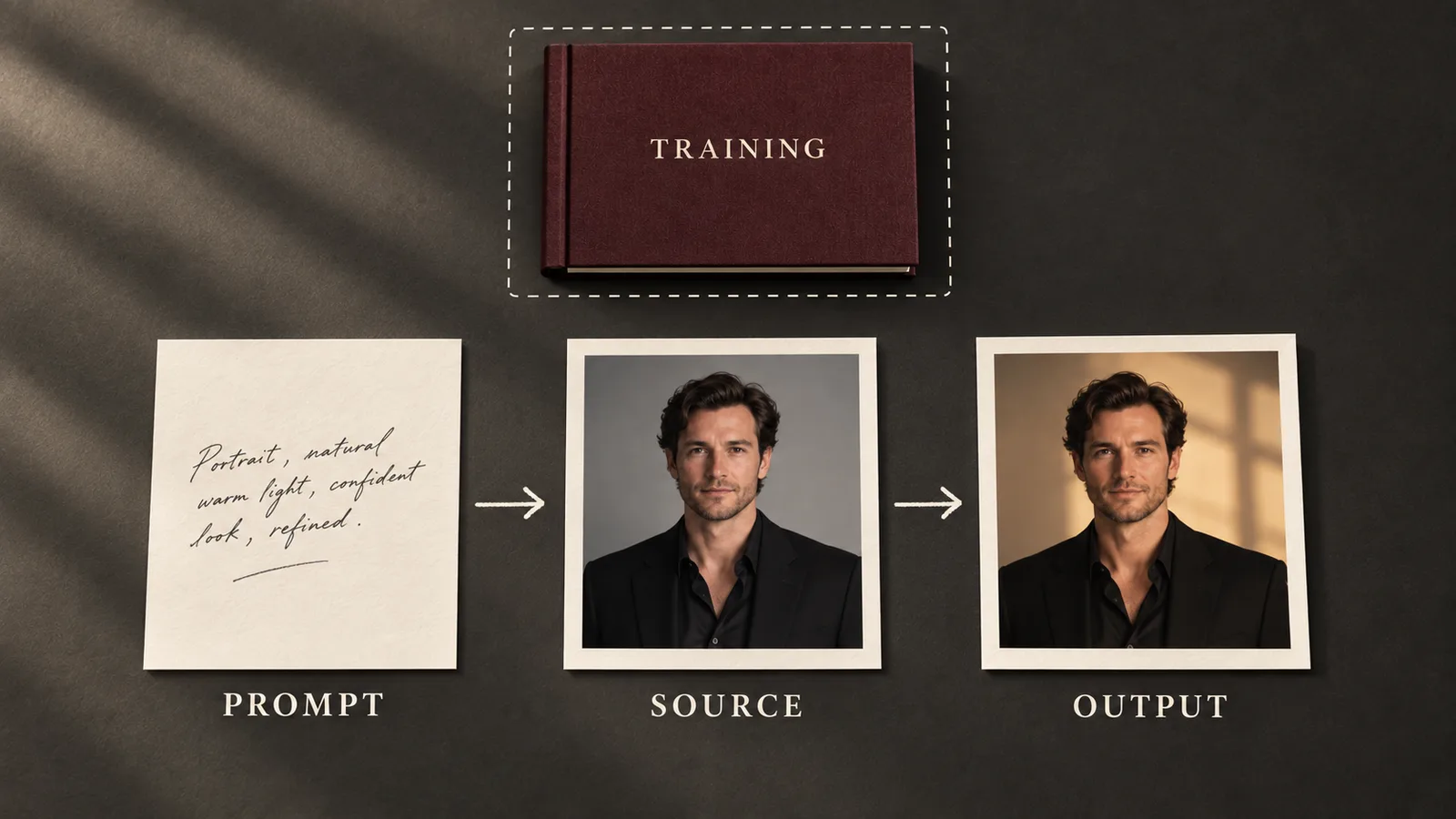
Illustration: three observable checkpoints in an image workflow; training decisions are outside this request diagram.
A practical shortlist by content behavior
The following entries illustrate real differences in SpicyAPI’s public catalogue. They are a workflow shortlist, not a new head-to-head image-quality benchmark. Prices are listed USD charges per output image at the named setting; confirm the quote for your selected input before submitting.
| Exact task | Listed behavior | Listed image price | What this means for your choice |
|---|---|---|---|
| Qwen Image 3.0 text-to-image | Uncensored | $0.03 at 1k or 2k | A candidate for new adult-oriented stills; examine the scene rather than looking for an unlock flag |
| Qwen Image 3.0 editing | Uncensored | $0.03 at 1k or 2k | A candidate when you already have a character image to revise |
| Wan 2.7 Pro text-to-image | Softened | $0.075 | Do not choose it expecting the same content behavior as the editor |
| Wan 2.7 Pro editing | Uncensored | $0.075 | Evaluate its source-based edit task separately from generation |
| Z-Image Spicy text-to-image | Uncensored | $0.01235 with prompt expansion off | An inexpensive candidate for new drafts; this task does not edit a saved character image |
| Nano Banana 2 text-to-image | Filtered | From $0.036 at 0.5k | Keep it for briefs within its supported range rather than buying it for unrestricted adult output |
For a new photographic NSFW workflow that will continue into edits, start by evaluating Qwen Image 3.0’s two tasks. For inexpensive independent draft images, consider Z-Image Spicy. If your existing source needs Wan’s editing workflow, evaluate that editor directly; its family name does not make the text-to-image task equivalent.
These choices follow from task availability, content labels, and public prices. They do not establish a universal winner for anatomy, identity, or prompt fidelity. The image-generator comparison provides an existing safe visual comparison and explains its sample limitations. Use its output observations for what they show; a public fashion scene does not establish a model’s maximum NSFW range.
Layer one: what happens to the prompt
A prompt can fail before you receive an image. The reason might be a content restriction, but it might also be an invalid input, an unavailable model, or an account problem. The repair depends on which one occurred.
If the response explicitly names a content rejection, first ask whether the intended scene belongs within that endpoint’s supported content range. Repeatedly submitting the unchanged brief to the same restricted task is a poor default. If your adult-oriented brief is lawful and permitted by the service, select a compatible endpoint instead of relying on a wording trick.
If the error instead names a missing field, an unsupported size, or an inaccessible reference URL, fix that input. Adding “uncensored” to the prompt cannot make an unsupported parameter valid. Likewise, a failed payment or exhausted balance tells you nothing about the model’s content behavior.
A prompt that starts generating is evidence that the request reached some later stage of that workflow. It does not reveal whether the platform checked keywords, analyzed meaning, rewrote the prompt, or applied another mechanism. Only the service’s documentation or a clear diagnostic response can support those more specific claims.
Google’s image safety documentation, for example, distinguishes model refusal from prompt blocking and response blocking. It names prompt feedback and output finish reasons for its own API. Those fields are useful evidence for that documented interface; they should not be assumed to exist on every other image API.
When changing the prompt is reasonable
There is a useful difference between clarifying a brief and trying to evade a service’s policy. If a lawful scene is ambiguous, specify the fictional adult subject, what they are doing, the clothing, and the composition. That makes your intent understandable. It does not guarantee acceptance, and it should not be presented as a way to unlock a prohibited category.
For an endpoint that already supports your intended scene, simplify competing directions. “Close-up portrait,” “full-length composition,” and “distant wide shot” in one brief are conflicting camera instructions. A cropped result may be the model following one of them, rather than a filter removing something. Resolve that conflict before concluding that the service censored the frame.
Layer two: the reference image can change the answer
Text-to-image and image editing need different evidence. A prompt-only run never tests whether an editor will accept your image, interpret it correctly, or keep the character recognizable.
For some services, image input is part of a documented safety system. OpenAI’s ChatGPT Images 2.5 system card describes checks involving text requests, image inputs, their combined intent, and generated outputs. That is a concrete example of a multilayer design. It does not prove that another company uses the same design or that every refusal happens at the same stage.
For your project, an input-image rejection and a broken image upload also look deceptively similar from a “generation failed” notification. Inspect the explanation. A content message requires a policy-compatible task. A file-format or download error requires a valid, reachable asset. An image that loaded but was ignored requires investigation of the edit instruction and model behavior.
Use a fictional adult character image, or an asset with documented consent and rights for the intended edit. Start with one source and one clear change. For example, changing the room lighting while preserving the face and clothing tells you more about the editor than asking it to change the subject, pose, setting, wardrobe, and visual style together.
If that simple edit succeeds, introduce the next change. If it fails only after adding a second reference, remove the second reference and check its role. An added style image may be influencing the face or wardrobe rather than contributing only a color palette. That is a reference-control problem unless there is evidence of a content block.
An “uncensored editor” can still be a bad fit when it redraws too much. Content freedom does not guarantee identity preservation, and a content badge cannot substitute for before-and-after inspection.
Layer three: the image you actually receive
There are two different problems after a request gets through: an image can be blocked from delivery, or the model can deliver an image that misses or softens the brief. Both disappoint the customer, but they require different explanations.
A documented output block says the service withheld an image for a content reason. A successful task with a downloadable image says you received an asset. It does not say that every requested detail is present. In an adult character product, a scene can become unusable because the framing changed, the intended mood disappeared, or the important visual relationship was omitted.
Before labeling a result “softened,” compare it with the exact instruction. If you asked for a loosely described glamorous portrait and got a restrained glamorous portrait, the prompt may simply have left too much unspecified. If you asked for two adult characters and got one, the problem could be counting or composition. Those are meaningful failures, but they are not enough to diagnose an internal safety layer.
The strongest practical evidence is a repeated, recognizable pattern: permitted ordinary scenes follow the instructions, while the same workflow consistently reduces a particular adult category. Record that as observed output behavior. You still do not know whether the cause is training, runtime guidance, prompt rewriting, or another implementation detail unless the service explains it.
Wan 2.7 Pro makes the purchasing implication concrete. Its text-to-image task is publicly labeled softened, even though the platform describes forwarding requests without an added scan. Buying more runs does not turn that task into its separately listed uncensored editor. Choose the task whose content behavior matches the work.
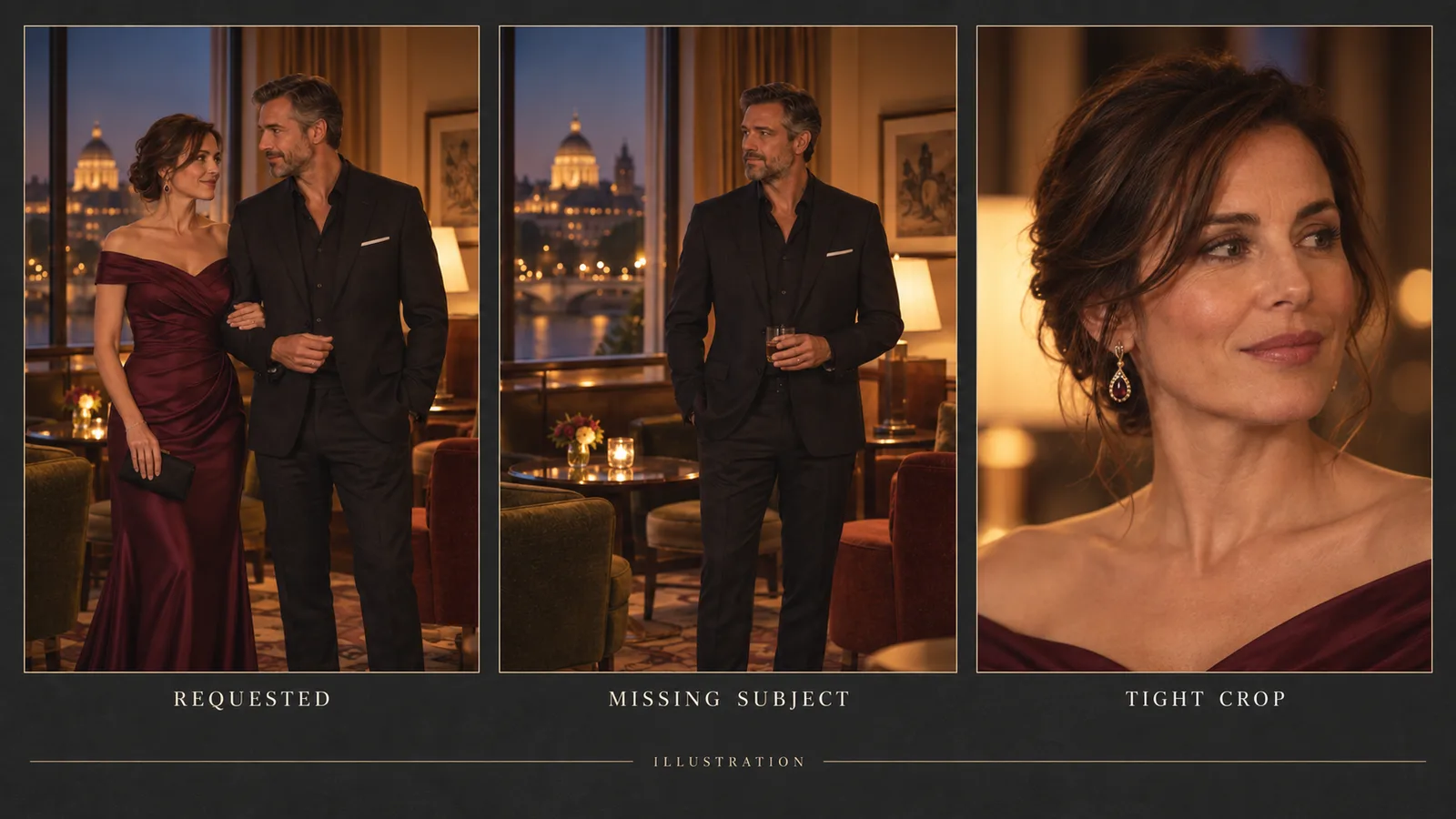
Illustration: missing subject and changed framing are two kinds of brief mismatch; these are not model test results.
Training filters are not a switch you can audit from a prompt
Some articles describe three layers as prompt filtering, output filtering, and training-data filtering. That terminology mixes things that occur during a request with decisions made when developing the model.
Training-data selection and later model development can influence what a model knows and what it tends to produce. But an external user cannot determine the contents of an undisclosed training dataset by trying a handful of adult prompts. A failed image does not establish that the relevant material was absent from training. A successful image does not establish that all such filtering was removed.
There are also moderation approaches that do not fit a simple keyword-gate-plus-output-checker diagram. The PromptGuard research paper describes safety guidance through a learned soft prompt in the text-to-image embedding space. It illustrates why observed behavior is insufficient to reconstruct an unknown system. It is a research method, not evidence that a particular commercial generator deploys it.
For a buyer, the useful question is narrower: does this exact hosted task reliably produce the lawful category my product offers? Ask for task-specific results and examples. Treat “training filter removed,” “all three layers disabled,” and “every prompt works” as claims requiring more evidence than a few selected images.
Self-hosting gives you more access to the runtime, but it does not automatically improve the model’s learned capabilities. The Diffusers Stable Diffusion documentation describes a pipeline safety checker as a component separate from the image-generation model. Knowing whether that component exists is different from knowing whether the checkpoint can draw your requested scene well.
Why an odd final image is not automatically censorship
A recurring community complaint is that an intermediate preview looks promising, then the final image changes. In a Stable Diffusion discussion about suspected hidden filtering, the author initially suspected a hidden filter, then updated the post to say that switching to the model creator’s recommended inpainting checkpoint resolved the problem. That is a useful reported fix for that workflow, rather than proof of a universal hidden filter. Other explanations in the comments, including preview decoding, were not confirmed causes.
That distinction matters when you troubleshoot a local workflow or judge a hosted service. An intermediate preview is not the delivered image. A decoding issue, incompatible editing setup, or overloaded instruction can produce a bad result without a content rejection.
If your complaint is “the face became waxy,” inspect the full-size output and the editing settings before searching for a censorship toggle. If your complaint is “the whole pose changed,” reduce the edit to one requested change and explicitly preserve the pose. If the same content category repeatedly becomes more restrained while ordinary versions behave correctly, that supports investigating softening rather than a random quality miss.
Keep the language in your application equally precise. “Content request rejected,” “reference image could not be loaded,” and “generated image did not meet the brief” should not all become “AI moderation error.” Mislabeling the failure sends your user toward the wrong fix and makes support harder.
What softening does to your actual image budget
When the API returns a billed image you cannot use, a low sticker price can hide expensive production. Compare the price of a usable result, including unsuccessful creative attempts, rather than counting completed jobs as finished work.
Here is an arithmetic example using Qwen Image 3.0’s listed $0.03 image price. Suppose you generate 20 images and keep eight. Image charges total $0.60, which works out to $0.075 per keeper. If you keep 15 from the same 20 requests, the image charge per keeper is $0.04.
Those keeper counts are hypothetical, not measured Qwen success rates. The example shows why content softening, incorrect anatomy, lost identity, and poor composition all affect the same budget even though they have different causes. Your application should distinguish the cause while your production budget includes the lost attempts.
A refusal can have a different billing outcome from a successfully delivered but unsuitable image. Check the service’s terms and the actual task charge; do not assume every failed request is billed or every content refusal is free across all APIs.
For a series, include edit passes after the first keeper. A generator without an editor may look cheaper until you repeatedly recreate a face. Match the task to the production stage before comparing the total.
Illustration: the production budget includes candidate images as well as the useful images you retain.
A small evaluation that answers a real purchase question
You do not need to publish a giant leaderboard before choosing your first endpoint. You need a short evaluation that represents the work you intend to sell. Use the same adult character and visual goal throughout, with authorized assets. The sequence below is a proposed evaluation, not a test run reported by this article.
First, generate an ordinary scene with your intended style and frame shape. This tells you whether the model can handle the basic photographic or illustrated brief. If it already misses the number of people or the pose, resolve that before treating a more complex failure as content filtering.
Second, run the lawful adult category your product actually offers. Compare the image against the defining elements of that category, not only against the ordinary control. A safe fashion control cannot prove broader NSFW support. Repeat only enough to see whether the result is an isolated miss or a pattern; decide the spending limit in advance.
Third, if your workflow needs editing, use the selected source image on the edit endpoint with one named change. Inspect the face, pose, and retained scene. This checks something a fresh text-to-image generation never checked.
When two tools differ, translate the same creative goal into their expected prompt style. A tag-oriented illustration model and a prose-oriented photographic model should not be compared on punctuation alone. Keep the scene and acceptance requirements equivalent while adapting the syntax.
The decision should be explicit: can this endpoint handle your category, can it preserve the parts your product needs, and is the cost per usable image acceptable? If any answer is no, choose another task or model. Increasing resolution, buying a paid plan, or extending the prompt does not automatically address that particular failure.
What to choose next
For adult-oriented stills that must continue into a character series, evaluate an uncensored generator with an available edit task first. Qwen Image 3.0 is a concrete starting candidate from the shortlist. For independent first-frame exploration, Z-Image Spicy’s cheaper image price is useful if the outputs meet your brief. For Wan 2.7 Pro, treat generation and editing as separate choices.
Use a filtered model for supported briefs in a mixed SFW and NSFW product, rather than promising that every model can perform every category. Keep consent, rights, and your own product boundaries separate from a technical filter label; SpicyAPI’s content policy still applies to uncensored routes.
A worthwhile ranking gives you the evidence to make those choices. A badge saying “three layers removed” does not tell you whether your customer will receive the character, scene, or edit they paid for.
FAQ
Does an accepted NSFW prompt mean there is no filter?
No. It shows that the request passed that stage of the workflow. Input-image handling, output handling, and the model’s own behavior can still affect the result.
Can a completed task still be softened?
Yes. A successful task can deliver an image that tones down or omits the requested scene. Review the asset itself; completion is not a content-fidelity guarantee.
Does an uncensored family label apply to every task?
Check each task. Wan 2.7 Pro’s public entries distinguish softened text-to-image from uncensored editing, so the family name alone is insufficient.
Can I prove training filters were removed by testing prompts?
No. Prompt tests show the behavior of the tested workflow, not an undisclosed training dataset or internal architecture. Claims about training require separate evidence.
Should I keep retrying a content refusal?
Do not automatically resubmit the same rejected request. Check the explanation and the endpoint’s supported content range. Correct technical input errors, clarify lawful ambiguity, or choose a compatible task under the service’s rules.