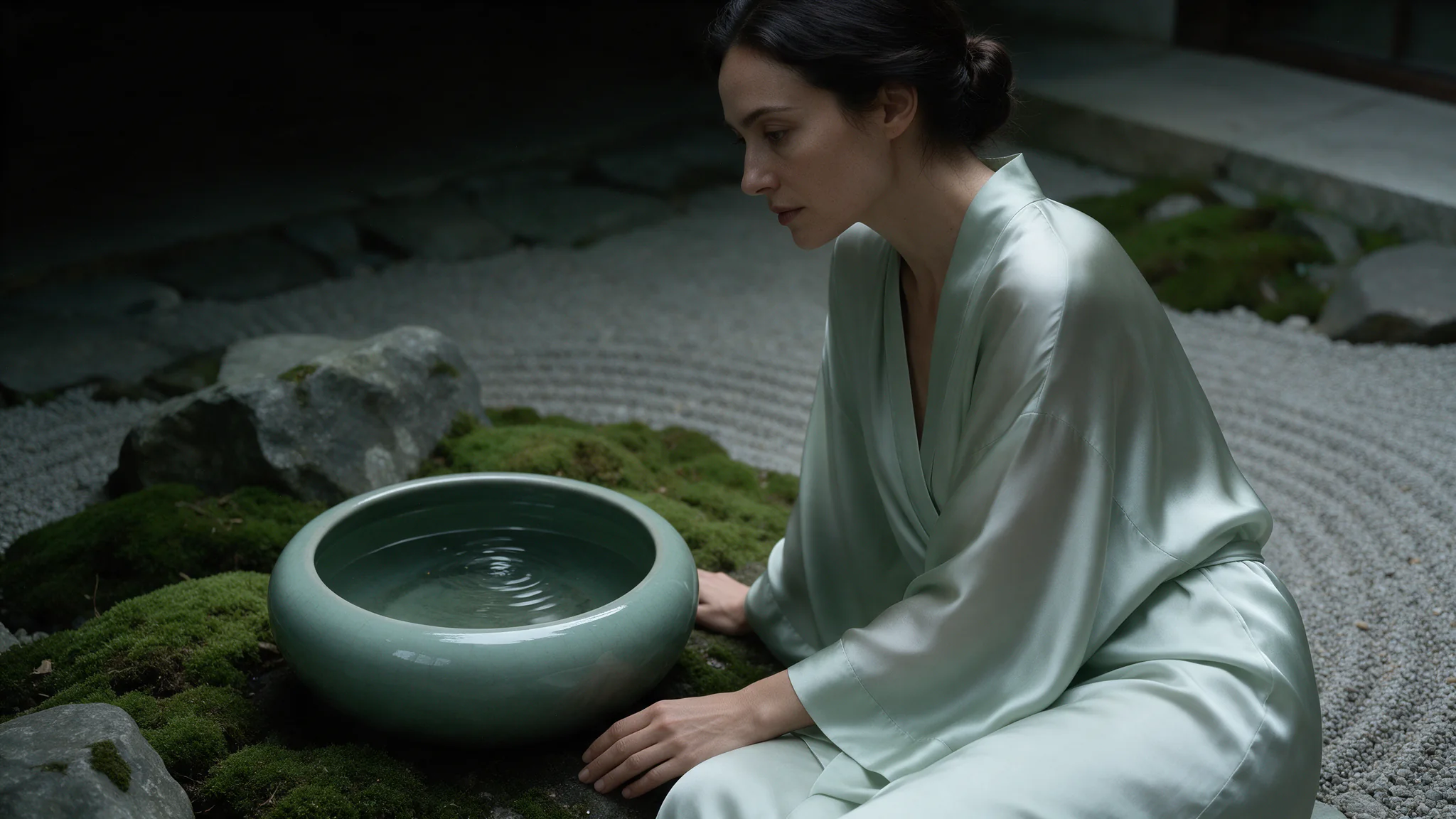
Introduction
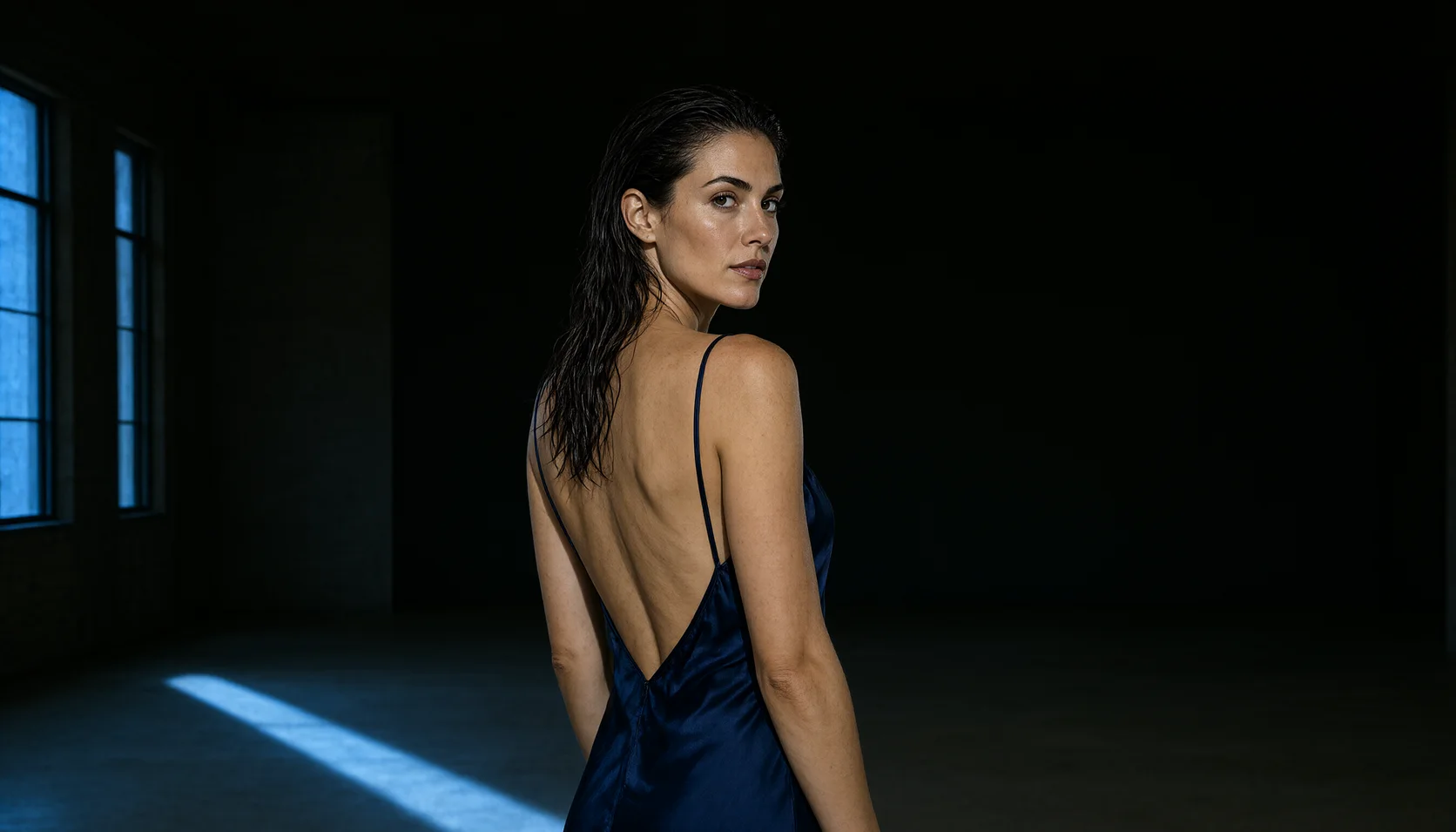
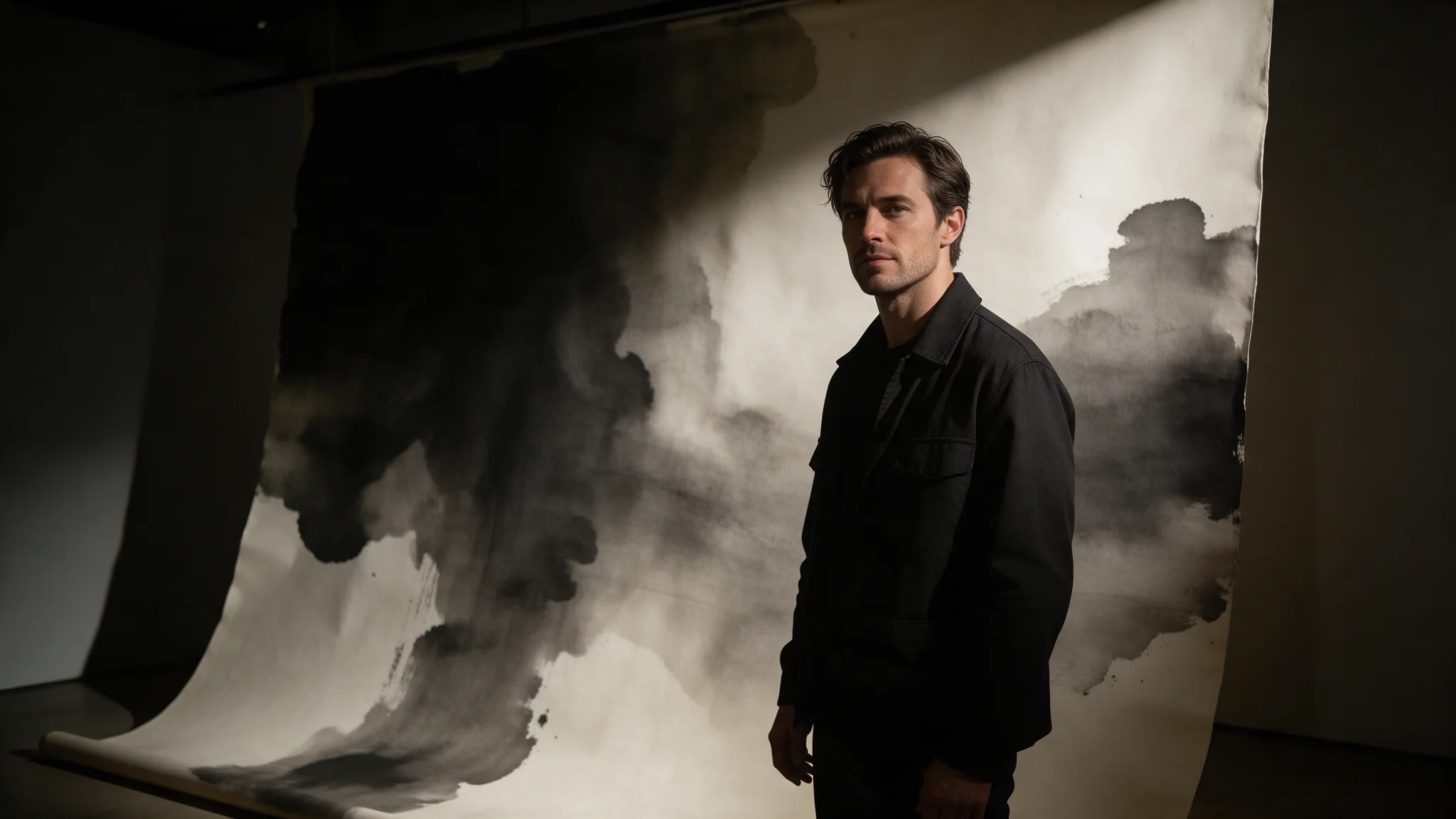
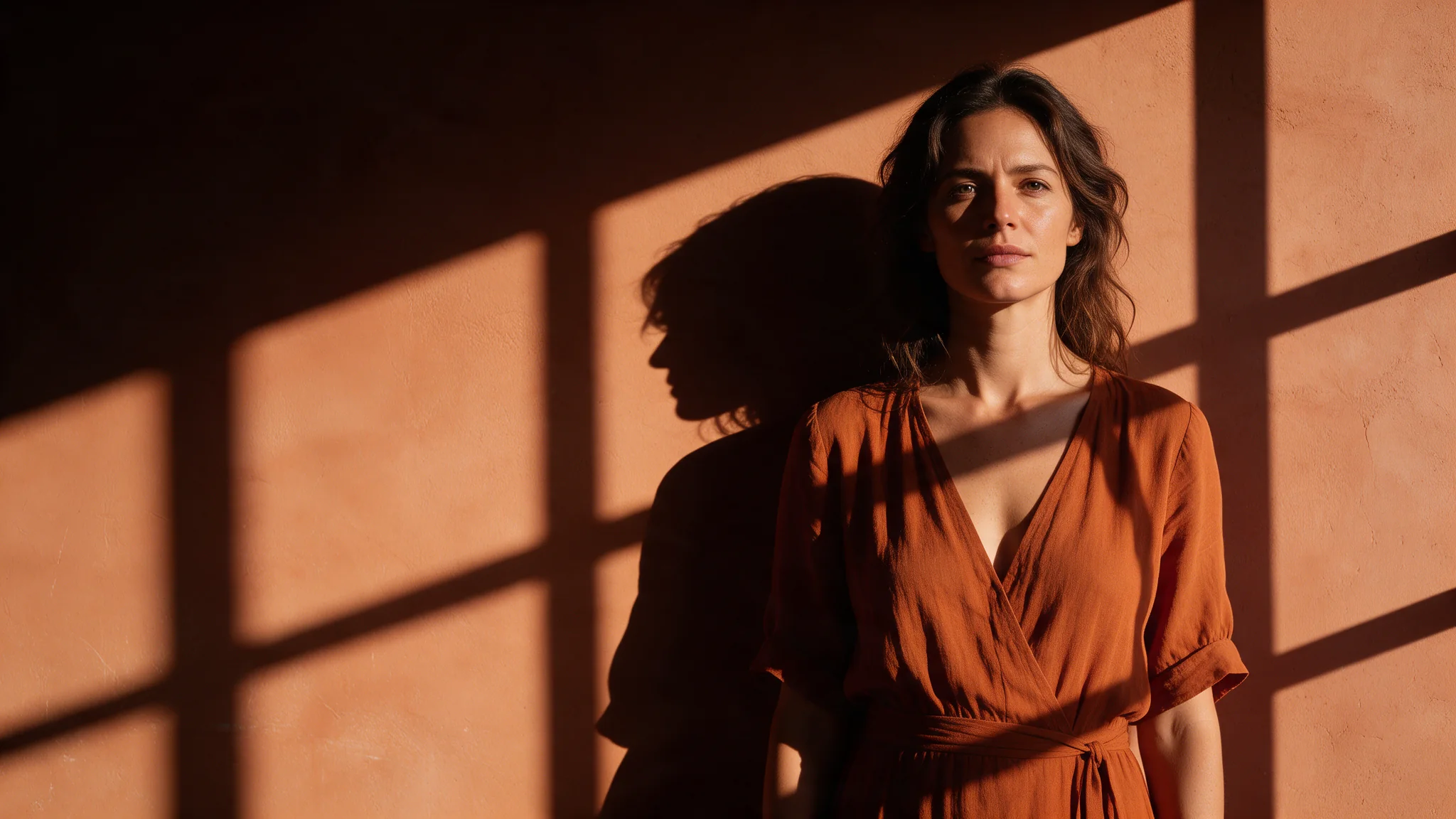
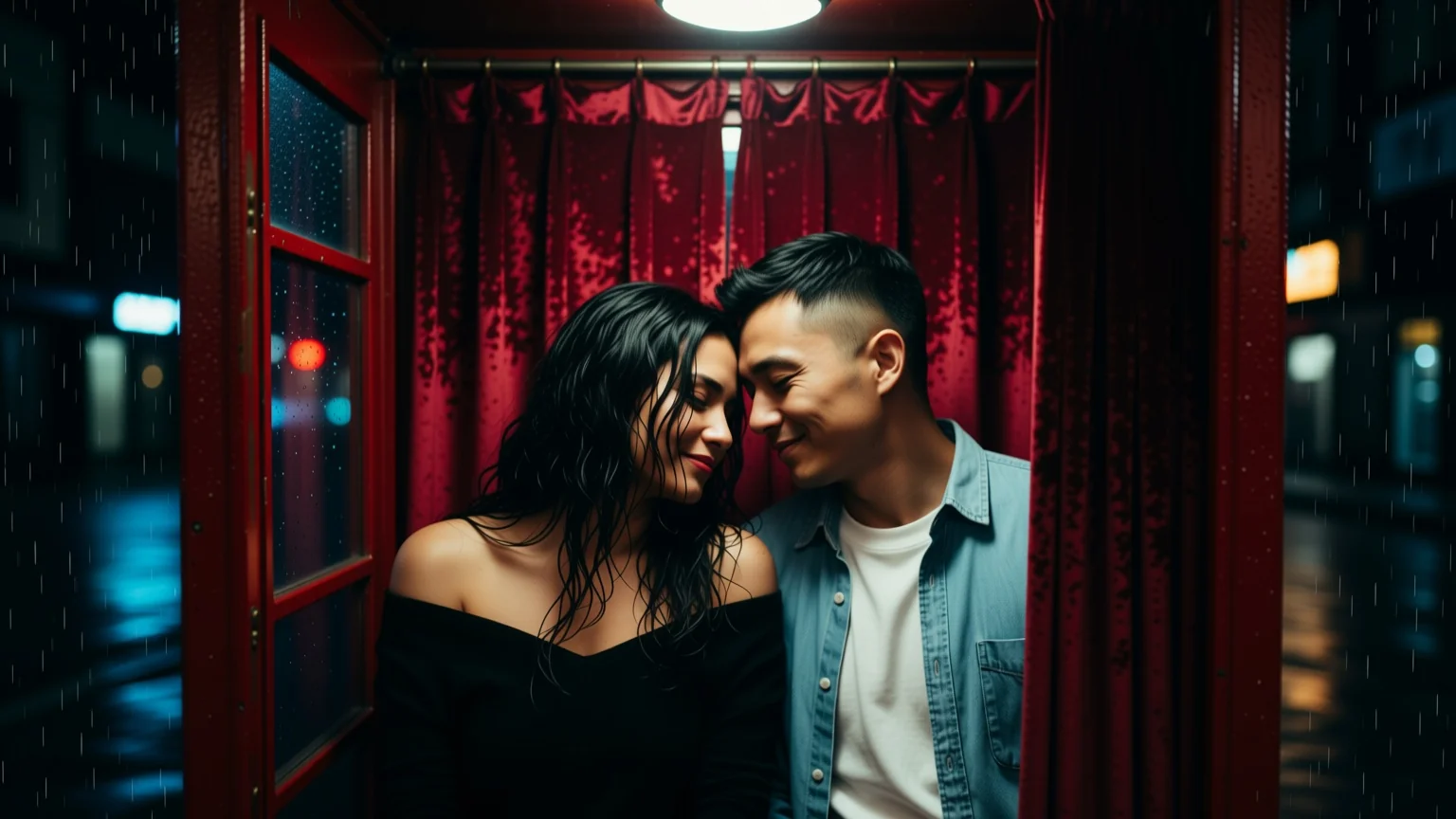
Qwen Image 3.0 Text to Image turns a written brief into one image per request. Its distinguishing behaviour is typography: strings you put in quotes — a door hanger, a bar sign, a poster headline — are rendered as text rather than as letter-shaped texture.
Qwen Image 3.0 is Alibaba's text-rendering image model: 5,000-character prompts, eight aspect ratios, a 1K or 2K tier, and an editing endpoint that reads one to three references. Uncensored, with no flag to set.
Choose a Qwen Image 3.0 mode by starting material
| Starting material | Mode |
|---|---|
| A written art direction or design brief | Qwen Image 3.0 Text to Image |
| An approved source image to revise | Qwen Image 3.0 Image Editing |
Key features & highlights
Text-aware image composition
Qwen Image 3.0 is useful for visual concepts in which supplied wording, composition and image treatment must be considered together. Treat generated lettering as a design draft and proofread it before publication.
New composition and source-led revision are separate jobs
Use text-to-image to establish a visual from a written brief. Use image editing when an existing image supplies the identity, layout or material that must be retained while a defined change is made.
Review hierarchy before decorative detail
For posters, packaging and campaign concepts, decide the message hierarchy and focal area first. A visually appealing result still fails the assignment if the approved copy or product facts are not represented correctly.
Request parameters
| Parameter | Required | Description |
|---|---|---|
prompt | Yes | Up to 5,000 characters, Chinese or English, no language flag. Put every string that must appear in the picture inside single quotes and keep each one to roughly eight words. at least 1 characters · at most 5000 characters |
aspect_ratio | No | Composes the frame before generation rather than cropping afterwards, so choose the shape the image will be published at. All eight ratios cost the same per image. |
resolution | No | 1k or 2k, default 2k, and the only price variant here. Generate anything with readable text at 2k; 1k is for fast layout roughs where nothing has to be legible. |
num_outputs | No | Fixed at 1: each request returns one image. For a contact sheet from one brief, send parallel requests without a seed; each is quoted and settled on its own. |
enable_prompt_expansion | No | On by default on this family. It fills out thin briefs and rewrites detailed ones, so turn it off once your prompt is a precise shot description. Default: |
negative_prompt | No | Up to 2,000 characters of exclusions, kept out of the main prompt. Worth spending on watermarks, duplicated limbs and garbled lettering when a frame carries type. at most 2000 characters |
prompt_optimization_mode | No | How prompt expansion rewrites your brief while |
seed | No | Omit it while exploring and every call draws its own. Fix it once a frame works, then change one other field at a time to see what each change did. |
Pricing
| Specification | Price |
|---|---|
| $0.03 / image |
| $0.03 / image |
Use cases
Start from a written brief
Use this mode when the picture has no source yet and some of its wording has to read: a sign, a label, a headline. Choose the ratio you will publish at, keep resolution at 2k, and put each string in single quotes inside the prompt.
Character sets and fashion series
Styling prompts that other APIs turn away run here without a flag. Pin the seed that gave you the character, then change one detail per request — wardrobe, light, pose — for a coherent set rather than a pile of unrelated draws.
Poster and packaging comps
Headline, subhead and a legal line, all rendered in the frame at 2k, in the ratio the placement actually uses. Useful for pitching a layout before a designer sets real type over a clean plate.
Hospitality and set-dressing plates
Hotel rooms, bars and lobbies where a specific sign has to read correctly: door hangers, room numbers, cocktail menus, neon above the back bar. Generate the plate with the wording already in place instead of compositing type over a render afterwards.
Prompt guide & pro tips
Choose the ratio and the tier first
aspect_ratio composes the frame, it does not crop one, so pick the shape you will publish at. Leave resolution at 2k whenever the image contains text; drop to 1k only for layout roughs where nothing has to be readable.
Write the scene and quote the wording verbatim
Describe subject, wardrobe, light and lens, then put each exact string in single quotes and keep it to roughly eight words. enable_prompt_expansion is on by default and rewrites detailed prompts, so turn it off once your wording is a precise shot description.
Adapt the included example
Start with the published example using aspect_ratio: 3:4, resolution: 2k. Replace the subject and creative direction while keeping the input contract for this mode intact.
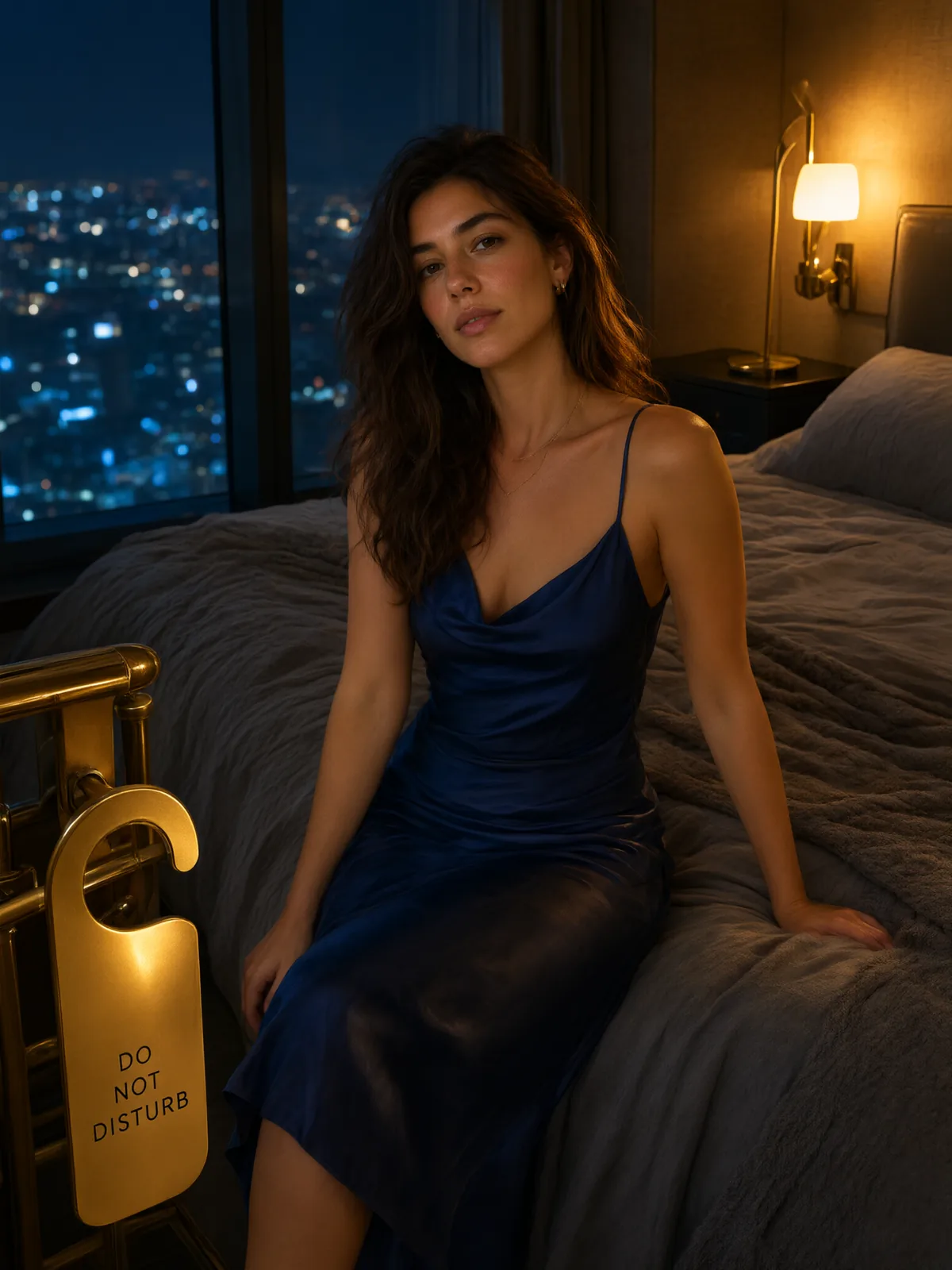
Editorial photograph, an adult woman sitting on a hotel bed in a navy satin slip dress, city lights blurred through the window behind her, a brass door hanger hanging in sharp foreground reading 'DO NOT DISTURB', warm tungsten bedside lamp, cinematic 35mm, shallow focus, moody blue and amber palette.
The exact request behind the published still: a 3:4 hotel scene at the 2k tier with the door-hanger wording quoted in the prompt.
Check the result before iterating
Short quoted strings are the reliable case: a masthead, a sign, a label, roughly eight words or fewer per element. Paragraph-length body copy still degrades into plausible-looking nonsense, and dense small type is the first thing to break at the 1k tier — generate typography at 2k. Non-Latin scripts render, but proofread them; the model is more confident than it is correct on rare glyphs.
API quick start
# Generate the idempotency key once; reuse it when retrying after a lost response.
export SPICY_IDEMPOTENCY_KEY="${SPICY_IDEMPOTENCY_KEY:-$(uuidgen)}"
curl -X POST https://api.spicyapi.ai/api/v1/jobs/createTask \
  -H "Authorization: Bearer $SPICY_API_KEY" \
  -H "Content-Type: application/json" \
  -H "Idempotency-Key: $SPICY_IDEMPOTENCY_KEY" \
  -d '{
  "model": "alibaba/qwen-image-3.0/text-to-image",
  "input": {
    "prompt": "A ceramic teapot on a linen cloth, soft window light, muted palette",
    "resolution": "2k",
    "num_outputs": 1,
    "aspect_ratio": "1:1",
    "prompt_optimization_mode": "direct"
  }
}'

# Copy data.taskId from the response into TASK_ID, then poll the status.
TASK_ID="TASK_ID_FROM_RESPONSE"
curl "https://api.spicyapi.ai/api/v1/jobs/recordInfo?taskId=$TASK_ID" \
  -H "Authorization: Bearer $SPICY_API_KEY"
See the API reference for authentication, the complete schema, polling, and error handling.