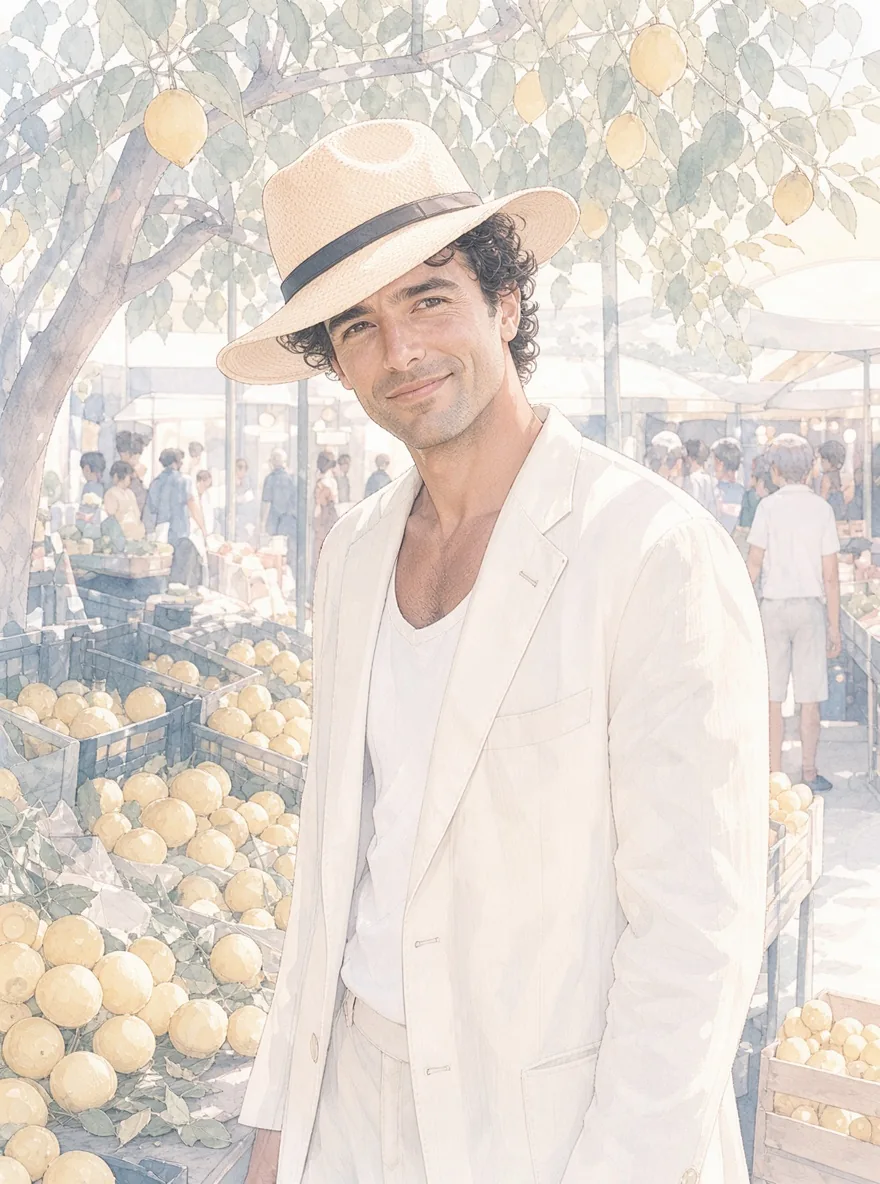
Introduction
FLUX 3 Klein LoRA Image editing changes one to three reference images you upload on Black Forest Labs' FLUX 3 Klein, the 5.6B open-weights model released in October 2026, in its step-distilled build, with up to three of your own LoRA files loaded from direct links. Choose 1k or 2k and one of fifteen aspect ratios, get a JPEG, PNG or WebP back, and pay per image. The platform adds no content filter.
Choose a mode by starting material
| What you have | Mode |
|---|---|
| a written description | FLUX 3 Klein LoRA Text to image |
| one to three images to change | FLUX 3 Klein LoRA Image editing |
Key features & highlights
Your LoRAs on the newest Klein
A pastel style LoRA trained on FLUX 3 Klein Base loaded on this distilled build in our tests and changed the look at every strength: 0.5 a light wash, 1 a full illustration, 2 a heavy cartoon style. FLUX.2 klein LoRAs ran without an error and changed nothing, and two LoRAs saved in diffusers format changed almost nothing, so compare the same seed with and without the file.
Name each source
Write <ref_image_1>, <ref_image_2> and <ref_image_3> in the prompt, in upload order, the notation Black Forest Labs documents for this model. In our tests a garment or a hat from one photo went onto a person from another, with the face kept.
No content filter
Prompts, sources, LoRA files and results are not reviewed. In our tests unfiltered portraits of adult women came through and unfiltered edits were carried out as asked; only the strongest requests came back toned down by the model itself, and a LoRA trained for unfiltered work on FLUX 3 Klein is the way past that.
Request parameters
| Parameter | Required | Description |
|---|---|---|
prompt | Yes | Required, up to 5,000 characters. Put the LoRA's trigger word first, name sources as < |
image_urls | Yes | Required, one to three public image links, up to 10 MB each, in the order your prompt refers to them. A link that does not open or is not an image fails the request. at least 1 items · at most 3 items |
aspect_ratio | No | auto (default) keeps the first image's shape; or pick one of fifteen shapes from 3:1 to 1:3. Does not change the price. |
resolution | No | 1k (default) is about one megapixel; 2k is about four. 2k costs more. |
loras | No | Up to three {path, scale} entries trained for FLUX 3 Klein or its Base build; scale 0 to 4. Default: |
output_format | No | jpeg (default), png or webp. Same price for all three. |
seed | No | Optional, 0 to 2,147,483,647. Reuse it to compare LoRA strengths on the same sources. |
Pricing
Billed per image by size tier (1k or 2k); each reference image after the first adds a small charge. Aspect ratio, file format and the number of LoRAs do not change the price.
| Specification | Price |
|---|---|
| $0.0252 / image |
| $0.0828 / image |
Use cases
Outfit and prop swaps
Put a dress, hat or jacket from a product photo on a person from another photo in one request.
Relighting and restyling
Turn morning into sunset or noon into blue hour while the face and the room stay.
Hub LoRAs as an API
Paste a direct link to a FLUX 3 Klein LoRA, set the strength and write the prompt; up to three LoRAs stack in one request.
Prompt guide & pro tips
Write a full caption
Start with the LoRA's trigger word, then describe framing, subject, clothing, place, light and lens in full sentences. There is no negative prompt, so say what you want rather than what to avoid.
List what stays
Next to the change, name what must not move: face, hair, pose, the room. Without it the model is free to reinterpret the whole frame.
Move the strength in small steps
Start at 0.6 to 1 in text to image and 1.2 to 1.5 in editing, and watch faces first: a strong style LoRA can make an adult face look cartoonish.
Draft at 1k, finish at 2k
Fix the seed while you work at 1k, then rerun the same inputs at 2k for the final image.
API quick start
# Generate the idempotency key once; reuse it when retrying after a lost response.
export SPICY_IDEMPOTENCY_KEY="${SPICY_IDEMPOTENCY_KEY:-$(uuidgen)}"
curl -X POST https://api.spicyapi.ai/api/v1/jobs/createTask \
  -H "Authorization: Bearer $SPICY_API_KEY" \
  -H "Content-Type: application/json" \
  -H "Idempotency-Key: $SPICY_IDEMPOTENCY_KEY" \
  -d '{
  "model": "black-forest-labs/flux-3-klein-lora/edit",
  "input": {
    "aspect_ratio": "auto",
    "image_urls": [
      "https://example.com/reference.png"
    ],
    "output_format": "jpeg",
    "prompt": "A ceramic teapot on a linen cloth, soft window light, muted palette",
    "resolution": "1k"
  }
}'

# Copy data.taskId from the response into TASK_ID, then poll the status.
TASK_ID="TASK_ID_FROM_RESPONSE"
curl "https://api.spicyapi.ai/api/v1/jobs/recordInfo?taskId=$TASK_ID" \
  -H "Authorization: Bearer $SPICY_API_KEY"
See the API reference for authentication, the complete schema, polling, and error handling.