Introduction
FLUX.2 [klein] 9B Edit is the editing mode of Black Forest Labs' small, fast image model, released on 15 January 2026. It accepts one to three source images and an instruction, returns a JPEG at about one megapixel or at the 1k or 2k tier you choose, and has no content filter.
Choose a mode by starting material
| What you have | Mode |
|---|---|
| a written brief | FLUX.2 Klein 9B Text to image |
| images to change | FLUX.2 Klein 9B Edit |
Key features & highlights
Same person, new look
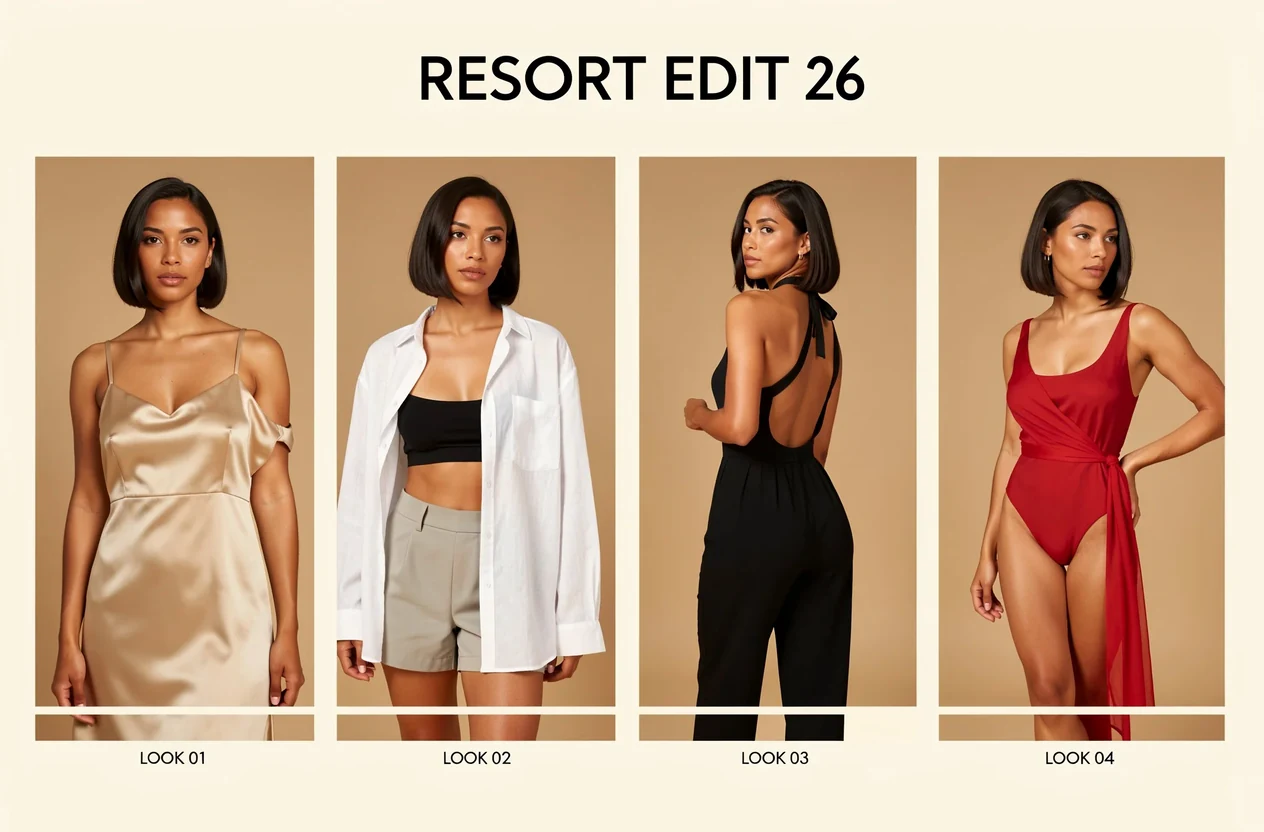
In our tests the face, hair and pose carried through changes of outfit and background. List what must stay, then describe the change.
Resize while you edit
Choose a shape and a size tier, and the edit comes back at 2048 pixels on the long side. With auto it keeps the source shape.
One flat price
An edit costs the same with one source or three, at 1k or 2k.
Request parameters
| Parameter | Required | Description |
|---|---|---|
prompt | Yes | Required, up to 5,000 characters. Say what to change and what must stay the same, for example the face, hair and pose, and name any new garments. at least 1 characters · at most 5000 characters |
image_urls | Yes | Required, one to three source images, up to 10 MB each, in the order your prompt refers to them. The number of images does not change the price. at least 1 items · at most 3 items |
aspect_ratio | No | auto (default) keeps the shape of the first source image at about one megapixel; or choose one of nine shapes from 21:9 to 9:21. The shape does not change the price. |
resolution | No | 1k (default) or 2k, used only when you choose an aspect ratio; with auto the result stays at about one megapixel. Does not change the price. |
seed | No | Optional whole number from 0 to 2,147,483,647. Reuse it to compare prompt changes side by side; leave it empty for a random one. |
Pricing
$0.016 / image
One flat price per image, whatever the number of source images and whether the size is 1k or 2k. Failed or refused requests are not charged.
Use cases
Outfit and scene swaps
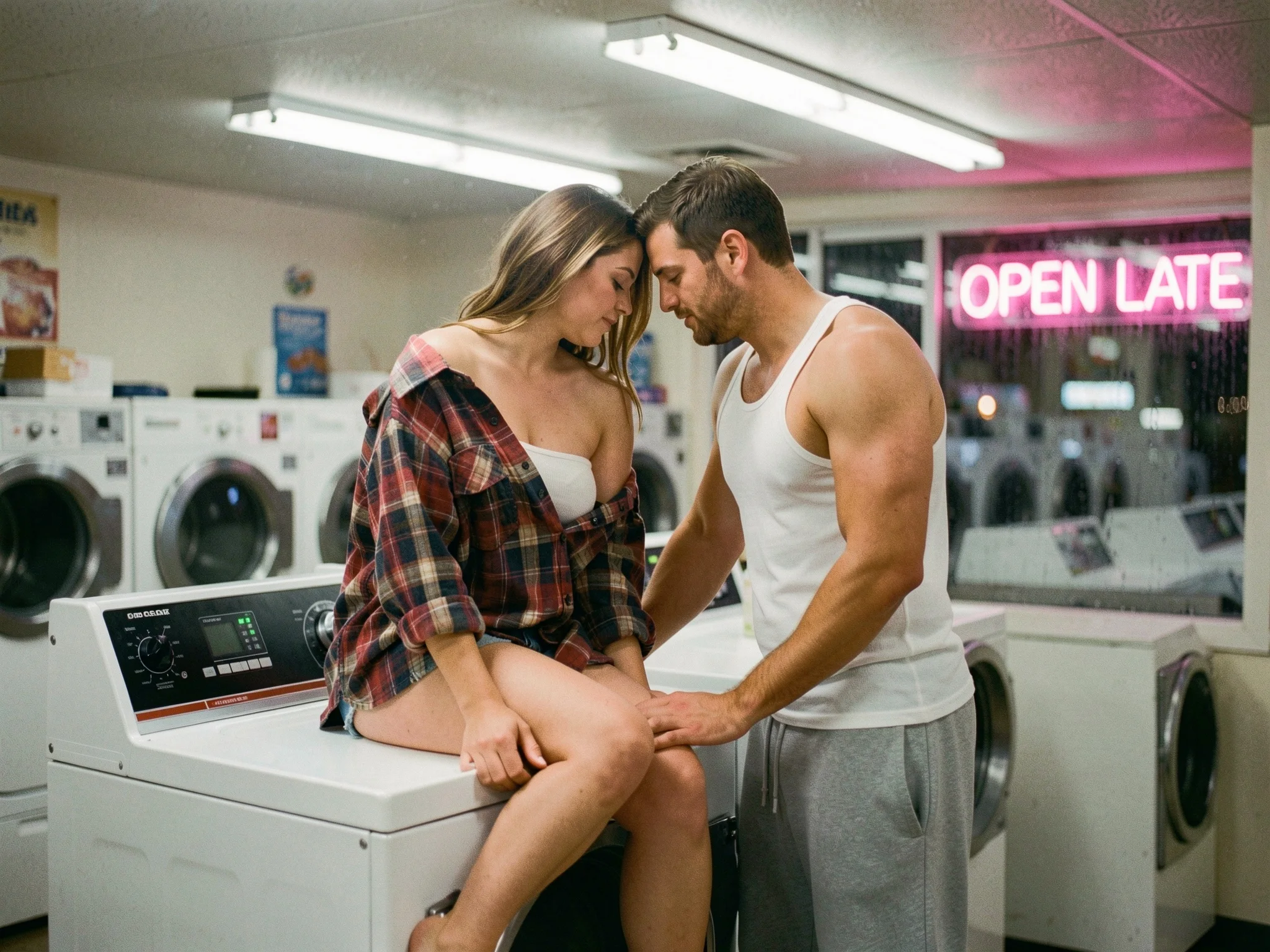
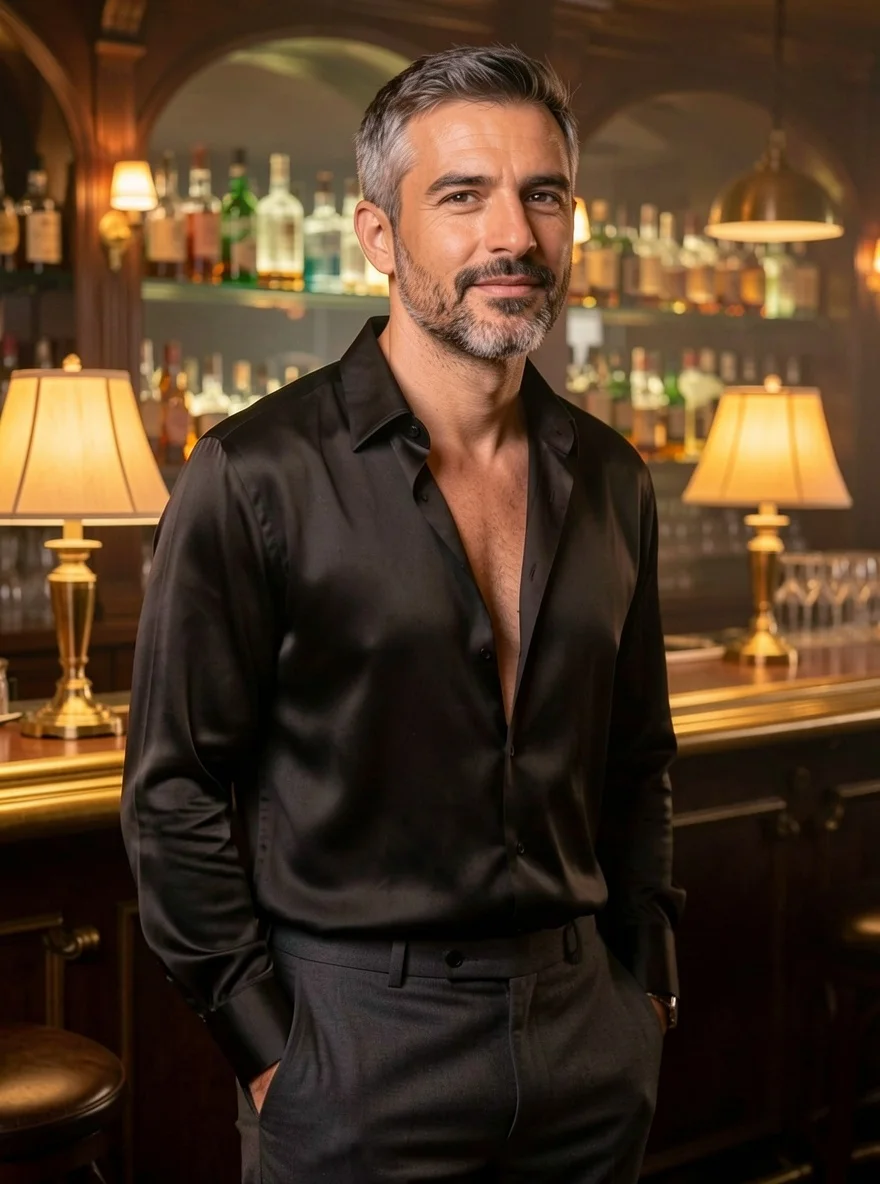
Change the clothes, the room or the time of day while the people stay recognisable.
Quick variations of a photo
Several moods of one picture in the time of one coffee.
Combining up to three sources
A person, a place and an item brought into one frame, each named in the prompt.
Prompt guide & pro tips
Name what stays
Face, hair, pose, seat. Then describe the change in one or two sentences.
Name the new garments
Say the cut and fabric you want; in our tests edits followed the garments named in the prompt.
Change one thing at a time
For bigger transformations, chain two edits.
Pick a shape for 2k
Auto gives about one megapixel; choose a shape if you want the 2k tier.
Check hands and faces
Small models can slip on both. Try another seed if one does.
API quick start
# Generate the idempotency key once; reuse it when retrying after a lost response.
export SPICY_IDEMPOTENCY_KEY="${SPICY_IDEMPOTENCY_KEY:-$(uuidgen)}"
curl -X POST https://api.spicyapi.ai/api/v1/jobs/createTask \
  -H "Authorization: Bearer $SPICY_API_KEY" \
  -H "Content-Type: application/json" \
  -H "Idempotency-Key: $SPICY_IDEMPOTENCY_KEY" \
  -d '{
  "model": "black-forest-labs/flux-2-klein-9b/edit",
  "input": {
    "aspect_ratio": "auto",
    "image_urls": [
      "https://example.com/reference.png"
    ],
    "prompt": "A ceramic teapot on a linen cloth, soft window light, muted palette",
    "resolution": "1k"
  }
}'

# Copy data.taskId from the response into TASK_ID, then poll the status.
TASK_ID="TASK_ID_FROM_RESPONSE"
curl "https://api.spicyapi.ai/api/v1/jobs/recordInfo?taskId=$TASK_ID" \
  -H "Authorization: Bearer $SPICY_API_KEY"
See the API reference for authentication, the complete schema, polling, and error handling.