Introduction
FLUX.2 Klein Base 9B LoRA Image editing changes one to three source images from a written instruction on Black Forest Labs' undistilled FLUX.2 [klein] Base 9B, with up to three of your own LoRA files loaded. Keep the source shape with auto or pick one of nine shapes at 1k or 2k. Edits took about half a minute at 1k in our tests, and nothing is filtered.
Choose a mode by starting material
| What you have | Mode |
|---|---|
| a written description and a LoRA | FLUX.2 Klein Base 9B LoRA Text to image |
| one to three images to change | FLUX.2 Klein Base 9B LoRA Image editing |
Key features & highlights
Same person, new place
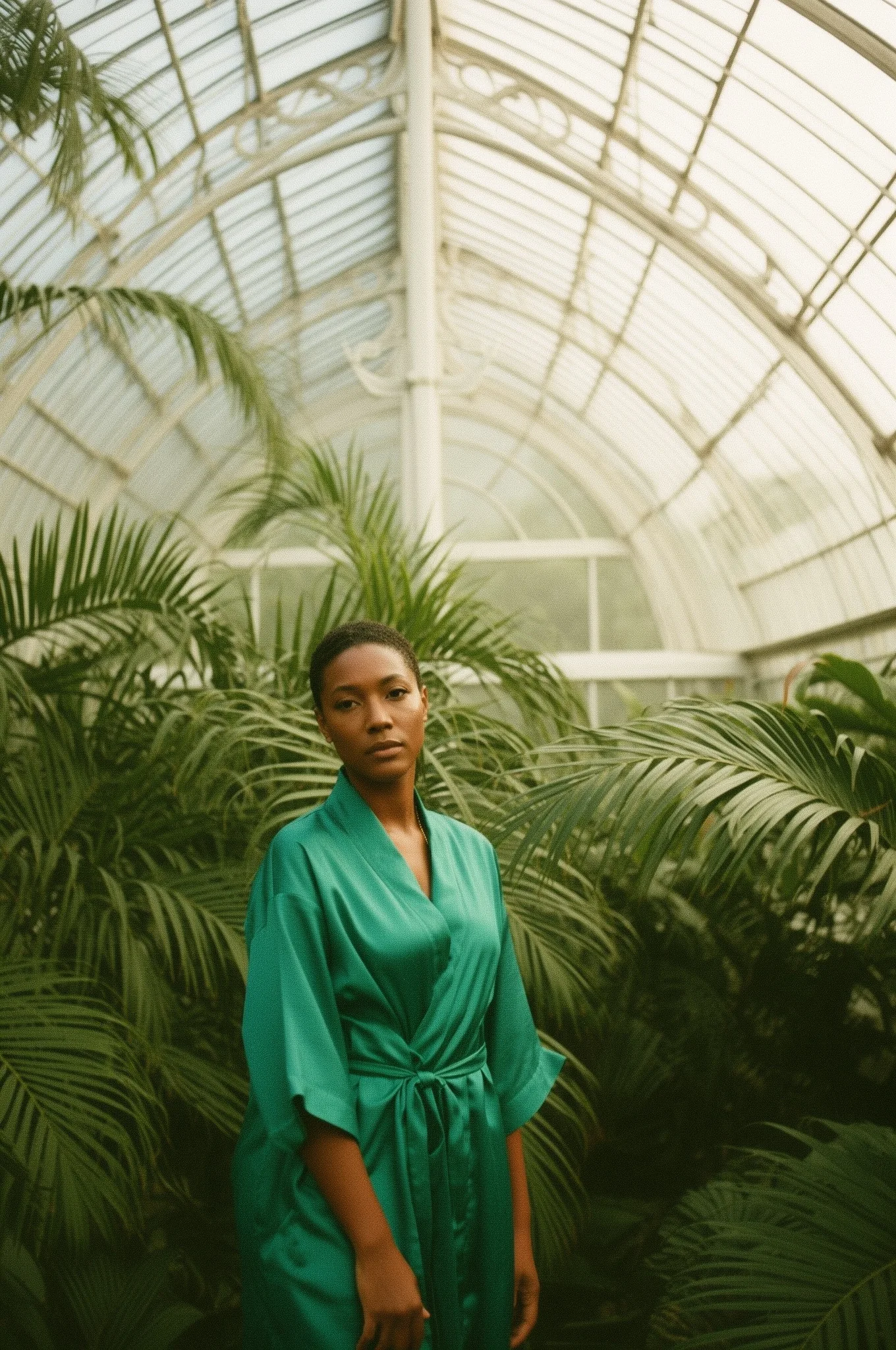
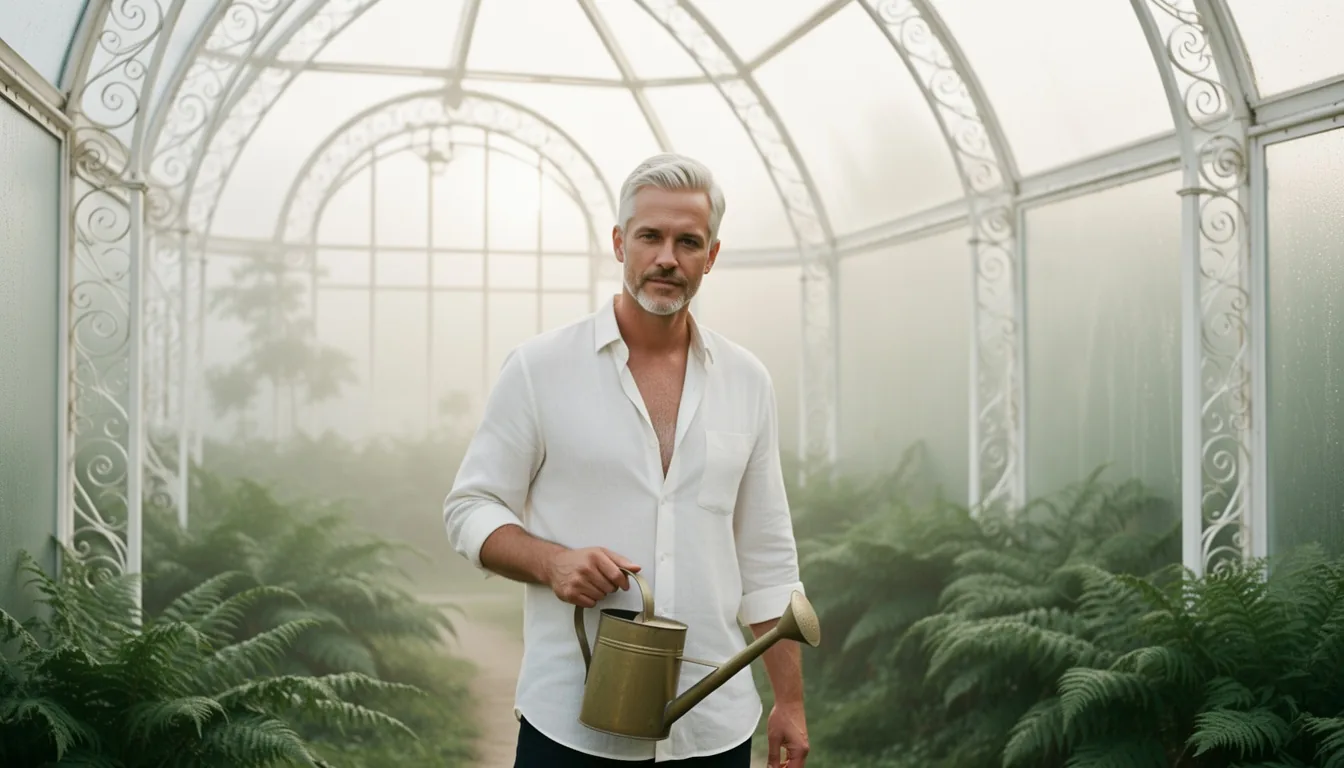
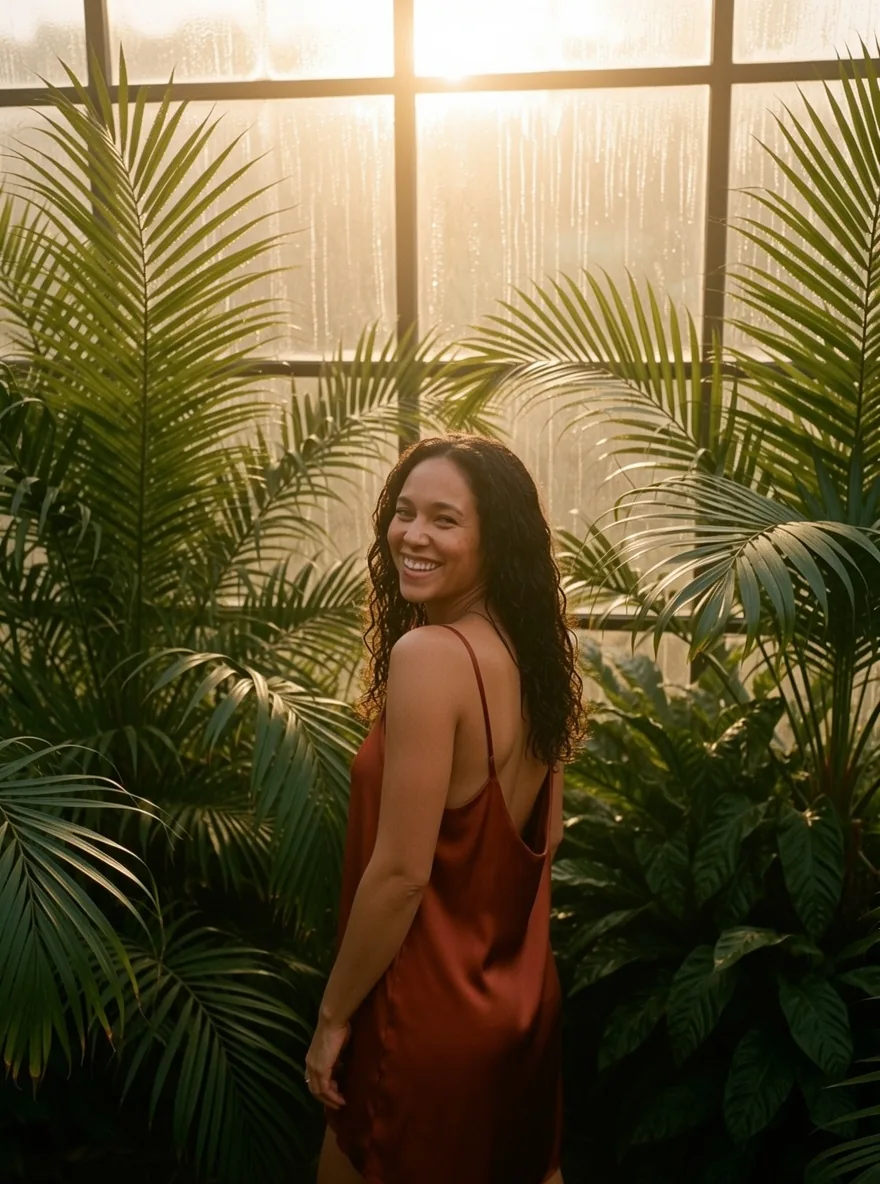
A street portrait at a crosswalk moved into a glasshouse at dawn in a rust silk dress, with her face, curls and smile kept. An office portrait became a linen shirt and a watering can in a fern house, silver hair and stubble intact.
Two portraits, one scene
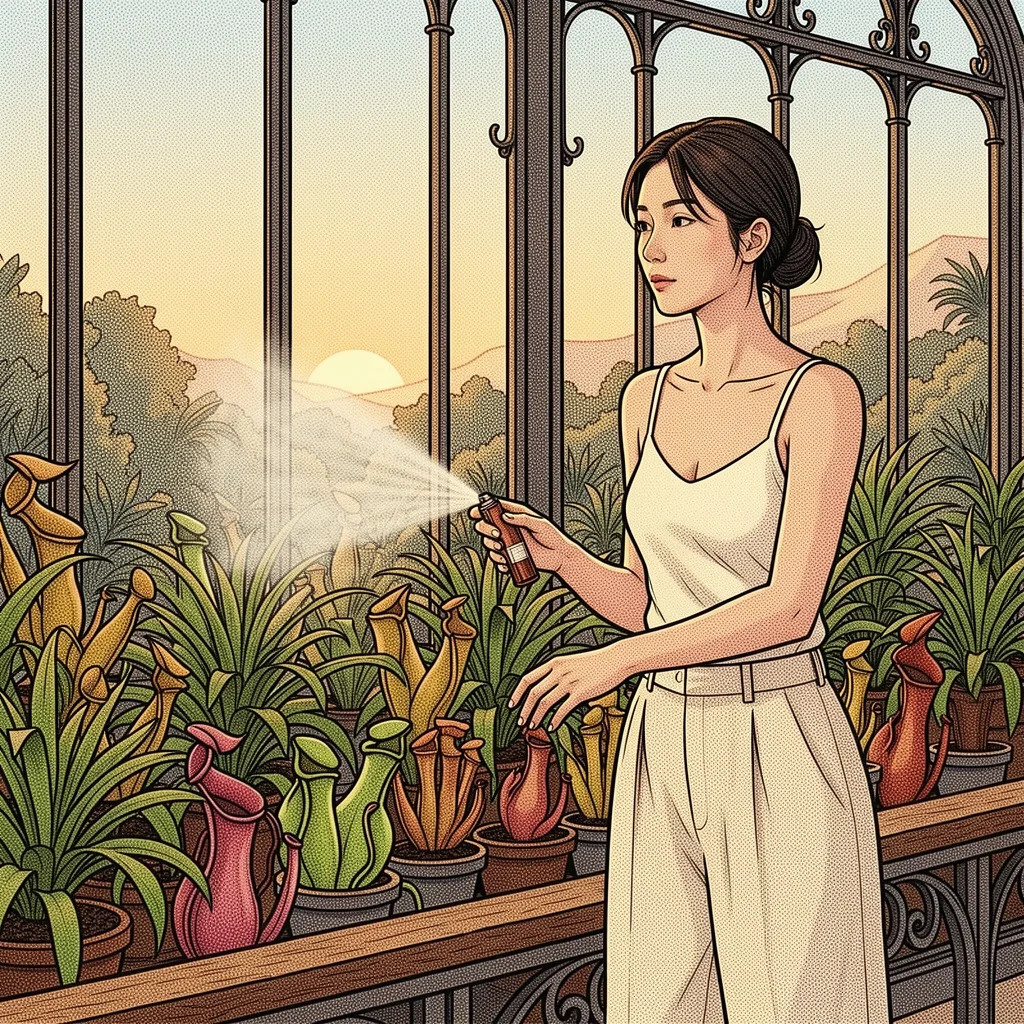
Two separate portraits became one inked illustration under a glasshouse dome, with both faces recognisable, from the prompt alone and without any LoRA.
LoRAs on real photos
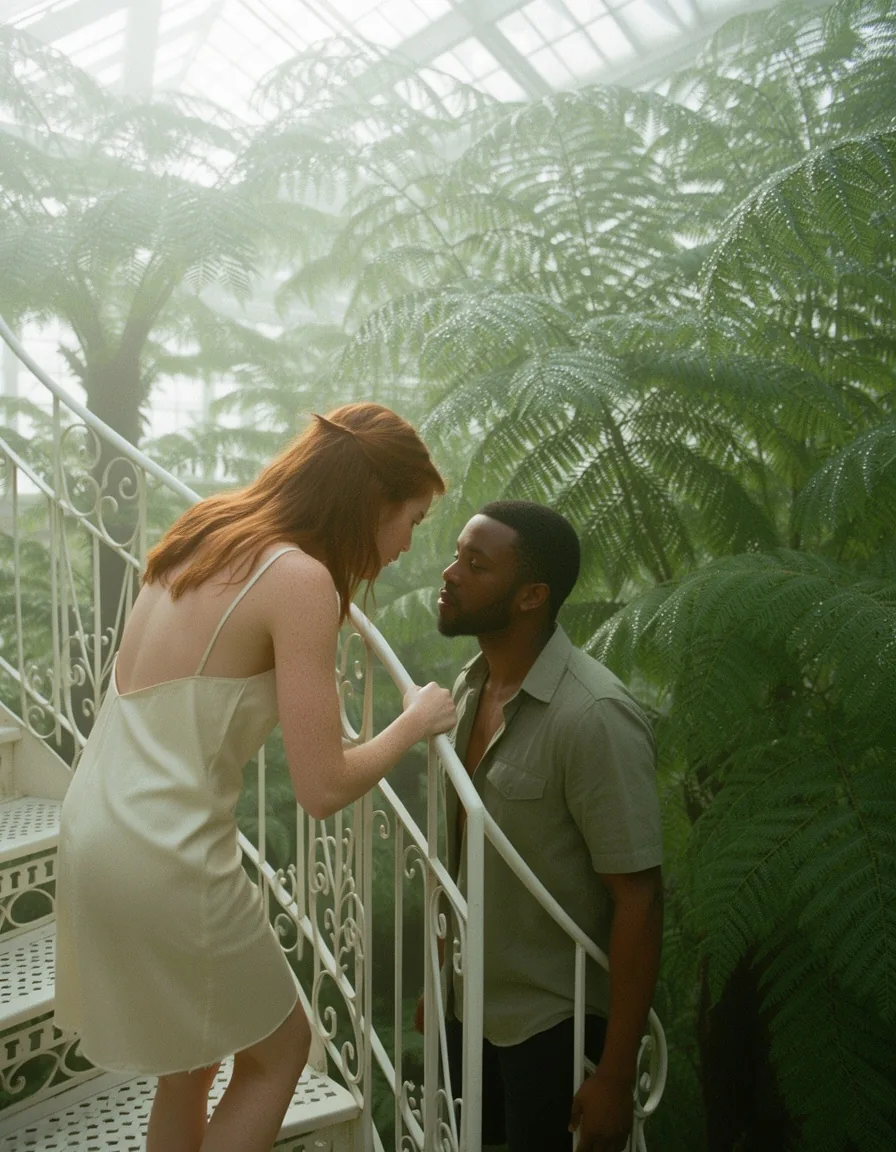
A film-still or analog LoRA sets the grade of an edit. An unfiltered LoRA can change what is drawn, and a strong one at scale 1 replaced the framing and the person in one of our tests, so start lower on edits.
Request parameters
| Parameter | Required | Description |
|---|---|---|
prompt | Yes | Required, up to 5,000 characters. Name what must stay (face, hair, pose) and then the change. at least 1 characters · at most 5000 characters |
image_urls | Yes | Required, one to three public image links, up to 10 MB each, in the order your prompt refers to them. A link that does not open or is not an image fails the request. at least 1 items · at most 3 items |
aspect_ratio | No | auto (default) keeps the shape of the first source at about one megapixel: a 1328 x 1776 portrait came back as 880 x 1184. Or choose one of nine shapes from 21:9 to 9:21. |
resolution | No | 1k (default) or 2k, used when you choose an aspect ratio; ignored with auto. 2k takes longer but costs the same. |
loras | No | Up to three {path, scale} entries trained for FLUX.2 [klein] 9B, Base or distilled; scale 0 to 4, 1 by default. Default: |
seed | No | Optional, 0 to 2,147,483,647. Reuse it to compare prompt or LoRA changes; a repeated edit came back near-identical in our tests. |
Pricing
$0.031 / image
Billed per image at one flat price. The number of sources, the size tier and loading LoRAs do not change the price.
Use cases
Testing a LoRA on real photos
See how a LoRA you trained on Base treats real people and places, with their faces, before you build a series on it.
Wardrobe and location changes
Change outfit and setting in one pass while keeping the person, for lookbooks, mood boards and character references.
Turning photos into illustration
Ask for an inked or dotted illustration in the prompt and the edit redraws the people and place in that medium while keeping who they are, with or without a style LoRA.
Prompt guide & pro tips
Protect first, then change
Name what must stay, such as face, hair, expression and pose, then the change: garment, place and light. Short, concrete instructions work best, and the result keeps the first source's shape unless you pick a ratio.
Watch strong LoRAs
An unfiltered LoRA at scale 1 replaced the framing and the person in one of our tests. Start around 0.6 on edits and raise it only while the face still matches the source.
Expect about half a minute
Edits took about 30 seconds at 1k and close to a minute at 2k in our tests. Work at 1k with auto while you settle the instruction, then pick a ratio and 2k for the final.
API quick start
# Generate the idempotency key once; reuse it when retrying after a lost response.
export SPICY_IDEMPOTENCY_KEY="${SPICY_IDEMPOTENCY_KEY:-$(uuidgen)}"
curl -X POST https://api.spicyapi.ai/api/v1/jobs/createTask \
  -H "Authorization: Bearer $SPICY_API_KEY" \
  -H "Content-Type: application/json" \
  -H "Idempotency-Key: $SPICY_IDEMPOTENCY_KEY" \
  -d '{
  "model": "black-forest-labs/flux-2-klein-base-9b-lora/edit",
  "input": {
    "aspect_ratio": "auto",
    "image_urls": [
      "https://example.com/reference.png"
    ],
    "prompt": "A ceramic teapot on a linen cloth, soft window light, muted palette",
    "resolution": "1k"
  }
}'

# Copy data.taskId from the response into TASK_ID, then poll the status.
TASK_ID="TASK_ID_FROM_RESPONSE"
curl "https://api.spicyapi.ai/api/v1/jobs/recordInfo?taskId=$TASK_ID" \
  -H "Authorization: Bearer $SPICY_API_KEY"
See the API reference for authentication, the complete schema, polling, and error handling.