Introduction
FLUX.2 Klein Base 9B LoRA Text to image draws one image from a written prompt on Black Forest Labs' FLUX.2 [klein] Base 9B, the undistilled 9B model its makers recommend for fine-tuning and LoRA training, with up to three of your own LoRA files loaded. Choose one of nine aspect ratios at 1k or 2k. Base is slower than the distilled klein 9B and gives softer, more varied pictures. The platform adds no content filter.
Choose a mode by starting material
| What you have | Mode |
|---|---|
| a written description and a LoRA | FLUX.2 Klein Base 9B LoRA Text to image |
| one to three images to change | FLUX.2 Klein Base 9B LoRA Image editing |
Key features & highlights
The build LoRAs are trained on
A LoRA trained on klein Base 9B runs here on the model it was trained against, which is the cleanest place to judge it. LoRAs trained on the distilled klein 9B loaded as well in our tests; FLUX.1 and klein 4B LoRAs ran without an error and changed nothing.
Softer, more varied pictures
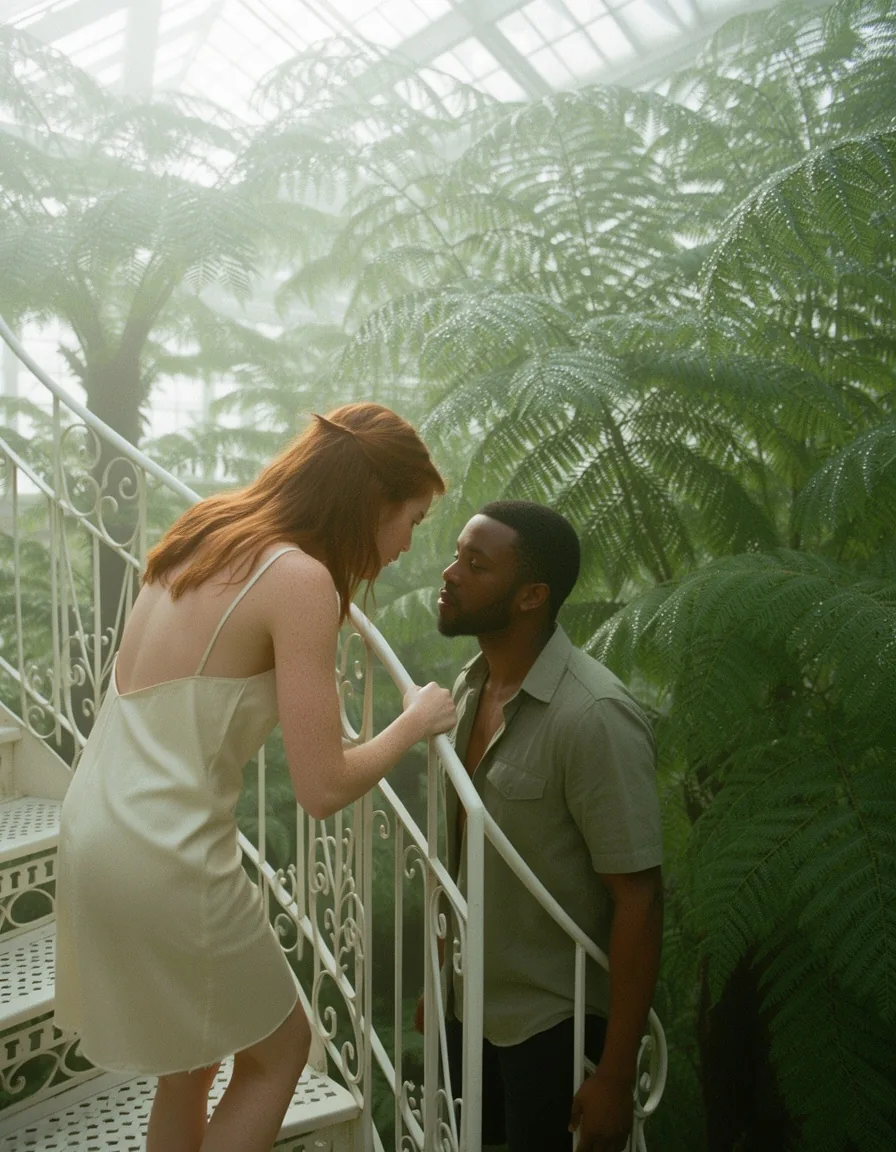
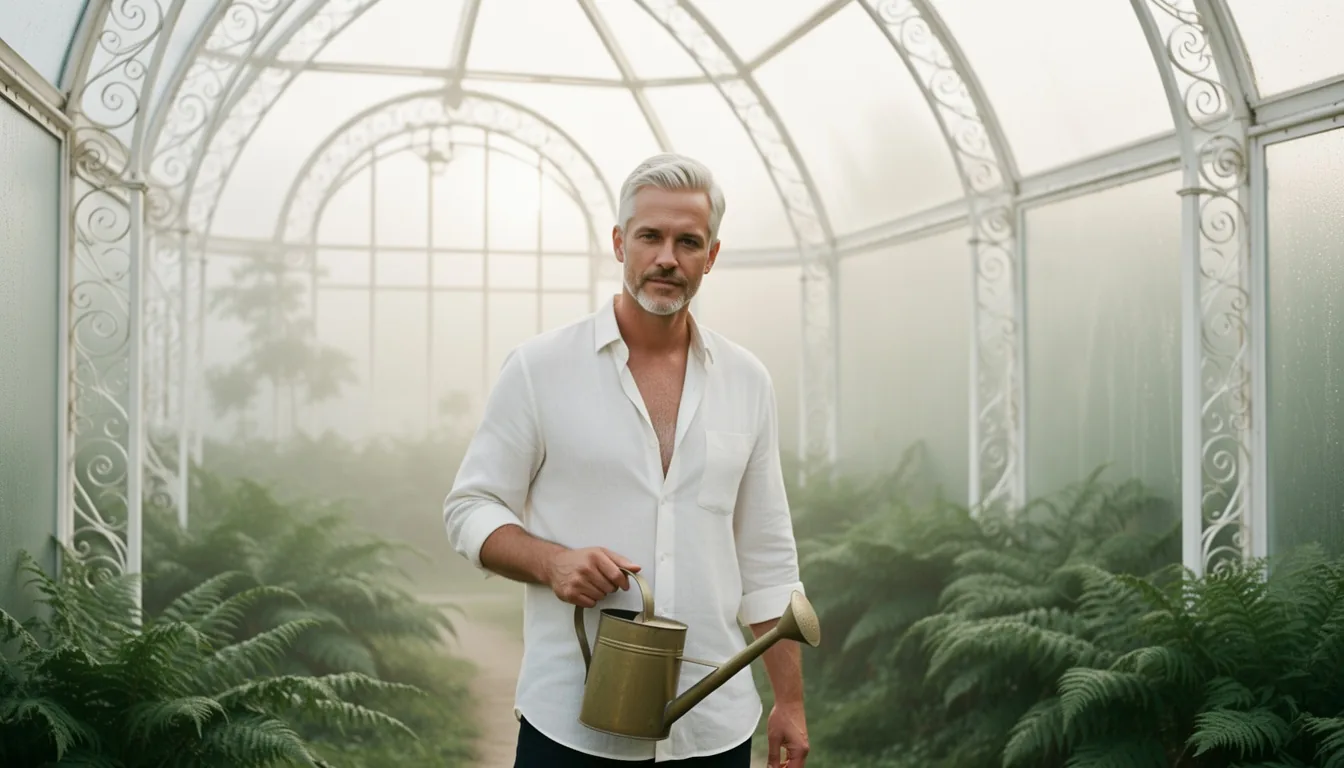
Without any LoRA, Base drew natural, film-like light and skin and more variety from seed to seed than the distilled build. Its makers run it at 50 sampling steps against four for the distilled build, which is why it takes longer.
Clean A/B checks
In our text-to-image tests a repeated seed returned identical pixels, so a pair of images with and without a LoRA shows exactly what the LoRA adds.
Request parameters
| Parameter | Required | Description |
|---|---|---|
prompt | Yes | Required, up to 5,000 characters. Put the LoRA's trigger phrase first, then describe subject, clothing, place, light and lens in sentences. at least 1 characters · at most 5000 characters |
aspect_ratio | No | Nine shapes from 21:9 to 9:21; 1:1 by default. The shape does not change the price. |
resolution | No | 1k (default) is about one megapixel, for example 1344 x 768 or 1024 x 1024; 2k puts 2048 pixels on the long side. 2k takes longer but costs the same. |
loras | No | Up to three {path, scale} entries trained for FLUX.2 [klein] 9B, Base or distilled; scale 0 to 4, 1 by default. Use a public direct link to the .safetensors file. Default: |
seed | No | Optional, 0 to 2,147,483,647. In our text-to-image tests the same seed and inputs repeated the same pixels, so it isolates the effect of a LoRA or one word. |
Pricing
$0.024 / image
Billed per image at one flat price. The aspect ratio, 1k or 2k and loading LoRAs do not change the price.
Use cases
Checking a LoRA you trained
Run your file on Base at 1k or 2k and compare it against the same seed without it before you build on it or move it to the faster distilled build.
Natural stills
Portraits and interiors with soft light and believable skin, in nine shapes up to 2048 pixels, when you can wait half a minute per image.
Prompt guide & pro tips
Trigger first
Put the LoRA's trigger phrase at the start, then describe the picture in full sentences: subject, clothing, place, light and lens. There is no negative prompt, so state what you want to see.
One change per pair
Keep the seed fixed and change one thing at a time: the LoRA, its scale or one sentence. On Base the repeat is exact in text to image, so every difference you see comes from that one change.
Budget the time
About 20 seconds at 1k and around 35 at 2k in our tests, two to five times the distilled build. Send requests in parallel rather than waiting on each one, and use 1k while you are still choosing a scale.
API quick start
# Generate the idempotency key once; reuse it when retrying after a lost response.
export SPICY_IDEMPOTENCY_KEY="${SPICY_IDEMPOTENCY_KEY:-$(uuidgen)}"
curl -X POST https://api.spicyapi.ai/api/v1/jobs/createTask \
  -H "Authorization: Bearer $SPICY_API_KEY" \
  -H "Content-Type: application/json" \
  -H "Idempotency-Key: $SPICY_IDEMPOTENCY_KEY" \
  -d '{
  "model": "black-forest-labs/flux-2-klein-base-9b-lora/text-to-image",
  "input": {
    "aspect_ratio": "1:1",
    "prompt": "A ceramic teapot on a linen cloth, soft window light, muted palette",
    "resolution": "1k"
  }
}'

# Copy data.taskId from the response into TASK_ID, then poll the status.
TASK_ID="TASK_ID_FROM_RESPONSE"
curl "https://api.spicyapi.ai/api/v1/jobs/recordInfo?taskId=$TASK_ID" \
  -H "Authorization: Bearer $SPICY_API_KEY"
See the API reference for authentication, the complete schema, polling, and error handling.