Introduction
FLUX.1 Krea Dev LoRA Image editing redraws one source image on FLUX.1 Krea [dev], Black Forest Labs' photographic open-weights model made with Krea, with up to three of your own LoRA files loaded. A strength control sets how far the result moves from the source, and the output keeps the source's aspect ratio. The platform adds no content filter to the prompt, the weights or the image.
Choose a mode by starting material
| What you have | Mode |
|---|---|
| a written description | FLUX.1 Krea Dev LoRA Text to image |
| a picture to restyle | FLUX.1 Krea Dev LoRA Image editing |
Key features & highlights
Same framing, new look
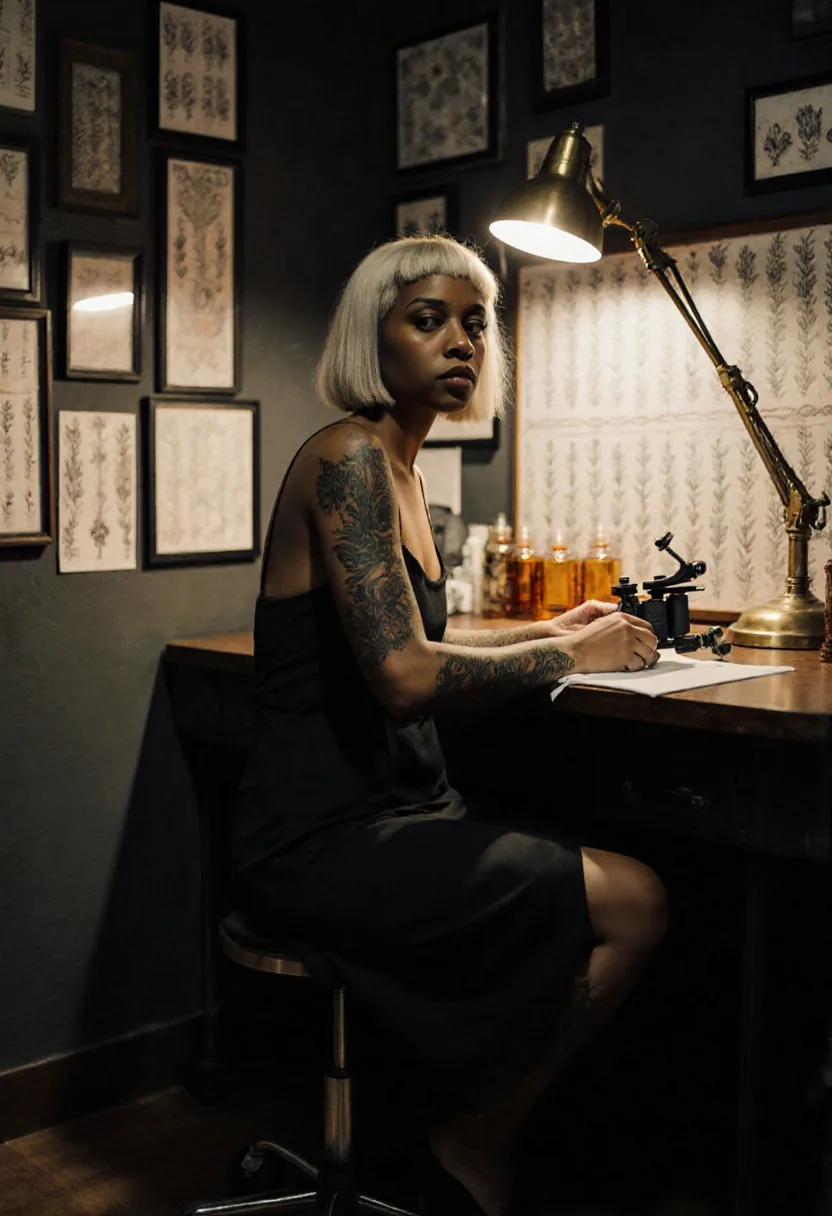
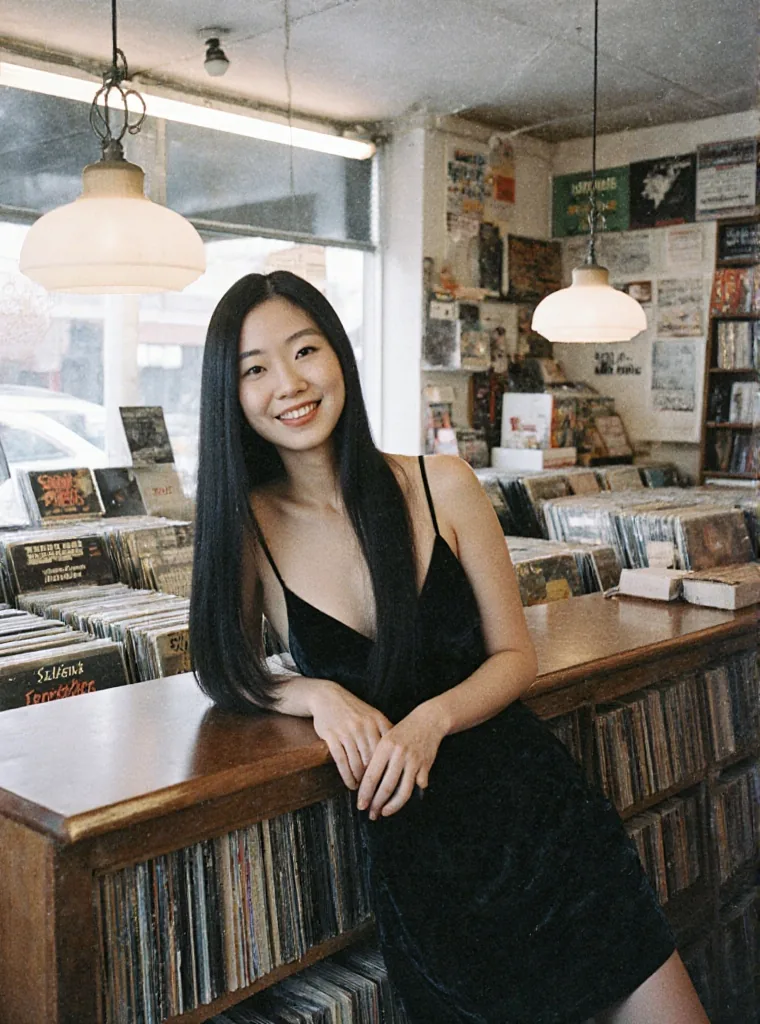
At strength 0.8 to 0.85 our test photos kept their framing and pose while the outfit, the light or the whole medium changed: a daylight denim jacket became a velvet dress at the same counter.
Restyle with a LoRA
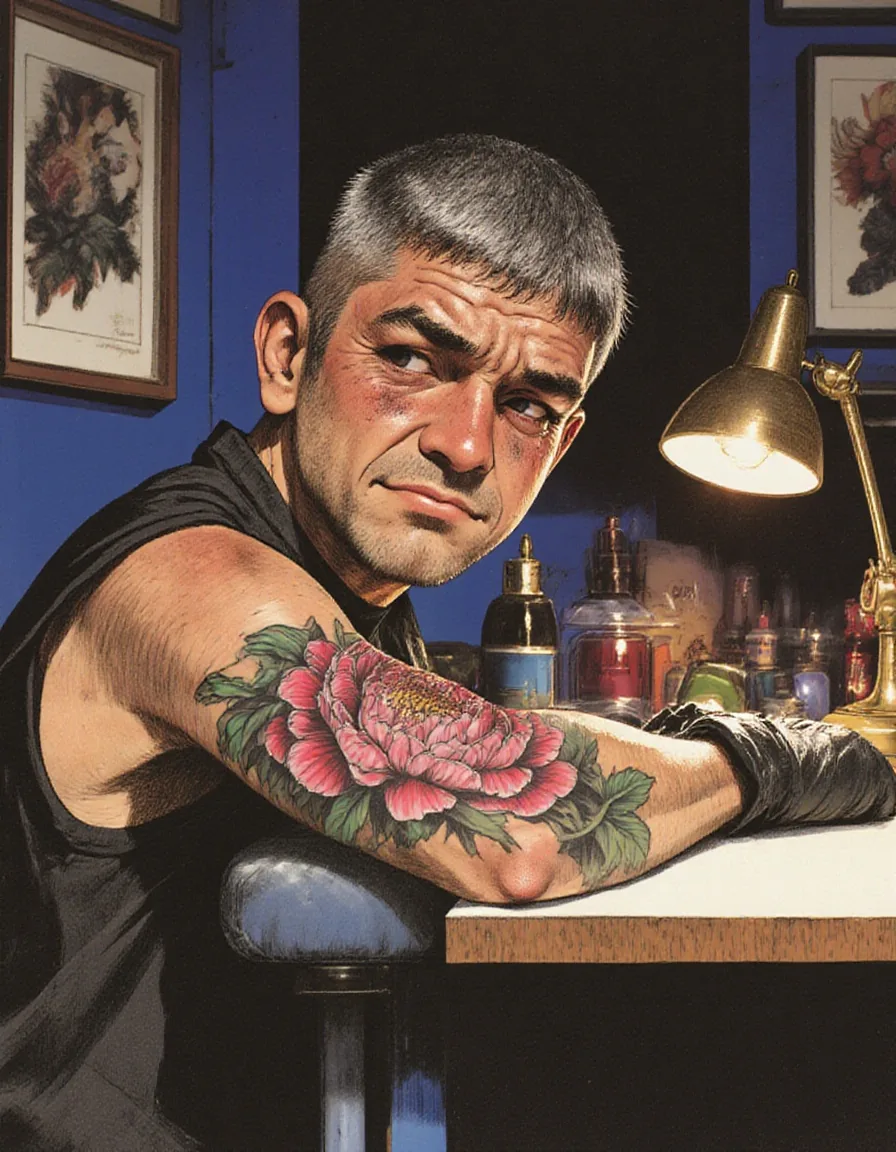
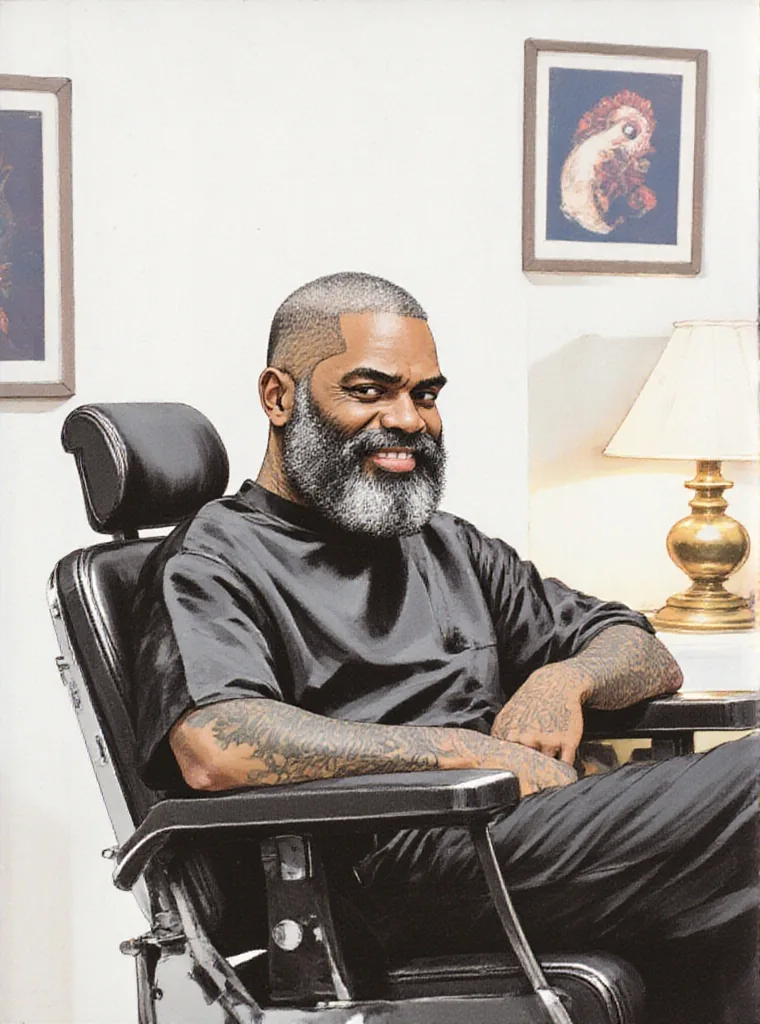
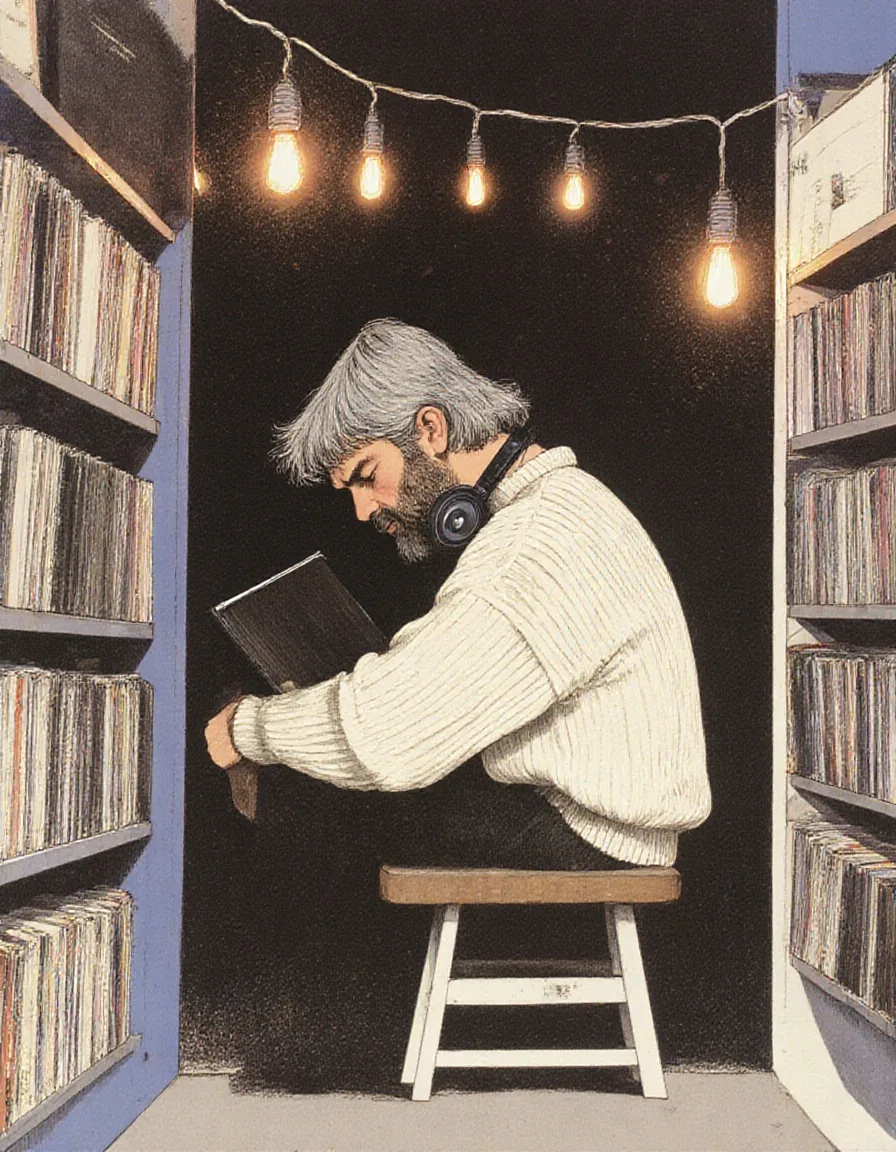
An illustration LoRA at scale 1.8 turned a snapshot into a painted illustration with the sitter, chair and lamp in place. FLUX.1 [dev] LoRAs load here, up to three at once.
Two resolution tiers
1k returns a long side of about 1,000 pixels and 1.5k about 1,500, always in the source's own aspect ratio. Both cost the same.
No content filter
Source images can be redrawn with any prompt and nothing is filtered on the way in or out. How far the result goes depends on the prompt, the strength and the LoRA you load.
Request parameters
| Parameter | Required | Description |
|---|---|---|
prompt | Yes | Describe the whole picture you want back, including who is in it, not just the change. Put a LoRA's trigger phrase first. at least 1 characters · at most 5000 characters |
image_url | Yes | The picture to redraw. The result keeps its aspect ratio; the resolution tier sets the long side. |
resolution | No | 1k returns a long side of about 1,000 pixels and is the default; 1.5k about 1,500. Both cost the same, and the aspect ratio always follows the source. |
strength | No | How far to move from the source, 0 to 1; 0.8 by default. 0.5 changes details, 0.8 to 0.85 changes outfit or light in the same framing, 1 is a new picture. |
loras | No | Up to three {path, scale} entries trained for FLUX.1 [dev] or FLUX.1 Krea [dev]; scale 0 to 4, 1 by default. Illustration LoRAs restyled our photos at 1.8. Default: |
guidance_scale | No | How closely the result follows the prompt, 0 to 20; 3.5 by default. It does not change the price. |
output_format | No | JPEG by default, or PNG or WebP. The format does not change the price. |
seed | No | Keeps results comparable while you adjust strength or scale. No seed means a random one. |
Pricing
$0.024 / image
Billed per image, at the same rate as text-to-image. The resolution tier, guidance, the output format and loading LoRAs do not change the price.
Use cases
New outfits and settings for a shot
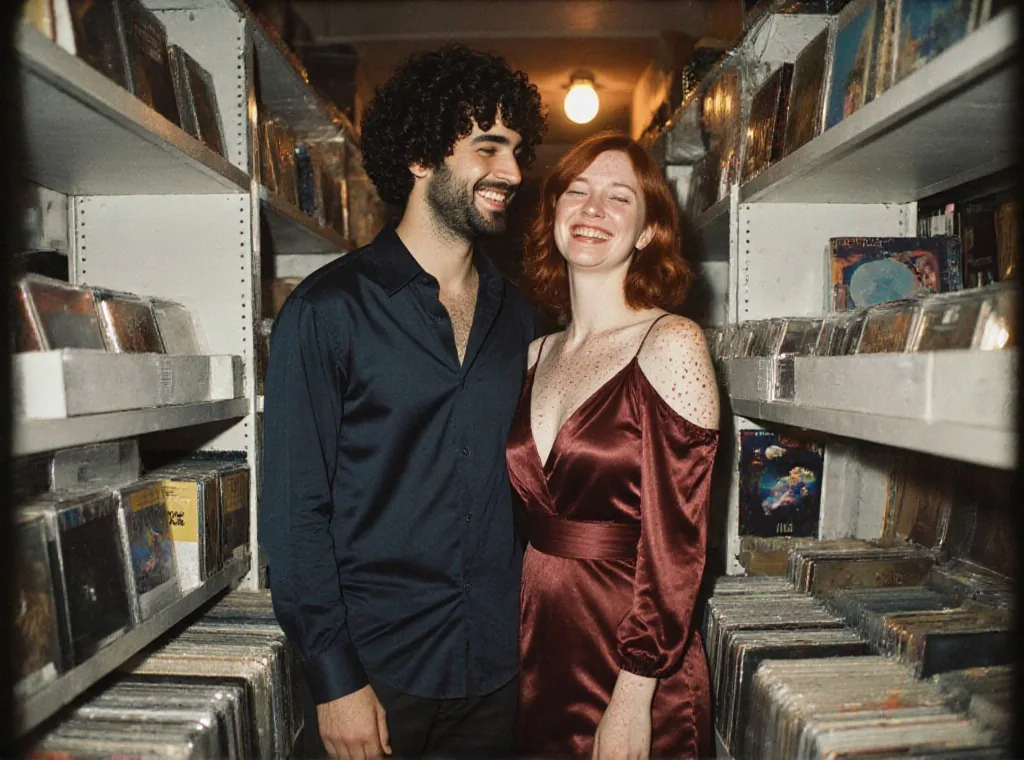
Keep the pose and framing of a photo and change what people wear or the time of day, at strength 0.8 to 0.85.
Photo to illustration
Load an illustration LoRA at 1.5 to 2 and run your photos through it to get a matching illustrated set.
Variations from one source
Keep the prompt and source, change the seed, and get alternate takes in the same light.
Prompt guide & pro tips
Describe the person, not just the change
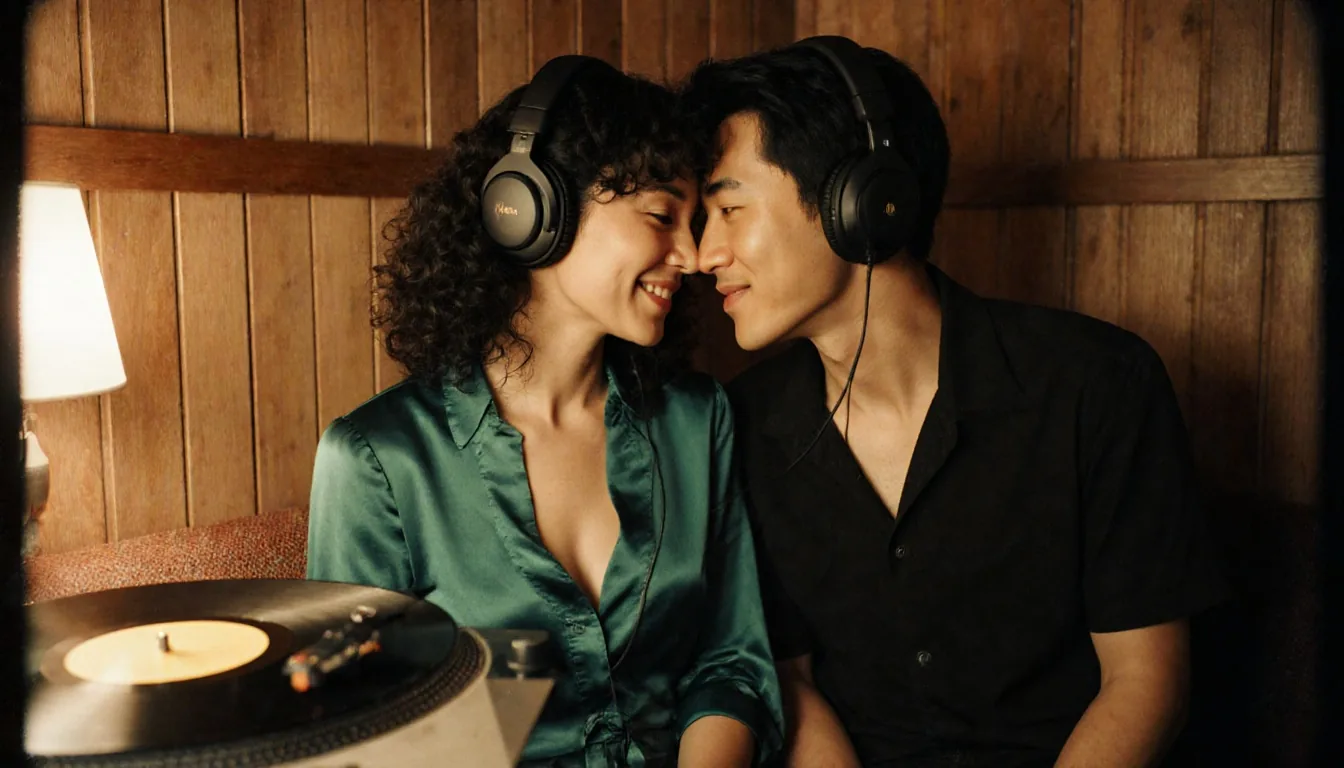
At strength 0.85 and above faces drift. Repeating who is in the picture ("the same East Asian woman with long straight black hair") kept people recognisable in our tests.
Pick the strength by the job
0.5 keeps the photo and changes details, around 0.7 outfits start to change, 0.8 to 0.85 is a new outfit or light in the same framing, and 1 is a new picture.
Write the whole picture
Describe the image you want back. Short instructions such as "make it night" changed less than a full description of the night scene.
No masks here
This endpoint redraws the whole frame. There is no mask input, so describe everything you want to keep.
API quick start
# Generate the idempotency key once; reuse it when retrying after a lost response.
export SPICY_IDEMPOTENCY_KEY="${SPICY_IDEMPOTENCY_KEY:-$(uuidgen)}"
curl -X POST https://api.spicyapi.ai/api/v1/jobs/createTask \
  -H "Authorization: Bearer $SPICY_API_KEY" \
  -H "Content-Type: application/json" \
  -H "Idempotency-Key: $SPICY_IDEMPOTENCY_KEY" \
  -d '{
  "model": "black-forest-labs/flux-1-krea-dev-lora/edit",
  "input": {
    "image_url": "https://example.com/reference.png",
    "output_format": "jpeg",
    "prompt": "A ceramic teapot on a linen cloth, soft window light, muted palette",
    "resolution": "1k"
  }
}'

# Copy data.taskId from the response into TASK_ID, then poll the status.
TASK_ID="TASK_ID_FROM_RESPONSE"
curl "https://api.spicyapi.ai/api/v1/jobs/recordInfo?taskId=$TASK_ID" \
  -H "Authorization: Bearer $SPICY_API_KEY"
See the API reference for authentication, the complete schema, polling, and error handling.