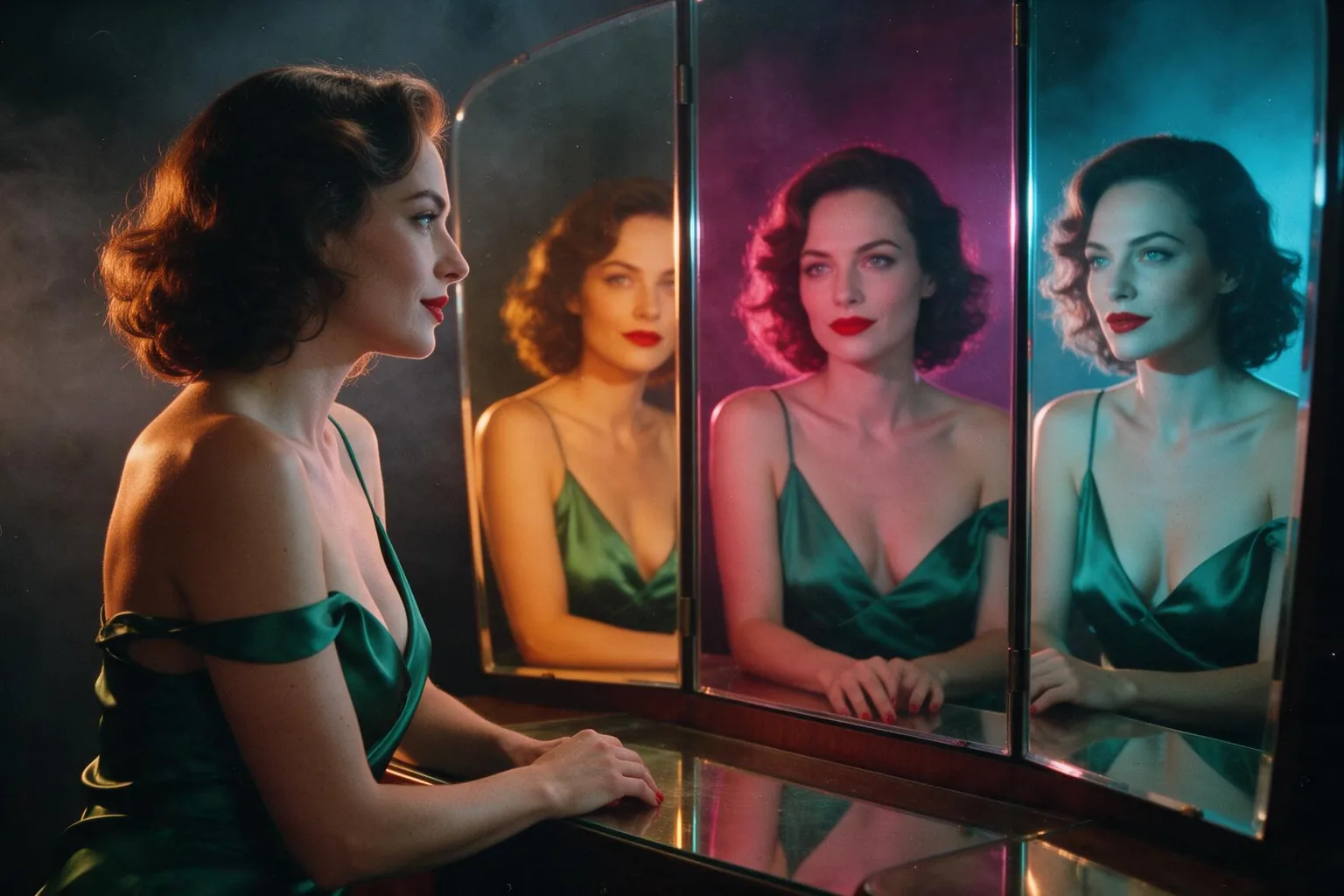
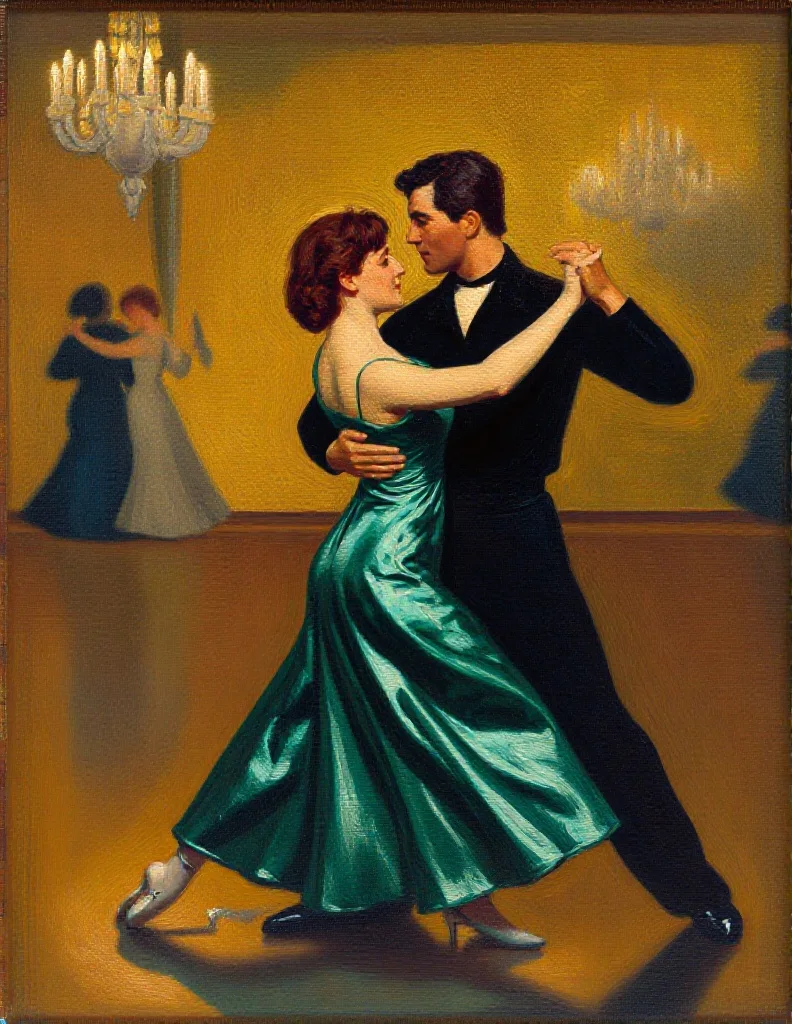
Z-Image Turbo LoRA image-to-image restyles one source image with up to three of your own LoRAs. A strength from 0 to 1 (default 0.8) sets how far it moves from the source, and the output keeps the source's aspect ratio.

From $0.012/image

Workbench

Input

Image editing
315/5000
Describe the whole image you want back, not only the change: subject, clothing, setting and the style or LoRA trigger word. at least 1 characters · at most 5000 characters
1/1

Drop files or media links, paste, or browse · 1 file · Max 10 MB · JPG · PNG · WEBP · GIF

  • 1
1 / 1 files
The picture to restyle. The result keeps its aspect ratio; the long side comes back at 1024 or 1536 pixels depending on resolution.
The long side of the result: 1k is 1024 pixels (the default), 1.5k is 1536. The aspect ratio always follows the source, so a portrait source comes back as 1024 x 1536 at 1.5k. Both cost the same.
Transformation strength
How far to move from the source, 0 to 1. The default 0.8 restyles and keeps the layout; 0.6 changes little; near 1 the source is only a loose guide. no lower than 0 · no higher than 1
Style LoRAs1/3

Classic Painting

Up to three {path, scale} entries trained for Z-Image Turbo; scale 0 to 4. A style LoRA here does most of the restyling. at most 3 items
Output format
JPEGPNGWebP
JPEG by default, PNG or WebP if you need them.
Seed
Keeps results comparable while you adjust strength. no lower than 0 · no higher than 2147483647
Safety checkerOff

SpicyAPI does not run a safety checker on this model. Your prompt and media go to the model as written, and the model itself decides what comes back.

Checking your account before enabling submission and pricing.

Output

Ready for a new run
tango-as-oil-paintingExample result

Related models and next tasks

Missing the model you need?

Tell us what to add and where you would use it. Requests go to the people who decide what gets onboarded next.

Test a LoRA in seconds, then run the batch at one flat price

Z-Image Turbo LoRA loads up to three of your own LoRA files onto Alibaba's Z-Image Turbo, a 6-billion-parameter model distilled to eight sampling steps. In our runs an image came back in about three to ten seconds, and every image costs the same at any aspect ratio and on both endpoints, with nothing added for the LoRAs. That makes it the quickest place to find out what a Z-Image Turbo LoRA really does, and a predictable place to run it at volume. There is no platform filter on the prompt, the weights or the image.

Open the playground
Test a LoRA in seconds, then run the batch at one flat price
LoRAs per request
Up to 3, each {path, scale}; scale 0 to 4, and 1 is neutral
Speed
About three to ten seconds per image in our runs, from 8 sampling steps
Text to image
About one megapixel in nine ratios, from 21:9 to 9:21
Editing
One source, strength 0 to 1 (default 0.8); keeps the source's shape, long side 1024 px in our tests
Price
One flat price per image at every size and on both endpoints; LoRAs add nothing
Content filter
None; with a LoRA trained for it, our strongest content probe rendered as written
Fast loop
A LoRA question answered before you lose the threadMost of what you need to know about a new LoRA comes from two images: the same prompt and seed, once with the file and once without. At a few seconds each, that pair, and the scale ladder that follows it, fits into one short sitting instead of an afternoon.
Flat price
The bill is a count of imagesAspect ratio, output format and the number of LoRAs loaded do not move the price, and the edit endpoint costs the same as text-to-image. Budget a batch by counting its images, and draft in the ratio you will publish instead of drafting square and cropping later.
Limits
What it will not doOne image per request at about one megapixel. Editing has no mask, redraws the whole frame and comes back smaller: 1024 pixels on the long side in our tests. For bigger frames or edits from several pictures, Qwen Image 2512 LoRA goes up to 1536 pixels and takes up to three sources, with LoRAs trained for its own base.

Working with LoRAs on Z-Image Turbo LoRA

Let the LoRA carry the look

Let the LoRA carry the look

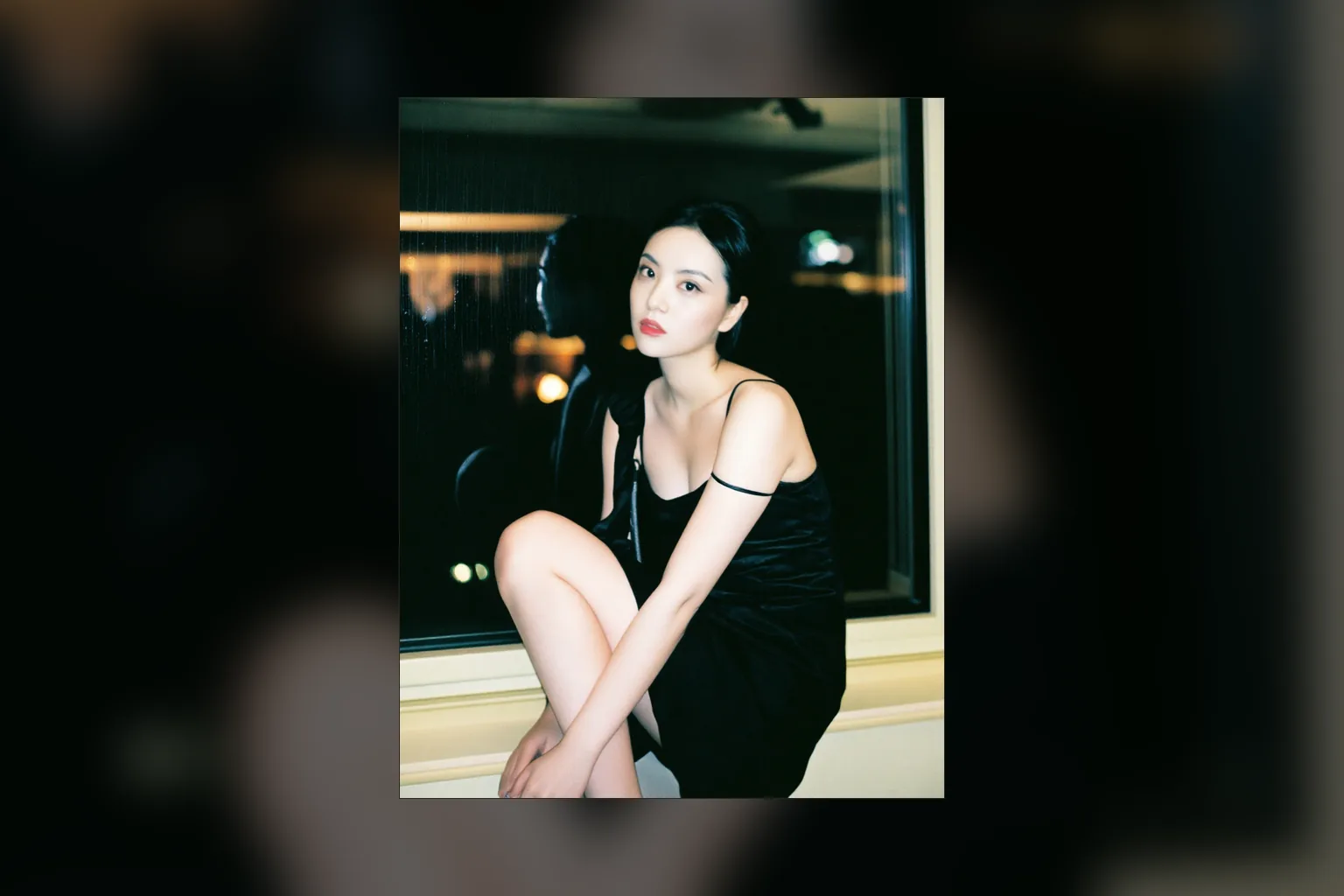
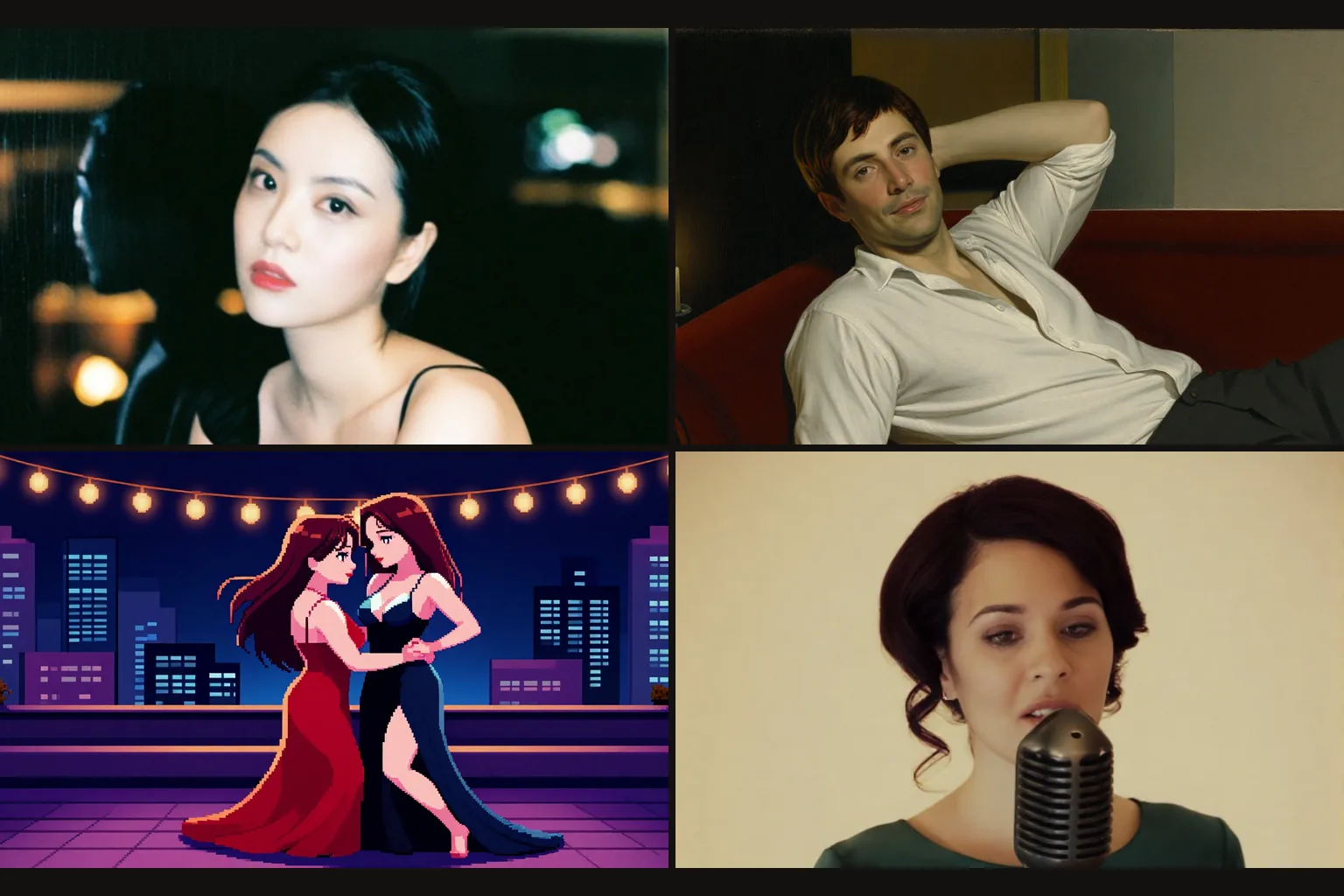
In our rain-window example the prompt only sets the scene and the light: a woman on a window ledge at night, a warm lamp on her face, rain on the glass. The photographic finish comes from a community Realism LoRA, with its trigger word at the start of the prompt. Describe the picture in plain sentences and leave the style to the file.

Pick the strength before you rewrite the prompt

Pick the strength before you rewrite the prompt

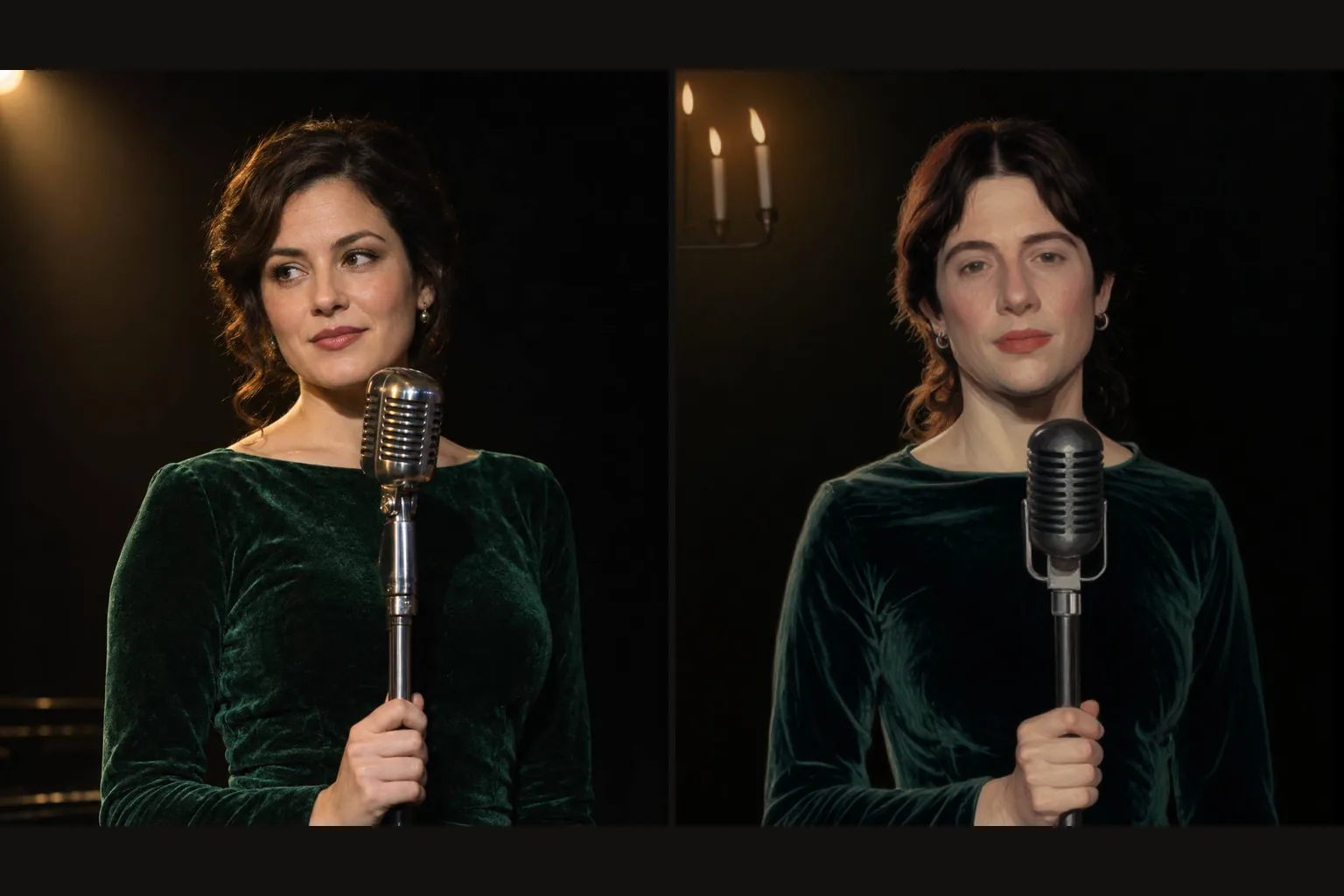
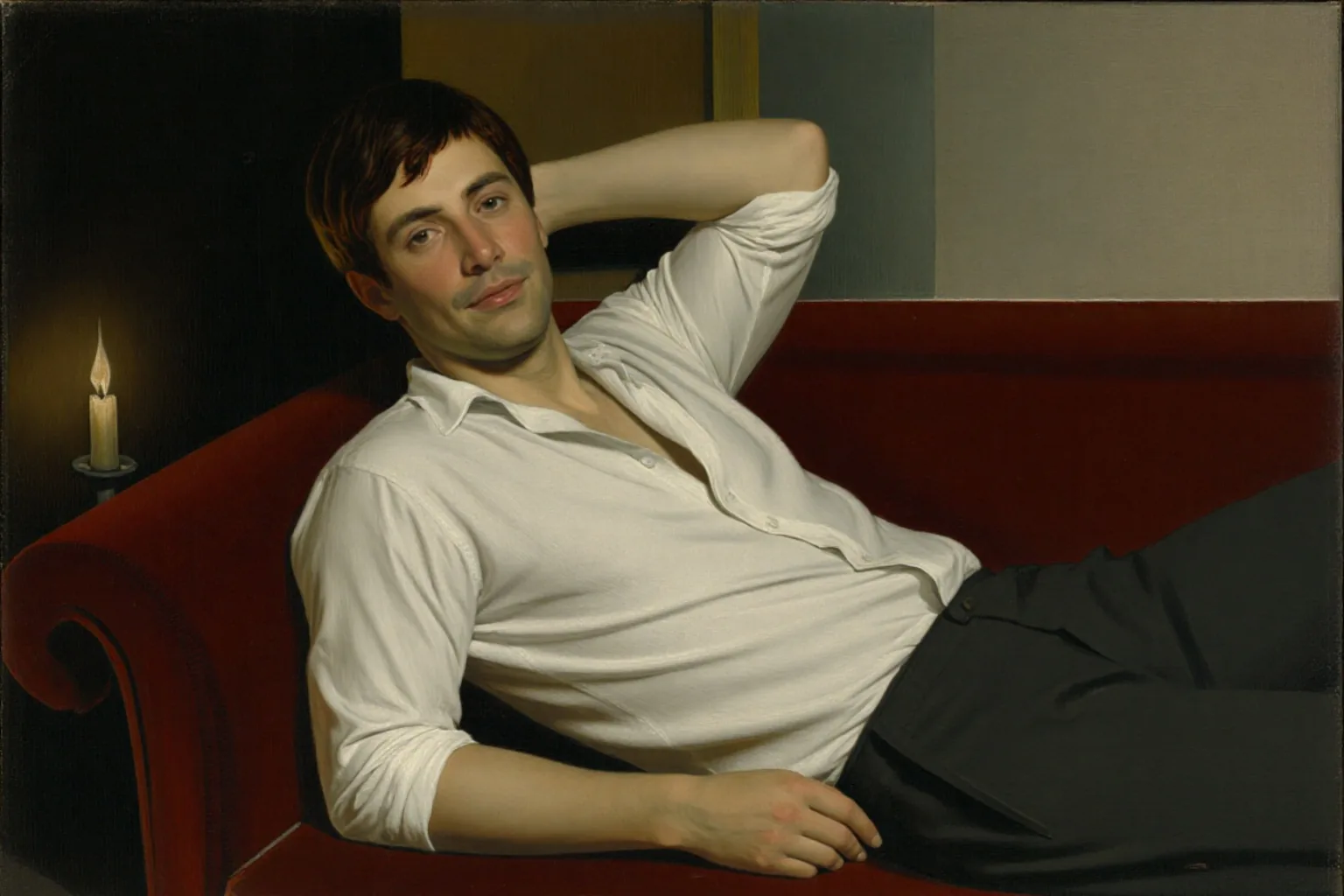
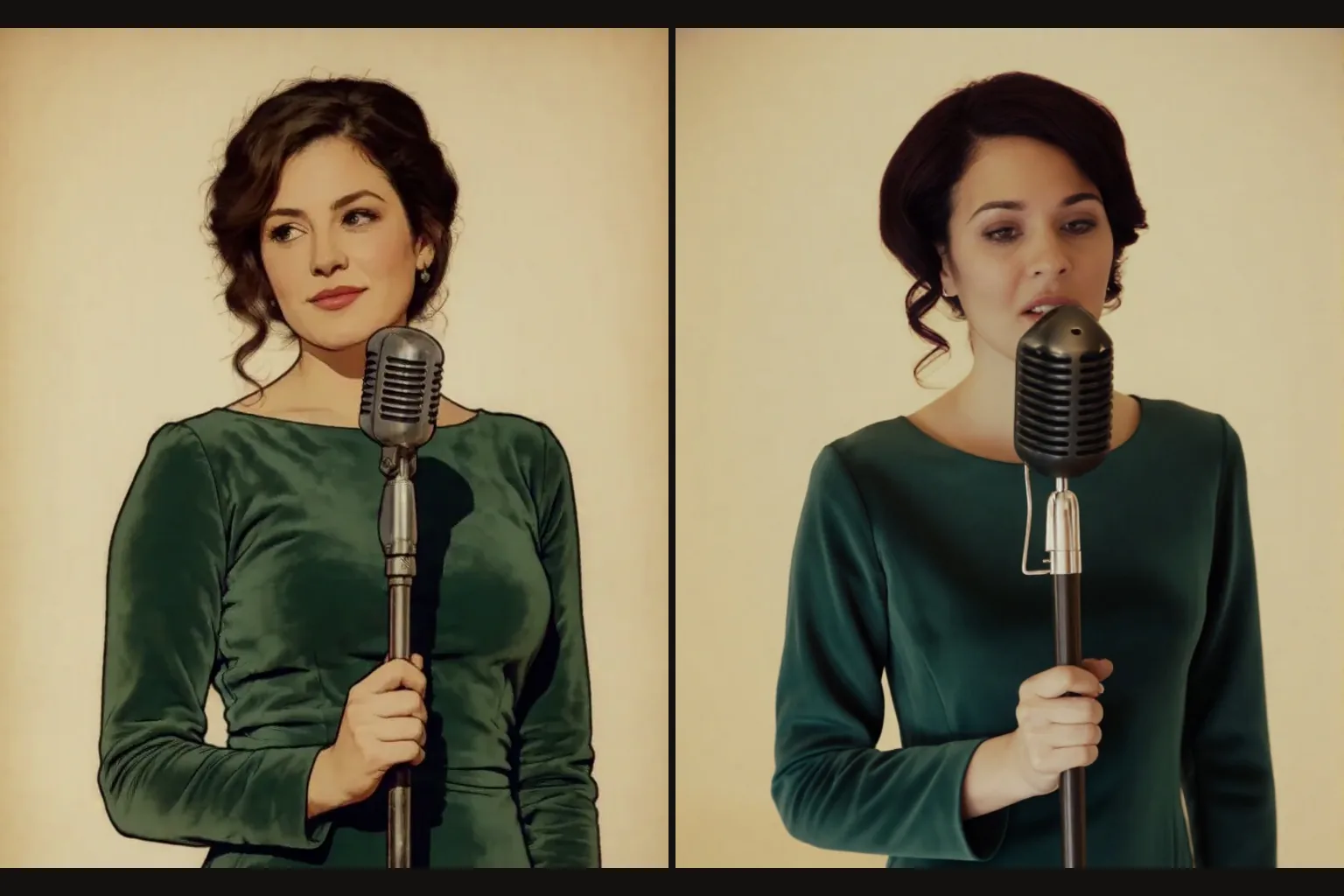
On the edit endpoint, strength decides how much of the source survives. Our stage photo went through a classic painting LoRA at 0.75: the singer, the velvet dress and the microphone stayed where they were, and the whole frame turned to brushwork. The default 0.8 restyles and keeps the layout, 0.6 barely changes the picture, and values near 1 treat the source as a loose guide.

  • Check the file was trained for this base

    LoRAs made for FLUX, SDXL or Qwen-Image load without an error and then do very little here. If the same prompt and seed look the same with and without the file, it was almost certainly trained for another model. Hugging Face lists hundreds of LoRAs built for Z-Image Turbo, so start there.

  • Stack gently

    Each request takes up to three LoRAs with their own scale from 0 to 4. Two style LoRAs at full strength usually fight each other, so bring a second one in around 0.5 and raise it in small steps, seed fixed, until its look appears without swallowing the first.

  • Treat the link as part of the request

    The file is fetched when the request runs, so a large LoRA adds time and a link that needs a login fails the request; gated Hugging Face repositories answer with HTTP 401. Use a public URL that downloads the .safetensors file itself, not the page that describes it. Failed requests are not charged.

Who uses Z-Image Turbo LoRA

  • A whole series in one style, at a known cost

    Illustration and social teams

    A whole series in one style, at a known cost

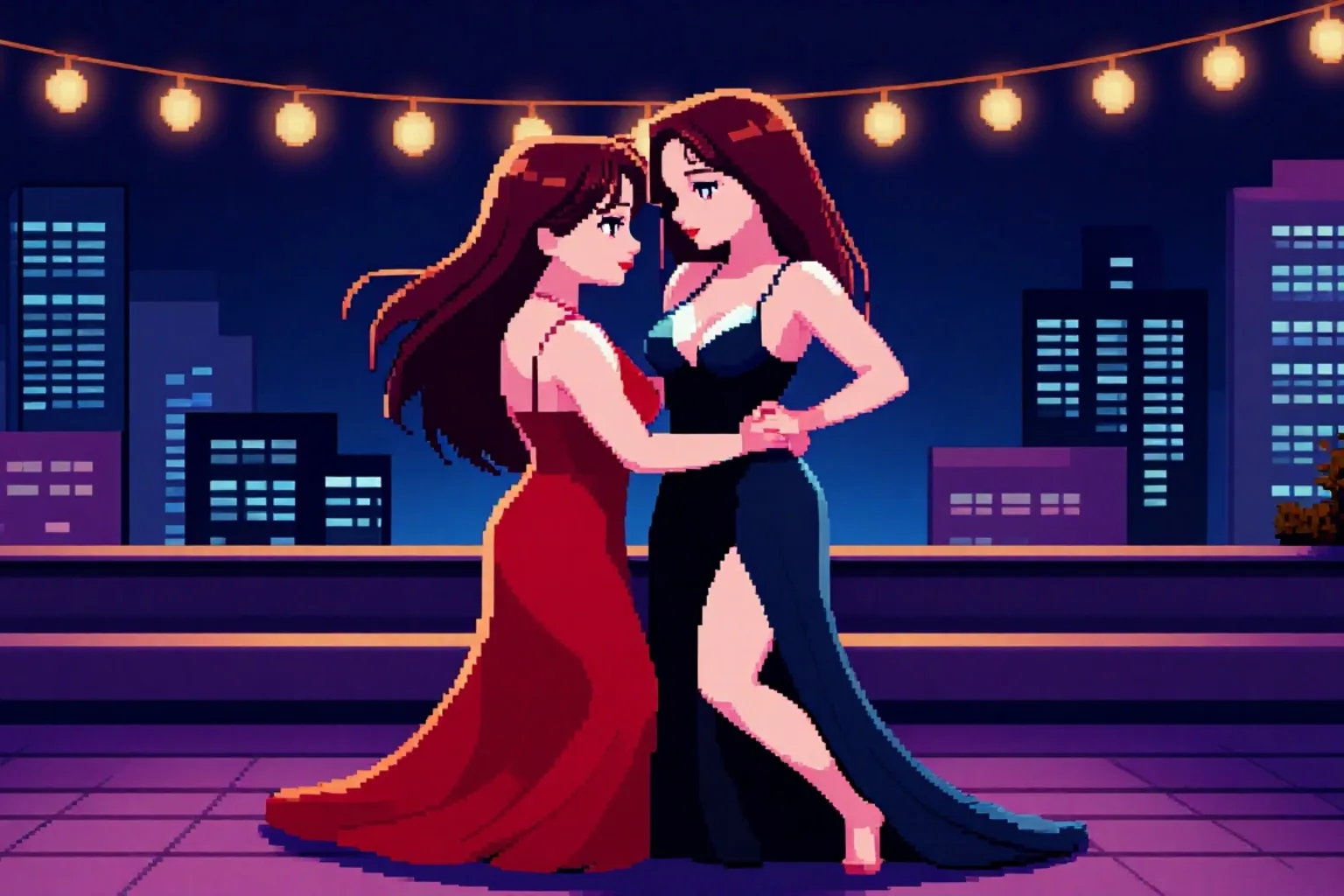
    Load a style LoRA such as pixel art, fix the seed per layout and swap only the subject line. Every image in the set shares the look and the price, whatever mix of aspect ratios your channels need.

  • Painted portraits in one sitting

    Portrait and character work

    Painted portraits in one sitting

    A classic painting LoRA turns a written portrait into an oil painting with brushwork, varnish and candlelight. Keep the subject, the seed and the LoRA fixed and change only the setting or the pose to build a matching gallery.

  • Drawings turned into photographs

    Concept artists and illustrators

    Drawings turned into photographs

    Send a drawing to the edit endpoint with a Realism LoRA and the strength at 0.8. Our cartoon singer came back as a photograph of a woman in a green velvet dress at a vintage microphone: the framing carried over and the medium changed.

  • Your users' LoRAs, run as they are

    Platforms offering community LoRAs

    Your users' LoRAs, run as they are

    Community LoRAs of every kind load with no review, and nothing filters the result. Because every image has the same price whatever the size and however many LoRAs are loaded, you know what a user's request costs before it runs.

From first test to finished batch with Z-Image Turbo LoRA

  1. Find a LoRA trained for Z-Image Turbo

    Read its model card for the trigger word and a suggested strength, and copy the direct download link to the .safetensors file.

  2. Run it with and without the file

    Same prompt, same seed, one run each. A style LoRA should be obvious at a glance; if nothing changes, go back to the first step.

  3. Ladder the scale

    Hold everything else and move the scale about 0.2 at a time from 1. Keep the value where the look lands without taking over the subject.

  4. Draft in the ratio you will publish

    Composition changes between 1:1 and 21:9, and every ratio costs the same, so there is nothing to gain from drafting square.

  5. Run the batch, and restyle with the same array

    Send the settled loras array with every prompt. For existing pictures, use the edit endpoint with the same array and set the strength first, starting at 0.8.

Z-Image Turbo LoRA prompts worth copying

  • A with-and-without pair

    Run it once with a Realism LoRA and once with loras empty, on the same seed. The difference between the two frames is everything the file contributes.

    Realism, a woman in a dark wool coat waiting at a tram stop at night, rain on the shelter glass, warm light from a kiosk on her face, city lights blurred behind her, 35mm film grain
  • A series line for a style LoRA

    With a pixel-art LoRA, keep this sentence shape and swap only the subject and the place; the trigger always stays first.

    Pixel art style. Two friends sharing an umbrella on a neon-lit street at night, puddles reflecting the signs, steam rising from a noodle stall, string lights overhead
  • A photo repainted, pose kept

    For the edit endpoint with a painting LoRA at strength 0.75. Describe the whole result, not only the change, because the model redraws the entire frame.

    A classical oil painting of the same man in a grey suit at a café table by the window, afternoon light, heavy brushwork, dark museum varnish

More Z-Image Turbo LoRA questions

Use it as your fast loop

Find a LoRA trained for Z-Image Turbo, prove it loads with a with-and-without pair, ladder its scale with the seed fixed, then draft in the ratio you will publish. Every image returns in seconds and costs the same, so the testing is cheap and the batch is predictable. For existing pictures, set the editing strength before you touch the prompt.