Introduction
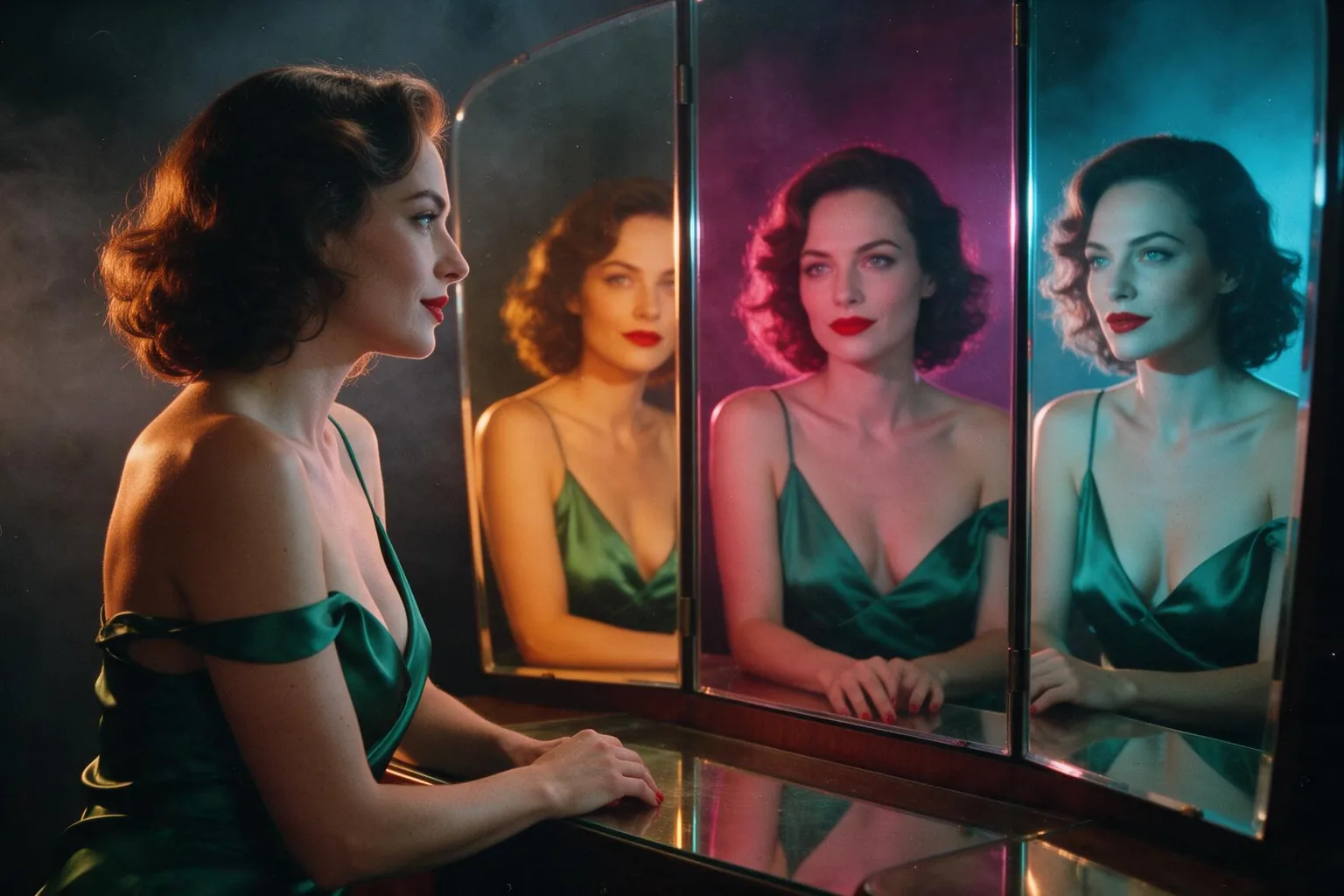
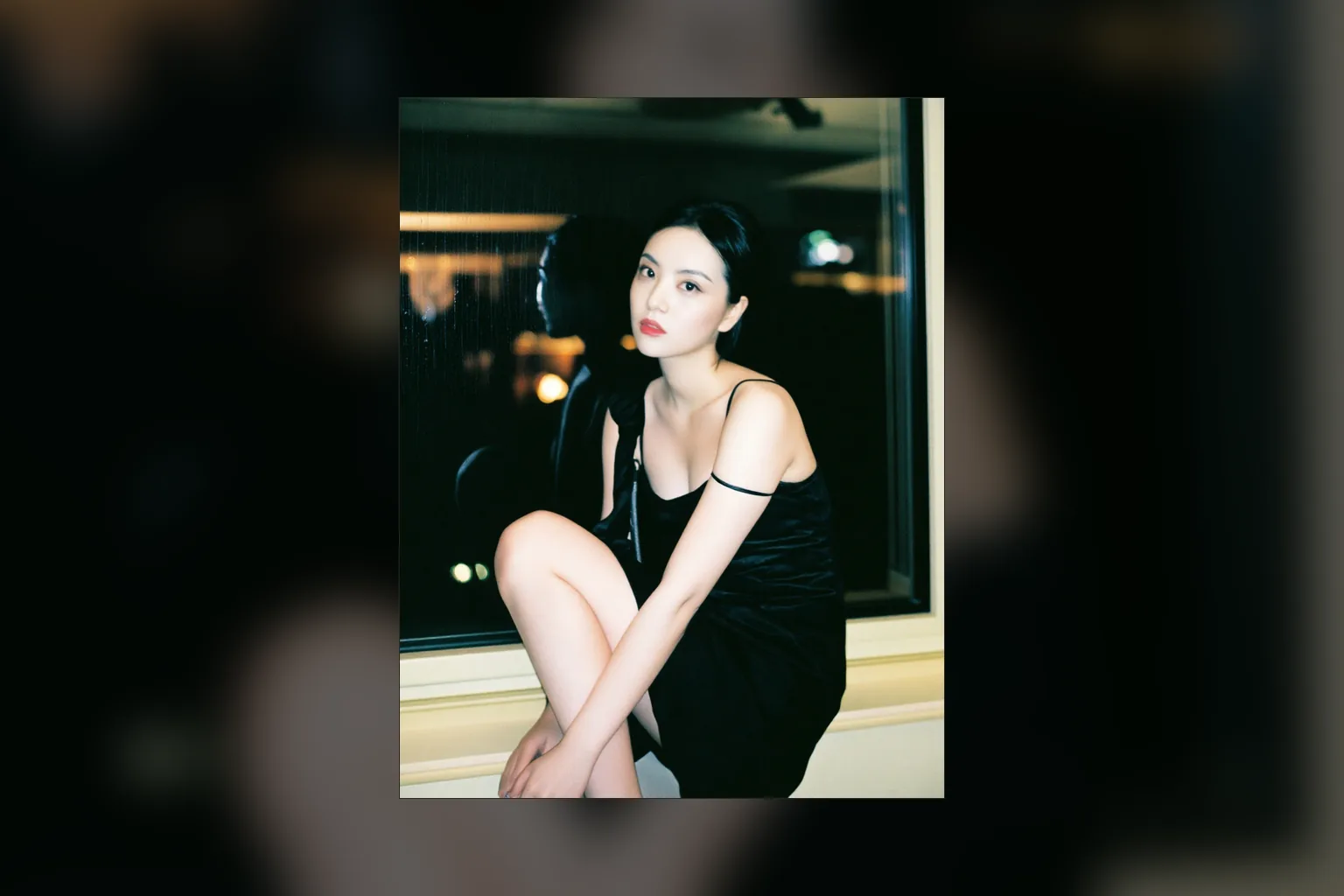
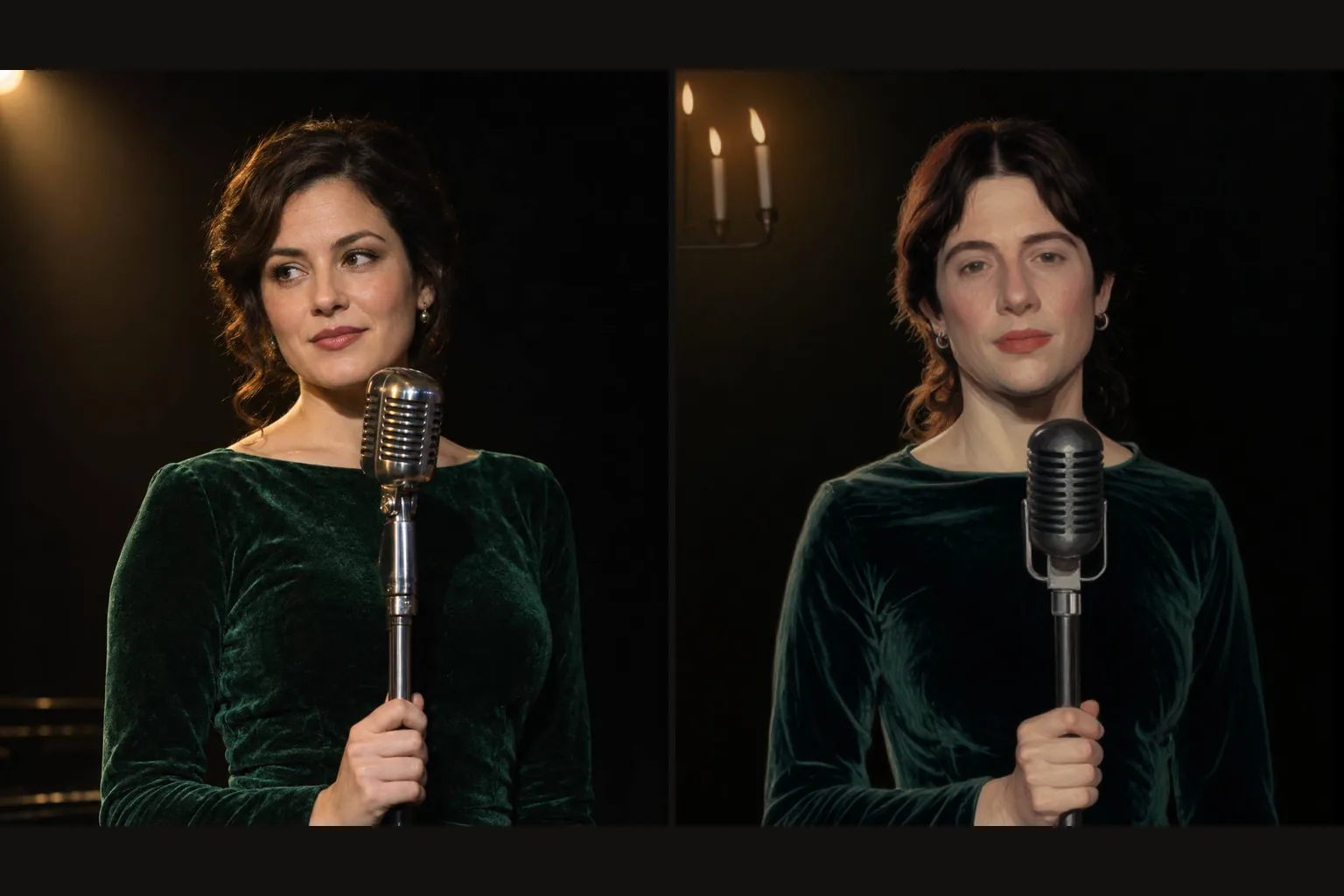
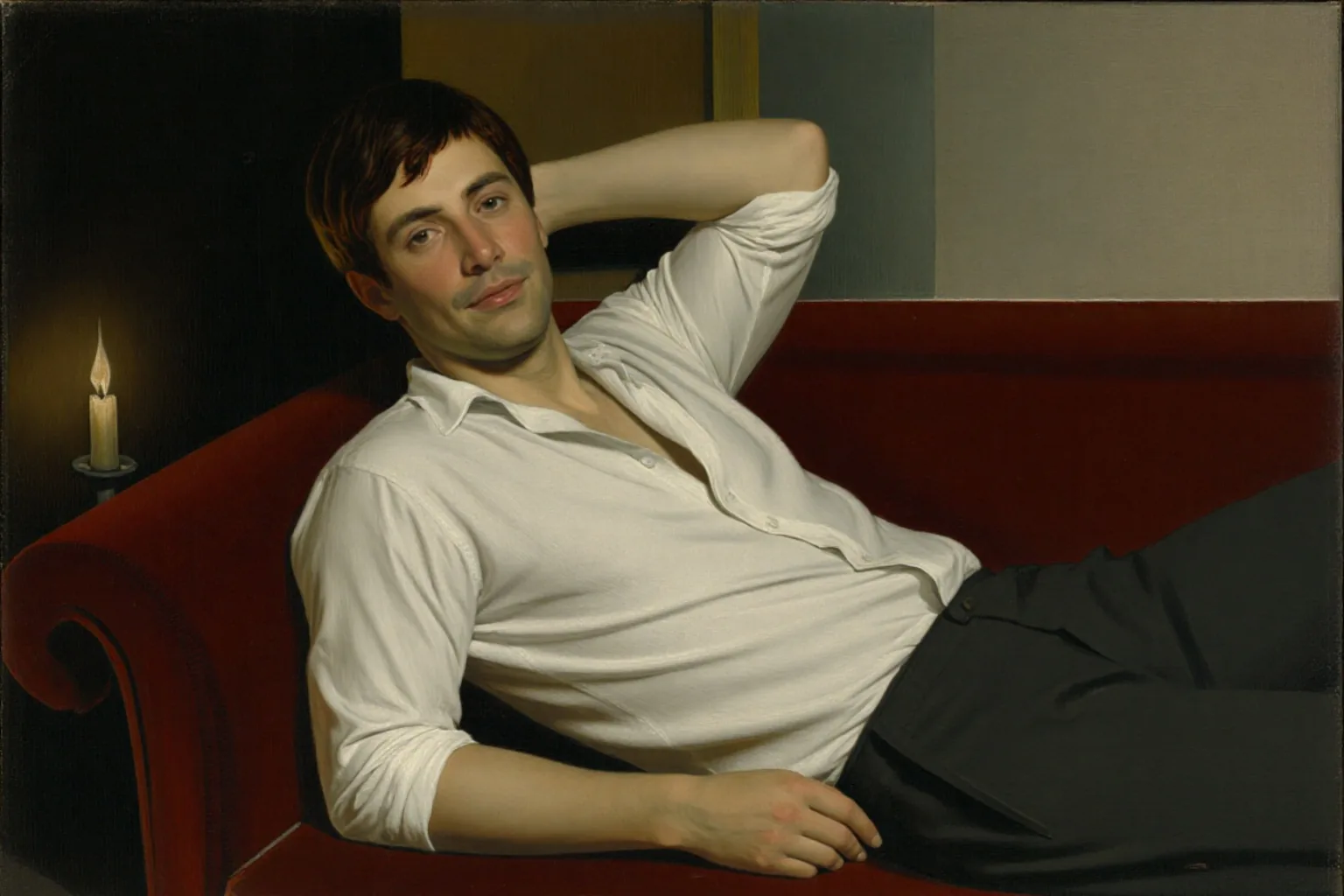
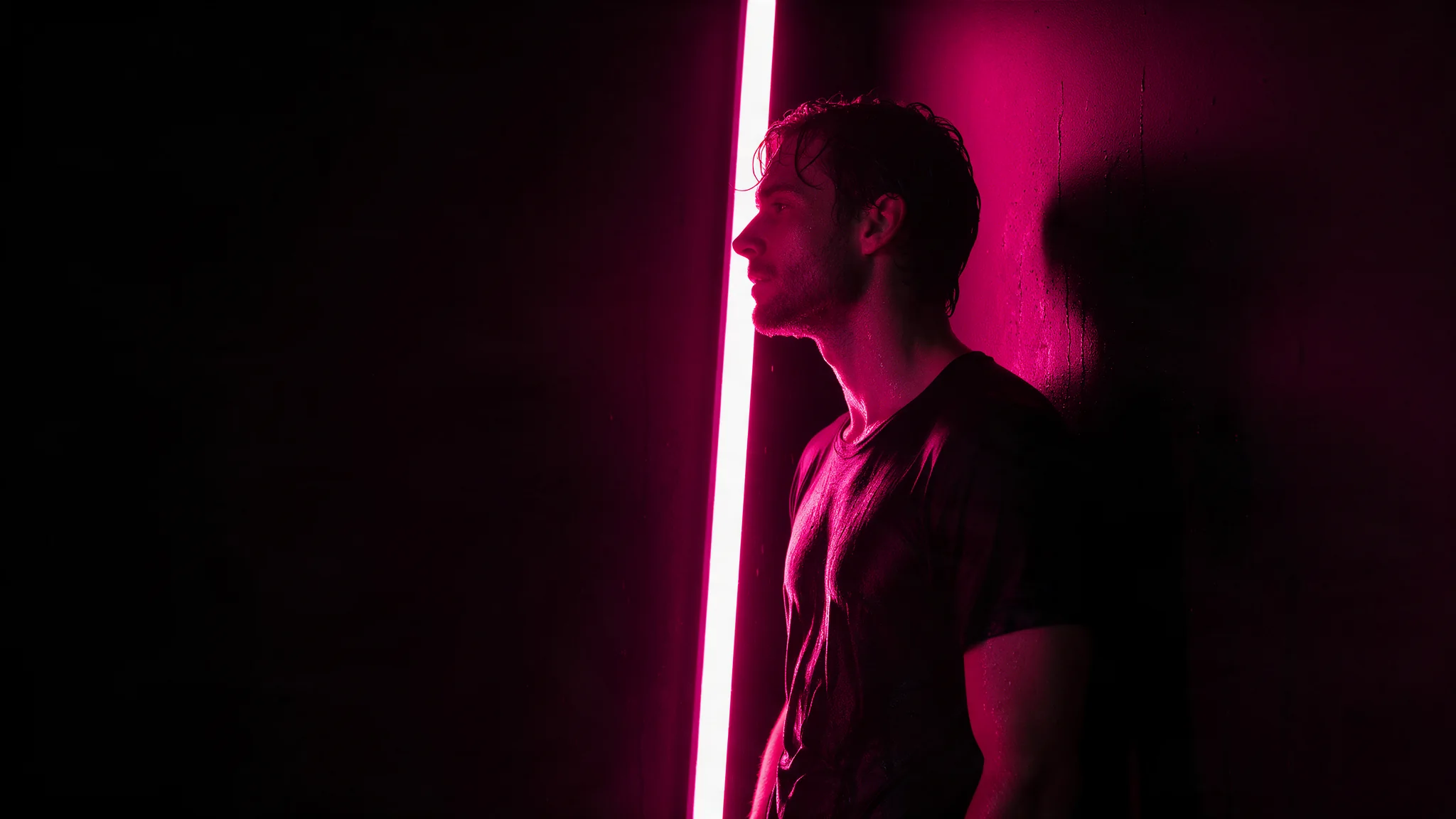
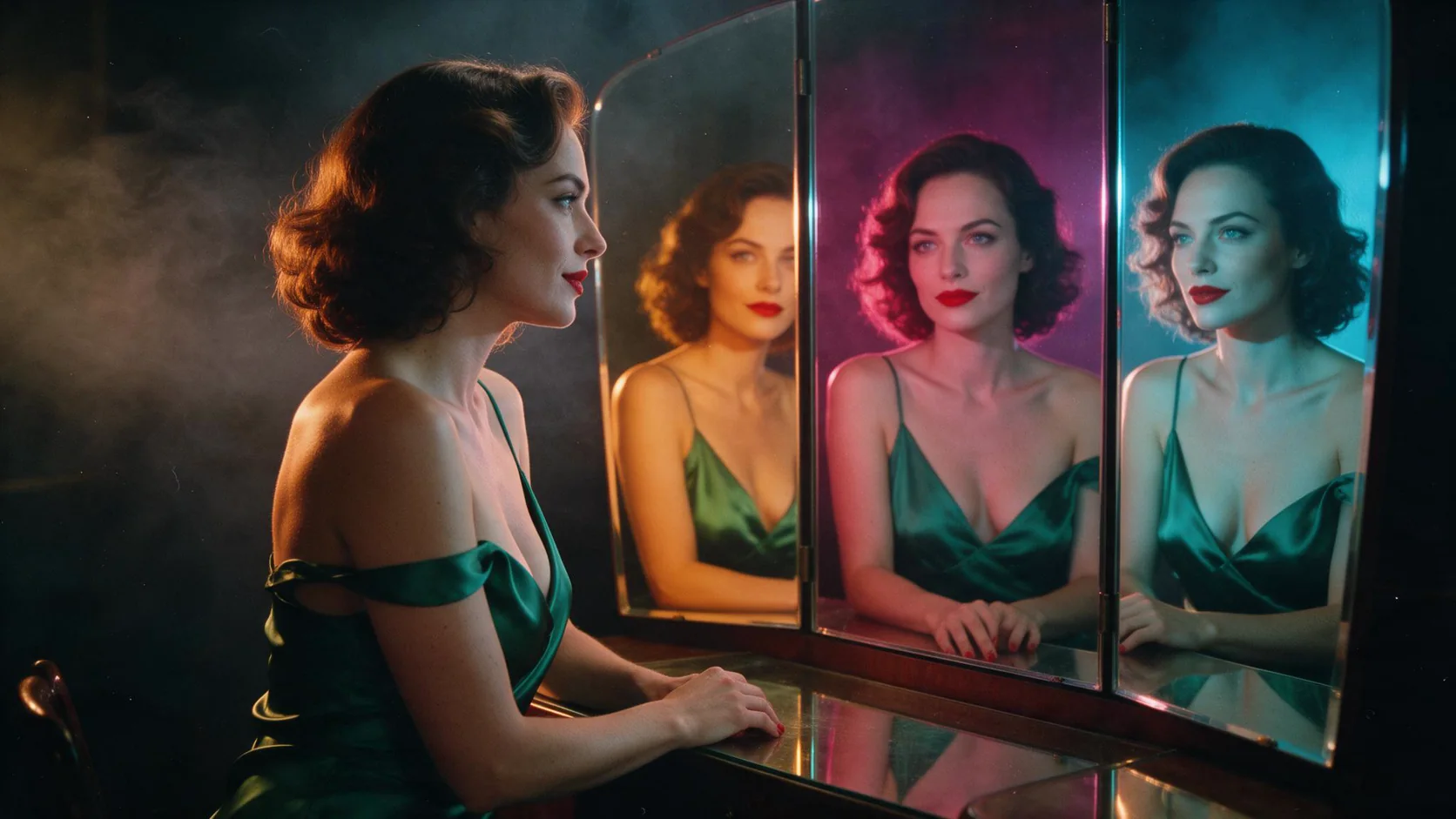
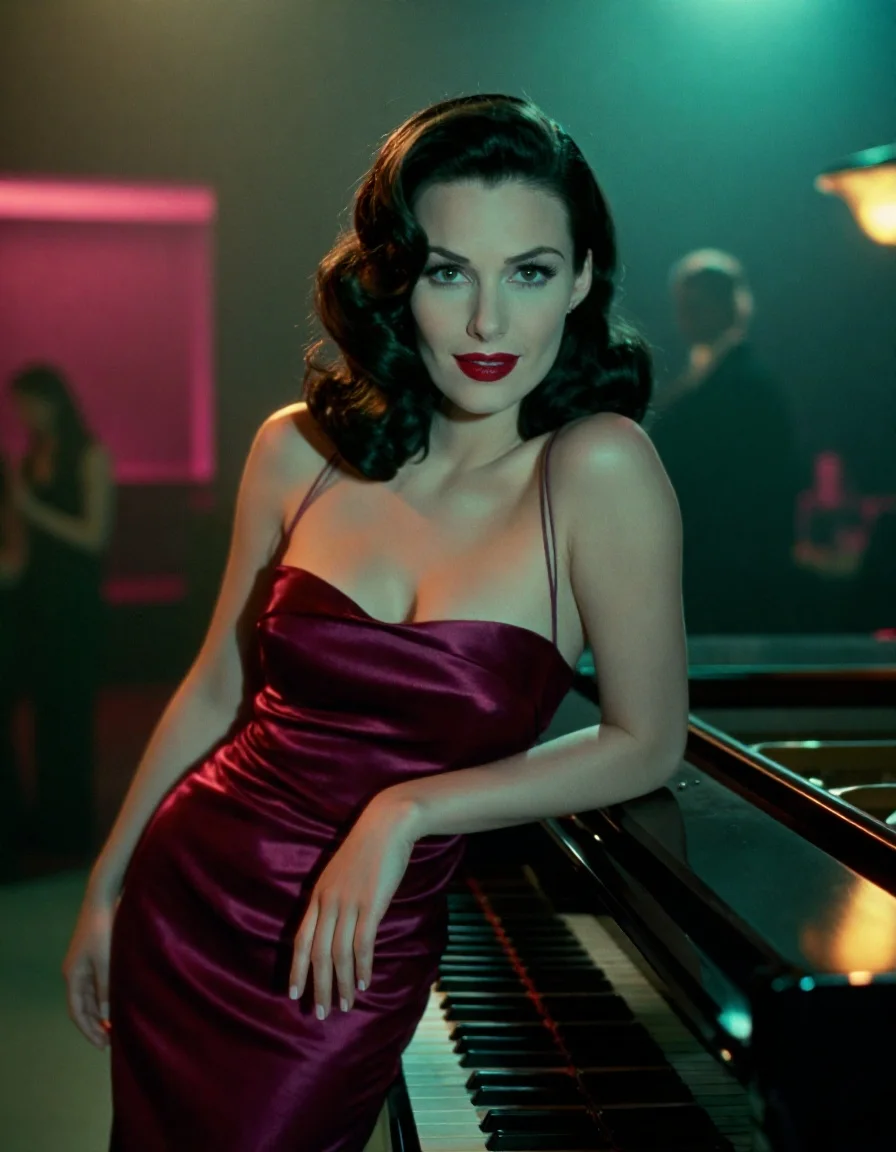
Z-Image Turbo LoRA Text to image makes one image from a written prompt on Alibaba's Z-Image Turbo, a 6-billion-parameter model distilled to eight sampling steps, with up to three of your own LoRA files loaded. Pick any of nine aspect ratios at about one megapixel and get back JPEG, PNG or WebP at one flat price. The platform adds no content filter to the prompt, the weights or the image.
Choose a mode by starting material
| What you have | Mode |
|---|---|
| a written description | Z-Image Turbo LoRA Text to image |
| a picture to restyle | Z-Image Turbo LoRA Image to image |
Key features & highlights
Eight steps, seconds per image
Z-Image Turbo is distilled to eight sampling steps. In our runs the model took roughly three to ten seconds per image, which makes it practical for testing LoRA scales and prompts in quick loops.
A large library of community LoRAs
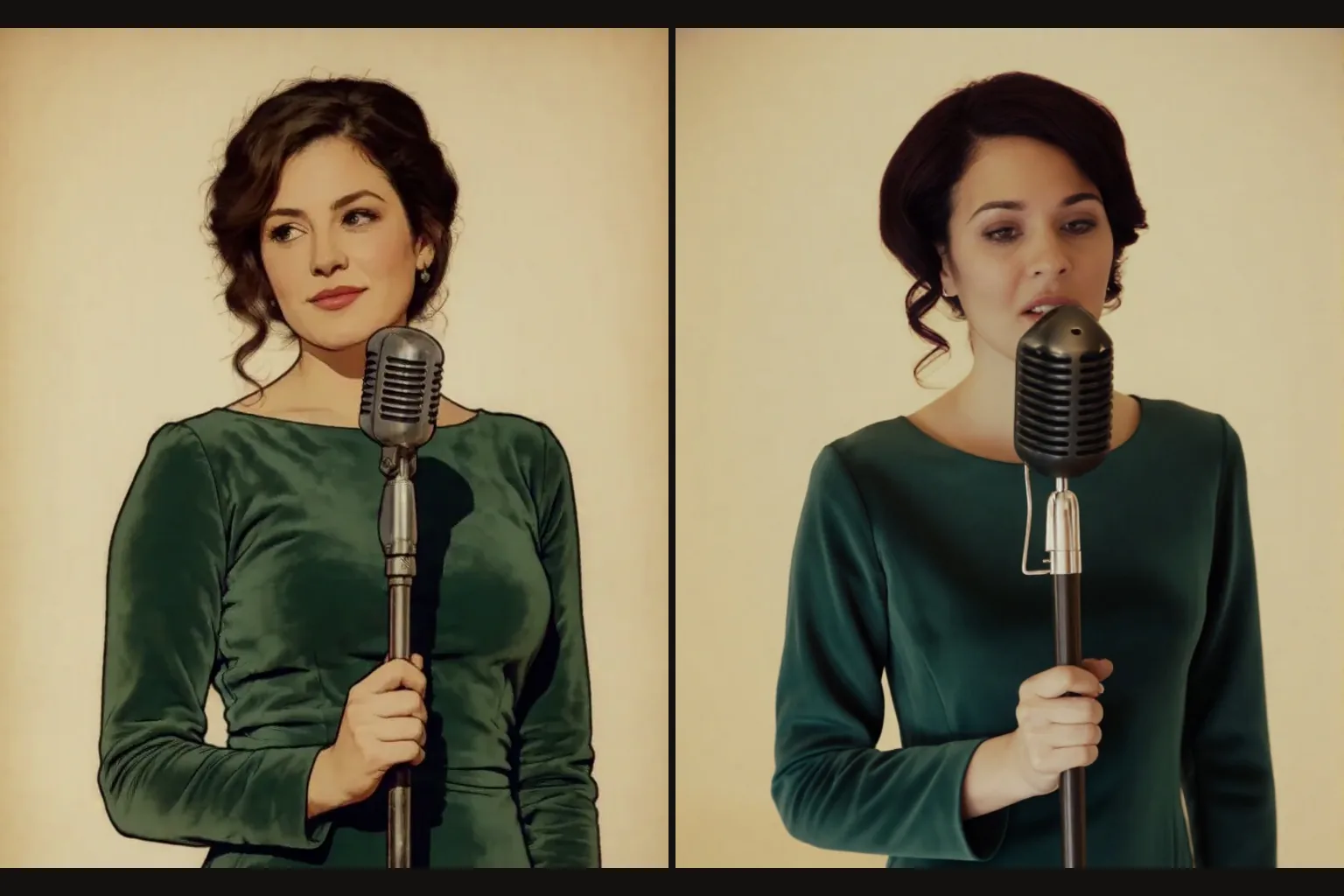
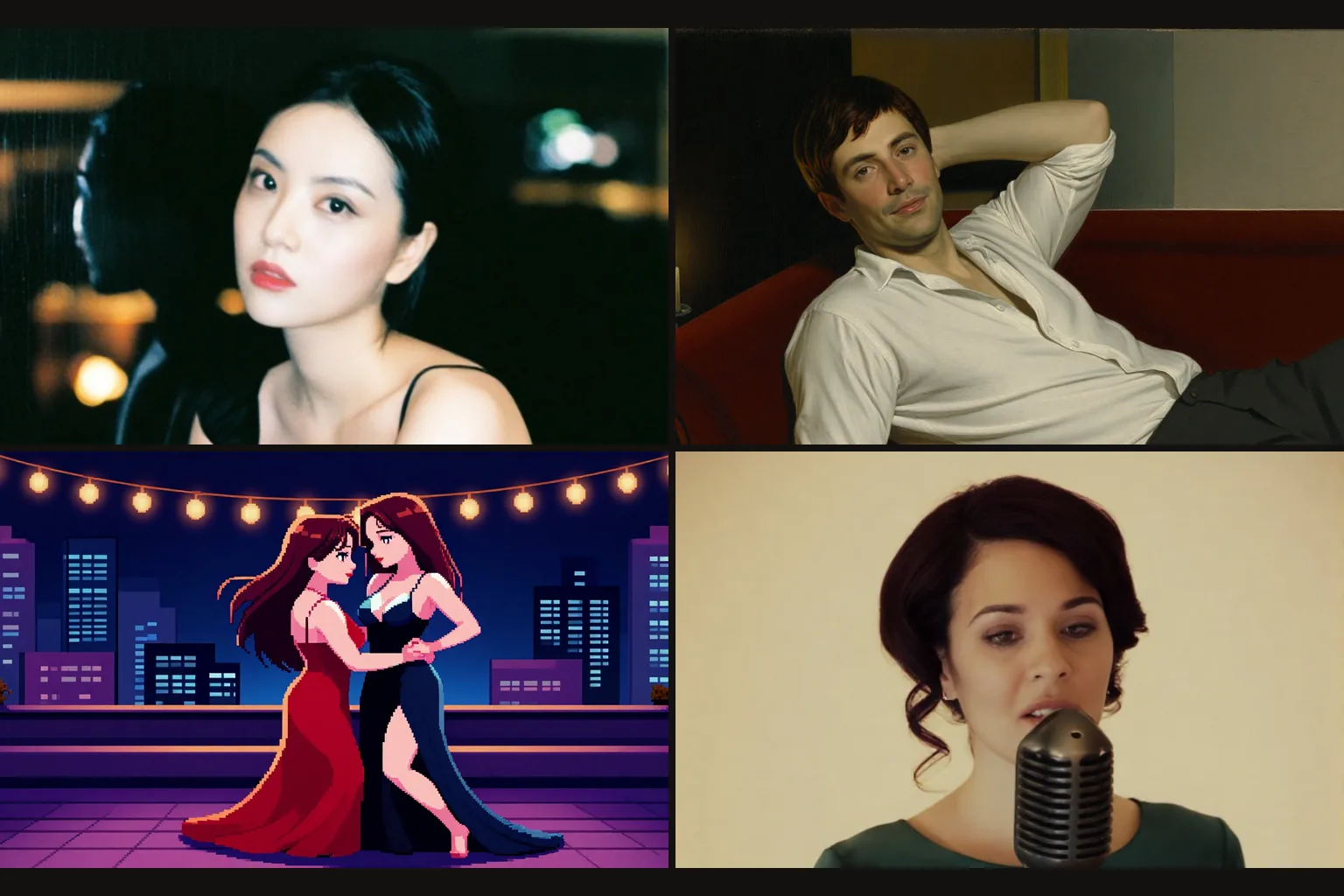
Z-Image Turbo is one of the most popular bases for community fine-tunes, with hundreds of LoRAs published on Hugging Face: realism, painting, pixel art, characters and concepts other hosts refuse. Pass the direct file link and a scale; nothing is uploaded to us in advance.
Uncensored with custom weights
With a matching LoRA loaded, our strongest content probe came back as written, and the base model did not hold back without one. The weights are never reviewed and the output is never filtered.
Request parameters
| Parameter | Required | Description |
|---|---|---|
prompt | Yes | Put the LoRA's trigger word first, then the subject, the setting and the light. Plain descriptive sentences work better than keyword lists. at least 1 characters · at most 5000 characters |
aspect_ratio | No | Nine options from 21:9 to 9:21, all about one megapixel and all the same price. |
loras | No | Up to three {path, scale} entries trained for Z-Image Turbo; scale 0 to 4, 1 is neutral. Use a public direct link to the .safetensors file. Default: |
output_format | No | JPEG by default, PNG or WebP if you need them. Does not change the price. |
seed | No | Keeps a set of images comparable while you change one LoRA scale at a time. |
Pricing
$0.012 / image
Billed per image at one flat price for every aspect ratio. Loading LoRAs adds no separate charge.
Use cases
Style batches at a flat price
Every image costs the same whatever the ratio, so a style LoRA plus a list of prompts becomes a consistent set of illustrations, posters or thumbnails with a predictable bill. Fix the seed per layout and swap only the subject line.
Character sheets
Keep a character LoRA and a seed fixed and change only the outfit, place and light between prompts. The face and build stay recognisable across the whole set, which is what a sheet needs.
Uncensored stills for your platform
Load the LoRA your audience expects and write the image directly. There is no content flag and no second review of the result, so what your users ask for is what they get back.
Prompt guide & pro tips
Trigger word first
Most Z-Image Turbo LoRAs are trained with a trigger such as "Realism" or "Pixel art style". Put it at the very start, then describe the scene in plain sentences: who is in the frame, what they wear, where they are and what time of day it is.
Describe light, not adjectives
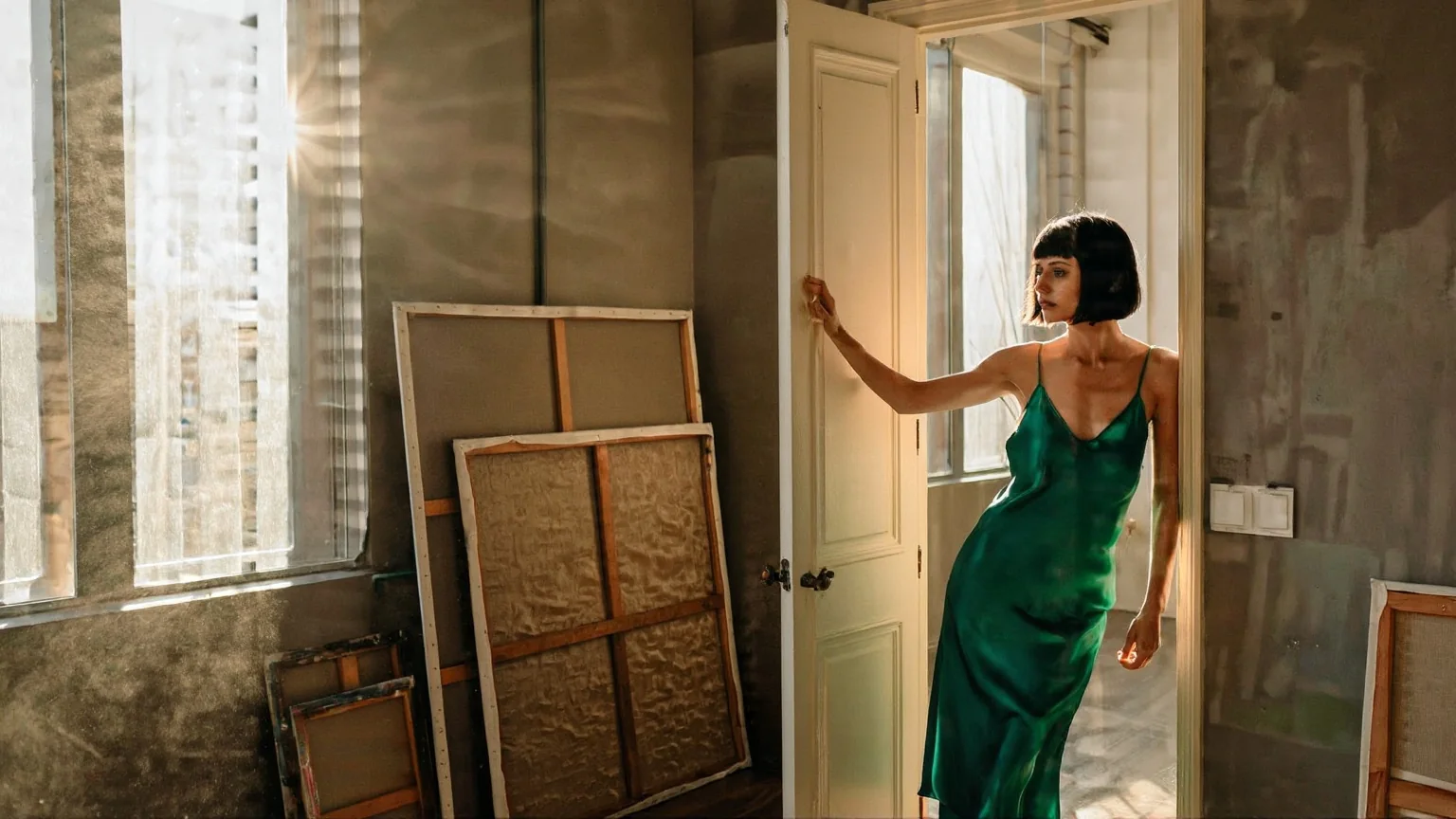
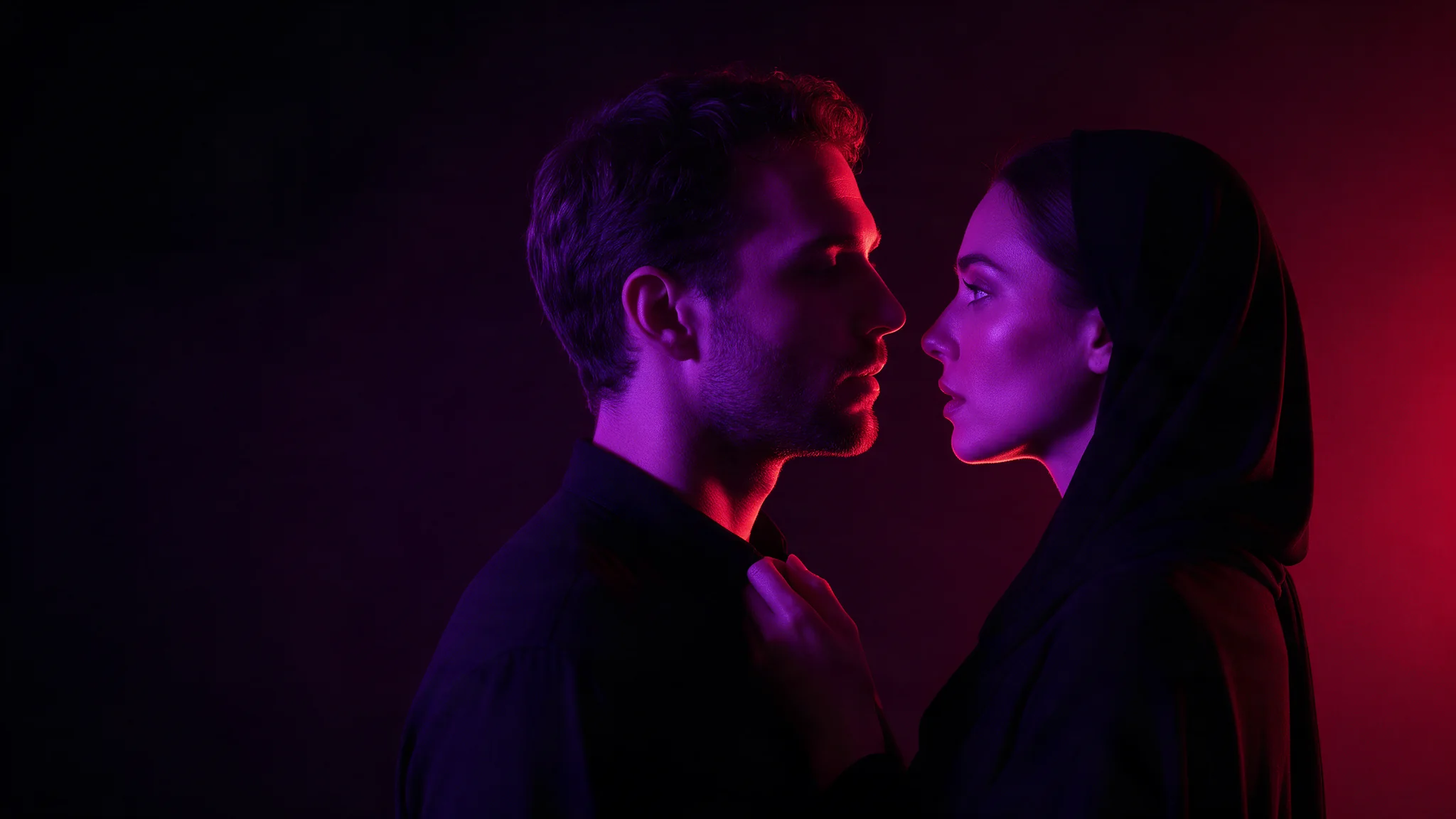
Name the light source, its direction and its colour: rain on the window, a warm lamp on the face, neon behind. Concrete lighting lands better than words like "cinematic", and it is the fastest way to make a realism LoRA look like a photograph.
Change one scale at a time
When stacking LoRAs, fix the seed and move one scale by about 0.2 at a time. Two style LoRAs at full strength usually fight; start the second one around 0.5 and raise it until its look appears without swallowing the first.
Draft in the shape you will publish
Pick the aspect ratio before you iterate. Composition changes between 1:1 and 21:9, and since every ratio costs the same there is no reason to draft square and crop later.
API quick start
# Generate the idempotency key once; reuse it when retrying after a lost response.
export SPICY_IDEMPOTENCY_KEY="${SPICY_IDEMPOTENCY_KEY:-$(uuidgen)}"
curl -X POST https://api.spicyapi.ai/api/v1/jobs/createTask \
  -H "Authorization: Bearer $SPICY_API_KEY" \
  -H "Content-Type: application/json" \
  -H "Idempotency-Key: $SPICY_IDEMPOTENCY_KEY" \
  -d '{
  "model": "alibaba/z-image-turbo-lora/text-to-image",
  "input": {
    "aspect_ratio": "1:1",
    "output_format": "jpeg",
    "prompt": "A ceramic teapot on a linen cloth, soft window light, muted palette"
  }
}'

# Copy data.taskId from the response into TASK_ID, then poll the status.
TASK_ID="TASK_ID_FROM_RESPONSE"
curl "https://api.spicyapi.ai/api/v1/jobs/recordInfo?taskId=$TASK_ID" \
  -H "Authorization: Bearer $SPICY_API_KEY"
See the API reference for authentication, the complete schema, polling, and error handling.