You attach a LoRA and get a finished portrait, but it looks just like the base model. A successful job alone does not show whether the adapter influenced the picture. To find out, run the same prompt and seed three times: twice with no LoRA, once with it. The three outputs cost $0.036 at $0.012 per image. Compare them to see whether the intended style or identity change appears beyond the base model's ordinary variation.
That second question matters most for adult-oriented work. The base model already renders mature briefs without a filter, so a more explicit result with an adapter attached may come from the base. Only the control tells you which.
Try it in the Playground first
Open the z-image-turbo-lora Playground in Form view and set the same values for all three runs:
- Paste one plain portrait prompt into Prompt, set Aspect ratio to 1:1, Output format to PNG and Seed to 42. JPEG compression adds noise to a pixel comparison.
- Under Style LoRAs, use Remove item so the list is empty, then run twice. These are your two controls.
- Choose Add item, paste the direct
.safetensorslink into LoRA file, leave Strength at 1 and run once. (The Playground calls the LoRA scale "Strength"; the API field isscale, and it is not the image-to-imagestrengthdial described below.) - Put the three outputs side by side: does the intended style or identity change appear beyond the difference between the two controls?
The Realism adapter can make a subtle change to an already photographic portrait. For a more visible first check, choose a Turbo-compatible painterly or colour-grade LoRA and its author's trigger word. A small Realism difference does not mean loading failed.
Run the three-job check through the API
To measure the difference instead of eyeballing it, run the same three jobs from Python. Install spicyapi and pillow, set SPICY_API_KEY, and run:
import os
import uuid
import urllib.request
from io import BytesIO
from PIL import Image, ImageChops, ImageStat
from spicyapi import SpicyClient, output_assets

client = SpicyClient()
MODEL = "alibaba/z-image-turbo-lora/text-to-image"
inputs = {"prompt": "Realism, studio portrait of a woman in a burgundy blazer, soft window light, grey backdrop",
          "aspect_ratio": "1:1", "output_format": "png", "seed": 42,
          "loras": [{"path": "https://huggingface.co/suayptalha/Z-Image-Turbo-Realism-LoRA/resolve/8dc179cb56844d4ddc6e4527c30e98347eeae971/pytorch_lora_weights.safetensors", "scale": 1}]}

images = []
for name, loras in [("base-1", []), ("base-2", []), ("lora", inputs["loras"])]:
    body = {**inputs, "loras": loras}
    quote = client.quote_task(model=MODEL, input_data=body)
    if input(f"{name}: maximum ${quote['maxCharge']}. Create? [y/N] ") != "y":
        raise SystemExit("Stopped")
    task = client.create_task(model=MODEL, input_data=body, idempotency_key=str(uuid.uuid4()),
                              quote_id=quote["quoteId"], expected_cost=quote["estimatedCost"])
    final = client.wait_for_terminal(task["taskId"])
    url = output_assets(final)[0]["url"]
    request = urllib.request.Request(url, headers={"User-Agent": "Mozilla/5.0"})
    data = urllib.request.urlopen(request, timeout=120).read()
    open(name + ".png", "wb").write(data)
    images.append(Image.open(BytesIO(data)).convert("RGB"))

for label, other in [("control gap", images[1]), ("LoRA gap", images[2])]:
    diff = ImageStat.Stat(ImageChops.difference(images[0], other)).mean
    print(label, sum(diff) / 3 / 255 * 100)
The Python SDK covers task handling. Use a version-pinned, direct LoRA file and the author's trigger word; changing the file between controls defeats the comparison. A same seed can still yield different pixels, so compare the two controls before interpreting the adapter score.
Read the result
| Control vs LoRA, compared with control vs control | What it means | What to do |
|---|---|---|
| About the same as the noise floor, and the images look alike | No visible adapter effect in this prompt | Check the base it was trained for, the trigger word and the file type (below), then use the file author's recommended scale; if none is given, compare 0.5, 1 and 1.5 |
| Clearly above the control gap (including zero-gap controls), target look visible, subject intact | Evidence of the intended adapter effect; confirm across more seeds | Keep it; repeat on two or three other seeds |
| Far above the noise floor but the subject, face or crop changed | Large change, but not yet a useful result | Compare lower scales, such as 0.8 and 0.6, against the same control |
| Control already matches your brief | The adapter adds nothing you need | Leave it off; a LoRA is a style or identity control, not a requirement |
The numbers screen; your eyes decide. A small camera shift moves many pixels while a changed face moves few, so look at identity, style, crop and any costume or prop you did not ask for before trusting a percentage. Percentages are not thresholds for other files or sizes. For adult scenes, also tell a refusal from a completed but toned-down image: it is billed and can look polished while still missing the brief.
Why a LoRA does nothing
If the job completed but you see no intended effect, work through these in order:
- Undocumented compatibility. Prefer a Turbo-specific file, or a Base-trained file whose author documents compatibility with Turbo. Base-trained adapters are not automatic drop-in substitutes. Follow the author's Turbo settings and run the no-LoRA control instead of assuming a larger scale fixes incompatibility.
- Wrong adapter type. Standard LoRA is the safe format. A ComfyUI report describes LoKR adapters for Z-Image Turbo being logged as "lora key not loaded" and ignored while standard LoRAs worked (ComfyUI issue 10973); this is a local ComfyUI loader report. Use a standard Turbo LoRA here instead of assuming the endpoint supports LoKR files.
- Missing trigger word. Style and character files respond to their trigger. Start the prompt with it.
- Scale too low, or a subtle file. Sweep 0.5, 1, 1.5 with everything else fixed.
- Link problems. A page URL or private file fails at submission or after it; use a direct, reachable model file.
Image-to-image has two dials
The image-to-image task adds image_url, resolution and a separate strength (0 to 1, default 0.8) that controls how far the result may depart from your source: lower values retain more source influence, while values near 1 allow more change. There is no universal setting that preserves a face; values above 1 are rejected. Keep strength fixed with the seed while you test scale, or you will not know which dial moved the picture.
Which route for adult-oriented work
In our September 2026 tests without a LoRA, text-to-image delivered all 18 requests from suggestive through explicit scenarios. Image-to-image delivered 15 of 18: its three intimate-action edits omitted the requested act, although the more extreme probes completed. The outcome depends on the task and scene, not simply the level label. So start with text-to-image when you can write the scene from scratch, and use image-to-image when an existing portrait or composition has to survive. A LoRA then adds a look or a character on top of either; the model review has the per-class results.
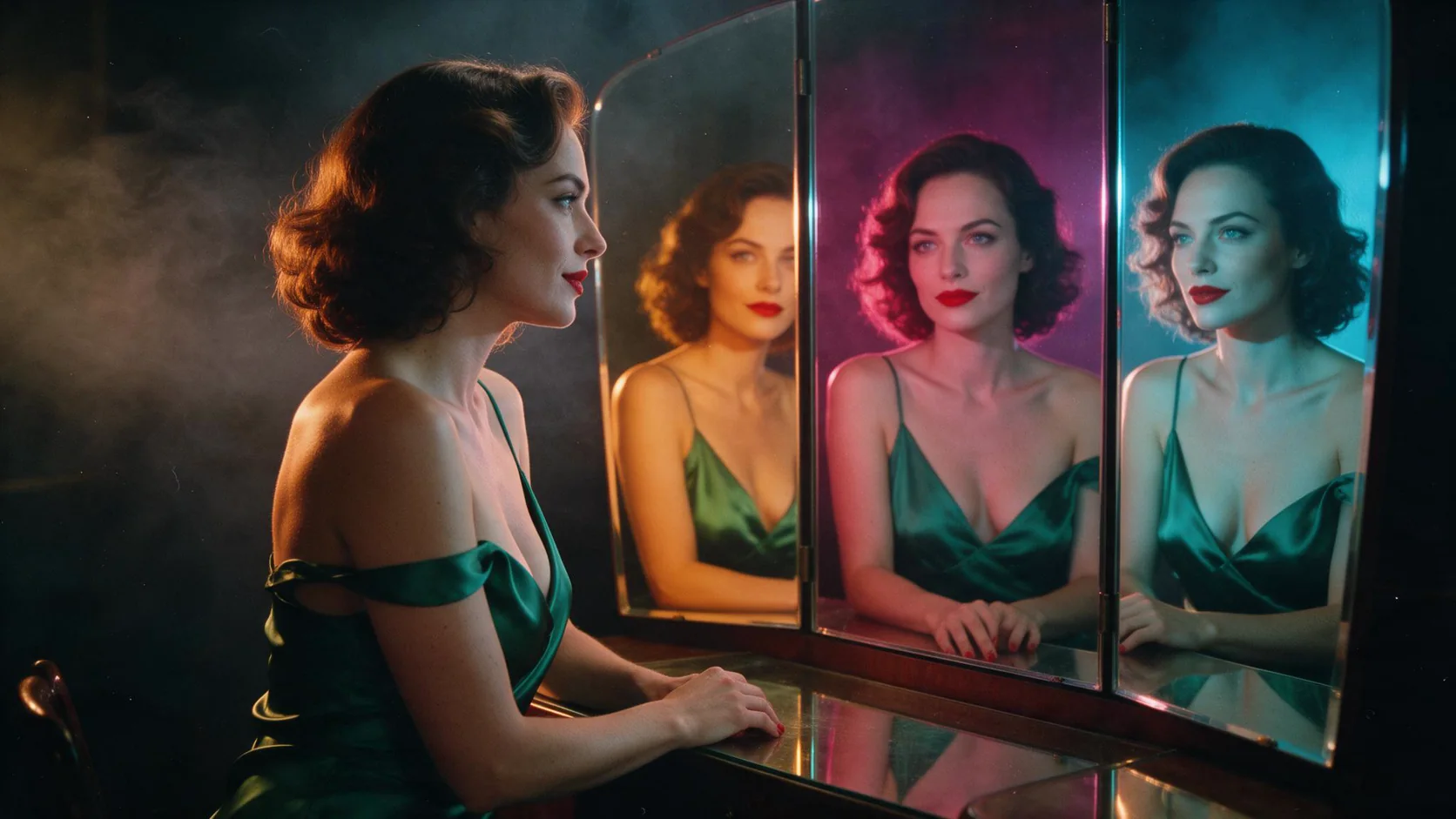
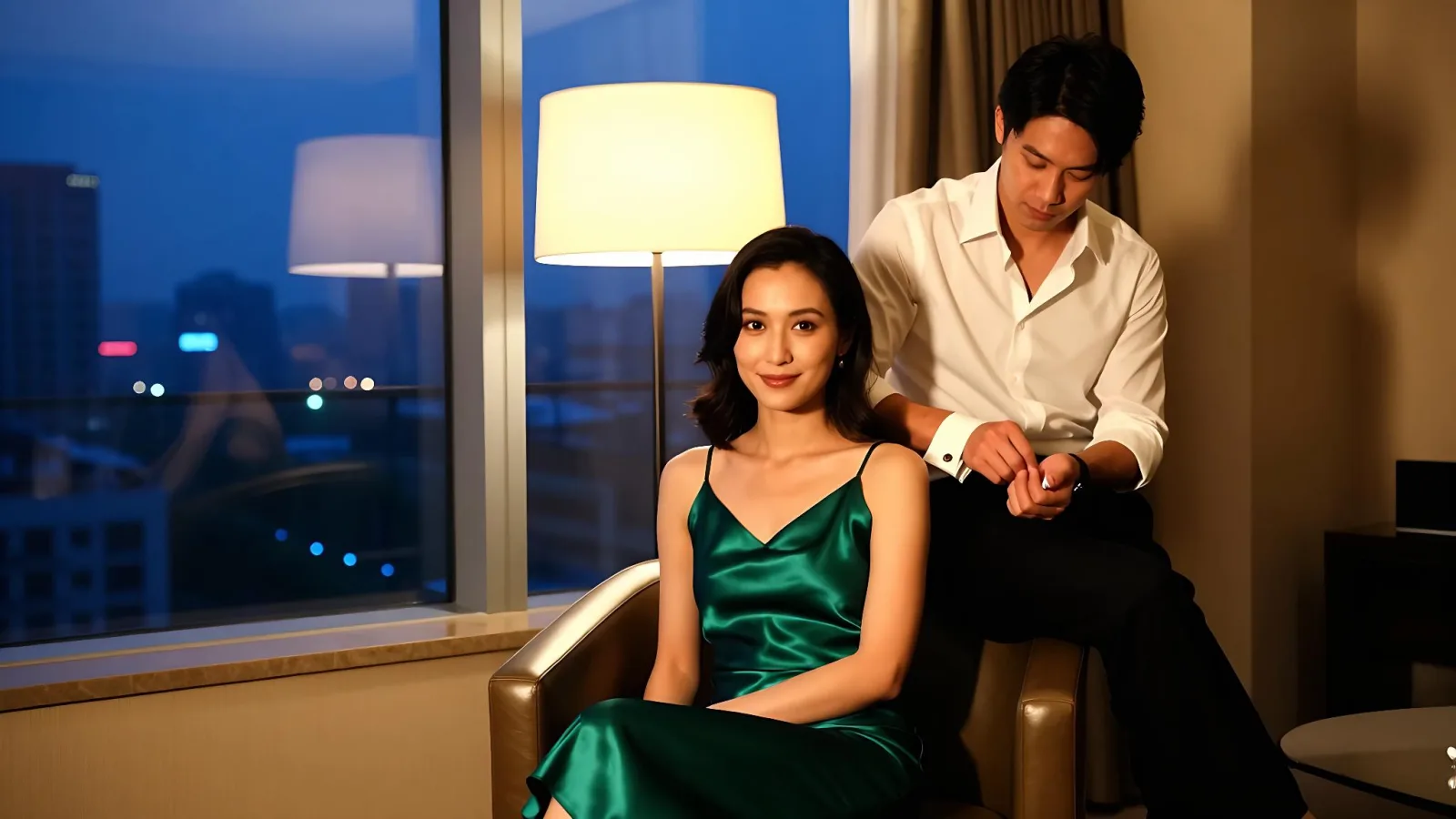
Emerald-dress portrait with three coloured mirror reflections; compare a matching no-LoRA control when judging the adapter’s contribution.
Keep a one-line record
Store the prompt, seed, aspect ratio, {path, scale} list, strength if used, and the output URL next to each image. Pin every path to a file version that cannot change: a community URL can keep resolving while the author replaces the weights, and a pinned commit identifies the adapter version used in each run.
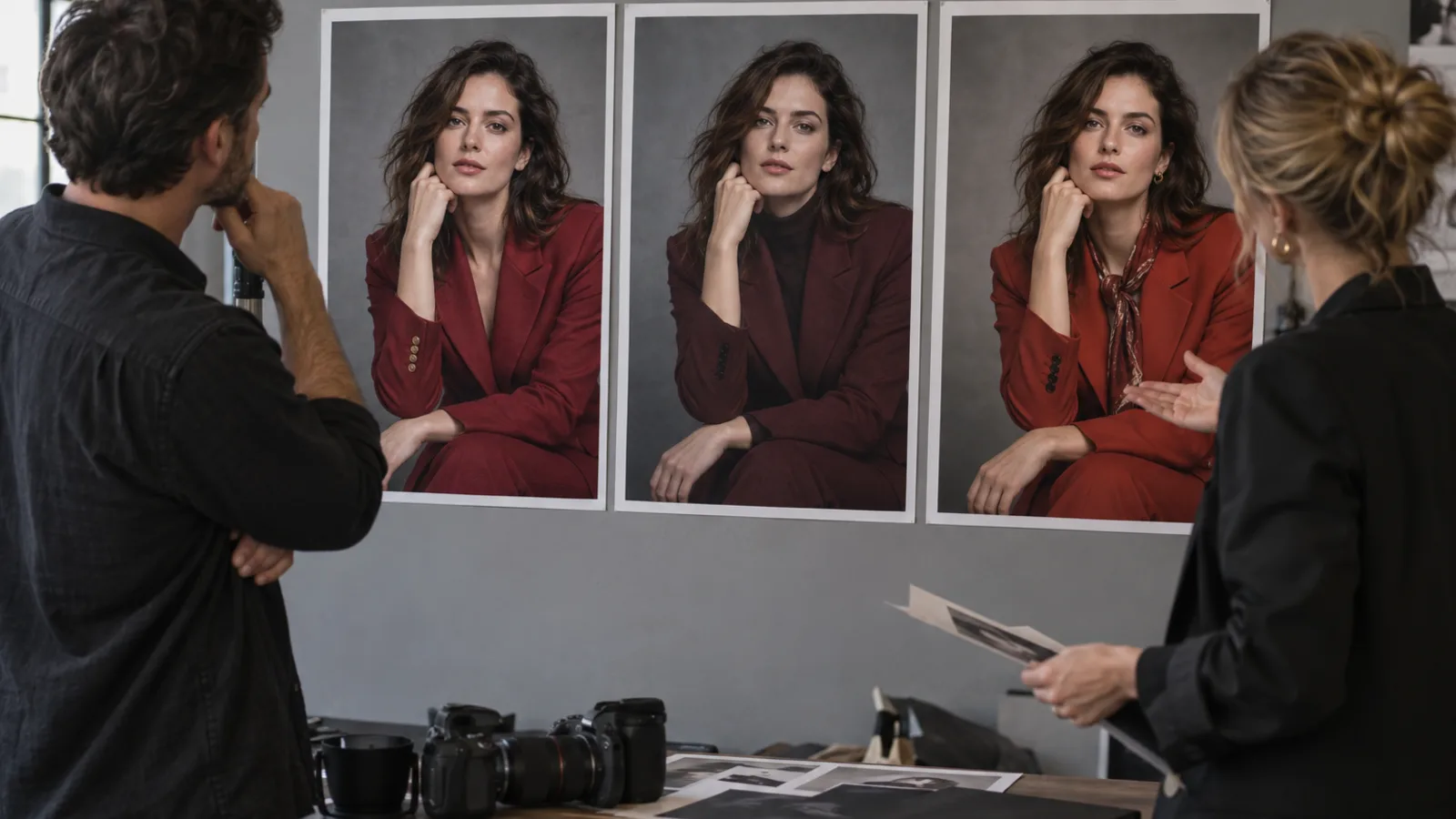
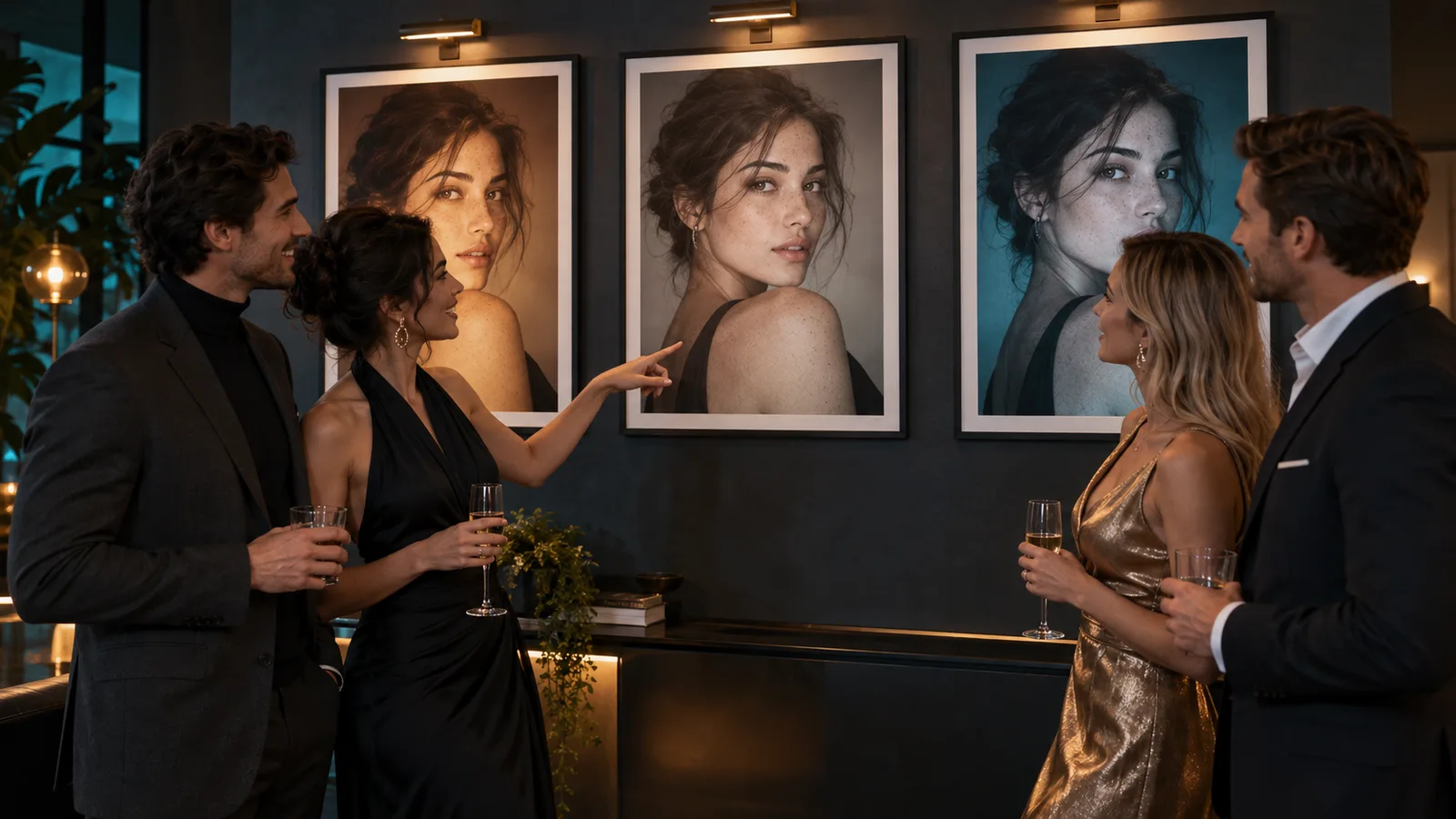
An editorial illustration of the review step: the same person across three treatments makes the style change easy to judge.
FAQ
Does the same seed give a pixel-identical image?
Not reliably. Repeat the no-LoRA job and measure it against the first before trusting any LoRA difference.
Can I test three LoRAs at once?
You can load up to three per request, but test one first. With several files you cannot tell which one caused a drift. Add the second at about 0.5 scale and raise it until its look appears.
Does attaching a LoRA unlock stronger content?
Not by itself: credit the adapter only for what appears against the control.
Does Z-Image Turbo support LoRA?
Yes. Each request takes up to three LoRAs, each a direct link to a .safetensors file documented as compatible with Z-Image Turbo, with scale from 0 to 4 (default 1). The endpoint loads weights; it does not train them. Train the weights separately; the hosted LoRA API guide explains how to supply the finished file.
How much does it cost?
Loading the LoRA adds no separate adapter fee. The live quote confirms the total before each task.
What scale should I use?
Use the author's recommended range. If none is supplied, 1 is the platform default; compare 0.5, 1 and 1.5 with the same prompt and seed. If the subject drifts, lower the scale. Increasing it is not a universal fix for a file trained on a different base.
If you already have a Z-Image Turbo file, run the three-job check on text-to-image before a batch depends on it.
Let an Agent handle the call
Use an Agent when you want it to prepare the inputs and return the result while you approve the price and creative choices.
- CLI: with the same input object saved as
input.json, usenpx @spicyapi/cli tasks create --model alibaba/z-image-turbo-lora/text-to-image --input-file input.json --wait. The CLI confirms the price; keep the returned task ID for recovery. - MCP: ask your assistant to use
spicyapi_task_createforalibaba/z-image-turbo-lora/text-to-image, thenspicyapi_task_wait. The MCP server requests price confirmation before creation. - Skill: install with
npx skills add spicyapi-ai/spicy-skill, then ask "Use the spicyapi skill to run this three-job check and stop for my approval." The Skill uses a configured CLI or MCP connection.