Choose Z-Image Spicy for text-generated images up to 1536 pixels on either side, from $0.01235 an image. Choose Spicy Pro when a side must exceed 1536, up to 2560 pixels, at $0.019. Both are uncensored text-to-image tasks. Neither takes an image reference, so use a separate editor when an approved face must stay the same.
Both take uncensored briefs as written with prompt expansion off; in our September 2026 tests Spicy once dropped part of the scene on the strongest request and Pro did not (details: Is Z-Image uncensored?). Below: a fully clothed fictional adult dancer with one coral fan, a portrait first, then a wide announcement image.
Choose a canvas and price together
| Setting | Z-Image Spicy | Z-Image Spicy Pro |
|---|---|---|
| Width and height | Each 256–1536 | Each 256–2560 |
| Defaults | 1024 × 1536 | 1024 × 1024 |
| Expansion off | $0.01235/image | $0.019/image |
| Expansion on | $0.0133/image | $0.019/image |
| Prompt length | No cap | No cap |
| Seed | 0–2147483647 | Same |
| Negative prompt, source image, mask, LoRA | Not available | Not available |
Send width and height; there is no aspect_ratio field. Useful canvases: 960 × 1200 for a 4:5 card, 864 × 1536 for a 9:16 story frame, 1536 × 864 for 16:9, all within ordinary Spicy. Choose Pro for 2560 × 1440 or any 1600-pixel-wide frame: Spicy rejects a 1600 width, and cutting only the width to 1536 silently changes the ratio.
Billing is per image, not per pixel, so a 2560 × 2560 Pro frame costs the same $0.019 as a 1024 square and a small draft saves nothing. A different canvas also changes the picture even with the same seed, so draft at the size you will deliver. Keep the long side within about twice the short side unless the empty space is the point.
Try the portrait in the Playground first
- Open the Z-Image Spicy page and stay on the Playground tab, in Form view. Sign in with a funded account to run.
- Set Width to 960 and Height to 1200, leave Prompt expansion off, and enter a Seed such as 314159.
- Paste the prompt below into Prompt and run the model; check the fan, hands and shoes before you use the result.
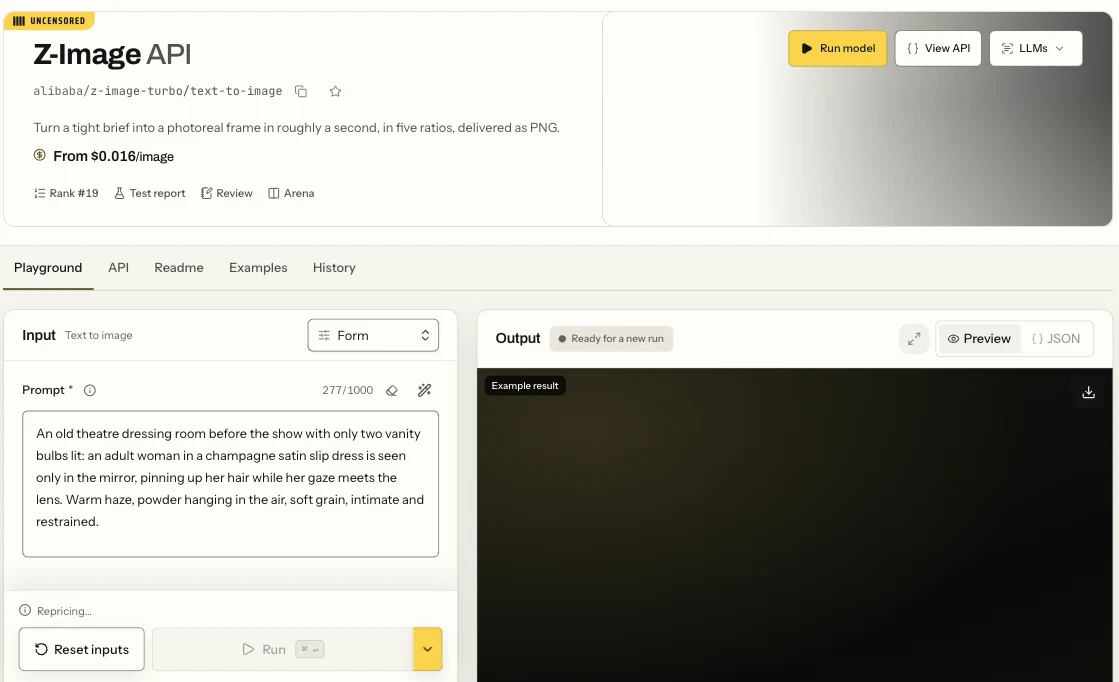
The sibling Z-Image text-to-image page, not the Spicy page: the Form view with the Prompt field and the Run button.
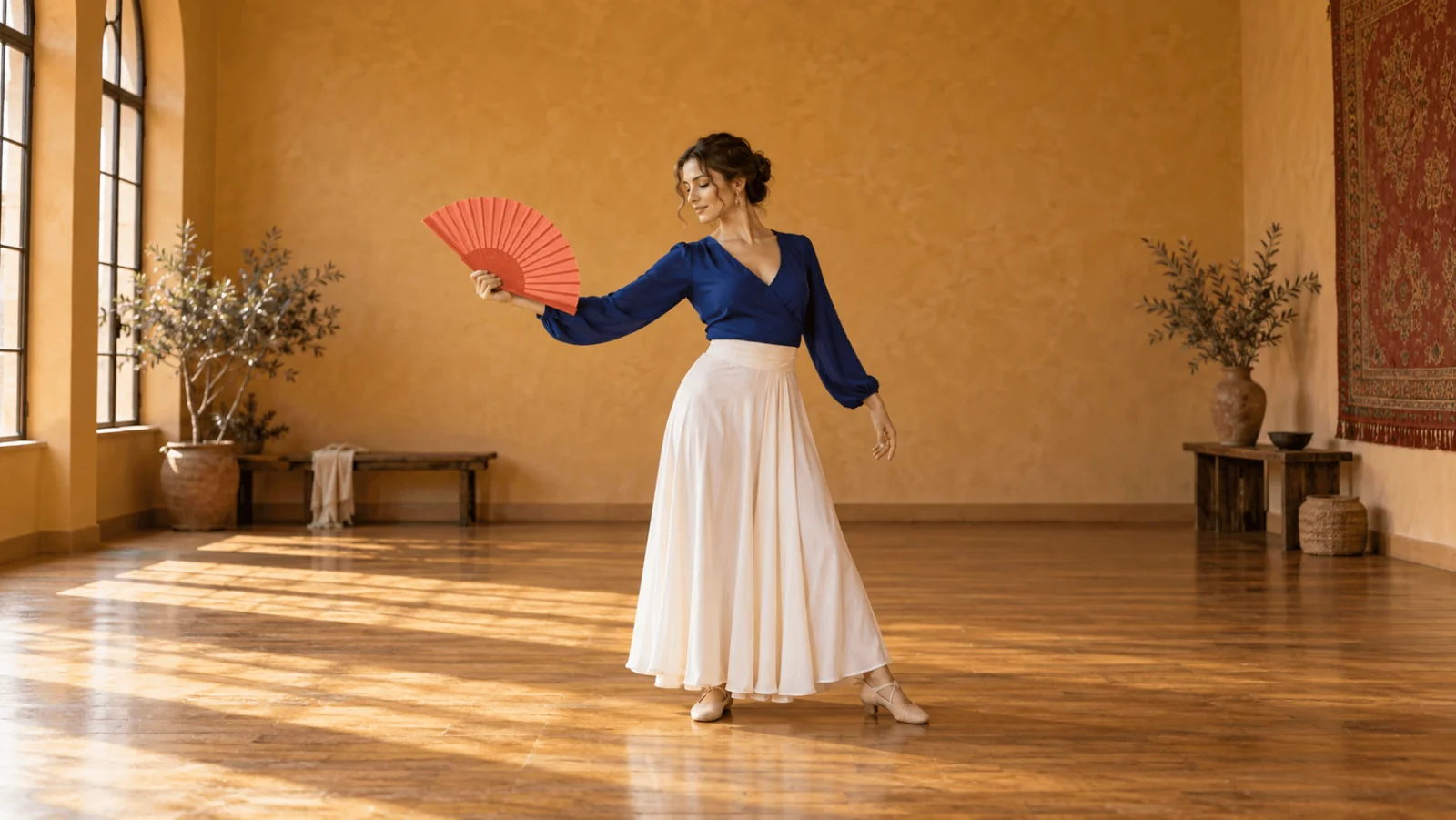
Natural editorial fashion image of one fictional adult dancer aged 32, rehearsing alone in a quiet studio. She wears a cobalt long-sleeved blouse, an ivory skirt and simple rehearsal shoes. Complete body in a gentle quarter turn, both shoes resting on the wooden floor. One hand holds the handle of one open coral folding fan beside her shoulder, with the grip visible and the fan away from her face. Her other hand hangs relaxed. Plain ochre wall, soft side light, generous room above the fan and below the shoes. No lettering, mirrors, extra people or additional fans.
With no negative-prompt field, exclusions go in the prompt, so the last sentence is the guardrail. The words defining the fan, hand and frame do more work than a string of "masterpiece" adjectives. Keep the first pose still enough to see which hand holds the object; explore a full dance movement once the outfit concept works.
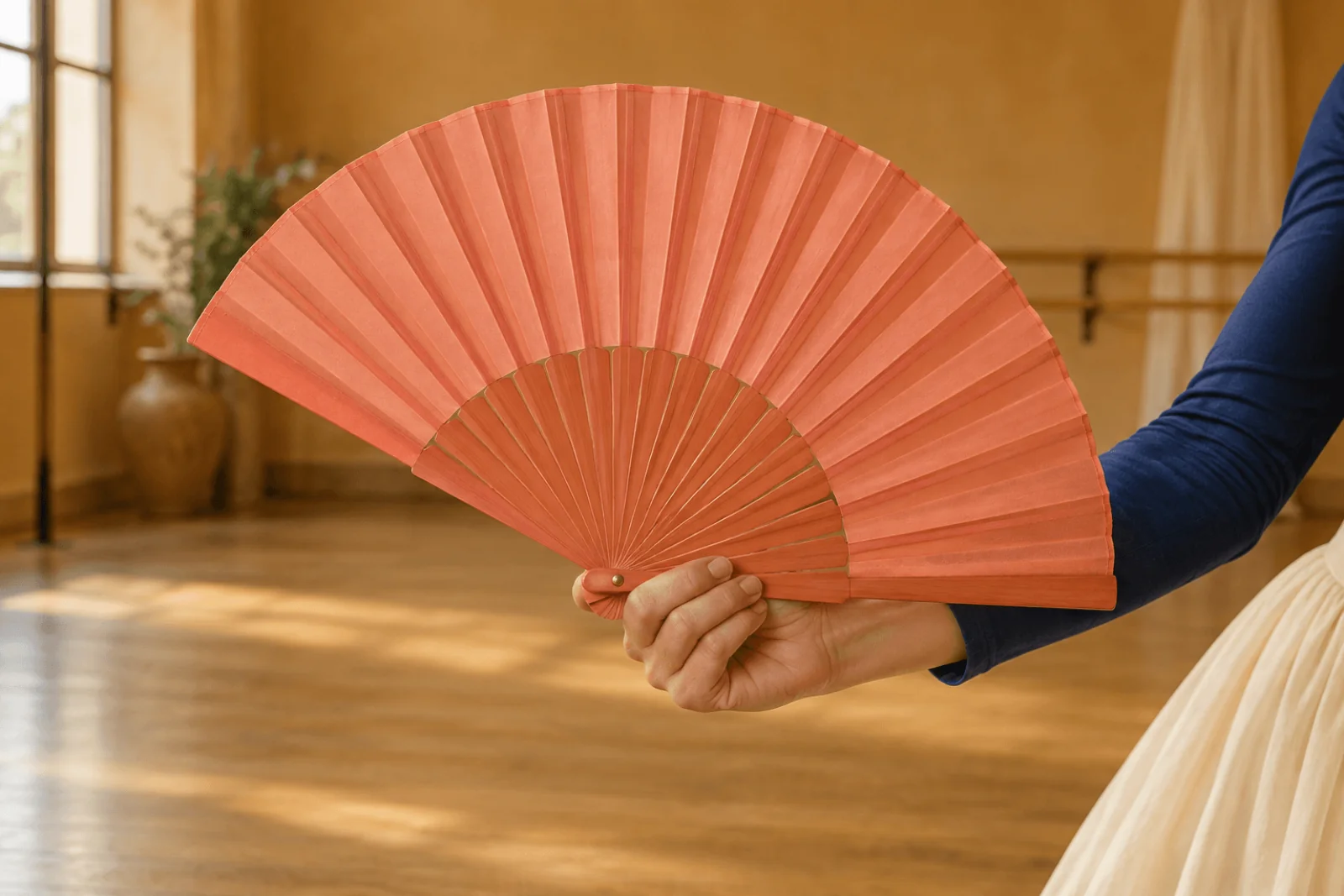
Illustration, not a target-model result: the visible grip at the fan pivot is the relationship this prompt asks for.
To compare candidates, change one clause and run again with a new seed each time. The Playground request body is the same JSON the API takes, so a setup that works here can be copied straight into code. For Pro, open the Z-Image Spicy Pro page and use the same fields with larger limits.
Then run it from code
Install the Python SDK (pip install spicyapi), set SPICY_API_KEY in your server environment, and run:
import uuid
from spicyapi import SpicyClient, output_assets

client = SpicyClient()  # reads SPICY_API_KEY from the environment

task = client.create_task(
    model="alibaba/z-image-spicy/text-to-image",
    input_data={
        "prompt": "Natural editorial fashion image of one fictional adult dancer aged 32, rehearsing alone in a quiet studio. She wears a cobalt long-sleeved blouse, an ivory skirt and simple rehearsal shoes. Complete body in a gentle quarter turn, both shoes resting on the wooden floor. One hand holds the handle of one open coral folding fan beside her shoulder, with the grip visible and the fan away from her face. Her other hand hangs relaxed. Plain ochre wall, soft side light, generous room above the fan and below the shoes. No lettering, mirrors, extra people or additional fans.",
        "width": 960,
        "height": 1200,
        "enable_prompt_expansion": False,
        "seed": 314159,
    },
    idempotency_key=str(uuid.uuid4()),
)

print("Task", task["taskId"], flush=True)
final = client.wait_for_terminal(task["taskId"])
if final["state"] != "succeeded":
    raise RuntimeError(f"{task['taskId']} ended as {final['state']}: {final.get('errorCode')}")
assets = output_assets(final)
if not assets or any(
    not asset.get("url") or asset.get("pending") or asset.get("unavailable")
    for asset in assets
):
    raise RuntimeError(f"{task['taskId']} has no complete downloadable output; look up this task before retrying")
print(assets[0]["url"])  # copy the image to your own storage now
Creating, waiting, downloading, retries and error codes are in the tasks guide and the Python SDK reference. Results expire, so see retention and delivery before you build on the returned link.
Or let an Agent run it
When an assistant should run the generations, all three official tools show the price and ask you before a paid call.
- CLI. Put the same
inputobject ininput.json, then:
``bash spicyapi tasks create --model alibaba/z-image-spicy/text-to-image --input-file input.json --wait ``
See the CLI docs; npx @spicyapi/cli works without installing.
- MCP server. Add the MCP server to your assistant, then ask: "Run Z-Image Spicy at 960 by 1200 with this prompt, prompt expansion off." It calls
spicyapi_task_create, which stops for your price confirmation, thenspicyapi_task_wait. - Skill.
npx skills add spicyapi-ai/spicy-skillinstalls the Agent Skill, which has a coding assistant read the live model schema instead of guessing fields.
Make the wide image a deliberate new layout
Change to width: 1536, height: 864. In the portrait prompt, replace "Complete body in a gentle quarter turn, both shoes resting on the wooden floor." with the first two sentences below, and "generous room above the fan and below the shoes" with the third:
Place the complete dancer on viewer-left in a gentle quarter turn, both shoes resting on the wooden floor. Keep the whole open fan away from the image edge. Reserve the right third as a quiet ochre wall for separately added event text.
This is a new text-generated image, not an edit of the portrait, and the same seed will not carry the approved face across canvases. When identity must match, keep the selected portrait and use a reference-capable image editor or an ordinary cutout and layout process for the banner.
Add the real title, date and venue in your design tool afterwards; a blank wall is a layout request, not a promise of correctly spelled generated text. If the wall comes out too narrow, move the text outside the picture instead of covering the fan.
Fix these failures before moving to Pro
| Failure | Specific revision |
|---|---|
| Fan merges with the hand | Request "one hand wrapped around the narrow handle below the fan pivot," and keep the fan away from the blouse edge. |
| Shoes are cropped | Use 4:5 or 2:3 portrait framing; say "complete body with visible floor below both shoes." Remove close-up language. |
| Two dancers appear | Remove class, crowd, mirror or partner wording; retain "one adult rehearsing alone." |
| Title area is busy | Remove decorative windows, wall patterns and dramatic rays; request a plain right-third wall. |
| Fan covers the face | Place it beside the shoulder and outside the face silhouette. |
Pro does not fix anatomy or layout; revise the brief first and move up only when a side must exceed 1536.
Expansion and seeds
Leave prompt expansion off. It rewrites the prompt before generation, which can generalise wording you chose deliberately, and that matters most for adult-oriented briefs. Turn it on only for a one-line concept where you will accept a different scene; it adds $0.00095 an image on ordinary Spicy and nothing on Pro.
The model page says an omitted seed (or 0) draws randomly, but repeating an unseeded request returned the same image on both tiers in our tests, so send a different seed for every candidate. A seed keeps a draw comparable but does not guarantee an identical image, so save the files you select rather than relying on a number to recreate them.
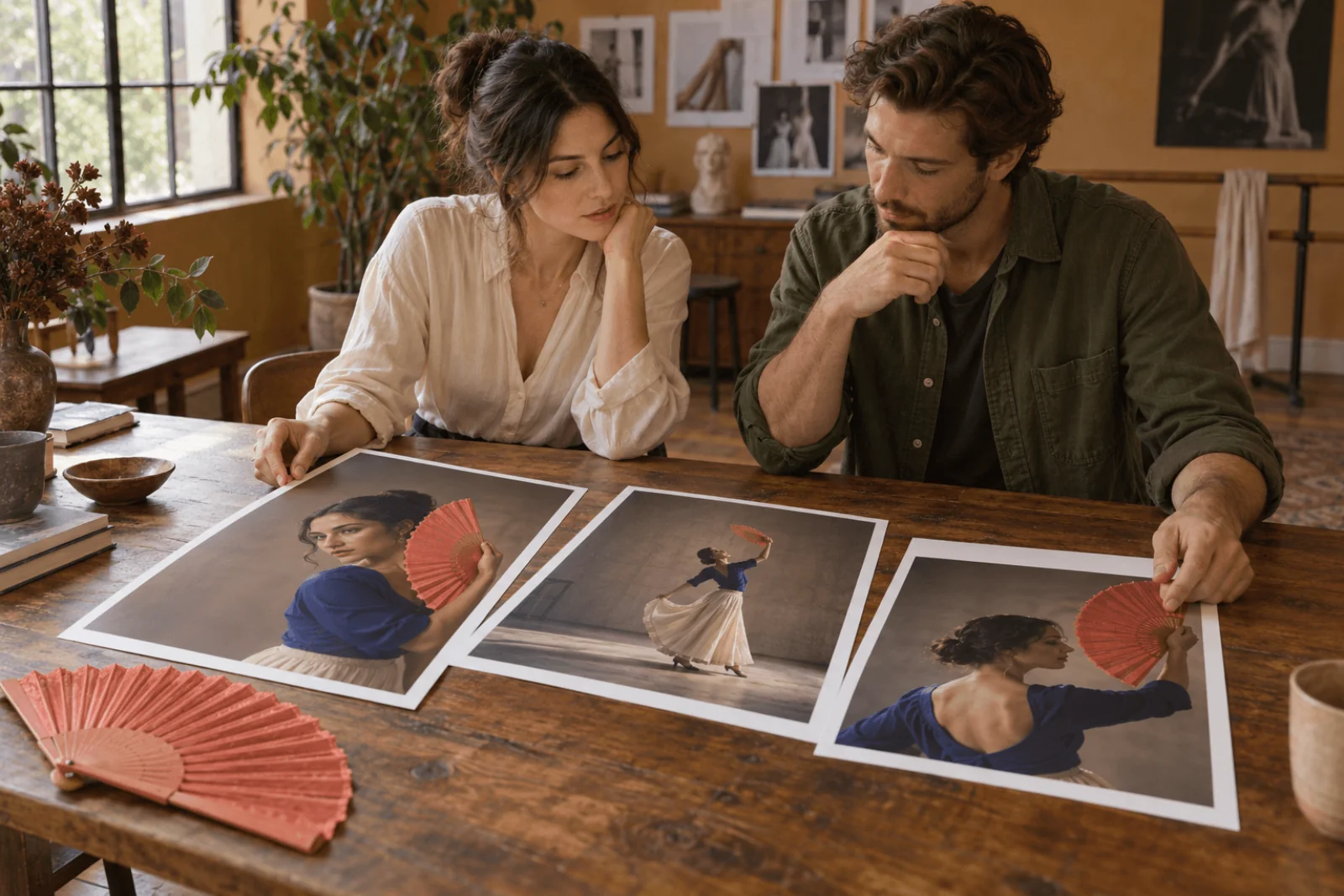
Illustration, not a target-model result: physical prints stand in for reviewing portrait concepts.
Budget and decision
Four ordinary Spicy candidates with expansion off cost $0.0494; four Pro candidates cost $0.076. Start on Spicy for anything within 1536 pixels; pay for Pro when the placement needs a longer side, and fix the brief, not the version, when anatomy or layout is wrong.