Introduction
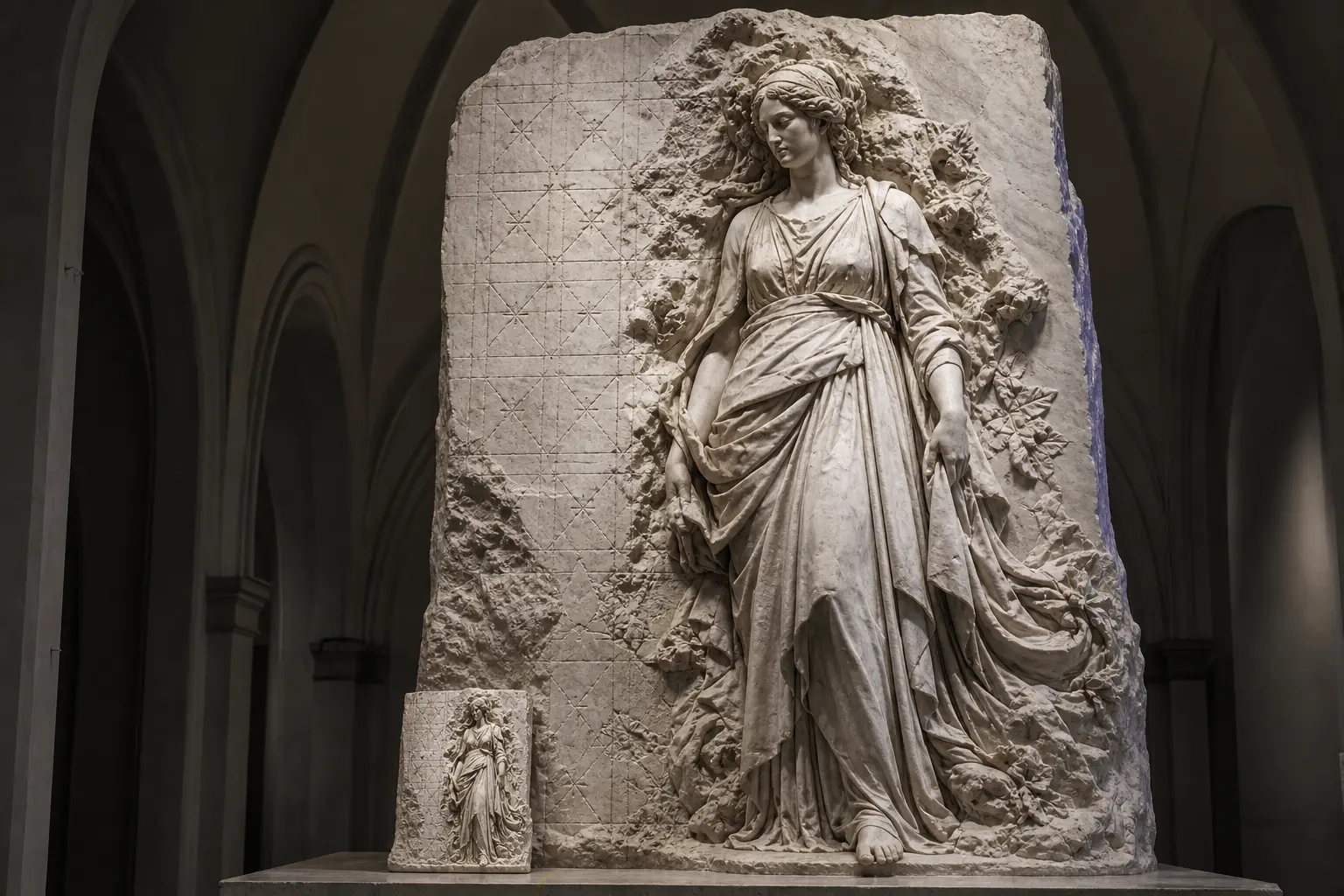
Wan 2.7 Pro Image to image reworks supplied imagery with a directed change. Use it when the source image contains details that must remain recognizable while a local or stylistic decision changes.
Choose a Wan 2.7 Pro mode by starting material
| What you have at the start | Mode |
|---|---|
| a written visual brief | Wan 2.7 Pro Text to image |
| an image that needs a directed change | Wan 2.7 Pro Image to image |
Key features & highlights
Up to 4K, on text-to-image
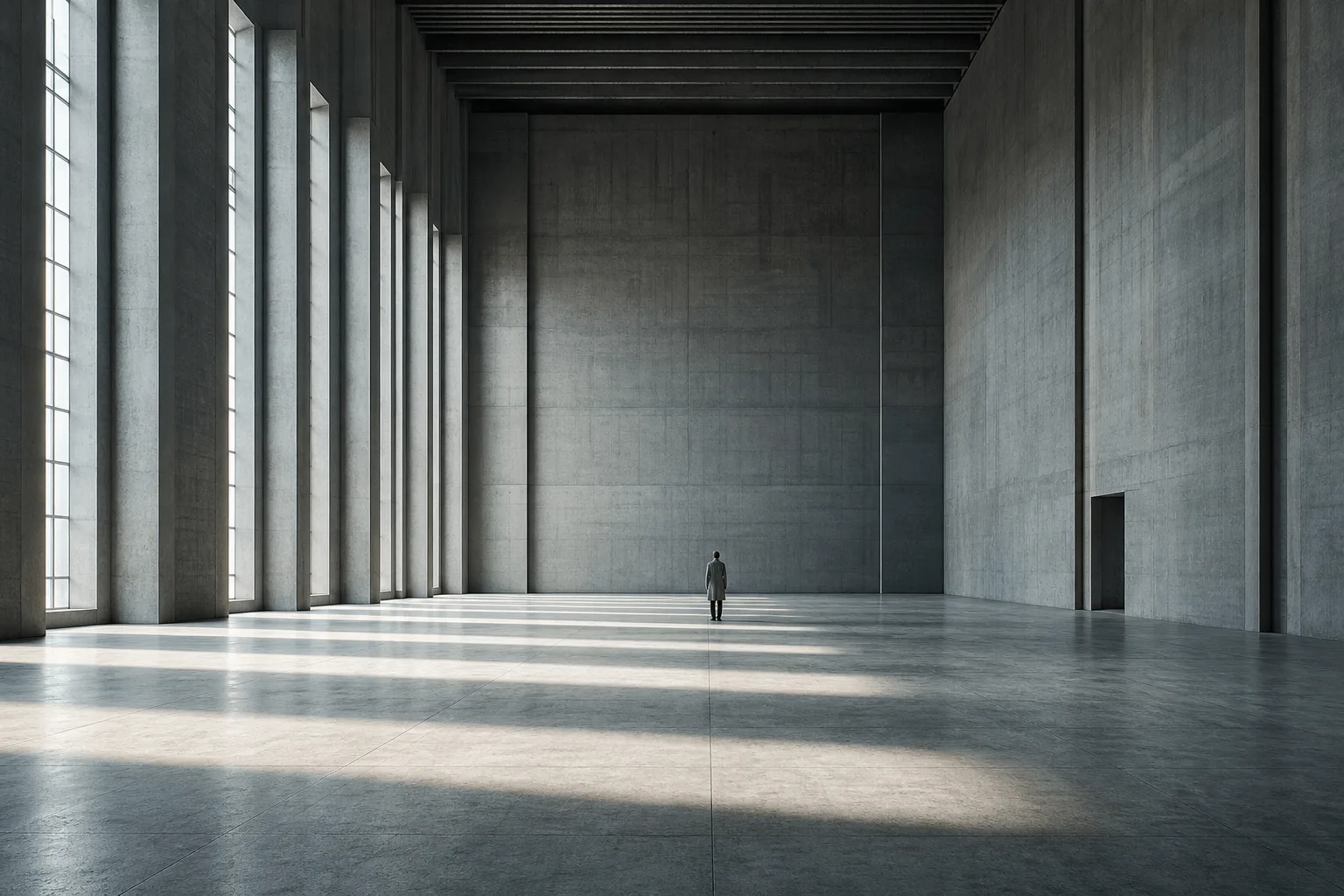
Text-to-image here defaults to 2k, about 4 megapixels, and goes up to 4k, about 16 megapixels, where the standard family stops at 2k. Image-to-image works at 2k. That split is the point: reach for 4k when you are generating a hero frame that will be cropped or printed, not when you are recolouring a packshot.
Candlelight, skin and brushwork
The second frame for this endpoint is a painterly interior: a figure against a backlit folding screen, one candle and a glass of wine on a lacquer table. Soft falloff, visible brush texture and a face read at that size are the first things to collapse on a small canvas, and exactly what the larger one is for.
It keeps every clause of a long instruction
On image-to-image the extra capacity goes into following compound instructions — take this object, put it on that surface, match the second image's light, leave the condensation alone. The standard family drops one clause of an instruction like that more often than this one does.
Request parameters
| Parameter | Required | Description |
|---|---|---|
prompt | Yes | Write the change and the do-not-change list. at least 1 characters · at most 5000 characters |
image_urls | Yes | One to nine references in one call. Order is meaningful: the prompt refers to them by position and the last one sets proportions when |
bounding_boxes | No | Optional rectangles marking where the edit should happen, up to two per reference image. at most 18 items |
aspect_ratio | No | 1:1, 4:3, 3:4, 16:9, 9:16, 3:2 or 2:3. No default. |
color_palette | No | Optional colour theme of 3 to 10 colours (8 is the recommended count). at least 3 items · at most 10 items |
seed | No | 0 to 2147483647. Fix it across a variant set so the only difference between two edits is the clause you changed. |
Pricing
$0.075 / image
Use cases
Adapt an approved image for a new campaign context
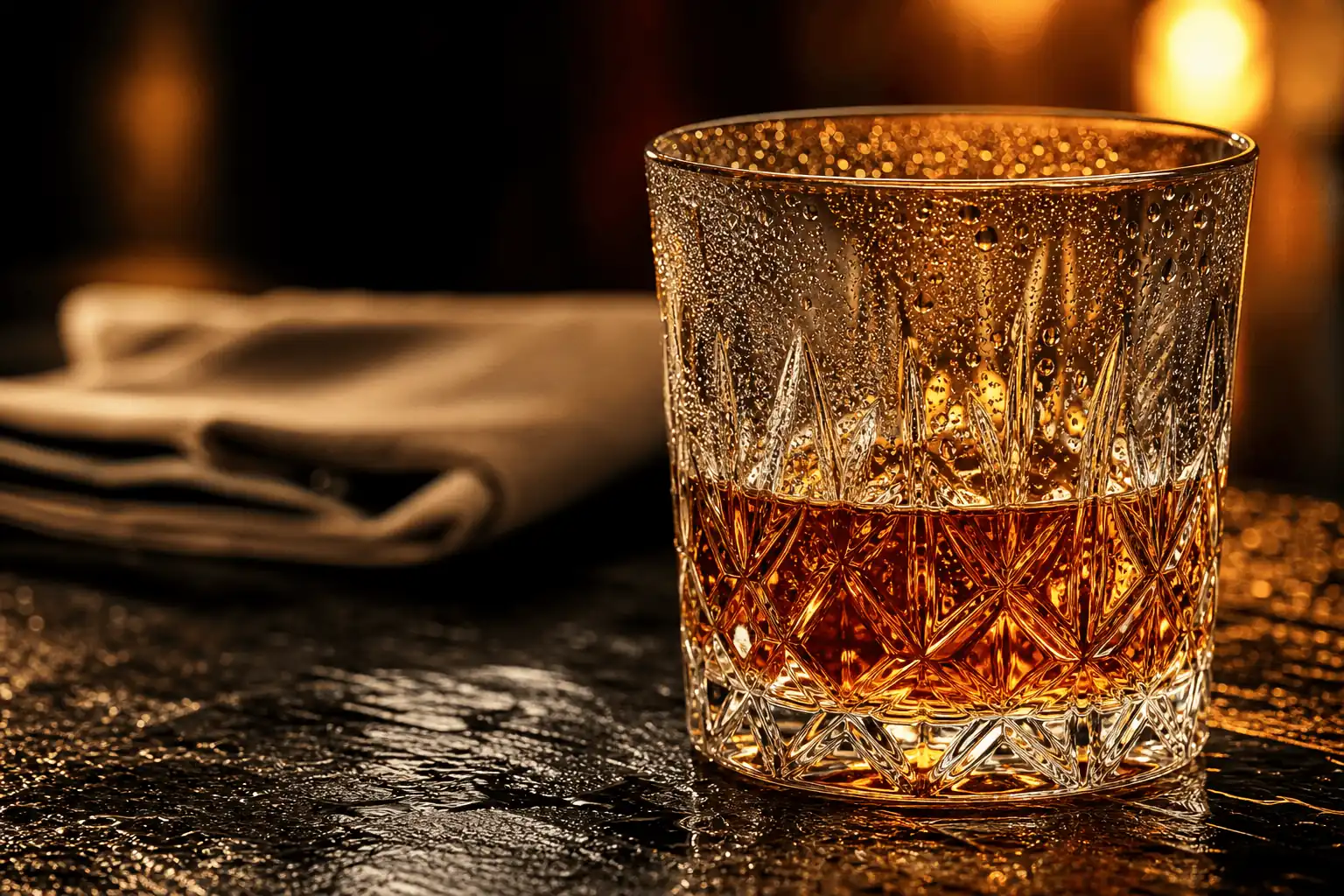
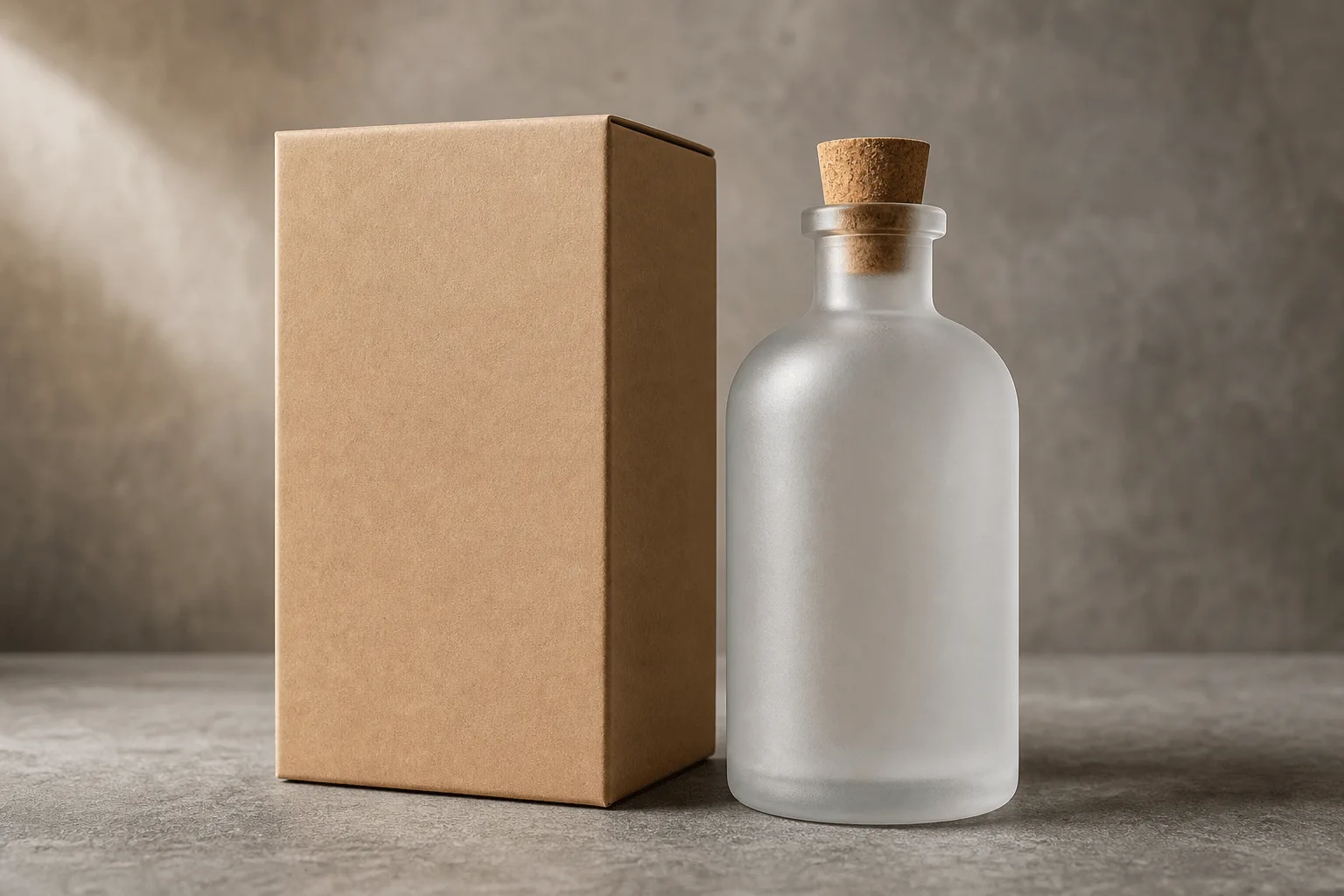
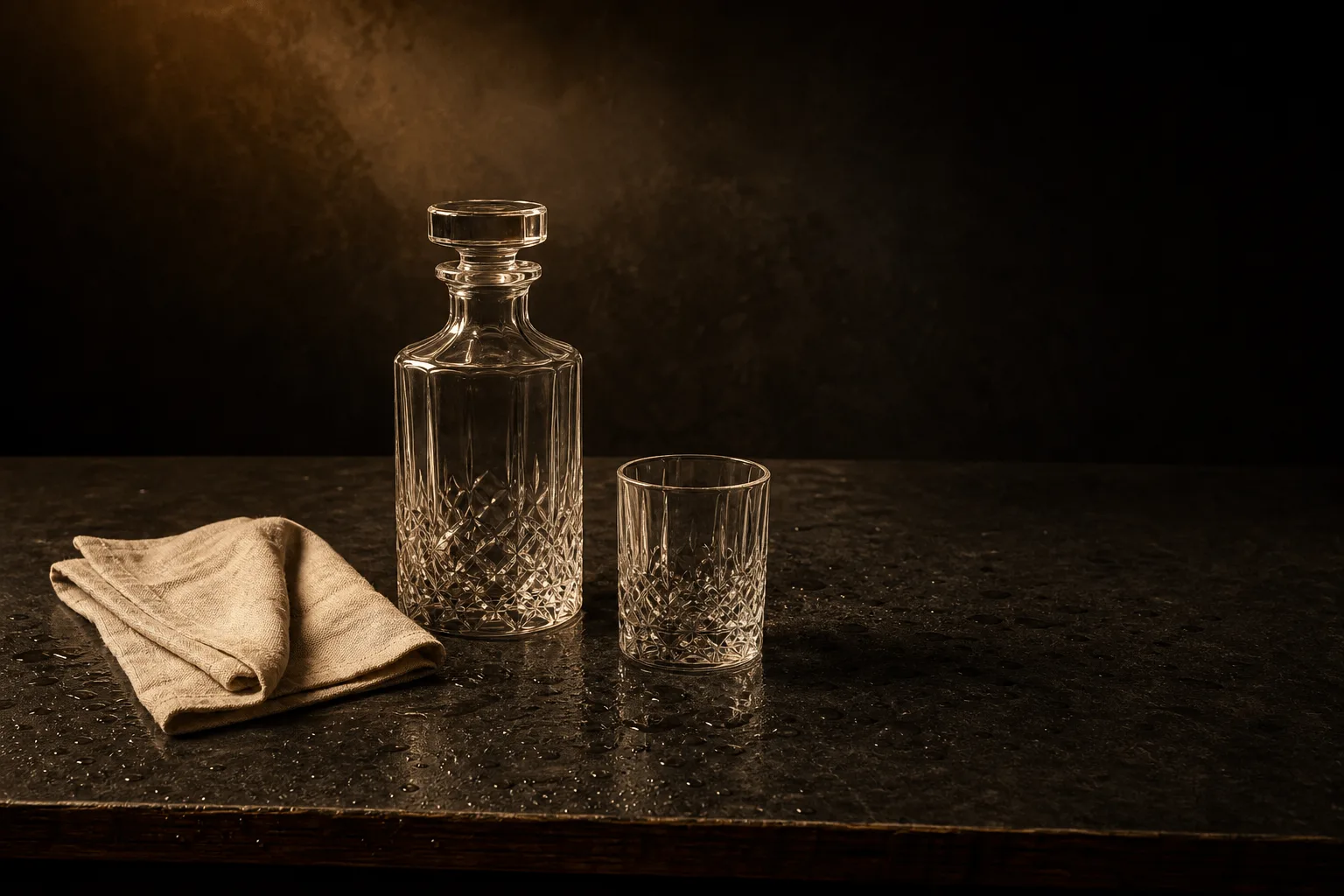
Send the packshot and the destination surface as two labelled references and ask for the light direction and colour temperature of the second to be matched. The condensation, the label and the glass shape stay untouched because you said so explicitly.
Explore a controlled art-direction change
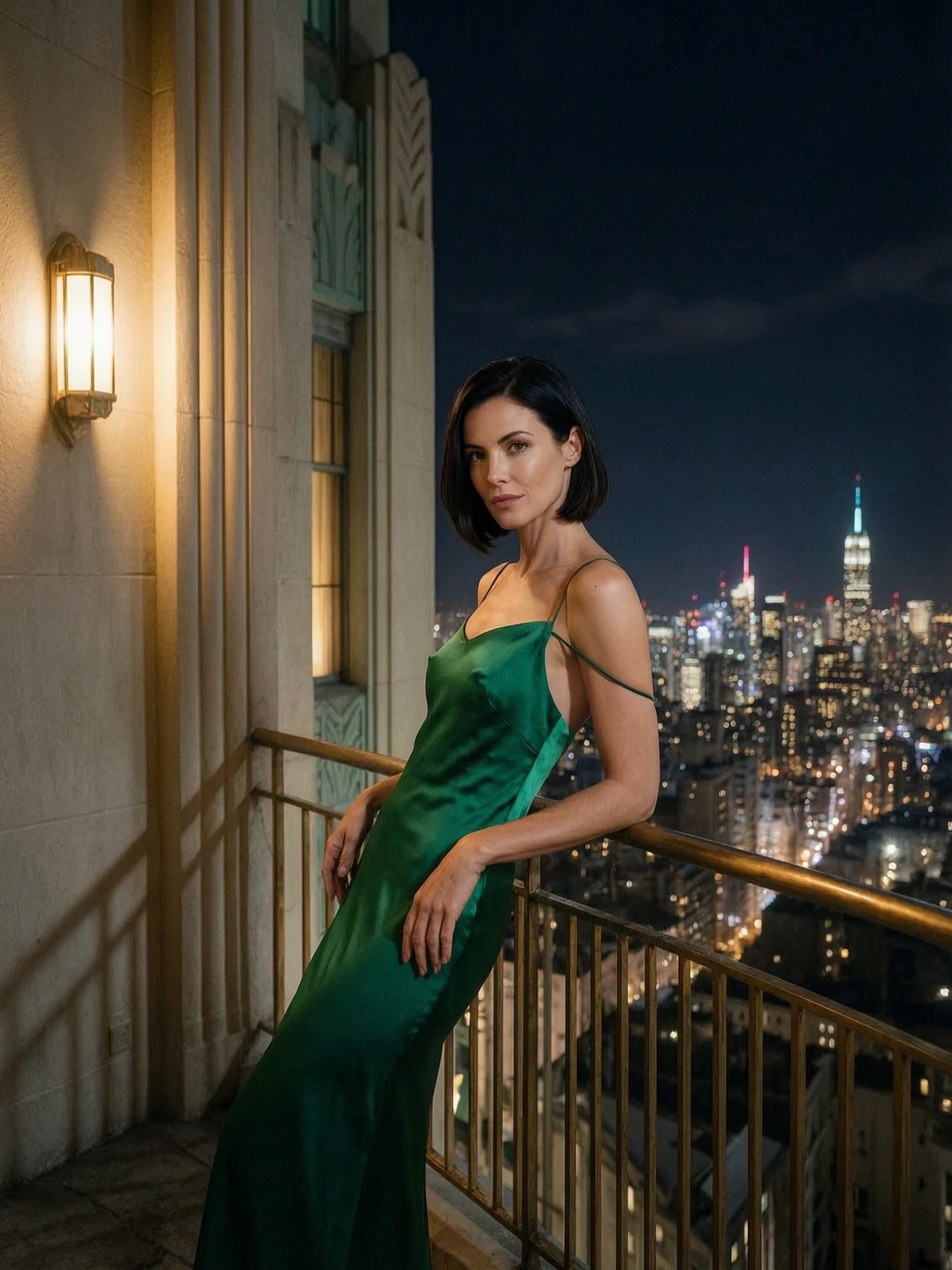
Keep the reference's pose and wardrobe and change the light or the setting in the same instruction. Compound instructions are what this endpoint is tuned for, so name light direction, colour temperature and the parts that must not move.
Prepare a consistent set of variations
Fix seed across a variant set so the only difference between two edits is the clause you changed. Every edit runs on a 2k canvas, about 4 megapixels; 4k is available on text-to-image only.
Prompt guide & pro tips
State what must stay and what may change
Refer to the sources by position — image 1, image 2 — and write the change followed by the do-not-change list. With one to nine references, name each one's job; the last reference sets the proportions when aspect_ratio is left out.
Keep the revision locally testable
Each request returns one image. Build a variant set by repeating the call with the seed and everything else held, change one clause at a time, and compare each result with the source rather than with the previous edit.
Validate the source-dependent result
Each reference must be JPEG, PNG without transparency, BMP or WEBP, 240 to 8,000 pixels on each side, between 1:8 and 8:1 in shape and no larger than 20 MB. A different aspect_ratio recomposes the frame rather than cropping it, so check that the retained elements still sit where they should.
API quick start
# Generate the idempotency key once; reuse it when retrying after a lost response.
export SPICY_IDEMPOTENCY_KEY="${SPICY_IDEMPOTENCY_KEY:-$(uuidgen)}"
curl -X POST https://api.spicyapi.ai/api/v1/jobs/createTask \
  -H "Authorization: Bearer $SPICY_API_KEY" \
  -H "Content-Type: application/json" \
  -H "Idempotency-Key: $SPICY_IDEMPOTENCY_KEY" \
  -d '{
  "model": "alibaba/wan-2.7-pro/edit",
  "input": {
    "image_urls": [
      "https://example.com/reference.png"
    ],
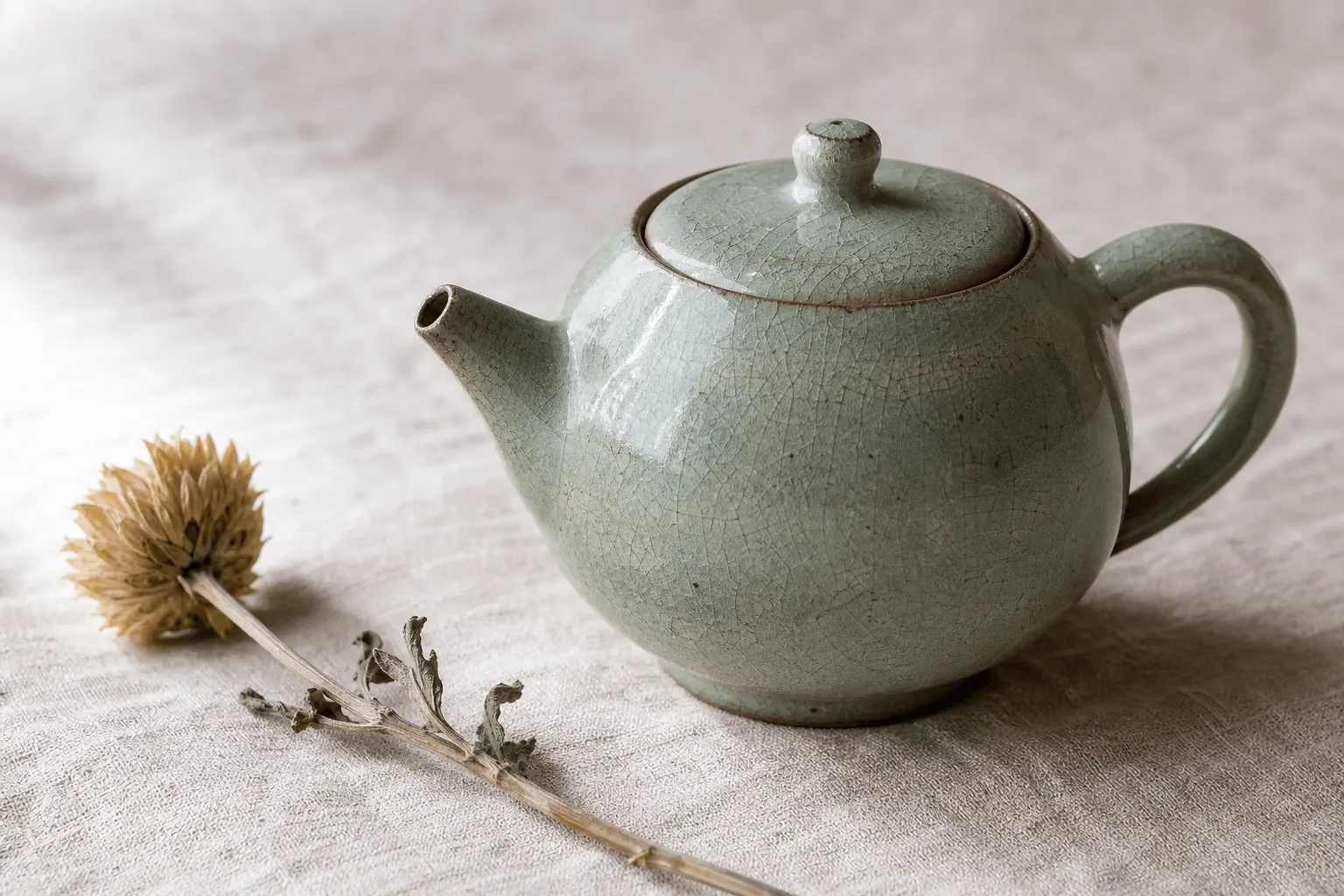
    "prompt": "A ceramic teapot on a linen cloth, soft window light, muted palette"
  }
}'

# Copy data.taskId from the response into TASK_ID, then poll the status.
TASK_ID="TASK_ID_FROM_RESPONSE"
curl "https://api.spicyapi.ai/api/v1/jobs/recordInfo?taskId=$TASK_ID" \
  -H "Authorization: Bearer $SPICY_API_KEY"
See the API reference for authentication, the complete schema, polling, and error handling.