Introduction
Prime Spicy requires an authorised opening image in image_url, which establishes the initial subject, clothing, surroundings and lighting. For a Prime Spicy shot, use the optional prompt to describe the next action, camera movement and sound; clothing instructions can help but cannot ensure continuity. SpicyAPI’s 2026-09-30 Prime Spicy trial returned all six tested content tiers as requested at 480p; that observation describes the tested batch rather than a promise for every scene.
| Field | Value |
|---|---|
| Input | Image |
| Output | Video |
| Published workflow | image-to-video, video-extend |
| Clip and output controls | Set Prime Spicy’s |
| Starting material | An authorised opening image |
| Important boundary | The model can go bolder than the prompt and may change a subject’s wardrobe even when the prompt says otherwise. |
Key features & highlights
All six tiers, including the one Prime used to soften
We ran our standard six-tier ladder at 480p on 2026-09-30, from the Mild level up to both of the Maximum-level tests. All six came back as written. In our 2026-09-24 test the standard Wan 3.0 Prime softened every attempt at the Very strong level; this version rendered it.
It can change a wardrobe you asked it to keep
While shooting the examples on this page we sent four opening frames with prompts that said the wardrobe stays as it is. Two came back changed anyway — a balcony scene, and a perfume product shot that grew an extra figure behind the bottle. The tango shown here kept its wardrobe from the first frame to the last. If the wardrobe has to survive, check every frame.
Prime is Alibaba's fast tier — measure it on your own jobs
Alibaba positions Prime as the high-speed tier of Wan 3.0. On this endpoint our first batch was not faster: a five-second 480p clip took about two to two and a half minutes, while Wan 3.0 Spicy took about one and a half in the same batch. If speed is why you are choosing Prime, time a few of your own clips first.
Request parameters
| Parameter | Required | Description |
|---|---|---|
prompt | No | Optional but worth writing: one action, one camera move, one note on sound. Naming each garment and saying it stays on helps, but does not guarantee it on this model. at least 1 characters |
image_url | Yes | Prime Spicy requires an authorised opening image in |
last_image_url | No | With Prime Spicy, |
aspect_ratio | No | For Prime Spicy, |
resolution | No | Prime Spicy offers 480p, 720p and 1080p, starting at 720p by default; resolution sets the per-second rate as well as affecting generation time. |
duration_seconds | No | Set Prime Spicy’s |
generate_audio | No | Prime Spicy generates sound by default without an audio surcharge; |
enable_prompt_expansion | No | Prime Spicy leaves |
seed | No | Prime Spicy accepts seed values from 0 to 2147483647 for controlled comparisons; the same seed does not promise matching pixels or frames. |
Pricing
| Specification | Price |
|---|---|
| $0.09 / second |
| $0.18 / second |
| $0.36 / second |
Use cases
Scenes the standard Prime softens
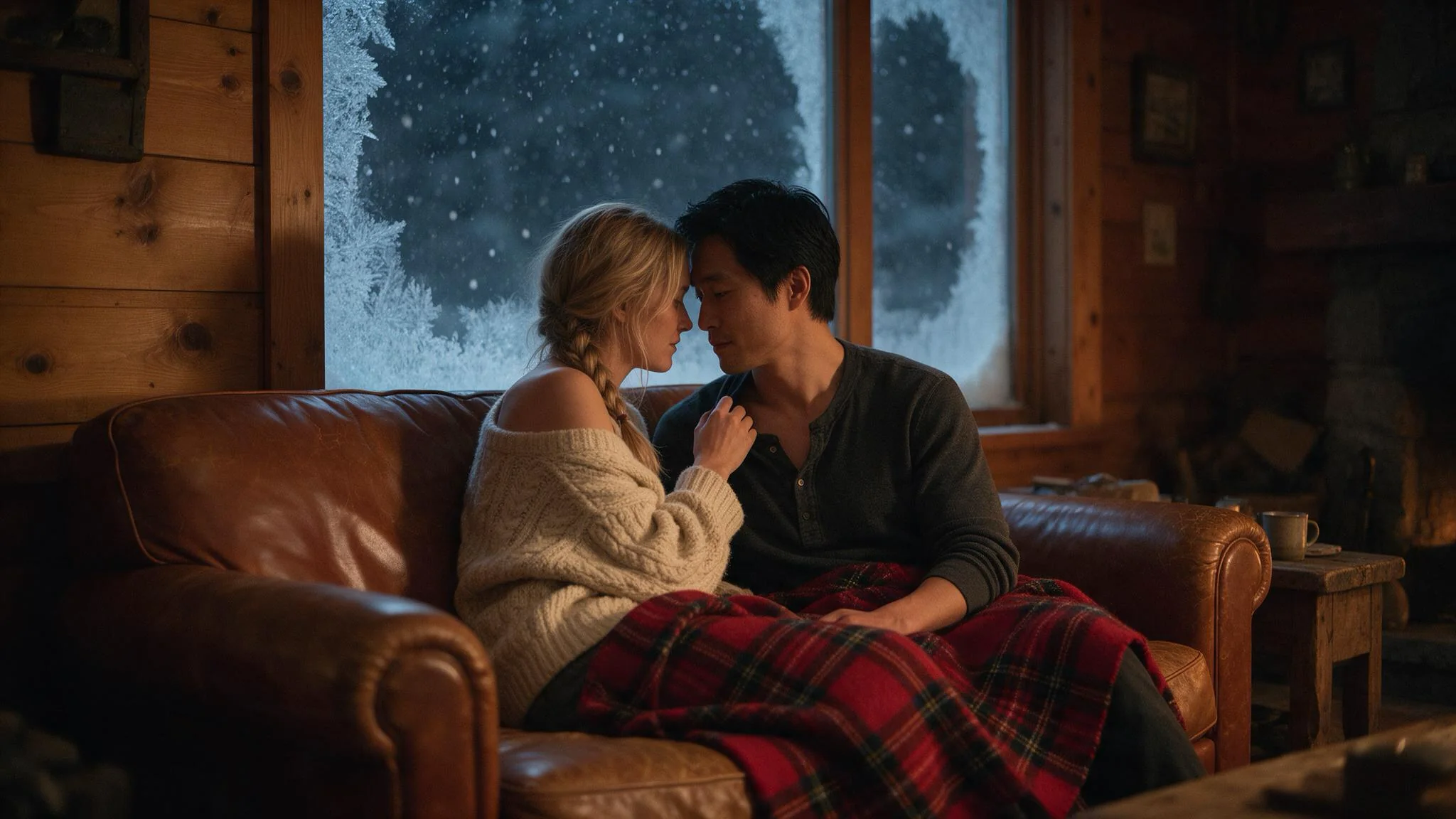
Two people in one frame, taken past the point where the standard model stops: this is the Very strong level the standard Wan 3.0 Prime softened in our test, and the one this version rendered as written.
Companion and roleplay characters
For recurring Prime Spicy characters, reuse the same authorised opening still across shots and vary the action; check each finished clip because its wardrobe may drift from that still.
Long takes up to 30 seconds
Prime Spicy can render a continuous take of up to 30 seconds, with last_image_url setting a planned arrival pose; review that arrival before using it to open the next shot.
Action and water
Motion that is not romantic works too: the pool example on this page pulls a towel off, dives and follows the swimmer underwater in one five-second take.
Prompt guide & pro tips
Choose the opening frame
Prime Spicy requires an authorised opening image in
image_url, which establishes the initial subject, clothing, surroundings and lighting.Decide shape and length
For Prime Spicy,
aspect_ratioaccepts 16:9, 9:16, 1:1, 4:3 and 3:4; omitting it follows the opening image, while a different shape crops that image. Set Prime Spicy’sduration_secondsto an integer from 2 through 30, or omit it for 5 seconds; billing follows the requested duration.Write motion, camera and sound
For a Prime Spicy shot, use the optional prompt to describe the next action, camera movement and sound; clothing instructions can help but cannot ensure continuity. With Prime Spicy,
last_image_urlsupplies the optional destination image and requiresimage_urlfor image-to-video; our test reached that ending with the requested aspect-ratio crop.Submit asynchronously
Submit each intended Prime Spicy generation with an Idempotency-Key and retain its task id; poll or use the completion callback, and resolve a timed-out submission before creating another job.
Review the whole clip
Before publishing a Prime Spicy result, watch all of it with sound and verify clothing continuity, faces, hands, audio timing and the rights and consent of everyone depicted.
Prime Spicy: scope and test evidence
Wan 3.0 Prime Spicy brings the Prime variant to uncensored NSFW image-to-video on SpicyAPI, with an opening image, optional ending image and generated sound; this family publishes image-to-video and a composite video extension.
SpicyAPI’s 2026-09-30 Prime Spicy trial returned all six tested content tiers as requested at 480p; that observation describes the tested batch rather than a promise for every scene.
Prime Spicy changed clothing in two of four example shoots despite instructions to preserve it; inspect the entire result before using it in a sequence.
For this endpoint, our first five-second 480p jobs needed roughly two to two and a half minutes, so the Prime name alone is no assurance of shorter waits on this endpoint.
Opening image and render controls
This endpoint requires an authorised opening image in image_url, which establishes the initial subject, clothing, surroundings and lighting.
For a new shot, use the optional prompt to describe the next action, camera movement and sound; clothing instructions can help but cannot ensure continuity.
Set The model’s duration_seconds to an integer from 2 through 30, or omit it for 5 seconds; billing follows the requested duration.
This endpoint offers 480p, 720p and 1080p, starting at 720p by default; resolution sets the per-second rate as well as affecting generation time.
For this endpoint, aspect_ratio accepts 16:9, 9:16, 1:1, 4:3 and 3:4; omitting it follows the opening image, while a different shape crops that image.
The model generates sound by default without an audio surcharge; generate_audio=false requests a silent new clip.
With this endpoint, last_image_url supplies the optional destination image and requires image_url for image-to-video; our test reached that ending with the requested aspect-ratio crop.
This endpoint leaves enable_prompt_expansion off initially and charges nothing extra for it; enabling it rewrites the brief before rendering and can alter carefully chosen wording.
Submit, compare and review
Compare Prime Spicy runs with the same opening image, prompt, requested seconds and seed, changing one setting at a time; use 480p drafts before choosing a higher-resolution render.
The model accepts seed values from 0 to 2147483647 for controlled comparisons; the same seed does not promise matching pixels or frames.
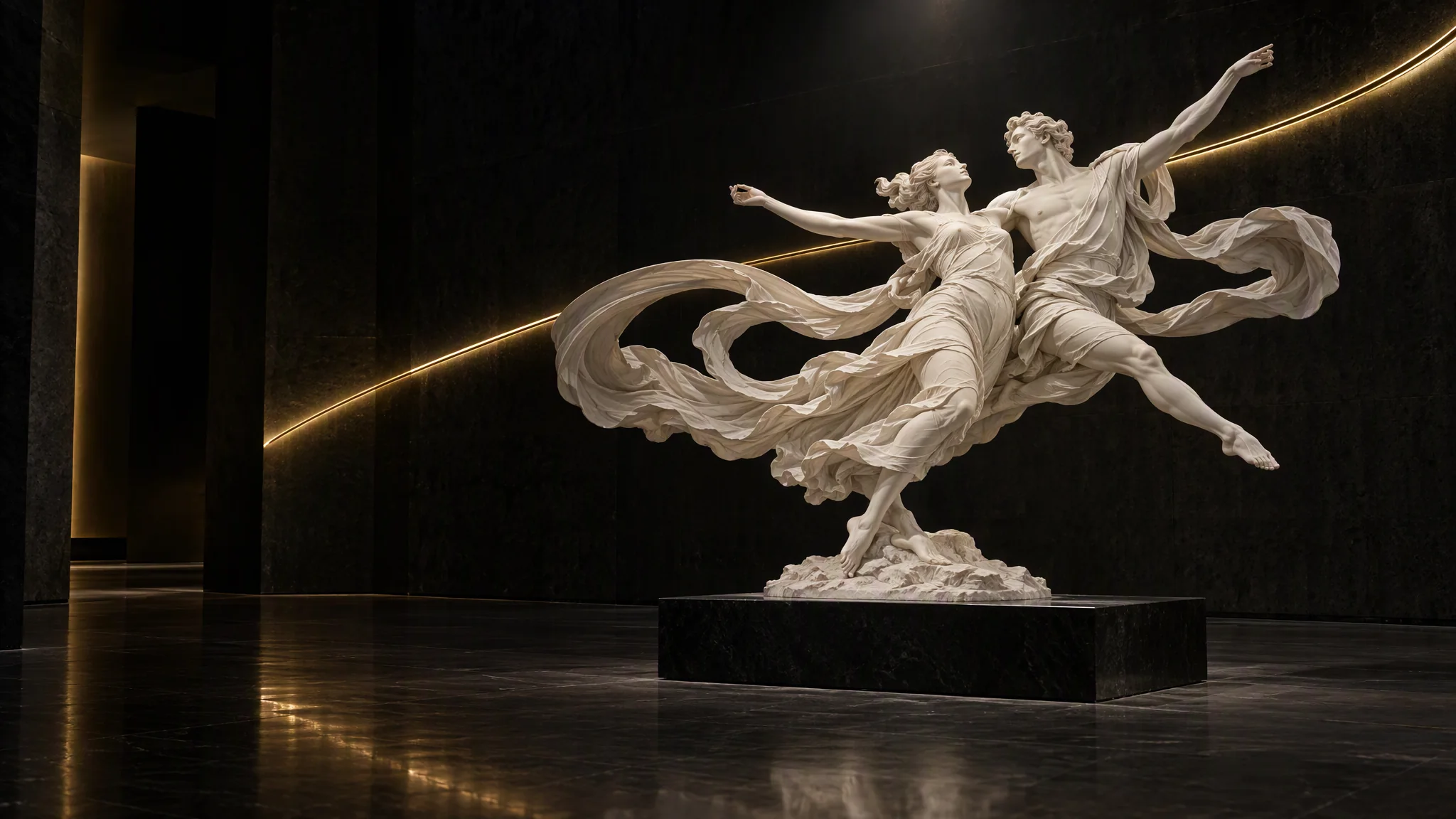
The couple finishes a slow turn and he dips her back over his arm; her hand stays on the back of his neck and their foreheads almost touch. Both stay fully dressed the whole time: he keeps his white shirt and black vest buttoned, she keeps the red satin gown on. The camera circles them slowly under the chandelier. Soft bandoneon, shoes on the wooden floor.
Submit each intended Prime Spicy generation with an Idempotency-Key and retain its task id; poll or use the completion callback, and resolve a timed-out submission before creating another job.
Before publishing a Prime Spicy result, watch all of it with sound and verify clothing continuity, faces, hands, audio timing and the rights and consent of everyone depicted.
Prime Spicy use requires consenting adults and licensed material; content involving minors, non-consensual intimate imagery and deceptive impersonation of real people is prohibited.
For Prime Spicy projects, you must hold the necessary source, likeness, brand and music rights, including permission for the intended commercial use.
API quick start
# Generate the idempotency key once; reuse it when retrying after a lost response.
export SPICY_IDEMPOTENCY_KEY="${SPICY_IDEMPOTENCY_KEY:-$(uuidgen)}"
curl -X POST https://api.spicyapi.ai/api/v1/jobs/createTask \
  -H "Authorization: Bearer $SPICY_API_KEY" \
  -H "Content-Type: application/json" \
  -H "Idempotency-Key: $SPICY_IDEMPOTENCY_KEY" \
  -d '{
  "model": "alibaba/wan-3.0-prime-spicy/image-to-video",
  "input": {
    "duration_seconds": 5,
    "image_url": "https://example.com/reference.png",
    "prompt": "A slow aerial shot drifting over a misty pine forest at sunrise",
    "resolution": "720p"
  }
}'

# Copy data.taskId from the response into TASK_ID, then poll the status.
TASK_ID="TASK_ID_FROM_RESPONSE"
curl "https://api.spicyapi.ai/api/v1/jobs/recordInfo?taskId=$TASK_ID" \
  -H "Authorization: Bearer $SPICY_API_KEY"
See the API reference for authentication, the complete schema, polling, and error handling.