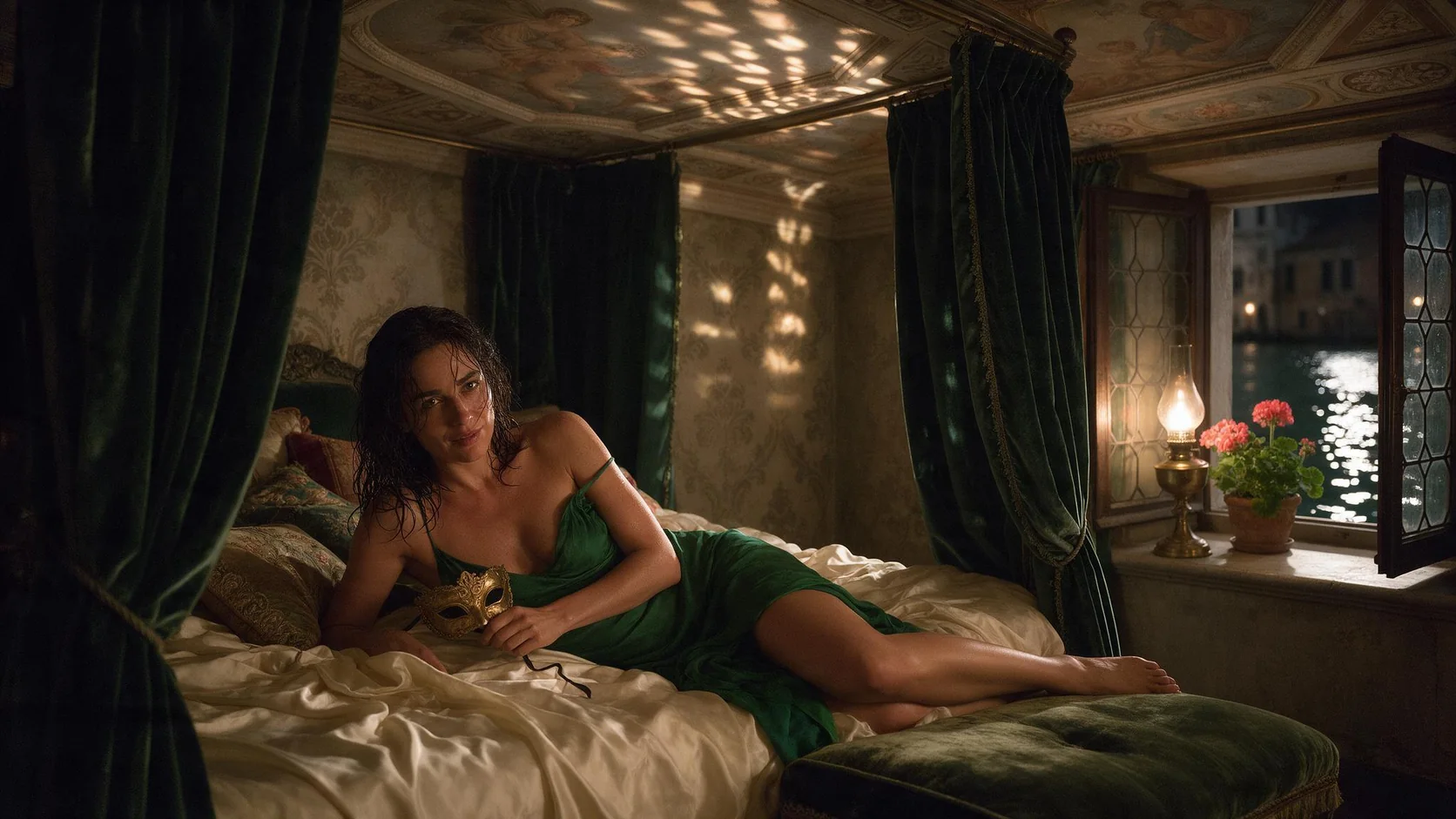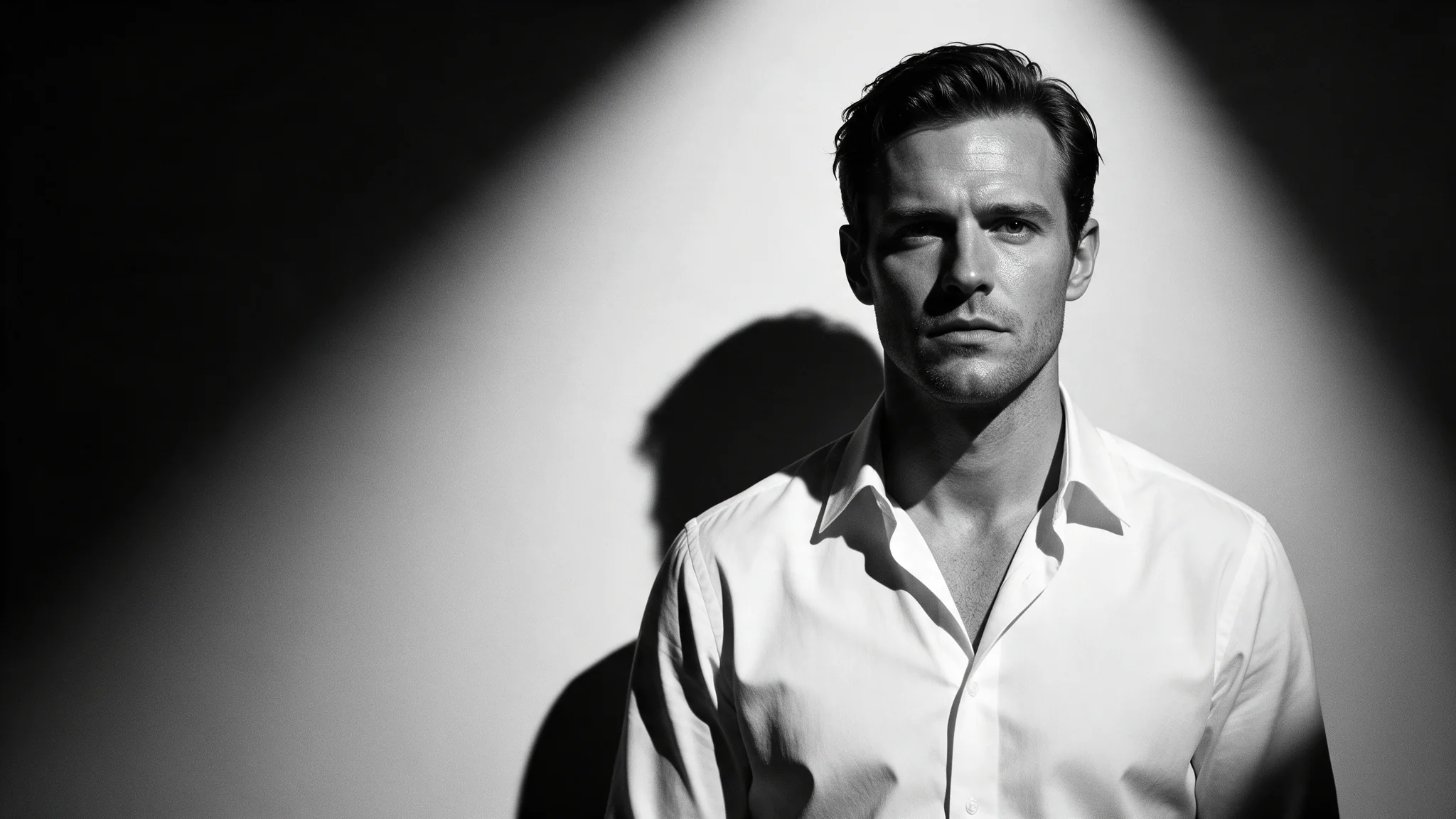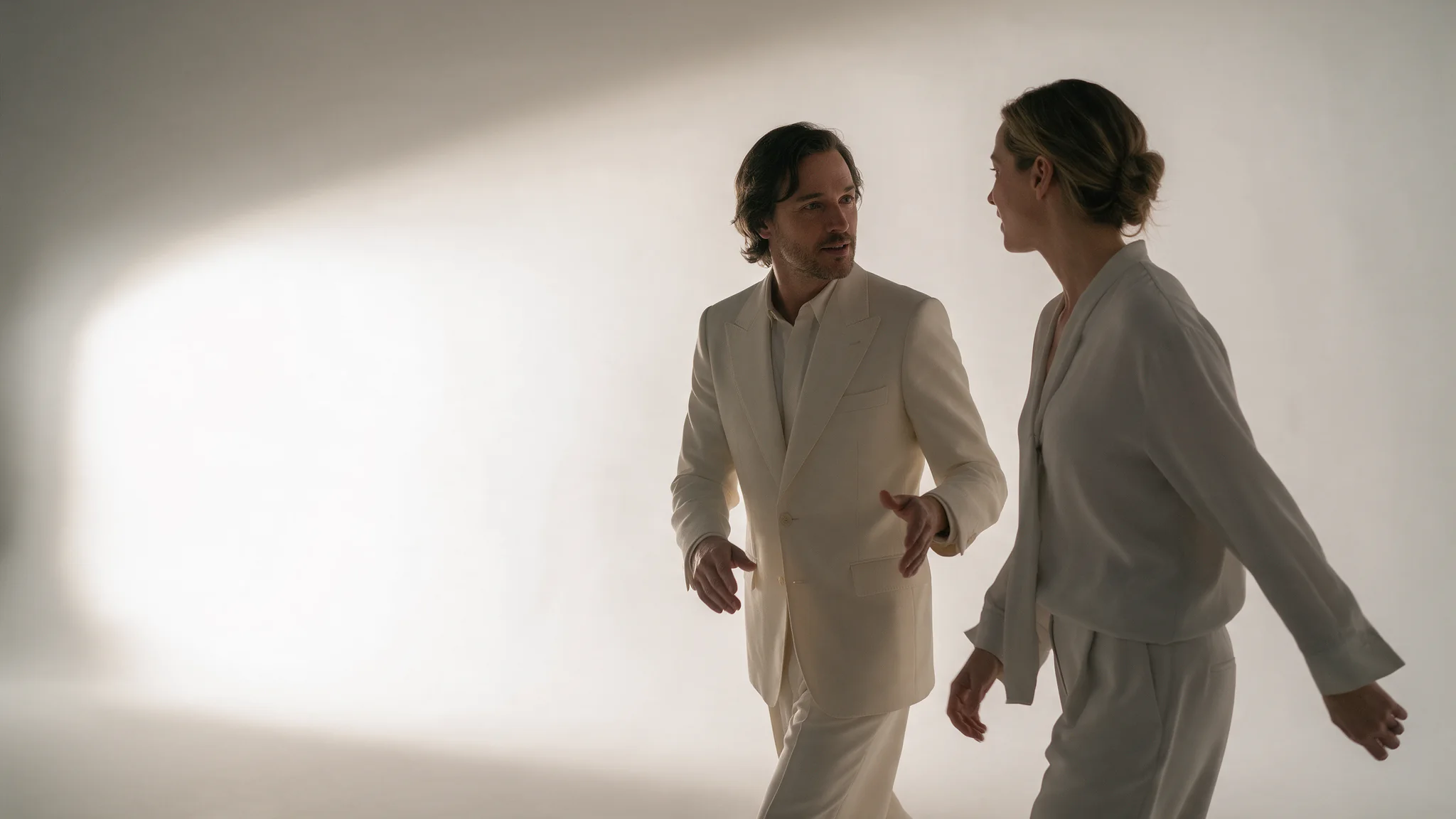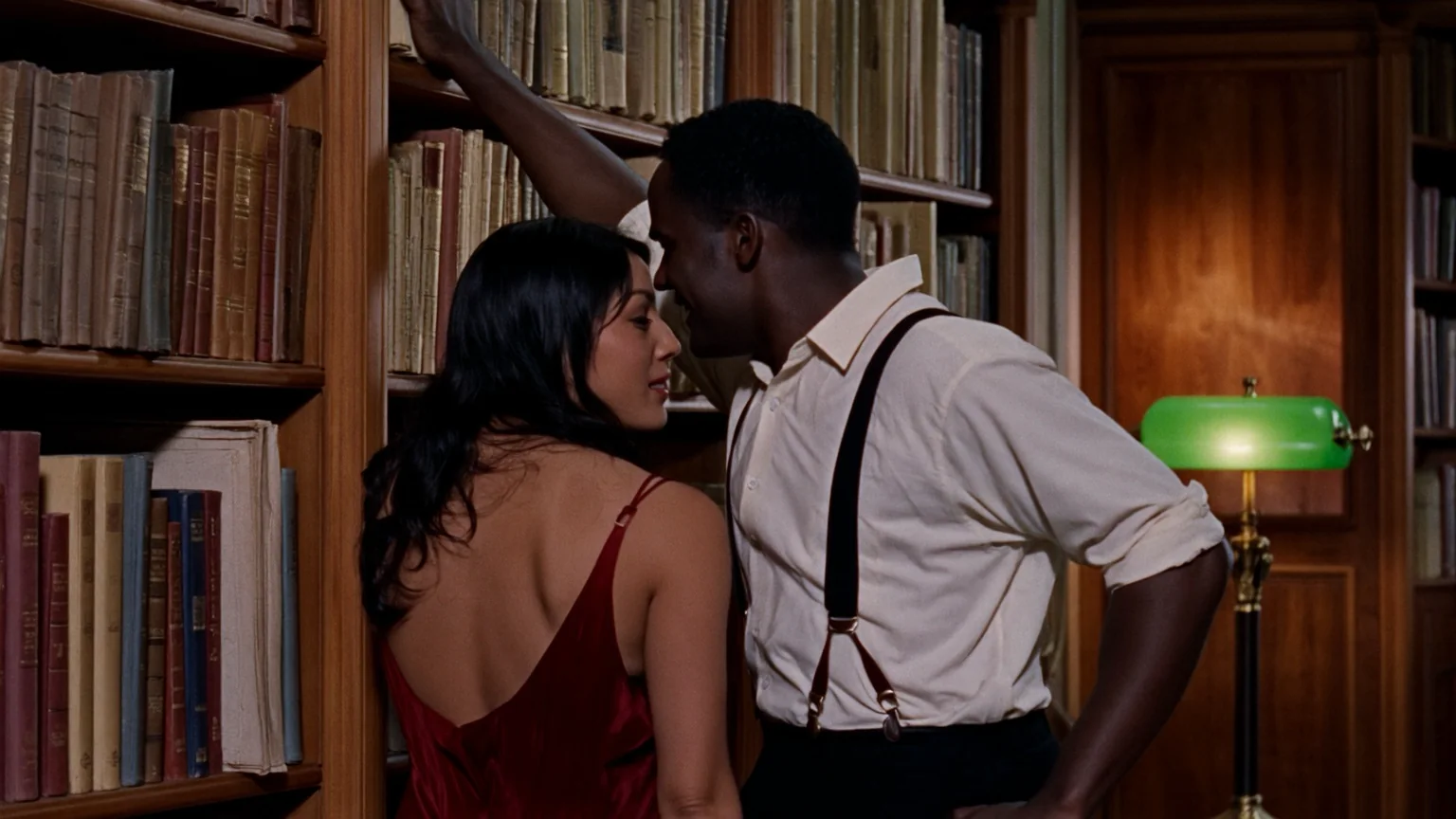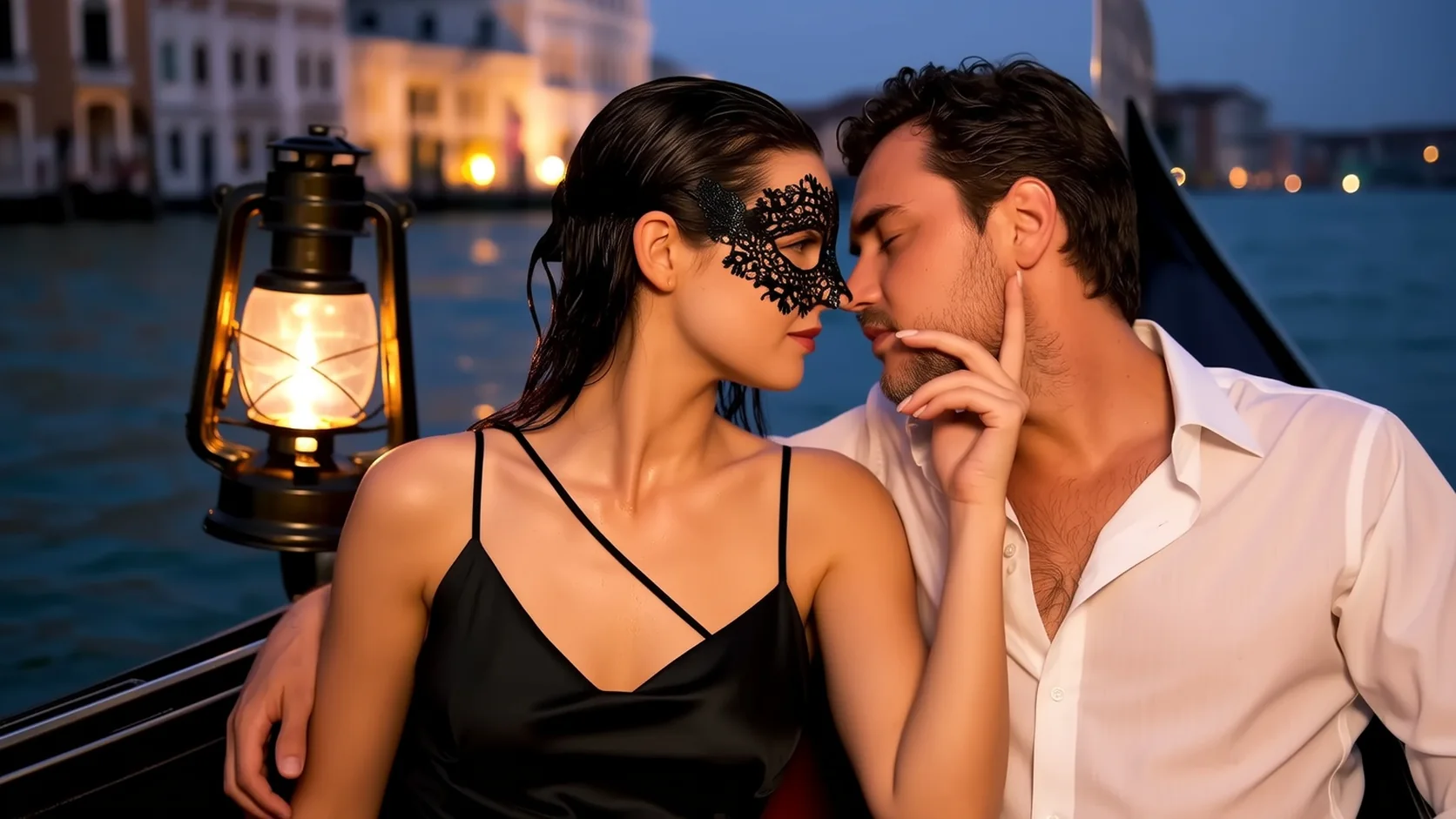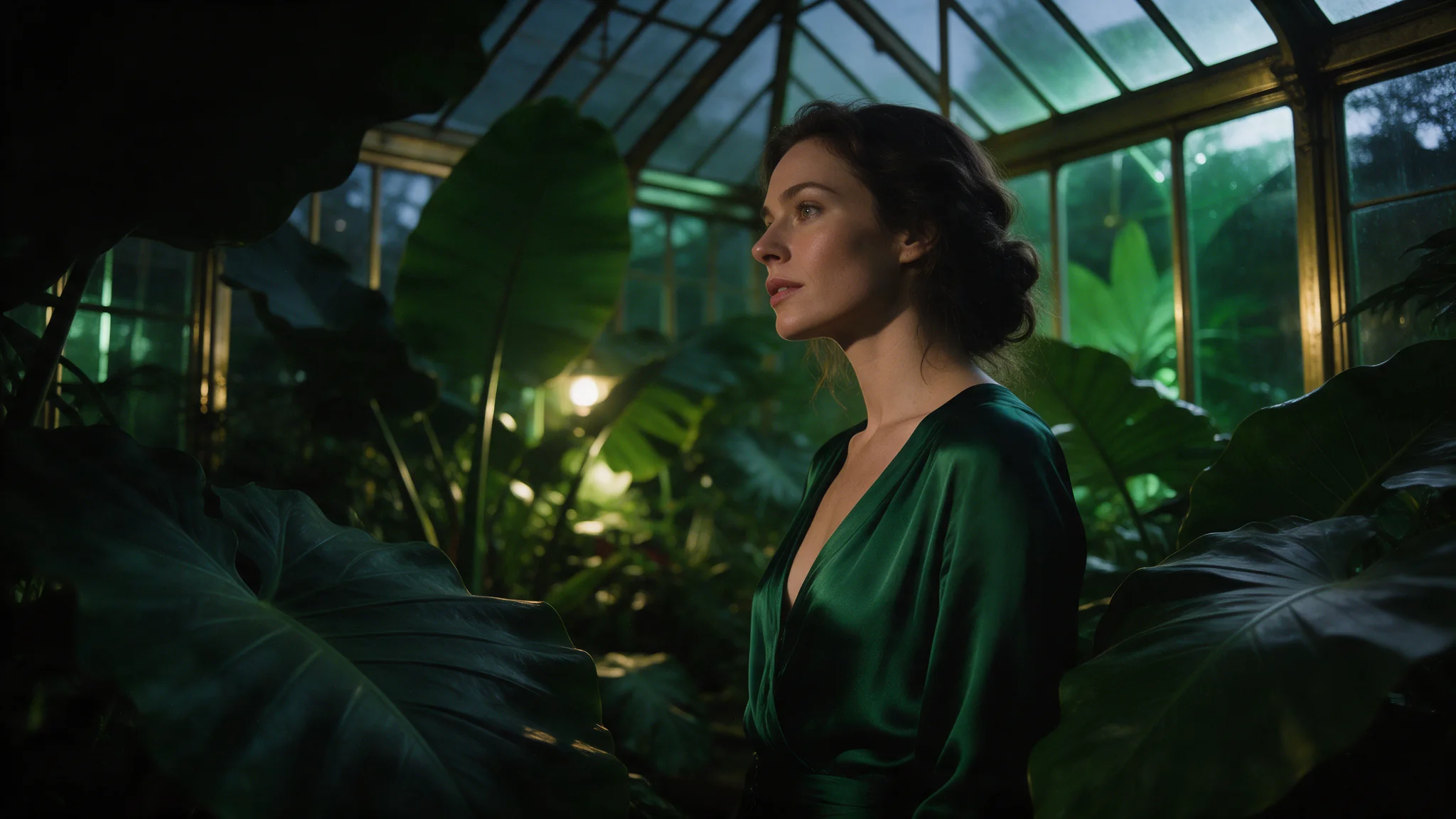
Introduction
Wan 3.0 has no separate editing model: the same all-in-one model switches to editing when your clip arrives as Video 1 together with a prompt that asks for a change. Anything the prompt leaves alone is taken from the source, so the result keeps its timing, framing and aspect ratio.
| Field | Value |
|---|---|
| Input | Video |
| Output | Video |
| Producer | Alibaba |
| Source clip | MP4, 1–15 s, 240–4096 px on each side |
| Resolution | 480p, 720p or 1080p; 720p unless you choose otherwise |
| References | Optional: 10 stills, 5 audio clips (15 s in total) |
| Sound | Regenerated to fit the edit; |
| Billing | Source seconds plus edited seconds, rate set by resolution |
Key features & highlights
Kisses other models refuse
The clip on this page is a single five-second text-to-video run: two women under one umbrella in a neon alley, ending on a kiss. The same wording is refused at the content filter on some vendors' models. Wan 3.0 accepted it, held both faces through the dolly-in, and returned rain on the soundtrack in the same pass.
The sound lines up with the picture
Audio generation is on by default, so one request returns one file with footsteps landing on the frame they belong to and rain rising as the camera pushes in. There is no second job to run and no alignment pass afterwards. Switch it off only when you intend to score the shot yourself.
Ten images, five clips, five voices
Reference-to-video takes up to ten images, five videos and five audio files in one request, so a face, a wardrobe, a location plate and a voice can all enter the same shot. Say in the prompt what each reference is for; an unlabelled stack gets averaged into something that resembles none of them.
Request parameters
| Parameter | Required | Description |
|---|---|---|
prompt | Yes | Open with “Edit the video:” and name the change, then list what must not move. at least 1 characters |
reference_image_urls | No | Optional, up to 10 stills of the look you want — a jacket, a hat, the set dressing. at least 1 items · at most 10 items |
video_url | Yes | The clip to edit: an MP4 of 1 to 15 seconds, with each side between 240 and 4096 pixels. at least 1 characters |
reference_audio_urls | No | Optional, up to 5 clips and 15 seconds combined that set a voice, an accent or a music bed for the regenerated soundtrack; point to them as Audio 1, Audio 2. They are not billed. at least 1 items · at most 5 items |
resolution | No | 480p, 720p (default) or 1080p. The setting fixes the pixel budget and the per-second rate; the frame shape still follows the source, so a square clip comes back square. |
generate_audio | No | On by default: Wan 3.0 writes a new soundtrack for the edited picture — rain for a rainy night, a new line of dialogue when you ask for one. Default: |
seed | No | Optional integer from 0 to 2147483647. Reusing a seed makes two Wan 3.0 edits easier to compare, but it does not promise identical frames. |
Pricing
A Wan 3.0 edit is billed like reference video: the source clip's seconds, rounded up to whole seconds, plus the edited clip's measured seconds, both at the per-second rate of the resolution you choose. Since the edit runs as long as the source, a 5-second clip comes to roughly 10–11 billed seconds; reference images and audio add nothing.
| Specification | Price |
|---|---|
| $0.045 / second |
| $0.09 / second |
| $0.18 / second |
Use cases
Uncensored scenes that get refused elsewhere
Couples of any gender, a kiss in the rain, two people sharing one frame. Prompts written this plainly are rejected at the content filter on several competing video models. Wan 3.0 runs them, and your own opening frame is the fastest way to get output that matches your wording.
Vertical cutdowns at volume
Set aspect_ratio to 9:16, keep duration at five or six seconds, and sweep the same shot list across seeds. Because the audio bed comes back inside the file, a clip is postable straight out of the API with no music pass, which is what makes a forty-clip week realistic.
Product films from one packshot
Image-to-video takes the packshot as the opening frame and last_image_url as the closing one, so a bottle can turn, catch a highlight and land back on the hero angle inside five seconds. Label text and silhouette survive because both ends of the move are pinned.
Character-locked episodic work
Feed the same face plate and wardrobe stills into reference-to-video for every shot of an episode, reuse one seed and one prompt skeleton, and change only the action line. The cast stays recognisable across a dozen separately rendered clips.
Prompt guide & pro tips
Trim the clip you want changed
Cut the part to edit down to 1–15 seconds and send it as
video_url. The edit inherits that length and frame shape, so trim first rather than asking Wan 3.0 to shorten anything.Phrase the prompt as an edit
Write “Edit the video:” followed by one clear change, then what must stay — face, pose, movement, camera. Add stills only when words cannot pin down a garment or prop, and refer to them as Image 1, Image 2.
Play it against the source
Step through the edit next to the original. If people or the camera move differently, the prompt was read as a new scene: cut it back to the change itself and restate what stays fixed.
What Wan 3.0 video edit does
Alibaba built Wan 3.0 as one all-in-one model rather than a family of task-specific ones. Give it a clip as Video 1 and a prompt that asks for a change, and it edits: wardrobe, colour, light, weather, time of day, a prop added or removed, the overall style, or the words someone says. What the prompt does not mention is read from the source, which is why the people, their movement and the camera path survive the edit.
Which clips Wan 3.0 accepts for editing
Send one MP4 between 1 and 15 seconds long whose sides measure 240 to 4096 pixels. Clips outside the length range are refused before anything is charged. The edited file comes back at the same duration and aspect ratio — a 5.04-second landscape clip returns as 5.04 seconds of landscape footage — so there is no duration or ratio field to set.
How to word a Wan 3.0 edit
Lead with an editing verb. “Edit the video:”, “change”, “replace”, “remove” and “add” tell Wan 3.0 to work on the footage instead of treating it as loose inspiration. Put the change first and the anchors after it: “Edit the video: change her raincoat to yellow oilskin. Keep her face, her walk and the camera move exactly as in Video 1.” One clear change per request holds better than a list of five.
Editing with reference images and audio
Up to 10 stills can show a look that is hard to describe — a specific hat, a printed fabric, a room. Number them in upload order and name them in the prompt: “she puts on the hat from Image 1”. Up to 5 audio clips, 15 seconds in total, can set a voice or a music bed as Audio 1, Audio 2. Neither changes the price.
What happens to the soundtrack
With generate_audio on (the default), Wan 3.0 writes new sound for the edited picture: a night scene with rain on the glass gets rain, and a quoted line of dialogue gets spoken. The source's own audio is not copied across. Turn generate_audio off to receive a silent file and add your original track in post.
Resolution and frame shape
Choose 480p, 720p or 1080p. The setting decides the pixel budget and the per-second rate, while the frame keeps the source's proportions: a 1916×1082 source edited at 720p came back as 1276×720, and a square source stays square. Resolution cannot restore detail the source never had.
How a Wan 3.0 edit is billed
Billing follows the reference-video rule: the source clip counts in whole seconds, rounded up, and the edited clip counts as measured, both at the per-second rate of your resolution. Because the edit matches the source's length, the total is close to twice the clip. Before submission the hold covers the source plus up to 15 edited seconds; the unused part is released when the result is measured.
What footage you may edit
Edit only footage you shot or are licensed to change, showing adults who agreed to be filmed, and never use an edit to put a real person into a scene they did not agree to.
The platform adds no content filter to Wan 3.0 edits, which leaves consent, likeness rights and local law with you; the samples published on this page stay suitable for a general audience.
Edit only footage you shot or hold the rights to alter, featuring adults who agreed to appear; a Wan 3.0 edit must never place a real person in a scene they did not consent to.
API quick start
# Generate the idempotency key once; reuse it when retrying after a lost response.
export SPICY_IDEMPOTENCY_KEY="${SPICY_IDEMPOTENCY_KEY:-$(uuidgen)}"
curl -X POST https://api.spicyapi.ai/api/v1/jobs/createTask \
  -H "Authorization: Bearer $SPICY_API_KEY" \
  -H "Content-Type: application/json" \
  -H "Idempotency-Key: $SPICY_IDEMPOTENCY_KEY" \
  -d '{
  "model": "alibaba/wan-3.0/video-edit",
  "input": {
    "prompt": "A slow aerial shot drifting over a misty pine forest at sunrise",
    "resolution": "720p",
    "video_url": "https://example.com/reference.mp4"
  }
}'

# Copy data.taskId from the response into TASK_ID, then poll the status.
TASK_ID="TASK_ID_FROM_RESPONSE"
curl "https://api.spicyapi.ai/api/v1/jobs/recordInfo?taskId=$TASK_ID" \
  -H "Authorization: Bearer $SPICY_API_KEY"
See the API reference for authentication, the complete schema, polling, and error handling.