Introduction
Image-to-video on Wan 3.0 Pro. The opening frame carries wardrobe, body, set and light, so prompt is optional — describe only motion when you use it. Supply a sharp source: a 4K render does not sharpen a soft still.
| Field | Value |
|---|---|
| Input | Image |
| Output | Video |
| Producer | Alibaba (base model: Wan 3.0) |
| Published endpoints | text-to-video, image-to-video, video-extend, reference-to-video |
| Clip length | Set the Pro shot length before choosing delivery resolution: 2–30 whole seconds, default 5; -1 reserves the 30-second ceiling then settles on actual output, with reference video plus output limited to 30 seconds. |
| Resolution | For Pro delivery, choose 1080p, 2k or 4k (default 1080p); above native 1080p the file is upscaled, so inspect lettering and texture at full size; 480p and 720p are unavailable and the resolution tier changes the price. |
| Aspect ratios | For a Pro master you plan to crop, specify 16:9, 4:3, 1:1, 3:4 or 9:16; leaving adaptive, the default, lets framing follow the source and scene. |
| Audio | Pro includes a generated audio track by default; false suits a separately scored master, and in video extension it changes only the new segment, leaving the original audio intact. |
| Reference limits | Inspect the Pro reference set for consistent faces and garment details, then label its 1–10 images in order; JPEG, opaque PNG, BMP or WEBP, 240–8000 px per side, 8:1 maximum and 20 MB each, without an image reference charge. For Pro camera continuity, identify the motion carried by each reference video; maximum 5 MP4/MOV clips of 1–15 seconds, 15 seconds combined, ≥16 fps, 240–4096 px per side, ≤8:1 and ≤100 MB per file; reference and output seconds are billed together within 30 seconds, and generation validates the media limits. Assign a voice or sound role to each Pro audio reference: WAV/MP3, at most 5 clips, 1–15 seconds per clip, 15 seconds total, 15 MB each; no audio reference charge, with limits validated when generation runs. |
| Prompt expansion | On by default — turn it off for a precise brief |
Key features & highlights
Rendered by Wan 3.0, delivered at up to 4K
A native Wan 3.0 render tops out at 1080p. Wan 3.0 Pro delivers 1080p, 2K or 4K, so the two larger tiers are enlarged from that render — useful for anything that gets cropped, tracked or projected. The enlargement stretches what the model drew rather than drawing more, so start from the cleanest take you have.
Close-up fabric, hard light and water in the air
For Pro delivery, choose 1080p, 2k or 4k (default 1080p); above native 1080p the file is upscaled, so inspect lettering and texture at full size; 480p and 720p are unavailable and the resolution tier changes the price.
Nothing in the request flags a clip
SpicyAPI lists Pro as unrestricted based on the existing Wan 3.0 romance tests; no request-level content flag is needed, and those observations do not establish success for every possible NSFW scene.
Request parameters
| Parameter | Required | Description |
|---|---|---|
prompt | No | Optional here, because the frame already carries the look. Use it for motion and camera only. at least 1 characters · at most 20000 characters |
image_url | Yes | The Pro master begins on |
last_image_url | No | Control the Pro shot’s landing composition with this optional exact final frame; image-to-video requires the opening image too; JPEG, opaque PNG, BMP or WEBP, 240–8000 px per si… at least 1 characters |
resolution | No | For Pro delivery, choose 1080p, 2k or 4k (default 1080p); above native 1080p the file is upscaled, so inspect lettering and texture at full size; the resolution tier changes the… |
aspect_ratio | No | For a Pro master you plan to crop, specify 16:9, 4:3, 1:1, 3:4 or 9:16; leaving adaptive, the default, lets framing follow the source and scene. |
duration_seconds | No | Set the Pro shot length before choosing delivery resolution: 2–30 whole seconds, default 5; -1 reserves the 30-second ceiling then settles on actual output. |
generate_audio | No | Pro includes a generated audio track by default; false suits a separately scored master, and in video extension it changes only the new segment, leaving the original audio intact. Default: |
enable_prompt_expansion | No | Pro rewrites prompts by default; turn expansion off when wording is final, but leave it true or unset for |
seed | No | Keep a Pro comparison on the same random starting point with 0–2147483647; compare the actual files because repeated seeds do not ensure pixel-identical output. |
Pricing
| Specification | Price |
|---|---|
| $0.144 / second |
| $0.16 / second |
| $0.184 / second |
Use cases
Uncensored footage that has to survive a crop
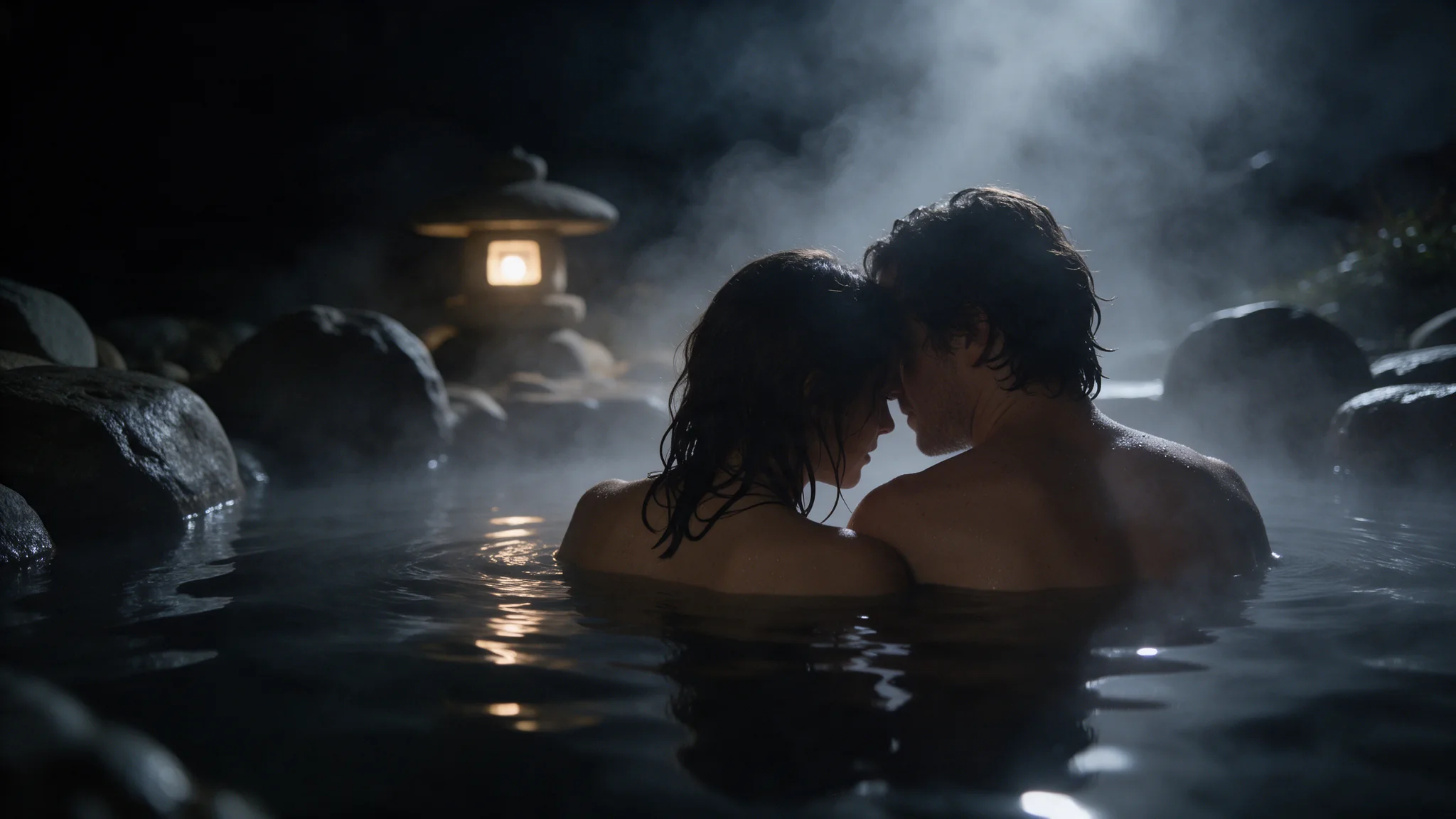
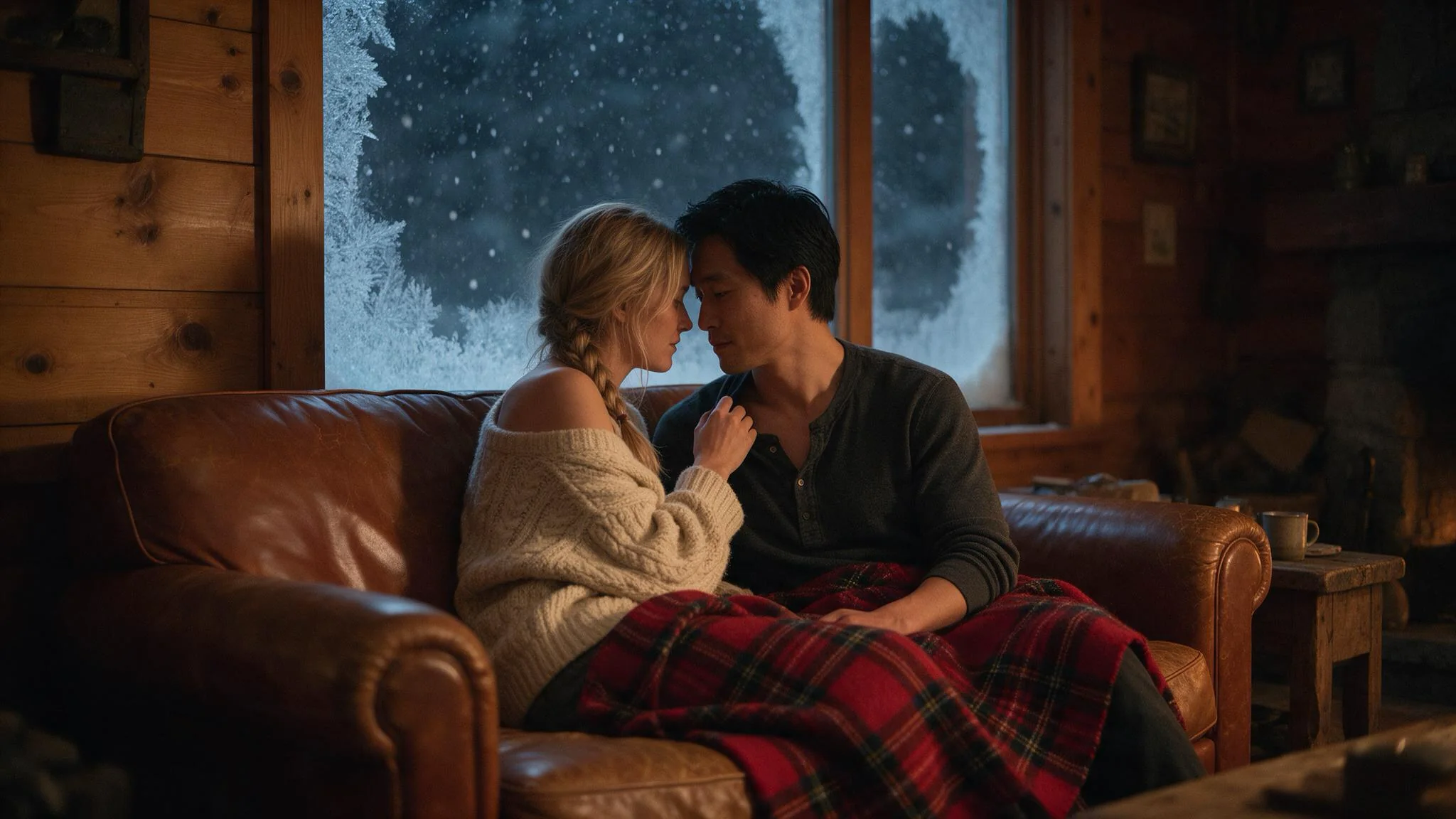
Evening wear, wet skin, two people in one frame — delivered at 2K or 4K so a vertical crop out of a 16:9 master starts from a larger file, with the upscale done inside the same task. Judge the crop on the delivered file: enlarged detail is only as good as the native render underneath.
Perfume and beauty spots
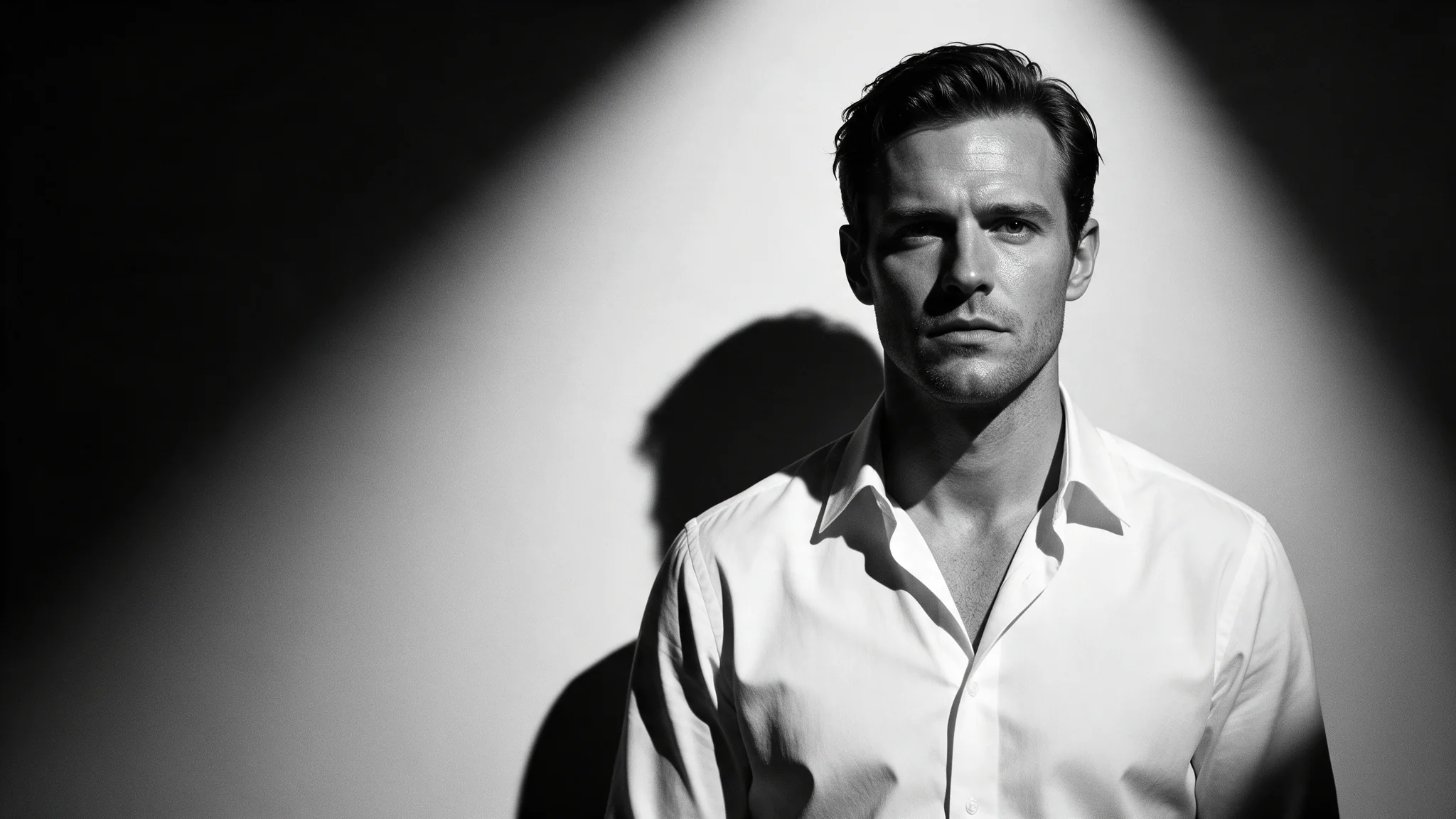
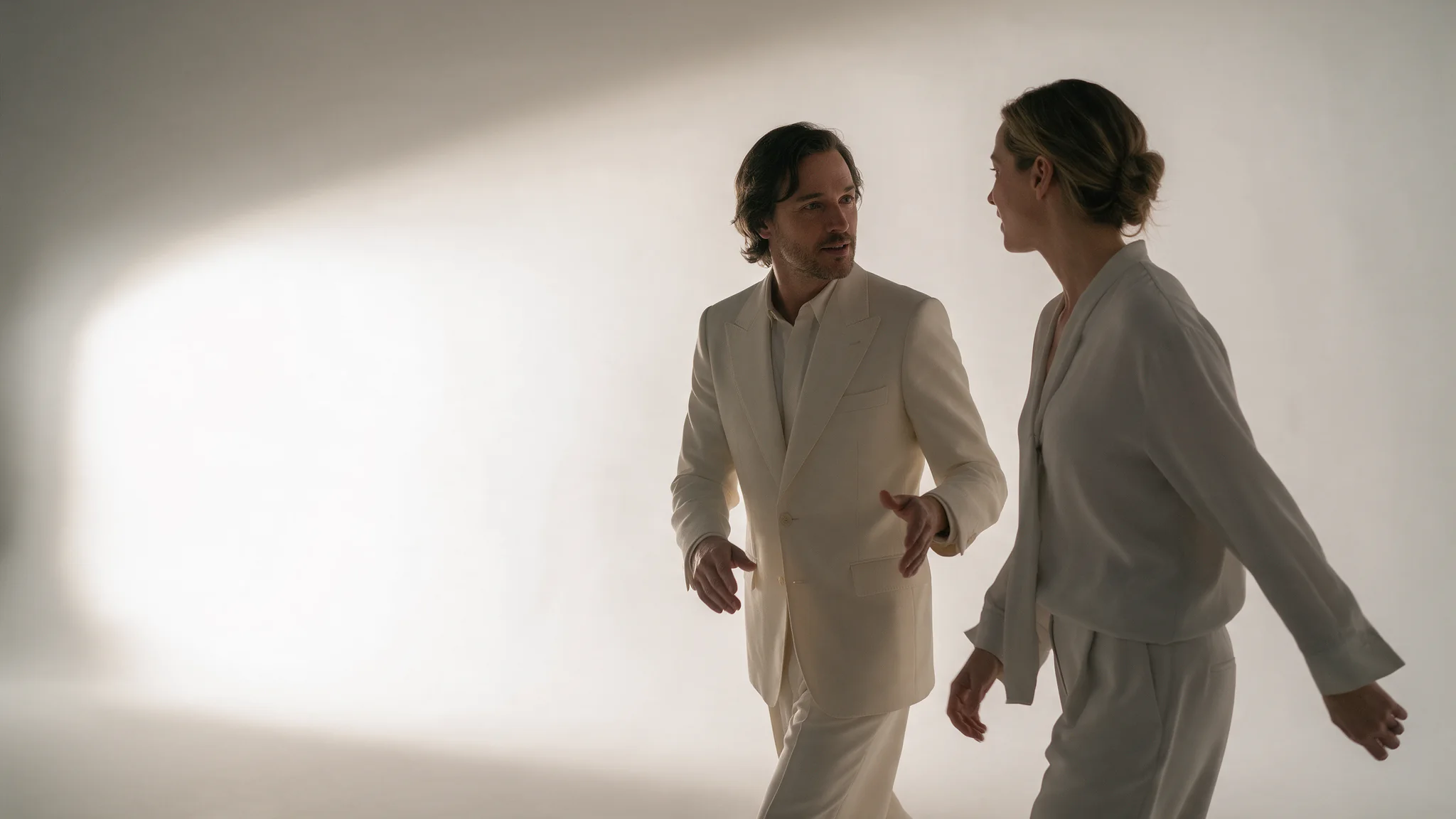
Backless gowns, hard key light, water and hair in slow motion. The five-second reference clip on this page is exactly that brief. Run it at 1080p to find the shot, then re-render the winning seed at 4K for delivery.
Packshots that get tracked and reframed
Image-to-video from a sharp packshot, with last_image_url returning the bottle to its hero angle. Deliver at 4K when an editor will push in on the clip, and start from the cleanest source you have — the upscaling pass cannot restore a label the opening frame does not show clearly.
Reference-locked hero shots
Feed up to ten plates — face, garment, set — into reference-to-video and render at 4K so the same character can headline a title card, a banner crop and a vertical cutdown from one master file.
Prompt guide & pro tips
Choose the endpoint, and start at 1080p
Match Pro to the material you already have: a written shot, an opening plate or separate references; reserve enlargement for a composition you have reviewed.
Write the shot, hold the seed, then scale up
For Pro delivery, choose 1080p, 2k or 4k (default 1080p); above native 1080p the file is upscaled, so inspect lettering and texture at full size; 480p and 720p are unavailable and the resolution tier changes the price. Keep a Pro comparison on the same random starting point with 0–2147483647; compare the actual files because repeated seeds do not ensure pixel-identical output.
Submit asynchronously and collect from storage
Record the Pro task identifier when submitting with Idempotency-Key, then poll for the stored output or use the callback to begin review of the delivered master.
Image-to-video on Wan 3.0 Pro. The opening frame carries wardrobe, body, set and light, so prompt is optional — describe only motion when you use it. Supply a sharp source: a 4K render does not sharpen a soft still.
The Pro master begins on image_url, so inspect this image before enlargement; accepted files are JPEG, PNG without transparency, BMP or WEBP, 240–8000 px per side, no wider than 8:1 and at most 20 MB.
Control the Pro shot’s landing composition with this optional exact final frame; image-to-video requires the opening image too; JPEG, opaque PNG, BMP or WEBP, 240–8000 px per side, 8:1 maximum, 20 MB maximum.
For Pro delivery, choose 1080p, 2k or 4k (default 1080p); above native 1080p the file is upscaled, so inspect lettering and texture at full size; 480p and 720p are unavailable and the resolution tier changes the price.
Pro rewrites prompts by default; turn expansion off when wording is final, but leave it true or unset for reference_file_url or reference_link_url because those inputs are read through expansion and false is rejected.
Keep a Pro comparison on the same random starting point with 0–2147483647; compare the actual files because repeated seeds do not ensure pixel-identical output.
Record the Pro task identifier when submitting with Idempotency-Key, then poll for the stored output or use the callback to begin review of the delivered master.
Wan 3.0 Pro · text-to-video Wan 3.0 Pro · image-to-video Wan 3.0 Pro · reference-to-video
API quick start
# Generate the idempotency key once; reuse it when retrying after a lost response.
export SPICY_IDEMPOTENCY_KEY="${SPICY_IDEMPOTENCY_KEY:-$(uuidgen)}"
curl -X POST https://api.spicyapi.ai/api/v1/jobs/createTask \
  -H "Authorization: Bearer $SPICY_API_KEY" \
  -H "Content-Type: application/json" \
  -H "Idempotency-Key: $SPICY_IDEMPOTENCY_KEY" \
  -d '{
  "model": "alibaba/wan-3.0-pro/image-to-video",
  "input": {
    "aspect_ratio": "adaptive",
    "duration_seconds": 5,
    "image_url": "https://example.com/reference.png",
    "resolution": "1080p"
  }
}'

# Copy data.taskId from the response into TASK_ID, then poll the status.
TASK_ID="TASK_ID_FROM_RESPONSE"
curl "https://api.spicyapi.ai/api/v1/jobs/recordInfo?taskId=$TASK_ID" \
  -H "Authorization: Bearer $SPICY_API_KEY"
See the API reference for authentication, the complete schema, polling, and error handling.