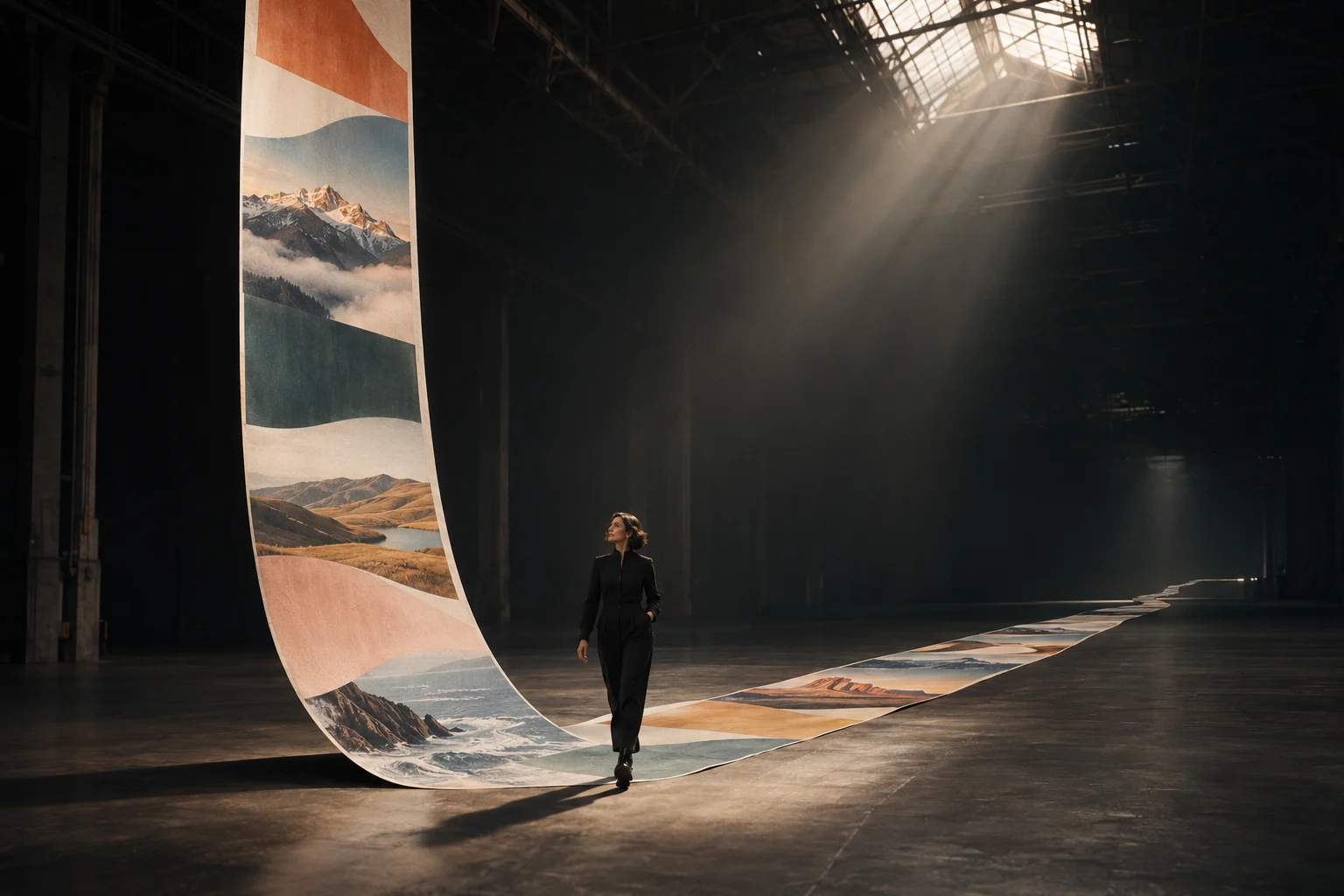
Introduction
Upload one to ten images, cite them by number in the instruction, and describe the change. Use it to restyle a photo, move a subject to a new setting, or merge people, outfits, and products.
| Field | Value |
|---|---|
| Input | Image |
| Output | Image |
| Publisher | Kling |
| Release date | November 17, 2026 |
| Tasks | Text to image; image editing |
| Prompt length | 1 to 21,000 characters |
| Resolution tiers | 2k (default), 4k, 8k |
| Independent outputs | 1 to 9 per request; default 1 |
| Output aspect ratios | auto (default), 16:9, 9:16, 1:1, 4:3, 3:4, 3:2, 2:3, 21:9 |
| Editing references | 1 to 10 images, cited in upload order |
| Reference formats | JPG or PNG |
| Reference file size | Up to 30 MB per image |
| Reference dimensions | At least 300 px per side; ratio between 2:5 and 5:2 |
| Billing basis | Per delivered image by resolution; editing also charges per reference image |
Key features & highlights
A correct title with extra copy to catch
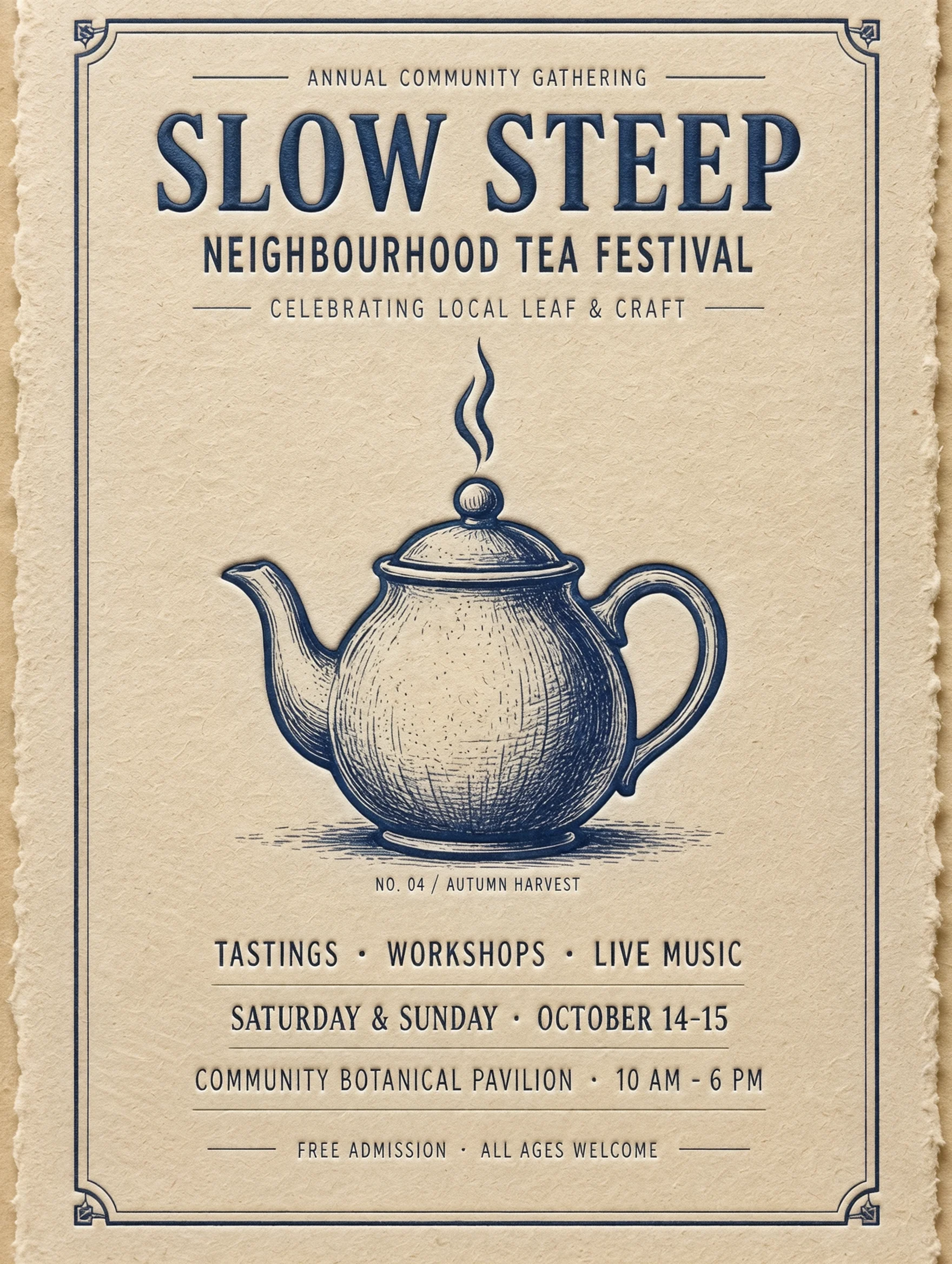
The SLOW STEEP run put the requested heading above an indigo engraved teapot on cream paper. It also invented supporting lines. This 2k result shows why a poster brief should define both the words to include and the boundary around additional text.
Boats and dawn mist at 4k
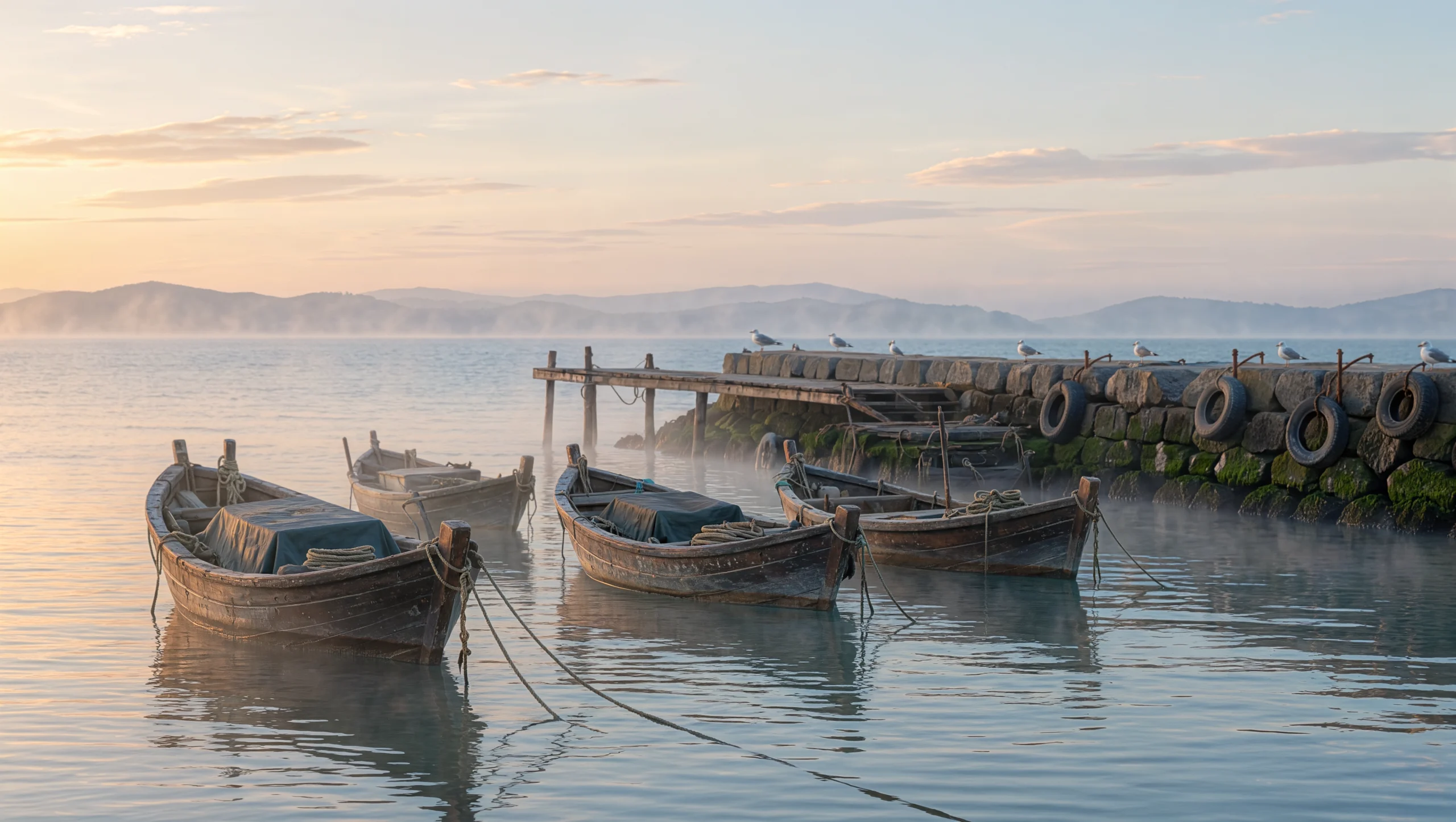
Our harbour prompt named wooden fishing boats, mist, and pale gold light. The result brought those elements into a wide dawn scene, returned as a 5440 x 3072 PNG at the 4k tier. Inspect the boats and soft light in the example when planning an editorial image.
An 8192-pixel fern illustration
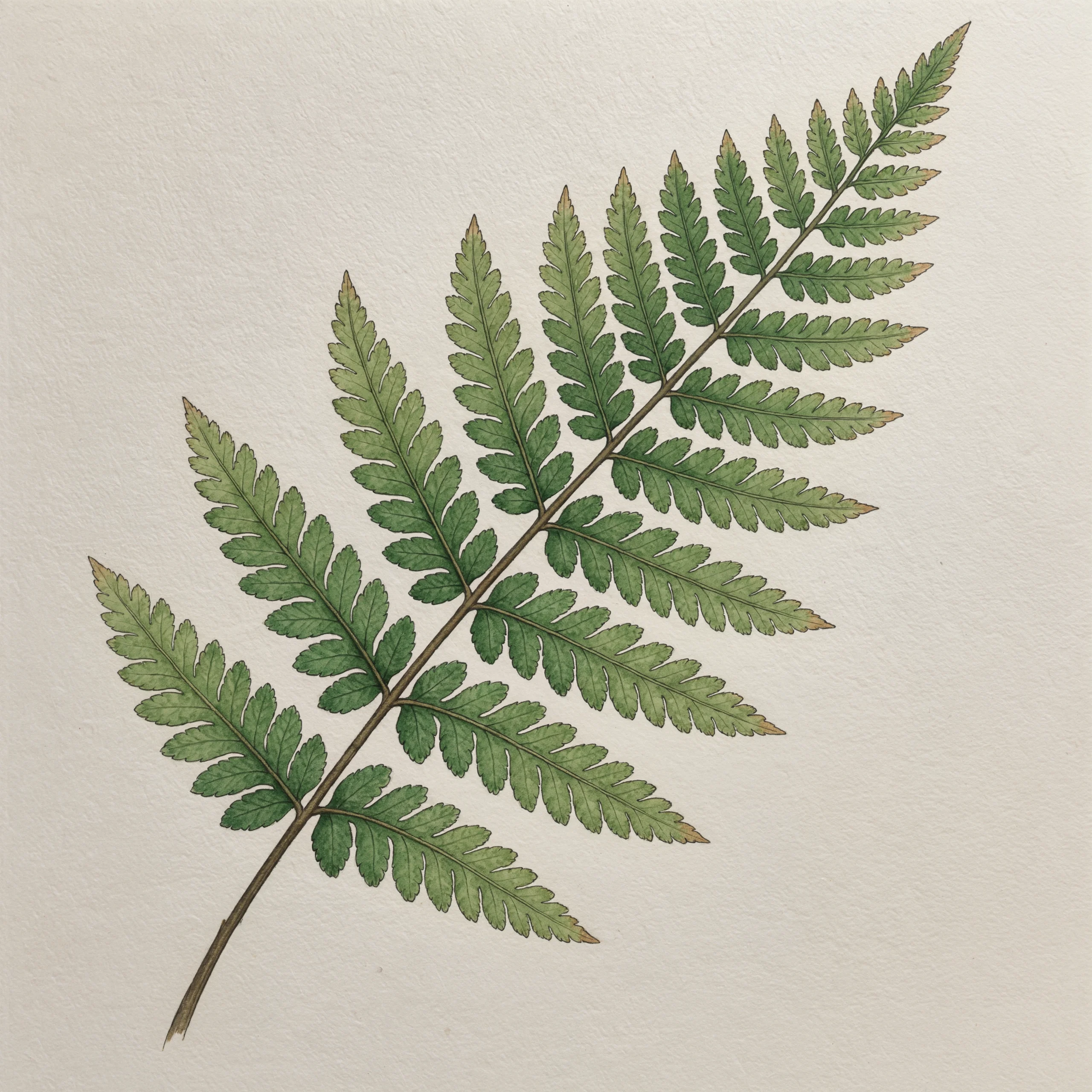
Our botanical run returned an 8192 x 8192 PNG of fine ink lines and muted green watercolour on off-white paper. Explore the fern example to see its square composition and the combination of drawn outlines with a watercolour treatment.
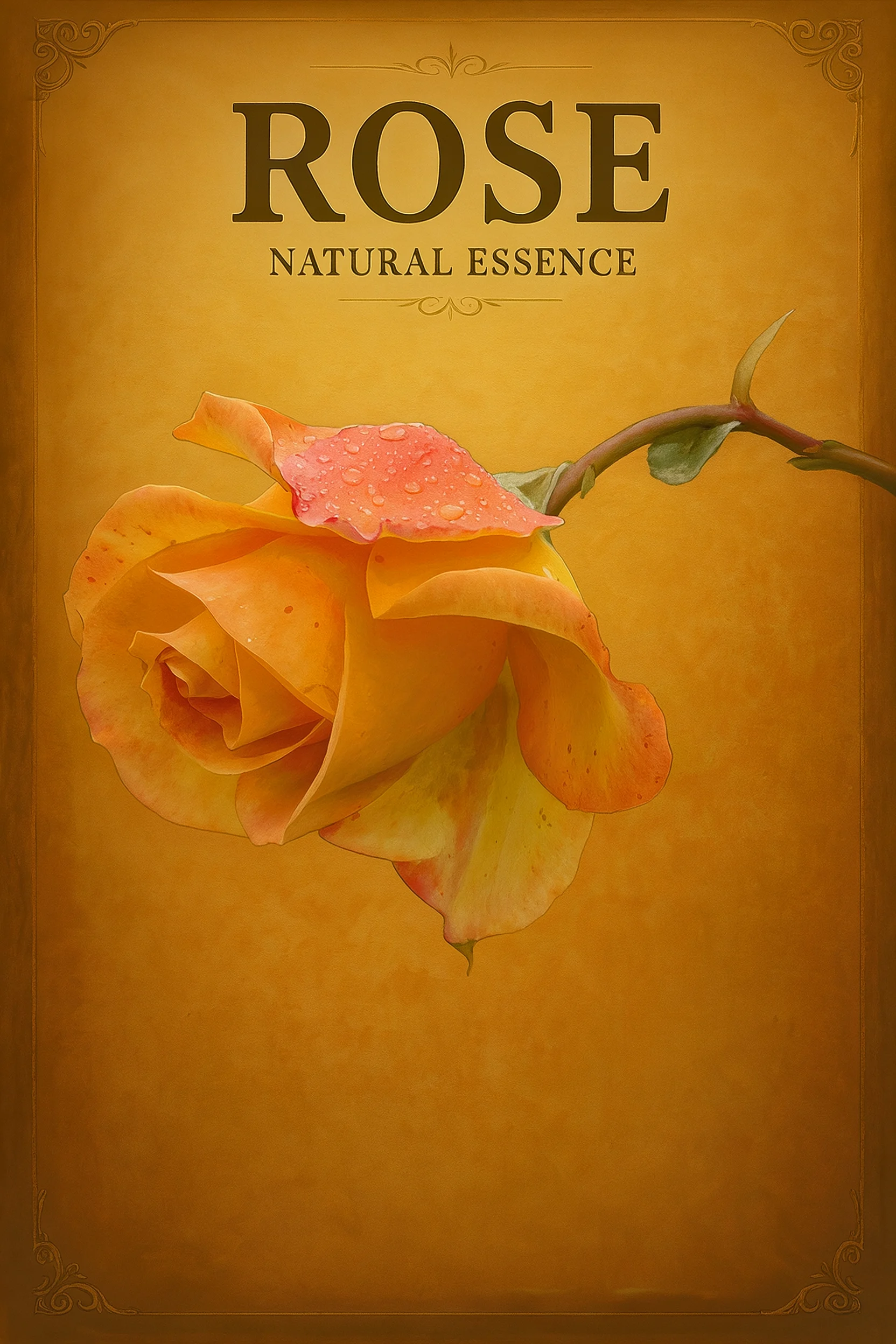
A rose repainted on amber
Image editing kept the reference rose recognisable while changing its treatment to a hand-painted vintage advertisement. The result also introduced ROSE and NATURAL ESSENCE without a request for those words. Review added copy as carefully as subject preservation.
Request parameters
| Parameter | Required | Description |
|---|---|---|
prompt | Yes | Required, up to 21,000 characters. Cite uploads as @ |
image_urls | Yes | One to ten reference images, numbered in upload order. Use JPG or PNG files of up to 30 MB, at least 300 px per side, with a ratio from 2:5 to 5:2. at least 1 items · at most 10 items |
num_outputs | No | Independent results to return, from 1 to 9. The default is 1, and every delivered image is charged. |
resolution | No | Output tier: 2k, 4k, or 8k, with 2k as the default. Higher tiers cost more for each image. |
aspect_ratio | No | Result shape: auto, 16:9, 9:16, 1:1, 4:3, 3:4, 3:2, 2:3, or 21:9. The default auto follows the prompt and references. |
Pricing
Each delivered image is charged at the rate of the chosen resolution, and every reference image adds a small input charge.
| Specification | Price |
|---|---|
| $0.063 / image |
| $0.094 / image |
| $0.157 / image |
Use cases
Tea festival posters
Give a community event a quoted title, paper colour, and central illustration. Our 2k SLOW STEEP poster rendered the title correctly above an indigo teapot but added supporting lines, making copy review part of the design handoff.
Harbour images for editorial layouts
Describe a location through its visible objects and light, then select a wide frame for the intended placement. Our 4k harbour run returned wooden fishing boats, mist, and pale dawn light in a 5440 x 3072 PNG.
Botanical artwork for large layouts
Specify the plant, paper, line work, and colour treatment before choosing the resolution tier. The square 8k fern illustration returned as an 8192 x 8192 PNG with ink and muted green watercolour on off-white paper.
Reference-led advertising concepts
Bring an existing product picture into image editing and describe the new visual treatment. In our rose edit, the subject stayed recognisable on an amber ground, while added ROSE and NATURAL ESSENCE wording required review.
Prompt guide & pro tips
Choose the starting material
Use text to image for a written scene, or image editing when an existing picture supplies the subject or visual direction.
Describe the scene or the change
Name the subject, setting, lighting, and exact wording to draw. For edits, assign sources by upload order with @
image_1and @image_2, then state what should change and what should remain.Choose the frame and output count
Select 2k, 4k, or 8k and a supported aspect ratio, or leave the ratio on auto. Request one to nine independent images and check the displayed price for your selected tier and reference inputs.
Review wording alongside image detail
Compare lettering with your supplied copy and compare edited objects with their references. Our tea poster and rose advertisement both gained unrequested text, so add "no other words" when the layout must stay strict and proofread the result.
Rework an image with a defined change
Bring existing pictures to this endpoint when a source subject or visual treatment matters to the next design. Kling Image 4.0 image editing takes a prompt plus one to ten reference images. The instruction explains the role of each reference, the requested change, and the details that should remain recognisable.
Our rose edit changed the reference into a hand-painted vintage advertisement on an amber background. The rose stayed recognisable, and the result also added unwanted lettering. Review the subject and the complete design together before choosing an image for delivery.
Prepare the references and controls
Check source formats and upload order before writing numbered citations. Keep each reference beside its intended role while preparing the request, so the image numbers and instructions match.
Parameter table
Both the prompt and the reference collection are required. Output count, resolution, and aspect ratio are optional controls with the defaults shown here.
| Parameter | Accepted input | Default | How to use it |
|---|---|---|---|
prompt | Required string, 1 to 21,000 characters | None | Cite references and separate the change from preservation requirements. |
image_urls | Required array of 1 to 10 images | None | Supply JPG or PNG files in the order cited by the prompt. |
num_outputs | Integer from 1 to 9 | 1 | Ask for independent edited results. |
resolution | 2k, 4k, 8k | 2k | Select the output tier used for image pricing. |
aspect_ratio | auto, 16:9, 9:16, 1:1, 4:3, 3:4, 3:2, 2:3, 21:9 | auto | Fix the output shape or let the prompt and references guide it. |
Each reference can be up to 30 MB, must measure at least 300 px on each side, and must have a ratio between 2:5 and 5:2. These requirements concern input images. Select the desired output frame separately rather than assuming the source dimensions define it.
Write an instruction that assigns responsibility
Make the role of each source clear before describing the finish. For example, ask for the ceramic object from @image_1 and the colour palette from @image_2. Follow those roles with the intended background and treatment, keeping the details to preserve distinct from the changes you want.
Match citations to input order
Use @image_1 for the image placed at the beginning of the reference array, @image_2 for the next, and continue in order. Pair each citation with its role: subject, palette, or visual treatment. If the requested change conflicts with a source detail, say which part you intend to change so the design direction is clear.
Describe preservation in concrete terms
Name visible features that matter, such as the handle shape of a jug, the outline of a flower, or the markings on a product. Then specify the change: a painted surface treatment, a different background colour, or a new arrangement. Inspect the returned image against the original; a preservation instruction does not replace that comparison.
Control copy even when changing style
A phrase such as "vintage advertisement" describes a design genre but leaves room for the model to invent wording. State the exact text to include, or request no lettering when none is needed. Add "no other words" for a strict copy boundary and check the result. Our rose edit shows why lettering deserves attention even when the intended change is visual style.
Observed result: rose on an amber ground
The amber-rose-vintage-ad run used a reference image, the 2k tier, a 2:3 ratio, and one requested output. It returned one 1664 x 2496 PNG. The rose stayed recognisable and was repainted against an amber background, matching the requested hand-painted direction.
The words that appeared without a request
The same output included ROSE and NATURAL ESSENCE. Neither phrase appeared in the instruction. Treat this as a defect to review before delivering an advertisement, even though the reference subject survived the restyling. Review every visible word against your requested copy, including small lines around the main subject.
Understand the charge before adding sources
Consult the price displayed on this page for the selected resolution. Every delivered image is charged at that tier, and every reference image adds a small input charge. Keep the source list aligned with the requested edit so you can judge both its purpose and its input cost. Increasing the independent output count also increases the number of delivered images to review.
Choose the workflow for the deliverable
Use text to image on this page when no source picture is needed. Keep image editing for work where the input supplies a subject or visual direction. For a revision, identify the detail that needs attention and describe that change alongside the features you want to keep. Compare each new result with the source images before selecting it.
Kling says its series workflow plans related images, while its long-image workflow makes a complete product-detail or webpage visual. Pick Kling Image 4.0 Set (kling/image-4.0-set) when you need a coordinated collection, or Kling Image 4.0 Long (kling/image-4.0-long) when the deliverable is that kind of long page. One to nine independent edits here should not be treated as a coordinated series. For comparison with another model, use the same sources and change request, then inspect subject preservation, background changes, and any added text together.
API quick start
# Generate the idempotency key once; reuse it when retrying after a lost response.
export SPICY_IDEMPOTENCY_KEY="${SPICY_IDEMPOTENCY_KEY:-$(uuidgen)}"
curl -X POST https://api.spicyapi.ai/api/v1/jobs/createTask \
  -H "Authorization: Bearer $SPICY_API_KEY" \
  -H "Content-Type: application/json" \
  -H "Idempotency-Key: $SPICY_IDEMPOTENCY_KEY" \
  -d '{
  "model": "kling/image-4.0/edit",
  "input": {
    "aspect_ratio": "auto",
    "image_urls": [
      "https://example.com/reference.png"
    ],
    "num_outputs": 1,
    "prompt": "A ceramic teapot on a linen cloth, soft window light, muted palette",
    "resolution": "2k"
  }
}'

# Copy data.taskId from the response into TASK_ID, then poll the status.
TASK_ID="TASK_ID_FROM_RESPONSE"
curl "https://api.spicyapi.ai/api/v1/jobs/recordInfo?taskId=$TASK_ID" \
  -H "Authorization: Bearer $SPICY_API_KEY"
See the API reference for authentication, the complete schema, polling, and error handling.