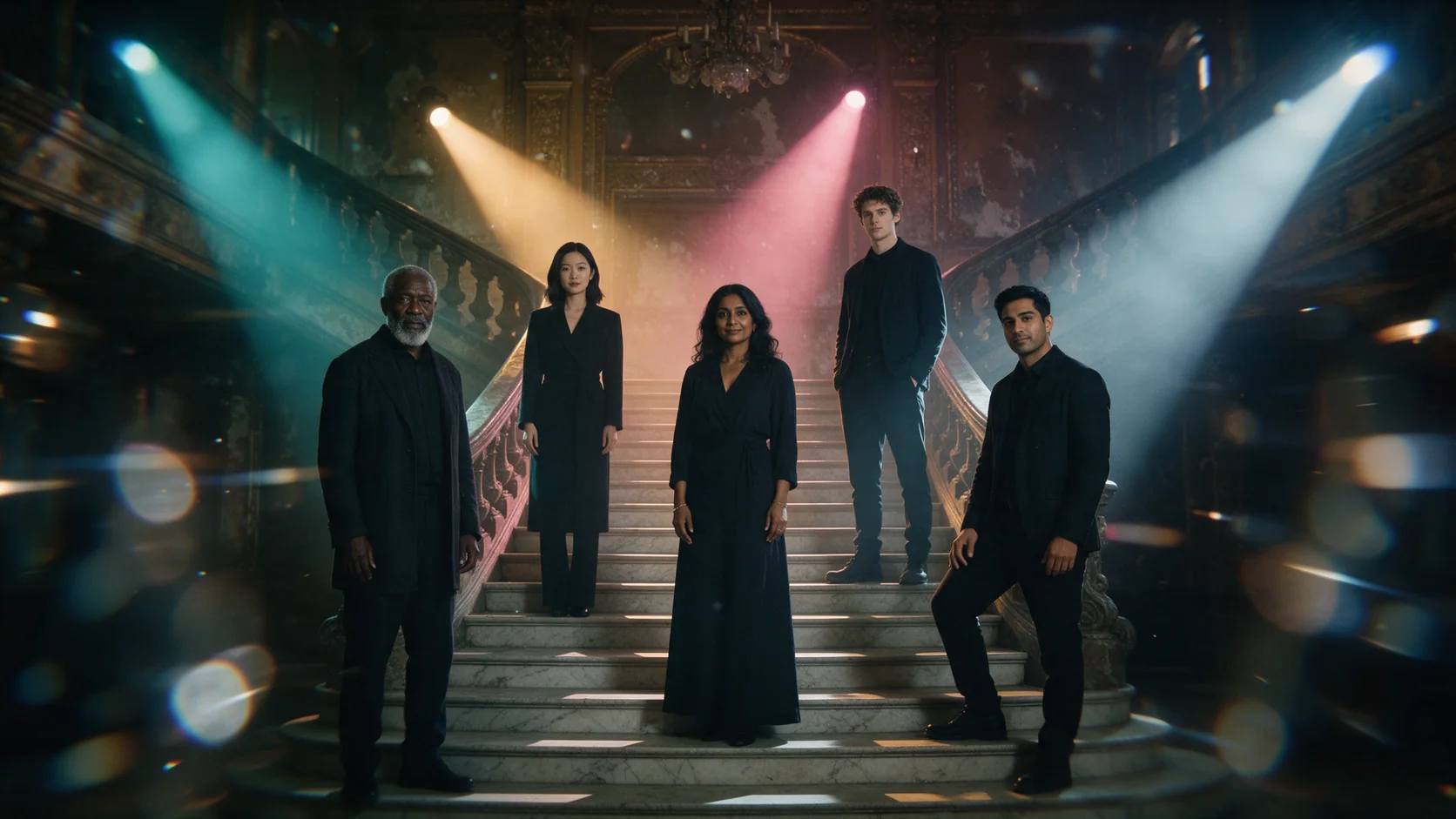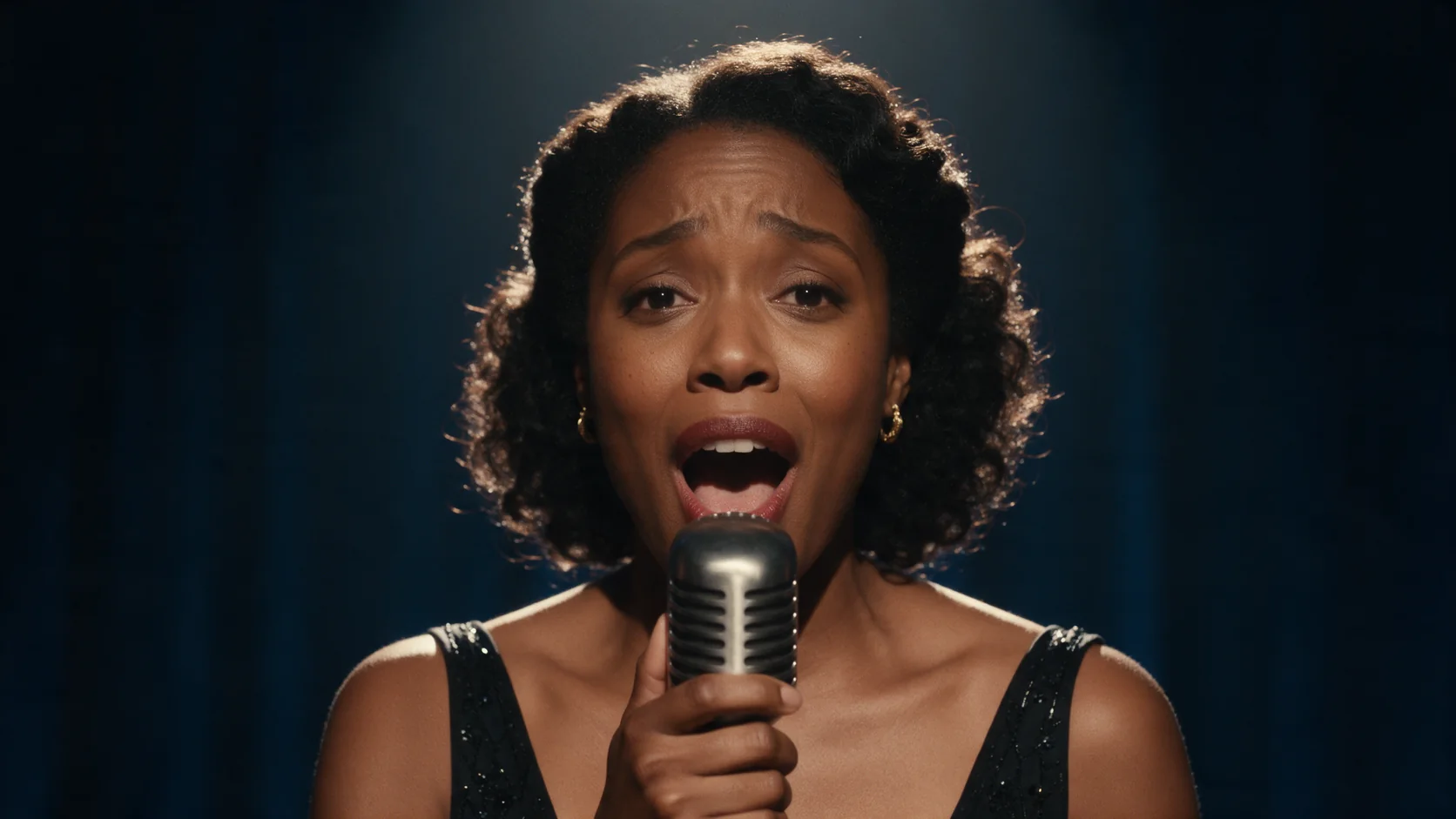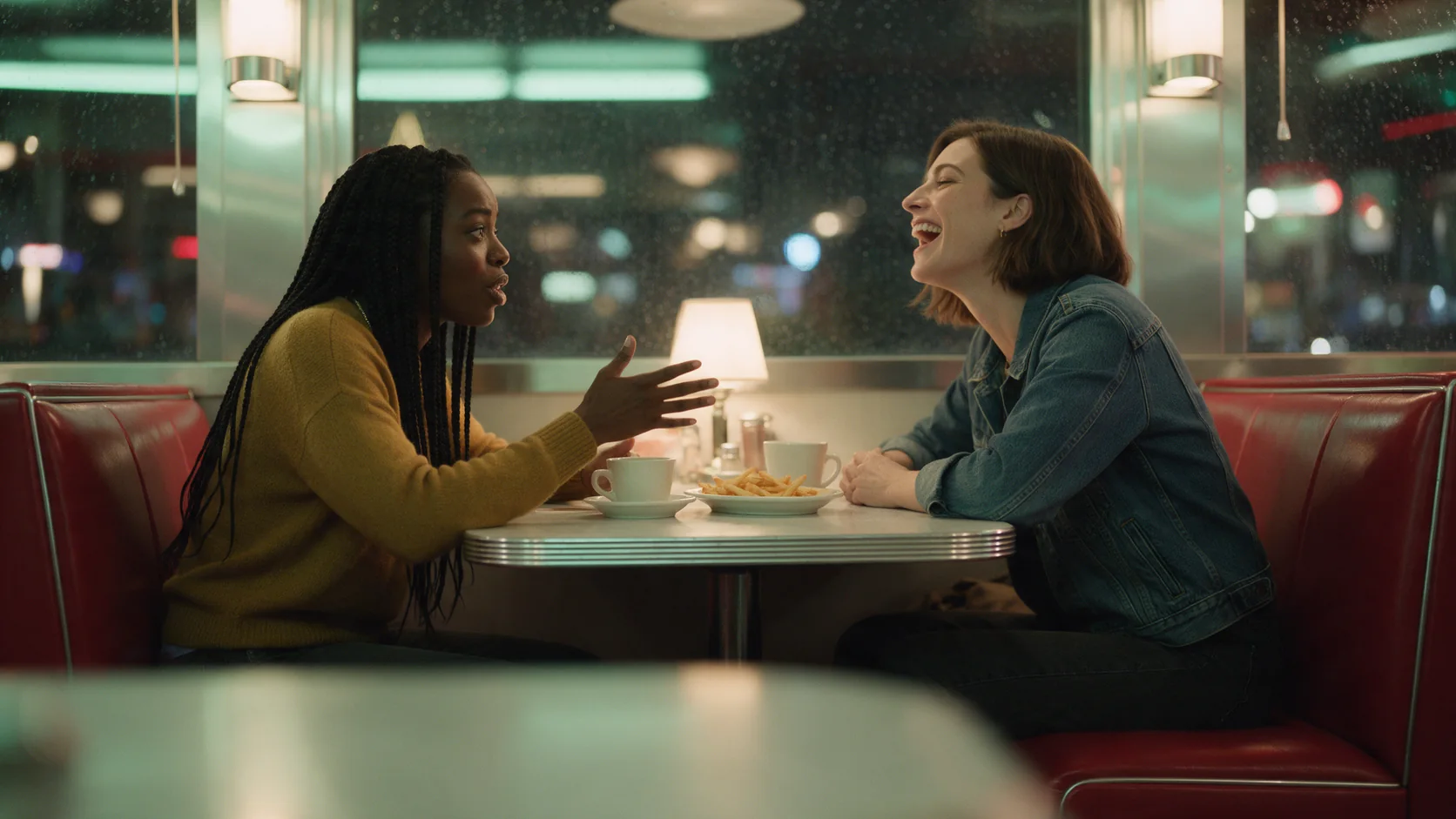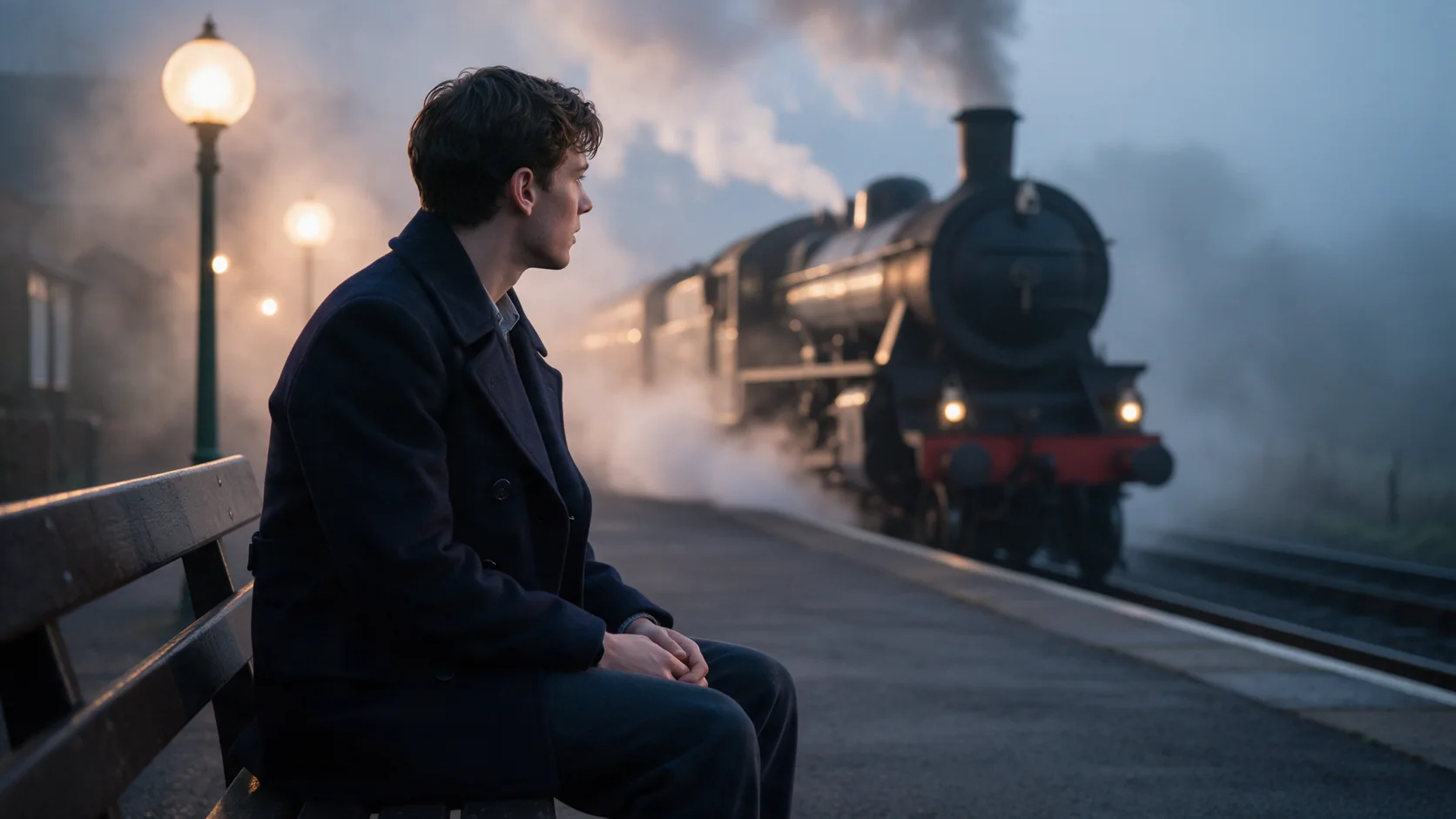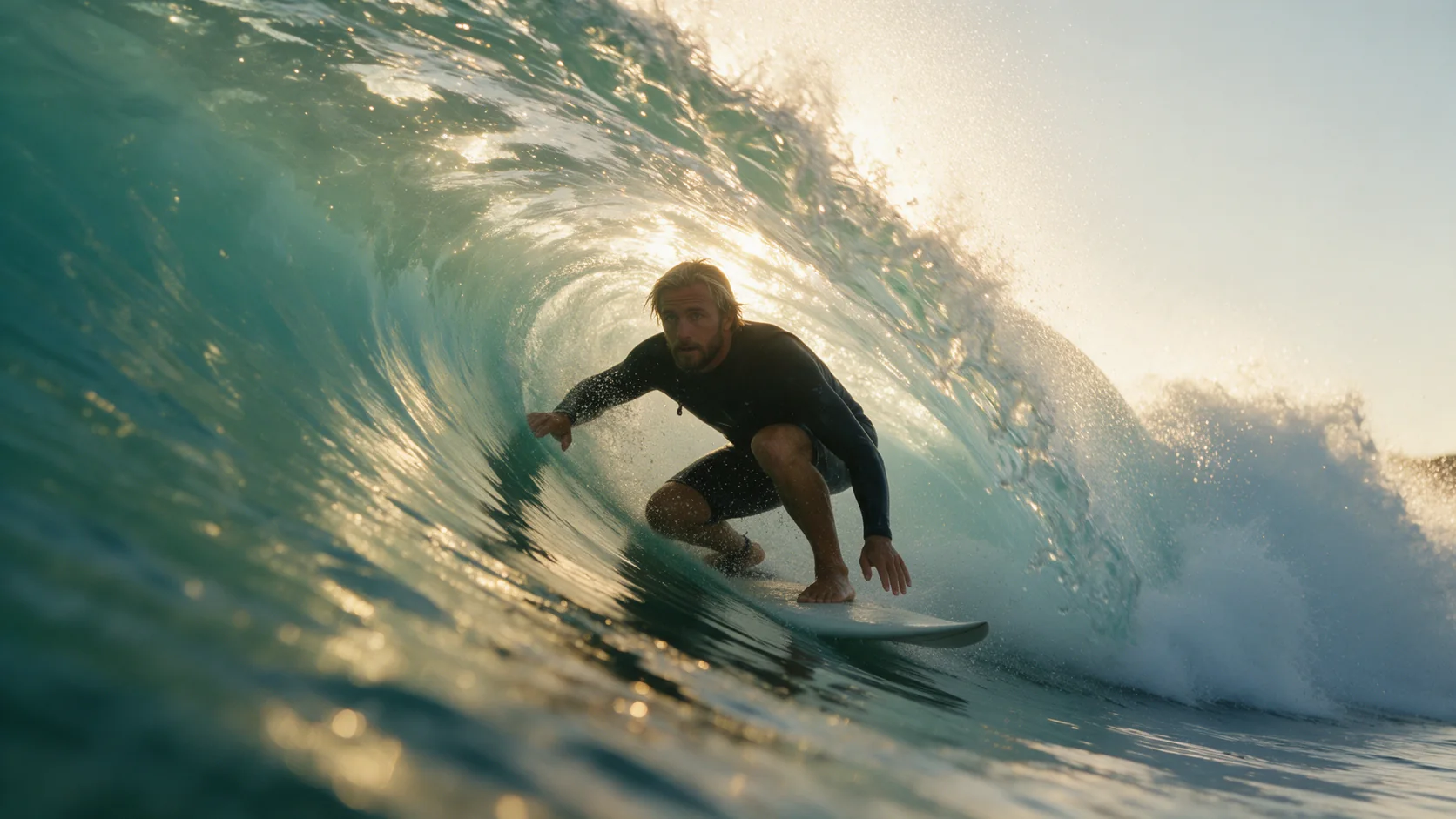
Kling 2.5 Turbo image-to-video animates an opening frame into a 1080p clip of 5 or 10 seconds, with a generated audio track on every clip. Add an optional closing frame to pin how the shot ends.

From $0.07/s

Workbench

Input

Image to video
239/2500
Describe only what happens after the opening frame: the action and the camera move. at least 1 characters · at most 2500 characters
1/1

Drop files or media links, paste, or browse · 1 file · Max 10 MB · JPG · PNG

  • 1
1 / 1 files
Opening frame. JPEG or PNG only. The clip's aspect ratio follows this image.
0/1

Drop files or media links, paste, or browse · 1 file · Max 10 MB · JPG · PNG

0 / 1 files
Optional closing frame. When set, the clip is built to land on it; the middle is not otherwise pinned.
Durationaffects price
510
Whole seconds, 5 or 10. Drives the price.
0/500
For Kling 2.5 Turbo, list unwanted visual artifacts in negative_prompt and keep the intended action in prompt; the two fields serve different parts of the shot brief. at most 500 characters
Prompt adherence
Use guidance_scale to tune how literally Kling 2.5 Turbo interprets motion instructions: a higher value favours the wording, while a lower value leaves more freedom in the take. no lower than 0 · no higher than 1
Safety checkerOff

SpicyAPI does not run a safety checker on this model. Your prompt and media go to the model as written, and the model itself decides what comes back.

Checking your account before enabling submission and pricing.

Output

Ready for a new run
Example result

Missing the model you need?

BUDGET 1080P VIDEO WITH SOUND

Kling 2.5 Turbo API at a glance

Kling 2.5 Turbo keeps this workflow at 1080p with 5 or 10 second timing, an optional final image for image animation, and negative_prompt plus guidance_scale for direction.

Longest clip
10S
5 or 10 whole seconds, billed per second, nothing longer.
Native resolution
1080P
The only tier this model renders - there's no cheaper draft option.
Sound included
AUDIO
Every clip ships with a soundtrack; there is no silent toggle.
Ways to start
2
From a written prompt, or your own opening frame with an optional closing frame.
Guidance scale
0-1
Use guidance_scale to tune how literally Kling 2.5 Turbo interprets motion instructions: a higher value favours the wording, while a lower value leaves more freedom in the take.
Aspect ratios
3
16:9, 9:16 or 1:1 on text-to-video; image-to-video follows your frame.

Results

What you can make with Kling 2.5 Turbo

  • From text

    A finished shot from one paragraph, sound included

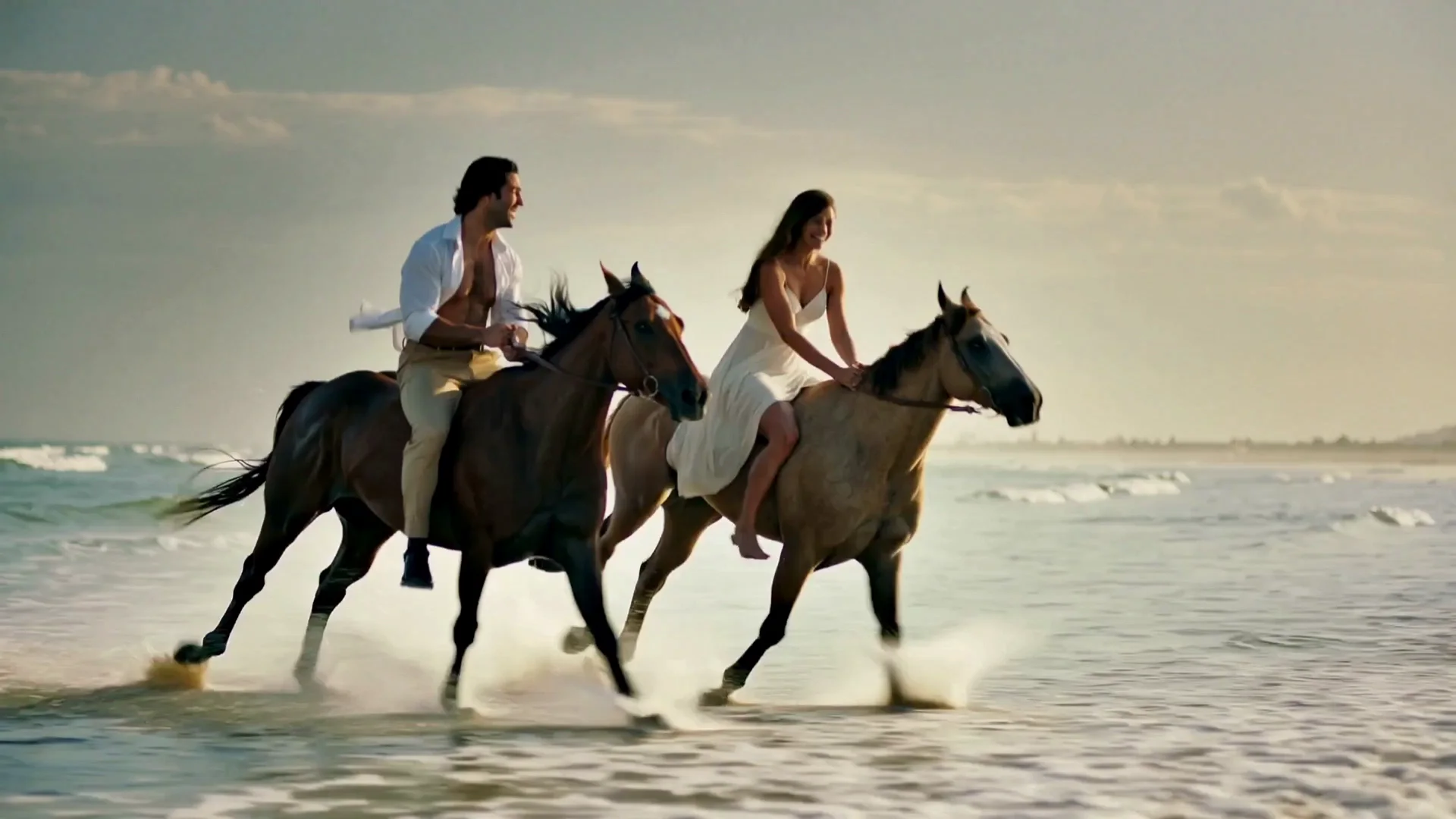
    Say who is riding, what happens and where the camera sits. This sunrise gallop is nothing but a written prompt - two riders, spray under the hooves, a low tracking shot, golden backlight - and it comes back in 1080p with the surf and the wind already scored into the audio track.

    Text-to-video, 1080p, 5 seconds: a low tracking shot with the ocean and hoofbeats already scored into the audio.

  • From an image

    Your frame, set in motion

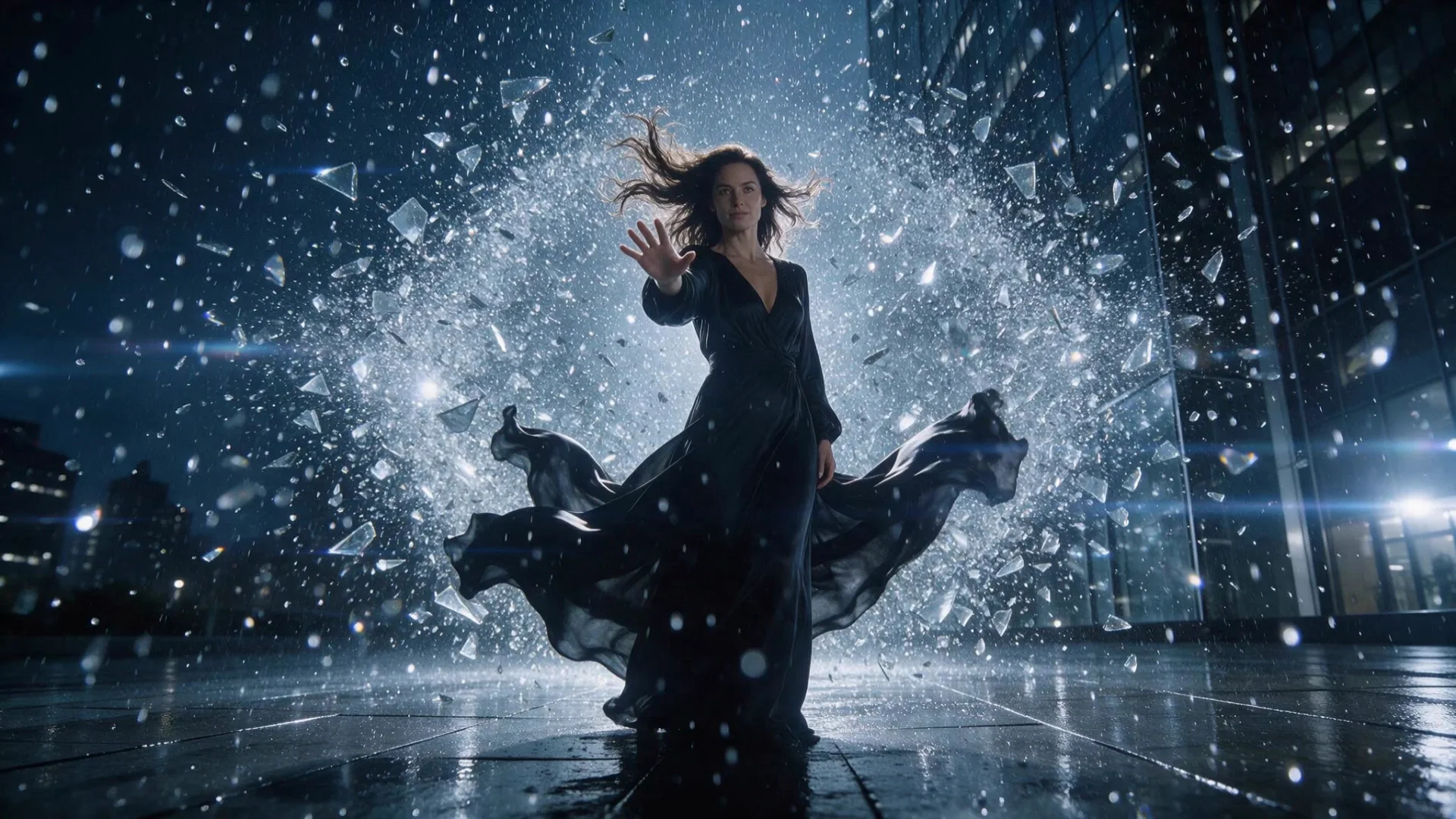
    Upload the opening frame and describe only what happens next. Here the still was a woman standing among falling glass; the prompt supplied the spin, the orbiting camera and the moment she lifts her chin - the frame itself never changes.

    Image-to-video, 1080p, 5 seconds: the spin and the camera orbit came entirely from the written prompt.

  • With sound

    Every clip carries a real soundtrack

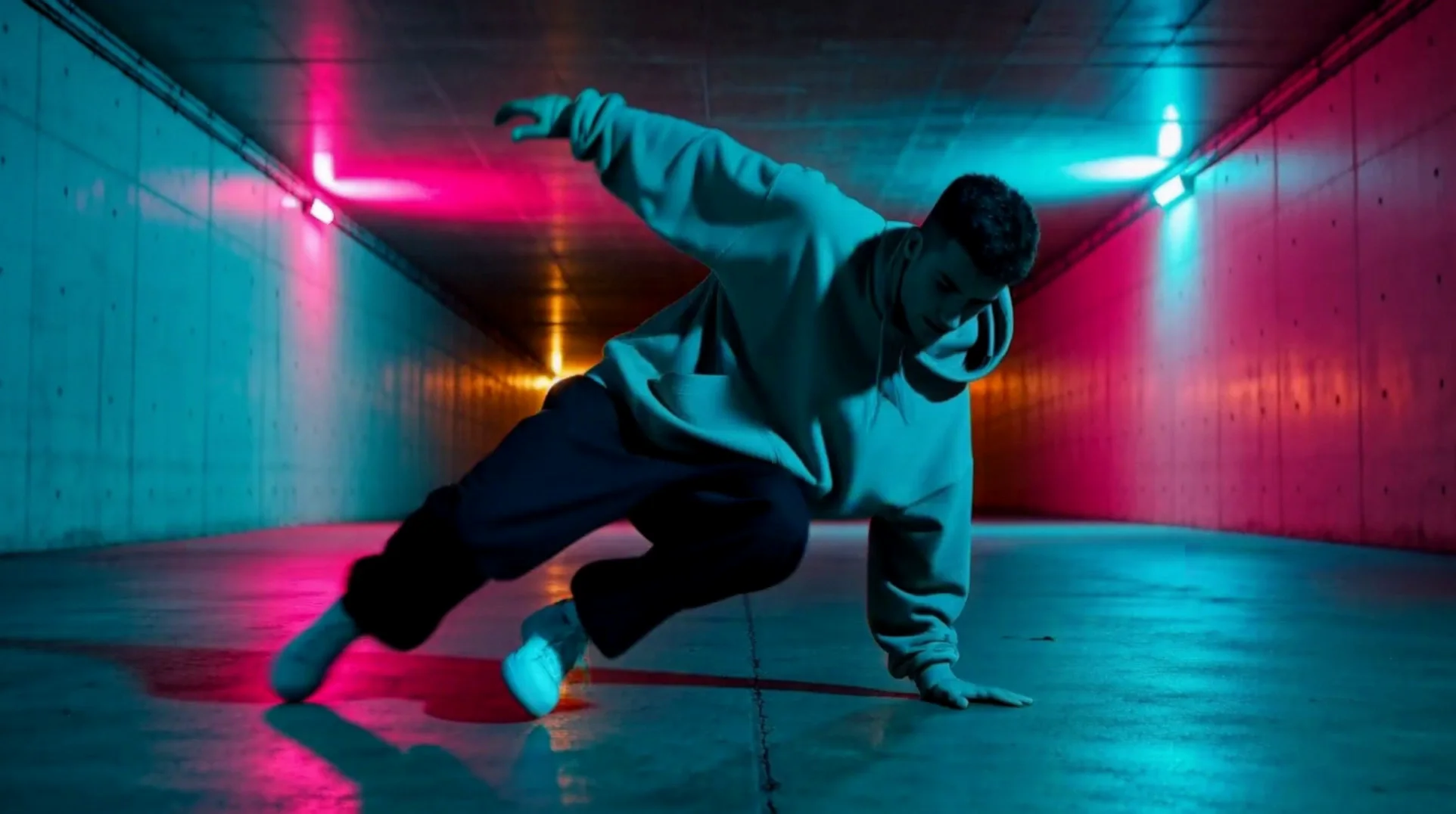
    There is no switch to mute the output. Even a clip built purely for motion, like this breakdancer's windmill spin under strobing neon, lands with an audio track already mixed in - there is no separate audio step to run.

    Image-to-video, 1080p, 5 seconds: a low circling camera follows the spin into a one-hand freeze.

  • Prompt control

    Two dials when a take needs adjusting

    guidance_scale (0 to 1) sets how literally the clip follows your wording, and negative_prompt lists what to keep out. Reach for both when a repeat run drifts from a detail you wrote in, instead of rewriting the whole prompt.

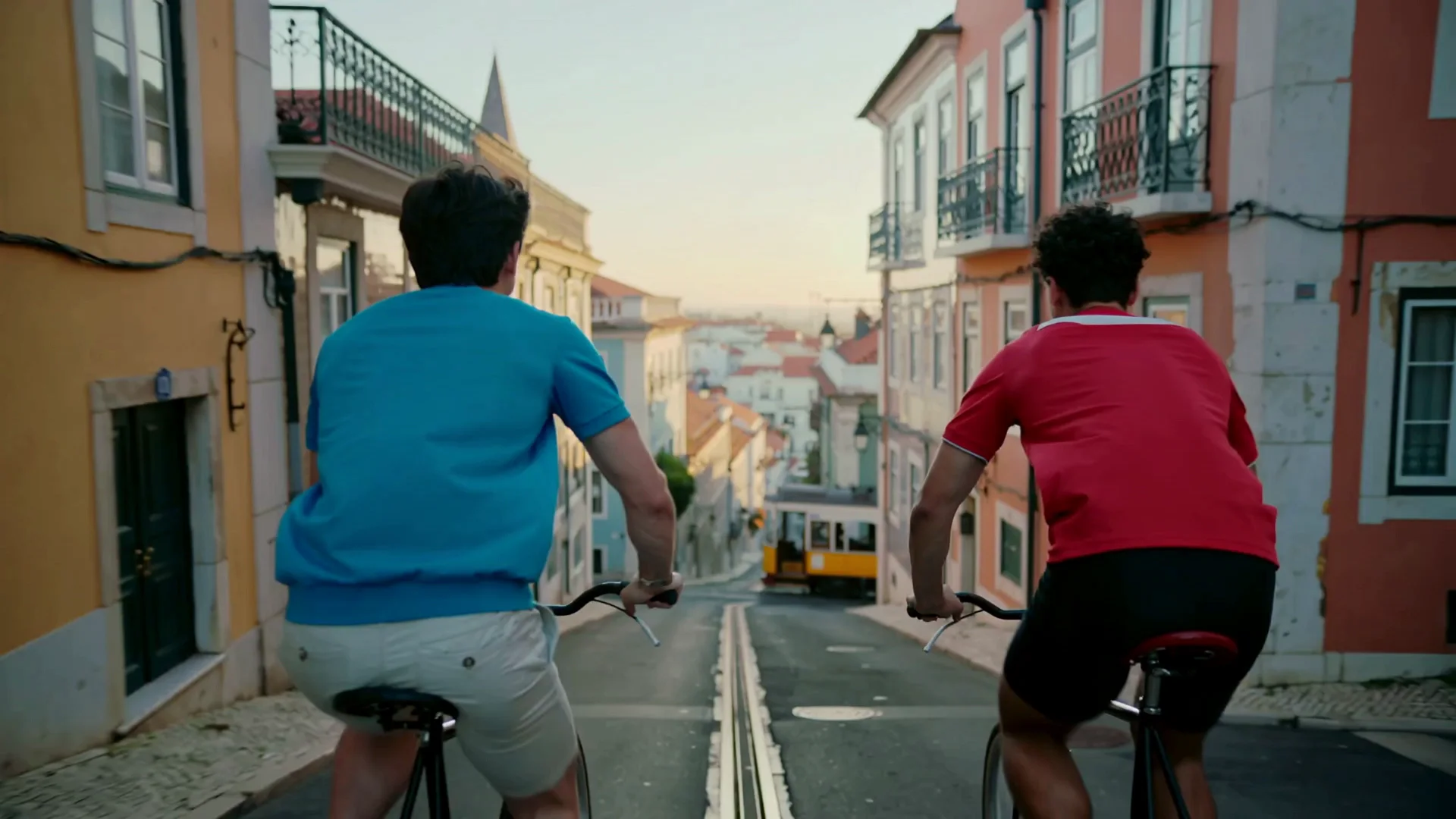
    Text-to-video, 1080p, 5 seconds: tracking shot from just ahead of the riders in warm low sun.

Content test

Is Kling 2.5 Turbo uncensored? What we tested

Content levels tested on Kling 2.5 Turbo, by mode
LevelImage to videoText to video
Mild
Not tested yet
Not tested yet
Moderate
RefusedTested Sep 28, 2026
Strong
Not tested yet
Not tested yet
Very strong
Not tested yet
Not tested yet
Maximum
Not tested yet
Not tested yet
How we test

How each mode behaves

Text to video
Writing a relationship into the prompt ('a couple') doesn't guarantee the clip reads that way: in one of our tests the camera framing read as two friends racing rather than a couple. If the relationship has to be legible, put it in the blocking - a hand held, matching pace, a shared glance - rather than only in a label.
Image to video
There is no resolution field on this model - it always renders at 1080p. The output frame follows your opening image's aspect ratio; a last_image_url pins the ending, but nothing pins the middle, so keep the two frames close in light and pose.
All modes
An audio track in a Kling 2.5 Turbo test clip is not evidence of unrestricted generation: Kling still checks prompts and outputs and refuses adult NSFW requests without billing them. SpicyAPI adds no separate filter to Kling 2.5 Turbo, and cannot disable Kling’s checks. MiniMax H3 Spicy is a separate unrestricted choice from Kling 2.5 Turbo, with its own input options.

Use cases

What to build with the Kling 2.5 Turbo API

  • Budget storyboard drafts before a bigger render

    Rough out timing and blocking at Kling 2.5 Turbo's price point before committing to a longer or higher-tier clip elsewhere in the lineup.

  • Social clips that already have their sound

    A 5 or 10 second vertical or square clip lands with ambience or music already mixed in - no separate voiceover or foley pass needed before posting.

  • Anchor an ending with a closing frame

    On image-to-video, add last_image_url alongside your opening frame so the clip lands on a specific pose or composition instead of wherever the model decides to stop.

  • The 1080p tier when you don't need 4K or Motion Control

    Kling 2.5 Turbo keeps this workflow at 1080p with 5 or 10 second timing, an optional final image for image animation, and negative_prompt plus guidance_scale for direction.

Prompts

Kling 2.5 Turbo prompt examples you can copy

  • Text to video

    Write it like a shot list, sound comes free

    Result from this prompt

    Sunrise on a wide empty beach. A man and a woman in their thirties gallop two horses side by side through the shallow surf, spray exploding under the hooves, her hair and his open linen shirt streaming in the wind; they glance at each other and laugh. Low tracking shot keeping pace with the horses, golden backlight, water droplets hanging in the light.

    Why it works. Subject, action, camera and light are all named, so the surf and hoofbeats arrive on the audio track without a separate sound step.

    Try this prompt
  • Text to video

    Say the relationship in the blocking, not just the label

    Result from this prompt

    Early morning in Lisbon. Two men in their late twenties, a couple, race each other on old city bicycles down a steep empty cobbled street between tiled houses; the one in front looks back laughing and the other stands on the pedals to catch up, a yellow tram waiting at the bottom of the hill. Tracking shot from just ahead of them, warm low sun, wind in their shirts.

    Why it works. We wrote "a couple" here, and the render still read as two friends racing rather than a couple - the label alone wasn't enough. If it matters, write a physical cue (a hand held, a shared glance) instead of relying on the word.

    Try this prompt
  • Image to video

    Motion and light, in the order they happen

    Result from this prompt

    She spins through the storm of shattering glass, the black dress flaring out in a wide circle, shards and raindrops hanging in slow motion around her, then she stops and lifts her chin toward the light. The camera orbits slowly around her.

    Why it works. The spin, the hanging debris and the camera orbit are each named in sequence, which is how the model kept them in the right order in the finished clip.

    Try this prompt
  • Image to video

    Let the camera move carry the energy

    Result from this prompt

    He launches into fast breakdance moves on the wet tiles: a windmill spin across his shoulders, legs sweeping in wide circles, then he snaps into a freeze on one hand. Pink and cyan neon strobes across him while the camera circles low around him.

    Why it works. A single circling camera move plus a named freeze-frame ending gave the model a clear finish line instead of an open-ended loop of motion.

    Try this prompt
  • Image to video

    Pin the ending with a second frame

    She lowers her hand from the glass, turns fully toward camera and gives a small, satisfied nod as the light around her steadies.

    Why it works. Pair this kind of closing line with your own closing frame and the clip is built to land on that exact pose instead of wherever the model decides to stop - useful when the next clip in a sequence needs to pick up from a precise frame.

    Try this prompt

Compare

Kling 2.5 Turbo vs similar models: which one to pick

ModelModesFromContentPick it when
Kling 2.5 TurboThis pageImage to video · Text to video$0.07 / output secondFiltered — This model refuses requests beyond its own limits outright. Measured, not assumed — models we have not measured carry no label at all.Kling 2.5 Turbo keeps this workflow at 1080p with 5 or 10 second timing, an optional final image for image animation, and negative_prompt plus guidance_scale for direction.
Kling 3.0 TurboImage to video · Text to video$0.112 / output secondFiltered — This model refuses requests beyond its own limits outright. Measured, not assumed — models we have not measured carry no label at all.You want 720p or 1080p and a whole-second duration from 3 to 15 seconds, with sound generated on every take.
Kling 2.6Character animation · Image to video · Text to video$0.069 / output secondFiltered — This model refuses requests beyond its own limits outright. Measured, not assumed — models we have not measured carry no label at all.You want native audio you can switch off, still at 1080p, from a prompt or an opening frame.
Kling 2.1Image to video$0.056 / output secondFiltered — This model refuses requests beyond its own limits outright. Measured, not assumed — models we have not measured carry no label at all.You have an image to animate without sound and prefer the 720p option in plain Kling 2.1 over this fixed-1080p Turbo workflow.

Pricing

Kling 2.5 Turbo API pricing

A 5-second clip starts at $0.35.

FAQ

Kling 2.5 Turbo API FAQ

About Kling 2.5 Turbo

Kling 2.5 Turbo API makes 5 or 10 second 1080p clips from text or images, with negative-prompt and guidance controls; SpicyAPI’s existing test clips include an audio track. Kling 2.5 Turbo runs as an asynchronous task billed in US dollars per second of output; check the selected settings before submission, and retrieve the result by task ID or webhook. An audio track in a Kling 2.5 Turbo test clip is not evidence of unrestricted generation: Kling still checks prompts and outputs and refuses adult NSFW requests without billing them. SpicyAPI adds no separate filter to Kling 2.5 Turbo, and cannot disable Kling’s checks. MiniMax H3 Spicy is a separate unrestricted choice from Kling 2.5 Turbo, with its own input options. Before submitting to Kling 2.5 Turbo, obtain the rights and consent for the source material and take responsibility for the resulting video.

Related models and next tasks