Introduction
Kling 2.5 Turbo Text to video turns a written prompt into a 5 or 10 second clip at 1080p, with a real audio track generated in the same pass - there is no silent option on this model. Choose an aspect ratio of 16:9, 9:16 or 1:1 before you write, since the prompt should be composed for that frame.
Choose a Kling 2.5 Turbo mode by starting material
| Starting material for Kling 2.5 Turbo | Matching endpoint |
|---|---|
| a written scene | Kling 2.5 Turbo Text to video |
| an approved opening frame | Kling 2.5 Turbo Image to video |
Key features & highlights
Sound is generated, not added afterwards
Every clip comes back with an audio track built in the same pass as the picture - there is no field to switch it off. The prompt is the only place to direct it: write what the scene should sound like, not just what it should look like.
Two dials for repeat takes
guidance_scale (0 to 1) sets how literally the clip follows your wording, and negative_prompt lists anything to keep out of frame.
There is no seed on this model, so two runs of the same prompt return two different takes; use these two fields to nudge a take back toward what you wrote rather than rewriting the whole prompt.
Request parameters
| Parameter | Required | Description |
|---|---|---|
prompt | Yes | Write it as a shot: subject, action, camera move, light, and what it should sound like. at least 1 characters · at most 2500 characters |
aspect_ratio | No | Compose Kling 2.5 Turbo text prompts for the selected 16:9, 9:16 or 1:1 frame; for image animation, the opening image supplies the composition. |
duration_seconds | No | Whole seconds, 5 or 10. Drives the price. |
negative_prompt | No | For Kling 2.5 Turbo, list unwanted visual artifacts in |
guidance_scale | No | Use |
Pricing
$0.07 / second
Billed per second of the output clip at 1080p. A prompt Kling refuses isn't charged.
Use cases
Draft a scene before a longer or pricier render
At Kling 2.5 Turbo's price point, this is a reasonable place to test whether a scene, a camera move or a lighting idea reads before spending more on a longer clip or a higher tier elsewhere in the Kling lineup.
Vertical or square clips that already have their sound
9:16 or 1:1 output with ambience or music mixed in - no separate audio pass before the clip is ready to post.
Prompt guide & pro tips
Write it as a shot: subject, action, camera, light, sound
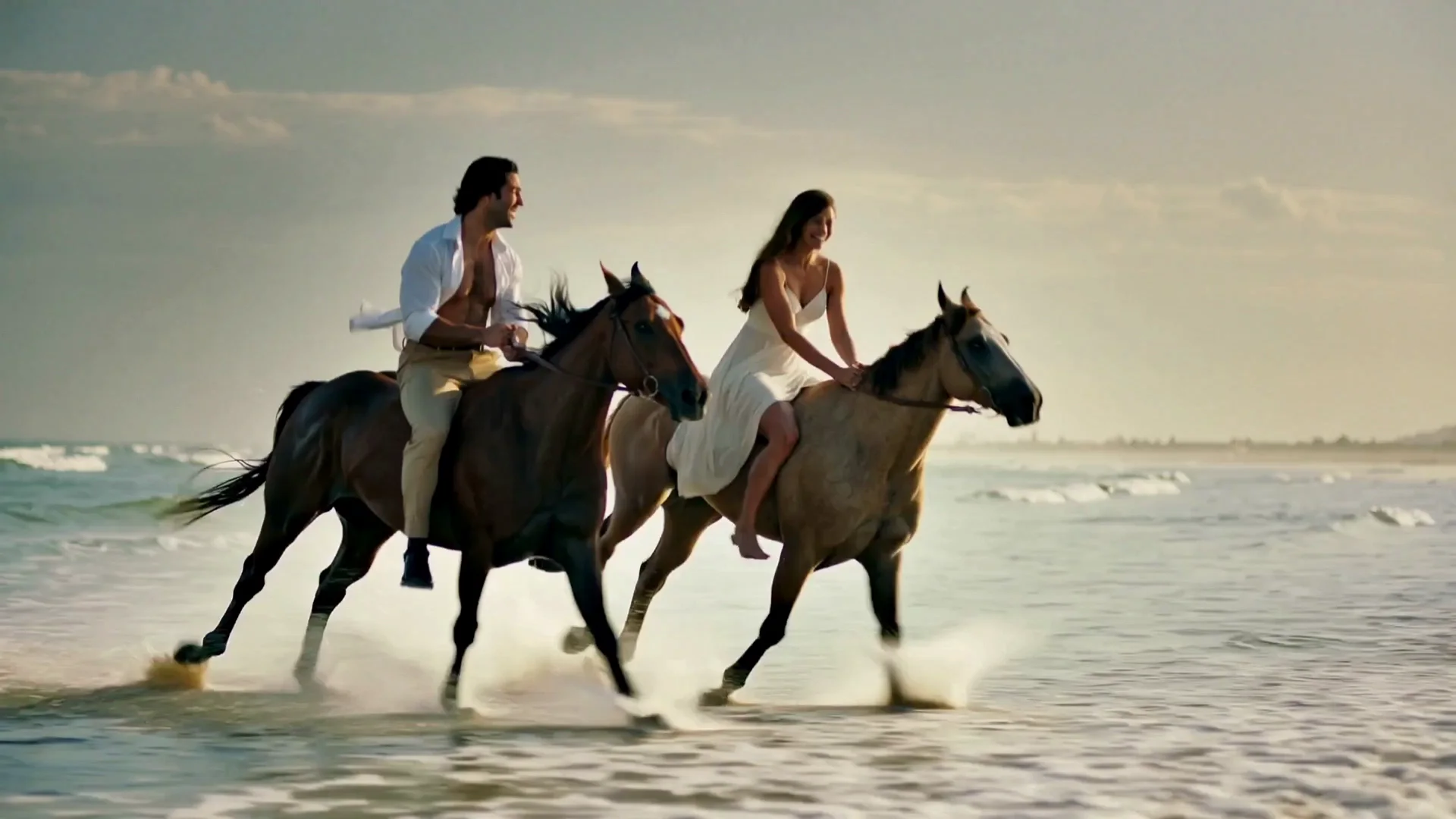
The gallop example above is a workable template: who is in frame and what they're wearing, what they do, then the camera move and the light, and finally what it should sound like.
Put relationships in the blocking, not just the label
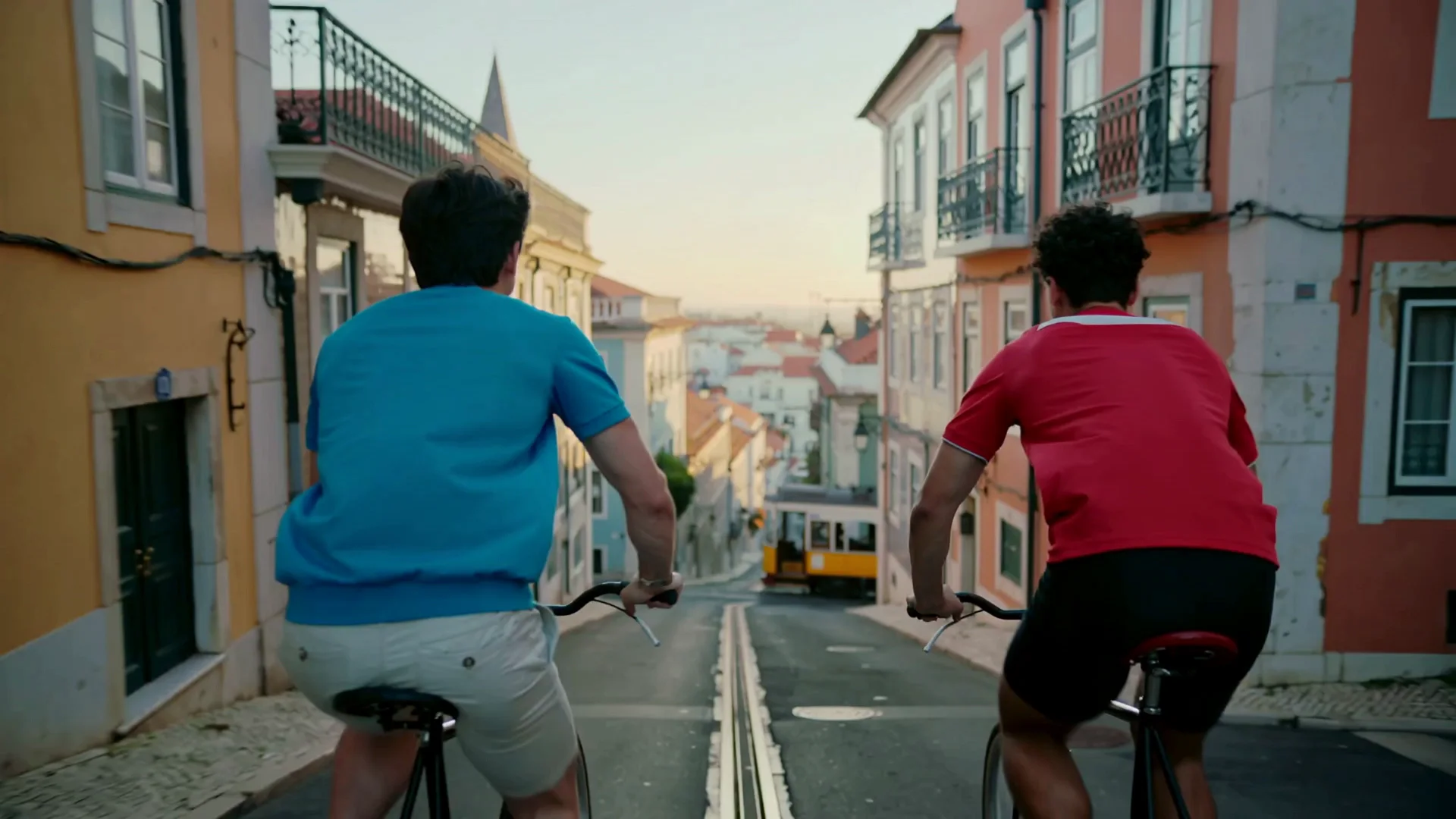
Writing "a couple" into a prompt doesn't guarantee the render reads that way - in one of our tests, two men racing bicycles downhill came out looking like friends rather than a couple, because the prompt named the relationship but the blocking didn't show it. A physical cue (a hand held, a shared glance, matching pace) carries a relationship better than a label alone.
Since sound is always on, write for the ear as well as the eye
Hooves on wet cobblestone, wind past a visor, distant traffic - naming what a scene sounds like is not optional here the way it is on a silent Kling model, so give the audio side of the prompt the same attention as the visual side.
API quick start
# Generate the idempotency key once; reuse it when retrying after a lost response.
export SPICY_IDEMPOTENCY_KEY="${SPICY_IDEMPOTENCY_KEY:-$(uuidgen)}"
curl -X POST https://api.spicyapi.ai/api/v1/jobs/createTask \
  -H "Authorization: Bearer $SPICY_API_KEY" \
  -H "Content-Type: application/json" \
  -H "Idempotency-Key: $SPICY_IDEMPOTENCY_KEY" \
  -d '{
  "model": "kling/2.5-turbo/text-to-video",
  "input": {
    "prompt": "A slow aerial shot drifting over a misty pine forest at sunrise",
    "aspect_ratio": "16:9",
    "duration_seconds": 5
  }
}'

# Copy data.taskId from the response into TASK_ID, then poll the status.
TASK_ID="TASK_ID_FROM_RESPONSE"
curl "https://api.spicyapi.ai/api/v1/jobs/recordInfo?taskId=$TASK_ID" \
  -H "Authorization: Bearer $SPICY_API_KEY"
See the API reference for authentication, the complete schema, polling, and error handling.