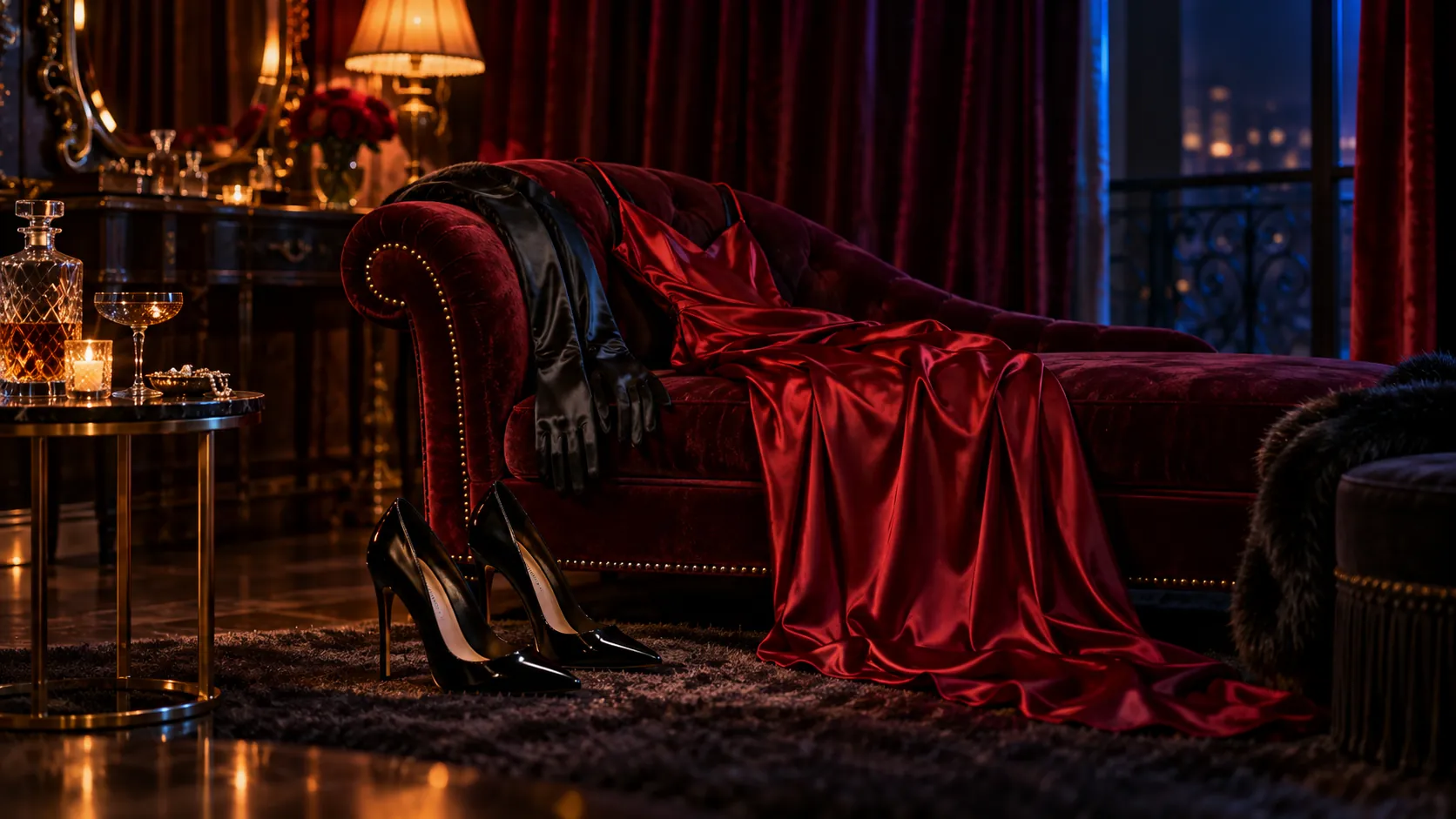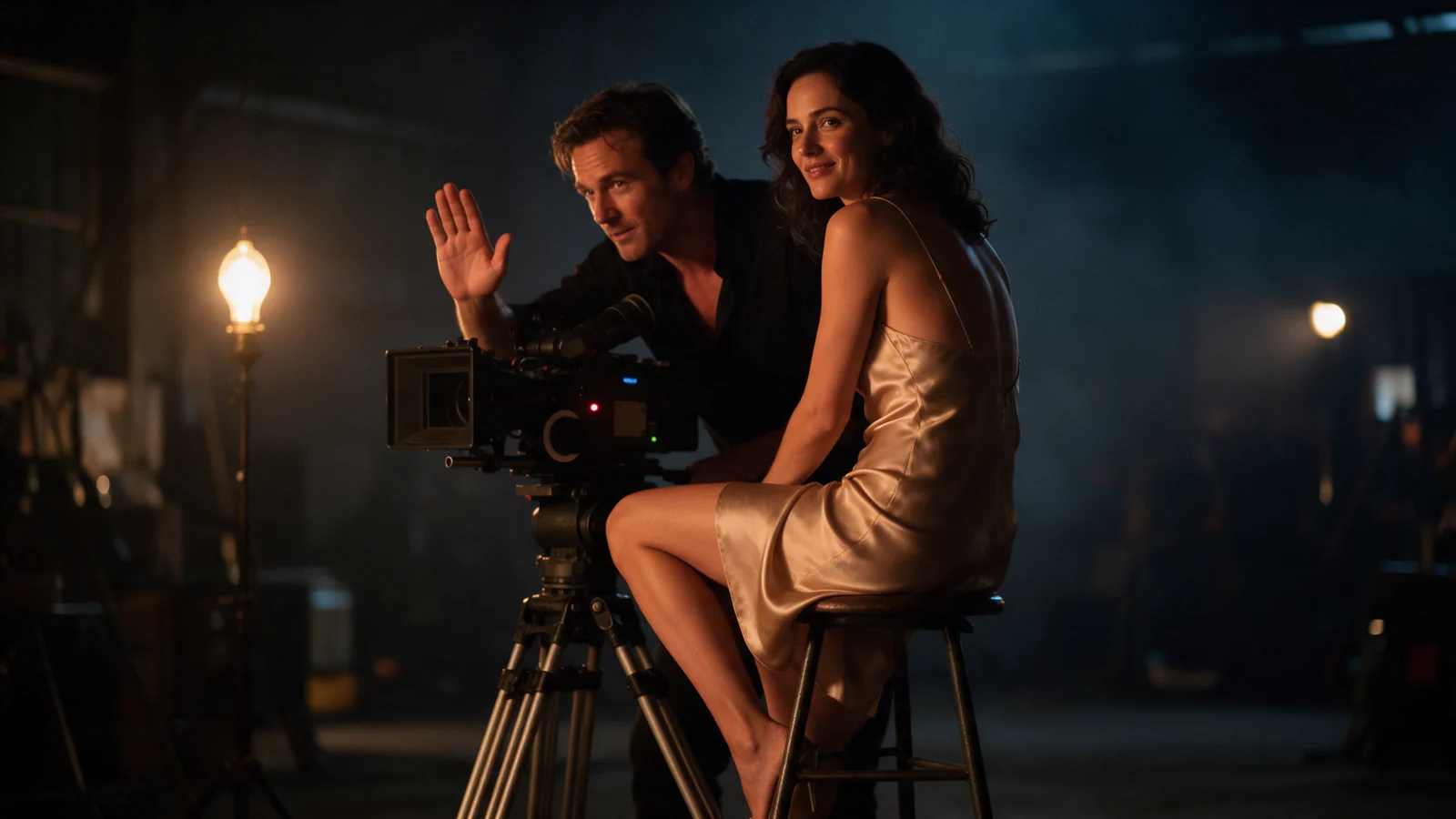
An approved photograph, a motion recording and a finished clip call for different kinds of video generation. Choosing the operation first avoids paying to recreate material you already have.
Choose Kling by operation first. Use 2.1 image-to-video for an inexpensive silent opening-frame clip; 3.0 for flexible durations and structured shots; O3 for multiple references or editing an existing clip. At current base configurations, five seconds costs $0.175 on 2.1 at 720p, $0.336 on 3.0 at 720p without audio, or $0.336 on O3 generation at 720p without audio. All covered Kling tasks are filtered; they are useful for SFW promotional footage, not a dependable NSFW production pipeline.
Try it in the Playground first
- Open the Kling 3.0 text-to-video page and stay on Workbench, in Form.
- Type the scene in Prompt; add anything to avoid in Negative prompt.
- Set Aspect ratio to 16:9 and Resolution to 720p.
- Select Run model (sign in first), watch the clip under Preview and use Download to keep it.
For an opening image, a motion clip or an edit, open the matching task page (Kling 3.0 image-to-video, O3 reference-to-video or O3 video-edit) and use its upload fields in the same way.
Seven families, different inputs
The prices below are for the stated SpicyAPI configurations; reference video and editing have separate rates.
| Family | Operations | Duration and resolution | Five-second price, USD |
|---|---|---|---|
| 2.1 | Image-to-video | 5/10 s; 720p/1080p | 720p $0.175; 1080p $0.34; silent only |
| 2.1 Master | Text/image-to-video | 5/10 s; fixed 1080p | $1.08; silent |
| 2.5 Turbo | Text/image-to-video | 5/10 s; fixed 1080p | $0.28; audio included, no switch |
| 2.6 | Text/image-to-video; character animation | Generation 5/10 s, fixed 1080p | $0.345 silent / $0.69 with audio |
| 3.0 | Text/image-to-video; character animation | Generation 3–15 s; 720p/1080p/4k | 720p $0.336 silent / $0.504 audio |
| 3.0 Turbo | Text/image-to-video | 3–15 s; 720p/1080p | 720p $0.56; 1080p $0.70; sound included |
| O3 | Text/image/reference-to-video; video-edit | Generation 3–15 s; 720p/1080p/4k | Text/image: 720p $0.336 silent / $0.448 audio; reference and edit priced separately, see below |
The generation prices above do not apply to motion transfer or editing. Kling 2.6 character animation is $0.069/second at 720p or $0.112/second at 1080p, billed from the driver length. O3 reference generation with a video costs $0.1008/second at 720p or $0.1344/second at 1080p. Quote the actual source-based task before creating it.
For 3.0, 1080p is $0.0896/second silent or $0.1344 with audio; 4k is $0.336/second either way. O3 text/image generation is $0.0896/second at silent 1080p or $0.112 with audio, and $0.336 at 4k either way. O3 reference generation's 4k tier is different: $0.419/second. A five-second 4k reference clip therefore costs $2.095, not the $1.68 text/image price.
Use the task that matches your source
Only a script: choose text-to-video. For a simple five-second 1080p shot, 2.5 Turbo's checked $0.28 is lower than Master or 2.6, but it gives no audio-off control. For silent output, 2.6 costs $0.345 at 1080p or 3.0 costs $0.336 at 720p.
With sound, 3.0 Turbo is dearer than standard 3.0: five seconds at 720p costs $0.56 versus $0.504. Do not choose Turbo simply to save money. At 1080p with sound, 2.6 costs $0.69 versus $0.672 for 3.0, which also offers flexible duration and shot lists. Keep 2.6 when you need its cheaper silent 1080p output ($0.345 versus $0.448).
An approved first frame: choose image-to-video. Kling 2.1 accepts a closing last_image_url only at 1080p. 2.5 Turbo, 3.0 and O3 also offer closing frames; Master, 2.6 and 3.0 Turbo do not. The first and last frame do not guarantee that the intervening motion preserves identity.
A character image plus a performance clip: choose kling/2.6/character-animation or kling/3.0/character-animation. Both take image_url and video_url and follow a 3–30 second driver. 2.6 returns silent video. 3.0 exposes keep_original_audio (default true) and character_orientation: video permits the full duration range, while image limits the driver to ten seconds. Do not send a requested duration_seconds here.
Separate character, outfit or location pictures: choose kling/o3/reference-to-video. Supply 1–7 reference_image_urls and explain Image 1, Image 2, and so on. Adding one reference_video_urls clip reduces the image limit to four, disallows 4k and requires generate_audio: false. Original-source audio is controlled separately by keep_original_audio.
An existing clip whose action should remain: choose kling/o3/video-edit. Supply a 3–10 second video_url, at least 720 pixels on each side, a change prompt and resolution: "720p" or "1080p". There is no requested duration or 4k field. Optional image references are limited to four. Named elements are another option, but must not be combined with ordinary image references on this edit task.
Generate a nine-second SFW adult-character sequence
For Kling 3.0 text-to-video, use a 3–15 second integer duration. Text-generation ratios are 16:9, 9:16, and 1:1; the image route follows its opening frame. A custom list accepts 1–6 shots, each 1–15 seconds with a prompt up to 512 characters, and their durations must sum to the top-level duration.
At 720p without audio it is $0.6048 for nine seconds. Three completed candidates at that configuration are $1.8144.
Use shot_type: "single" and omit multi_prompt for one continuous take, or multi to let the model plan cuts. Kling 3.0 sometimes cuts even with single; add a continuous-shot instruction and inspect the full output when uninterrupted action matters.
When one generated sequence is the wrong purchase
The nine-second custom sequence above is useful when you want the model to produce the cuts together. It is a poor fit when the second shot must show an exact product handle or when a client has already approved three separate compositions. In those cases, animate the approved stills as separate image-to-video shots and cut them yourself. Each shot can then be changed without buying the entire sequence again.
There is a cost consequence. Three separate three-second 3.0 silent 720p clips have the same listed nine-second generation subtotal, $0.6048, as the single custom request. But if only the middle close-up needs another attempt, the replacement three-second clip is $0.2016; rerunning the whole nine-second sequence is $0.6048. Source-image creation and discarded takes add to either workflow’s cost. This is why the edit plan matters as much as the cheapest advertised per-second rate.
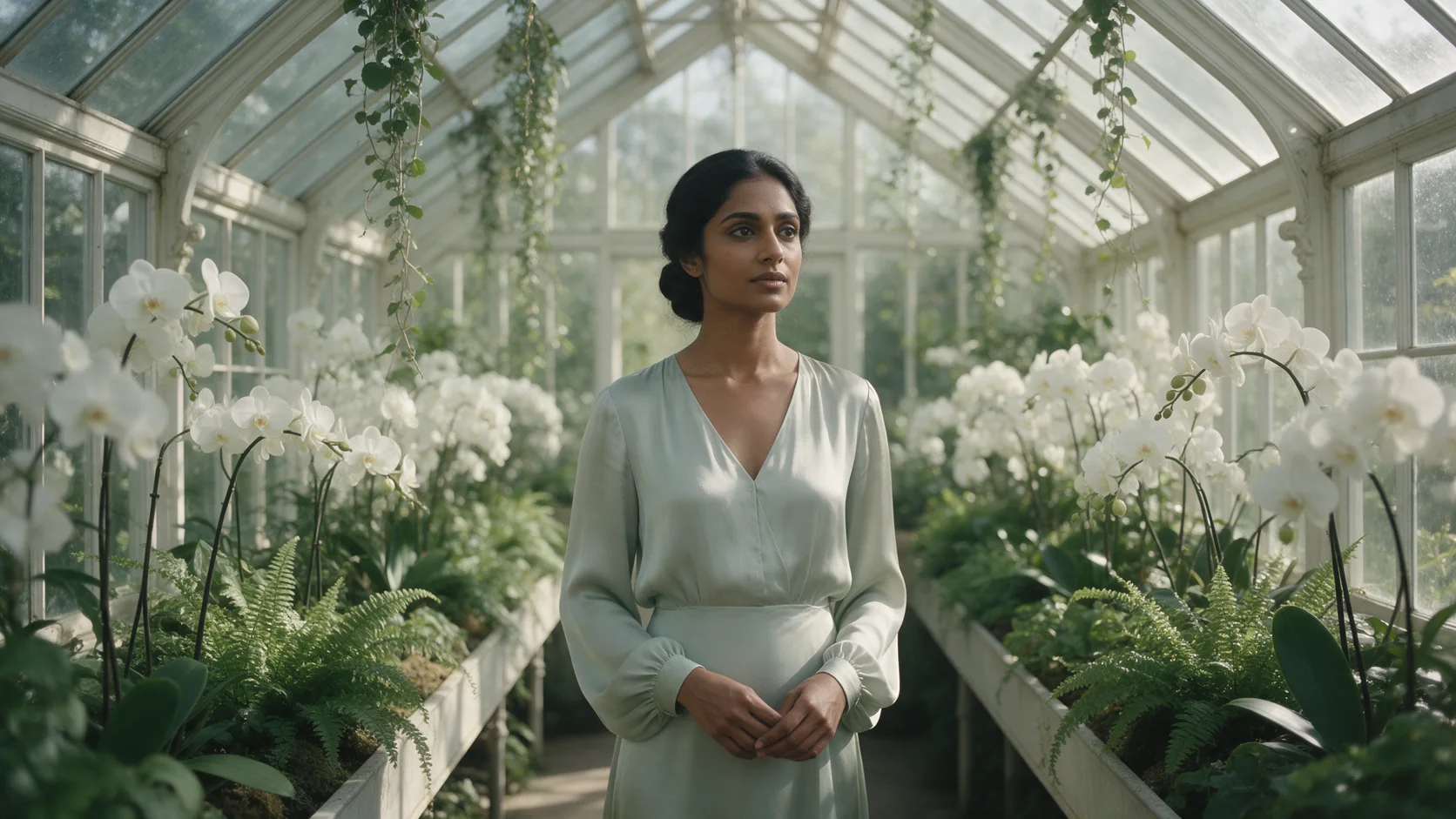
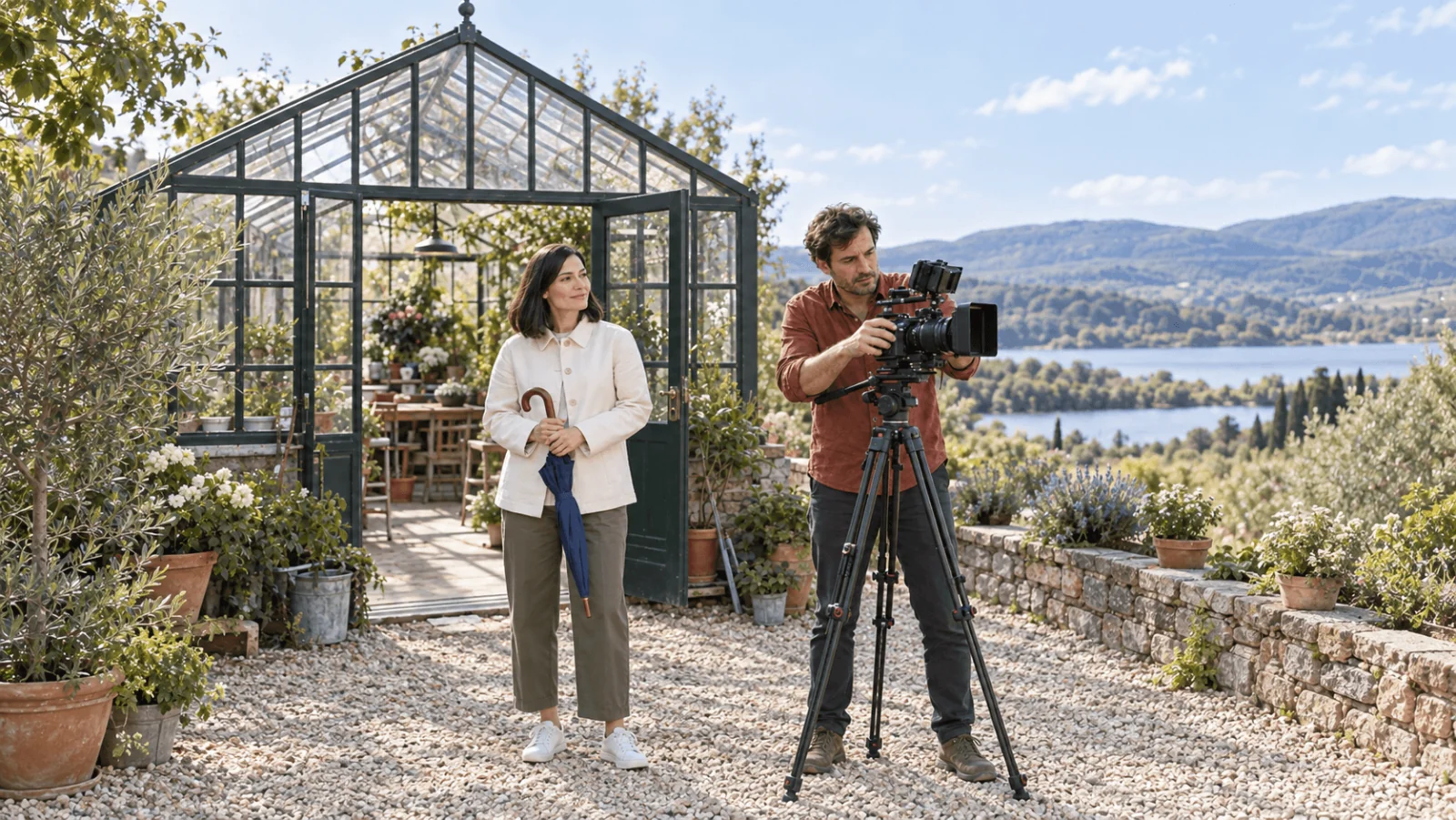
For the umbrella scene, the first shot establishes the person and folded umbrella. The close-up establishes the handle and grip. The ending shows the umbrella lowering without opening. Do not write “the performer opens the umbrella” in the middle prompt and “the folded umbrella remains unchanged” in the final prompt: those are conflicting prop states. Write the state into each shot that needs it, rather than assuming the top-level sentence will settle the contradiction.
Record the movement when text cannot specify its timing
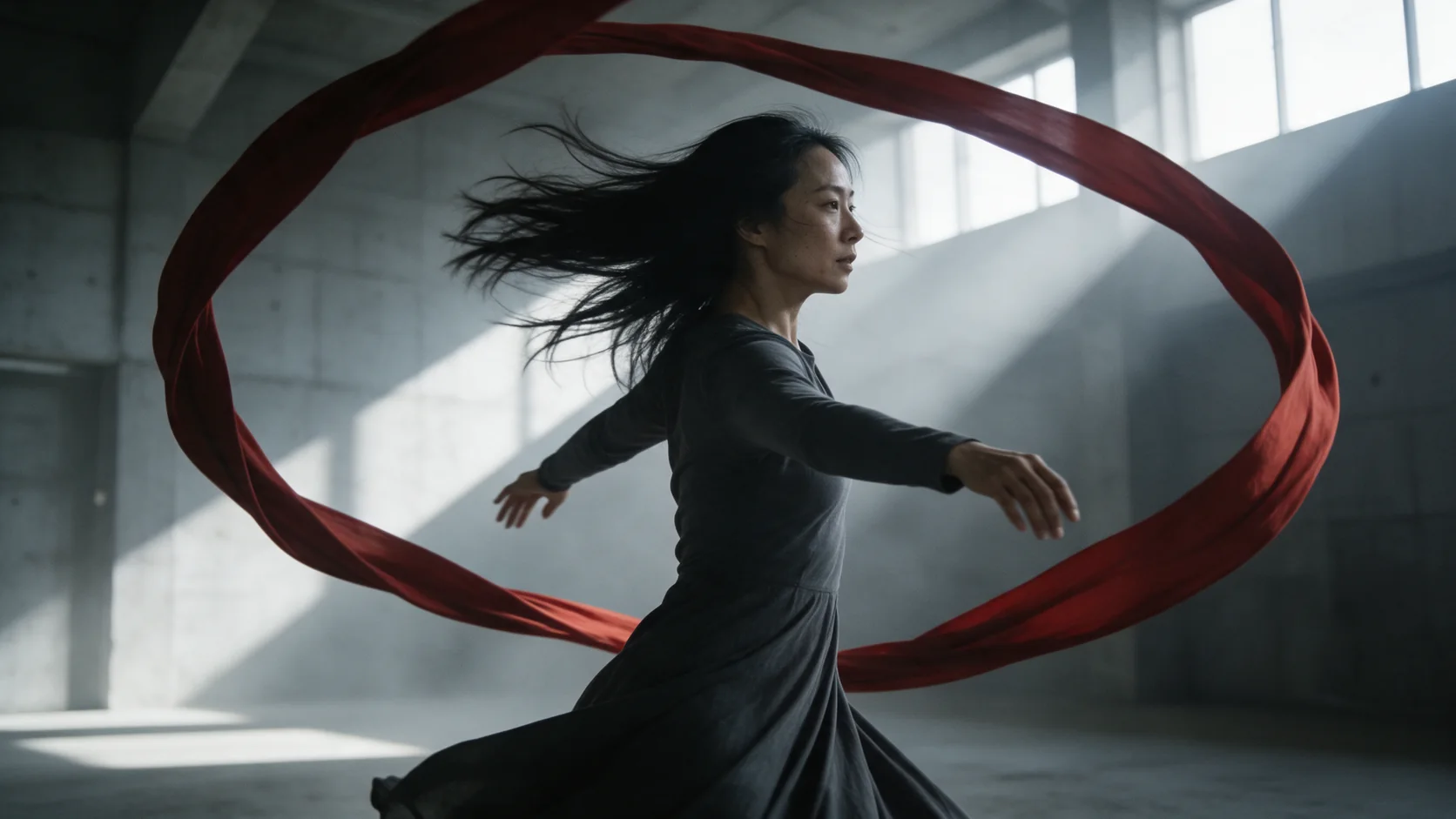
For a precise three-step dance, salute or slow turn, a motion driver is more useful than adding adjectives to a text prompt. Prepare one continuous performance with one adult, at the shot size the character reference shows. A full-body dance needs a reference with visible shoes and enough space for the widest arm position; a face-only portrait leaves the moving body undefined.
The official motion-control guide recommends matching body framing, keeping the performer visible and avoiding cuts in the driver. Its website features are broader than an individual hosted endpoint, so the input contract above remains the list of fields you can submit here. Do not copy a website element-library control into a request that does not expose it.
Choose video orientation when following the driver's framing is the priority. Choose image orientation only when that reference pose is the intended orientation and the source fits its shorter duration allowance on 3.0. A driver filmed in profile and a front-facing character image are a real directional choice, not two interchangeable uploads.
For a six-second 720p motion transfer, 2.6 lists at $0.414 and 3.0 at $0.6048. If the performance will be delivered over separately edited music, 2.6's silent output may be sufficient. If retaining the source audio matters, 3.0 exposes that control.
Editing an existing clip is different from generating a new one
Use O3 editing when the original clip already has the action and you want a directed visual change. For the greenhouse scene, that might be a background or wardrobe adjustment while keeping the performer lowering the umbrella. Prepare the final 3–10 second shot before upload. Do not send a longer film and expect a duration setting to choose the useful passage; the edit has no such field.
For a five-second O3 edit, the listed subtotal is $0.626 at 720p or $0.84 at 1080p. A new five-second silent 720p generation is $0.336, but it invents a new performance. The lower generation price does not make it a substitute when the existing timing, gesture or camera movement is the asset you need to keep. Check the returned edit through the entire action, because a correct first frame alone does not demonstrate preservation.
Quote and run it with the SDK
Install spicyapi (pip install spicyapi), set SPICY_API_KEY, and run the three-shot umbrella sequence. The quote is free; the task is created only after you approve it.
import uuid
from spicyapi import SpicyClient, output_assets

client = SpicyClient()
model = "kling/3.0/text-to-video"
inputs = {
    "prompt": "A fictional 35-year-old performer in a cream jacket displays a folded blue umbrella beside a greenhouse door. Keep the same person, clothing and umbrella throughout.",
    "duration_seconds": 9,
    "resolution": "720p",
    "aspect_ratio": "16:9",
    "generate_audio": False,
    "shot_type": "customize",
    "multi_prompt": [
        {"prompt": "Medium view of the performer holding the folded umbrella by its handle.", "duration_seconds": 3},
        {"prompt": "Closer view of the hand and umbrella handle. The umbrella remains folded.", "duration_seconds": 3},
        {"prompt": "Medium view as the performer gently lowers the folded umbrella and pauses.", "duration_seconds": 3},
    ],
}

quote = client.quote_task(model=model, input_data=inputs)
print("Estimated cost:", quote["estimatedCost"])
if input("Create this task? [y/N] ") == "y":
    task = client.create_task(
        model=model,
        input_data=inputs,
        idempotency_key=str(uuid.uuid4()),
        quote_id=quote["quoteId"],
        expected_cost=quote["estimatedCost"],
    )
    final = client.wait_for_terminal(task["taskId"])
    if final["state"] != "succeeded":
        raise RuntimeError(final.get("errorMessage", final["state"]))
    for asset in output_assets(final):
        print(asset["url"])
The Python SDK documentation covers file delivery, retries and recovery.
Let an Agent handle the call
Use an Agent when you want it to prepare the inputs and return the result while you approve the price and creative choices.
- CLI: with the same input object saved as
input.json, usenpx @spicyapi/cli tasks create --model kling/3.0/text-to-video --input-file input.json --wait. The CLI confirms the price; keep the returned task ID for recovery. - MCP: ask your assistant to use
spicyapi_task_createforkling/3.0/text-to-video, thenspicyapi_task_wait. The MCP server requests price confirmation before creation. - Skill: install with
npx skills add spicyapi-ai/spicy-skill, then ask$spicyapito run the same workflow and stop for your approval. The Skill uses a configured CLI or MCP connection.
Content limitations and avoidable failures
Based on our September 2026 tests, Kling can render suggestive material but is not a dependable uncensored video choice. Suggestive acceptance varied across inputs and routes; stronger adult requests were refused. Kling checks the prompt, uploads and finished clip. For adult video, use the task-appropriate alternatives in our Kling NSFW guide.
For an adult brand's SFW trailer, begin with fully clothed fictional adults and a neutral environment, as in the example. A policy rejection is not fixed by escalating resolution or trying to disguise the request.
| Failure | Fix |
|---|---|
| Closing frame rejected on 2.1 at 720p | Use 1080p or omit the closing frame |
| 2.6 rejects a resolution selector | Remove it for text/image generation; output is fixed 1080p |
| 3.0 custom shots rejected | Set shot_type to customize; make the integer shot durations sum to the top-level total |
| Motion driver is too long in image orientation | Trim it to ten seconds or less, or choose video orientation if appropriate |
| O3 reference video plus audio/4k fails | Set audio generation false, use 720p/1080p and at most four images |
| O3 edit source is twelve seconds | Trim to a valid 3–10 second shot; do not send a duration field to shorten it |
| Character or setting drifts after a cut | Repeat the defining outfit and prop in each shot prompt; if the sequence still drifts, make separate single-shot clips from approved frames and edit them together. Each new generation is another paid attempt |
| Good clip, poor generated sound | Retain the visual take and replace sound in editing; changing models creates a different take |
Consult the Kling 3.0 page, O3 reference images, and O3 editing for the current contract.
Frequently asked questions
Which Kling task is the least expensive starting point?
For a silent clip from an approved opening image, 2.1 at 720p lists five seconds for $0.175. For text generation at fixed 1080p, 2.5 Turbo lists five seconds for $0.28, with audio included and no audio-off field. Those are different input and delivery conditions, so choose the one that meets the job before comparing prices.
Should I use reference images or an opening frame?
Use image-to-video when the source composition should be the beginning of the clip. Use O3 reference images when separate images define the person, wardrobe and location for a new composition. A motion driver supplies performance timing; it is not a replacement for either kind of image.
Can I fix only one part of a generated sequence?
Separate clips make individual shots replaceable at their own generation cost. O3 editing can change an existing short clip while preserving its action, but it costs more than a new generation and needs full-playback review. Choose according to whether the original performance must survive.
Can I call Kling 4.0 with these model IDs?
No. The live catalog has no callable 4.0 or Flash task. The Kling 4.0 release guide covers the separate early-access and API status.
The decision
Start with 2.1 for a modest silent still animation, 3.0 for explicit shot planning and flexible duration, or O3 when references or an existing video are the input you need to preserve. Record a motion driver when exact performance timing is the brief. Keep each generated shot separately when you expect revisions: the cost of replacing one close-up can matter more than a small difference in headline rates.