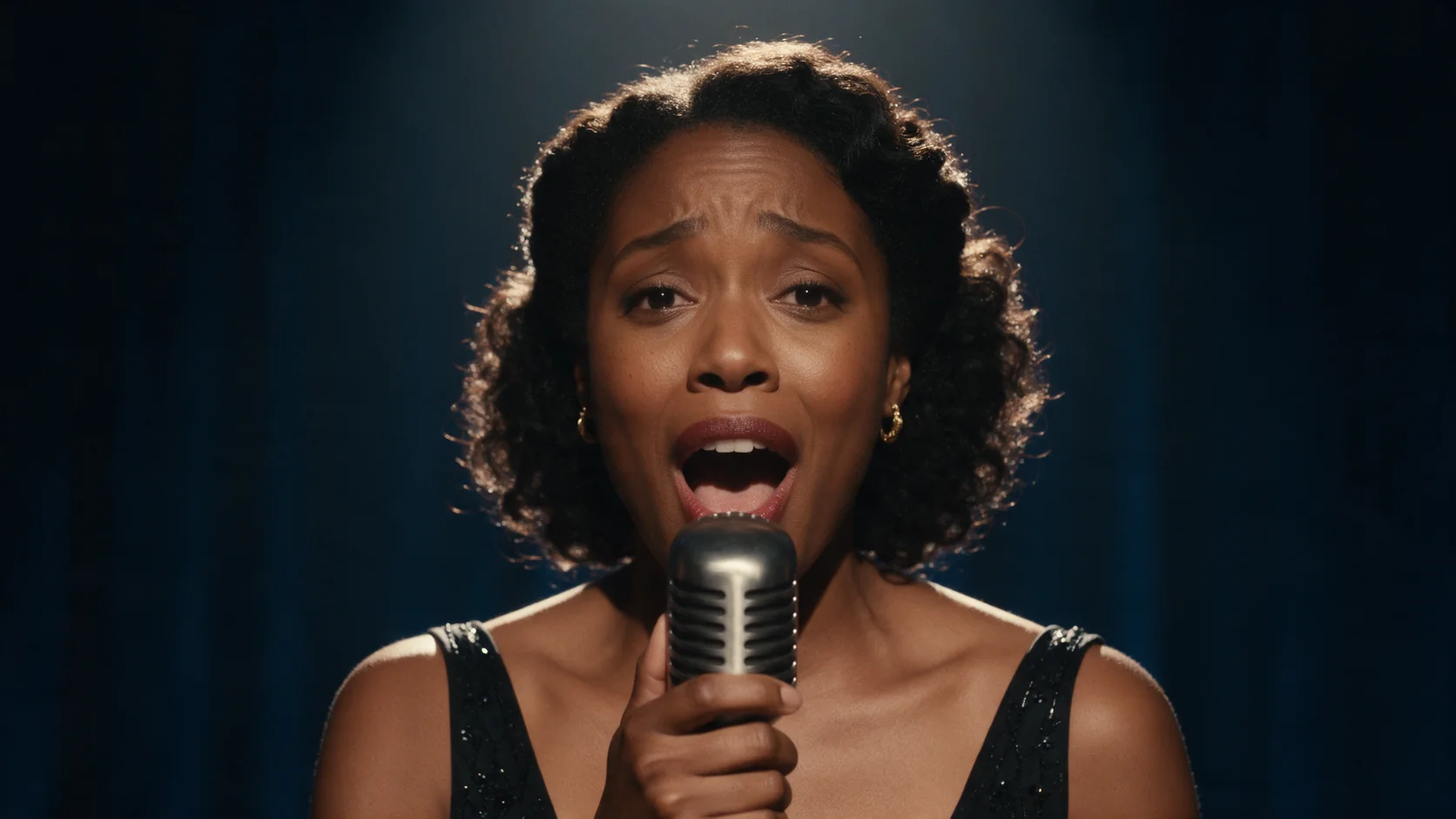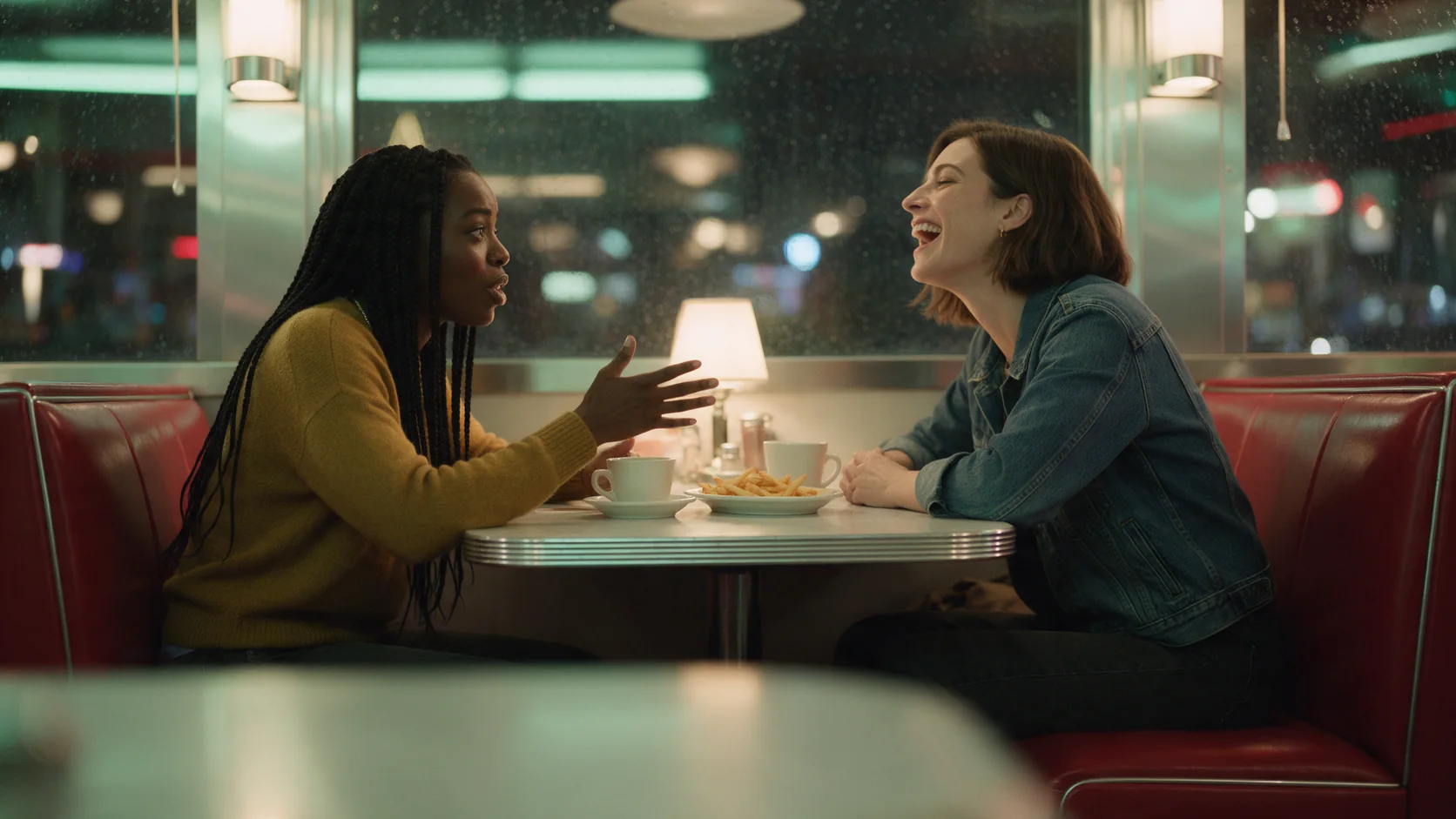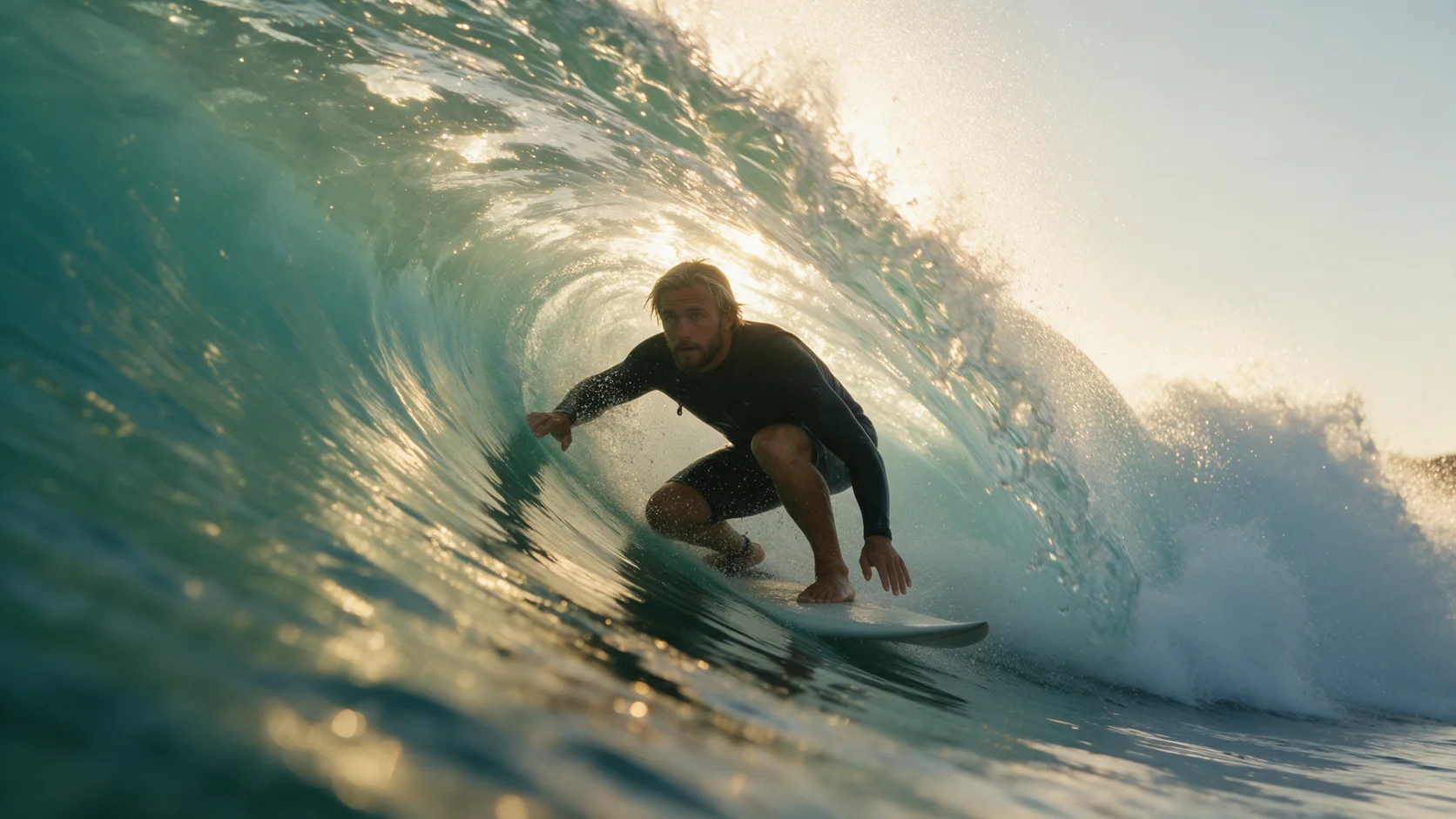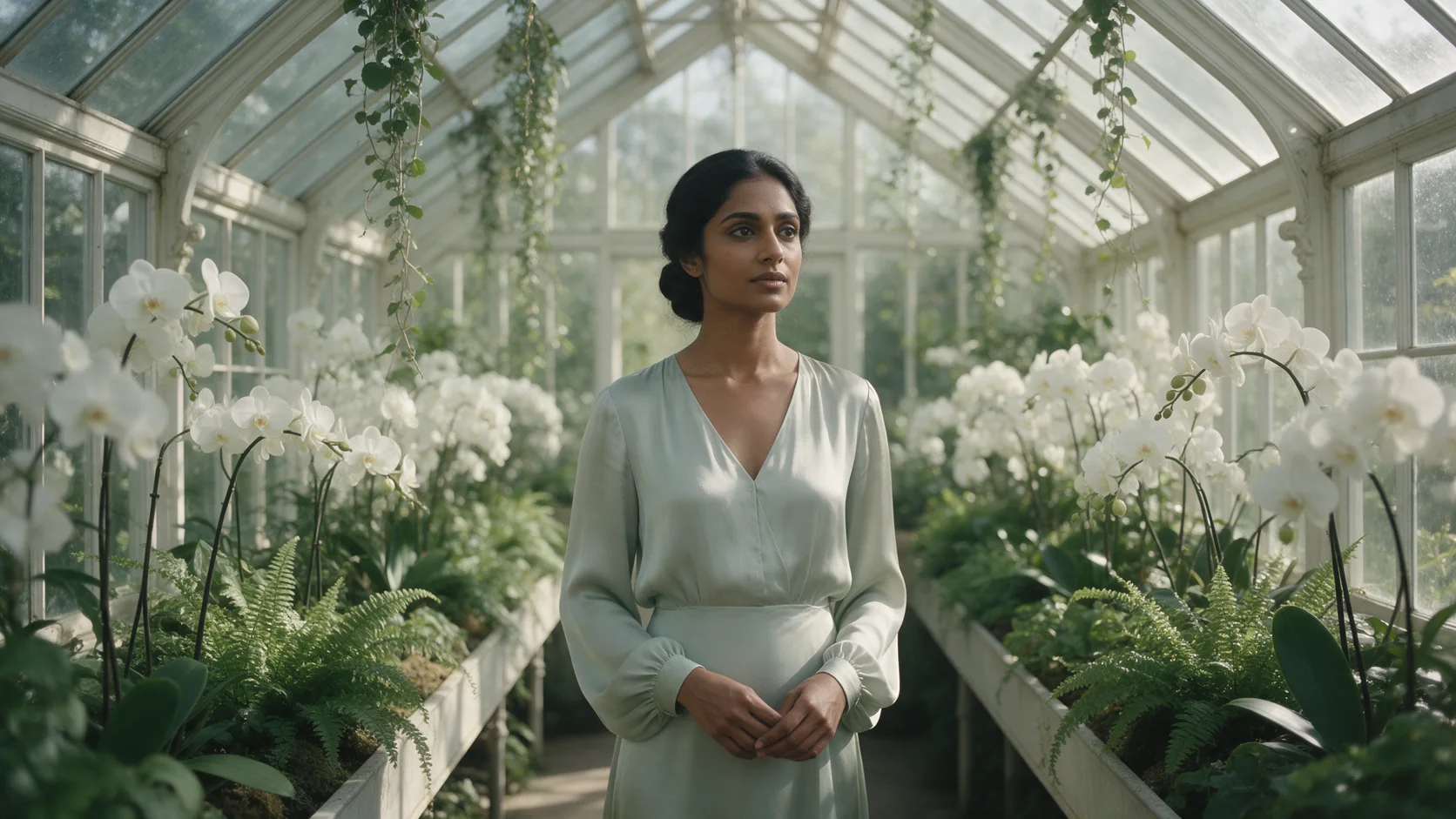
Introduction
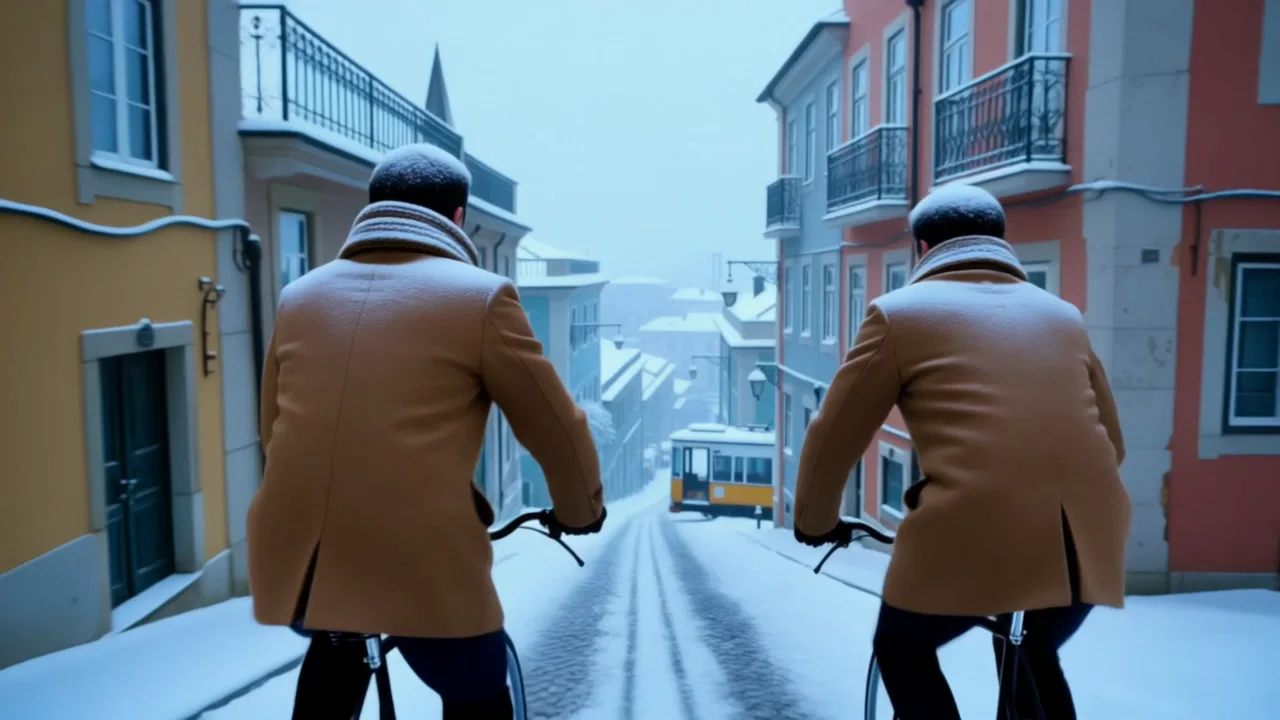
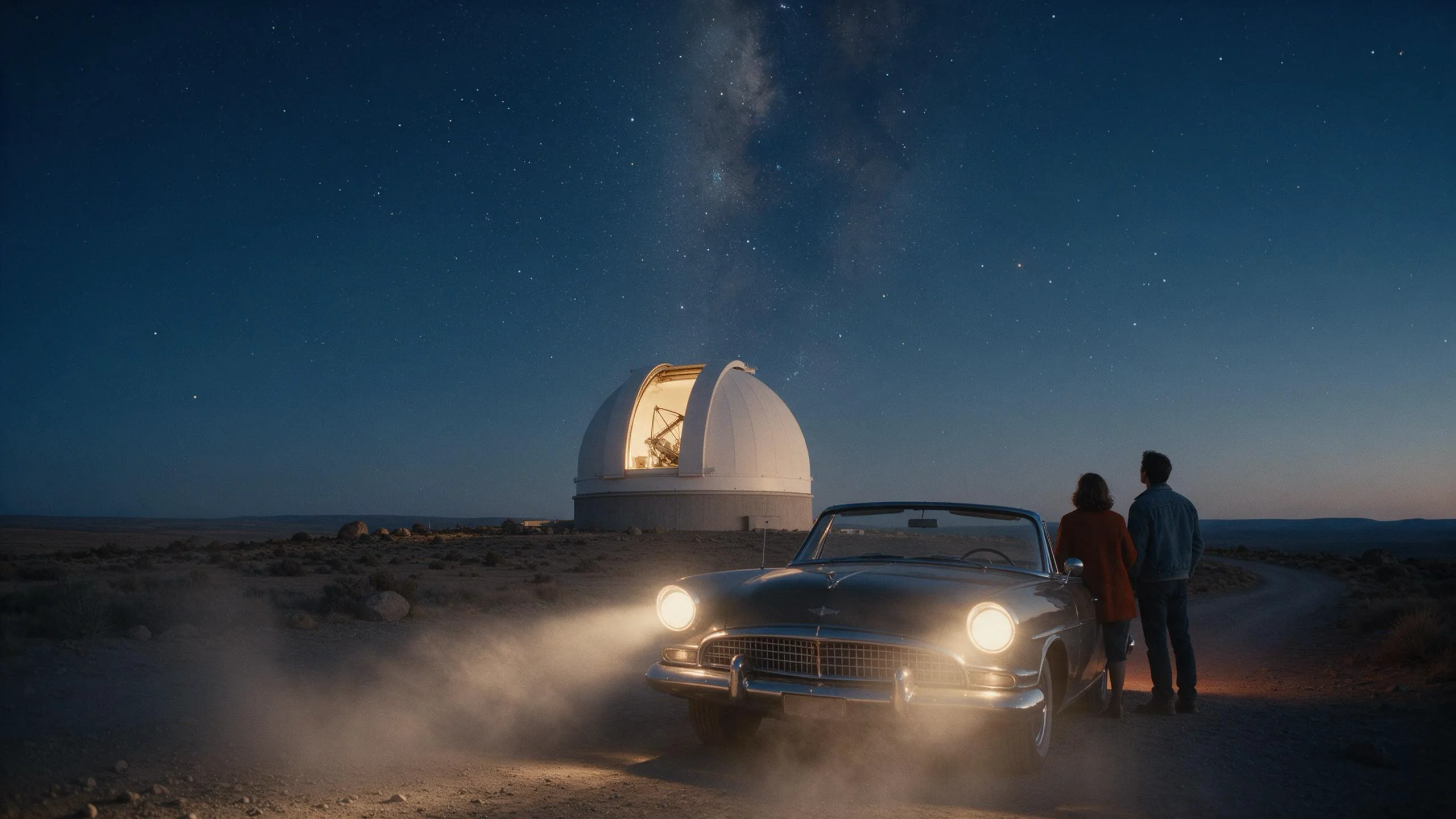
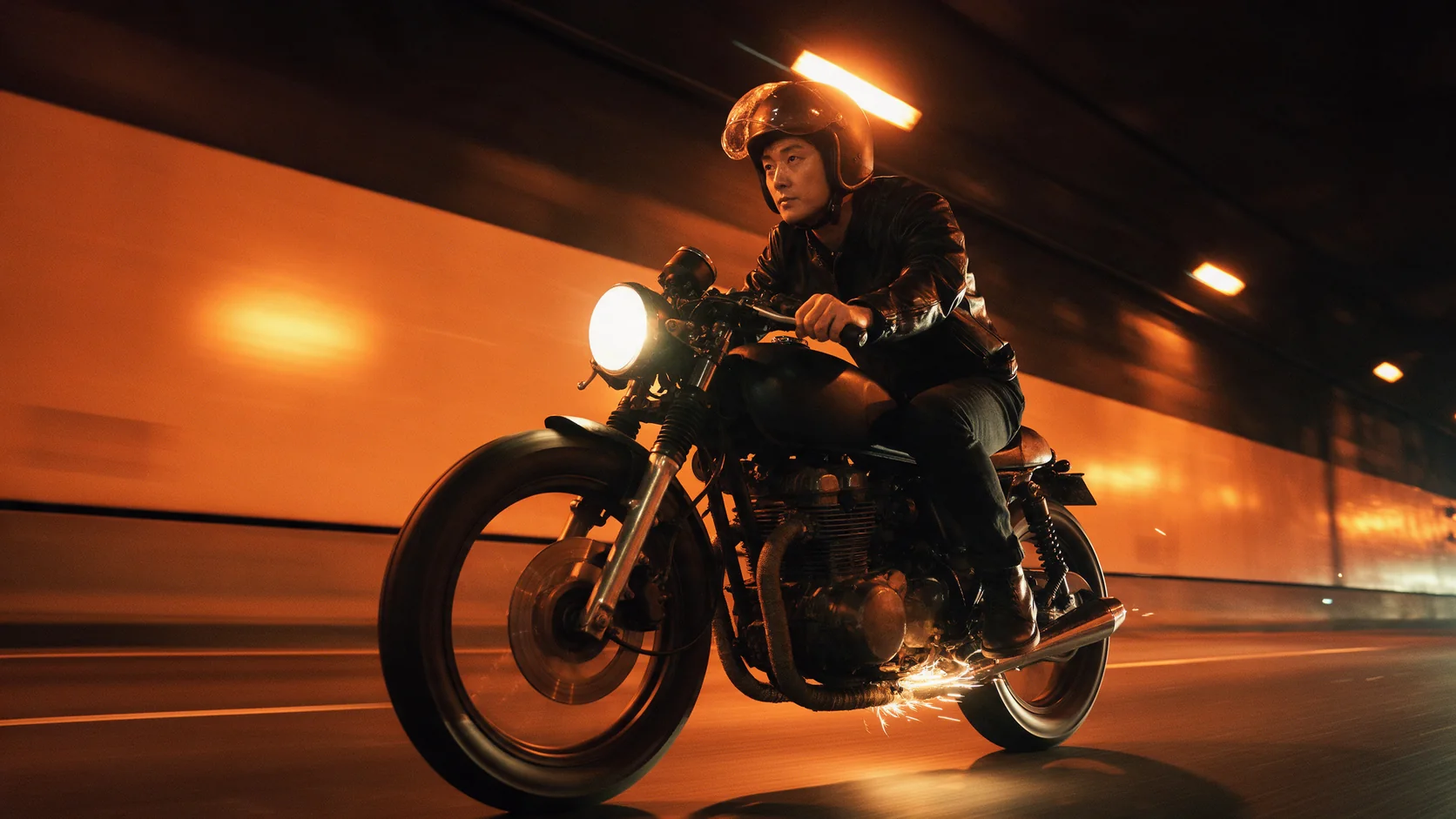
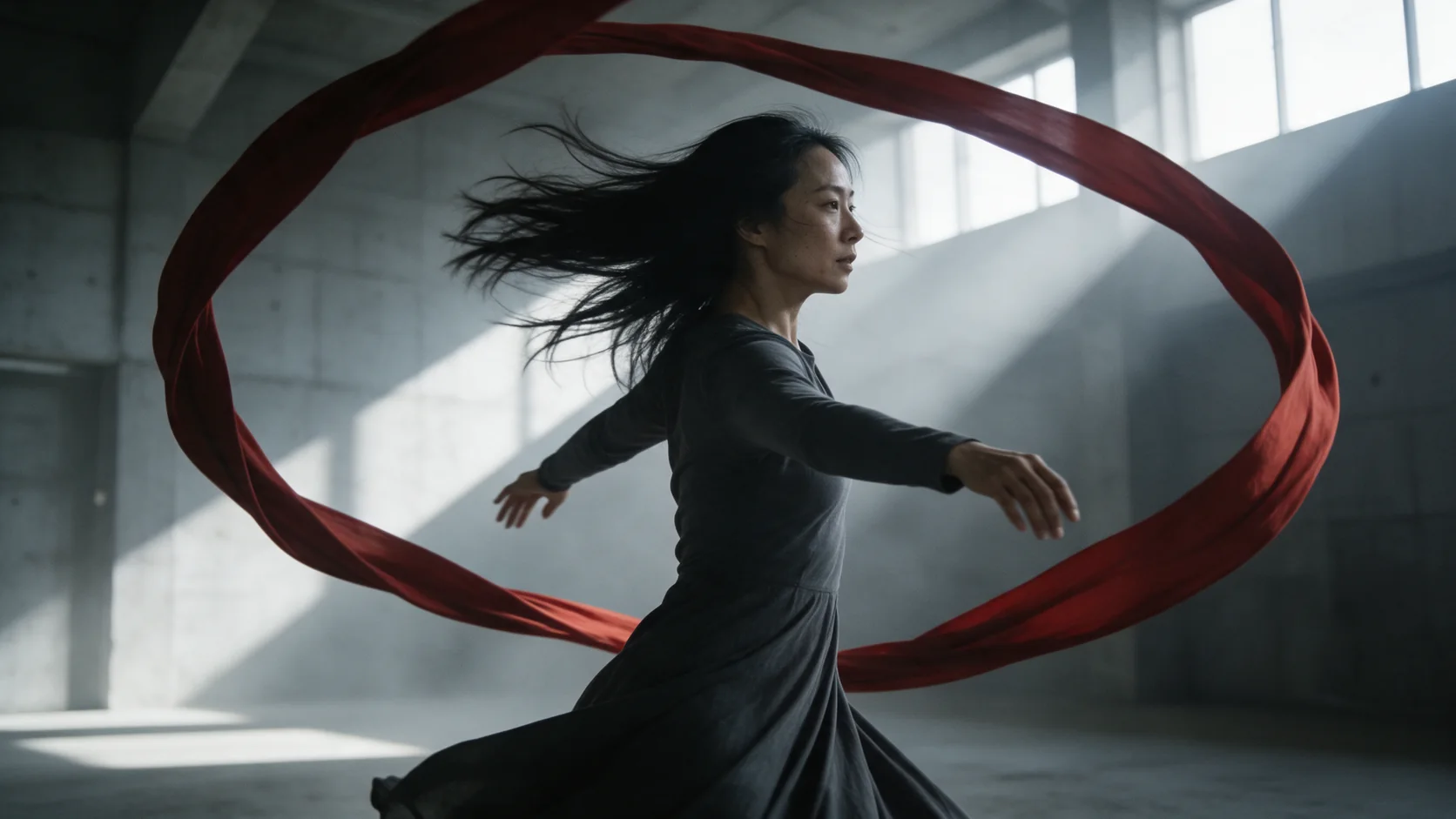
Kling O3 Reference to video casts a shot from up to 7 reference photos - characters, outfits, objects or places - instead of a single opening frame. Number the references in the prompt (<<<image_1>>>, <<<image_2>>>, and so on) and say what each one contributes; the prompt field takes up to 2,500 characters. Choose a length of 3 to 15 whole seconds, a resolution up to 4K, an aspect ratio, and whether to generate native audio.
Choose a Kling O3 mode by starting material
| What you have at the start | Mode |
|---|---|
| a written scene and nothing else | Kling O3 Text to video |
| an approved opening frame | Kling O3 Image to video |
| up to 7 reference photos | Kling O3 Reference to video |
| a video you already have | Kling O3 Video edit |
Key features & highlights
Multiple references, one shot
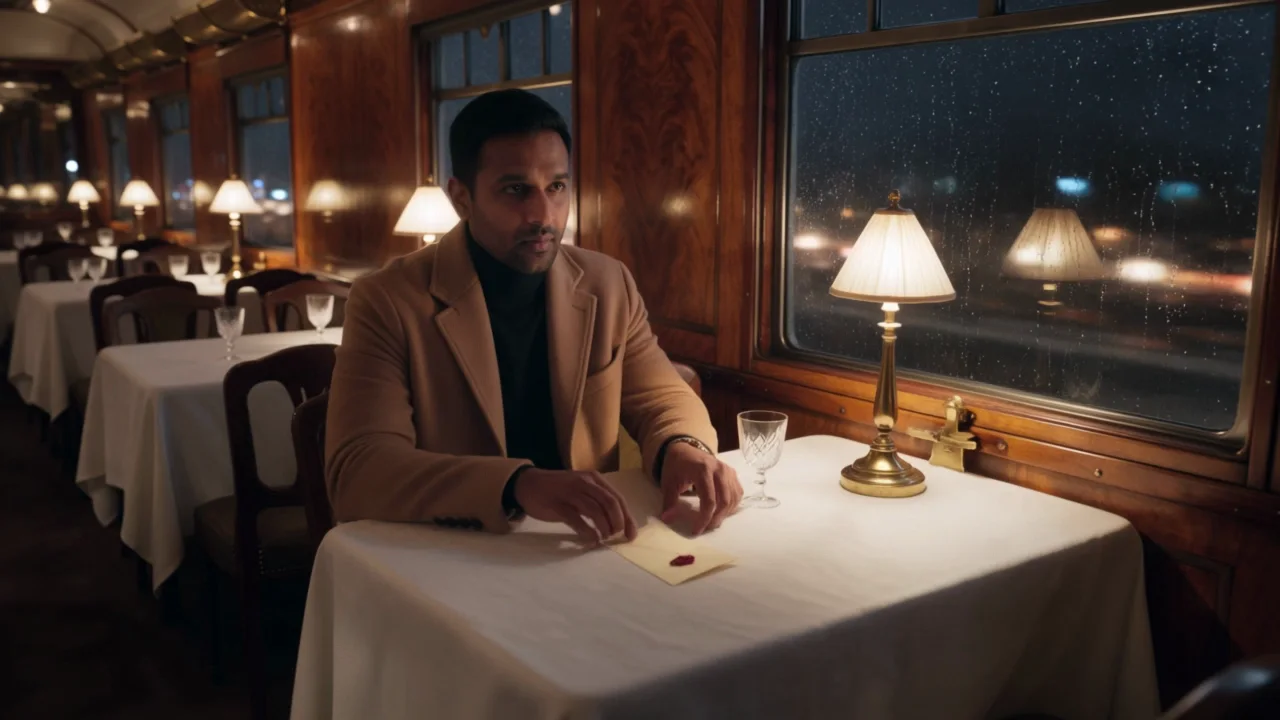
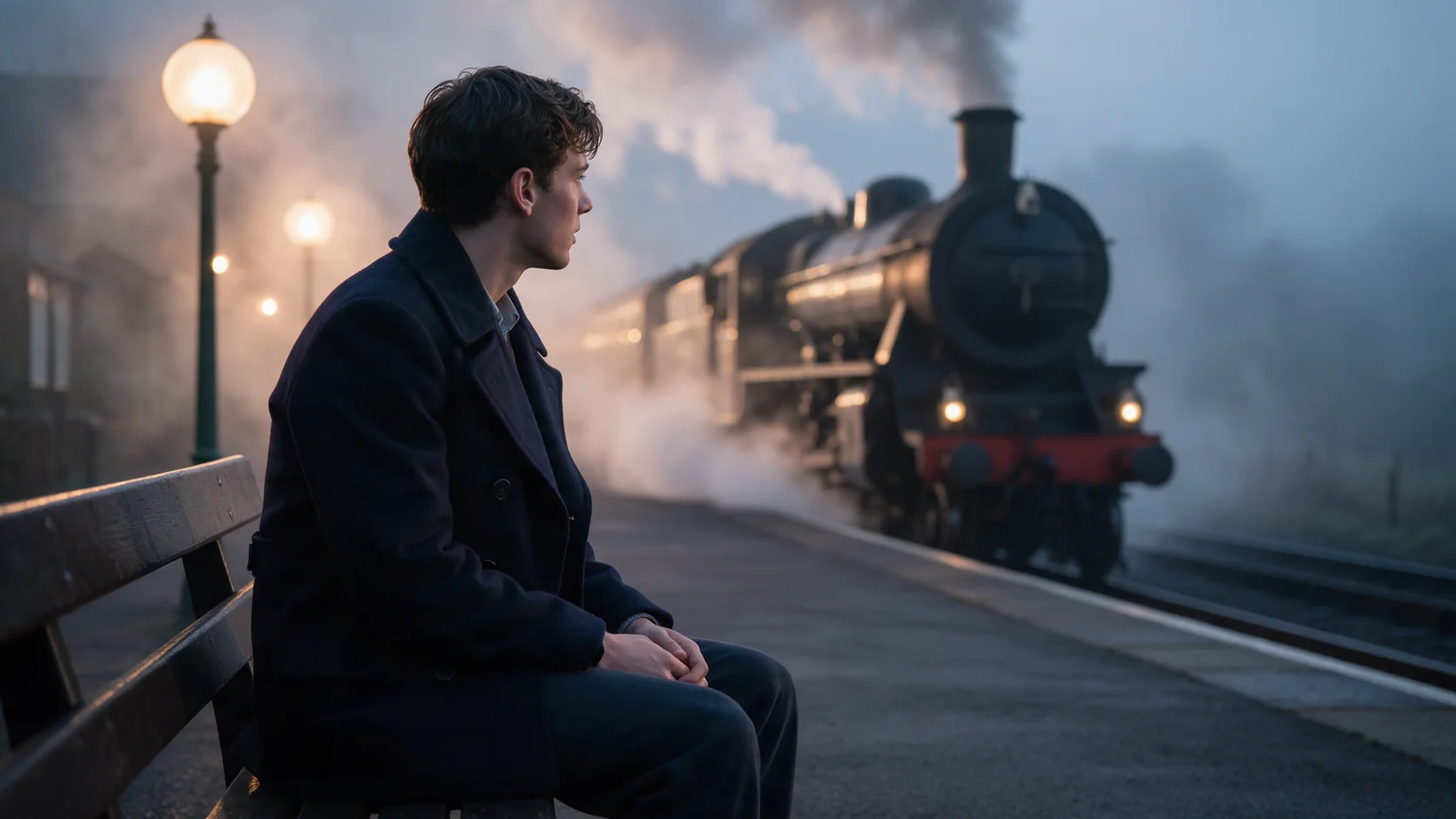
Unlike image-to-video, which starts from a single frame, reference-to-video takes up to 7 separate photos and combines what each one shows. Our dining-car example used three: a man, a room and an object, cast together in a scene none of the three photos depicted alone.
Each reference does one job
The prompt is where you assign the job: "<<<image_1>>> is the man, keep his coat and stubble" is what keeps that face and wardrobe intact instead of the model averaging it with the other references.
Sound generated with the cast scene
generate_audio adds ambience, effects and dialogue in the same pass. Keep expectations realistic for background sound described only in a phrase or two - it can render quietly in the final mix rather than as a dominant layer.
Request parameters
| Parameter | Required | Description |
|---|---|---|
prompt | Yes | Say what each numbered reference is (<<< |
reference_image_urls | Yes | Up to 7 reference photos for characters, objects, outfits or places. JPEG or PNG. at least 1 items · at most 7 items |
reference_video_urls | No | Optional reference video, one clip, whose motion, camera work or characters the new shot draws on; refer to it in the prompt as <<< |
elements | No | One named subject for 4K runs: give it a name, a one-line description and 2 to 4 photos of the same person or object (voice samples of 5 to 30 seconds are optional), then write… at most 1 items |
aspect_ratio | No | 16:9, 9:16 or 1:1. Pick it before writing the shot so the composition fits. |
resolution | No | 720p, 1080p or 4K. Higher tiers cost more per second. |
generate_audio | No | Adds a generated soundtrack in the same pass - dialogue in quotes, effects, ambience. Default: |
keep_original_audio | No | Keeps the reference video's own sound in the result. On by default; it only matters when you give a reference video. Default: |
duration_seconds | No | Whole seconds, 3 to 15. Drives the price along with resolution and audio. |
shot_type | No | single asks for one continuous take (not a hard guarantee). multi lets the model cut the shot into several angles on its own. |
multi_prompt | No | The shot list for |
Pricing
Billed per second of output. Rate depends on resolution, whether native audio is on, and whether you give a reference video.
| Specification | Price |
|---|---|
| $0.0672 / second |
| $0.0896 / second |
| $0.419 / second |
| $0.0896 / second |
| $0.112 / second |
| $0.419 / second |
| $0.1008 / second |
| $0.1344 / second |
Use cases
Put a person into a place they were never photographed in
Give a face its own reference and a location its own reference, and describe the action that puts them together - the kind of shot a single photo of either one could not supply on its own.
Keep a prop or an outfit consistent across shots
Reference a specific object - a piece of jewelry, a car, a signature outfit - alongside a character reference, and it recurs correctly instead of being redrawn slightly differently on every run.
Build a scene around three planned elements
When a shot depends on a specific person, a specific setting and a specific object all appearing together - like a letter, a room and its reader - references let you lock all three instead of describing them from scratch in prose.
Prompt guide & pro tips
Number every reference and name its job
Write "<<<image_1>>> is X, keep Y" for each reference in order. This is the single biggest factor in whether a reference carries through cleanly or gets blended with the others.
Use three or four clear photos over seven overlapping ones
More references are not automatically better. A handful of clear, distinct photos - one for the face, one for the outfit, one for the room - holds identity better than seven photos that overlap in what they show.
Describe sound as a background layer
When you ask for ambience like rain or train wheels alongside dialogue, expect it to sit low in the mix. If the ambience needs to be prominent, say so explicitly rather than listing it briefly alongside the dialogue.
API quick start
# Generate the idempotency key once; reuse it when retrying after a lost response.
export SPICY_IDEMPOTENCY_KEY="${SPICY_IDEMPOTENCY_KEY:-$(uuidgen)}"
curl -X POST https://api.spicyapi.ai/api/v1/jobs/createTask \
  -H "Authorization: Bearer $SPICY_API_KEY" \
  -H "Content-Type: application/json" \
  -H "Idempotency-Key: $SPICY_IDEMPOTENCY_KEY" \
  -d '{
  "model": "kling/o3/reference-to-video",
  "input": {
    "aspect_ratio": "16:9",
    "duration_seconds": 5,
    "generate_audio": false,
    "prompt": "A slow aerial shot drifting over a misty pine forest at sunrise",
    "reference_image_urls": [
      "https://example.com/reference.png"
    ],
    "resolution": "720p",
    "shot_type": "single"
  }
}'

# Copy data.taskId from the response into TASK_ID, then poll the status.
TASK_ID="TASK_ID_FROM_RESPONSE"
curl "https://api.spicyapi.ai/api/v1/jobs/recordInfo?taskId=$TASK_ID" \
  -H "Authorization: Bearer $SPICY_API_KEY"
See the API reference for authentication, the complete schema, polling, and error handling.