Introduction
Kling O3 Image to video animates your own opening frame. Upload an image, optionally add a closing frame to pin the ending, and describe what happens in between - the prompt field takes up to 2,500 characters. Choose a length of 3 to 15 whole seconds, a resolution up to 4K, and whether to generate native audio with the picture.
Choose a Kling O3 mode by starting material
| What you have at the start | Mode |
|---|---|
| a written scene and nothing else | Kling O3 Text to video |
| an approved opening frame | Kling O3 Image to video |
| up to 7 reference photos | Kling O3 Reference to video |
| a video you already have | Kling O3 Video edit |
Key features & highlights
The opening frame is followed closely
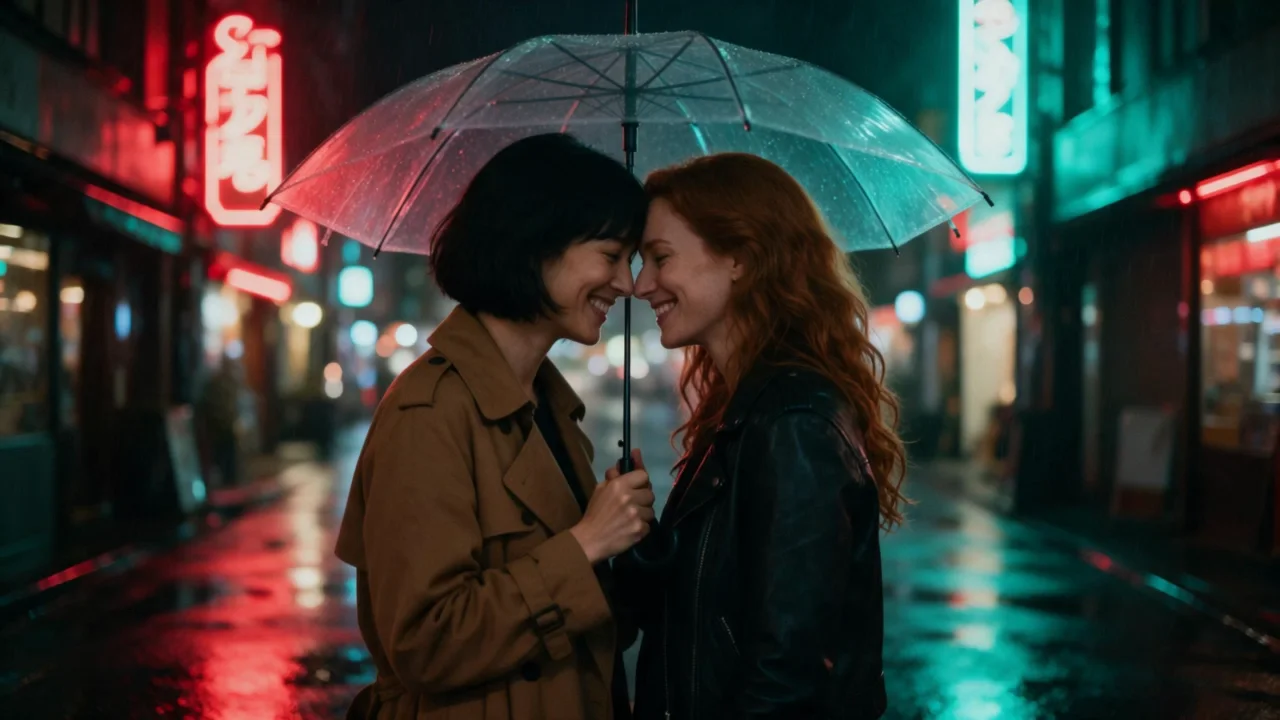
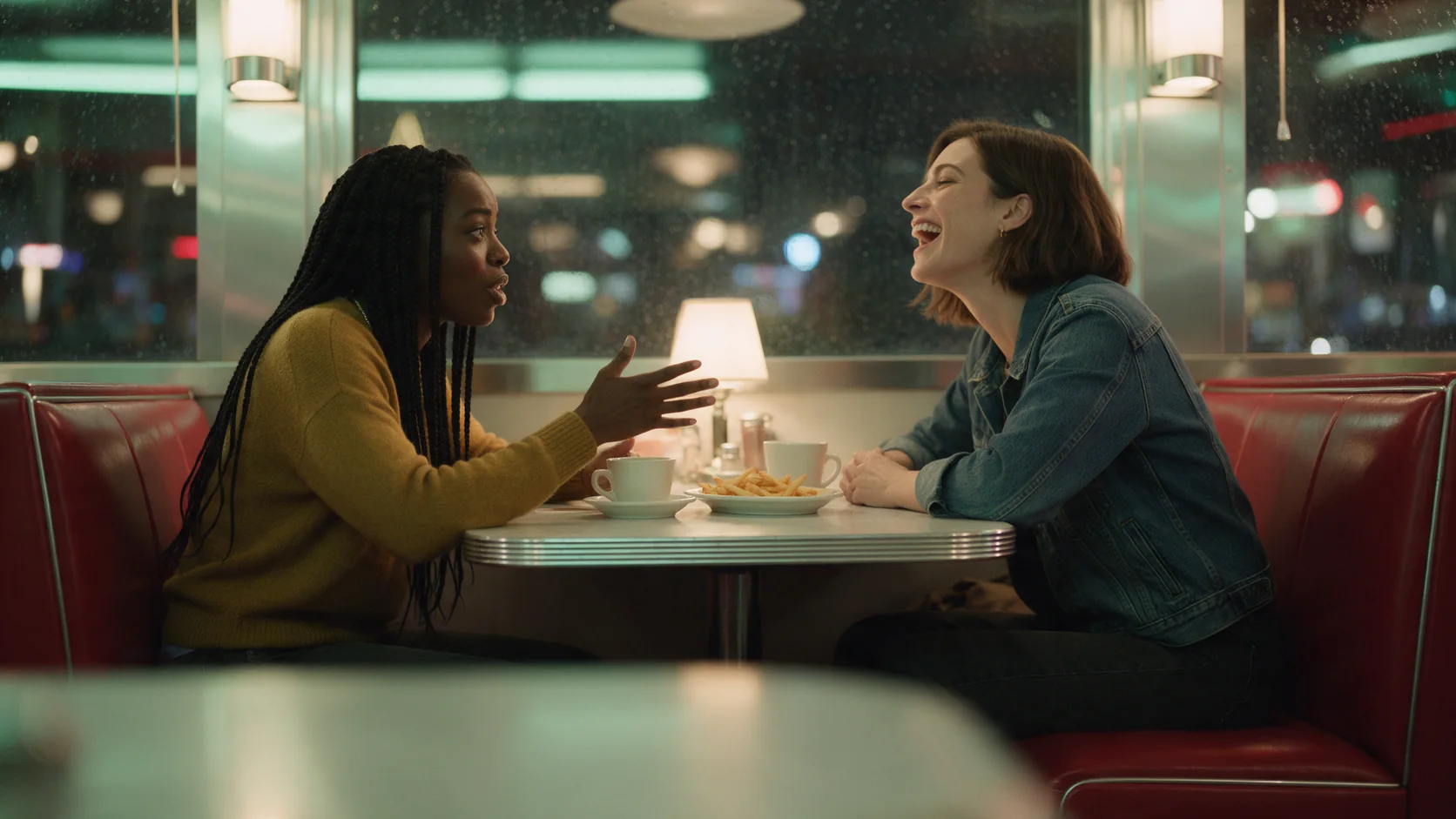
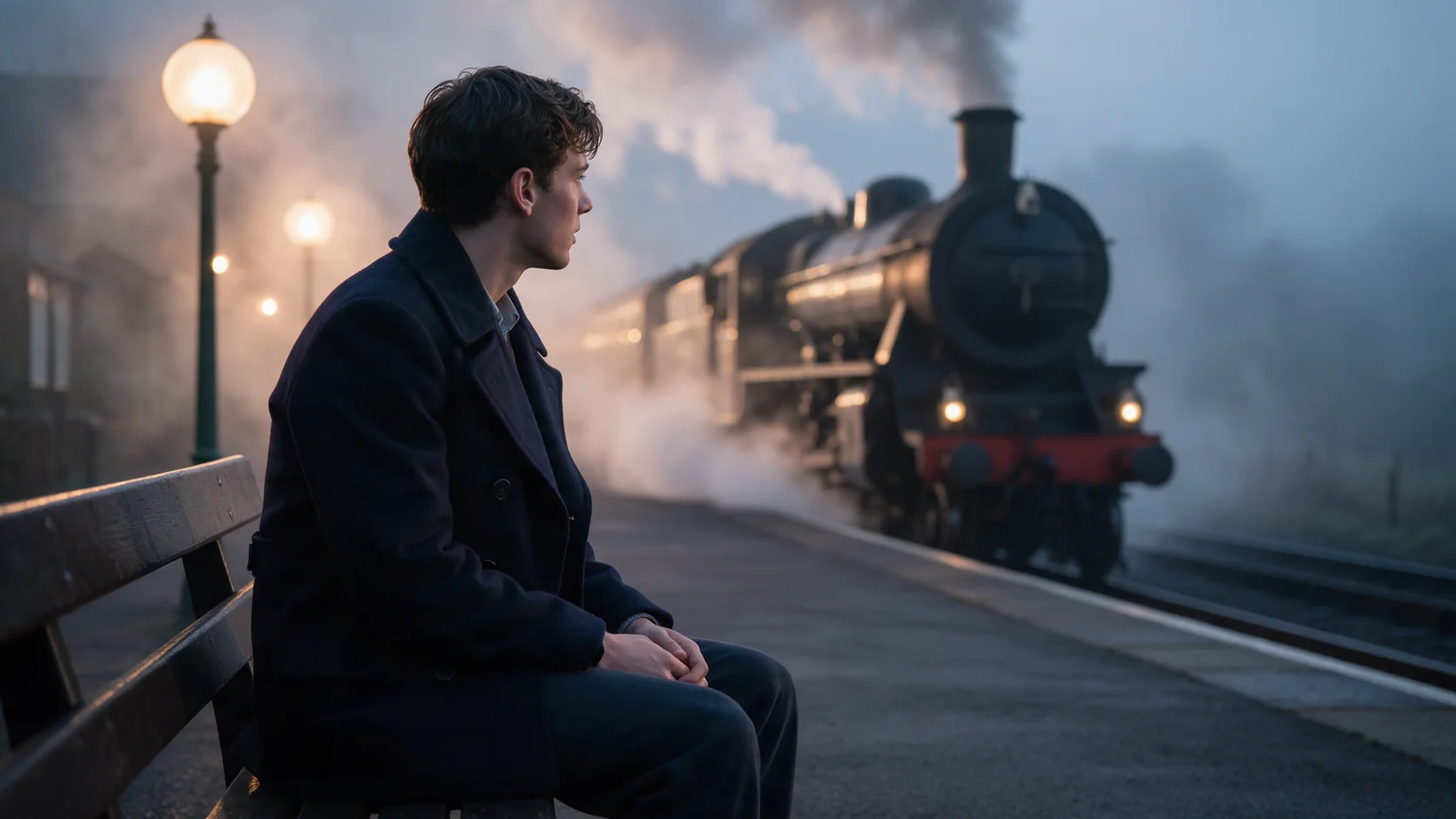
Whoever and whatever is in your frame - the people, the wardrobe, the room - is what the clip keeps. In our umbrella example, the two women's faces matched the opening frame all the way through a five-second clip; the prompt only had to describe the new action.
An optional closing frame pins the ending
Add last_image_url and the clip is built to land on that frame instead of wherever the model would otherwise stop. Keep the two frames close in light, angle and framing - a large jump between them is what makes the middle of a long clip wander.
Sound generated with the motion
generate_audio adds dialogue, effects and ambience in the same pass as the animation, timed to the action you describe rather than added in a separate step afterward.
Request parameters
| Parameter | Required | Description |
|---|---|---|
prompt | Yes | Describe only what happens after the opening frame: the action, the camera move and, with sound on, dialogue and effects. The frame already set who and where. at least 1 characters · at most 2500 characters |
image_url | Yes | Opening frame. JPEG or PNG. |
last_image_url | No | Optional closing frame the clip should end on. Keep it close to the opening frame in light and framing - a big jump between the two can make the middle of a longer clip drift. |
resolution | No | 720p, 1080p or 4K. Higher tiers cost more per second. |
generate_audio | No | Adds a generated soundtrack in the same pass - dialogue in quotes, effects, ambience. Default: |
duration_seconds | No | Whole seconds, 3 to 15. Drives the price along with resolution and audio. |
shot_type | No | single asks for one continuous take (Kling O3 can still cut on its own; add "one continuous shot, no cuts" if it matters). multi lets it cut your prompt into several shots. |
multi_prompt | No | The shot list for |
Pricing
Billed per second of output. Rate depends on resolution and whether native audio is on.
| Resolution | Generate audio: No | Generate audio: Yes |
|---|---|---|
| $0.0672 / second | $0.0896 / second |
| $0.0896 / second | $0.112 / second |
| $0.336 / second | $0.336 / second |
Use cases
Animate a frame you have already approved
When the exact people, wardrobe and composition matter, generate or select the still first, then send it here instead of leaving those details to a text prompt - which redraws them fresh on every run.
Bridge two frames you already have
With both image_url and last_image_url set, the clip fills in a believable motion path between an approved start and an approved end - useful for a scene that has to land on a specific final composition.
Add dialogue to a still you already like
Turn on generate_audio and describe a line of dialogue along with the action; the frame supplies the look, the prompt supplies the movement and the words.
Prompt guide & pro tips
Describe the after, not the already-there
Do not redescribe who is in the frame or what they are wearing - the image already answers that. Spend the prompt on what changes: the action, the camera move, the sound.
Keep a closing frame close to the opening one
If you use last_image_url, choose or generate a frame with similar light and framing to the opening image. A near match keeps the motion in between believable; a big jump asks the model to invent more than it can hold steady.
Lock the take when continuity matters
Shot_type single is a preference, not a guarantee. For a scene that must not cut - a single unbroken reaction, for instance - add "one continuous shot, no cuts" to the end of the prompt.
API quick start
# Generate the idempotency key once; reuse it when retrying after a lost response.
export SPICY_IDEMPOTENCY_KEY="${SPICY_IDEMPOTENCY_KEY:-$(uuidgen)}"
curl -X POST https://api.spicyapi.ai/api/v1/jobs/createTask \
  -H "Authorization: Bearer $SPICY_API_KEY" \
  -H "Content-Type: application/json" \
  -H "Idempotency-Key: $SPICY_IDEMPOTENCY_KEY" \
  -d '{
  "model": "kling/o3/image-to-video",
  "input": {
    "duration_seconds": 5,
    "generate_audio": false,
    "image_url": "https://example.com/reference.png",
    "prompt": "A slow aerial shot drifting over a misty pine forest at sunrise",
    "resolution": "720p",
    "shot_type": "single"
  }
}'

# Copy data.taskId from the response into TASK_ID, then poll the status.
TASK_ID="TASK_ID_FROM_RESPONSE"
curl "https://api.spicyapi.ai/api/v1/jobs/recordInfo?taskId=$TASK_ID" \
  -H "Authorization: Bearer $SPICY_API_KEY"
See the API reference for authentication, the complete schema, polling, and error handling.