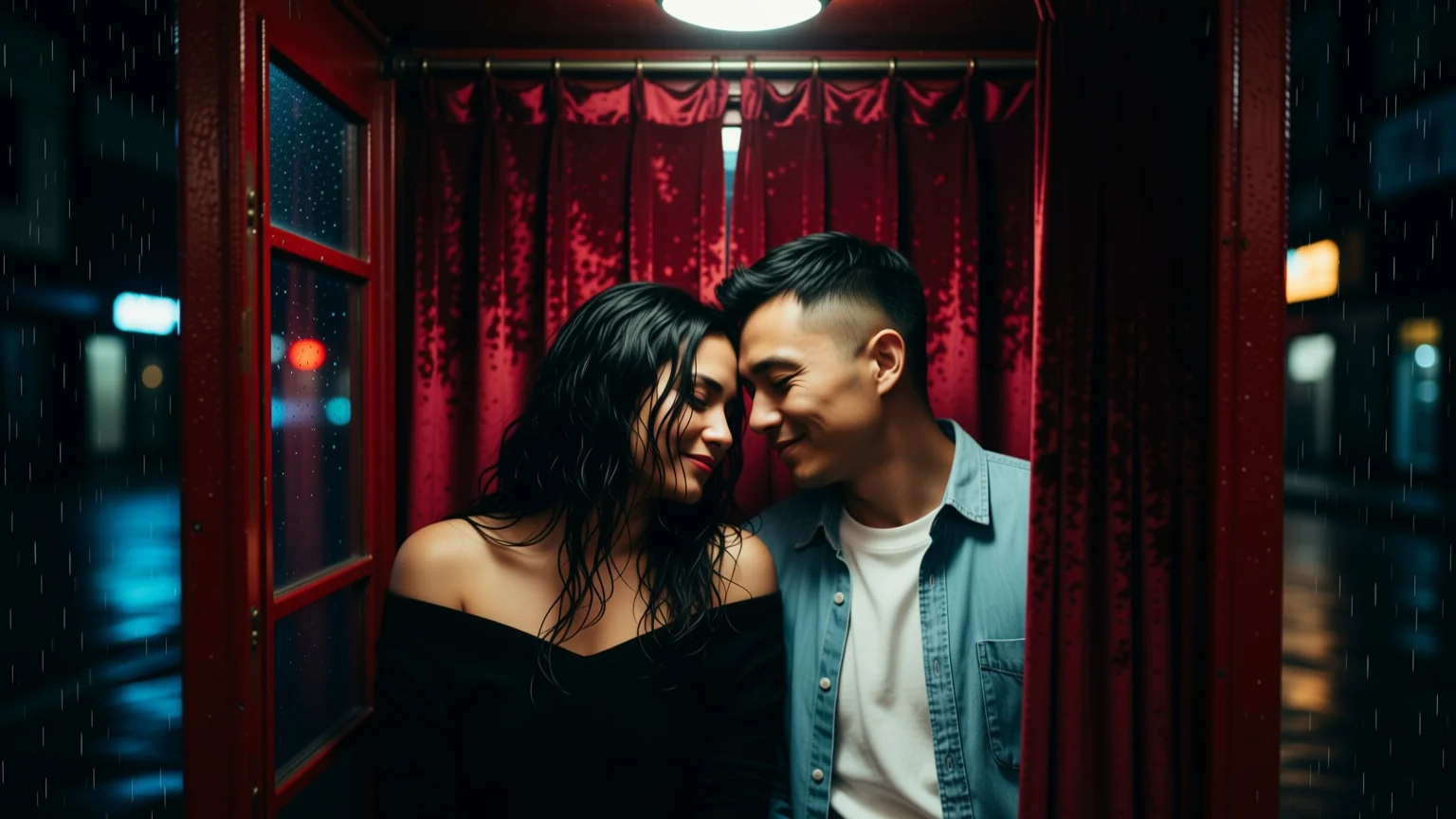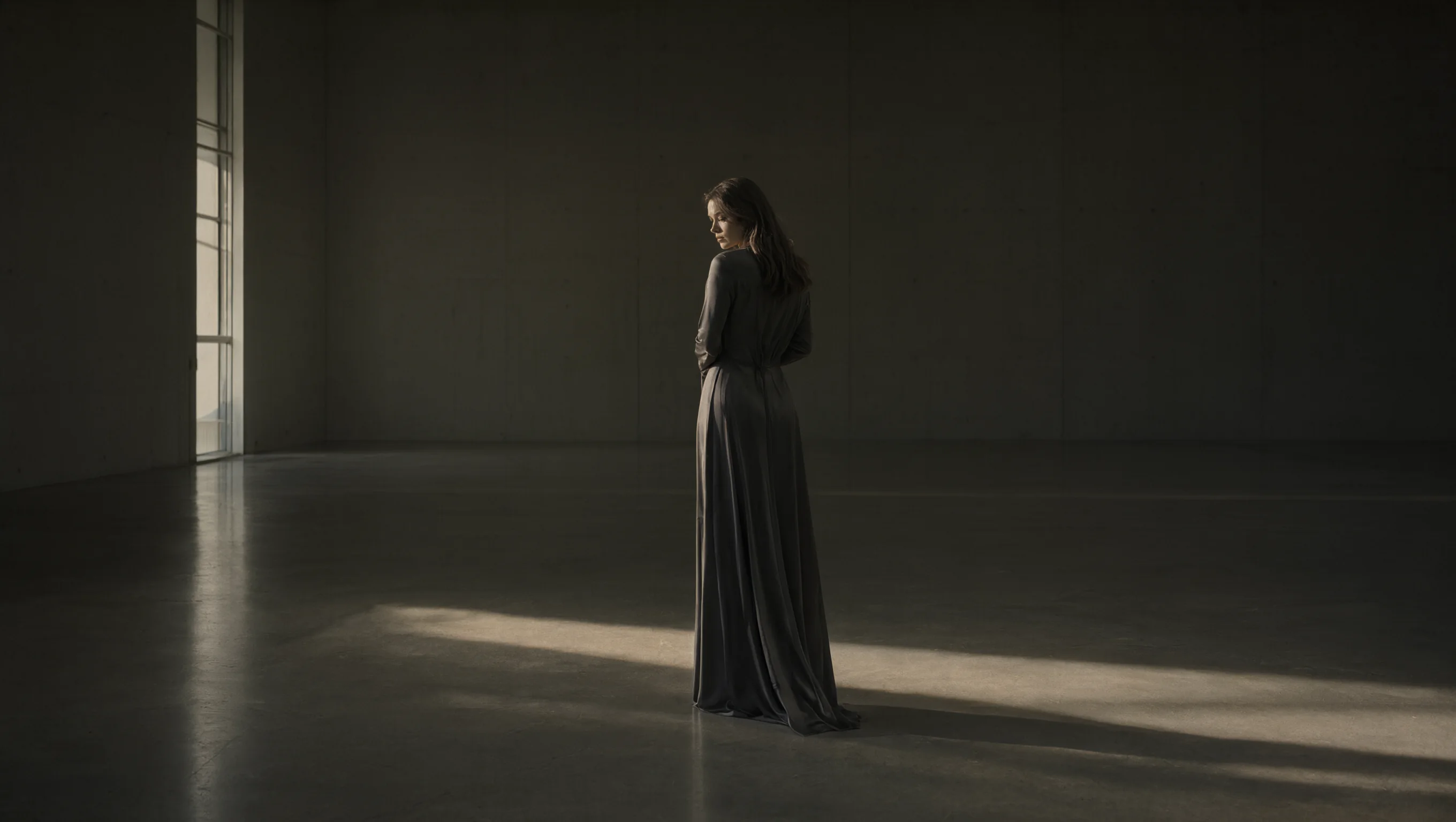
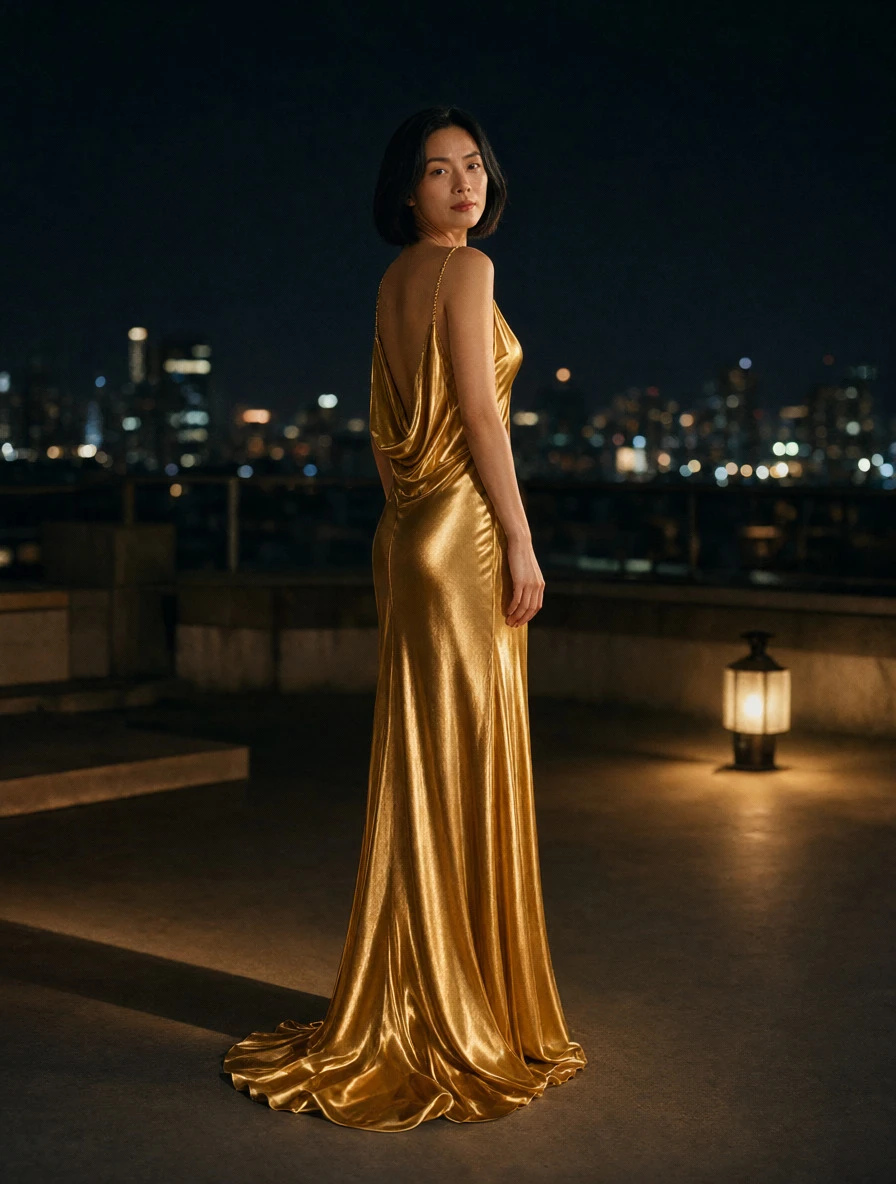
Introduction
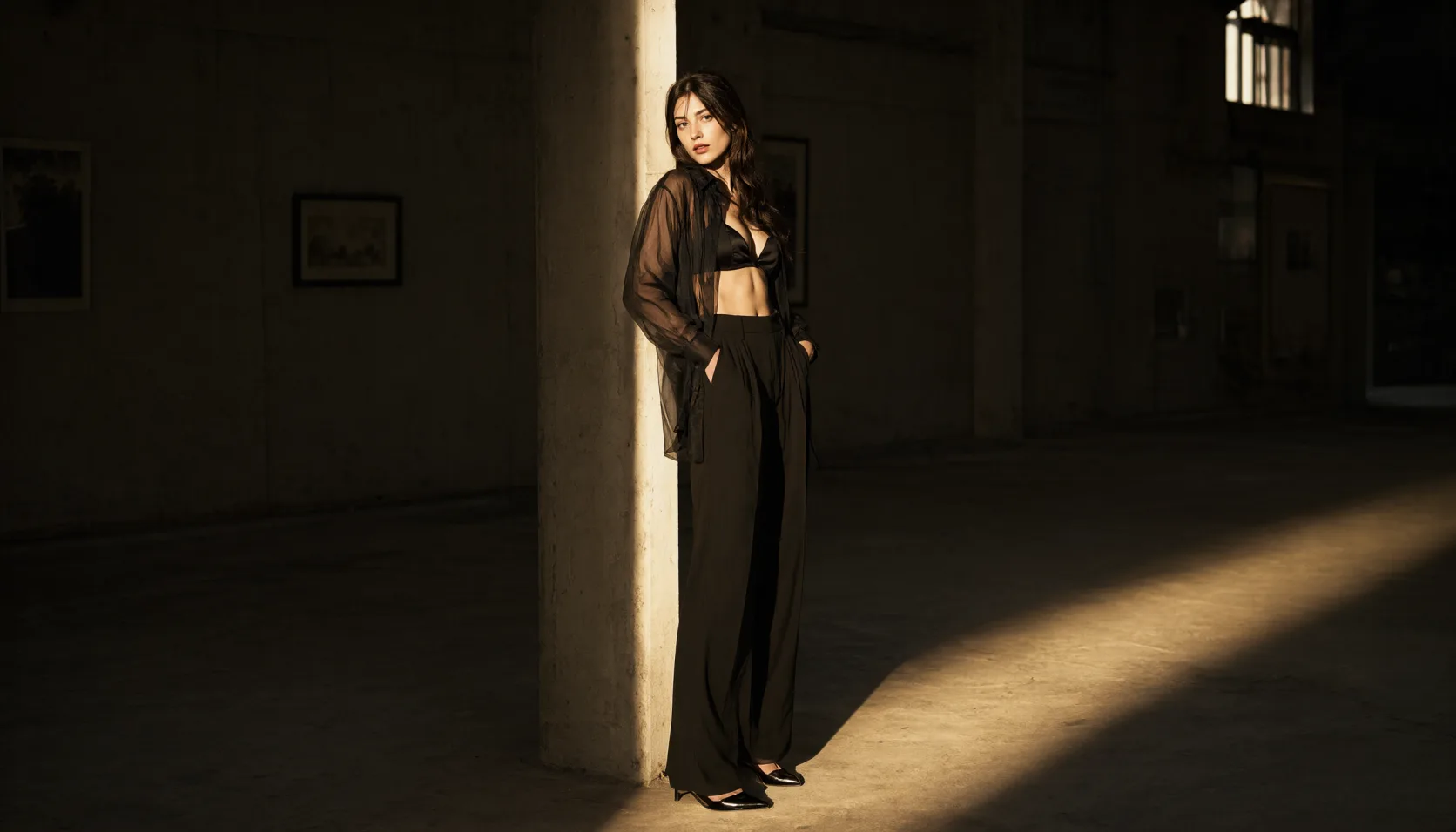
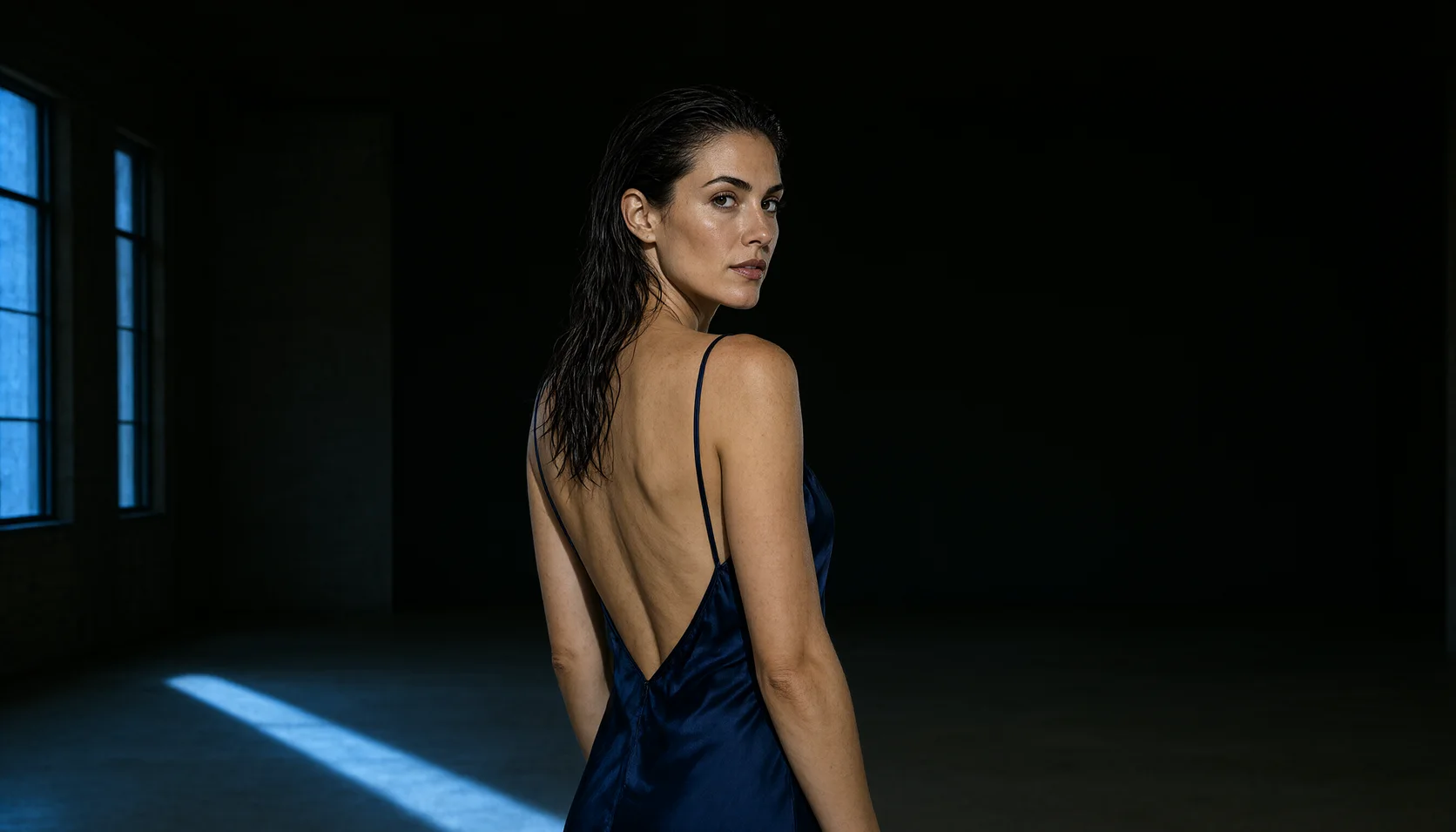
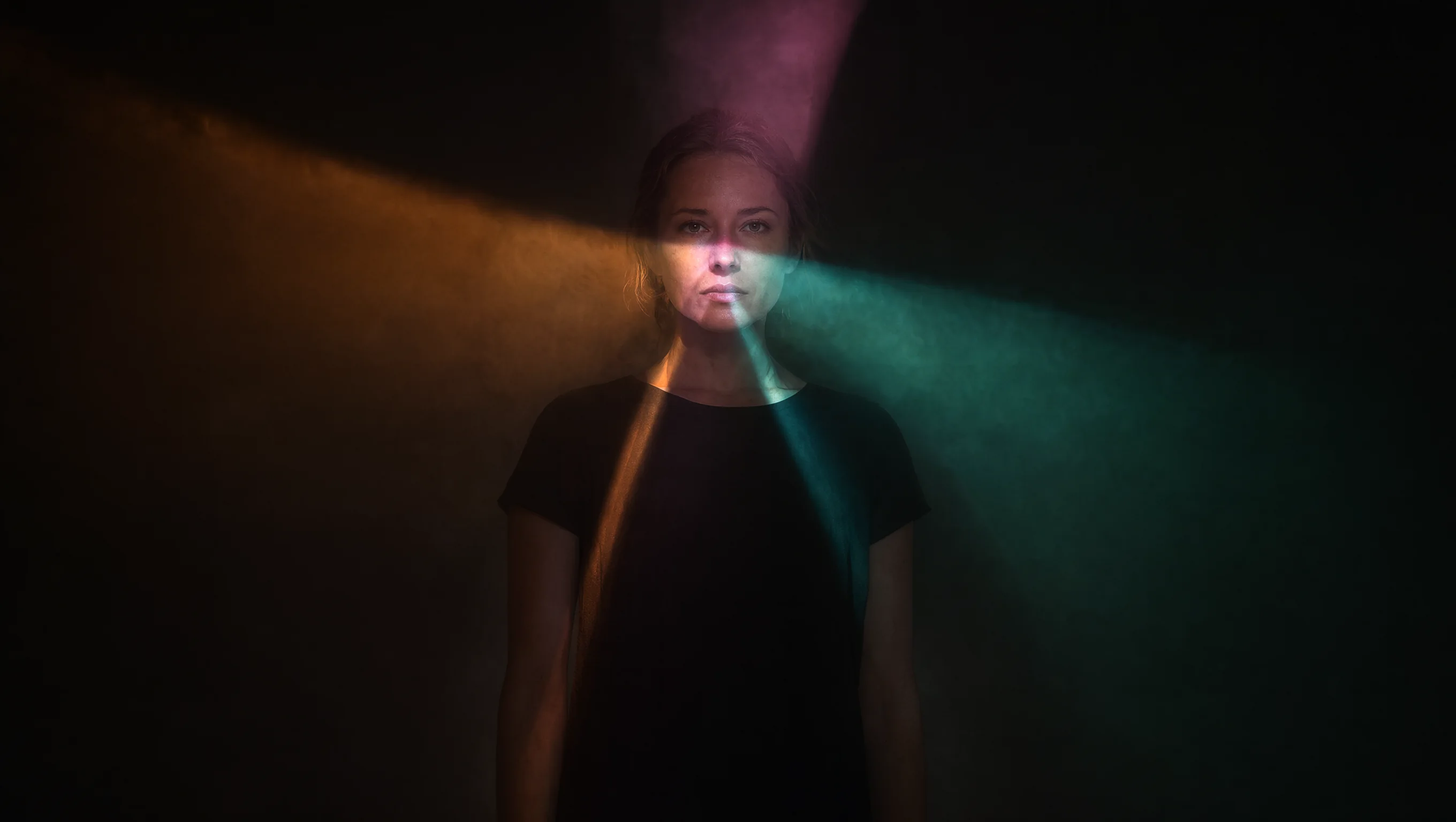
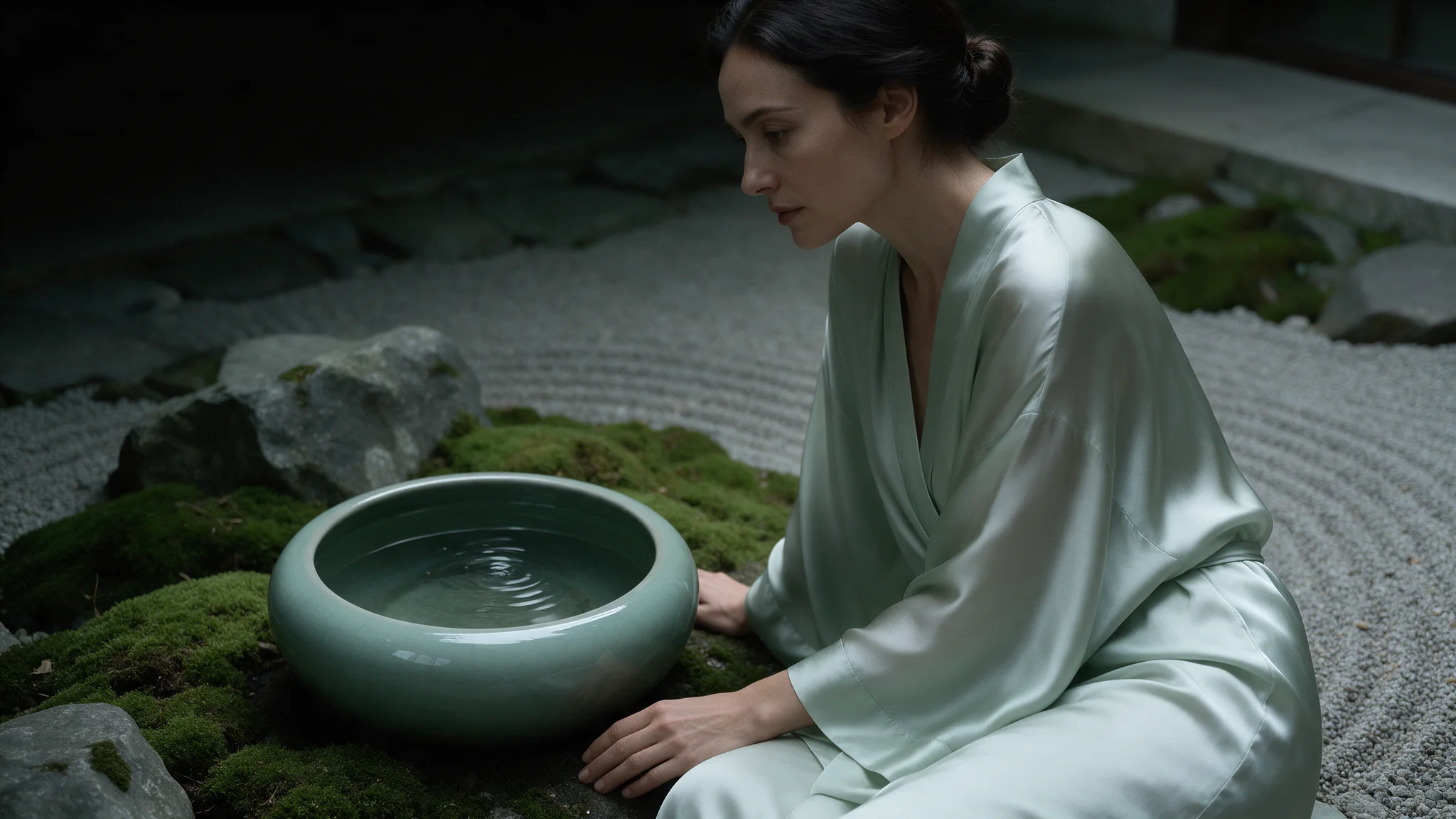
Qwen Image 2.1 Image Editing revises one to ten source images against a written instruction and returns a single new frame. Alibaba's Qwen team open-weighted the model on 21 September 2026; this endpoint went live here the same day.
It runs with no content filter and no maturity flag. In our acceptance testing it carried an uncensored source frame through our instructions without re-dressing the subject, blurring anything, or retreating to a safer composition — the failure mode that makes most editing endpoints useless for uncensored work.
Choose a Qwen Image 2.1 mode by starting material
| Starting material | Mode |
|---|---|
| One to ten source images to work from | Qwen Image 2.1 Image Editing |
| A written brief and nothing else | Qwen Image 2.1 Text to Image |
| Sources plus your own LoRA weights | Qwen Image 2.1 LoRA Editing |
Key features & highlights
Ten references in a single request
Most editing endpoints take one source, or three. This one reads up to ten, which is what makes a consistent series practical: hold the frame that established the character, add the reference carrying the outfit, add the one carrying the location, and change a single variable per run.
Sources stay as you sent them
An editing endpoint that quietly re-dresses its subject is worse than one that refuses, because it bills you for the wrong picture. We fed this endpoint an uncensored source with instructions to keep it as it was and add new elements; it returned exactly that, every named element present.
Each reference is priced, so the quote follows the request
Adding sources raises the cost in a straight line, and the estimate shown before you submit is what settles. A ten-source request is several times a one-source request at the same tier — which is a reason to send the references that are working and drop the rest.
Request parameters
| Parameter | Required | Description |
|---|---|---|
prompt | Yes | Up to 5,000 characters. There is no negative prompt on this family, so exclusions belong here too — name what is in the frame, then say plainly what must not be. at least 1 characters · at most 5000 characters |
image_urls | Yes | Supply one to ten reference images to Qwen Image 2.1 for transparent subject cutouts, and tell the instruction which source provides the person, object or setting instead of lea… at least 1 items · at most 10 items |
mask_url | No | Optional black-and-white image that switches the edit to local mode: white marks the area to repaint, black is kept as it is, and a few pixels of soft edge help the blend. |
aspect_ratio | No | For transparent subject cutouts in Qwen Image 2.1, omit |
resolution | No | For transparent subject cutouts, Qwen Image 2.1 exposes 1k, 1.5k, 2k; the tier changes the quote, and editing references add to it |
enable_prompt_expansion | No | On by default: before generating, the prompt is rewritten into a fuller scene description. Turn it off to have your own wording used as written. Default: |
background | No | opaque by default. |
output_format | No | JPEG by default. PNG when the frame goes into a compositing step, WebP when it ships straight to a page. |
seed | No | Use seed in Qwen Image 2.1 for controlled comparisons of transparent subject cutouts; save the chosen image itself because a matching seed does not guarantee identical pixels. |
Pricing
| Specification | Price |
|---|---|
| $0.036 / image |
| $0.048 / image |
| $0.072 / image |
Use cases
Character consistency across a set
Keep one approved frame as the identity reference and re-run it with a new instruction per image. Far steadier than hoping a seed reproduces a face.
Scene composition from an existing figure
Start from a figure you already have and add the second subject, the props or the setting. Instructions are carried out as written.
Wardrobe and setting swaps
Two references — one for the person, one for the garment or the room — and a prompt that says which is which.
Upscaling a keeper in context
Re-run a 1k frame as a 2k edit with an instruction that preserves the composition, when you want the detail without re-rolling the whole scene.
Prompt guide & pro tips
Name what every reference contributes
The model does not infer roles. "The first image is the woman, the second is the room she is standing in" is the difference between an edit and a blend.
Say what must not change
There is no negative prompt here, so protections go in the main instruction. "Keep her exactly as in the source, add nothing to her wardrobe" is the sentence that stops an editing model from covering a subject it thinks should be covered.
Send fewer, better references
Identity holds well from one clean source and drifts as sources stack. Since each reference also adds to the price, fewer is usually both cheaper and sharper.
Check the quote, not just the tier
On this endpoint the reference count moves the price as much as the resolution tier does. The pre-submit estimate is authoritative — read it before you send a ten-source request.
API quick start
# Generate the idempotency key once; reuse it when retrying after a lost response.
export SPICY_IDEMPOTENCY_KEY="${SPICY_IDEMPOTENCY_KEY:-$(uuidgen)}"
curl -X POST https://api.spicyapi.ai/api/v1/jobs/createTask \
  -H "Authorization: Bearer $SPICY_API_KEY" \
  -H "Content-Type: application/json" \
  -H "Idempotency-Key: $SPICY_IDEMPOTENCY_KEY" \
  -d '{
  "model": "alibaba/qwen-image-2.1/edit",
  "input": {
    "aspect_ratio": "1:1",
    "background": "opaque",
    "image_urls": [
      "https://example.com/reference.png"
    ],
    "output_format": "jpeg",
    "prompt": "A ceramic teapot on a linen cloth, soft window light, muted palette",
    "resolution": "1k"
  }
}'

# Copy data.taskId from the response into TASK_ID, then poll the status.
TASK_ID="TASK_ID_FROM_RESPONSE"
curl "https://api.spicyapi.ai/api/v1/jobs/recordInfo?taskId=$TASK_ID" \
  -H "Authorization: Bearer $SPICY_API_KEY"
See the API reference for authentication, the complete schema, polling, and error handling.