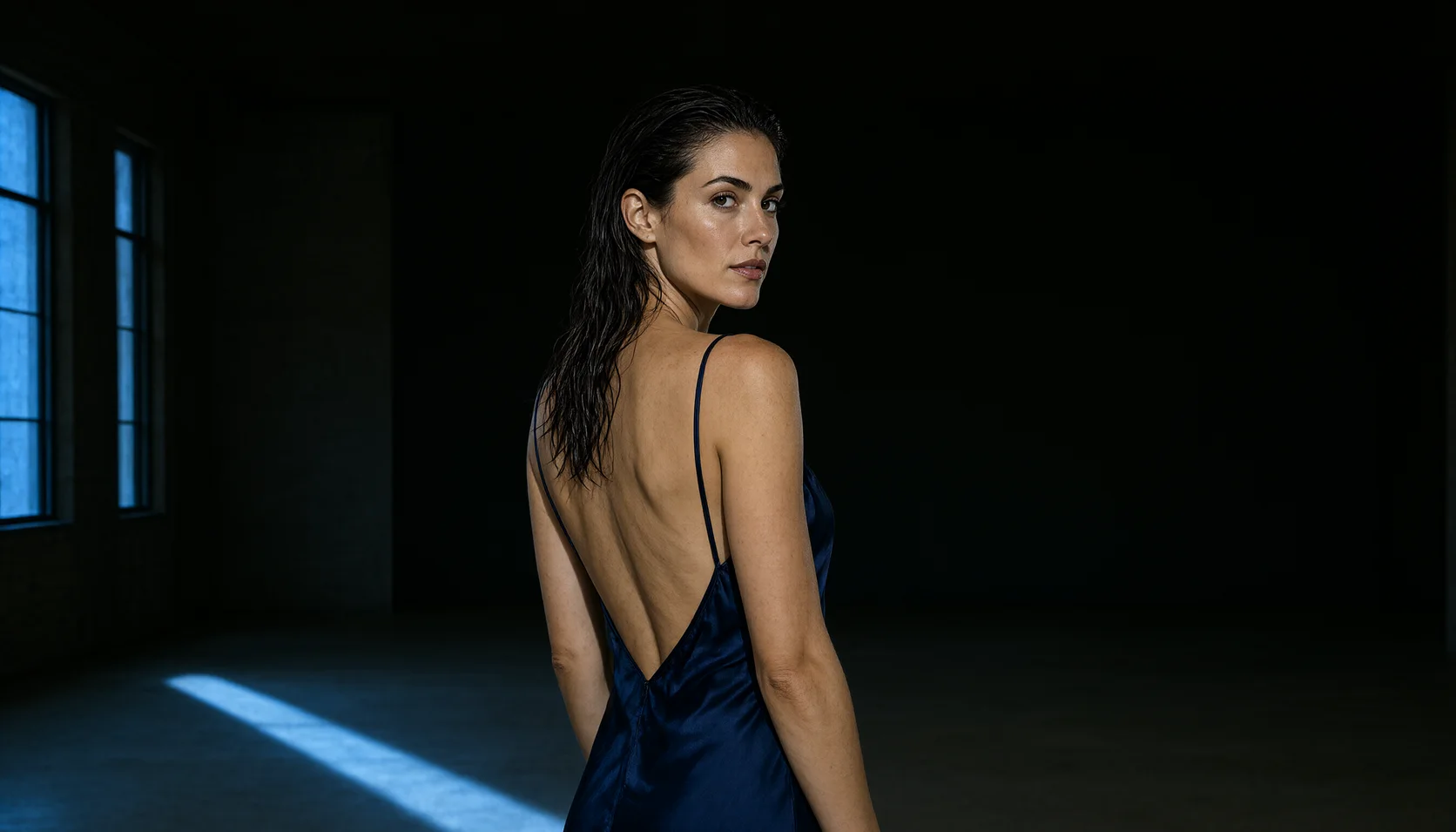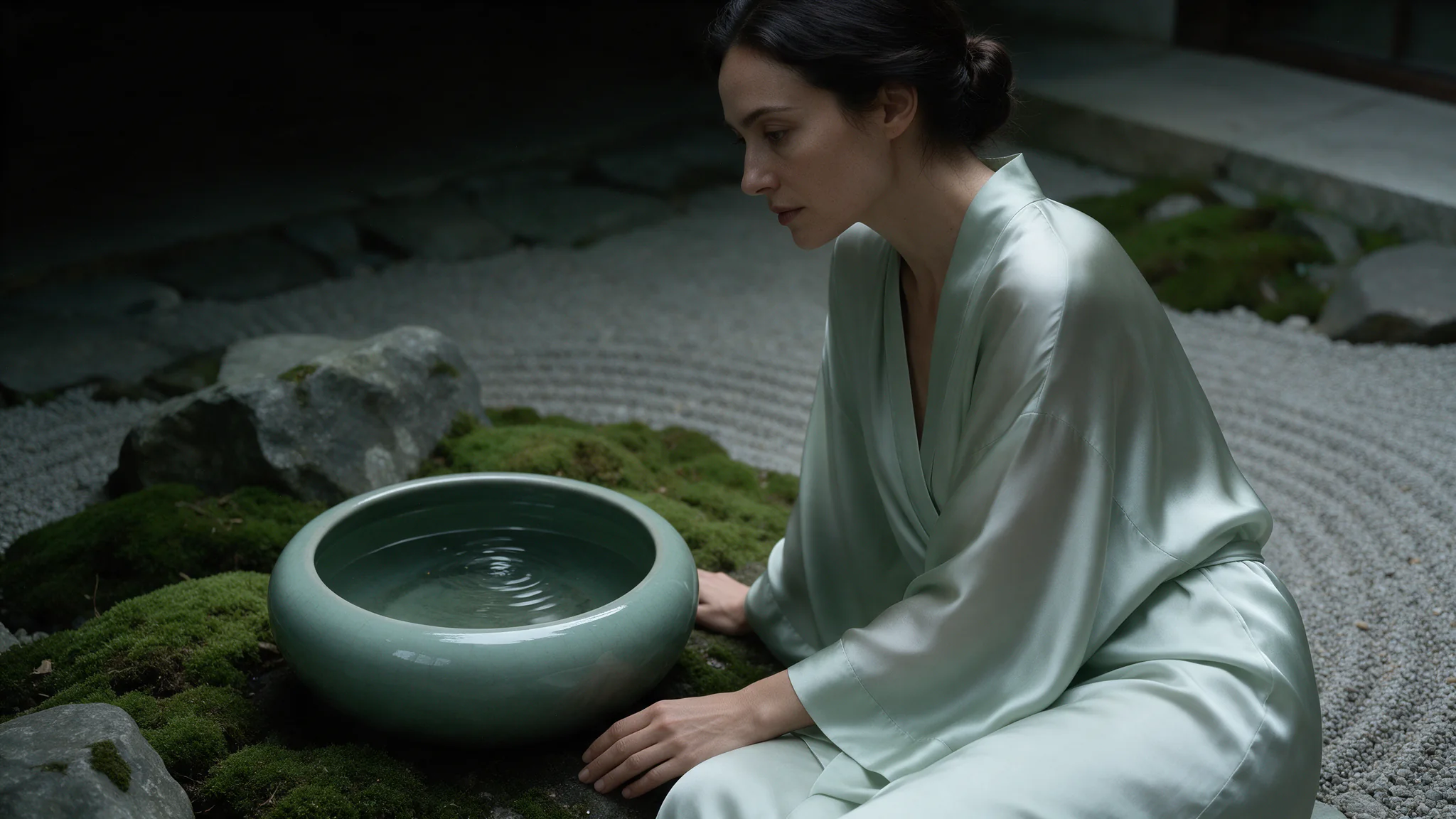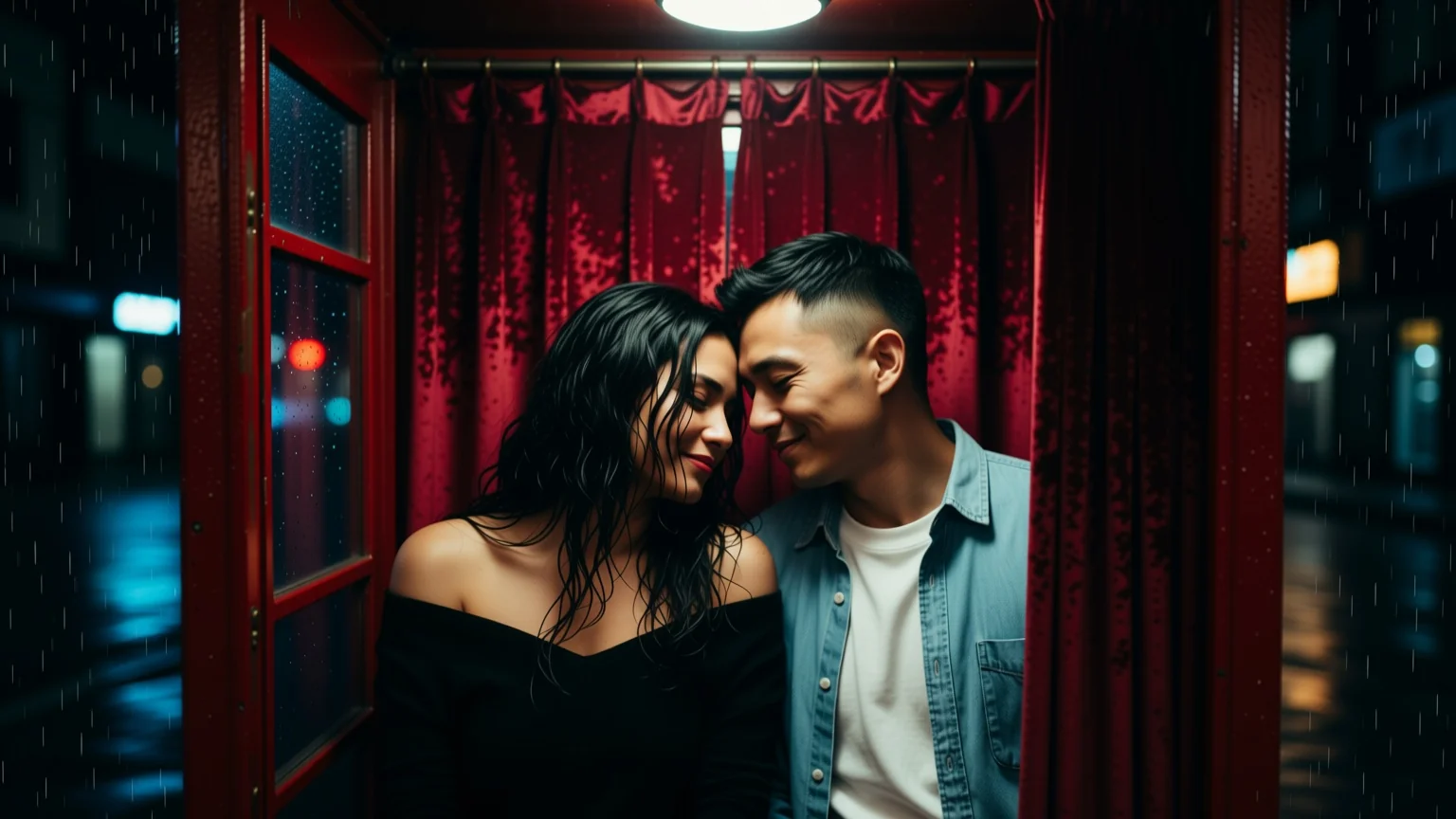
Introduction
Qwen Image 2.1 LoRA Editing applies your own LoRA weights while revising one to ten reference images. It is the same custom-weights setup as the text-to-image endpoint, pointed at work you already have rather than at a blank frame.
There is no review of the weights you load and no content filter on the result.
Choose a Qwen Image 2.1 LoRA mode by starting material
| Starting material | Mode |
|---|---|
| Source images plus your own weights | Qwen Image 2.1 LoRA Editing |
| A brief plus your own weights | Qwen Image 2.1 LoRA Text to Image |
| Editing without custom weights | Qwen Image 2.1 Image Editing |
Key features & highlights
Bring a character LoRA to work already in progress
A LoRA you can only start new work with is far less useful than one you can apply to an approved frame. This endpoint takes both: up to ten references and up to three weight files in the same request.
Weights and references solve different halves of consistency
References hold composition, setting and the specific frame; the LoRA holds identity across every frame. Using both is steadier than leaning hard on either.
Uncensored on both sides
No review of the weights, no filter on the output, and a source stays as it is unless the instruction says otherwise.
Request parameters
| Parameter | Required | Description |
|---|---|---|
prompt | Yes | Up to 5,000 characters. There is no negative prompt on this family, so exclusions belong here too. at least 1 characters · at most 5000 characters |
image_urls | Yes | One to ten reference images. The model does not assign roles on its own, so name in the prompt what each source contributes. at least 1 items · at most 10 items |
aspect_ratio | No | Composes the frame before generation rather than cropping afterwards. Fifteen options, from 3:1 and 21:9 strips to 1:3 and 9:21 columns. |
resolution | No | Sets output size and price: 1k default, 1.5k in between, 2k where skin texture and fabric hold together. Iterate at 1k, promote the keeper to 2k. |
loras | No | Up to three weight files, each {path, scale}. path is a direct HTTPS URL to a .safetensors file or a Hugging Face repository — nothing is uploaded to us and nothing is reviewed. Default: |
output_format | No | JPEG by default; PNG for compositing, WebP to ship straight to a page. Does not change the price or the render. |
seed | No | Steadies a draw so a series stays in the same neighbourhood. Not a reproduction guarantee — the same prompt and seed twice returned two different frames in our testing. |
Pricing
| Specification | Price |
|---|---|
| $0.042 / image |
| $0.078 / image |
| $0.15 / image |
Use cases
Applying a character LoRA to shots you already approved
The expensive part of a shoot is rarely the generation — it is arriving at a frame everyone signed off on. This endpoint lets you keep that frame and change who is in it: send the approved composition as a reference, load the character LoRA, and let the weights carry the identity while lighting, staging and crop stay exactly where they were.
Bringing a back catalogue into the current house style
Point a style LoRA at work generated months ago. Send the old frames as references, load the style weights at a moderate scale, and re-run them so an archive shot and a new one sit together on the same page without an obvious seam between them.
Scene work built from a reference you control
Start from a figure you already generated and add the second subject, the wardrobe or the setting. Instructions are carried out as written and uncensored weights load without review, so the scene can be assembled in steps rather than gambled on in one prompt.
Wardrobe and location swaps with the person held fixed
Two references — one carrying the person, one carrying the garment or the room — plus a character LoRA, and a prompt that says which source is which. Change the room, keep the face; change the outfit, keep both.
Prompt guide & pro tips
Name what every reference contributes before you name the change
The model does not infer roles from order or from filename. Write it out: "the first image is the woman, the second is the room she is standing in, the third is the coat." Without that sentence a multi-reference request blends the sources instead of editing with them, and the result looks like an averaging artefact rather than a mistake you can debug.
Do not let the prompt and the LoRA describe the same thing
When a character LoRA is loaded, describe the scene, the action and the light — not the face. Restating features the weights already encode pulls the render in two directions and usually produces something that resembles neither. Let the LoRA own identity and let the prompt own everything around it.
Put protections in the instruction, because there is no negative prompt
State plainly what must survive the edit: "keep her exactly as in the source, add nothing to her wardrobe" or "do not change the hair length." An editing model left to its own judgement will tidy things you did not ask it to tidy, and on uncensored work that tidying is the whole failure mode.
Price the request before you send it, not after
Two things move the cost here at once: the reference count and the resolution tier, with the LoRA premium on top. Ten references with three LoRAs at 2k is the most expensive shape this family accepts. The pre-submit estimate is authoritative — read it on large requests instead of assuming the tier alone sets the price.
Verify a new LoRA changes something before trusting a batch
Weights built for a different base architecture can load with no error and have almost no visible effect. Run one deliberately obvious prompt against new weights, confirm the output moved, then queue the batch.
API quick start
# Generate the idempotency key once; reuse it when retrying after a lost response.
export SPICY_IDEMPOTENCY_KEY="${SPICY_IDEMPOTENCY_KEY:-$(uuidgen)}"
curl -X POST https://api.spicyapi.ai/api/v1/jobs/createTask \
  -H "Authorization: Bearer $SPICY_API_KEY" \
  -H "Content-Type: application/json" \
  -H "Idempotency-Key: $SPICY_IDEMPOTENCY_KEY" \
  -d '{
  "model": "alibaba/qwen-image-2.1-lora/edit",
  "input": {
    "aspect_ratio": "1:1",
    "image_urls": [
      "https://example.com/reference.png"
    ],
    "output_format": "jpeg",
    "prompt": "A ceramic teapot on a linen cloth, soft window light, muted palette",
    "resolution": "1k"
  }
}'

# Copy data.taskId from the response into TASK_ID, then poll the status.
TASK_ID="TASK_ID_FROM_RESPONSE"
curl "https://api.spicyapi.ai/api/v1/jobs/recordInfo?taskId=$TASK_ID" \
  -H "Authorization: Bearer $SPICY_API_KEY"
See the API reference for authentication, the complete schema, polling, and error handling.