Introduction
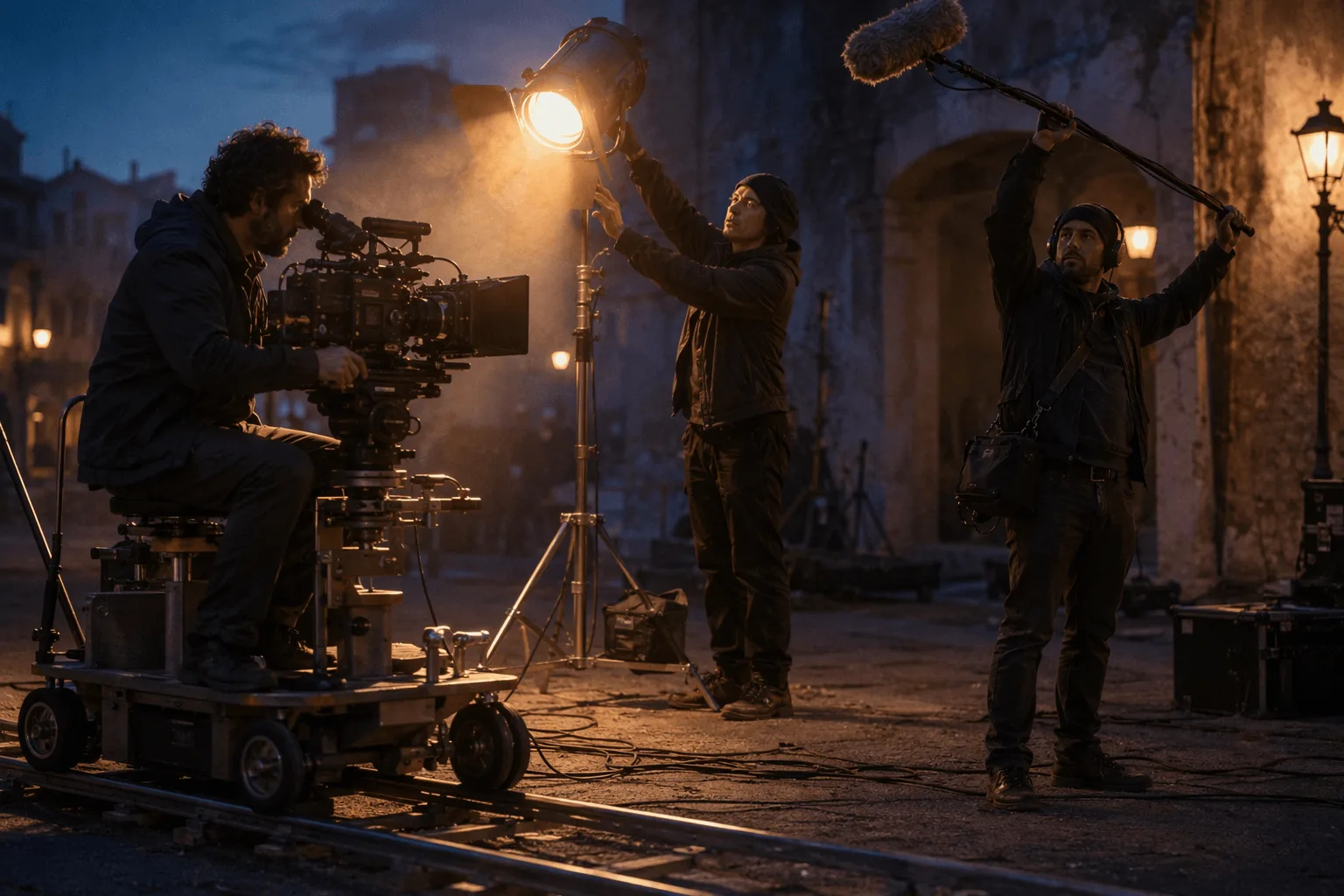
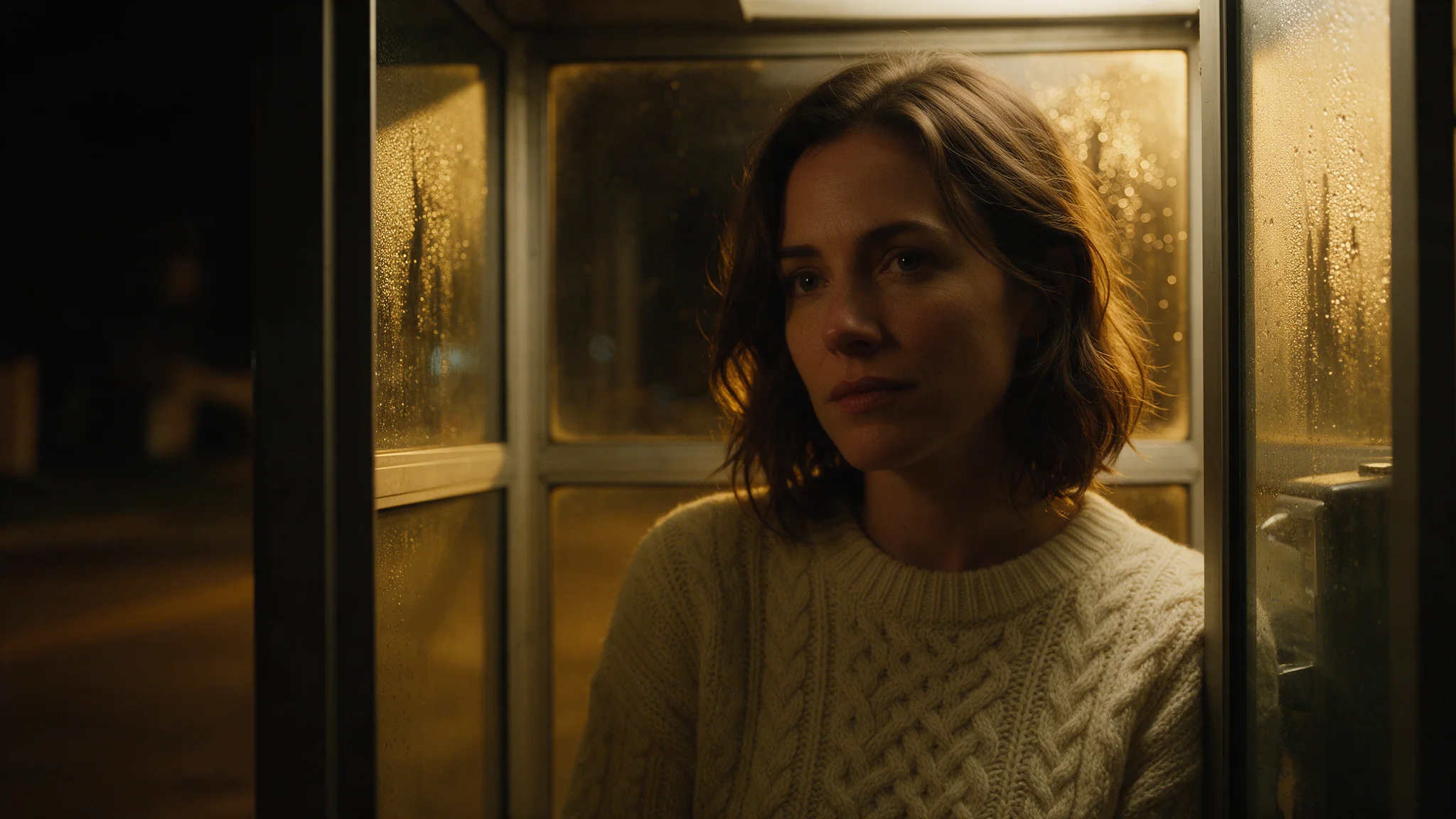
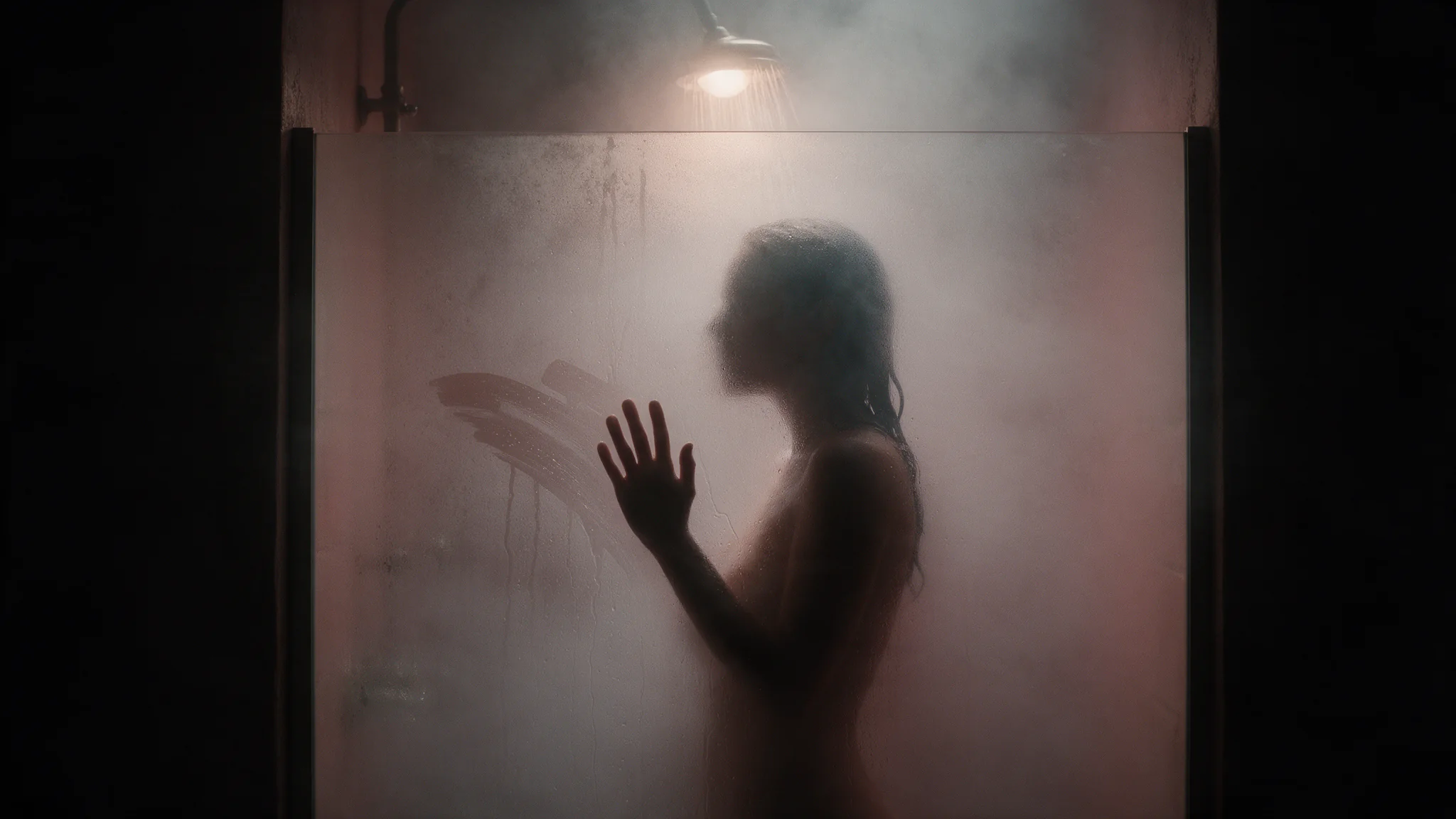
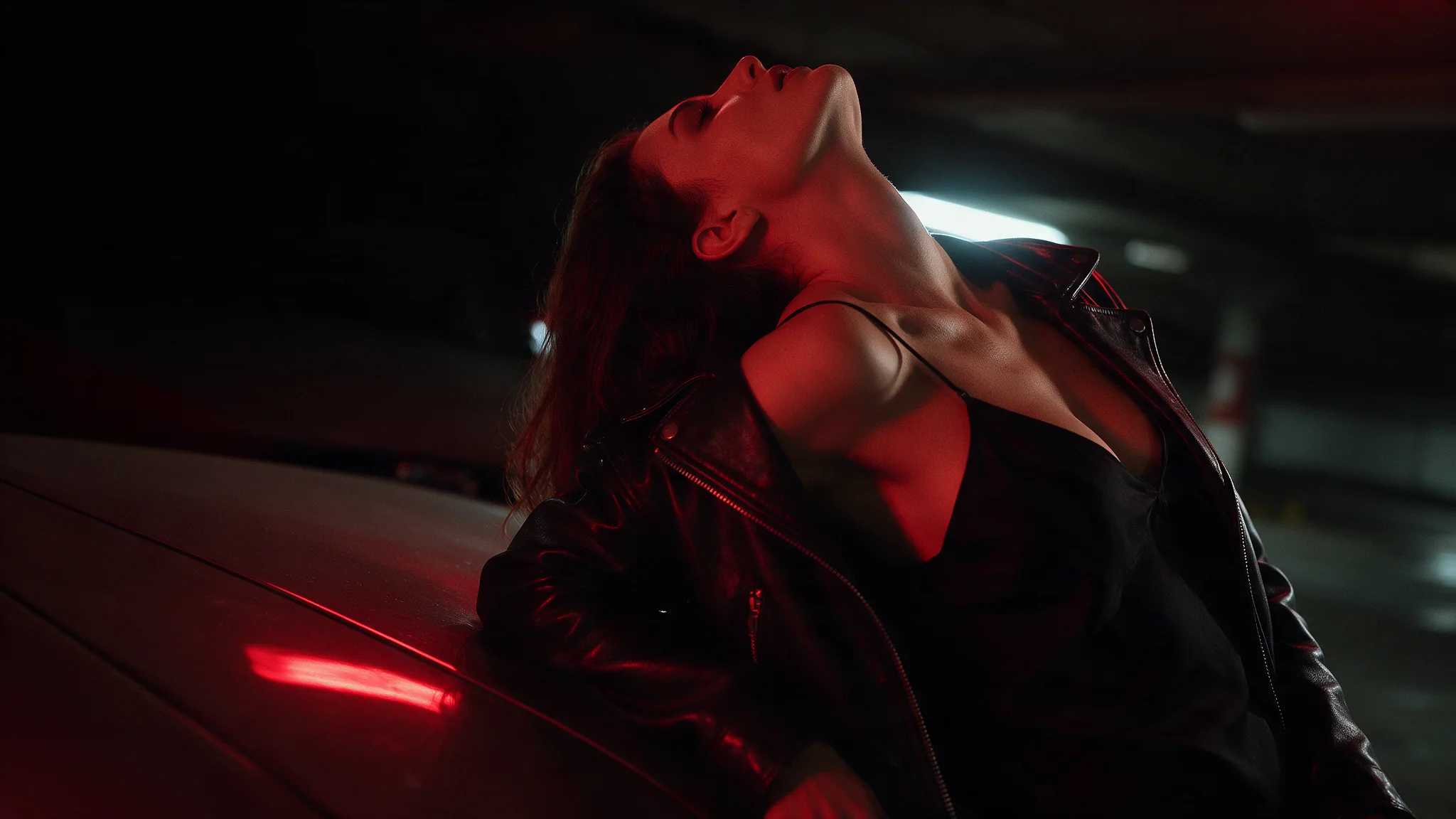
Seedance 2.5 Image-to-Video starts with your still image and develops the action that follows. Use it to turn an approved composition into a product sequence, character performance or visual transition. A closing image can guide the ending when you have both ends of the shot planned.
The model comes from ByteDance's July 31, 2026 release.
Choose the starting point for your Seedance 2.5 sequence
| Starting material | Mode |
|---|---|
| A script or scene description | Seedance 2.5 Text to Video |
| An approved opening still | Seedance 2.5 Image to Video |
| Separate appearance, motion or audio references | Seedance 2.5 Reference to Video |
Key features & highlights
Longer stories in a single generation
Seedance 2.5 supports clips up to 30 seconds, giving a sequence room for a setup, development and ending. Its storytelling capabilities include connected shots and scene transitions rather than simply extending one gesture.
Flexible multimodal references
Images, footage and audio can guide different elements of the same production. The expanded reference workflow supports more complex casts, settings and shot plans while separating appearance from movement and sound.
Clay-render and storyboard guidance
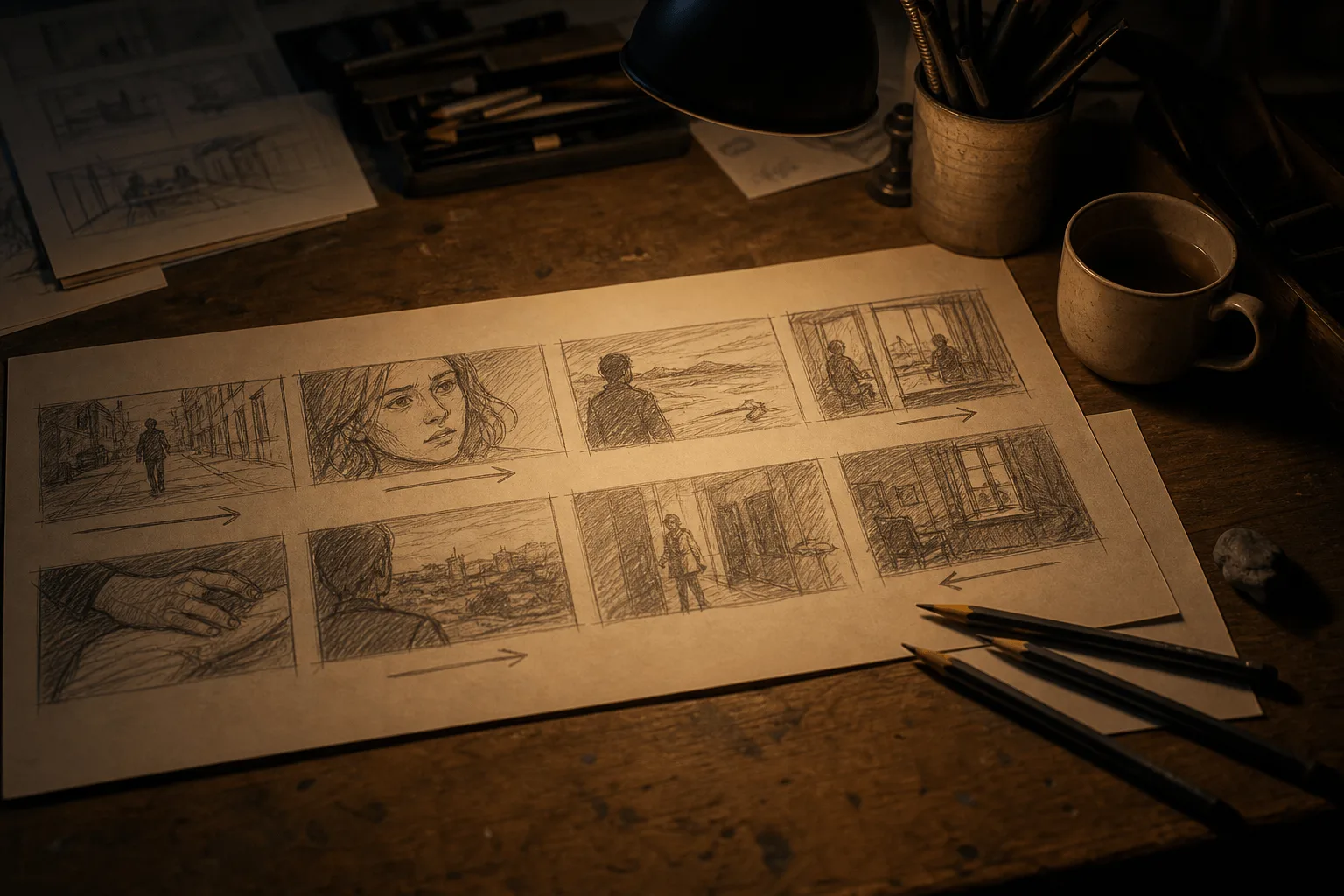
Rough 3D planning footage can communicate spatial structure, blocking and camera movement, while visual references supply the final look. Storyboards and ordered keyframes offer additional ways to convey a sequence.
More detailed visual and sound direction
The model's development emphasizes materials, lighting, skin and eye detail, along with coordinated audio and motion. Prompts can specify dialogue, effects and ambience separately, and use whole-second timestamps to organize events.
Targeted editing and continuation
The model family includes time-targeted video edits, background changes and continuation of existing footage. These are distinct video-input workflows; their availability and settings depend on the selected task, not on a text-to-video or image-to-video request.
Request parameters
| Parameter | Required | Description |
|---|---|---|
prompt | No | Optional here, but worth writing: it should describe what happens after the frame rather than restate what is already visible — the action, the camera move, the passage of time,… |
image_url | Yes | Required, and it becomes the first frame of the video. |
last_image_url | No | Optional destination frame that cannot be sent on its own — it is only valid together with |
aspect_ratio | No | Only |
resolution | No | 480p, 720p or 1080p, default 720p, and it feeds the billed quantity directly. |
duration_seconds | No | 4 to 30 seconds, default 5. The longer a frame-driven shot runs, the more it drifts — anatomy and set dressing deform gradually. |
generate_audio | No | On by default. Produces a native soundtrack synchronized to the picture — room tone, movement effects, voice. Default: |
output_format | No | The container of the returned video: mp4 (the default) or mov. |
enable_web_search | No | Off by default. Switched on, the model may search the web for information related to your prompt before it renders. Default: |
seed | No | Integer seed; omit it and each run draws its own. Fix it with everything else held constant to judge what a prompt edit actually changed. |
return_last_frame | No | Also returns the clip’s final frame as a separate image next to the video. Send it to image-to-video as the next opening frame to chain shots without exporting a still yourself. Default: |
watermark | No | Asks the model to watermark the video as AI-generated, as described in the model’s own documentation. Default: |
Pricing
| Specification | Price |
|---|---|
| $0.1234 / second |
| $0.2773 / second |
| $0.6823 / second |
Use cases
Turn a campaign still into a small performance
Start with an authorized image of a subject holding or wearing the featured item. Request a gesture, a change of gaze and a final hold. Review facial details, hands and the product as the pose changes.
Animate the opening of a designed object
Use a still of a closed case or package, with a closing-frame image if a particular open view is required. Describe the order of movement and check hinges, edges and the final arrangement.
Give an architectural still an unfolding atmosphere
Begin with a composed room or exterior and request a restrained camera movement with a specific environmental change. Inspect straight lines, furniture placement and lighting continuity throughout.
Prompt guide & pro tips
How to direct movement from a first frame
Use the still for appearance and composition, and the prompt for the action that follows. Start with a short summary of the movement, then use consecutive time ranges when its development matters.
- Upload the source image through
image_url. - Prepare its framing before generation: this mode uses
adaptiveaspect ratio. - Choose
duration_secondsand describe the movement across that duration. - Separate subject motion, camera motion and sound.
For a reading-room still with a curtain beside a window, choose 12 seconds:
Continue from the supplied reading-room image in one continuous shot.
A breeze lifts the curtain and then fades.

0-3s: The curtain hangs almost still. Keep the camera fixed.
3-8s: The lower edge lifts inward and drifts slowly away from the window. Gently move the camera toward the window.
8-12s: The fabric settles back down. Stop the camera and hold the composition.

Retain the furniture positions, window structure and existing light direction.
Sound: soft fabric movement and distant outdoor ambience.
No speech, background music or captions.
How to connect first and last frames
Supply the opening image as image_url and the closing image as last_image_url. Prepare both with the same aspect ratio; mismatched framing can distort the closing composition.
Describe the bridge between the images, not just the destination. For a closed box becoming an open box, specify that the lid rises while the base stays in place. Assign time for both the movement and the final hold.
Adjust the prompt when the action feels rushed
Use continuous ranges such as 0–3s, 3–8s, 8–12s; gaps leave the sequence underspecified. If the middle contains several competing actions, simplify it or allocate more time. Keep the endpoint's duration setting consistent with the final timestamp.
Preserve the image without repeating it
State the few details that matter most, such as the product shape or room layout. Avoid redescribing every visible object or introducing a conflicting art style. For sound, distinguish room ambience, action sounds and music so the requested movement has an appropriate soundtrack.
Content boundaries
Seedance 2.5 · Image-to-Video — Uncensored. SpicyAPI adds no platform-side content filter. Model restrictions still apply, and results are not guaranteed. You are responsible for complying with our content policy.
API quick start
# Generate the idempotency key once; reuse it when retrying after a lost response.
export SPICY_IDEMPOTENCY_KEY="${SPICY_IDEMPOTENCY_KEY:-$(uuidgen)}"
curl -X POST https://api.spicyapi.ai/api/v1/jobs/createTask \
  -H "Authorization: Bearer $SPICY_API_KEY" \
  -H "Content-Type: application/json" \
  -H "Idempotency-Key: $SPICY_IDEMPOTENCY_KEY" \
  -d '{
  "model": "bytedance/seedance-2.5/image-to-video",
  "input": {
    "aspect_ratio": "adaptive",
    "duration_seconds": 5,
    "generate_audio": true,
    "image_url": "https://example.com/reference.png",
    "output_format": "mp4",
    "prompt": "A slow aerial shot drifting over a misty pine forest at sunrise"
  }
}'

# Copy data.taskId from the response into TASK_ID, then poll the status.
TASK_ID="TASK_ID_FROM_RESPONSE"
curl "https://api.spicyapi.ai/api/v1/jobs/recordInfo?taskId=$TASK_ID" \
  -H "Authorization: Bearer $SPICY_API_KEY"
See the API reference for authentication, the complete schema, polling, and error handling.