Introduction
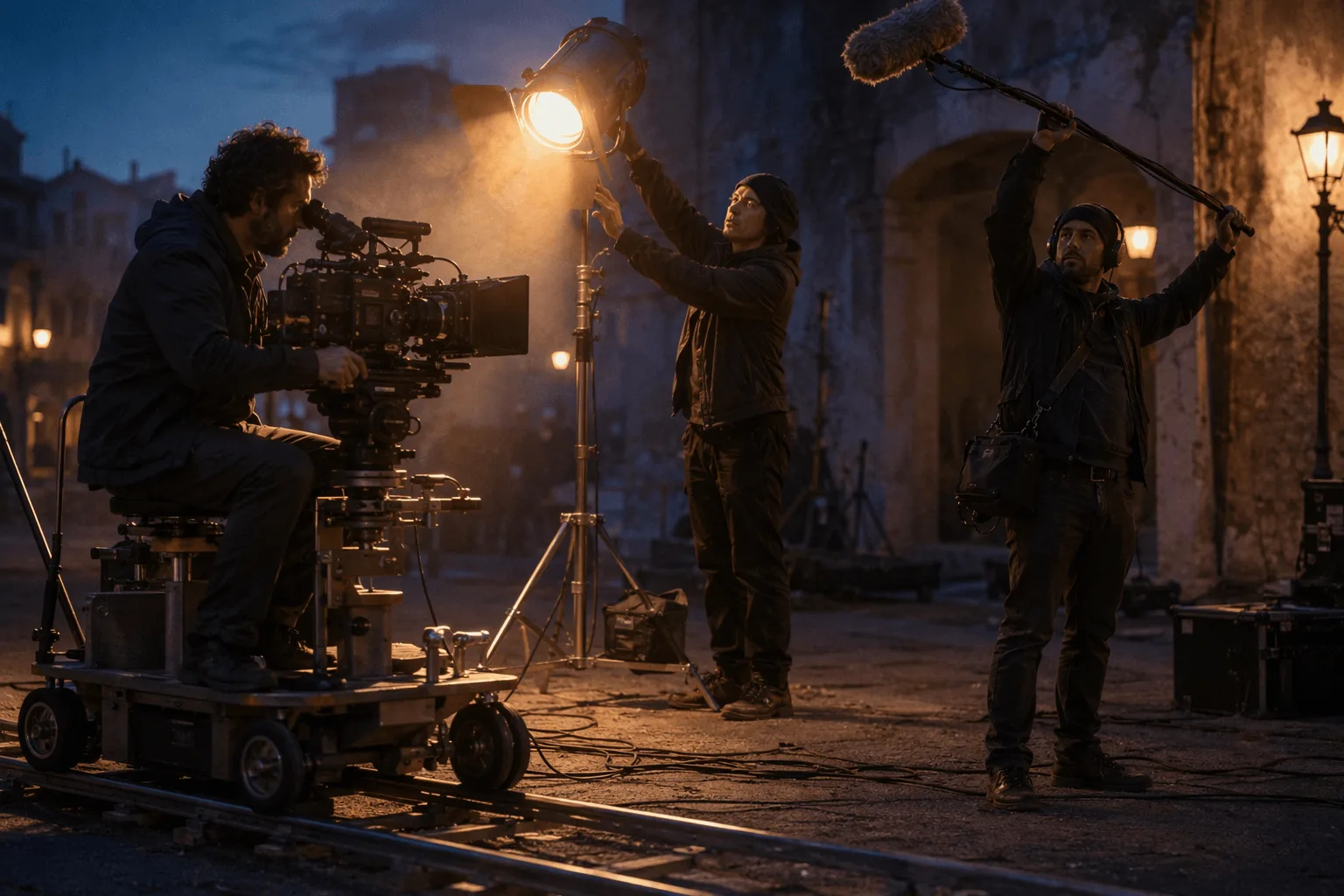
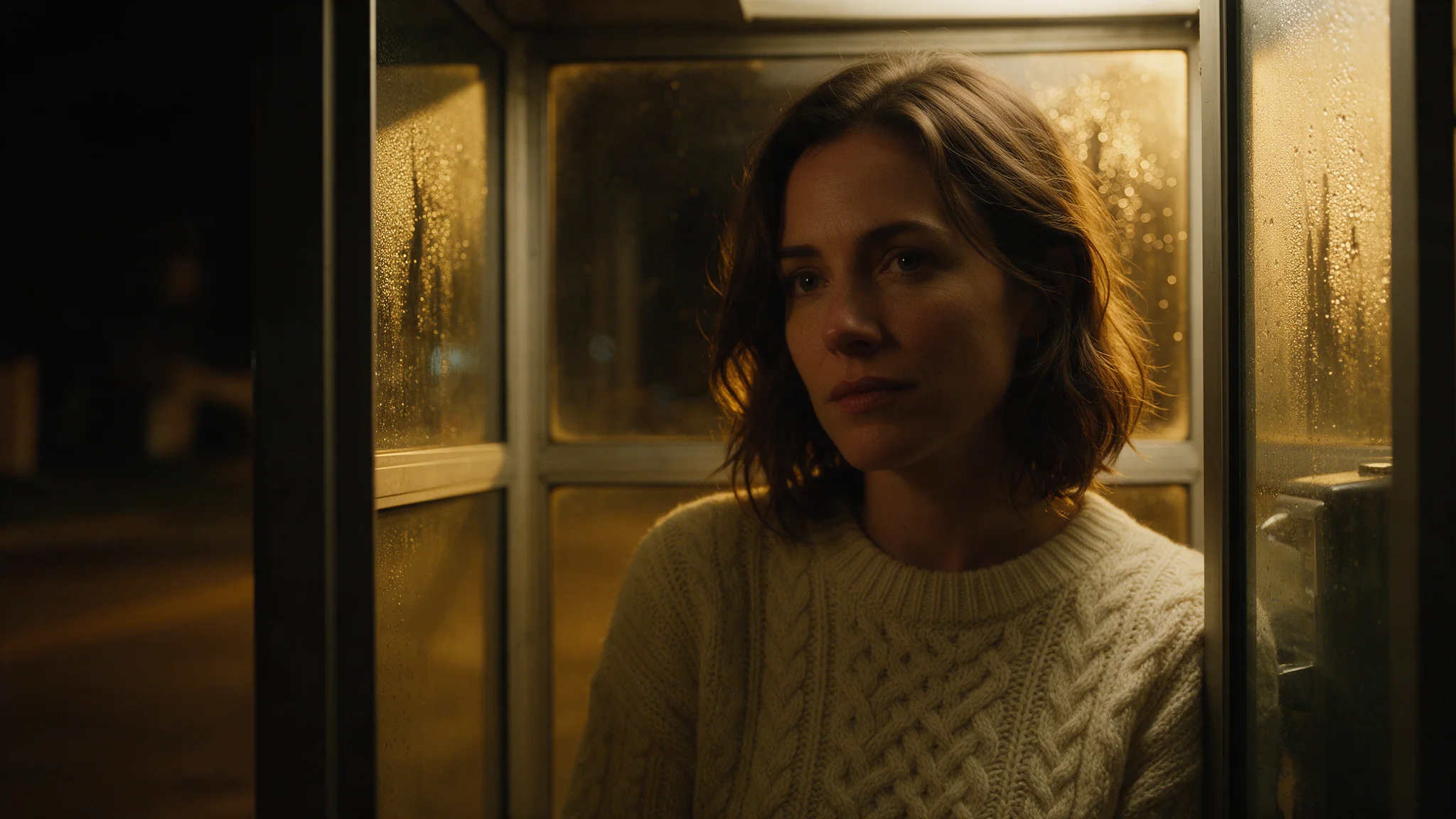
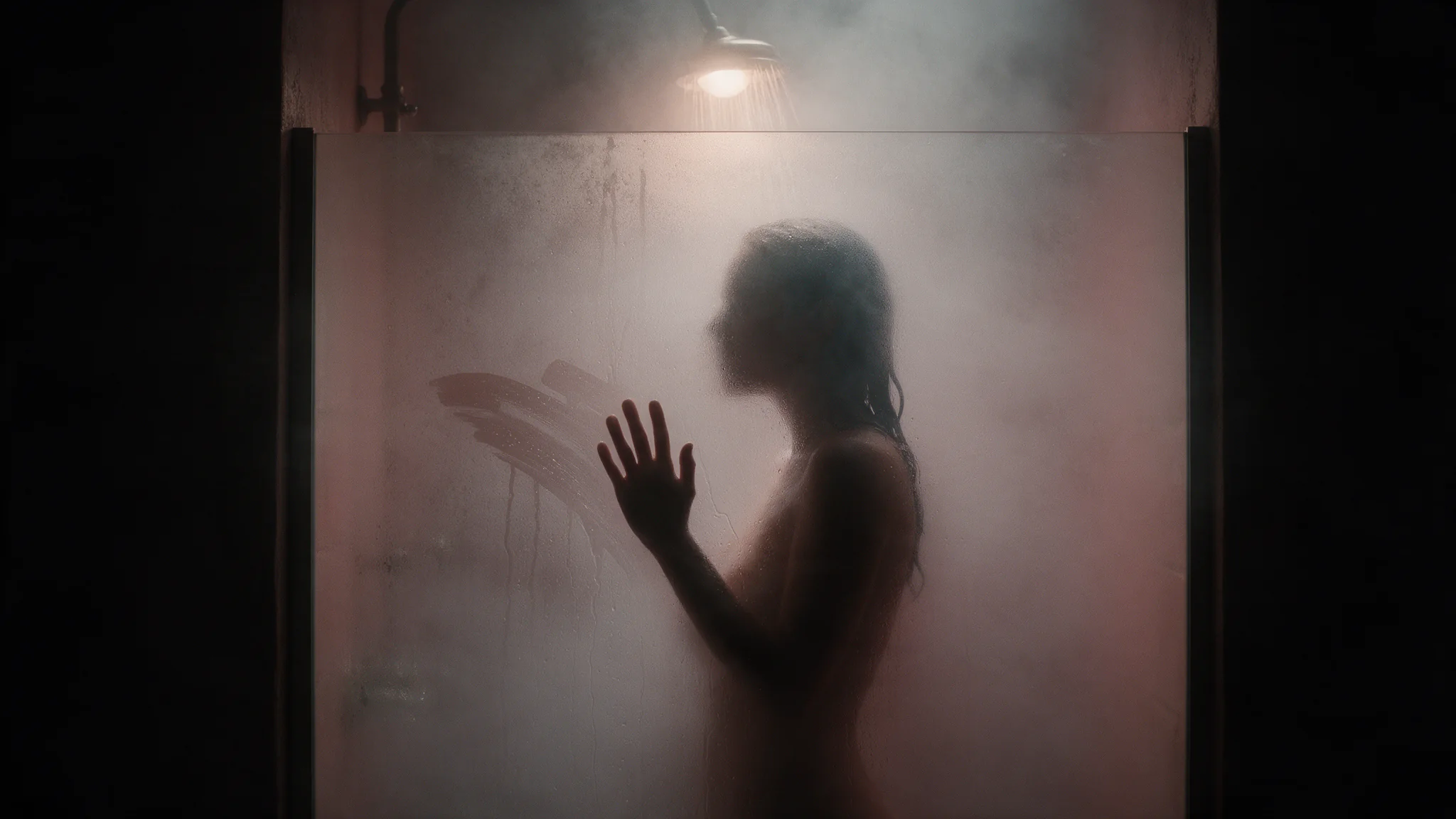
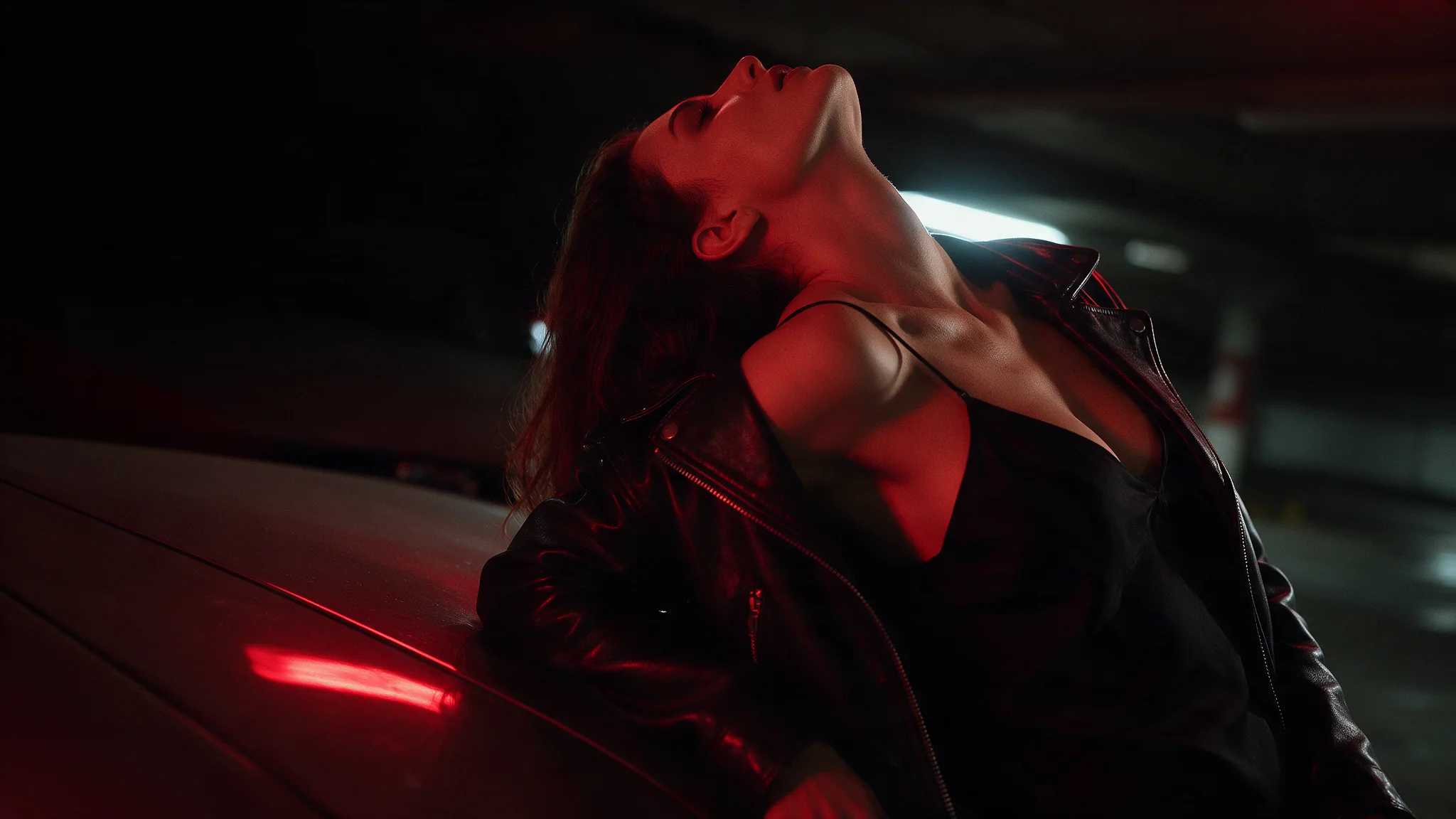
Seedance 2.5 Text-to-Video turns a written sequence into a video with room for a setup, an action and a conclusion. Use this mode when you want to develop a story or demonstration before preparing stills, footage or other reference assets.
ByteDance introduced Seedance 2.5 in its July 31, 2026 launch article. The text-only workflow focuses on planning what happens over time, with optional generated sound as part of the same brief.
Choose the starting point for your Seedance 2.5 sequence
| Starting material | Mode |
|---|---|
| A script or scene description | Seedance 2.5 Text to Video |
| An approved opening still | Seedance 2.5 Image to Video |
| Separate appearance, motion or audio references | Seedance 2.5 Reference to Video |
Key features & highlights
Longer stories in a single generation
Seedance 2.5 supports clips up to 30 seconds, giving a sequence room for a setup, development and ending. Its storytelling capabilities include connected shots and scene transitions rather than simply extending one gesture.
Flexible multimodal references
Images, footage and audio can guide different elements of the same production. The expanded reference workflow supports more complex casts, settings and shot plans while separating appearance from movement and sound.
Clay-render and storyboard guidance
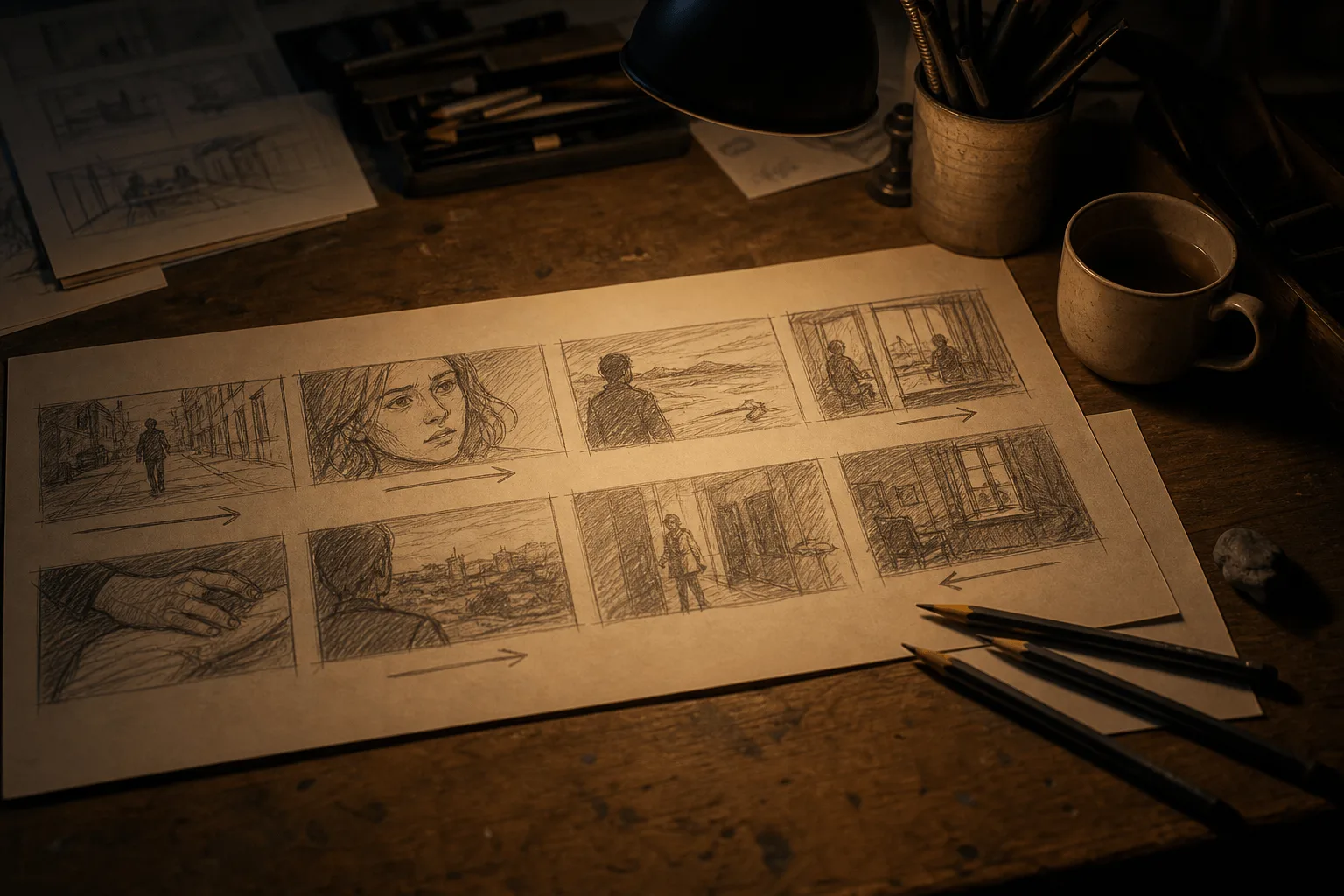
Rough 3D planning footage can communicate spatial structure, blocking and camera movement, while visual references supply the final look. Storyboards and ordered keyframes offer additional ways to convey a sequence.
More detailed visual and sound direction
The model's development emphasizes materials, lighting, skin and eye detail, along with coordinated audio and motion. Prompts can specify dialogue, effects and ambience separately, and use whole-second timestamps to organize events.
Targeted editing and continuation
The model family includes time-targeted video edits, background changes and continuation of existing footage. These are distinct video-input workflows; their availability and settings depend on the selected task, not on a text-to-video or image-to-video request.
Request parameters
| Parameter | Required | Description |
|---|---|---|
prompt | Yes | The only source of what appears on screen, and the only lever on tone. Order it as subject, action, camera, light, sound, one idea per sentence. |
aspect_ratio | No | Defaults to |
resolution | No | 480p, 720p or 1080p, default 720p, and it feeds directly into the billed quantity. Iterate on prompts at 480p or 720p and raise the tier only for the final take. |
duration_seconds | No | 4 to 30 seconds, default 5. |
generate_audio | No | On by default. Produces a native soundtrack synchronized to the picture — voice, room tone, movement effects. Default: |
output_format | No | The container of the returned video: mp4 (the default) or mov. |
enable_web_search | No | Off by default. Switched on, the model may search the web for information related to your prompt before it renders. Default: |
seed | No | Integer seed; omit it and each run draws its own. Fix it with everything else held constant to judge what a prompt edit actually changed. |
return_last_frame | No | Also returns the clip’s final frame as a separate image next to the video. Send it to image-to-video as the next opening frame to chain shots without exporting a still yourself. Default: |
watermark | No | Asks the model to watermark the video as AI-generated, as described in the model’s own documentation. Default: |
Pricing
| Specification | Price |
|---|---|
| $0.1234 / second |
| $0.2773 / second |
| $0.6823 / second |
Use cases
Previsualize a small narrative
Draft a complete scene, such as a shopkeeper preparing a window display and switching on its lights. Evaluate the order of events and final impression before making production assets.
Explain a simple visible process
Describe a few stages of a demonstration: arranging parts, completing one operation and showing the result. Use the clip as a visual draft; verify the sequence and any instructional claims before sharing it as guidance.
Explore a campaign concept without a photoshoot
Write an invented environment and a product idea to discuss mood, pacing and a reveal. If the actual packaging must be recognizable, move to an image-guided mode rather than expecting text to reproduce an approved design.
Prompt guide & pro tips
How to plan a Seedance 2.5 video with timestamps
Begin with a one-sentence scene idea, then divide the clip into consecutive time ranges. Each range should describe a visible event, the camera and any sound that belongs to that moment.
- Choose the total
duration_seconds. - Cover that duration with connected whole-second ranges, without gaps.
- Give each range enough time for its action.
- End with instructions that apply throughout, such as style and sound exclusions.
For a 12-second sequence:
A mechanic checks a bicycle light in a small workshop at closing time.
Warm naturalistic lighting, one continuous shot.

0-3s: Medium view. The mechanic notices the dark front light and reaches toward its switch. The camera stays still.
3-8s: The mechanic switches the light on. Its beam falls across the workbench. The camera slowly pushes closer.
8-12s: The mechanic lowers their hand and steps aside. Hold on the illuminated bicycle.

Keep the bicycle on the same stand throughout.
Sound: a switch click and quiet workshop ambience.
No dialogue, background music or captions.
Give each time range one clear purpose
A range with little action leaves room for the model to improvise; too many events can lead to omitted action or excessive cuts. Specify the meaningful beats, not a count of rapid repeated movements such as “three nods every second.”
When a beat is missing, first shorten the action list or reallocate time. Do not add increasingly dense instructions to the same short interval.
Describe transitions and focus changes
Name the trigger and type of transition when requesting cuts. For a continuous shot, explain how the camera moves between subjects instead. If using a specialist term such as “rack focus,” add its visible meaning: the foreground softens while the person behind it becomes sharp.
Direct dialogue, effects and music separately
Name each speaker and write their exact line. Then describe ambience and action sounds separately. If you want only workshop sound, explicitly exclude background music rather than asking vaguely for “quiet audio.”
Content boundaries
Seedance 2.5 · Text-to-Video — Uncensored. SpicyAPI adds no platform-side content filter. Model restrictions still apply, and results are not guaranteed. You are responsible for complying with our content policy.
API quick start
# Generate the idempotency key once; reuse it when retrying after a lost response.
export SPICY_IDEMPOTENCY_KEY="${SPICY_IDEMPOTENCY_KEY:-$(uuidgen)}"
curl -X POST https://api.spicyapi.ai/api/v1/jobs/createTask \
  -H "Authorization: Bearer $SPICY_API_KEY" \
  -H "Content-Type: application/json" \
  -H "Idempotency-Key: $SPICY_IDEMPOTENCY_KEY" \
  -d '{
  "model": "bytedance/seedance-2.5/text-to-video",
  "input": {
    "prompt": "A slow aerial shot drifting over a misty pine forest at sunrise",
    "resolution": "720p",
    "aspect_ratio": "adaptive",
    "output_format": "mp4",
    "generate_audio": true,
    "duration_seconds": 5
  }
}'

# Copy data.taskId from the response into TASK_ID, then poll the status.
TASK_ID="TASK_ID_FROM_RESPONSE"
curl "https://api.spicyapi.ai/api/v1/jobs/recordInfo?taskId=$TASK_ID" \
  -H "Authorization: Bearer $SPICY_API_KEY"
See the API reference for authentication, the complete schema, polling, and error handling.