Introduction
MOSS-Image Text to image draws one image from a written prompt on MOSS-Image, an open 5-billion-parameter diffusion transformer from OpenMOSS released under Apache-2.0. It is built for pictures that contain a lot of exact text, such as posters, magazine covers, ads and signs. In our tests it also read very long prompts to the end, and NSFW prompts came back as written at every content level from Mild to Maximum. The platform adds no content filter. For your own LoRA files, use MOSS-Image LoRA.
Choose a model by what you need
| What you need | Model |
|---|---|
| exact text, long prompts and JSON layout from the base model | MOSS-Image Text to image (you are here) |
| the same model plus up to three of your own LoRAs | MOSS-Image LoRA Text to image |
Key features & highlights
Text that comes out as written
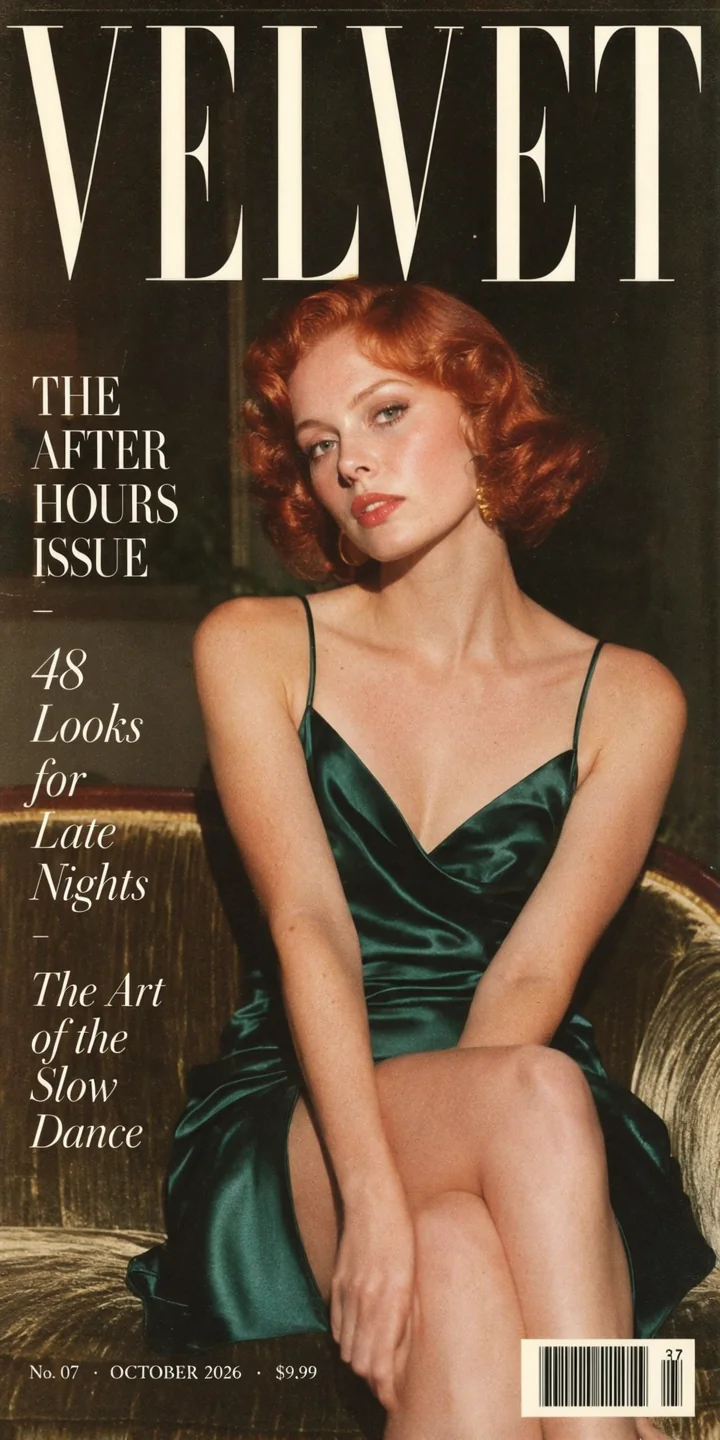
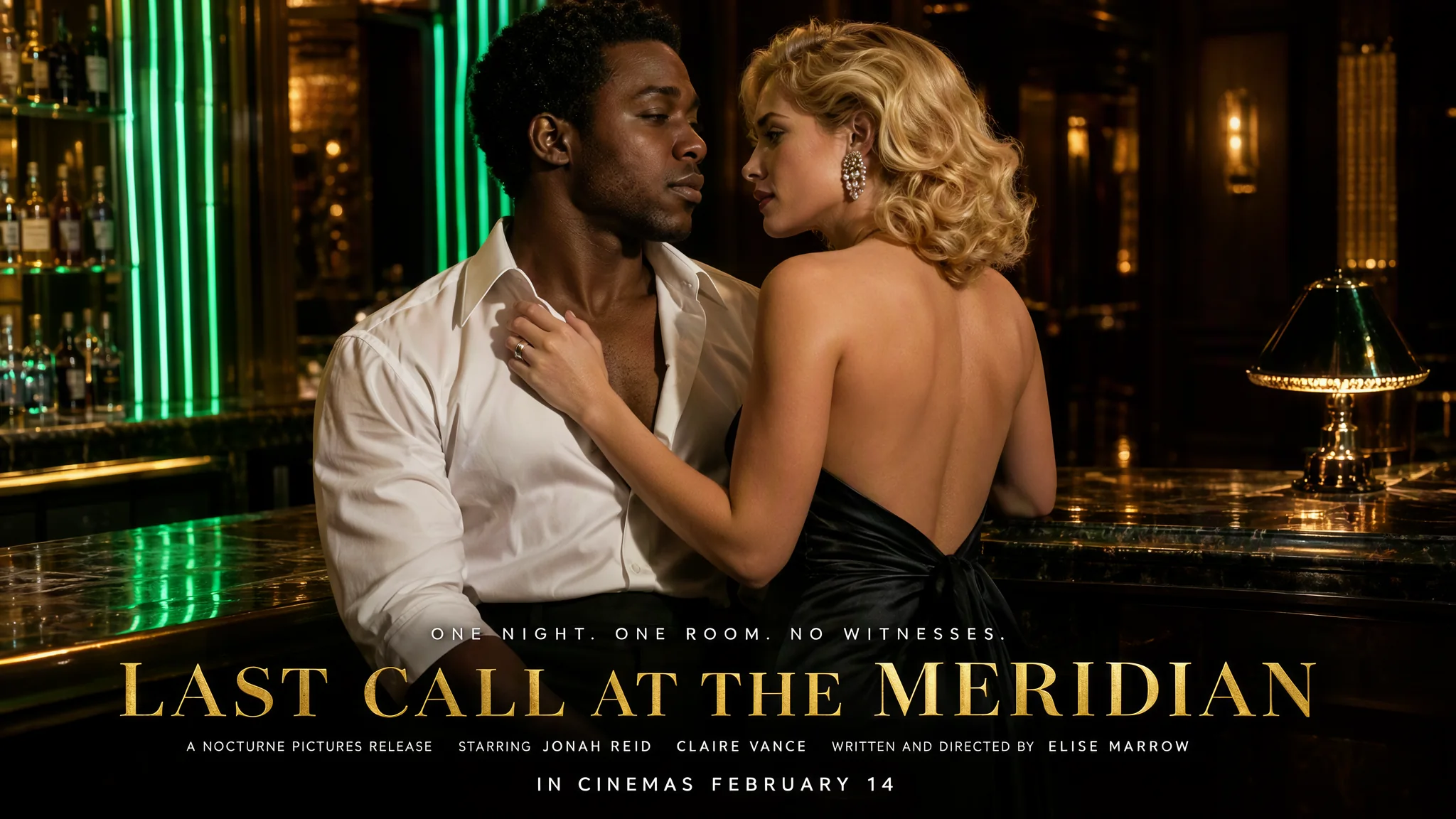
A film poster with the cast and director names, a magazine cover with three cover lines and a price line, a perfume wordmark and a neon motel sign were all spelled correctly in our tests. OpenMOSS reports the same strength for English and Chinese text.
Prompts that are read to the end
The prompt takes up to 12,000 characters. A red umbrella mentioned only in the final sentence of a 13,000-character prompt was drawn in the bottom-left corner.
JSON layout
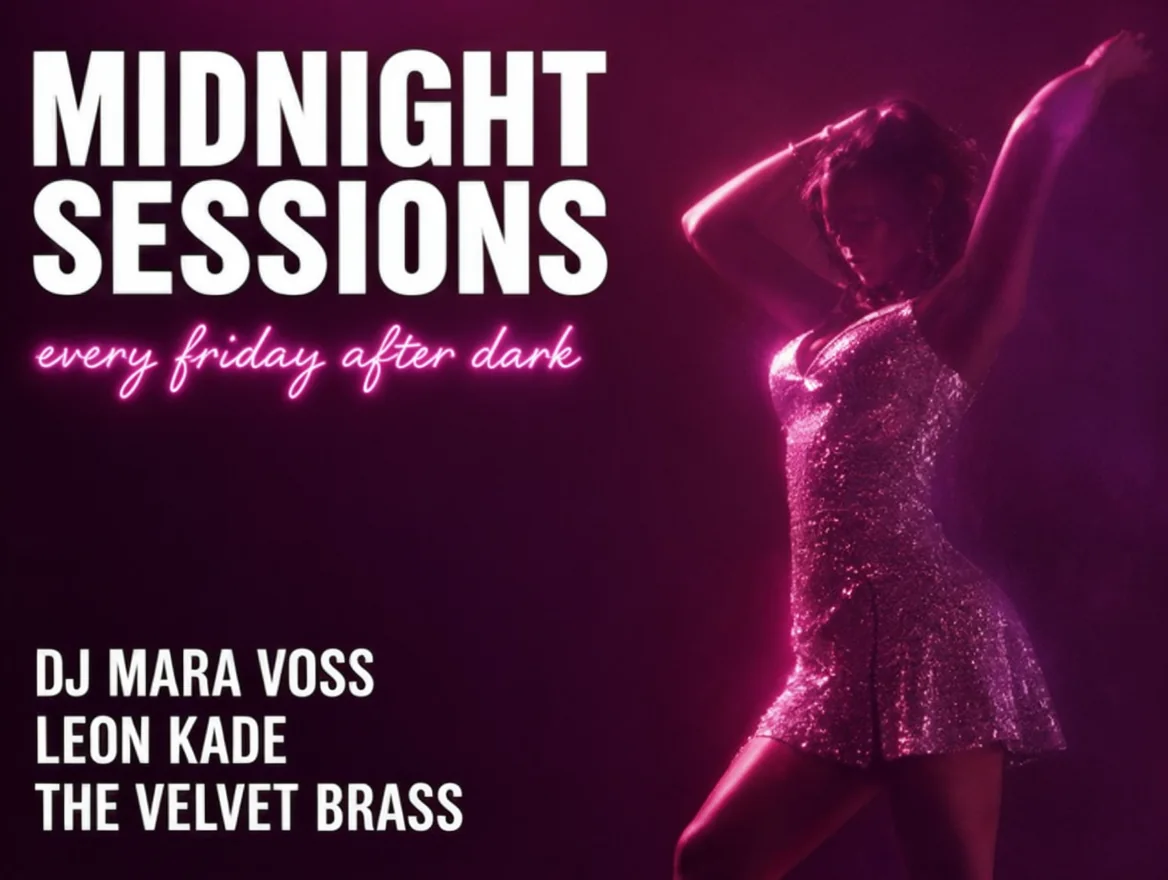
Pass a layout JSON as the prompt and each text block or object gets its own box. A club flyer with a title, a script subtitle, a lineup and a dancer put every element where its box was. OpenMOSS marks the format as experimental.
Fifteen shapes, three tiers
From 1:3 to 3:1 at 1k, 1.5k or 2k. A 16:9 image at 1.5k came back at 2048 x 1152 and a 9:16 image at 2k at 1536 x 2720.
Uncensored
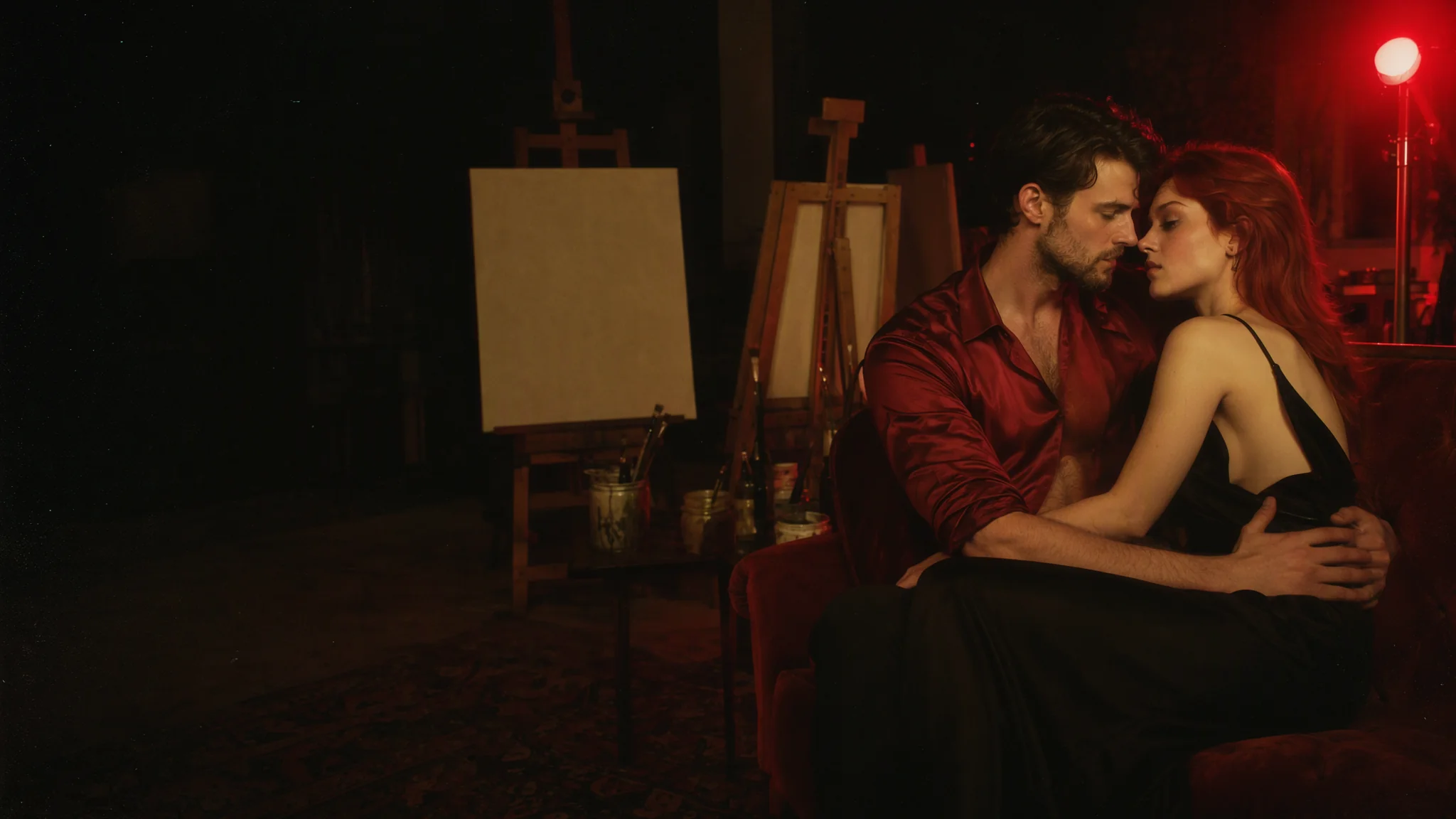
In our tests nothing was refused or toned down at any content level, from Mild to Maximum. Nothing is filtered on the way in or out.
Request parameters
| Parameter | Required | Description |
|---|---|---|
prompt | Yes | Put each piece of text in quotes and say where it goes. Up to 12,000 characters; English works well. at least 1 characters · at most 12000 characters |
aspect_ratio | No | 15 shapes from 1:3 to 3:1; 1:1 by default. At 1k, 4:3 is 1168 x 880 and 16:9 is 1360 x 768. |
resolution | No | 1k (about 1 megapixel, default), 1.5k or 2k. The tier sets the price; a widescreen image at 1.5k came back at 2048 x 1152. |
output_format | No | JPEG by default, or PNG or WebP. The format does not change the price. |
seed | No | Keeps images comparable while you change one sentence at a time. It does not promise identical pixels. |
Pricing
Billed per image by resolution tier (1k, 1.5k or 2k). The aspect ratio and the output format do not change the price. Failed requests are not charged.
| Specification | Price |
|---|---|
| $0.024 / image |
| $0.048 / image |
| $0.096 / image |
Use cases
Posters, covers and ads
Title, tagline, cast names and date in one image, or a masthead with cover lines and a price line. Quote each string and place it.
Signs, banners and flyers
Neon signage, event flyers and wide banners where the words carry the picture. Use the JSON layout when you want a box for each block.
Long briefs in one request
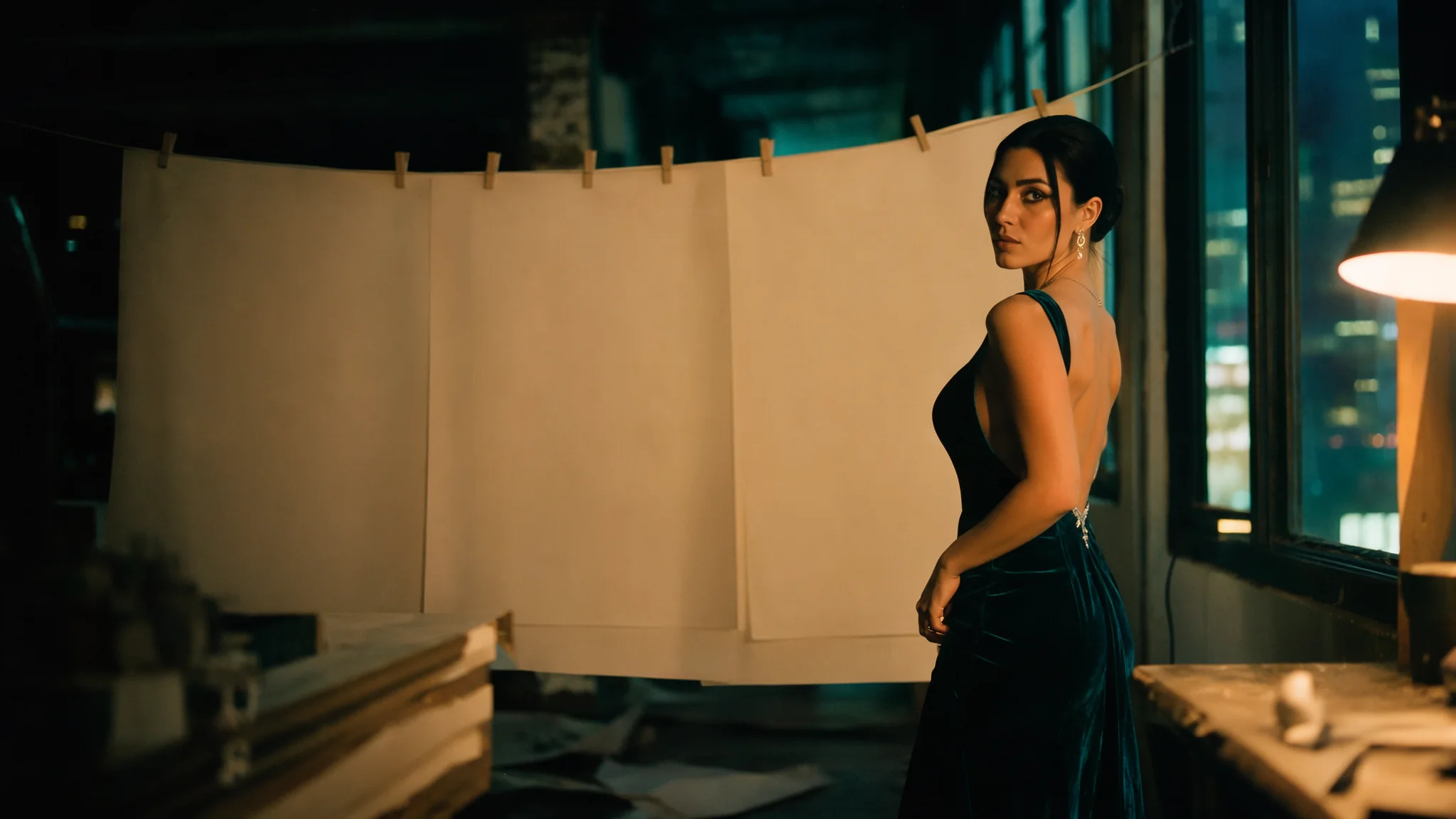
Paste the full brief, with scene, wardrobe, light, lens and every line of text, rather than trimming it to a few sentences.
Prompt guide & pro tips
Quote the text, then place it
Write "LAST CALL AT THE MERIDIAN" in quotes, then say where it goes and how it looks: gold serif capitals across the lower third. Use new lines inside the quotes where a line should break.
Writing a JSON layout
The prompt is a JSON object with a summary (a caption for the whole picture) and an items list. Each item has a label (text or object), a caption, optional text, and a bbox. Set bbox_format to yxyx and bbox_coord_space to abs_centralized: boxes are [top, left, bottom, right] in pixels from the centre of the canvas, with x growing to the right and y growing downward.
Calculate on the real size
A 4:3 image at 1k is 1168 x 880, so x runs from -584 to 584 and y from -440 to 440. A box of [-400, -560, -140, 40] is a title area in the upper left. Look up the output size for your ratio and tier before you place boxes.
Keep a spare seed
Letters occasionally stick together; one perfume run read NOIIR instead of NOIR. Change the seed and run it again. The seed keeps runs comparable but does not promise identical pixels.
Add what you need as sentences
There is no negative prompt or guidance. Describe subject, wardrobe, place, light and lens in sentences, and keep the text strings short enough to read at the size you pick.
API quick start
# Generate the idempotency key once; reuse it when retrying after a lost response.
export SPICY_IDEMPOTENCY_KEY="${SPICY_IDEMPOTENCY_KEY:-$(uuidgen)}"
curl -X POST https://api.spicyapi.ai/api/v1/jobs/createTask \
  -H "Authorization: Bearer $SPICY_API_KEY" \
  -H "Content-Type: application/json" \
  -H "Idempotency-Key: $SPICY_IDEMPOTENCY_KEY" \
  -d '{
  "model": "openmoss/moss-image/text-to-image",
  "input": {
    "prompt": "A ceramic teapot on a linen cloth, soft window light, muted palette",
    "resolution": "1k",
    "aspect_ratio": "1:1",
    "output_format": "jpeg"
  }
}'

# Copy data.taskId from the response into TASK_ID, then poll the status.
TASK_ID="TASK_ID_FROM_RESPONSE"
curl "https://api.spicyapi.ai/api/v1/jobs/recordInfo?taskId=$TASK_ID" \
  -H "Authorization: Bearer $SPICY_API_KEY"
See the API reference for authentication, the complete schema, polling, and error handling.