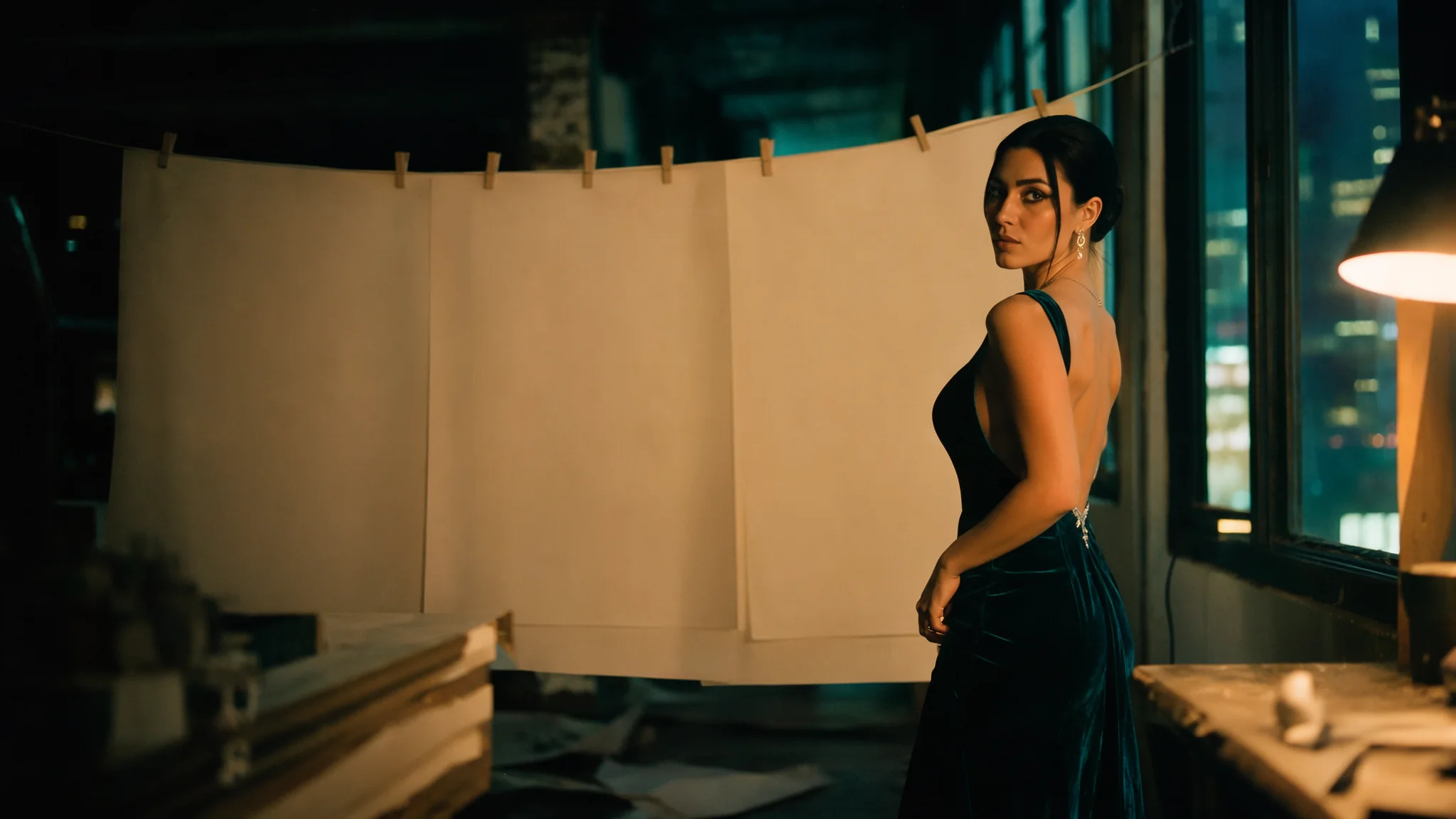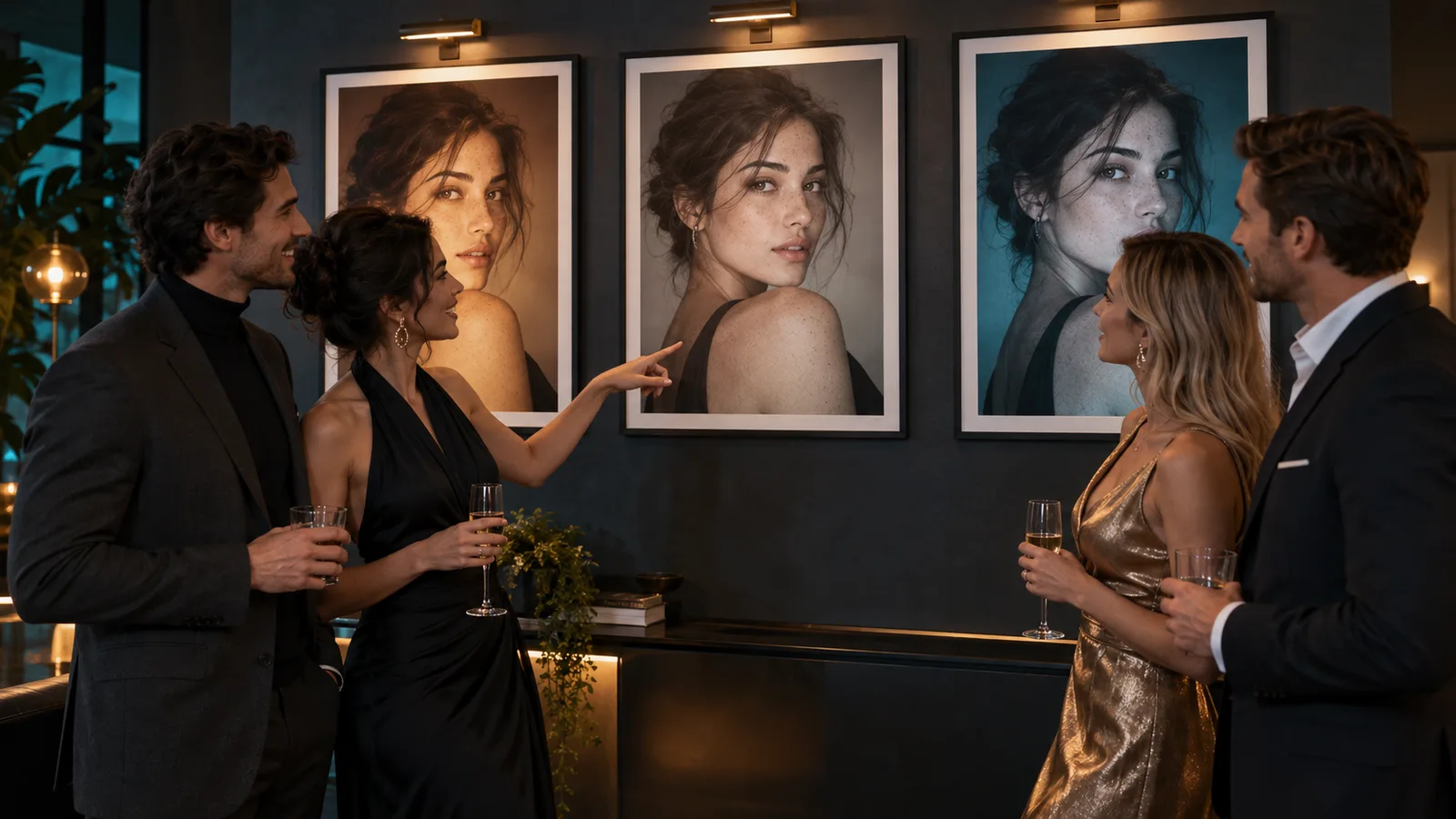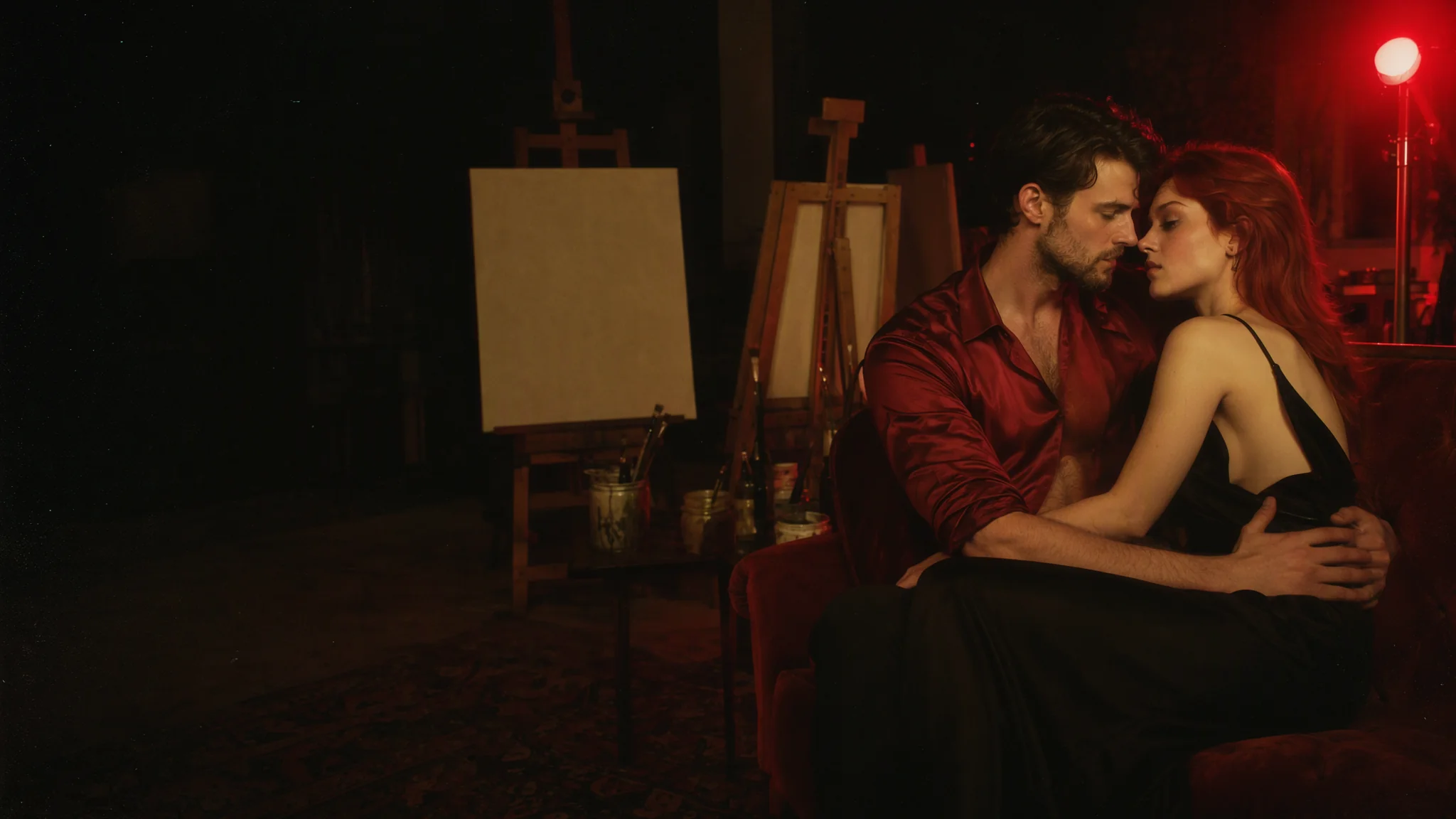
To use a community LoRA on MOSS-Image, the open text-to-image model that took over Hugging Face this month, you need the right file, the right link and the trigger word first. This guide walks through all three on a hosted API, using eight open-source MOSS-Image LoRAs we ran ourselves.
Short answer: MOSS-Image is an open 5-billion-parameter diffusion transformer from OpenMOSS, released under Apache-2.0 with two checkpoints, Base and SFT. On MOSS-Image LoRA you add up to three LoRAs per request, each as a direct link to a .safetensors file. We ran six of the eight files directly on 21 and 22 October 2026, and all six loaded. The other two are Civitai files that need a sign-in to download, so you have to host them yourself first. Loading a LoRA adds no charge.
The Comfy-Org repack of MOSS-Image passed 1.29 million Hugging Face downloads by 22 October 2026, and 43 LoRA repositories tagged MOSS-Image appeared in its first week. The table below is what we ran.
The 8 LoRA files used in this guide
Downloads and likes were counted on 22 October 2026. "Tested" means we ran that exact file on the endpoint.
| LoRA | Author and host | Type | Downloads · likes | Trigger | Strength | On SpicyAPI |
|---|---|---|---|---|---|---|
| MOSS-Image NSFW Uncensored | axiomofmind, Hugging Face, Apache-2.0 | NSFW, all-in-one | 9,392 · 256 | moss_xvstyle | Author recommends 0.7 (the merged build is fused at 0.7); we used 0.7 | Tested 21 Oct, diffusers and ComfyUI files |
| Realistic Snapshot | MonkeyForever, Civitai (one page covers MOSS-Image, Krea 2 and Z-Image Turbo versions) | Realism | 100,520 · 4,144 (all versions) | none listed | not set | Sign-in file: direct link returned HTTP 401; host it yourself |
| Smartphone Snapshot Photo Reality | AI_Characters, Civitai | Realism | 788 · 43 | photo | 1.0 | Tested 22 Oct |
| MOSS-Image Beauty | axiomofmind, Hugging Face, Apache-2.0 | Portrait realism | 455 · 6 | moss_beauty_style | Author suggests 1.0 (0.7 to 0.9 also fine); we used 1.0 | Tested 21 Oct |
| Moss Image Finish Tweaker | lse14, Civitai | Finish and detail | 280 · 25 | none listed | 1.0 | Tested 22 Oct |
| DaSkin Realistic Skin | Starnodes, Civitai | Skin realism | 99 · 19 | none listed | not set | Sign-in file: HTTP 401; host it yourself |
| MOSS-Image Gouache | axiomofmind, Hugging Face, Apache-2.0 | Style (painting) | 283 · 1 | moss_vgouache_style | 1.0 and 0.6 | Tested 21 Oct |
| MOSS-Image Psychedelic Poster | axiomofmind, Hugging Face, Apache-2.0 | Style (1960s poster) | 136 · 1 | moss_psychpop_style | 1.0 | Tested 21 Oct |
For the community list with download counts and our test status for every file, see Best MOSS-Image NSFW LoRAs. Two results from the table are worth reading closely. The Smartphone Snapshot file changed a warm cinematic cafe shot into a flatter, cooler phone-snapshot look with a wider view. The Finish Tweaker loaded, but at 1.0 the change was small: the same composition with slightly different light and texture.
How to run a MOSS-Image LoRA from code
Install the Python SDK (pip install spicyapi), set SPICY_API_KEY in your environment, and run this. Only the prompt text changes between files.
import uuid
from spicyapi import SpicyClient, output_assets

client = SpicyClient()  # reads SPICY_API_KEY from the environment

task = client.create_task(
    model="openmoss/moss-image-lora/text-to-image",
    input_data={
        "prompt": "moss_beauty_style, close-up editorial portrait of an adult man in his thirties, white linen shirt, soft window light, plain background.",
        "loras": [{
            "path": "https://huggingface.co/axiomofmind/Moss-image-beauty-lora/resolve/main/pytorch_lora_weights.safetensors",
            "scale": 1,
        }],
        "aspect_ratio": "4:5",
        "resolution": "1k",
        "seed": 7,
    },
    idempotency_key=str(uuid.uuid4()),
)
final = client.wait_for_terminal(task["taskId"])
print(output_assets(final)[0]["url"])  # copy the image to your own storage
The request takes these fields:
loras: up to three entries, each{"path", "scale"}. Scale runs from 0 to 4, default 1.path: a direct link to the.safetensorsfile. For Hugging Face, use the/resolve/main/address, not the repository page.prompt: up to 12,000 characters. Put the trigger word first.aspect_ratio: 15 options.resolution:1k,1.5kor2k.output_format:jpeg,pngorwebp.seed: for repeatable comparisons.
Put the trigger word first, stack up to three entries, and tune scale between 0.6 and 1 before you go higher. The SDK and task handling are covered in the tasks guide.
There is no step or guidance control on this endpoint. That matters for speed: Turbo and 4-step distill adapters, which are popular on Civitai and Hugging Face, bring no speed-up here, so we left them out of the list. A request with a LoRA takes a median of about 18 seconds at 1k. The first request with a new LoRA file is slower while the file loads.
Does the LoRA change the picture?
Loading is not the same as working. With no LoRA loaded, the LoRA endpoint returned the same picture as plain MOSS-Image for the same prompt and seed. So the cleanest test is a control: run the same prompt and seed with and without the file.
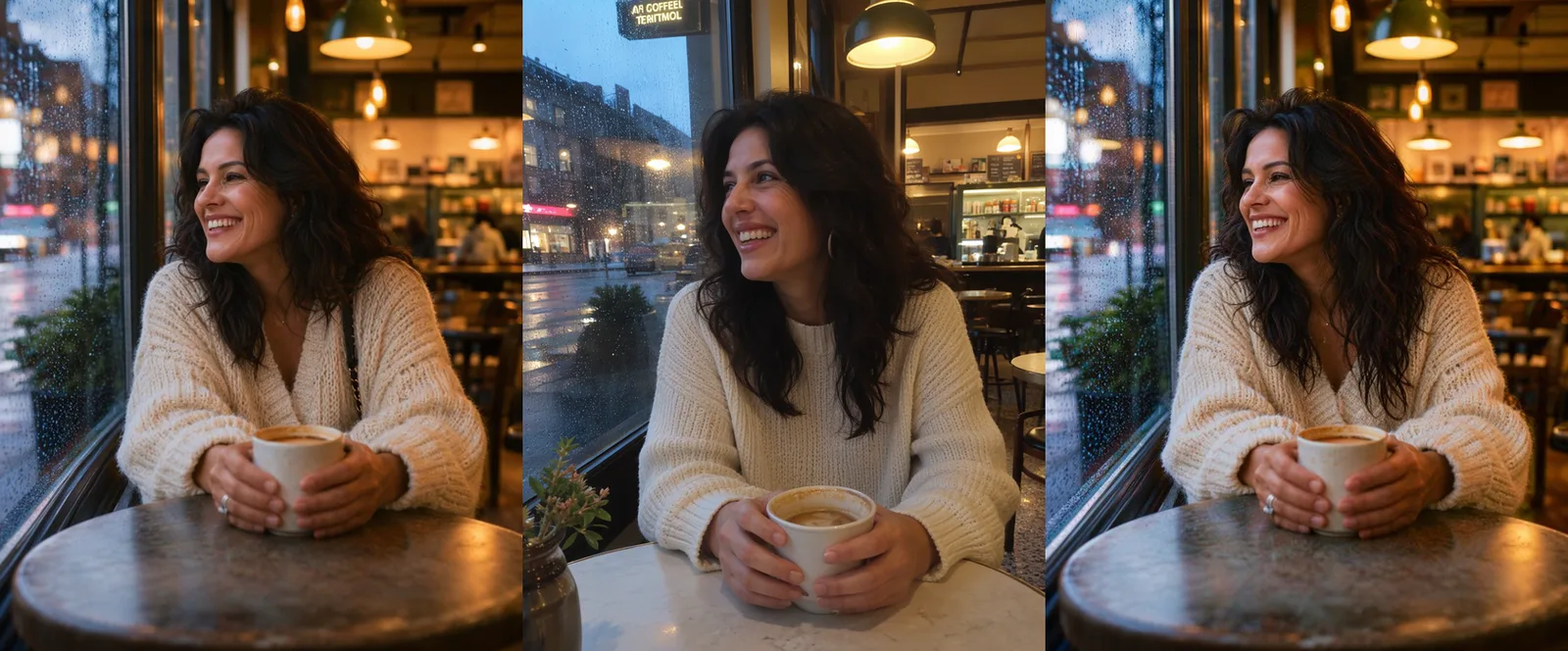
In the frame above, the Smartphone Snapshot file moved the picture to a flatter, cooler look, while the Finish Tweaker stayed close to the control. The same-seed method is walked through step by step in our same-seed test guide.
Style LoRAs: painting and poster
Both style files changed the look of the whole image, with the trigger word first in the prompt.
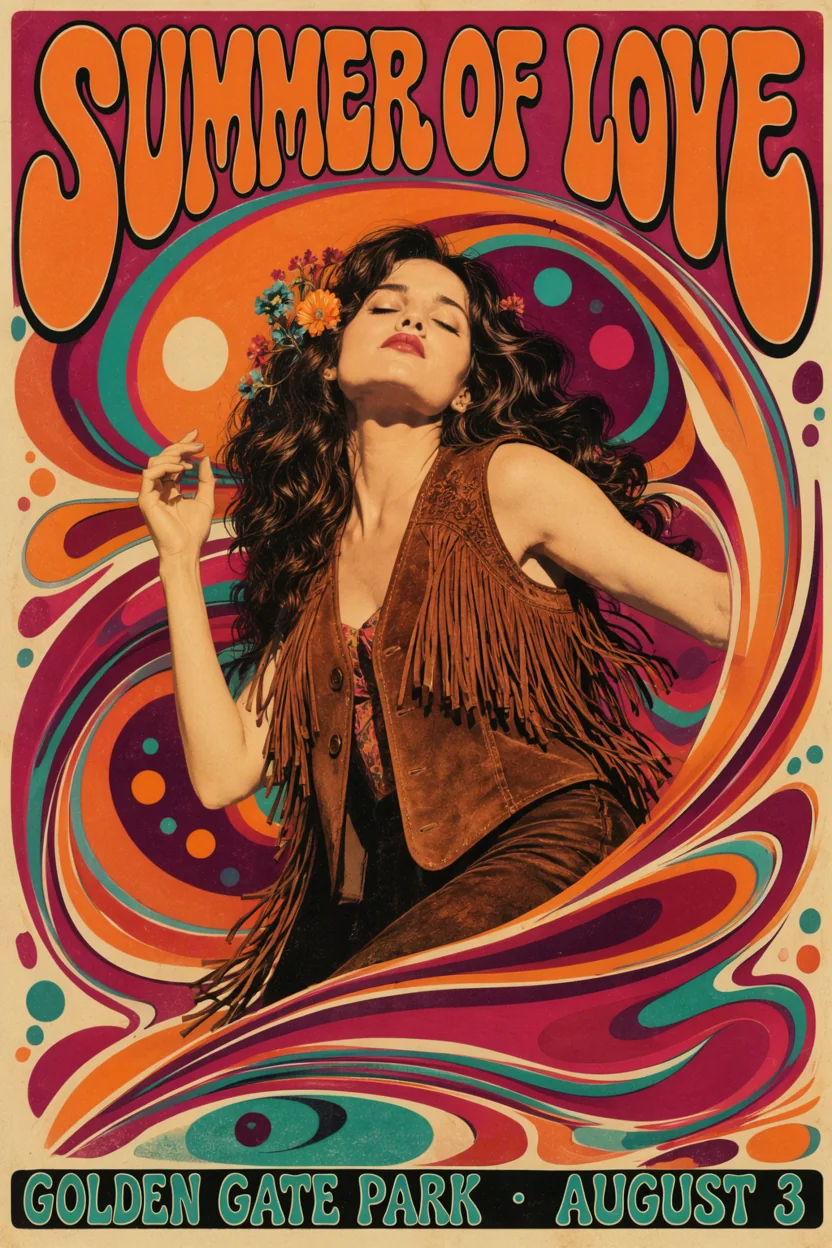
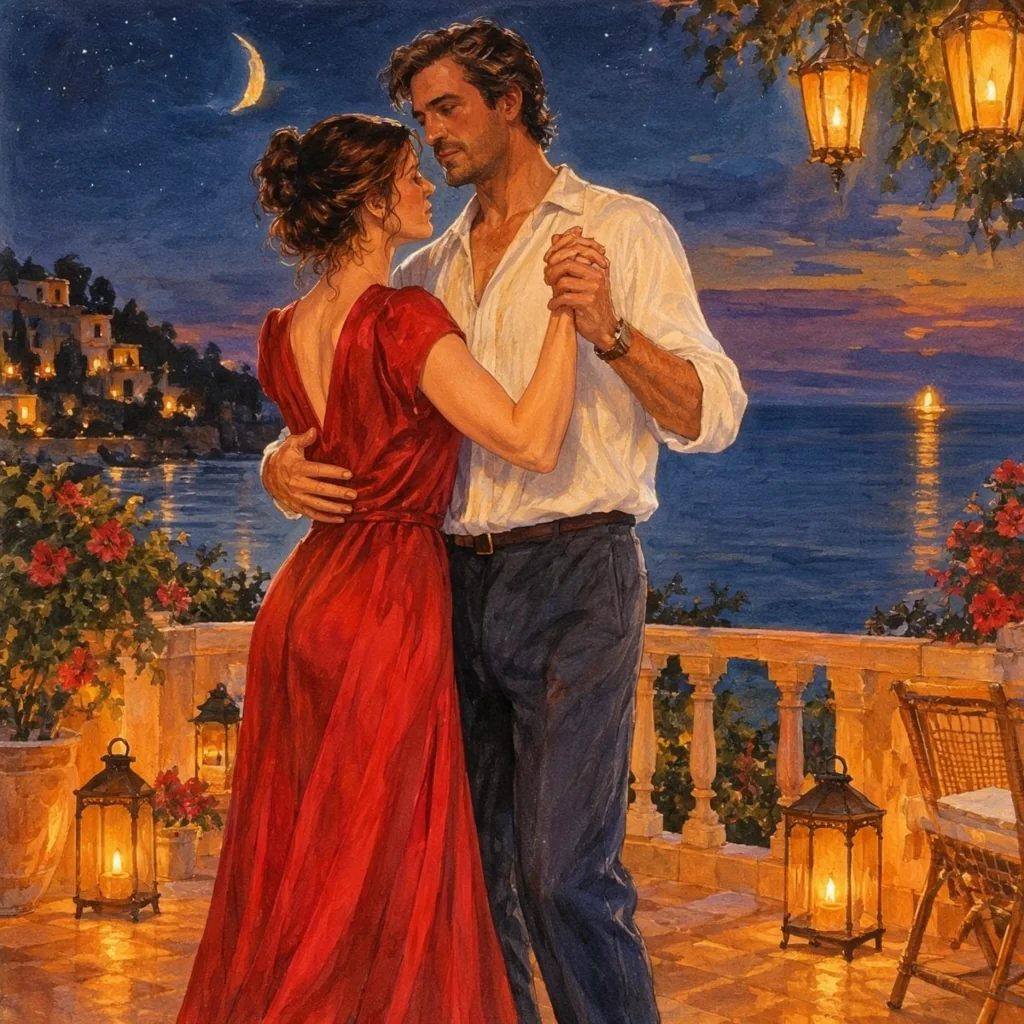
The Gouache file redrew a plain scene as a gouache painting; the table also lists a 0.6 run. The Psychedelic Poster kept its lettering spelled correctly.
Realism: portraits on the 2k tier
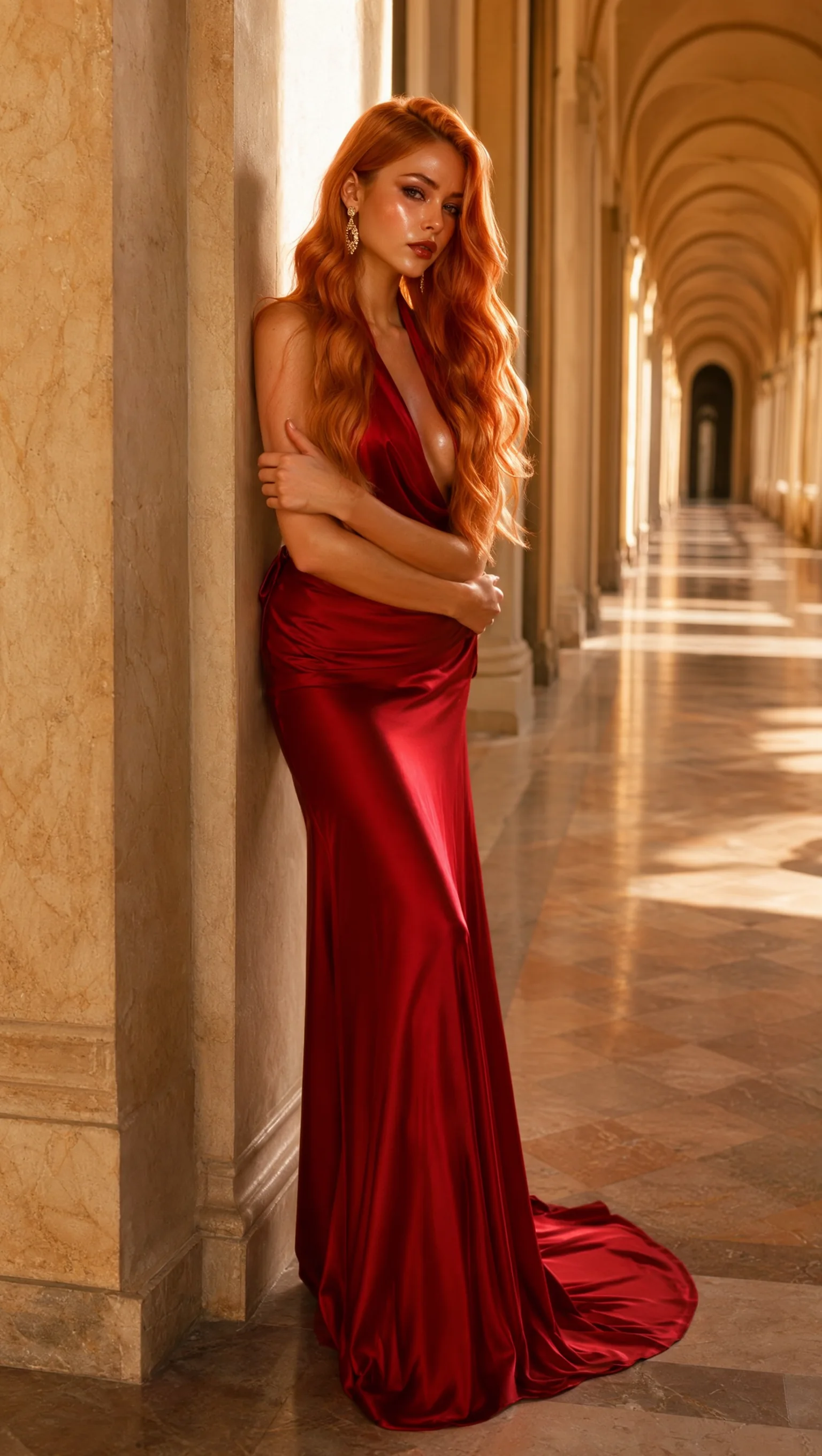
This frame used the MOSS-Image Beauty file at 1.0 on the 2k tier in 9:16. Use the trigger moss_beauty_style first in the prompt, as in the code above.
What limits you
- Civitai sign-in files. The Realistic Snapshot and DaSkin files returned HTTP 401 when linked directly on 22 October. Download the file yourself with your own Civitai account, host it at a direct HTTPS link you control, such as your own Hugging Face repo, and link that address.
- Base and SFT. Our tests on 21 and 22 October loaded LoRAs trained on the Base checkpoint and LoRAs trained on the SFT checkpoint. Both loaded. Judge the effect with a control in each case.
- Web-page links fail. A Hugging Face page link instead of a file link failed with "Failed to load LoRA: You should provide the direct download link…". It was not charged.
- No content filter from SpicyAPI. The base model delivered all five of our content levels (Mild, Moderate, Strong, Very strong and Maximum) as written on 21 October. With the NSFW Uncensored LoRA at 0.7 and the trigger first, our Strong-and-above probes were also delivered as written.
Price
At the time of writing (22 October 2026), prices are per image:
| Resolution | MOSS-Image LoRA |
|---|---|
| 1k | $0.03 |
| 1.5k | $0.054 |
| 2k | $0.102 |
Loading LoRAs adds nothing: the price is the same with 0 to 3 LoRAs. Plain MOSS-Image with no LoRA slot is $0.024 at 1k, so if a job does not need a LoRA, call the plain model. The model page always shows the current price.
Which file to load for which job
- NSFW work: MOSS-Image NSFW Uncensored at 0.7, with its trigger first.
- Photo look for a casual shot: Smartphone Snapshot Photo Reality at 1.0, and check the framing, since it widened the view in our test.
- Portraits: MOSS-Image Beauty at 1.0 with
moss_beauty_stylefirst. The author lists 0.7 to 0.9 as fine too. - Painted style: MOSS-Image Gouache at 1.0, or 0.6 as the second run in our table.
- Poster lettering: MOSS-Image Psychedelic Poster at 1.0.
- Finish and detail on a picture you already like: Moss Image Finish Tweaker at 1.0. Expect a small change.
- Skin or the Realistic Snapshot look: host the file yourself first. We did not test either one on the endpoint.
For the base model, see our MOSS-Image review. For more LoRAs on other models, browse the LoRA hub. The general guide to running your own LoRA is in Run your own LoRA on a hosted API.
FAQ
What is MOSS-Image LoRA?
It is MOSS-Image text-to-image with a slot for your own LoRA files, usually community LoRAs trained on MOSS-Image Base or SFT. On SpicyAPI you pass a direct .safetensors link in the loras field, up to three per request, each with a scale from 0 to 4.
Do MOSS-Image Base LoRAs work on SFT?
Both kinds loaded in our tests on 21 and 22 October 2026: LoRAs trained on the Base checkpoint and LoRAs trained on the SFT checkpoint. Loading is not the same as working, so compare each file with a no-LoRA control.
Can I use ComfyUI LoRA files?
Yes. Both the diffusers file format (pytorch_lora_weights.safetensors) and the ComfyUI format loaded in our tests, and three LoRAs stacked in one request worked.
Is there an uncensored MOSS-Image LoRA?
The MOSS-Image NSFW Uncensored file by axiomofmind is on the list, and we ran it at 0.7 with its trigger moss_xvstyle. SpicyAPI adds no content filter of its own. The base model delivered all five of our content levels as written.
Why does my Civitai link fail?
Civitai files that need a sign-in to download returned HTTP 401 when linked directly on 22 October 2026. Download the file with your own Civitai account, host it at a direct HTTPS link you control, and use that link.
Adults only. Use adults in every prompt and upload, do not generate a real person's likeness without their consent, and you are responsible for what you generate.