4
Find the direction
A compact first pass for a new character, campaign or lighting idea.
One character. More to work with.
Turn one portrait into a set of 4, 8 or 12 photos with different scenes, outfits and camera angles. Start with your character, add a creative direction and build a selection worth keeping.
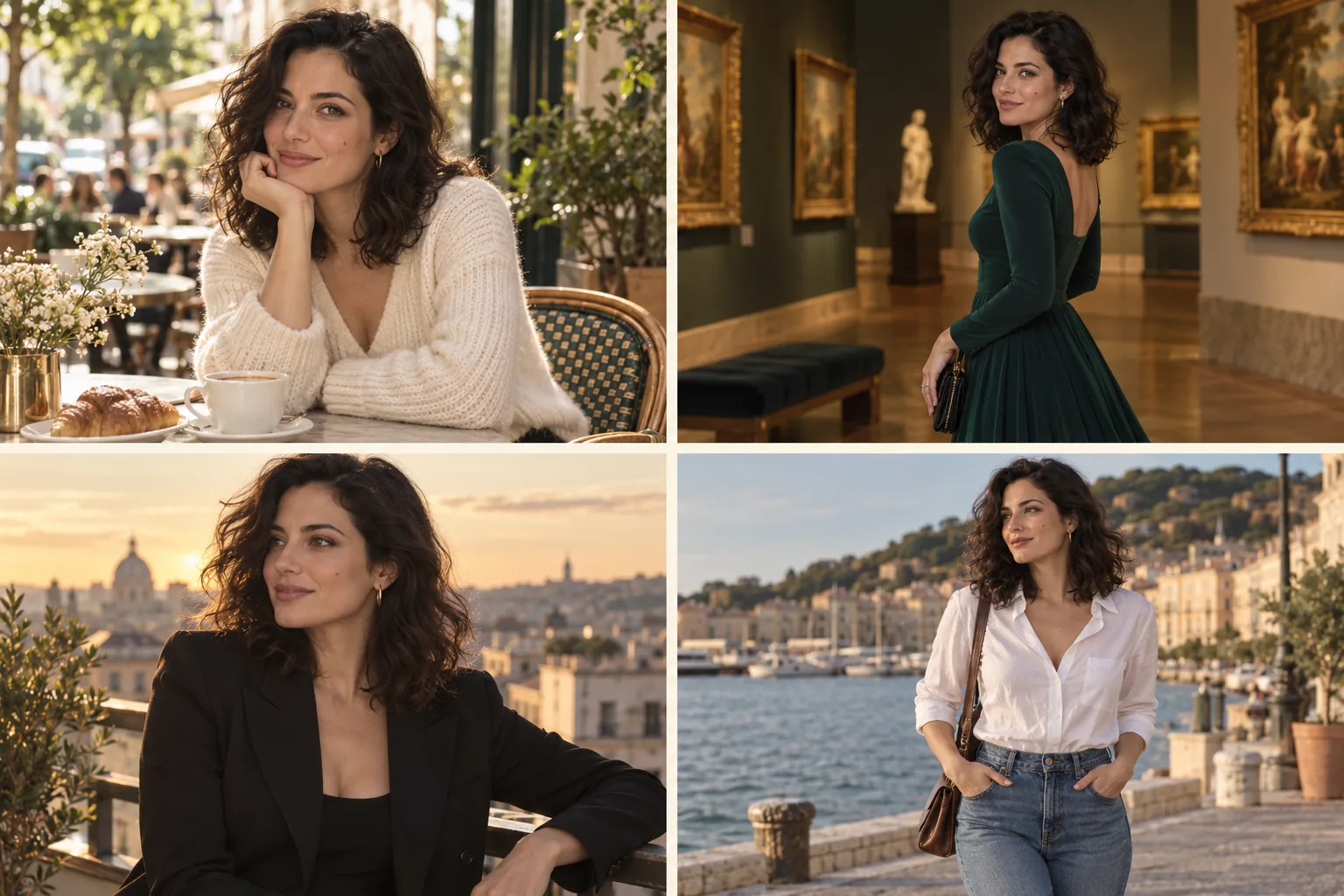
From portrait to photo set
Open Photo set in Studio. Upload a portrait or choose an image from your recent work, Assets or Characters.
Choose 4, 8 or 12 photos. Add a short direction for the mood, styling or light you want across the set.
The panel shows the image model and current quote. Start the set, then review each result as it arrives in the same group.
Start with four when you are testing a new reference. Expand once the face and visual direction are working for you.
A compact first pass for a new character, campaign or lighting idea.
The default set size: more combinations of location, outfit, framing and pose.
A wider selection when you want more alternatives to review and keep.
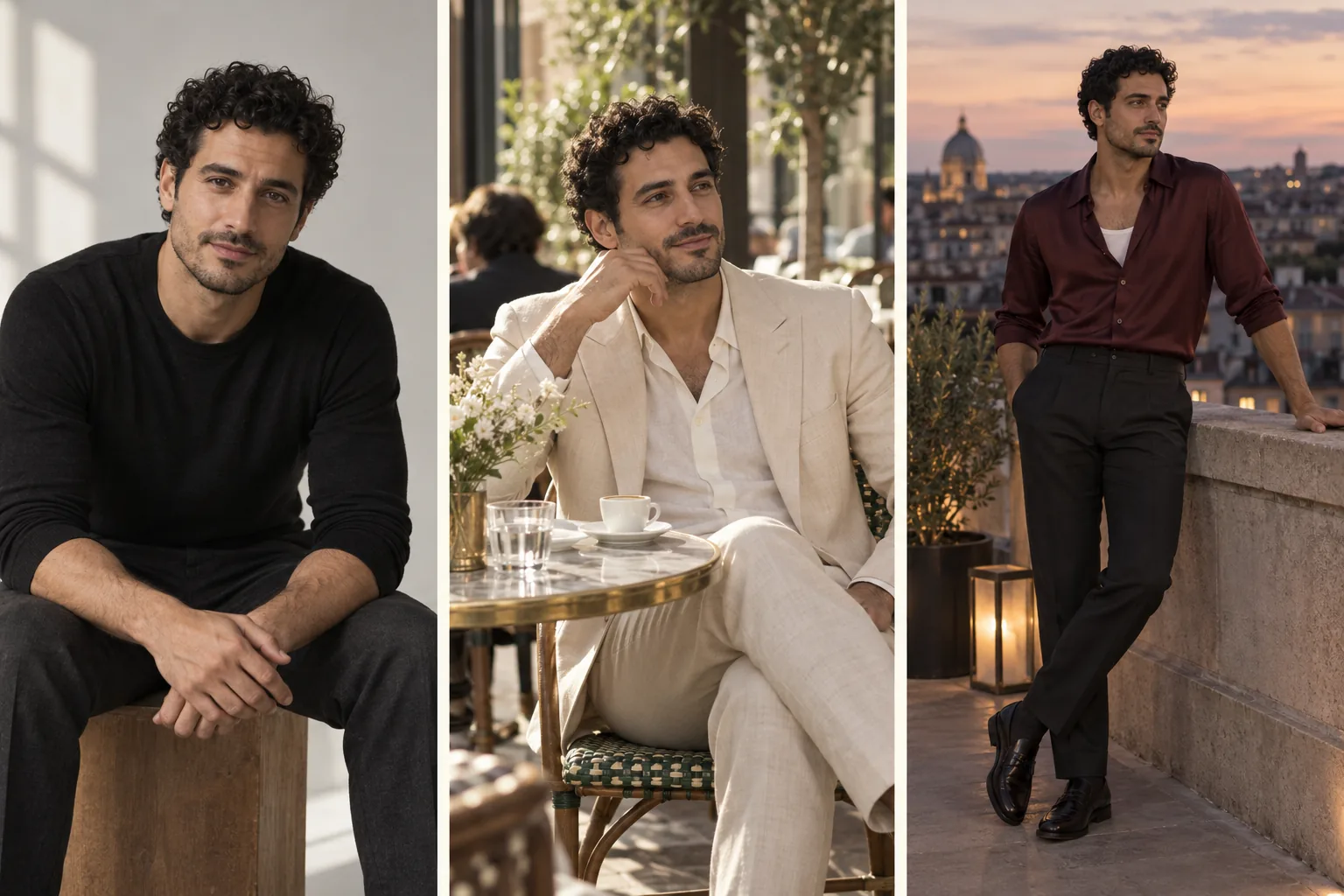
Choose the image you want every new photo to come back to. A clean reference gives the model a clearer identity to work from.
Use a sharp portrait with readable facial features. Avoid group photos or a face hidden behind a phone.
Pick a reference with the hairstyle, apparent age and defining features you want carried through.
Heavy filters and deep face shadows make identity harder to judge. Start with a well-lit reference.
Compare eyes, jawline and hairline across the set. Keep the strongest matches before starting another round.
The tool already varies the scene, outfit, framing and pose. Use the optional direction for a consistent look across those changes; keep it within 200 characters.
Warm film tones, soft natural light, a relaxed travel editorial. Keep the original hairstyle and understated styling.
An elegant after-dark lookbook, muted colors and cinematic lighting. Keep the character recognizable and the styling cohesive.
Photo set uses Studio’s current image-editing selection. Its name and live single-image quote appear in the panel; the set price follows the number of photos you choose.
Current image quote × 4, 8 or 12 = set total
Each photo is submitted as a separate task and grouped in your results. Opening this page or the tool does not start generation.
A failed slot can be retried on its own at the displayed single-image price. If an image completes but the face or styling misses your brief, review it as a creative result and run a new attempt; it is not a failed task.
Create a photo setPlan a recognizable adult character across casual, travel and evening images, then choose the strongest pictures for your feed.
Explore a character in different settings before committing to a longer campaign or a detailed manual edit.
Find portraits, wider frames and expressions that help establish a character’s presence across a story.
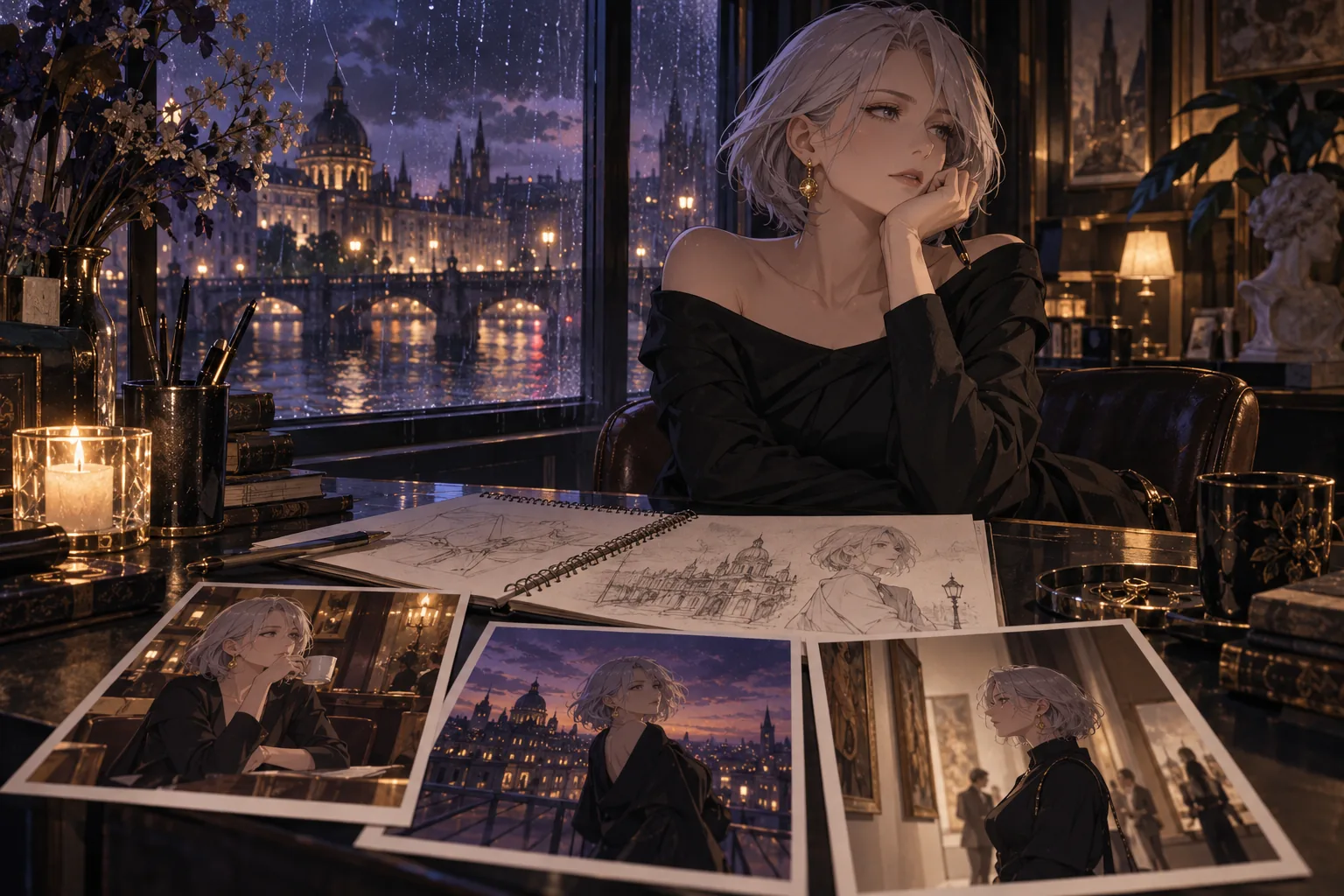
Keep your best reference and record the direction that worked. For automated sets, use the n8n character workflow; for a trained character, check LoRA compatibility separately.
The same reference and identity instruction are used for every image. Results still vary: review facial features and keep the matches that fit your character.
Photo set creates a varied plan for the group; the direction applies across it. Use an individual image-editing workflow when you need precise control over a specific scene.
Start with a clear reference of your adult character and a direction for your project. The image model named beside the quote determines the available creative range; the photo-set tool organizes the individual runs.
No. This tool uses your reference image on each run. A LoRA is a separate option for a character or style you want to reuse in a compatible model workflow.
They are editorial illustrations of character and scene variation. Your generated photos come from the model shown in Studio when you start your own set.
Bring one strong reference. Choose your count, check the quote and start creating.