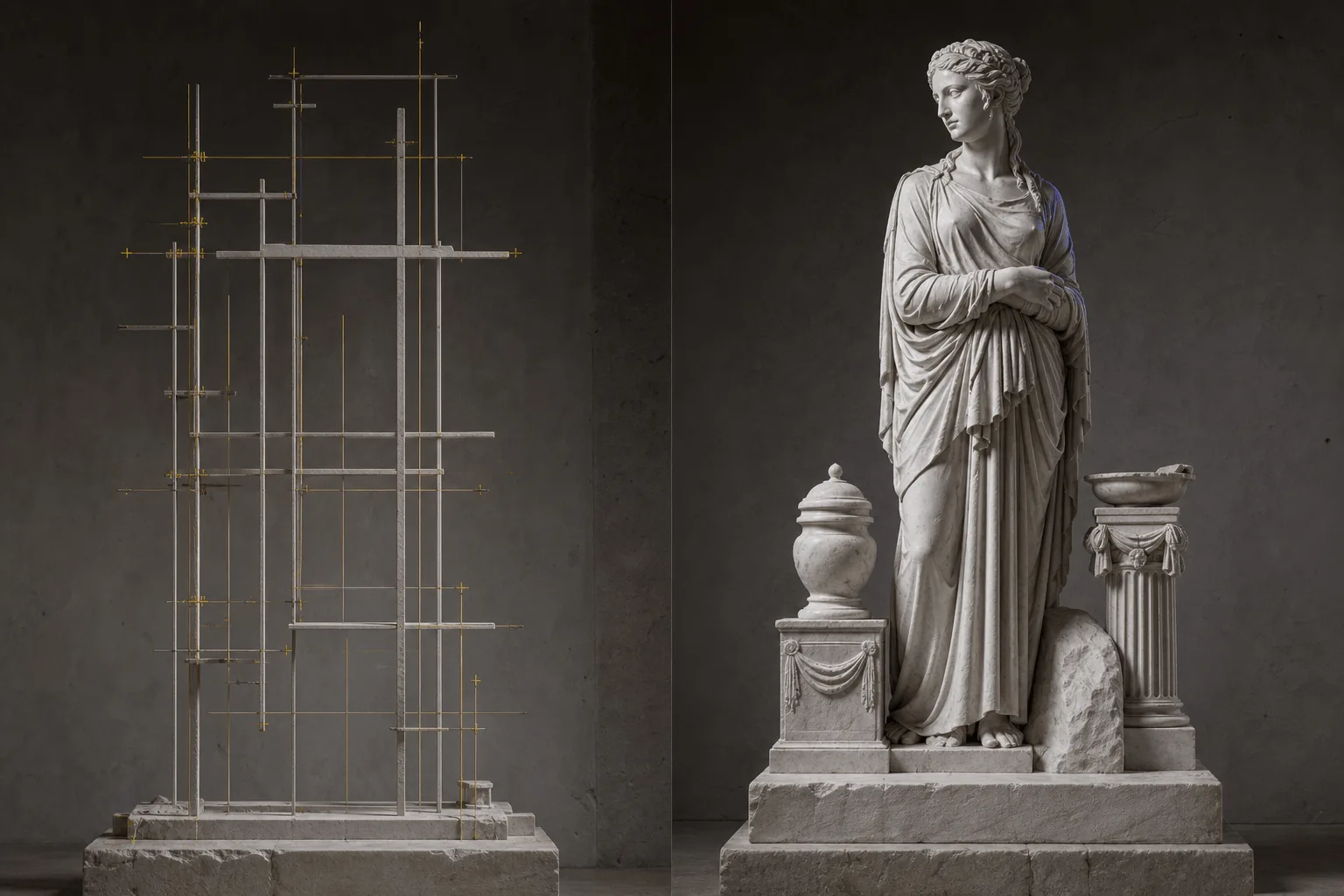
Introduction
Wan 2.7 Image to image reworks supplied imagery with a directed change. Use it when the source image contains details that must remain recognizable while a local or stylistic decision changes.
Choose a Wan 2.7 mode by starting material
| What you have at the start | Mode |
|---|---|
| a written visual brief | Wan 2.7 Text to image |
| an image that needs a directed change | Wan 2.7 Image to image |
Key features & highlights
The 9-image edit draws what you wrote
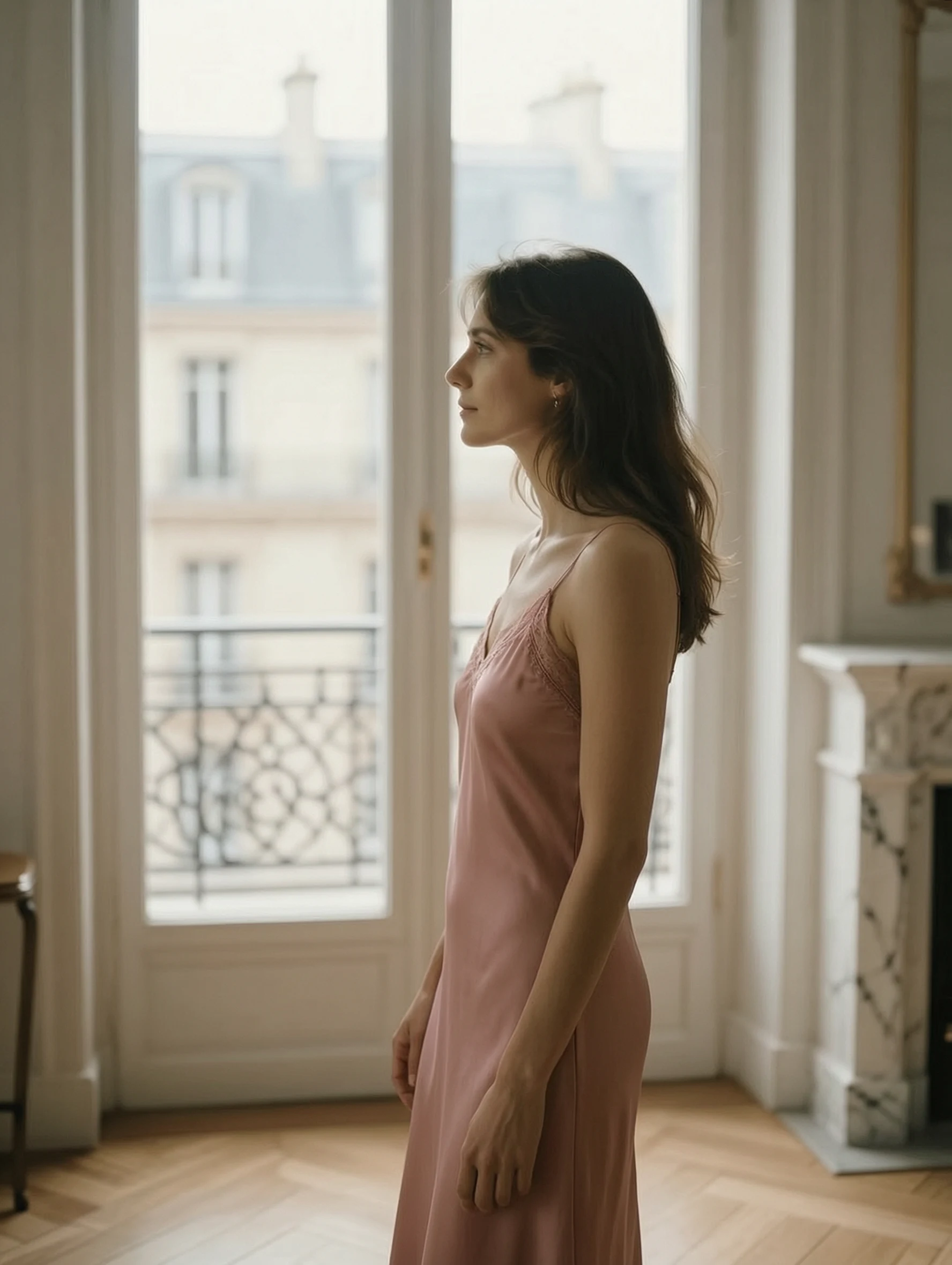
Give image-to-image a reference and it draws the brief you sent, wardrobe and framing included. There is no content flag and no per-request declaration anywhere on this platform, on either endpoint — the difference is the model. On text-to-image it answers a restricted prompt with a more conservative frame instead. The cafe scene for this endpoint is text-to-image, an oversized white shirt with rain on the window, and that is roughly where the text endpoint stops.
Combine up to nine images without painting a mask
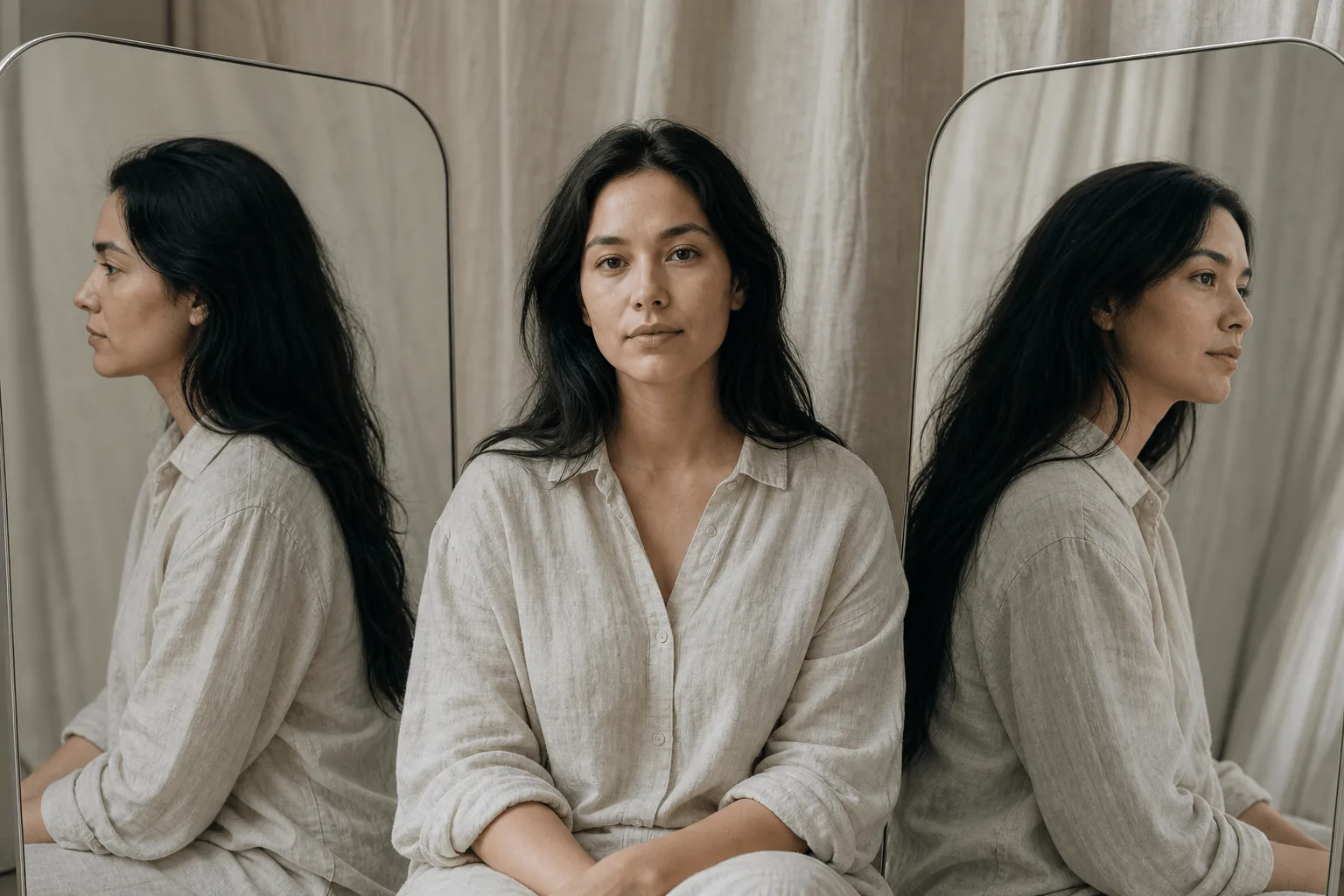
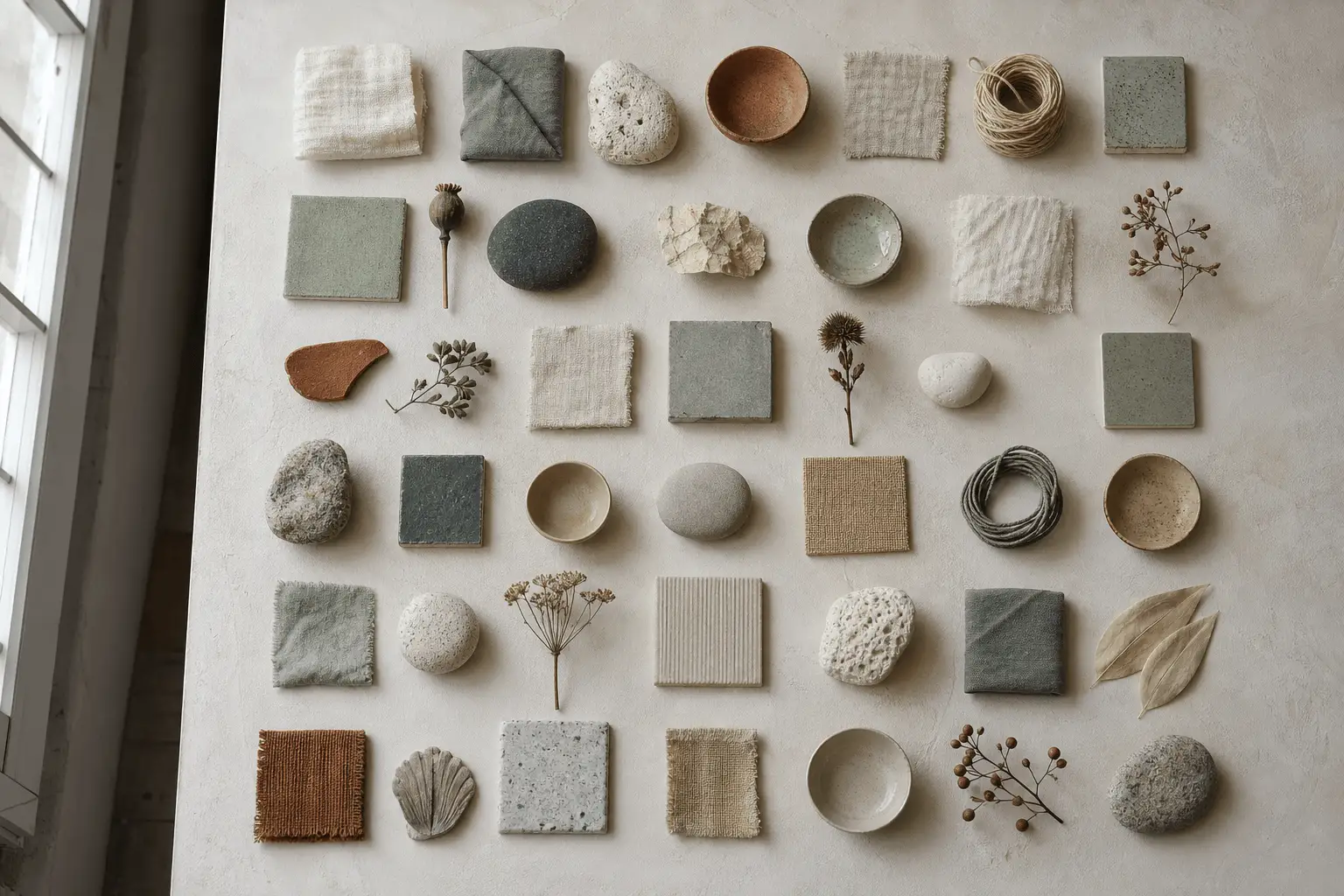
Image-to-image takes one to nine source images in a single request, so a garment, a face, a room and a colour reference can all enter the same edit. Say what each source is for in the prompt — an unlabelled stack gets averaged, which is the most common reason a nine-image edit comes back muddy.
It plans the layout before it draws
Wan 2.7 plans the frame before it draws it, which shows up in things that need a spatial decision: who is in the foreground, what the hand is holding, where the light source sits. Long descriptive prompts with a clear subject and one clear relationship beat keyword piles here.
Request parameters
| Parameter | Required | Description |
|---|---|---|
prompt | Yes | Say what changes and what must not. Refer to the sources by position — image 1, image 2 — so the model knows which is the subject and which is the surface. at least 1 characters · at most 5000 characters |
image_urls | Yes | One to nine reference images in one call. Order matters: the prompt refers to them by position, and the last one sets the proportions when |
bounding_boxes | No | Optional rectangles marking where the edit should happen, up to two per reference image. at most 18 items |
aspect_ratio | No | 1:1, 4:3, 3:4, 16:9, 9:16, 3:2 or 2:3. No default — leave it out to follow the last reference's proportions. |
num_outputs | No | 1 to 4, each a separate seed on the same brief. Four readings of one layout are directly comparable because nothing but the seed moved, and each image is billed. |
resolution | No | 1k or 2k; 1k by default. 2k carries four times the pixels of 1k, and the shape still follows |
color_palette | No | Optional colour theme of 3 to 10 colours (8 is the recommended count). at least 3 items · at most 10 items |
seed | No | 0 to 2147483647. Fix it across a variant set so the only difference between two edits is the clause you changed. |
Pricing
$0.03 / image
Use cases
Adapt an approved image for a new campaign context
Send the approved image as the reference and name the one element that changes — the setting, the colour treatment, a prop — and everything that must not. Leave aspect_ratio out and the result follows the last reference's proportions.
Explore a controlled art-direction change
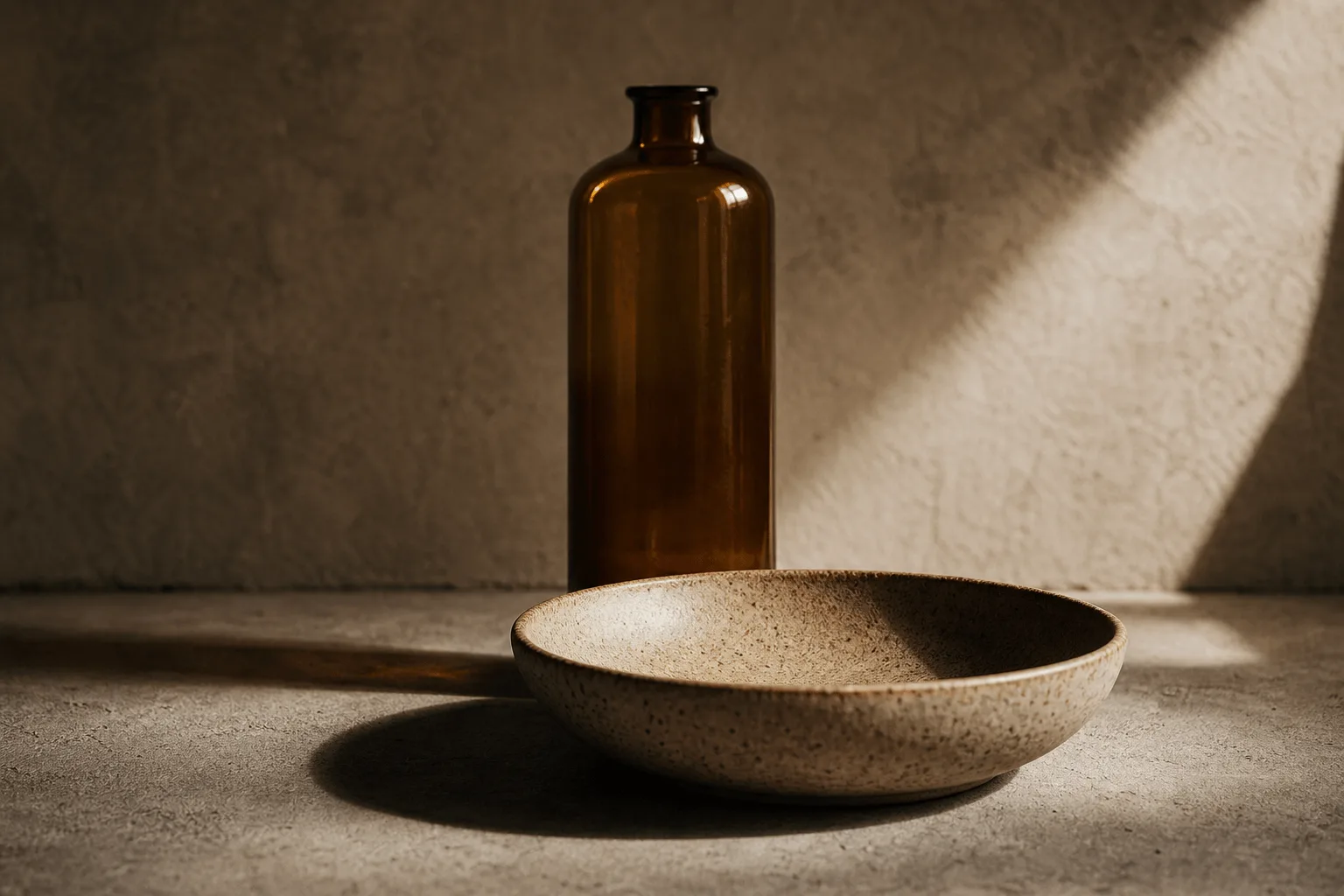
Send the packshot and a colour reference and ask for the glaze, fabric or finish to change while the linen, the props and the window light stay untouched. One call, no mask, and a fixed seed so the variant set stays comparable.
Prepare a consistent set of variations
Image-to-image takes one to nine references in a single call, so a garment, a face, a room and a colour reference can enter the same edit. Fix seed across the set so the only difference between two edits is the clause you changed.
Prompt guide & pro tips
State what must stay and what may change
Refer to the sources by position — image 1, image 2 — so the model knows which is the subject and which is the surface. Name what must stay identical first, then the change; an unlabelled stack of references gets averaged.
Keep the revision locally testable
Ask for one focused adjustment and compare it with the source. num_outputs returns up to four readings of the same edit on separate seeds, each billed, which shows quickly whether the instruction or the draw was the problem.
Validate the source-dependent result
Each reference must be JPEG, PNG without transparency, BMP or WEBP, 240 to 8,000 pixels on each side, between 1:8 and 8:1 in shape and no larger than 20 MB. At the 1k default the edit is about one megapixel; set resolution to 2k for four times that.
API quick start
# Generate the idempotency key once; reuse it when retrying after a lost response.
export SPICY_IDEMPOTENCY_KEY="${SPICY_IDEMPOTENCY_KEY:-$(uuidgen)}"
curl -X POST https://api.spicyapi.ai/api/v1/jobs/createTask \
  -H "Authorization: Bearer $SPICY_API_KEY" \
  -H "Content-Type: application/json" \
  -H "Idempotency-Key: $SPICY_IDEMPOTENCY_KEY" \
  -d '{
  "model": "alibaba/wan-2.7/edit",
  "input": {
    "image_urls": [
      "https://example.com/reference.png"
    ],
    "num_outputs": 1,
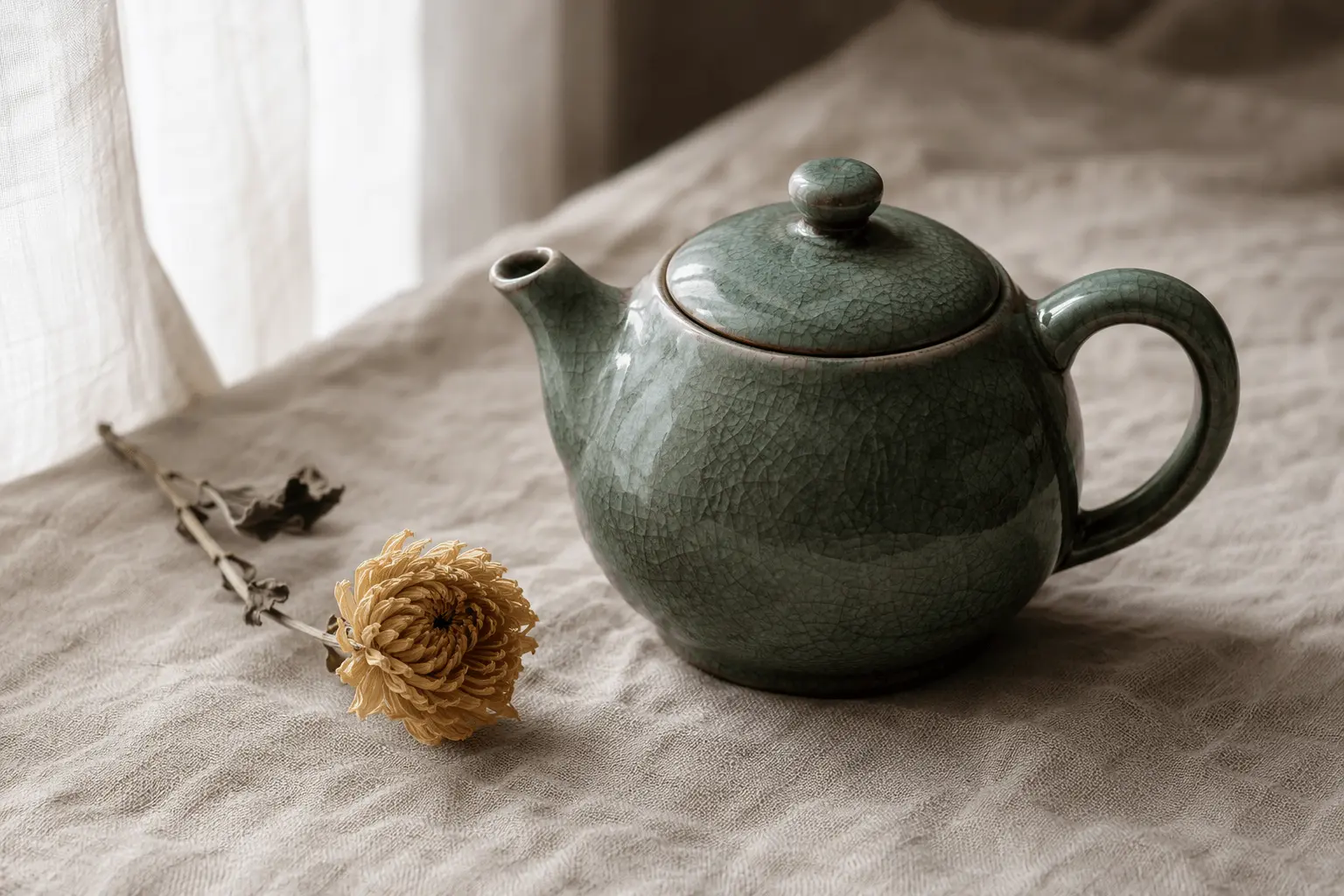
    "prompt": "A ceramic teapot on a linen cloth, soft window light, muted palette",
    "resolution": "1k"
  }
}'

# Copy data.taskId from the response into TASK_ID, then poll the status.
TASK_ID="TASK_ID_FROM_RESPONSE"
curl "https://api.spicyapi.ai/api/v1/jobs/recordInfo?taskId=$TASK_ID" \
  -H "Authorization: Bearer $SPICY_API_KEY"
See the API reference for authentication, the complete schema, polling, and error handling.