Use Wan 2.7 text to image for a new concept at $0.03/image, and Wan 2.7 editing to revise an existing source at the same price. Choose Pro at $0.075/image when you need 4k output, which only Pro text generation offers; Pro editing always returns a 2k image. Standard generation and editing offer 1k or 2k and up to four outputs per call. The settings below build a lighthouse cover, then remove an unwanted boat with a measured edit box.
Pick the endpoint first
| Task | Resolution | Outputs per call | Other controls |
|---|---|---|---|
| Wan 2.7 text | 1k (default), 2k | 1–4 | Palette, seed, thinking switch (default on) |
| Wan 2.7 edit | 1k (default), 2k | 1–4 | 1–9 sources, palette, boxes, seed |
| Pro text | 2k (default), 4k | 1 | Palette, seed |
| Pro edit | Fixed 2k | 1 | 1–9 sources, palette, boxes, seed |
For scale, 1k is about 1 megapixel, 2k about 4 and 4k about 16. All four accept 1:1, 4:3, 3:4, 16:9, 9:16, 3:2 and 2:3. Text defaults to square. Editing has no default: it follows the last source image's proportions. Set 2:3 explicitly when you generate with no palette so a later reference cannot decide its shape. aspect_ratio cannot be combined with color_palette or bounding_boxes: a request that carries both comes back as error 40004, so leave aspect_ratio out of those requests (a palette text request then returns the default square; a boxed edit keeps the last source's proportions). None of the four has an output-format selector.
Pro edit is tuned for long, multi-clause instructions ("take this object, put it on that surface, match the second image's light, leave the label alone"), so choose it for compound edits rather than for resolution.
Generate the cover concept
Use standard text generation with resolution: "2k", aspect_ratio: "2:3", num_outputs: 1, enable_thinking: true and seed 314159. A fixed seed keeps the starting random condition steady while you change one clause at a time; omit it for a fresh draw. Turning enable_thinking off generates faster; leave it on while you are still exploring composition.
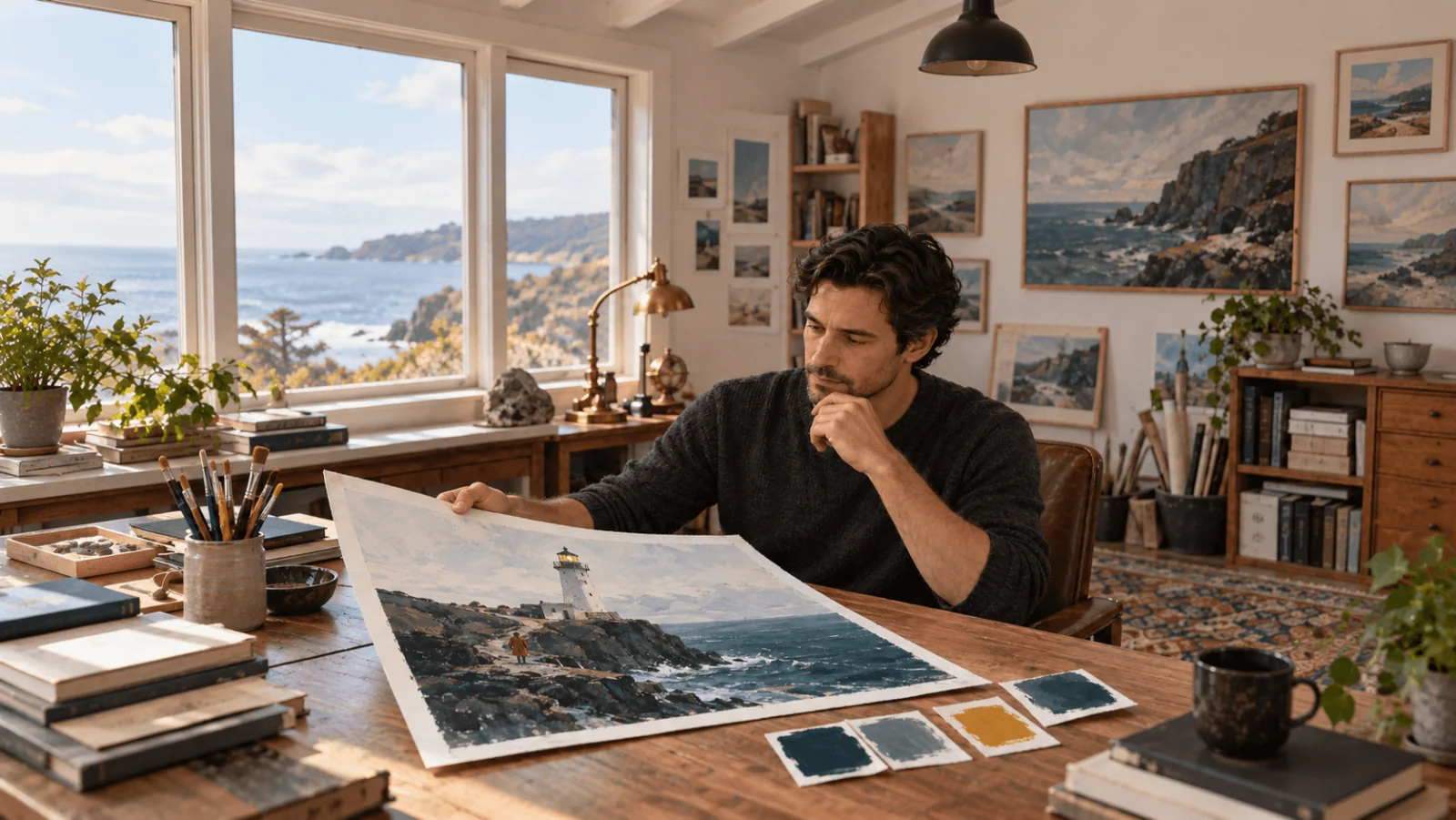
Original painted cover artwork for a fictional coastal mystery. One white lighthouse on a charcoal rocky island above dark teal water, the entire tower visible slightly right of center. One small mustard-yellow lamp at its top. One fictional adult keeper aged 45 in a rust raincoat walks along a clear path toward the tower. The keeper is small relative to the building. Pale restrained sky with quiet space in the upper third for separately added typography. Strong large silhouettes, soft dusk light, no lettering, extra towers, boats or disaster spectacle.
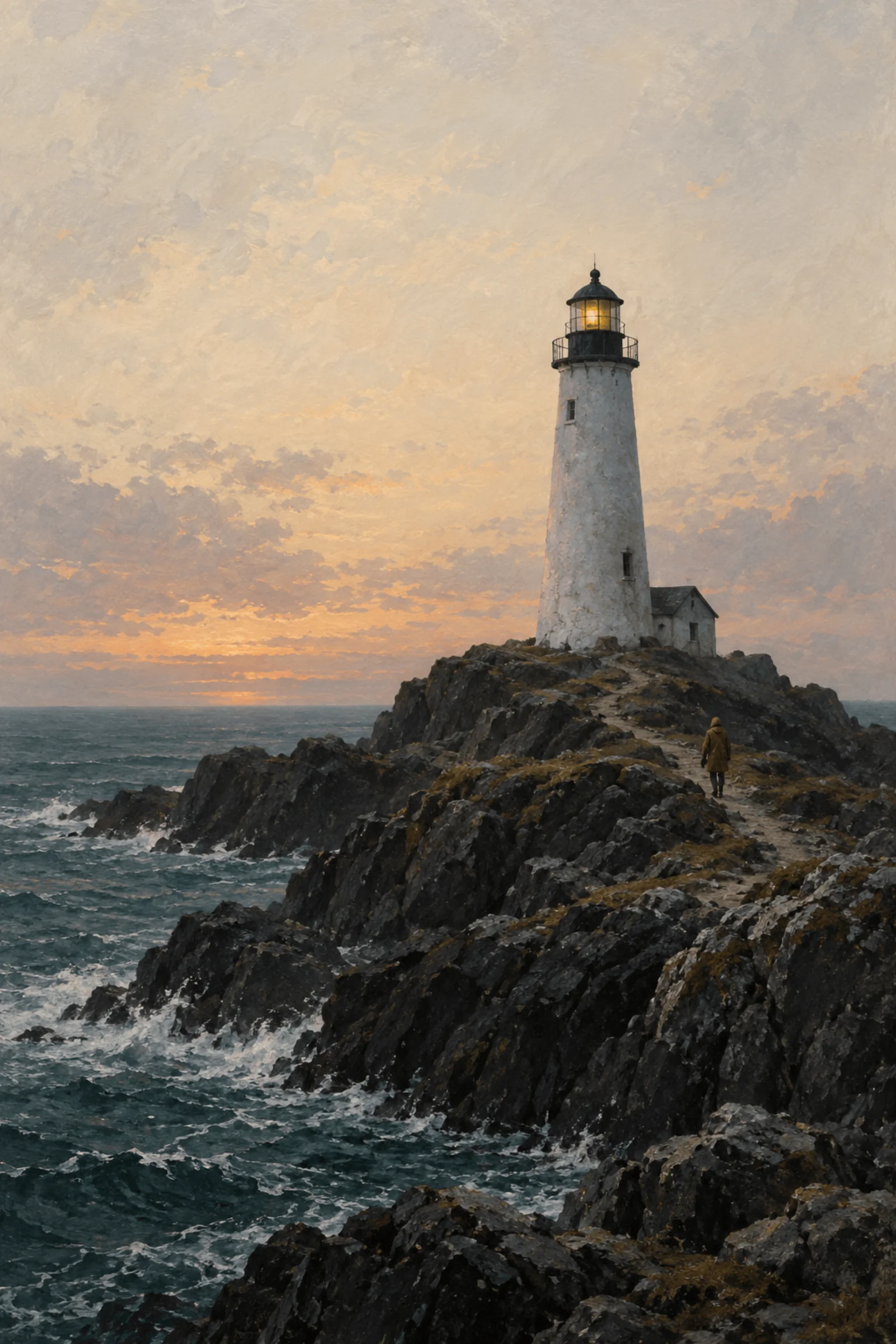
Illustration, not a Wan result (its sky is warmer than the prompt asks for): the small keeper sets scale while the lighthouse stays dominant.
Try it in the Playground first
- Open the Wan 2.7 text-to-image page and stay on the Playground tab, in Form view. Sign in with a funded account to run.
- Paste the cover prompt above into Prompt. Set Resolution to 2k and Seed to 314159; leave Deep thinking on while you explore composition.
- Under Aspect ratio pick 2:3. If you add a palette in step 4, set it to Auto instead, because the two cannot be combined.
- Optional: under Color palette press Add a color, enter each
#RRGGBBcode and, if you want, its share in percent (3 to 10 colours; the next section has the lighthouse set). - Run the model, check the tower and the keeper's scale, then change one clause and run again with the same seed.
For the boat edit, open the Wan 2.7 edit page, add the approved image under Images (Add a file or Asset URL), and drag a box over the boat and wake under Edit areas; Fine-tune coordinates shows the same numbers. Refer to "the marked area" in the prompt. The Playground request body is the same JSON the API takes, so a setup that works here can be copied straight into code.
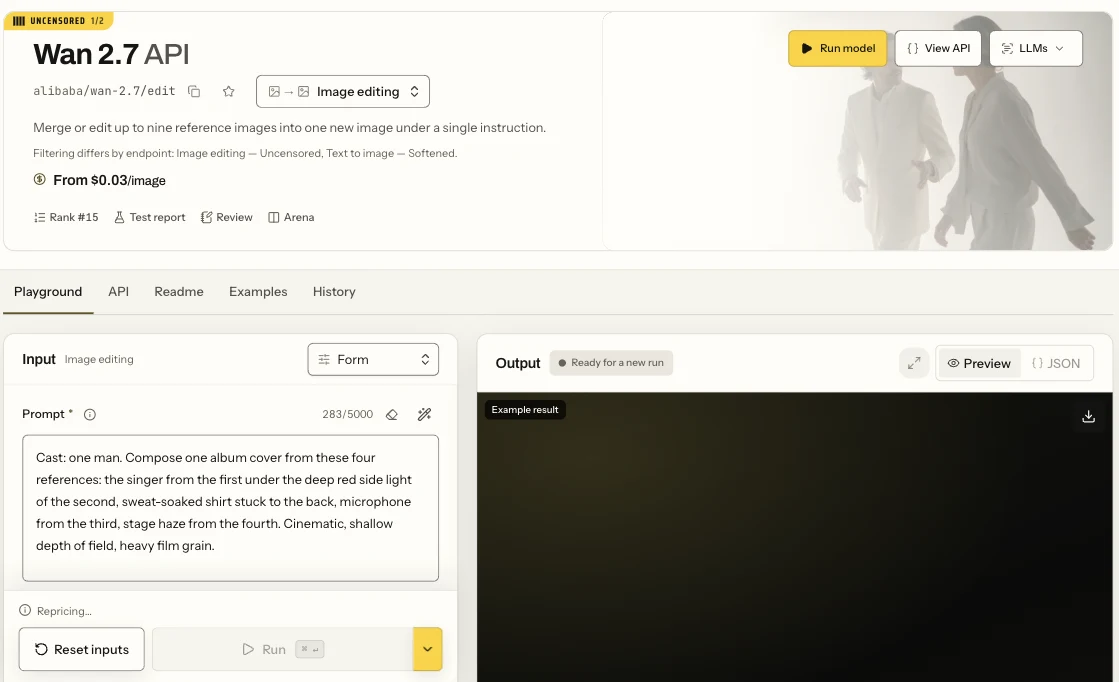
The Wan 2.7 edit page in Form view, showing the Prompt field and the Run button.
Supply a valid palette
color_palette takes 3–10 six-digit hex colours (8 is the recommended count) and steers the whole frame: set, clothing and light. Each colour can carry a ratio, a percentage share; colours without one split the remainder evenly. Treat the shares as a requested distribution, not a measured pixel count. The lighthouse request uses four colours totalling 100: #173E46 teal 45, #E8E1D3 pale sky 30, #34383A charcoal 20 and #C9A448 mustard 5. Leave aspect_ratio out when you send them.
If the yellow floods the sky, remove warm golden-sky wording from the prompt and shrink the accent's role.
Remove a boat with coordinates from the actual source
Suppose the approved image contains a distracting boat. Switch to standard editing, use the approved image as the first source, and keep 2k and one output; leave aspect_ratio out, because it cannot be combined with bounding_boxes. Each bounding_boxes entry names a source by one-based image_index, and its coordinates are pixels measured from that source's top-left corner.
For a hypothetical 1200 × 1800 source with the boat and wake enclosed between (120,1180) and (390,1420), the box is {"image_index": 1, "x1": 120, "y1": 1180, "x2": 390, "y2": 1420}, and the prompt reads: "Remove the small boat and its wake inside the marked lower-left sea area. Continue the surrounding dark teal water and painterly texture. Retain the lighthouse, rocky island, adult keeper, path and quiet sky. No new objects or lettering."
Those coordinates are illustrative; measure your own boat. If a preview shows the same source at 600 × 900, multiply preview coordinates by two: preview point (60,590) becomes source point (120,1180). Recalculate after any crop or resize, because the box always refers to the submitted file, not the requested output size.
Each source takes up to two boxes (eighteen across nine sources). Include the wake as well as the hull, or the boat remains visible by implication. A box says where to act and the prompt says what replaces it; neither guarantees identical pixels elsewhere. Use 1 to 9 JPEG, opaque PNG or WebP source images, each a public HTTPS URL or an uploaded spicy:// file.
With several sources, say what each is for ("image 1 is the scene, image 2 is the coat, image 3 the palette reference").
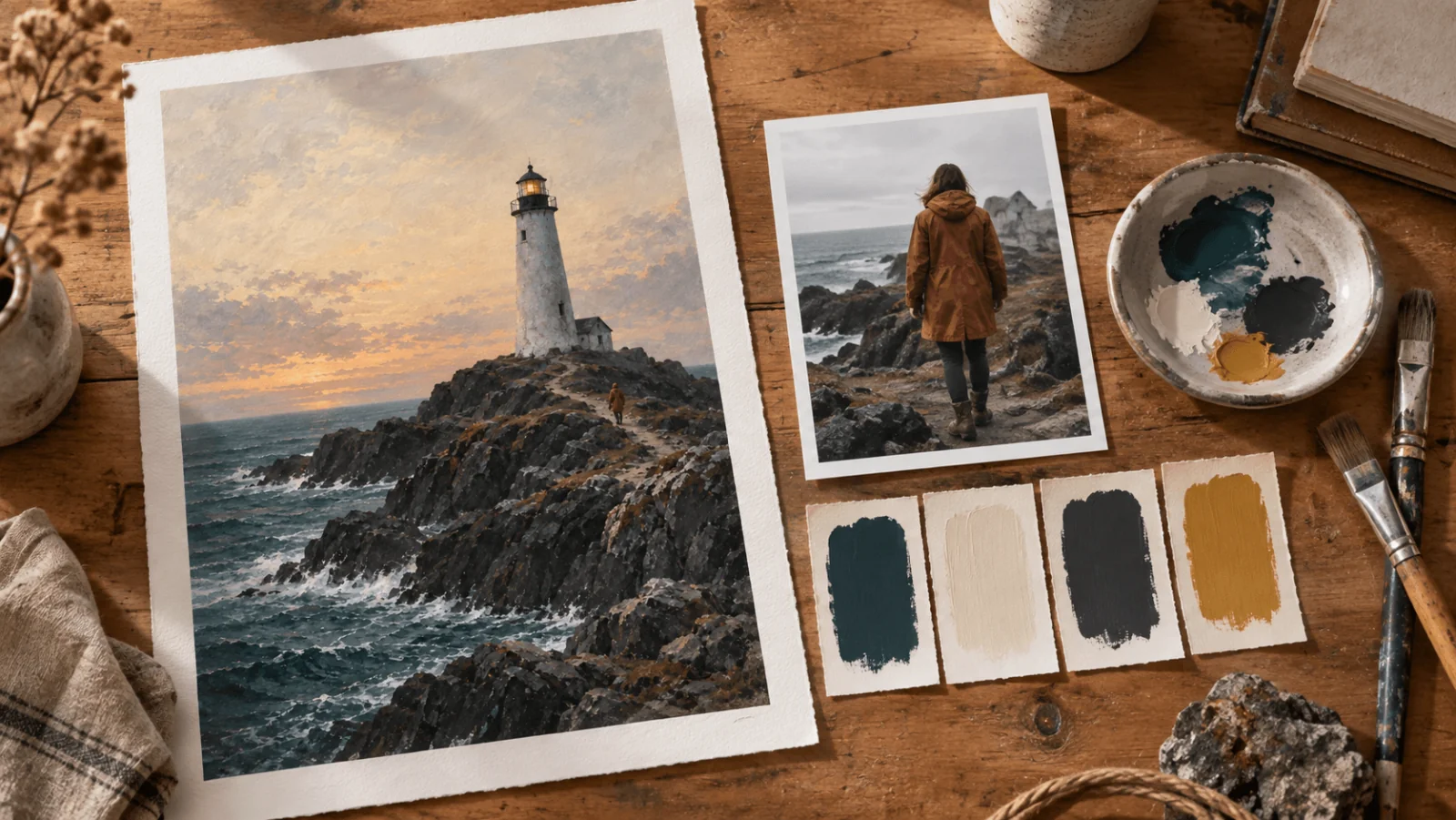
Illustration, not a Wan result: separate source, clothing and palette materials, each with its own job.
Then run it from code
Install the Python SDK (pip install spicyapi), set SPICY_API_KEY in your server environment, and run both steps: the concept, then the boat edit once you have an approved image.
import uuid
from spicyapi import SpicyClient, output_assets

client = SpicyClient()  # reads SPICY_API_KEY from the environment

def run(model, input_data):
    task = client.create_task(model=model, input_data=input_data,
                              idempotency_key=str(uuid.uuid4()))
    final = client.wait_for_terminal(task["taskId"])
    if final["state"] != "succeeded":
        raise RuntimeError(f"{task['taskId']} ended as {final['state']}: {final.get('errorCode')}")
    return output_assets(final)[0]["url"]  # copy the image to your own storage now

concept_url = run("alibaba/wan-2.7/text-to-image", {
    "prompt": "Painted cover for a fictional coastal mystery: one white lighthouse above dark teal sea on charcoal rocks, one small mustard-yellow lamp and one small adult keeper in a rust coat on a clear path. Pale quiet upper sky for later typography. Whole tower visible; no lettering or extra towers.",
    "resolution": "2k",
    "num_outputs": 1,
    "enable_thinking": True,
    "seed": 314159,
    "color_palette": [
        {"hex": "#173E46", "ratio": 45},
        {"hex": "#E8E1D3", "ratio": 30},
        {"hex": "#34383A", "ratio": 20},
        {"hex": "#C9A448", "ratio": 5},
    ],
})

edit_url = run("alibaba/wan-2.7/edit", {
    "image_urls": ["https://your-domain.example/approved-cover-1200x1800.jpg"],  # your approved image
    "prompt": "Remove the small boat and its wake inside the marked lower-left sea area. Continue the surrounding dark teal water and painterly texture. Retain the lighthouse, rocky island, adult keeper, path and quiet sky. No new objects or lettering.",
    "bounding_boxes": [{"image_index": 1, "x1": 120, "y1": 1180, "x2": 390, "y2": 1420}],
    "resolution": "2k",
    "num_outputs": 1,
    "seed": 314159,
})
print(concept_url, edit_url)
Creating, waiting, downloading, retries and error codes are in the tasks guide and the Python SDK reference. Results expire, so see retention and delivery before you build on the returned link.
Or let an Agent run it
When an assistant should run the generations, all three official tools show the price and ask you before a paid call.
- CLI. Put the concept
inputobject ininput.json, then:
``bash spicyapi tasks create --model alibaba/wan-2.7/text-to-image --input-file input.json --wait ``
For the edit, spicyapi files upload <path> turns a local image into a spicy:// link for image_urls. See the CLI docs; npx @spicyapi/cli works without installing.
- MCP server. Add the MCP server to your assistant, then ask: "Run Wan 2.7 text to image with this prompt at 2k, seed 314159." It calls
spicyapi_task_create, which stops for your price confirmation, thenspicyapi_task_wait;spicyapi_upload_filehandles a local source image. - Skill.
npx skills add spicyapi-ai/spicy-skillinstalls the Agent Skill, which has a coding assistant read the live model schema instead of guessing fields.
Fix a specific failed result
| Failure | Next change |
|---|---|
| Edit affects the wrong corner | Correct image_index and rescale coordinates from the actual source, rather than repeating "exactly here." |
| Tower is cut off | Request the whole tower and more quiet sky; keep the portrait ratio. |
| Keeper is larger than the tower | State "small distant adult figure on the path"; remove portrait or close-up wording. |
| Boat disappears but wake remains | Expand the box to include the wake and name both in the instruction. |
| Lighthouse changes during boat removal | Return to the accepted source; use a smaller box, or composite only the accepted sea patch into the original. |
Pro edit rejects resolution | Remove the field; Pro editing is fixed at 2k and 4k belongs to Pro text. |
| Four-image batch costs more than expected | Set num_outputs: 1; standard price is per image, not a flat charge for the batch. |
Standard or Pro, and cost
One standard concept plus one standard edit is $0.06. A four-output standard request is $0.12, and one Pro image is $0.075, so a Pro text plus Pro edit pass is $0.15. Explore composition on standard with num_outputs up to 4. Pay for Pro text only when you need 4k, such as a hero frame that will be cropped or printed, and for Pro edit when one instruction carries several clauses that must all land. If the composition itself is wrong, a higher resolution will not fix it.
Adult-oriented work
Both editing endpoints are uncensored and SpicyAPI adds no content scan. They can deliver adult-oriented changes, but stronger edits sometimes come back softened on either endpoint; Pro does not guarantee a more explicit result. The standard text task sometimes delivers advanced adult imagery, but both text tasks softened the stronger adult scenes in our tests; a softened result is still billed. Pro does not remove this limitation. For adult-character creators the practical route is to build the base image or reference first, then make the adult-oriented changes through editing. The Pro NSFW image test has the recorded results. The lighthouse cover in this guide is fully clothed and needs none of this.
Finish
Keep the approved image as the source for focused revisions, and start a new concept when the island arrangement itself must change. Add the exact title in a design tool once the illustration works at thumbnail size.