Unrestricted. Uncensored.Yours.
Built for creators who work after dark.
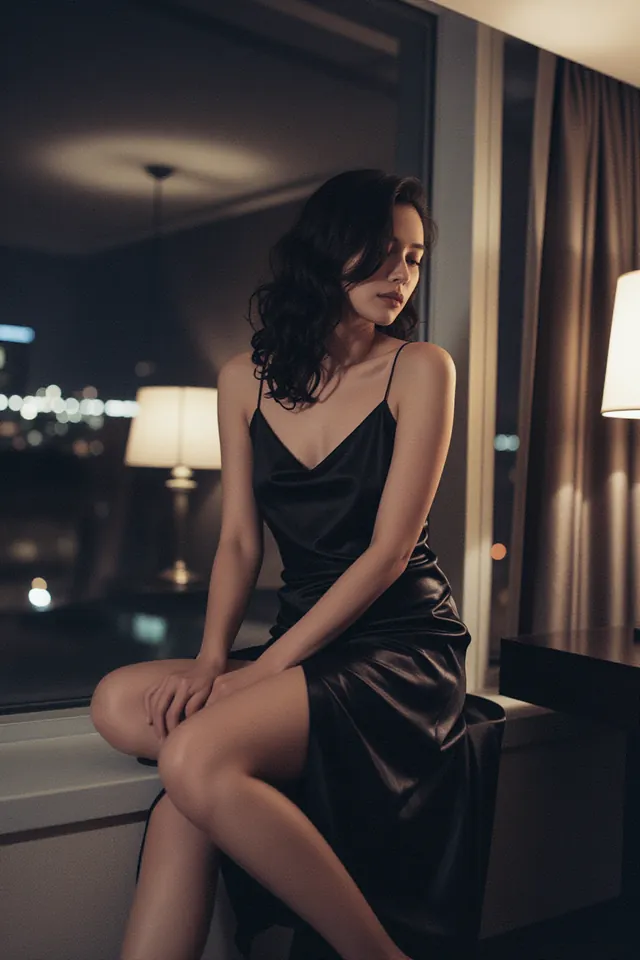 Hotel, 2 a.m.
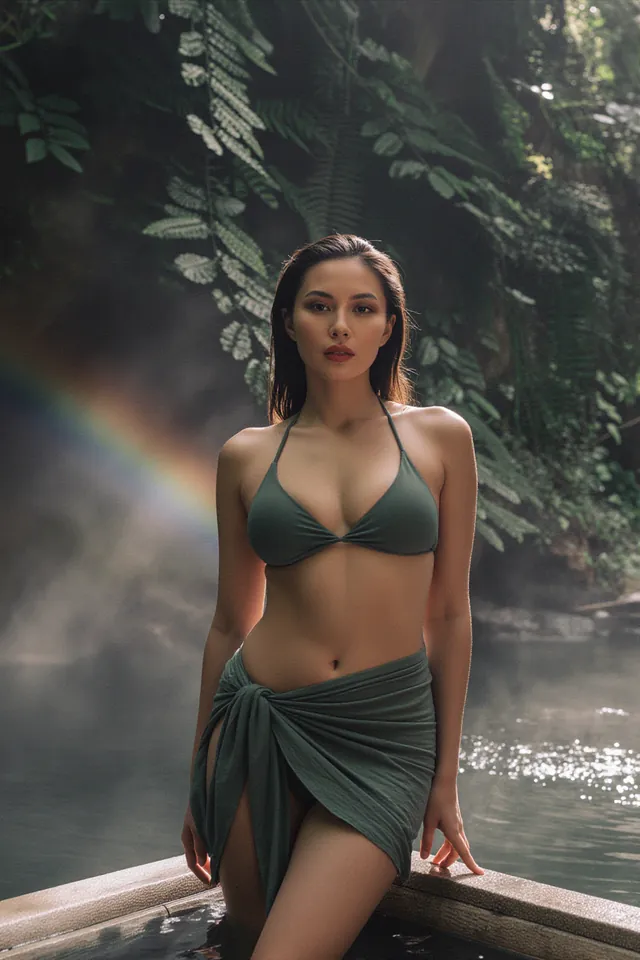 Jungle Falls
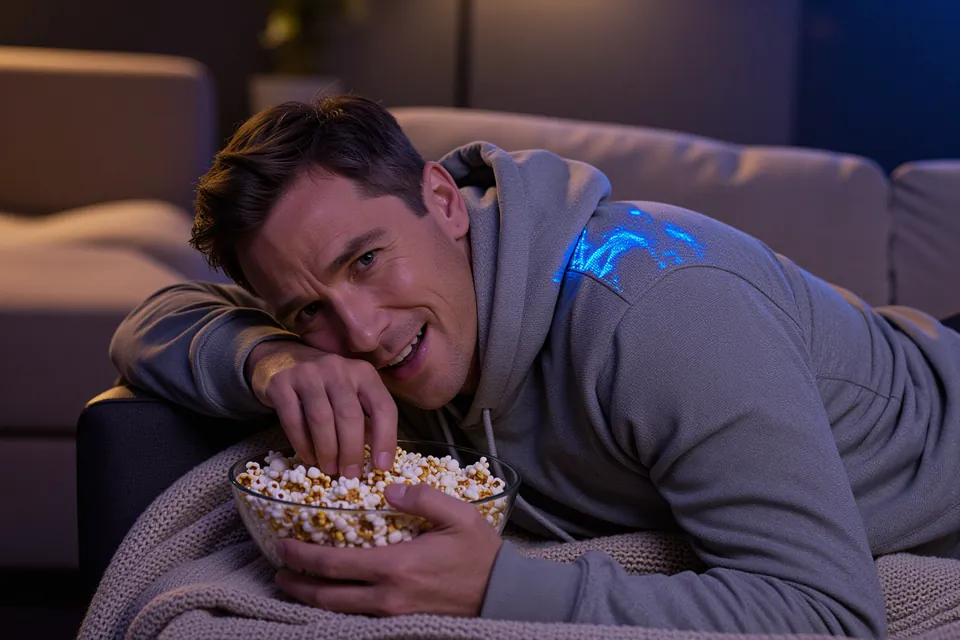 Movie Night
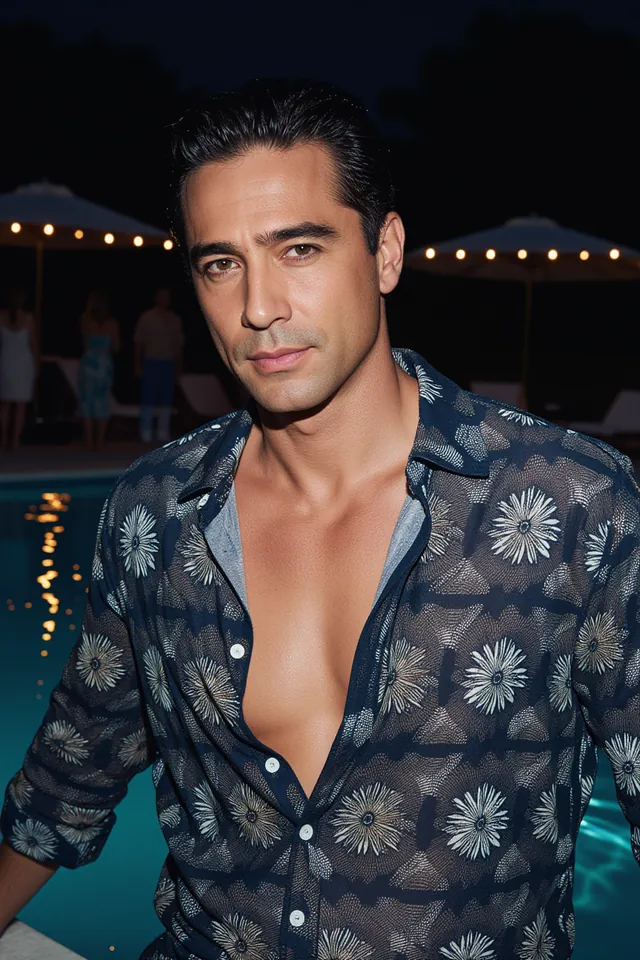 Pool Party Flash
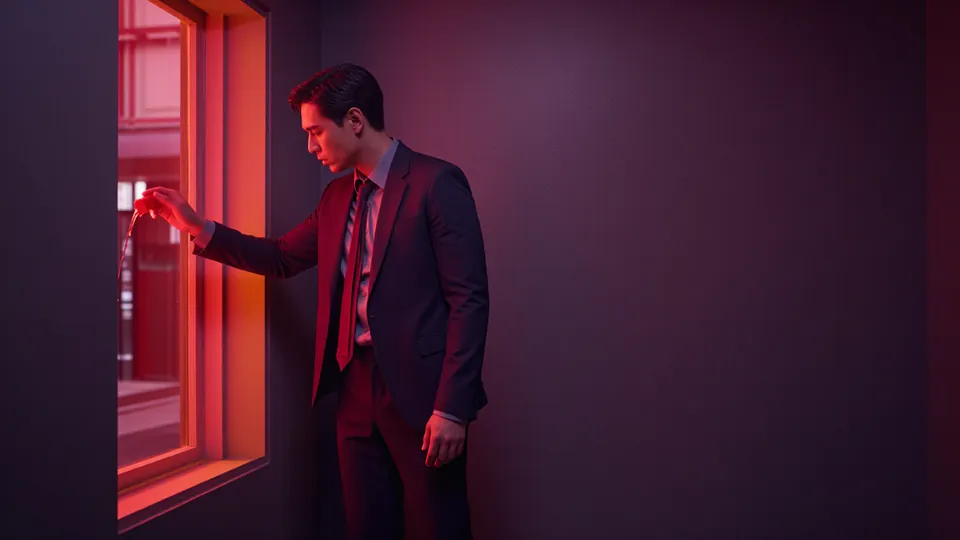 Crimson Room
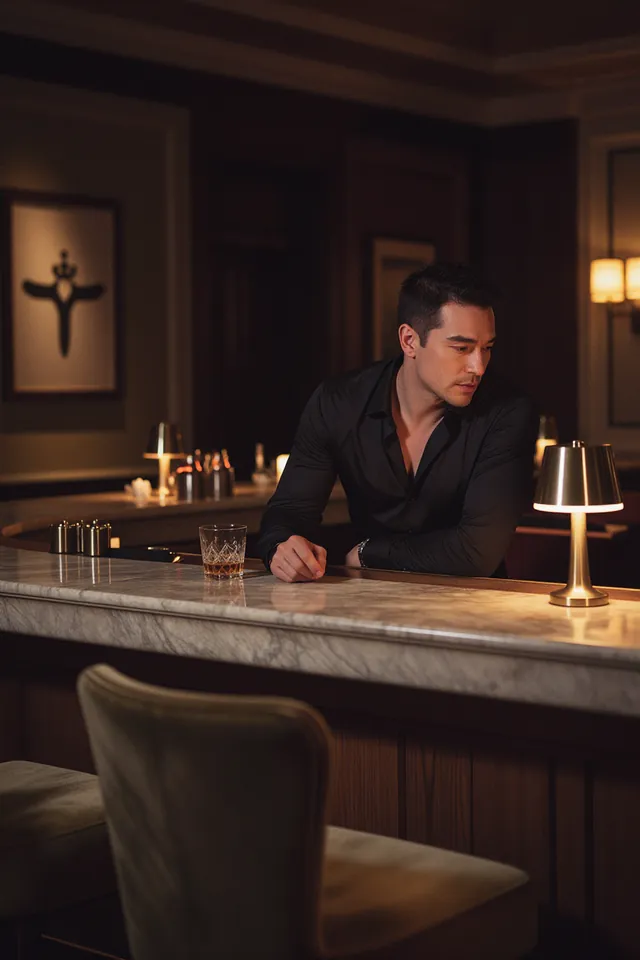 Last Call
An NSFW AI image editor with no filter added: change outfits, rooms and light on your own images with Qwen Image Edit Spicy, Seedream and Qwen Image.
01
A Spicy editor made for uncensored edits
Qwen Image Edit Spicy takes one picture and one instruction, with nothing else to set, and came back as asked at every level of our content tests. It returns in about 20 seconds at a flat price per edit.
Choose an editor02
One character, a whole set
Make the character once, then change the outfit, room or light from that approved image. Seedream and Qwen Image are the editors to try first when a face and pose must stay steady while the rest changes.
Make the first image03
Then put it in motion
An edited still makes a strong opening frame. Image-to-video models keep what the frame shows, so the edit you finish here sets the look of the clip.
Animate your editPick a model
Compare uncensored editors, with the Spicy edition first. The Freedom Score links to our content tests; use the samples and current price to choose for your change.
Quick picks
- Lowest priceQwen Image 2.1 Turbo$0.014 an imageUncensored
The lowest price per edit on this page, which makes it the place to try a change until the instruction reads right.
- High-resolution optionQwen Image 3.0Up to 2KUncensored
Choose it when the edited image has to hold up large, or when you plan to crop in afterwards.
- Goes furthestQwen Image Edit SpicyFreedom Score 100Uncensored
One of the highest-scoring editors in our content tests. Compare its samples and price with the other top scores before choosing.
| Model | Maker | Sizes | Per image | Reference images, max | Freedom Score |
|---|---|---|---|---|---|
| Qwen Image Edit SpicyReview | Alibaba | One price for every size | $0.038 | 1 | 100 |
| Seedream 5.0 ProReview | ByteDance | 1K · 1.5K · 2K | $0.036–$0.072 | 10 | 76.9 |
| Qwen Image 2.1Review | Alibaba | 1K · 1.5K · 2K | $0.036–$0.072 | 10 | 96.3 |
| Seedream 5.0 FlashReview | ByteDance | One price for every size | $0.029 | 10 | 62.2 |
| Qwen Image 3.0 ProReview | Alibaba | 1K · 2K | $0.04–$0.075 | 3 | 98 |
| Qwen Image 3.0Review | Alibaba | 1K · 2K | $0.03 | 3 | 96 |
| Qwen Image 2.1 LoRAReview | Alibaba | 1K · 1.5K · 2K | $0.042–$0.15 | 10 | 100 |
| Wan 2.7 ProReview | Alibaba | One price for every size | $0.075 | 9 | 80.7 |
| FLUX 3 KleinReport | Black Forest Labs | 1K · 2K | $0.019–$0.077 | 3 | 36 |
| FLUX 3 Klein LoRAReport | Black Forest Labs | 1K · 2K | $0.025–$0.083 | 3 | 36 |
| Qwen Image 2.1 ProReview | Alibaba | One price for every size | $0.036 | 10 | 100 |
| Qwen Image 2.1 TurboReview | Alibaba | One price for every size | $0.014 | 10 | 99 |
Freedom Score: how far a model went up our five-level content ladder, 0 to 100, from our own test runs. A dash means there are not enough runs to publish a score yet. How the score works
Prompts that work here
The pictures on this public page are safe for work on purpose. The instructions still show the structure that works on these editors: the change first, then what stays.
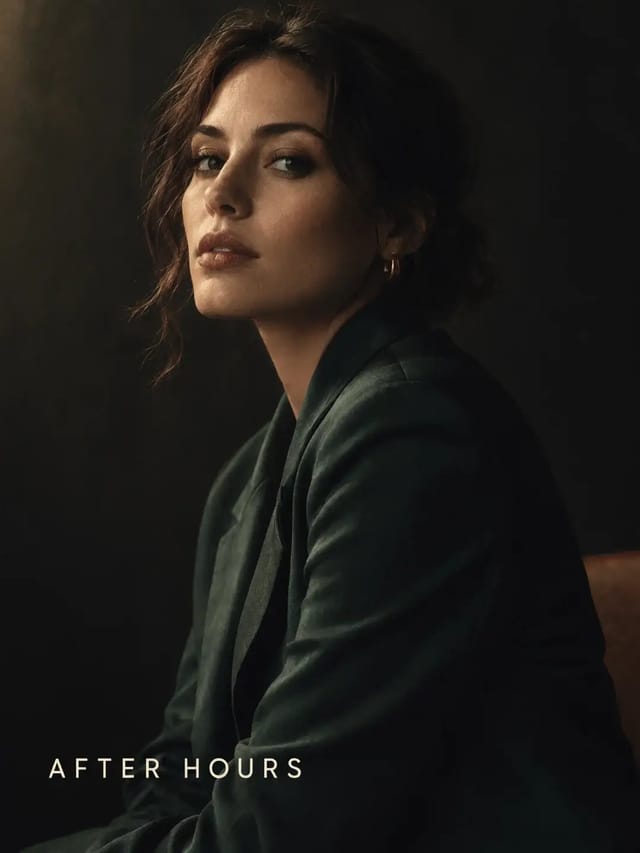
Swap a magazine cover line, keeping the portrait intact
Qwen Image 3.0 ProFashion & portraitText & typographyKeep the portrait, wardrobe, lighting and grade exactly as they are. Change the cover line from 'THE LATE SHIFT' to 'AFTER HOURS' in the same small caps and the same position, and leave the masthead untouched.
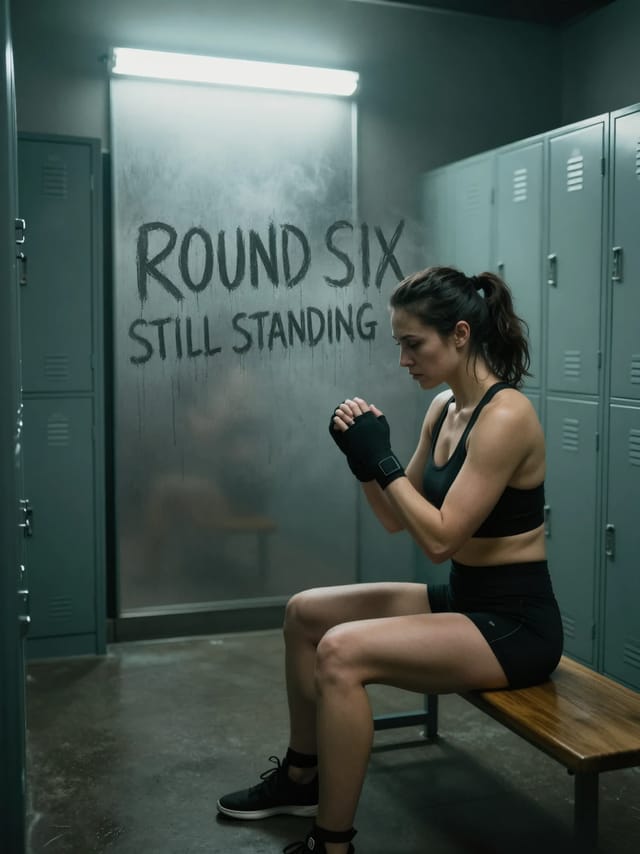
Add fingertip lettering to a fogged locker-room window
Qwen Image 3.0Text & typographyKeep the woman, the bench, the lockers, the pose, the lighting and the whole composition exactly as they are. On the large fogged glass panel behind her, add big letters drawn with a fingertip through the condensation, clear dark glass showing through each stroke, reading 'ROUND SIX' on the first line and 'STILL STANDING' in smaller letters underneath, with faint water drips running down from the strokes. Change nothing else.
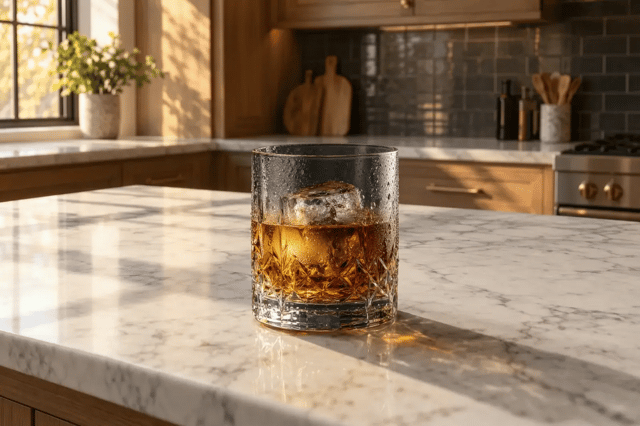
Place a whisky glass on a sunlit marble counter
Wan 2.7 ProProduct & adsTake the whisky glass from image 1 and place it on the marble counter shown in image 2, matching image 2's lighting direction and colour temperature. Keep the glass's shape and its condensation exactly as they are.
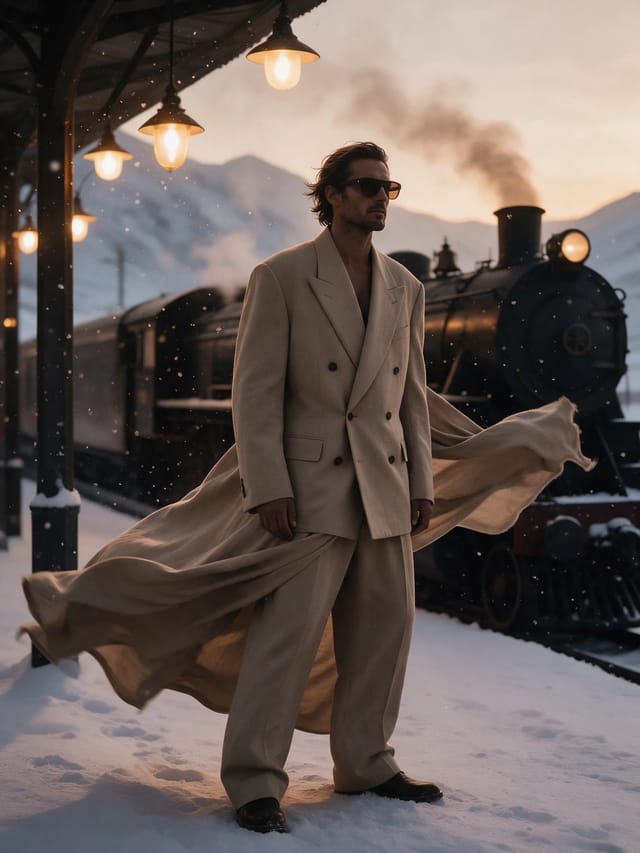
Move a desert suit editorial into a snowbound station
Seedream 5.0 ProFashion & portraitArchitecture & interiorsKeep the man, his suit, his dark glasses and his pose exactly as they are. Move him onto the platform of a snowbound mountain railway station at dusk, a steam locomotive and hanging lamps behind him, snow drifting through the light. Match the new lighting on the fabric.
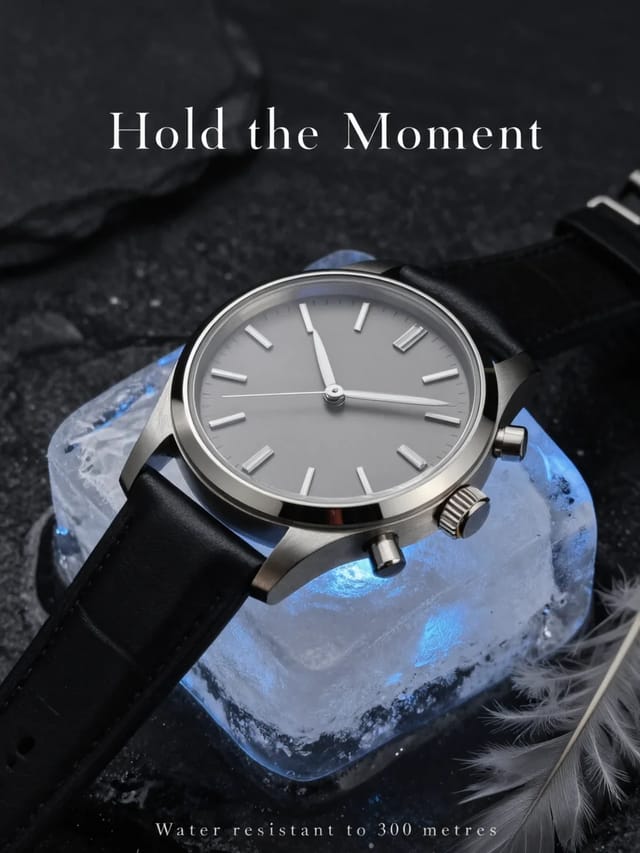
Turn a frozen watch shot into a magazine ad
Qwen Image 3.0 ProProduct & adsText & typographyKeep the watch, the ice block, the stone and the lighting exactly as they are. Turn the frame into a print advertisement: add the headline 'Hold the Moment' in a refined serif across the empty space above, and a small caps line 'Water resistant to 300 metres' along the bottom edge. Change nothing else.
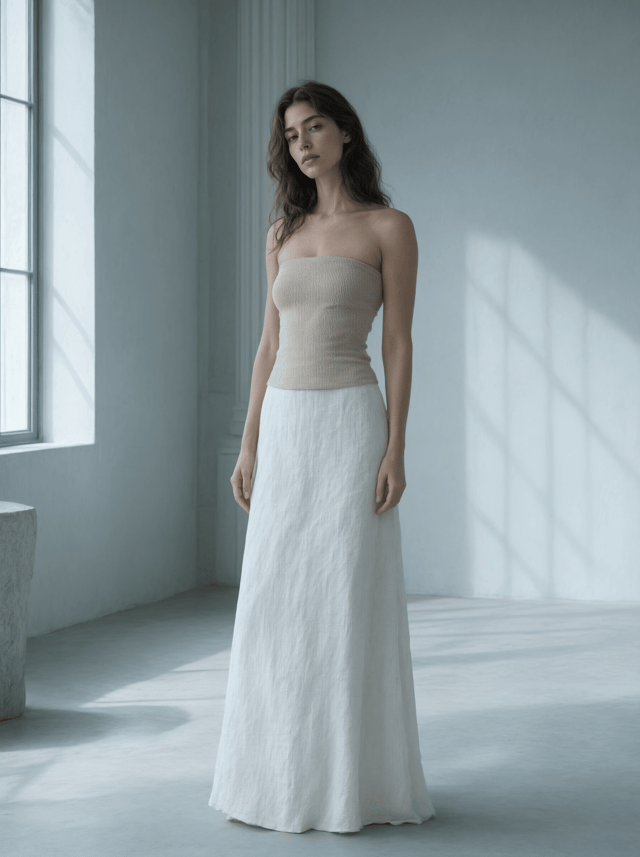
Dress a portrait in a garment from a second image
Qwen Image 3.0Fashion & portraitKeep the face, hair, body and pose from the first image. Dress her in the sand-beige ribbed tube top from the second image, matching its rib texture and matte finish, and pair it with a floor-length chalk-white linen skirt. Keep the first image's north-window light direction, cool grey-blue fill and desaturated grade unchanged.
How it works
- 01
Start from an image you can use
Upload a picture you made here, or one you own and may edit. The editor keeps what the source shows, so start from the face, pose and framing you want to keep.
- 02
Name one change and what stays
Write the change in plain words, then list what must not move: “Replace the blazer with a black silk slip dress. Keep her face, hair, pose and the room.”
- 03
Pick how far and how faithful
The Freedom Score column shows how far each editor went in our tests. When the face has to stay the same, try Seedream 5.0 Pro or Qwen Image 2.1 first and edit one source image at a time.
Prompt tips
- Branch every variation from the original. An edit of an edit drifts: faces soften and colours wander. Keep the approved file and start each new change from it.
- Describe a garment by how it is built, not by mood. Neckline, cut, fabric and trim get a cleaner result than a vague “make it look better”.
- Two source images can blend into a new face. When identity matters, edit one picture at a time and check the face before you go further.
- Edit only images you own or may use, and keep every person an adult. Turning a real person's photo into sexual or intimate images without their documented consent breaks our content policy and, in many countries, the law.
Mistakes that waste a run
- Asking for five changes at once. Each extra change is another chance for the face or pose to drift. Make one change, check it, then make the next.
- Leaving out what stays. An instruction that only names the change lets the editor redraw anything else it likes. Name the face, hair, pose and framing to keep.
- Testing limits on a Softened or Filtered editor. No wording unlocks what a model's maker has chosen to hold back, so change the editor instead. That is why the comparison table on this page lists only editors with the Uncensored badge.
- Using a fashion photo with another person in it as the garment reference. The editor can borrow that person's face. Crop to the garment, or use a flat shot of it on a plain surface.
What “uncensored” means here
We add no content filter to these models and refuse nothing on our side. What each model renders is up to the model itself, and its badge shows what it did in our own content tests. The rules below still apply to every run.
- Nothing involving minors, or anyone who could be read as one.
- No sexual or intimate content of a real, identifiable person without their documented consent.
- Nothing that is illegal where you or your audience are.
Models on this page run uncensored. The examples shown here are picked to be safe to view at work. We add no content filter; each model's own behaviour is on its badge. What you create and publish is your responsibility.
Read the content policyWhat it costs
Edits on this page run from $0.014 on Qwen Image 2.1 Turbo to $0.15 on Qwen Image 2.1 LoRA at 2K, paid from a prepaid balance with no plan attached.
Build it into your app
Everything on this page is one API call. Qwen Image Edit Spicy takes the same parameters in code as in the form above, at the same price per run.
Questions
Read next
- Which editor suits your editTools and models for changing a photo you already have, compared on results and price.
- Six Qwen editors on adult edits, testedWhich ones delivered every level, before and after, and how to keep a face.
- Outfit edits on Seedream 5.0 ProCut, fabric and prints that come out right, with the same face.
- FLUX.2 Klein editing and its LoRAsWhat Klein 4B, 9B and Dev changed and kept, run by run.
- How far each Seedream version goesImage and editing results on Lite, Pro and 4.0, side by side.
- Qwen Image Edit Spicy: our hands-on review
- Seedream 5.0 Pro: our hands-on review
- Qwen Image 2.1: our hands-on review
- Models ranked by how far they go