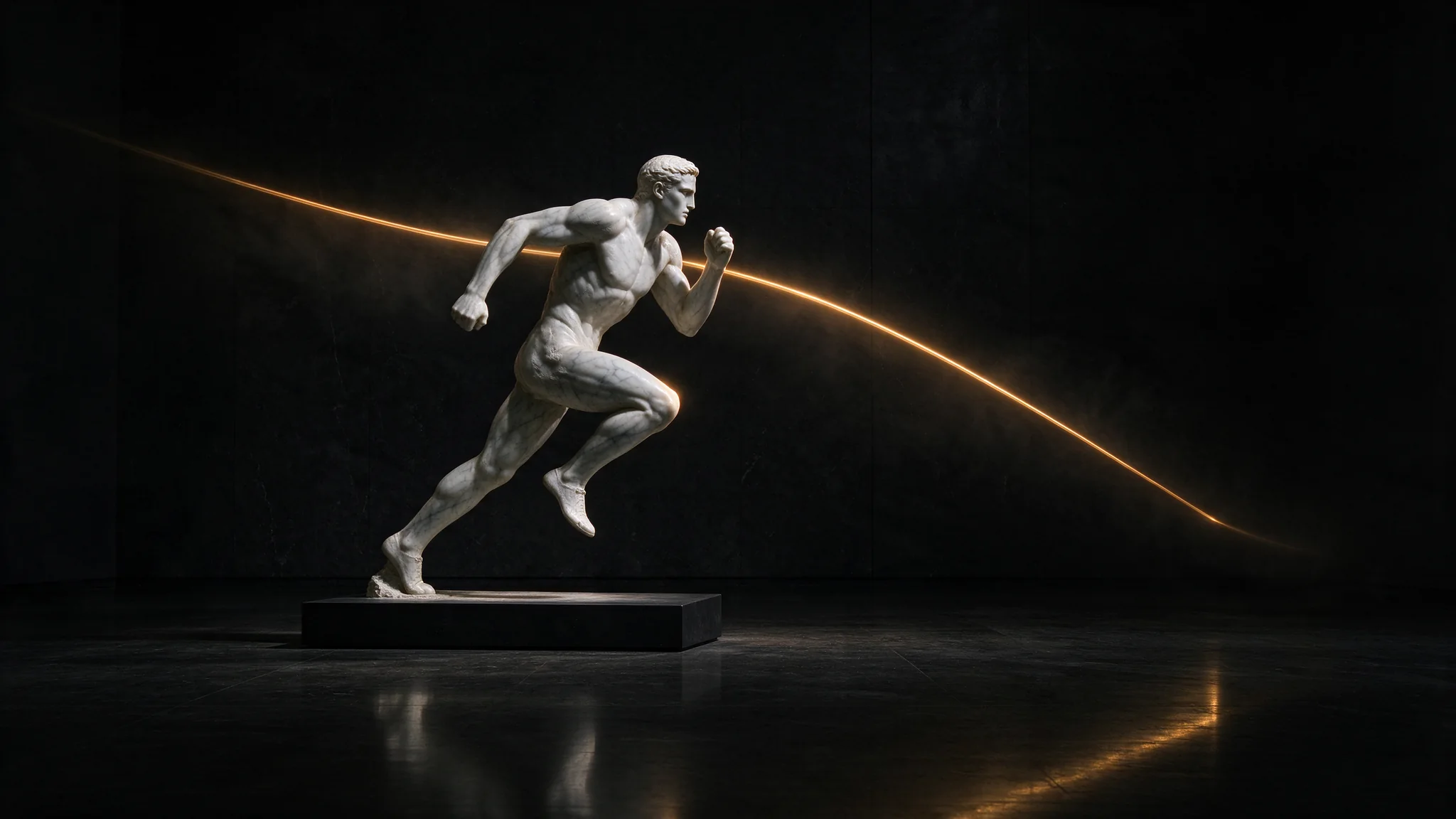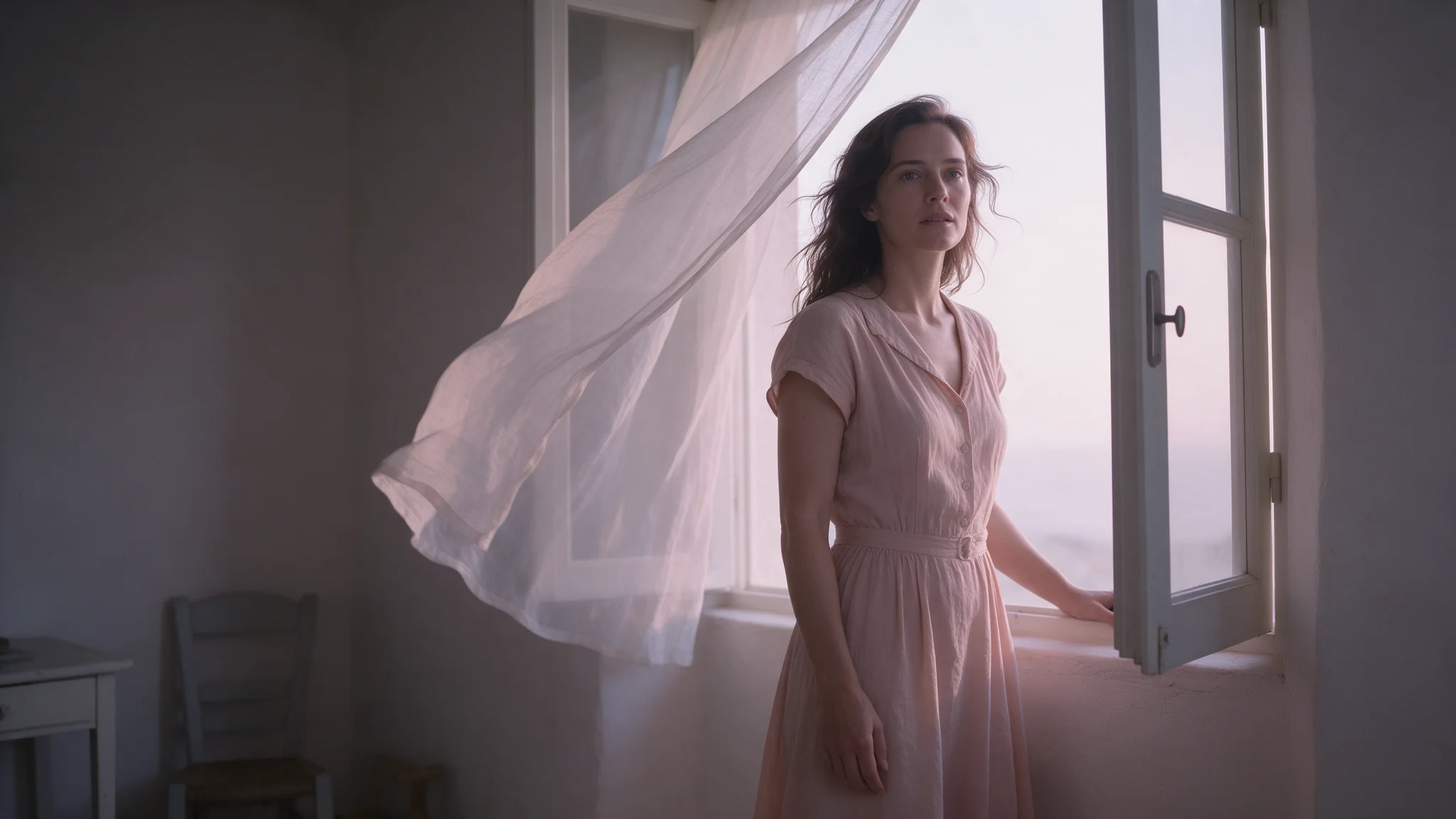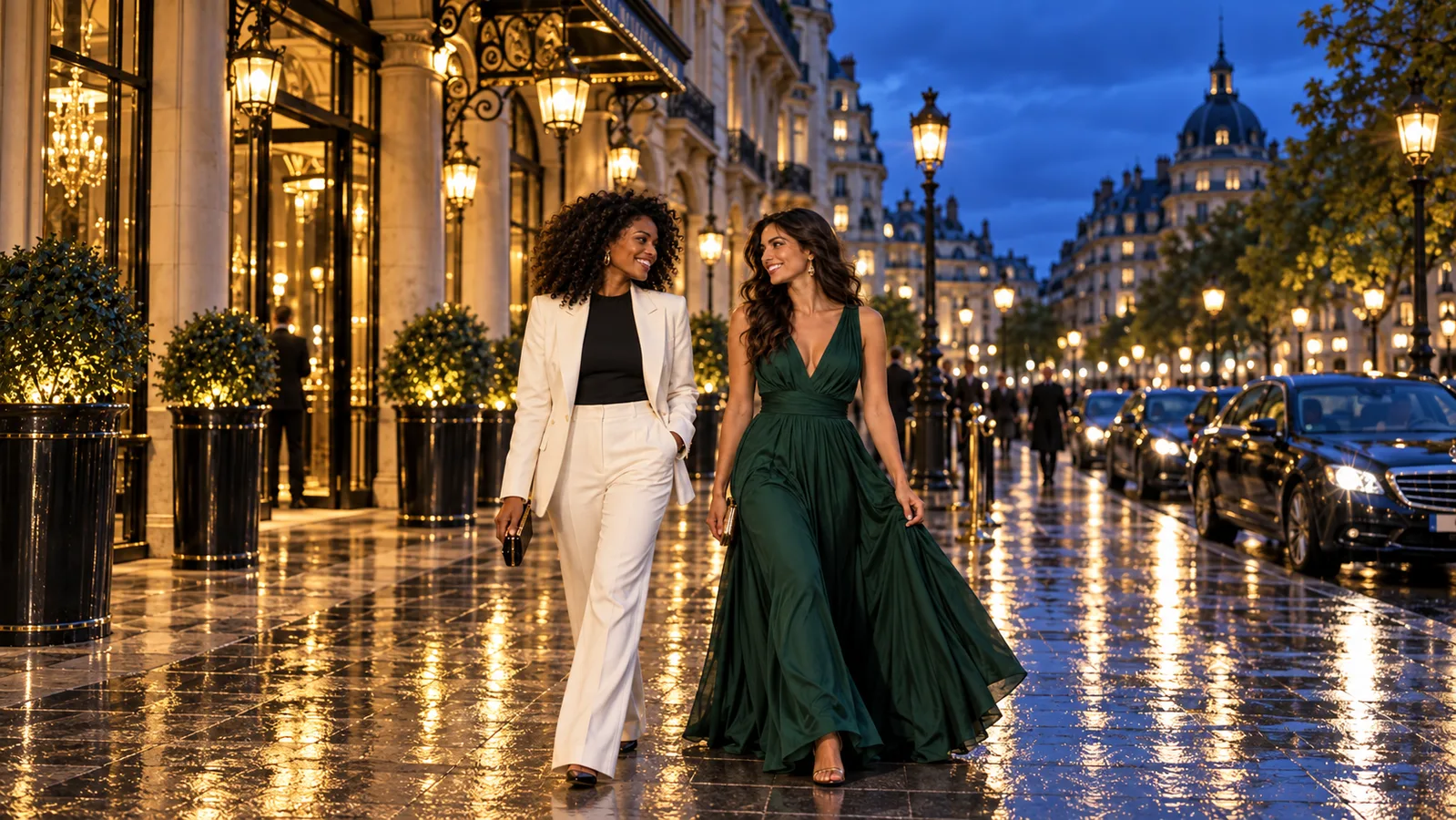
For adult-oriented portraits and edits, the Seedream version and task type affect what comes back.
Seedream supports adult image generation and editing on SpicyAPI, with a different record for each version. Based on our September 2026 tests, Seedream 5.0 Pro delivered 33 of 34 text-to-image and editing runs across our five content levels; the one miss was an L4 edit that came back as a plain portrait instead of the two-person scene. Seedream 5.0 Lite delivered all 34. Seedream 4.0 softened one of three L4 runs in each task. Seedream 5.0 Flash softened some stronger runs in its first pass. A request can finish and be billed while the picture is not the one you asked for, so check every image.
- Pro: better light and skin detail than Lite or 4.0 in our edit comparisons. $0.036 per image at 1K, $0.072 at 2K.
- Lite: the cleanest content record, flat $0.0345, 2K-class sizes only.
- 4.0: the choice for a large canvas at a flat $0.03.
- Flash: the cheapest at a flat $0.029, suited to drafts. Stronger requests can still be softened: its latest 12-run check delivered 10 as asked, with one L3 replacement and one L4 softened image.
Does Seedream allow NSFW? What "uncensored" means here
The Seedream 5.0 Pro model page carries the Uncensored label: SpicyAPI runs no safety checker, and your prompt and images are passed on as written. Legal and consent duties stay with you. The label does not promise every composition will be rendered.
Adult characters only, and you need the rights to every photo you edit. A real, identifiable person must have consented.
Why the same Seedream may refuse you elsewhere
A model name does not identify a deployment. ByteDance's BytePlus ModelArk ships a content filter that covers adult and graphic content; per its content filter documentation it is on by default for a new endpoint, can be switched off per endpoint, and a baseline of content policies still applies. Resellers add their own checks: the fal.ai schema for Seedream 5.0 Flash has an enable_safety_checker field that defaults to true, and turning it off requires account authorization. Apps built on top can add moderation again.
So "Seedream blocked me" can mean the model, the version, the endpoint settings or the app, and an old comment about 4.0 or 4.5 does not describe 5.0 Pro. The results below are what came back through SpicyAPI with no SpicyAPI filter in front.
Content levels and results by version
| Level | What it covers |
|---|---|
| L1 Suggestive | Lingerie, a slipping strap |
| L2 Mature themes | Moderate NSFW imagery |
| L3 Strong | Advanced NSFW imagery |
| L4 Intense | An intimate scene between two adults |
| L5 Extreme | Two separate probes: a consensual adult restraint scene (class A) and fictional gore (class B) |
Each run was delivered (requested content present), softened (an image arrived but part of the request was toned down or replaced) or refused (no image). Cells show delivered runs out of total runs. Across the batches in these tables, the four versions produced no refusals in 117 runs; every miss was a softened image.
Text to image
| Level | Pro | Lite | 4.0 | Flash (first pass) |
|---|---|---|---|---|
| L1 | 3 of 3 | 3 of 3 | 3 of 3 | 3 of 3 |
| L2 | 3 of 3 | 3 of 3 | 3 of 3 | 3 of 3 |
| L3 | 2 of 2 | 2 of 2 | 2 of 2 | 2 of 3 |
| L4 | 3 of 3 | 3 of 3 | 2 of 3 | 1 of 3 |
| L5 class A | 3 of 3 | 3 of 3 | — | 4 of 6 |
| L5 class B | 3 of 3 | 3 of 3 | — | 3 of 3 |
Editing
| Level | Pro | Lite | 4.0 | Flash (first pass) |
|---|---|---|---|---|
| L1 | 3 of 3 | 3 of 3 | 3 of 3 | — |
| L2 | 3 of 3 | 3 of 3 | 3 of 3 | 3 of 3 |
| L3 | 2 of 2 | 2 of 2 | 3 of 3 | 2 of 2 |
| L4 | 2 of 3 | 3 of 3 | 2 of 3 | — |
| L5 class A | 3 of 3 | 3 of 3 | — | — |
| L5 class B | 3 of 3 | 3 of 3 | — | — |
The two L5 probes are different kinds of strong content, not a higher rung, so Pro passing L5 does not mean it delivers every L4 scene. Per-run records: Pro, Lite, 4.0, Flash (first-pass numbers); scoring is in the review methodology.
When a Seedream model held back, it did not say no: it changed the picture and the task still shows "succeeded". Pro's miss was a plain portrait in place of the two-person scene. 4.0 either obscured the scene's details or replaced the requested action. Flash added a garment, swapped in a clothed person, put a bedsheet across the key part of the frame, or chose an angle that avoids the contact.
What about Seedream 5.0 Flash?
Flash's first text-to-image pass differed between two configurations:
- 1K, 3:4: the first-pass results above include L3 replacements and L4 softening.
- A separate batch at 1.5K and 2K, 3:4: all 18 requests were delivered as asked, three at each of the six categories.
These were different configurations, rather than a controlled before-and-after update test. A later check delivered 10 of 12 requests as asked: one L3 request was replaced and one L4 request was softened, with no hard refusals. Flash remains a cheap draft option, but finishing a request does not guarantee the stronger scene is retained. Details are in Is Seedream 5.0 Flash uncensored?.
Flash text-to-image and editing need no switch or separate endpoint, and cost a flat $0.029 per image at 1K, 1.5K and 2K. For a same-prompt comparison of the three 5.0 versions, see Seedream 5.0 Lite vs Pro vs Flash.
Layer decomposition and mature source images
Splitting an image into layers has its own content behaviour. Flash layer decomposition split every level we tried, including an intimate scene between two adults. Pro layer decomposition split lingerie, moderate and advanced NSFW, and restraint-scene inputs but refused source images showing an intimate scene between two adults, without charging for them. For that kind of source, start with Flash. The layer guide covers prices ($0.026 per output image on Flash; $0.042 or $0.084 on Pro) and how to stack the layers back.
Pro, Lite, 4.0 or Flash?
| Pro | Lite | 4.0 | Flash | |
|---|---|---|---|---|
| Content record | 33 of 34 delivered | 34 of 34 | softened some L4 runs; no L5 results | mixed first pass; 10 of 12 delivered in latest check |
| Price per image | $0.036 at 1K, $0.072 at 2K | $0.0345 flat | $0.03 flat | $0.029 flat |
| Reference images in edits | 1 to 10, each extra +$0.003 | 1 to 10, flat | 1 to 10 | 1 to 10, flat |
| Output | 15 aspect ratios, 1K or 2K | 8 fixed 2K-class sizes | up to 4096 px wide | 15 aspect ratios, 1K to 2K |
| Median job time | about 70 s | about 70 s | about 27 s | about 28 s |
| Choose it for | photographic light and skin, long prompts | the cleanest content record, flat-rate multi-reference edits | a big canvas | cheap bulk drafts |
None of the four has a seed, so repeating a prompt gives a different image.
Pro fits finished portraits. At 2K, its default, it costs $0.072 against Lite's $0.0345, about twice as much. Lite fits work where getting the request back as written and the price matter most, and it can relight while keeping face and pose. 4.0 is for large frames, and Flash for drafts you will triage. Exact sizes are on the 4.0 and Lite model pages.
Try it in the Playground, then the API
For a finished portrait that has to look photographed, start with Pro; if getting the content back as requested matters most, run the same brief on Lite too.
- Open Pro text-to-image (or Pro editing for an image you already have) and stay on the Playground tab, in Form view. Log in with a funded account to run.
- Write the scene in Prompt, or start from this one: Run this prompt on Pro →
- Set Resolution to 1k; it defaults to 2k, which doubles the price. Editing also takes your source photos under Images: add one to ten and give each a role in the prompt.
- Run the model, check the picture against your brief, then open the Lite page and paste the same prompt.
To call it from code, set resolution to 1k explicitly, because leaving it out bills the 2K price of $0.072:
curl -X POST https://api.spicyapi.ai/api/v1/jobs/createTask \
  -H "Authorization: Bearer $SPICY_API_KEY" \
  -H "Content-Type: application/json" \
  -H "Idempotency-Key: $(uuidgen)" \
  --data '{
    "model": "bytedance/seedream-5.0-pro/text-to-image",
    "input": {
      "prompt": "An adult woman in an emerald evening gown stands at a rain-lit balcony rail at dusk, looking back over her shoulder. Single warm practical light from the left, 85mm, shallow depth of field, fine film grain.",
      "resolution": "1k"
    }
  }'
The editing model ID is bytedance/seedream-5.0-pro/edit. For text-to-image drafts, enable_thinking: false generates faster at the same price. Fields and results are in the API reference.
Let an Agent do it. An assistant can make the same call through the CLI, the MCP server or the Agent Skill; CLI and MCP show the price and ask you to confirm first; the Skill only teaches your assistant the schema. For example: npx @spicyapi/cli tasks create --model bytedance/seedream-5.0-pro/text-to-image --input-json '{"prompt": "...", "resolution": "1k"}' --wait, or, with the MCP server added, ask "Generate with bytedance/seedream-5.0-pro/text-to-image at 1k": the assistant calls spicyapi_task_create, which shows the price and asks you to confirm. For the Skill, run npx skills add spicyapi-ai/spicy-skill.
Portrait quality on Pro
Pro keeps skin texture such as freckles and pores under overlaid shadow, and in a relight edit it kept the source skin tone closer to the original than the other two Seedream editors. ByteDance's Seedream 5.0 Pro announcement stresses the same strengths: skin texture, real-world lighting and materials. Prompts and images are on the Seedream 5.0 Pro review. The announcement also describes point and lasso editing, which the SpicyAPI edit endpoint does not expose; you direct the region in words.
Editing without losing the person
Start with text-to-image when the brief begins as words and a new composition is welcome; start with editing when you already have an approved image to change. To keep the same character, generate or approve one image and edit from it. The edit endpoint takes one to ten reference images; a source with no stated job is blended into the result, so give each reference a role in the prompt.
A prompt that worked as a relight:
Keep the woman, her seated pose, her face and the framing exactly as they are. Convert the photograph to high-contrast black and white fine-art, relight it with a single hard key light from camera right … and replace the cream cable-knit blanket with heavy wet black silk.
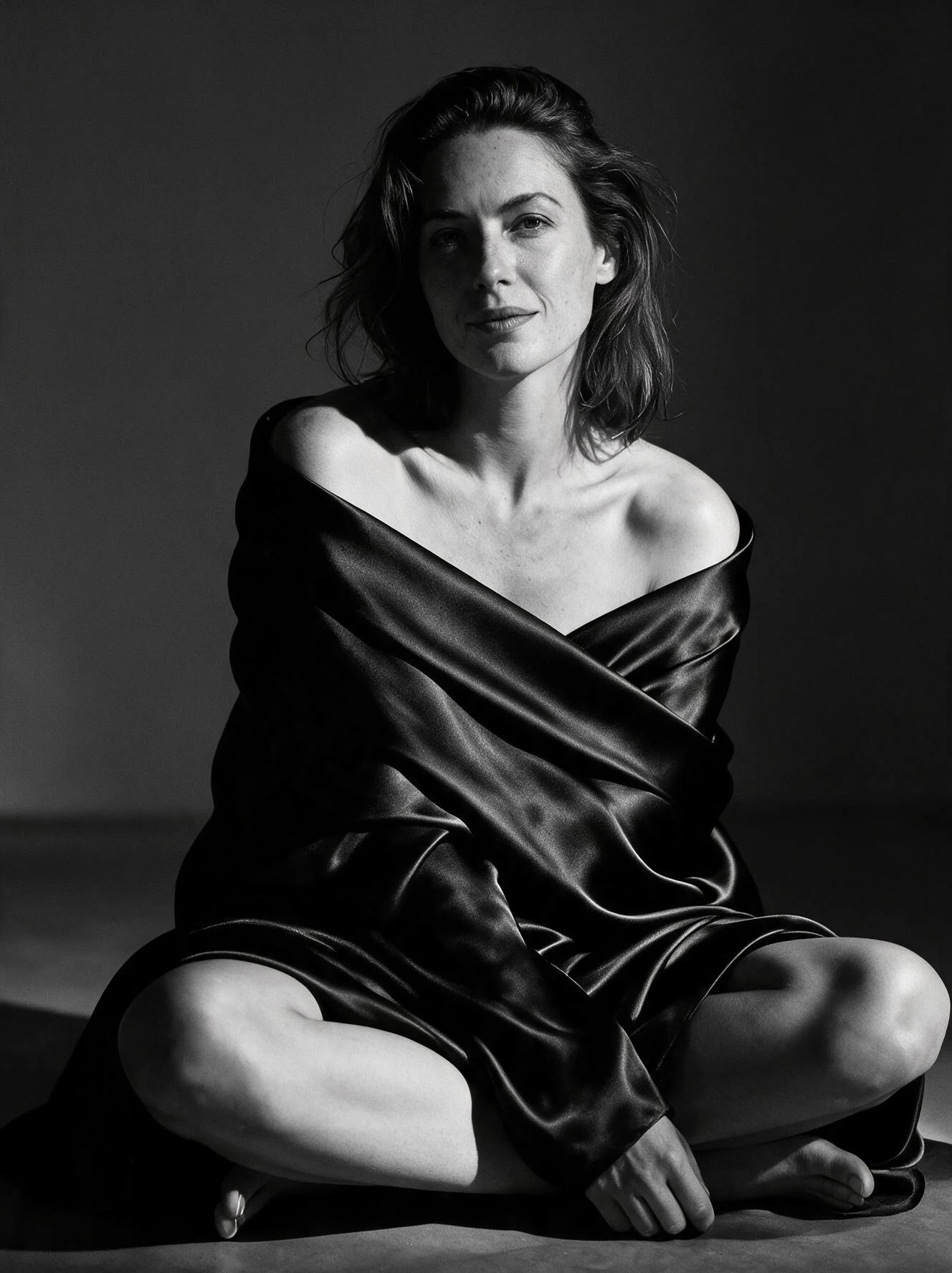
Seedream 5.0 Pro editing: the output for the relight prompt above.
Name what must stay and what changes. Pro re-renders the whole frame on every edit, so chained edits drift from the original; go back to the source image and write one fuller instruction.
To place a woman from one photo into the room from another, use one source photo and describe the new place in words: combining two photos kept her slip and the room but not her face. A three-reference composite stayed closer to the face reference than 4.0 did.
What it costs to get a keeper
Pro charges $0.003 for each reference after the first: at 1K an edit costs $0.036 with one reference, $0.039 with two, $0.042 with three, $0.048 with five and $0.063 with ten; at 2K it runs from $0.072 to $0.099 with ten. Draft at 1K, finish at 2K: the default resolution is 2K and doubles the price, and it does not fix a missed instruction.
For a budget planned around a two-in-three usable rate, allow about 1.5 attempts per keeper: $0.054 at 1K with one reference. That is a planning assumption, not an established long-term success rate from the three L4 edits.
If a result comes back softened
- Run it again; each attempt is a fresh draw, and three attempts cost a few cents.
- Spell out what everyone is wearing and doing in plain words.
- Describe one clear scene and one pose instead of several.
- If the person matters, edit from an approved image instead of regenerating from words.
- Move up or down a version on the same brief. Lite delivered every L4 run; Pro has the better light.
What to do next
Prompting patterns are in Seedream 5.0 Pro prompts; for the same brief across the 5.0 versions, see Seedream 5.0 Lite vs Pro vs Flash.
FAQ
Is Seedream unrestricted?
On SpicyAPI the Seedream models carry the Uncensored label and we add no filter in front of them. That is not the same as unrestricted: versions differ, and one Pro run in 34 was softened. Other platforms may filter by default.
Do I need a flag or special wording?
No. Text-to-image and editing need no adult-content switch and no special phrase. Describe an adult scene concretely and review the image.
Can Seedream 5.0 Pro split a mature image into layers?
Mostly. It split lingerie, moderate and advanced NSFW, and restraint-scene inputs and refused source images showing an intimate scene between two adults. Flash split that kind of image too.
Is Seedream 4.5 censored?
4.5 is not on SpicyAPI, so there are no results for it here. A refusal elsewhere may come from the service's filter, the version or the task settings (see "Why the same Seedream may refuse you elsewhere"). The versions here run with no SpicyAPI filter: 5.0 Pro, Lite, Flash and 4.0.