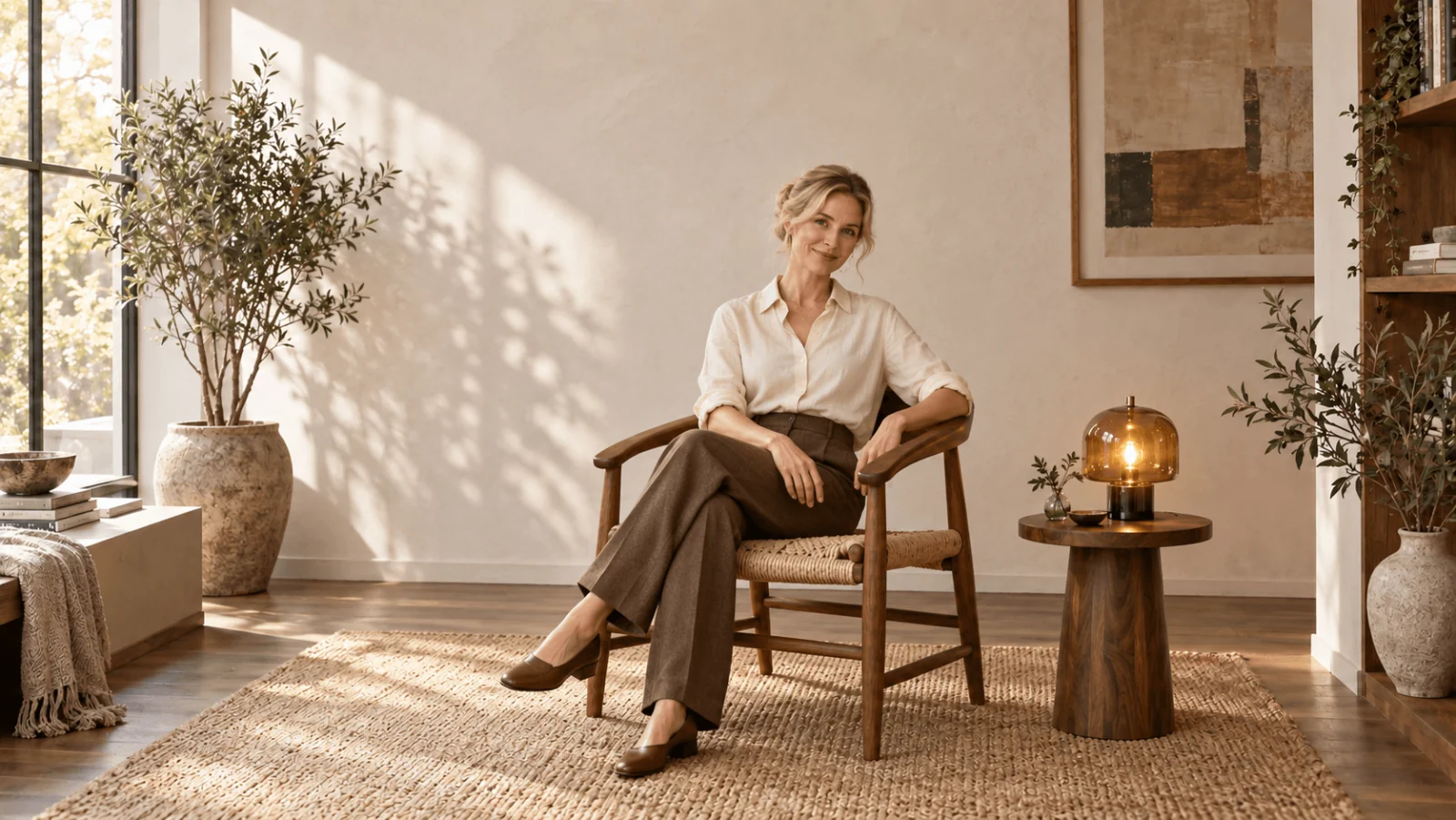
Write a Seedream 5.0 Pro prompt as a visual spec: subject, pose, clothing, light direction, material and background, each stated concretely. When an existing face or outfit has to stay, switch to editing. Draft at 1k ($0.036 per image) and move to 2k ($0.072) to judge detail.
Seedream 5.0 Pro is an uncensored model on SpicyAPI: the platform adds no extra content filter. Based on our September 2026 tests, text-to-image delivered every adult-content level we tried, including advanced NSFW imagery. Editing did the same except for one of three higher-intensity adult scenes, which was softened. The examples below stay fully clothed so they work for any use. For adult wardrobe wording see outfit editing with Seedream 5.0 Pro; the content test article has the level-by-level results.
Write the portrait as a spec, not a mood
Spend the prompt on light source and direction, material and lens rather than adjectives: Pro renders what you specify and invents what you leave out. Try it in the Playground:
- Open Seedream 5.0 Pro text to image, stay on the Playground tab in Form view and log in to run.
- Paste the prompt below into Prompt.
- Set Aspect ratio to 4:5 (an unset ratio returns a square), Resolution to 1k and Output format to PNG; leave Deep thinking on.
- Run the model, then change one clause and run again.
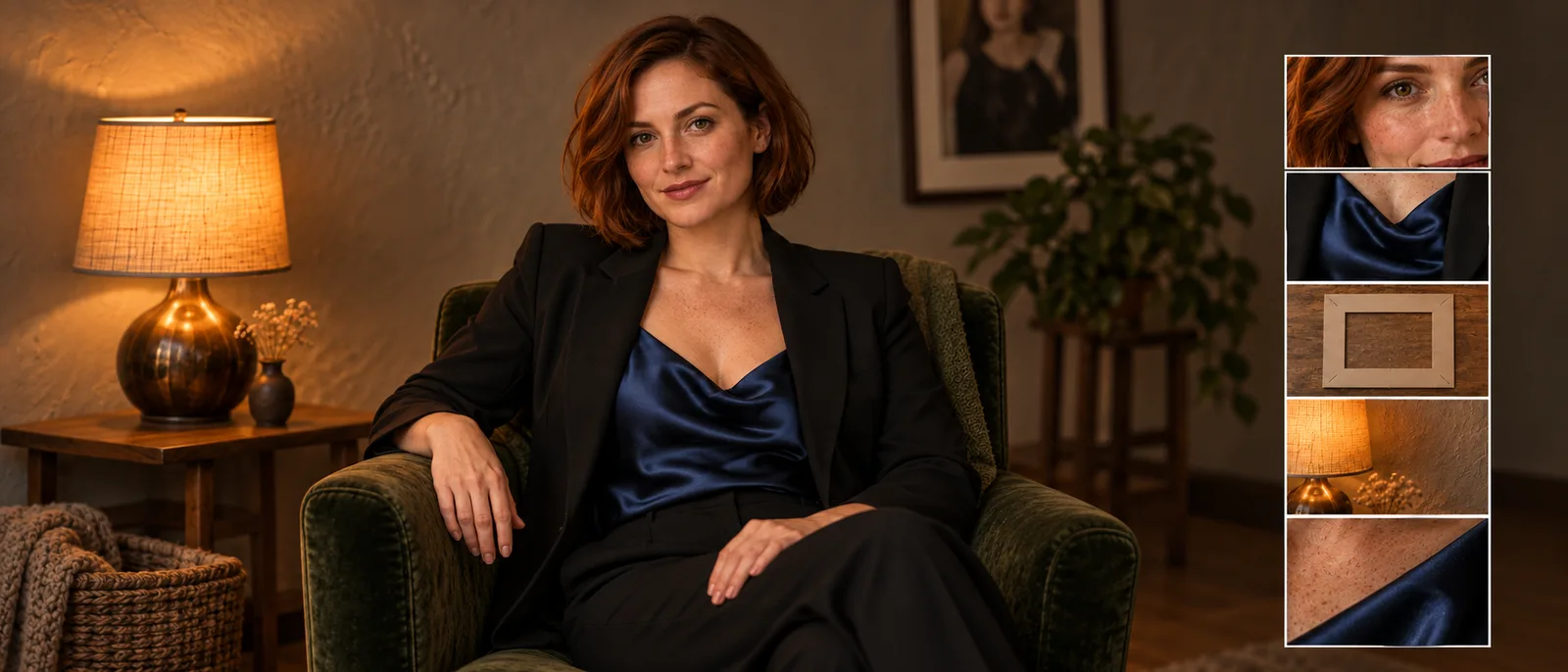
Editorial portrait of a fictional adult woman aged 38 with a short dark bob, a straight nose and natural expression lines. She wears an opaque burgundy satin blouse with a closed neckline and black tailored trousers. Seated in a woven chair, torso turned slightly toward the camera, both hands resting separately on her lap. Soft window light from the viewer's left, a gentle shadow on the right cheek, plain warm plaster wall. Show the face, hands and blouse clearly. Restrained satin highlights and natural skin variation. No jewelry or additional people.
Run this prompt in the Playground →
Every clause is a lever you can change on the next attempt: stating that the hands rest apart, naming the light direction and asking for restrained satin highlights each target a common failure. "Ultra beautiful, premium, masterpiece, perfect skin" fixes none of those relationships.
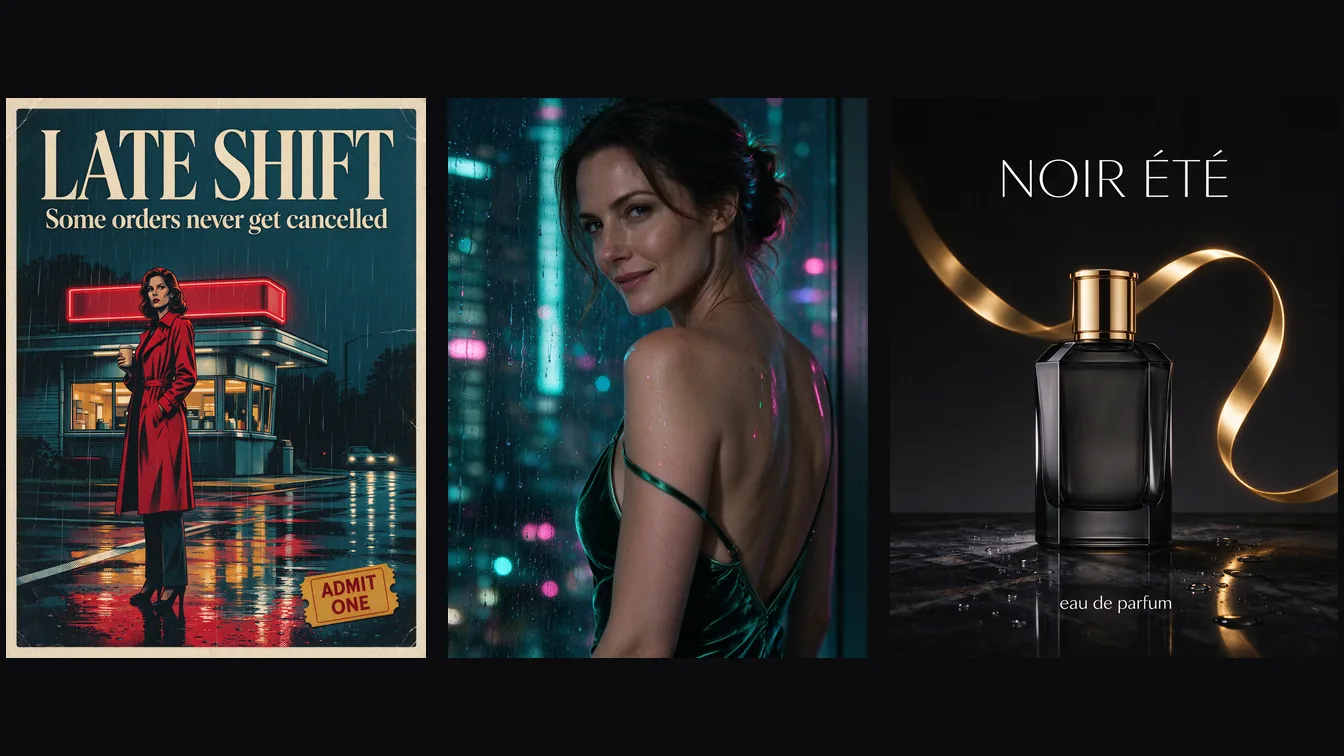
The same habit works at larger scale. This model-page example specifies one hard clerestory shaft, opaque terracotta linen, a brass basin, steam, 65mm and shallow depth of field, and the frame follows each of them:
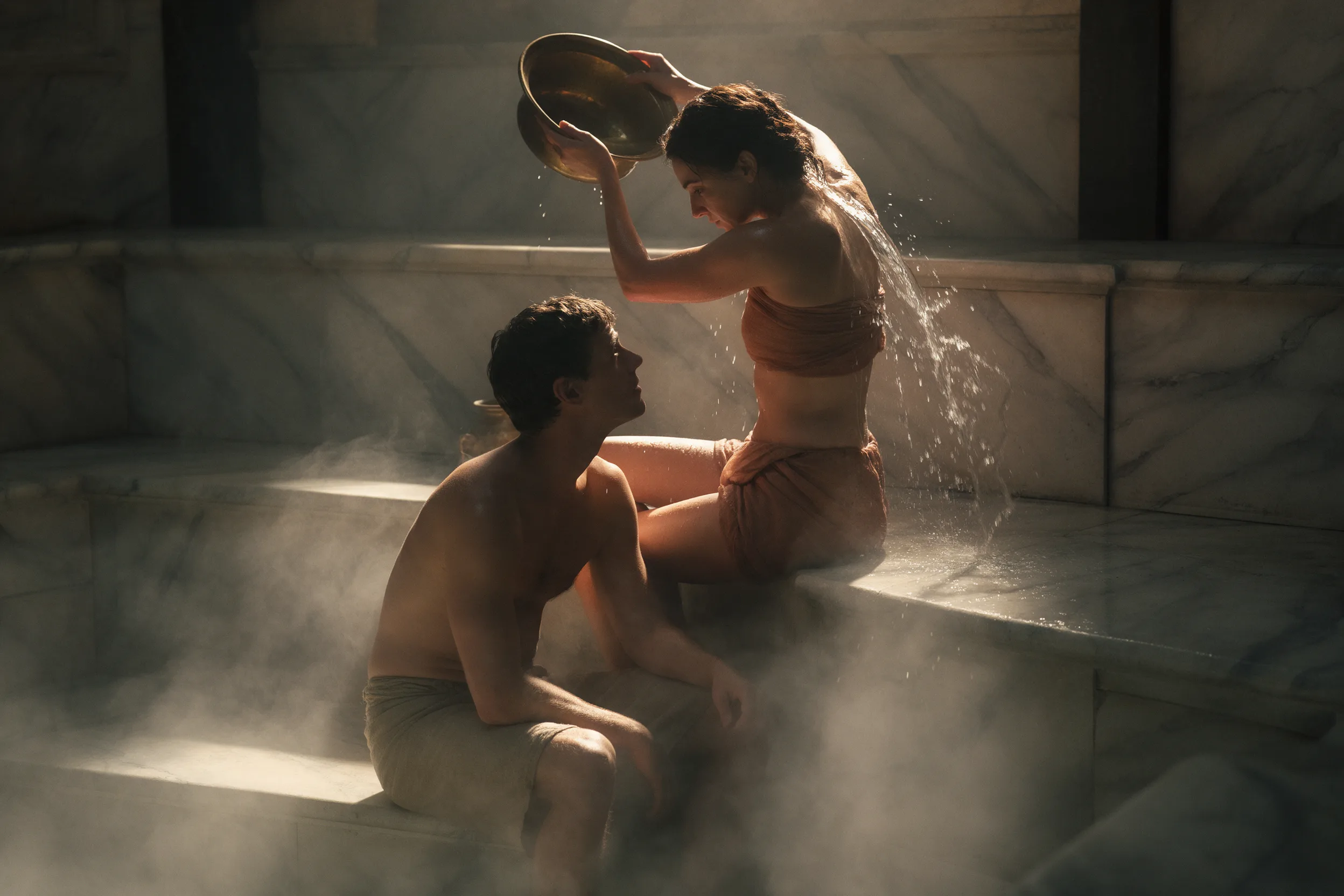
Seedream 5.0 Pro text-to-image example at 3:2 and 2k. The prompt names one light source, the fabrics and the lens.
Run the same prompt from code
Once the Playground result looks right, send the same request from a terminal. Put the input object in input.json and create the task with the CLI:
cat > input.json <<'EOF'
{
  "prompt": "Editorial portrait of a fictional adult woman aged 38 with a short dark bob, a straight nose and natural expression lines. She wears an opaque burgundy satin blouse with a closed neckline and black tailored trousers. Seated in a woven chair, torso turned slightly toward the camera, both hands resting separately on her lap. Soft window light from the viewer's left, a gentle shadow on the right cheek, plain warm plaster wall. Show the face, hands and blouse clearly. Restrained satin highlights and natural skin variation. No jewelry or additional people.",
  "aspect_ratio": "4:5",
  "resolution": "1k",
  "output_format": "png",
  "enable_thinking": true
}
EOF
spicyapi tasks create --model bytedance/seedream-5.0-pro/text-to-image --input-file input.json --wait
It costs $0.036. For edits, upload each source with spicyapi files upload and pass the spicy:// addresses as the image inputs. Uploads, results and retries are in the image generation guide.
To let an Agent do it, use the CLI above or the MCP server (spicyapi_upload_file, spicyapi_task_create, spicyapi_task_wait; it stops for your price confirmation). npx skills add spicyapi-ai/spicy-skill installs the Skill that teaches an assistant to use either.
Fix one visible problem at a time
| Visible problem | Try adding |
|---|---|
| Hands overlap and merge | "Both hands rest apart on the lap, with visible space between them." |
| Blouse looks like polished metal | "Soft broad satin highlights, opaque fabric, no mirror-like metallic finish." Name the finish (matte, satin, brushed) instead of a generic lighting term. |
| Face is flat and overly smooth | "Keep natural expression lines and subtle skin variation; retain gentle side-light shadows." |
These are the first things to try, not guaranteed cures; change one per attempt so you can tell which instruction did the work. These tasks have no negative-prompt field, seed or mask, so put exclusions in the main prompt and keep them to the one or two that matter; a long exclusion list from another model's guide only adds noise.
For a series, keep the character, outfit and light as a block of text you reuse word for word, and change only the setting sentence, for example "A woven chair beside one walnut side table with a small amber glass lamp, against a quiet plaster wall." Rewording the fixed block between images can make a set drift. When the identity itself must be identical, move to editing: a description of age and hairstyle is not a persistent identity reference.
Use references when the face or garment is already chosen
Open Seedream 5.0 Pro editing and add the sources under Images with Add a file or Add URL. Put the approved portrait first, and start with Aspect ratio auto, Resolution 1k, Background opaque and Output format PNG. Assign every image a role in the prompt, because sources without one get blended rather than used, which is the usual cause of a muddy result.
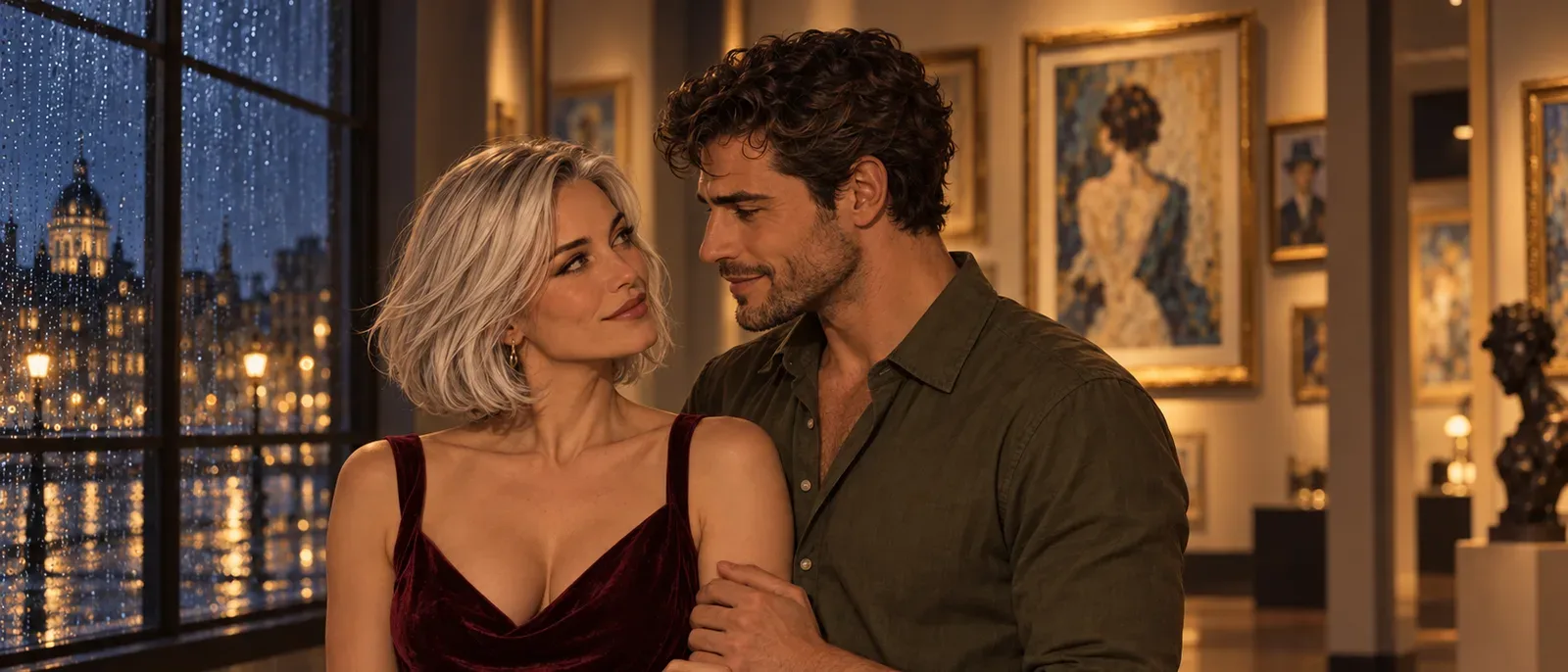
Image one defines the fictional adult's face, hairstyle, pose and camera view. Image two defines only the burgundy blazer's cut, lapels and velvet fabric. Dress the person from image one in that blazer over an opaque cream shirt. Keep the original face and hand positions. Match the blazer to the existing soft window light. Do not copy the person or background from image two.
If a source contains a person you do not want, say what it must not contribute ("do not copy the face from image two"), and if you add a pose reference, state that it supplies pose only. A third image needs an equally specific job, such as a new room. Up to ten are accepted.
Two behaviours change how you set up the request:
- Aspect ratio auto follows the supported ratio closest to the first reference, not its exact pixel size. Choose 4:5 explicitly if that is the deliverable, and avoid asking for a new camera angle in the same edit, since that changes how the face and garment are projected.
- There is no mask. To target one of several similar objects, name its position ("the small lamp on the left") or draw a clear outline on a copy of the input image, then ask for the outline to be removed from the result. Check that the marks are gone and that neighbouring objects are intact.
ByteDance's Pro announcement itself notes room to improve pixel-level editing consistency, so treat the "keep" list as a strong instruction, not a pixel lock, and compare the face after every edit. For cumulative changes, use the latest accepted edit and check for drift. If you return to the original, include all the accepted changes you want to keep in the prompt; use a common original for independent variations. For strap, lace and print accuracy on a garment, see the outfit guide above; for a whole cast, the character reference workflow.
When to turn thinking off
Deep thinking (enable_thinking in code) is on by default for generation and editing; it refines your prompt before the image is made and has no effect on price. Switching it off makes text-to-image noticeably faster but saves little time on edits. Leave it on for an open concept. If a tightly specified prompt keeps gaining things you did not ask for, run the same prompt once with thinking off, changing nothing else.
What it costs
| Operation | 1k | 2k |
|---|---|---|
| Text to image | $0.036 | $0.072 |
| Edit, one source | $0.036 | $0.072 |
| Edit, each additional source | +$0.003 | +$0.003 |
A two-source blazer edit costs $0.039 at 1k, and a three-source edit at 2k costs $0.078. Resolution defaults to 2k, so set 1k when drafting. Aspect ratio, PNG versus JPEG and the thinking switch do not change the price. PNG is the safer file for later retouching; it does not improve anatomy or add transparency.
Transparent output has one narrow input
Setting Background to Transparent works only with Output format PNG and exactly one input that is itself a PNG with an alpha channel. A JPEG, or a wardrobe edit with two references, will not qualify, so it is not a general background-removal option. Even when it works, inspect hair and semi-transparent fabric edges for pale fringes.
Split a finished image into layers
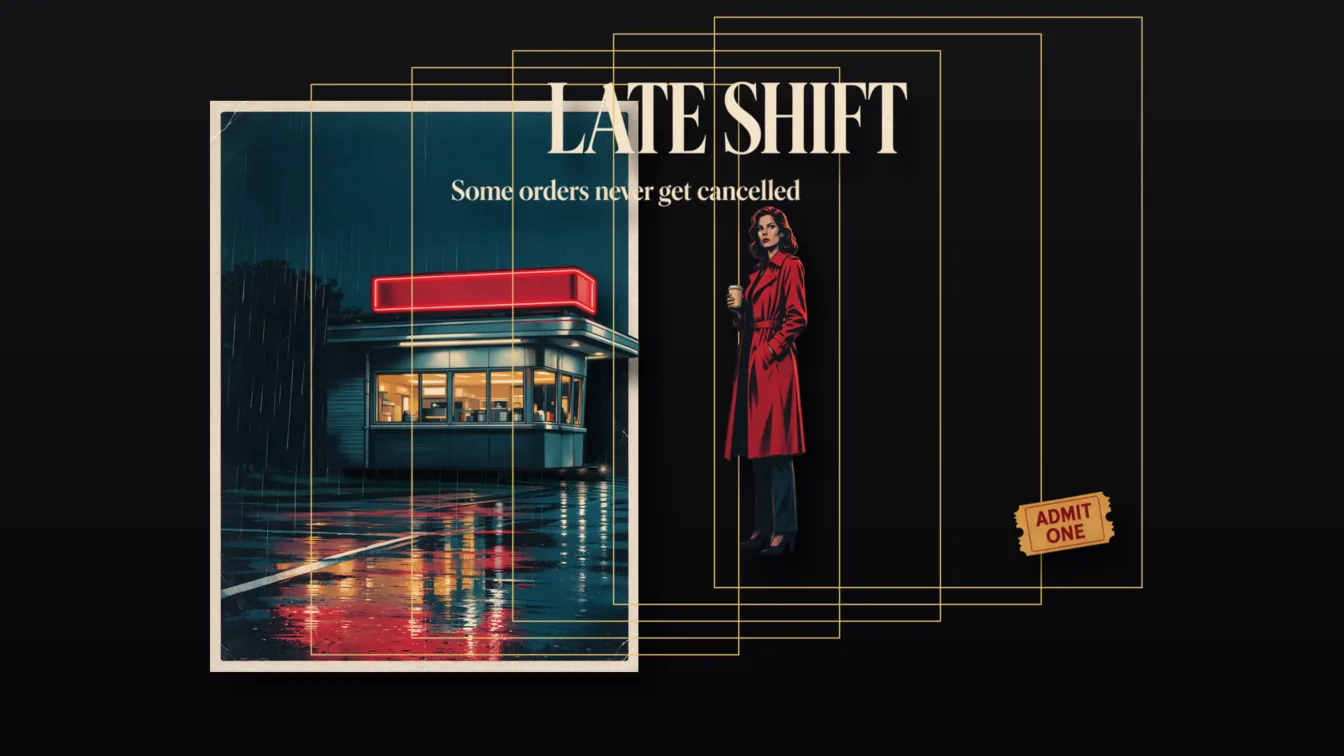
Layer decomposition is a separate task for a finished image. It returns a base image plus up to sixteen transparent PNG layers. Try it in the Playground:
- Open the page and stay on the Playground tab in Form view.
- Under Input image, add the finished picture with Choose a file or Asset URL.
- Leave Prompt empty to let the model pick the main elements, or name them ("Separate the woman from the rainy window behind her"). To pin one to a place, add
<bbox>x1 y1 x2 y2</bbox>, with coordinates from 0 to 1000 measured from the top-left. - Set Resolution (1.5k is the default) and Output format for the base image; layers are always transparent PNG. Log in and run.
Every returned image is billed, base included: $0.042 at 1k or 1.5k, $0.084 at 2k or auto, so a base plus five layers costs $0.252 at 1.5k. The price is held for the maximum of 17 images and settled to the real count. It handles advanced NSFW inputs, but higher-intensity adult scenes are declined and not charged; for those, or a cheaper first pass, use Flash at $0.026 per image: see splitting an image into layers.
Use it when a subject or prop must move independently in a design; a finished portrait does not need it.
The practical path
Write one concrete first portrait and approve the face. Give every reference a job, then build cumulative changes on the latest result you have accepted. If one small region is wrong, repair it in an editor instead of asking for another full edit.