You want an adult anime character, a recognizable face across a set, and the freedom to make the scenes your audience requests. A generator that accepts the prompt but changes the character every time still fails that job. So does an inexpensive subscription that excludes the model or reference feature you actually need.
For a browser-based anime studio, start with NovelAI. For trying several anime model families in one web interface, consider Mage. For a character generator inside your own application, use a hosted anime API such as Anima Turbo on SpicyAPI. For detailed control over checkpoints, adapters and editing, choose a local ComfyUI setup. These are different ways to work, rather than four interchangeable models.
This guide compares their documented features and costs. It does not claim that we ran a new, identical-prompt test across all four platforms. Our separate NSFW anime model comparison covers the generation tests behind our hosted-model recommendations.
Choose the workflow before choosing the model
| What you are making | Start here | The practical reason | The catch |
|---|---|---|---|
| A personal collection or character series made by hand | NovelAI | An anime-focused workspace with documented character and style references | Reference features are model-specific; subscriptions do not make every action unlimited |
| Anime art while exploring different model families | Mage | Pony, Illustrious and Anima in a browser | The $10 plan does not include every model or character feature |
| An adult anime generator in an app or website | SpicyAPI with Anima Turbo | Public API, per-image pricing and an anime-native model | A generation endpoint is not a complete character-management product |
| A custom art pipeline with your own checkpoints and adapters | ComfyUI with a suitable anime model | You control the workflow and where processing runs | Installation, model licensing and GPU capacity become your responsibility |
The important distinction is where the character information lives. A website may save a character reference for you. An API may accept the input you send on each request. A local workflow may load a character LoRA you chose. All can be useful, but changing the model name alone does not transfer those controls.
For an NSFW project, also distinguish the actual model from the platform's adult-content label. A hosted catalog can include both permissive and restricted models. An open-weight download may support mature themes while a public demo of the same model has separate rules. Select the exact generation task you will use, not just the brand.
The strongest adult-content evidence in this comparison is the published Anima Turbo test record. Our NovelAI and Mage recommendations concern their documented anime workflows, not a newly measured NSFW success rate. Mage describes creative freedom with prohibited categories in its terms; neither a paid plan nor its anime catalog proves that every adult request will render. If your project depends on a particular mature scene category, that uncertainty should affect your purchase, even if the reference tools look attractive. Mage terms
NovelAI: an anime studio with useful reference tools
NovelAI makes sense when you want to stay in the browser and spend your time on characters rather than managing model files. Its current image lineup includes V5 Full and V5 Curated, alongside older models. The publisher describes Full as using a broader dataset, while Curated emphasizes cleaner, more focused material. That gives adult creators a reason to examine Full rather than assuming the default model is the right one. It does not establish a pass rate for any particular request. NovelAI's model documentation
For a recurring character, the most interesting tool is Precise Reference. It separates character reference, style reference and their combination. However, the documentation currently lists it as a V4.5 feature, and says Vibe Transfer is incompatible with it. Picking the newest model and expecting every reference feature to follow is therefore a mistake.
Its controls also explain a common frustration: turning up reference strength can hold the appearance more closely while making expressions, angles and poses too similar to the source. If your character keeps looking straight ahead when the scene calls for a side view, reducing that influence is a more relevant adjustment than adding twenty quality tags. Multiple character references can blend identities, rather than assign each image to a separate person. Precise Reference documentation
For a fictional adult character, prepare a clear design reference before building a gallery. Use a readable face, the defining hair shape and uncomplicated clothing. If an accessory matters to the character, describe it in the prompt as well. A cluttered collage of different outfits creates several competing instructions; it is not automatically a stronger reference.
Vibe Transfer solves a different problem. It takes visual inspiration from an image, with controls for reference influence and extracted information. The official guide warns that an influential reference can override the text prompt or carry background features into the result. Use it when the palette or rendering style matters. Do not treat it as a promise to retain an exact face. Vibe Transfer guide
What the subscription actually buys
Tablet costs $10 per month, Scroll $15, and Opus $25. Tablet and Scroll each include 1,000 subscription Anlas; Opus includes 10,000. For someone mainly making images, Scroll's larger text context is not, by itself, a reason to expect a better image allowance.
Opus offers eligible single-image generations without spending Anlas, subject to its size, step and input conditions. V5 has a replenishing usage allowance; V4.5 and lower retain unlimited eligible generations. Reference generation, larger outputs and other configurations can involve Anlas. Precise Reference adds five Anlas per reference per image, so a 100-image project with one reference adds 500 Anlas before other applicable generation costs. Subscription details
The image trial provides 30 images up to 1024 × 1024 after registration. It is a one-time trial, not thirty free images every day. V5's Opus allowance recharges continuously and is not instantly replenished by paying for the next subscription period. NovelAI FAQ
Choose NovelAI if you want an anime workspace and its supported reference modes fit your project. Choose something else when you need a model or adapter it does not expose, or when your main task is supplying generation to customers through your own product. This is a workflow recommendation, not a claim that NovelAI lacks all API access.
Mage: several anime families without installing them
Mage is worth considering if you are still deciding which anime look suits your project. Its anime page lists Pony and Illustrious families on Basic at $10 per month and Anima on Pro at $30 per month. New members receive 300 one-time Gems. That can support initial exploration, but it is not a recurring free production allowance. Mage anime generator
The cost difference matters immediately. If you saw an Anima sample and subscribed to Basic because a roundup said “anime from $10,” you would have selected the wrong plan for that model. Similarly, access to a built-in model is different from importing your own checkpoint: custom imports are listed on Pro Plus at $60 per month.
Mage's membership page describes unlimited generation on selected models and settings, plus separate Gems. It also lists a premium API in limited beta at capacity, and prohibits automation of ordinary generations. A browser membership is therefore not a substitute for confirmed API access when you are building an app. Mage membership details
For adult anime work, the appeal is being able to explore several established illustration families without downloading their checkpoints. Keep your first prompt simple enough to see what each model naturally does: one adult character, one outfit, one pose and one lighting setup. Then adapt the syntax to the chosen model. Copying every Pony score tag into an unrelated model does not make the comparison fairer.
Mage also offers a Characters system; its anime page identifies Mango and Guava as the engines for that workflow. Do not assume saving a character gives identical behavior in every anime model. Before making a whole series, confirm that the combination you intend to use actually preserves the face, hairstyle and distinguishing details you care about.
Choose Mage if you prefer a web interface and want to explore multiple anime families. If you already know which model you need and only generate occasionally, compare its eligible subscription plan against per-image access rather than assuming “unlimited” is always the cheaper purchase.
SpicyAPI: anime generation inside your own workflow
If your users should generate characters inside your app, an API solves a different problem from a personal art subscription. On SpicyAPI, Anima Turbo text-to-image costs $0.012 per image at the 1k tier or $0.024 at 1.5k. It accepts a prompt, aspect ratio, resolution tier and seed. You can use tags or natural language; you do not need to provide a LoRA to start. Anima Turbo text-to-image
The current public content record reports that moderate and advanced NSFW categories rendered in the recorded tests. That supports choosing it for adult anime work, but it does not promise perfect anatomy, identical characters or success for every possible prompt. Content acceptance and a usable illustration are separate judgments.
For a specific character or style adapter, Anima Turbo LoRA costs $0.018 per image at 1k or $0.036 at 1.5k. It accepts up to three compatible LoRAs. These are different endpoint prices: “no separate LoRA loading fee” does not mean that the LoRA model costs the same as plain Anima Turbo. Anima Turbo LoRA text-to-image
Both families also provide image-to-image. This is useful when you have a source composition to restyle, but it should not be confused with a reference system that independently assigns identity, pose and background. The source image and transformation strength affect the whole restyling task. If you need a precise local correction, choose a tool that actually provides that correction mode rather than expecting a text instruction to turn restyling into inpainting.
What does this mean for an adult character generator? Store a character's approved description and compatible adapter selection in your own application, then supply them for each new scene. Keep character traits separate from the scene text. A customer changing “night balcony” to “morning café” should not accidentally replace the fixed hair and eye description.
Choose this route when API access, occasional usage or integration matters. For a one-person creator who wants an elaborate art editor around the model, a dedicated studio may be more convenient. The API delivers generation; your app supplies the surrounding character library and user experience.
ComfyUI: control over the actual local pipeline
A local workflow is the option to consider when you want to select the checkpoint, load your own compatible adapters and decide how generation and correction are connected. ComfyUI is the workflow software, not an anime model. Its project supports graph-based image-generation workflows and multiple model architectures. ComfyUI project
Two concrete starting points are Animagine XL 4.0 and Anima Turbo, but their instructions are not interchangeable. Animagine's model card describes tag-based prompting and recommends CFG 5, 28 steps and Euler a as starting settings. Anima Turbo's publisher recommends CFG 1 and 8–12 steps. There is no single “anime CFG sweet spot” that should override both sets of instructions. Animagine XL 4.0 model card, Anima model card
The license also matters differently depending on what you sell. Anima's publisher permits commercial use of generated outputs, but its model license restricts commercial deployment of the weights without separate permission. Selling character illustrations and running a paid generation service are different uses. A free download does not settle either question for every model.
Start with the publisher's working example for your exact model. Get an ordinary adult character portrait working before adding a chain of adapters, pose guidance and upscale stages. If that first image works but the expanded workflow fails, the added component is a more useful place to look than the model's NSFW label.
Local processing can avoid uploading your source files to a hosted generator when the workflow actually runs locally. However, a node that calls a remote API still sends its inputs away. Inspect the workflow you import, particularly before processing private reference material.
Choose local ComfyUI when its extra control solves a recurring problem and you can maintain the setup. It is less attractive when you would spend a weekend configuring a GPU to make a small set that a hosted tool could deliver today. Free software still uses hardware, electricity, storage and your time.
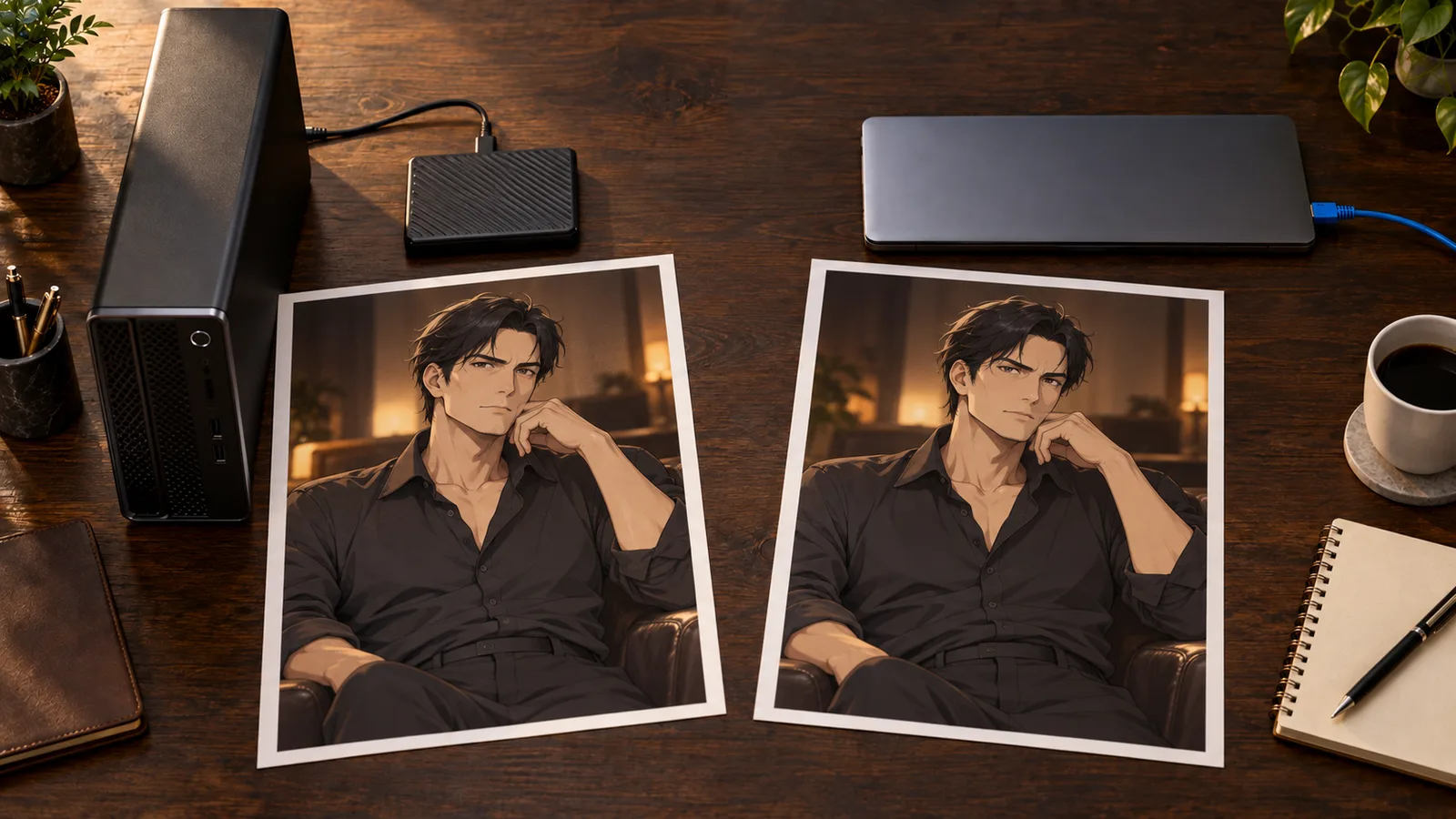
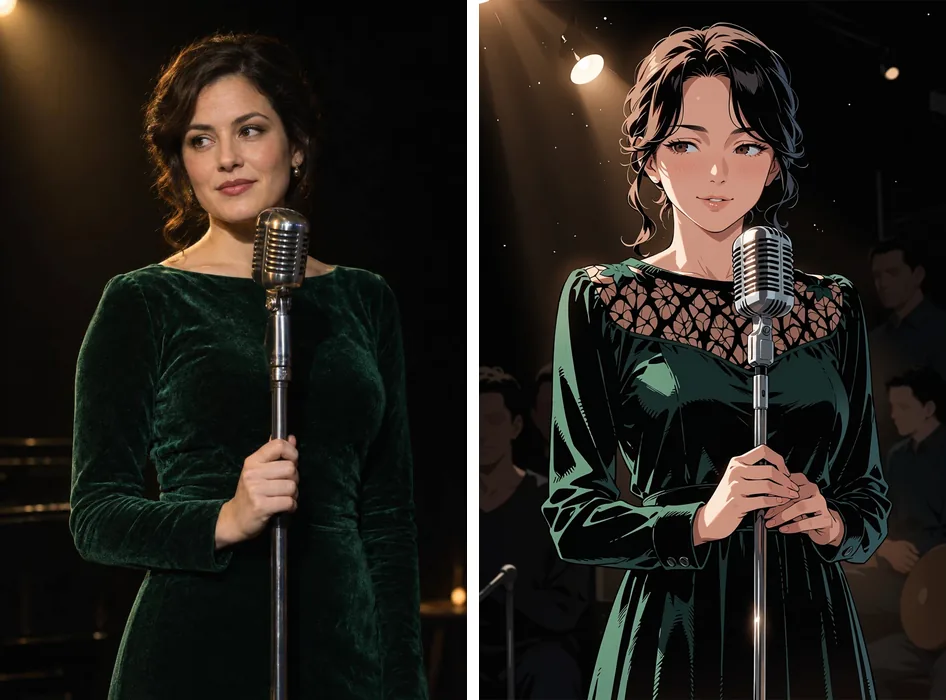
Illustration: local processing and hosted processing receive the same creative input through different workflows. A remote API node still sends its input away.
Make one adult character series before committing
Consider a concrete project: twelve illustrations of a fictional thirty-year-old character for an adult visual novel. You want the same silver bob, amber eyes and small eyebrow scar in a café, a gallery and an evening apartment scene. This is a proposed production example, not a newly tested set.
Begin with an uncomplicated reference or portrait. Establish the defining traits in neutral light, with the whole face visible. Save that original. A beautiful image with hair covering the scar gives the next generation less useful identity information, even if it looks more dramatic.
On NovelAI, choose a model compatible with the reference feature you intend to use. On Mage, check which model the saved character workflow actually runs. With a hosted Anima adapter, make sure the LoRA matches Anima. Locally, verify the checkpoint and adapter base before adding them to the workflow. These choices affect whether the character information is available at all.
Then change the location while retaining the identity description. A suitable baseline is:
A cel-shaded anime illustration of an adult woman, age 30, with a silver bob,
amber eyes and a small scar above her right eyebrow. She wears an opaque
black evening dress and stands beside an apartment window at night.
Waist-up composition, relaxed smile, warm indoor light, clear facial details.
This is a clothed example so you can establish character and composition before varying the mature tone. Use the content guidance for your chosen model; copying a rating tag into a different platform does not change that platform's rules.
If the face holds but the pose repeats, reduce reference influence where that control exists. If the identity holds but an accessory disappears, reinforce the accessory in the character description or use a supported local correction. If the whole composition changes, return to the original reference rather than repeatedly transforming an increasingly different result.
Do not mistake a fixed seed for a character reference. The seed controls the starting randomness for a particular generation setup. Keeping it fixed can help isolate an adjustment, but it does not establish identity across unrelated models, different pipelines or every scene.

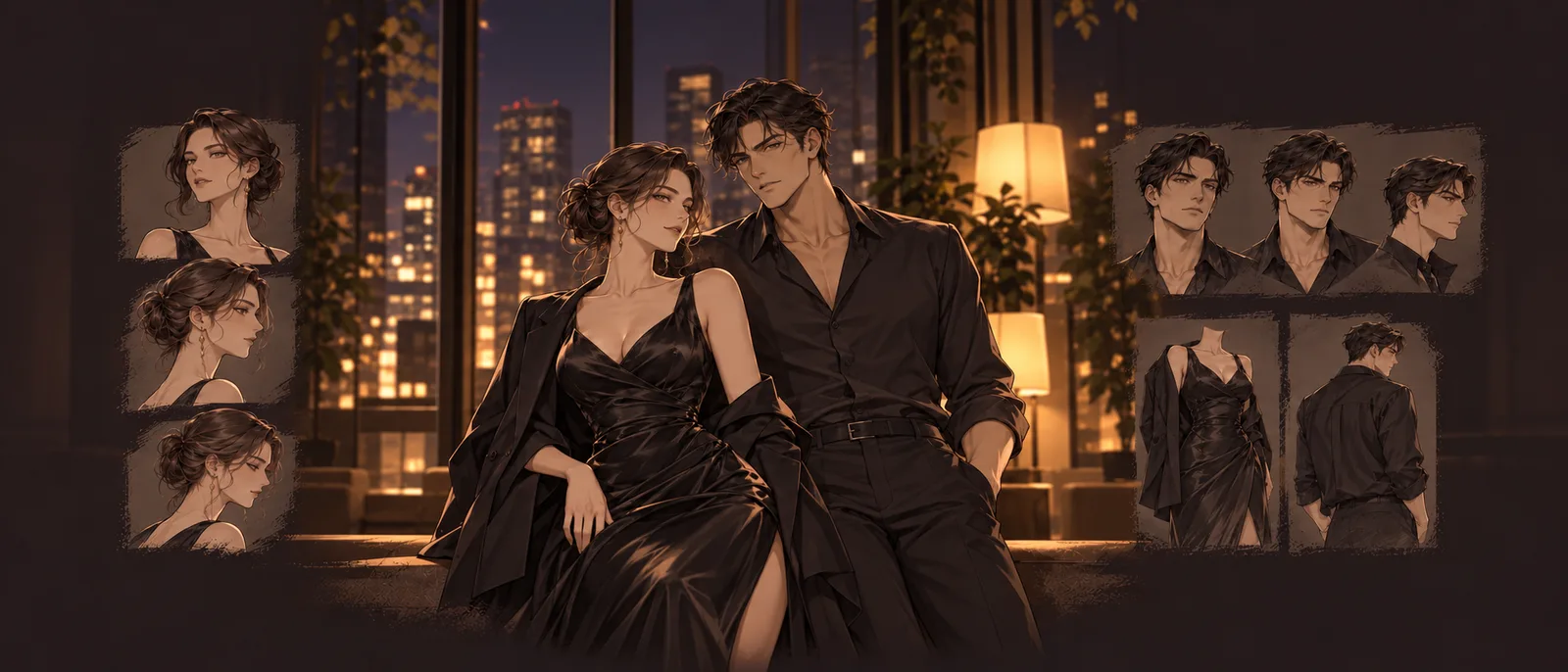
Illustration: keep the character's defining traits fixed while changing the scene. These planning references are not a model consistency test.
Budget for attempts, not just finished pictures
For 200 billable generations, plain Anima Turbo costs $2.40 at 1k or $4.80 at 1.5k. The LoRA version costs $3.60 or $7.20 respectively. These are generation totals, not a promise of 200 usable illustrations, and exclude any additional tools you choose to run.
For a planning example, suppose twelve finished pictures take four generated attempts each. Forty-eight plain 1k generations cost $0.576; forty-eight 1k LoRA generations cost $0.864. The four-attempt assumption is yours to replace, not a measured acceptance rate.
Subscription tools cost more than that small example, but may offer an editor and a convenient character workflow that saves time. At higher volumes, eligible unlimited generation can be attractive. The comparison only works when you count the model, resolution and reference mode you will actually use.
Likewise, local generation does not produce a universal cost per picture. If you already have suitable hardware, the extra cash expense may be modest. If you rent a GPU or buy a machine specifically for this project, include that expense. There is no useful break-even number without your throughput, hardware and time costs.
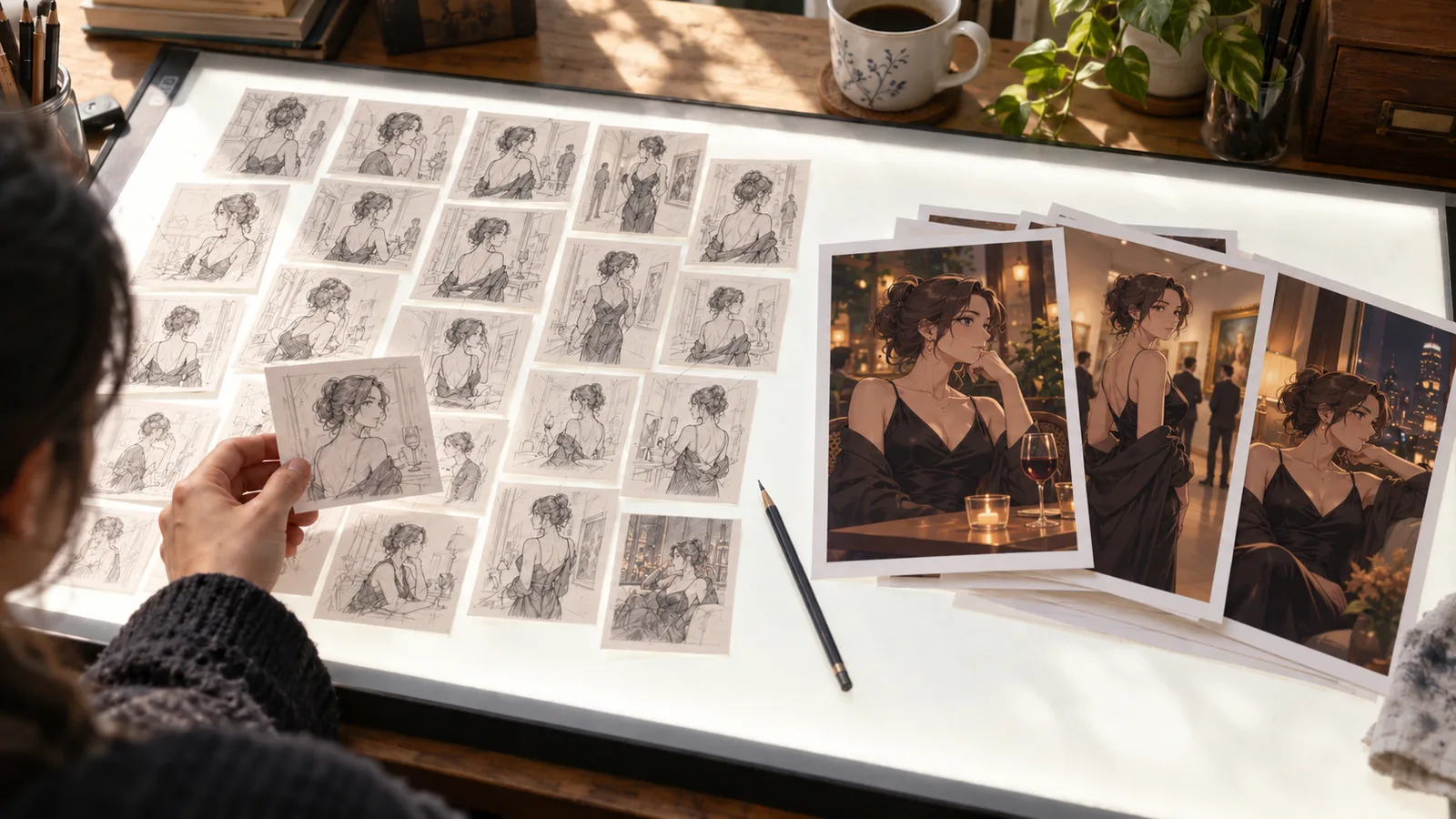
Illustration: billable attempts and finished pictures are different counts. The twelve-picture budget above assumes four attempts per final; it is a planning example.
Which one should you actually start with?
For a creator working by hand, try NovelAI first when its anime reference tools match the job, and verify the model compatibility before upgrading. Try Mage when you want to compare anime families in a browser, paying for the tier that includes the specific model you want.
For a developer or an occasional creator who already wants Anima, start with a small batch on the hosted endpoint and move to its LoRA sibling only when you have a compatible adapter and a clear reason. Use ComfyUI locally when checkpoint choice and custom correction stages are worth the setup work.
Keep the same concrete goal throughout: an original, clearly adult character, the required art style and a set that stays recognizable. A tool that solves those three problems is a better choice than one whose homepage makes the strongest “uncensored” promise.