
Introduction
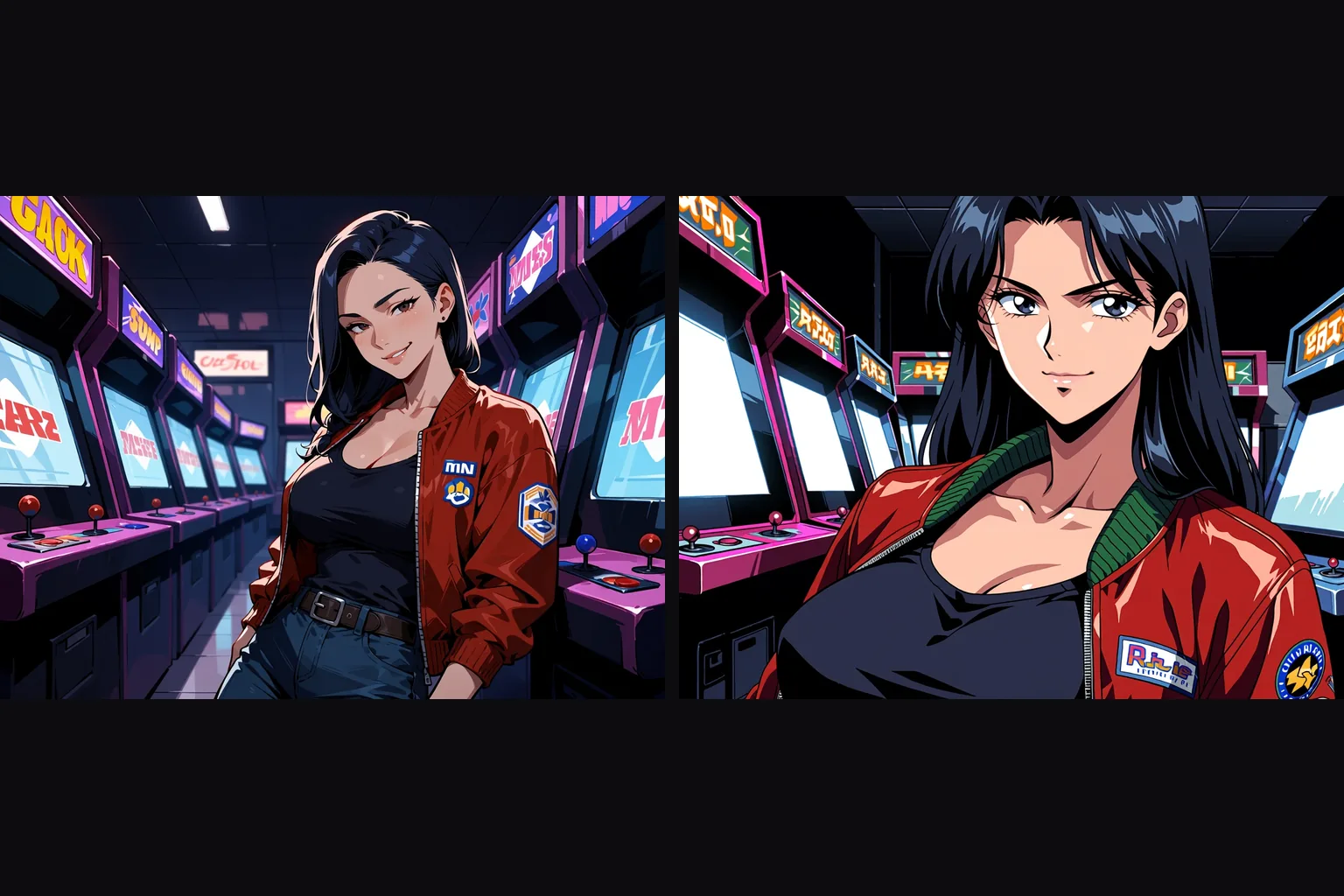
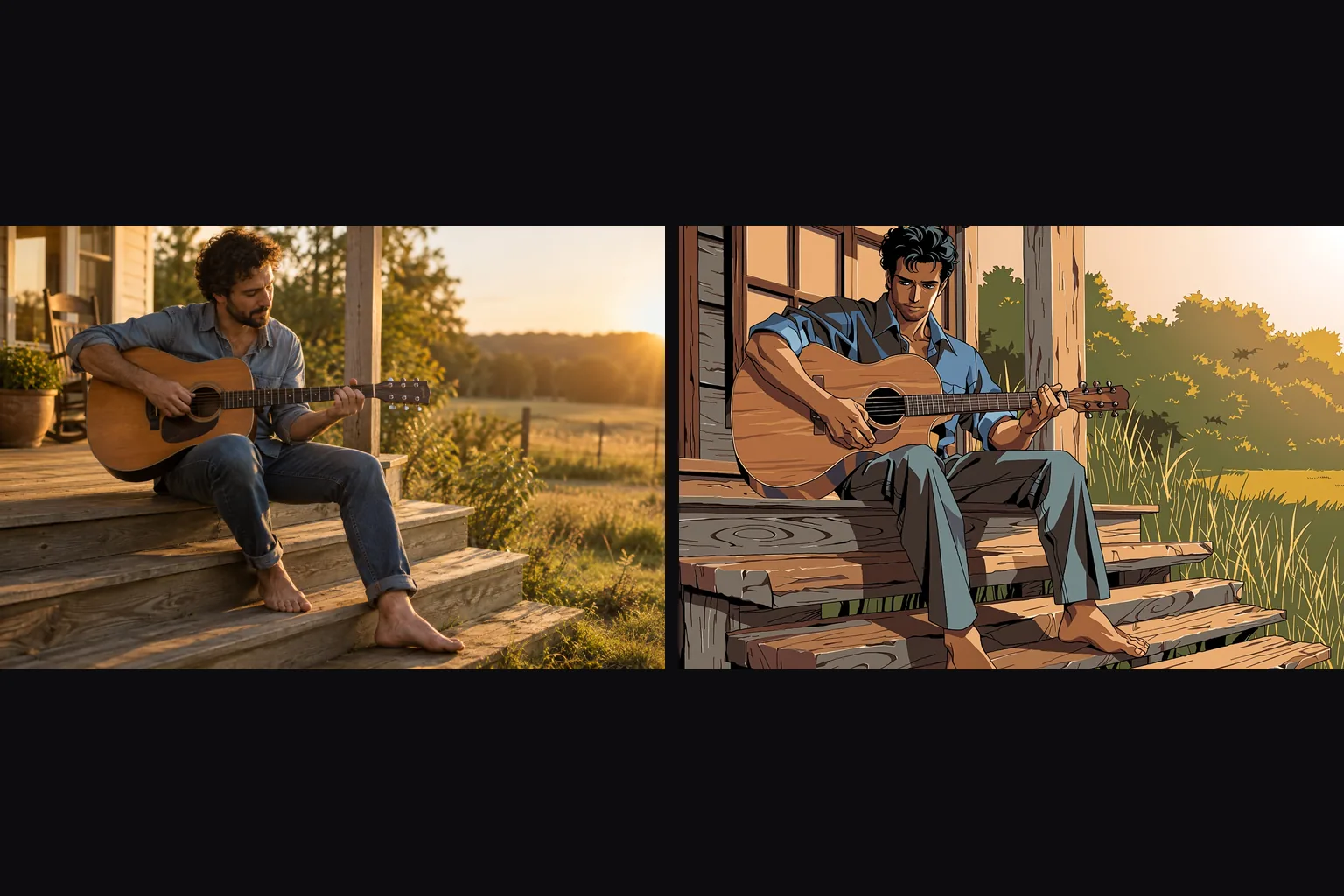
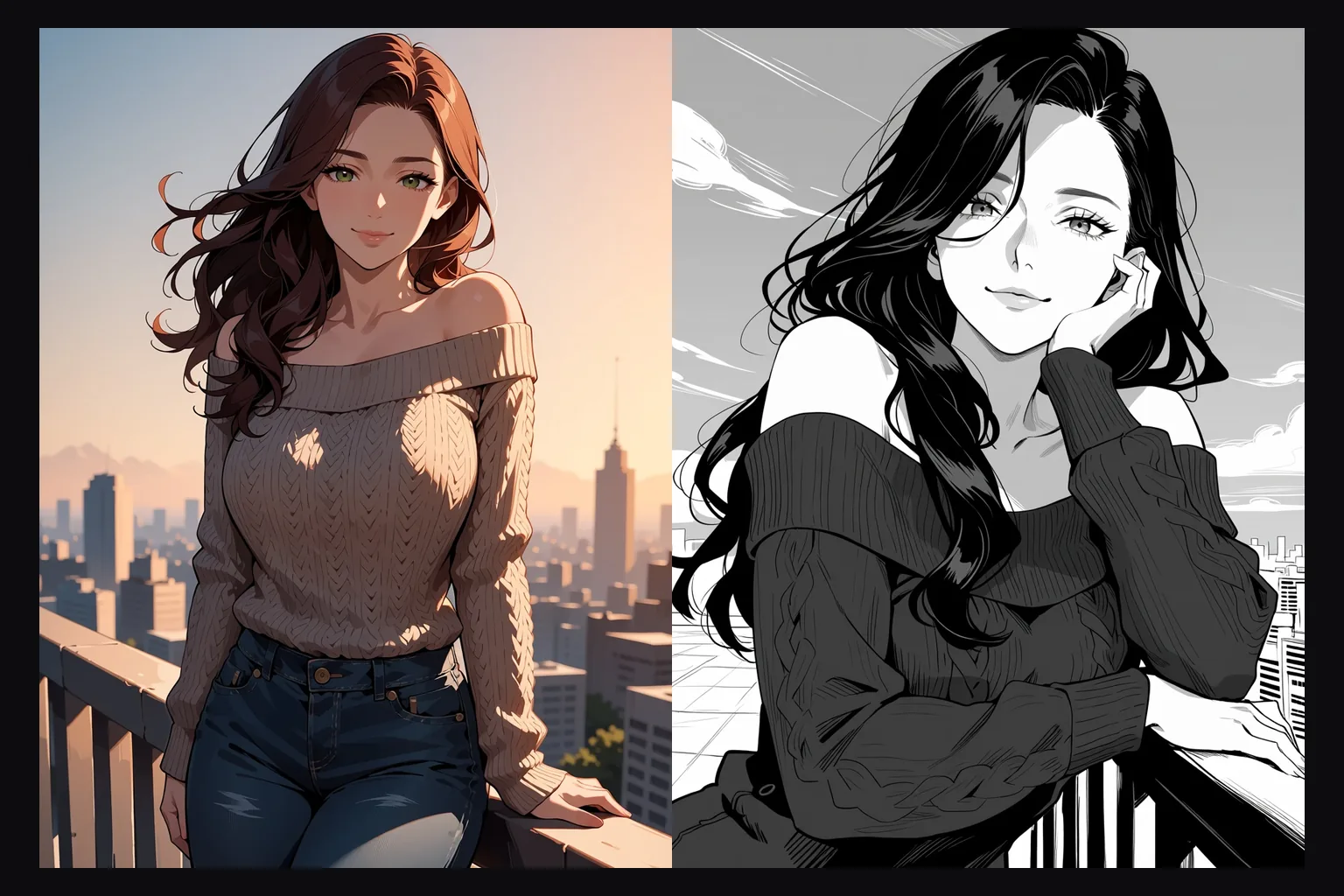
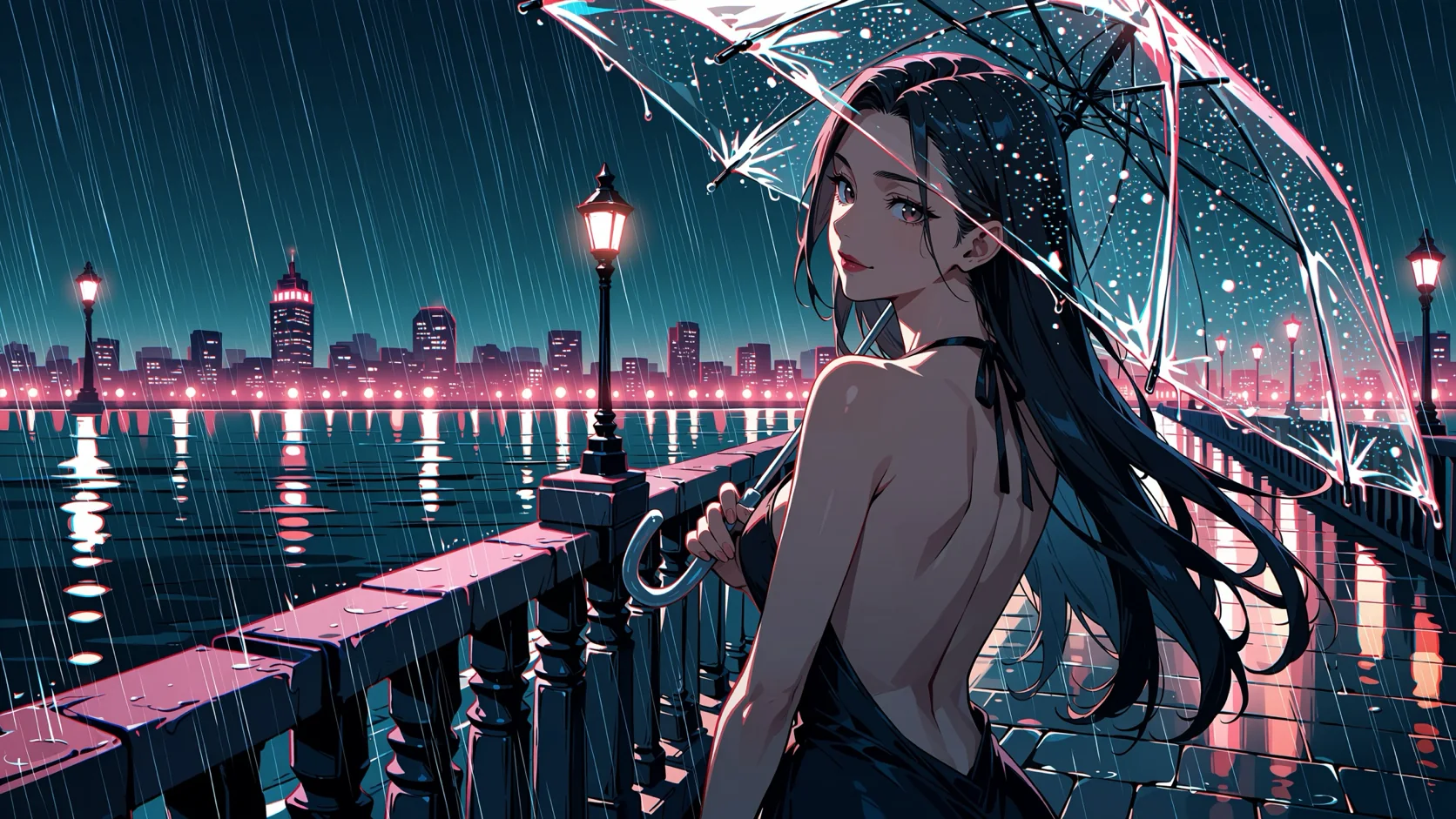
Anima Turbo LoRA Text to image draws one anime illustration from a written prompt with up to three of your own LoRA files loaded. It runs on Anima Turbo, the distilled 8-to-12-step build of CircleStone Labs' 2-billion-parameter anime model. Pick any of fifteen aspect ratios and one of two resolution tiers. The platform adds no content filter to the prompt, the weights or the image.
Choose a mode by starting material
| What you have | Mode |
|---|---|
| a written description | Anima Turbo LoRA Text to image |
| a picture to restyle | Anima Turbo LoRA Image to image |
Key features & highlights
Community LoRAs by direct link
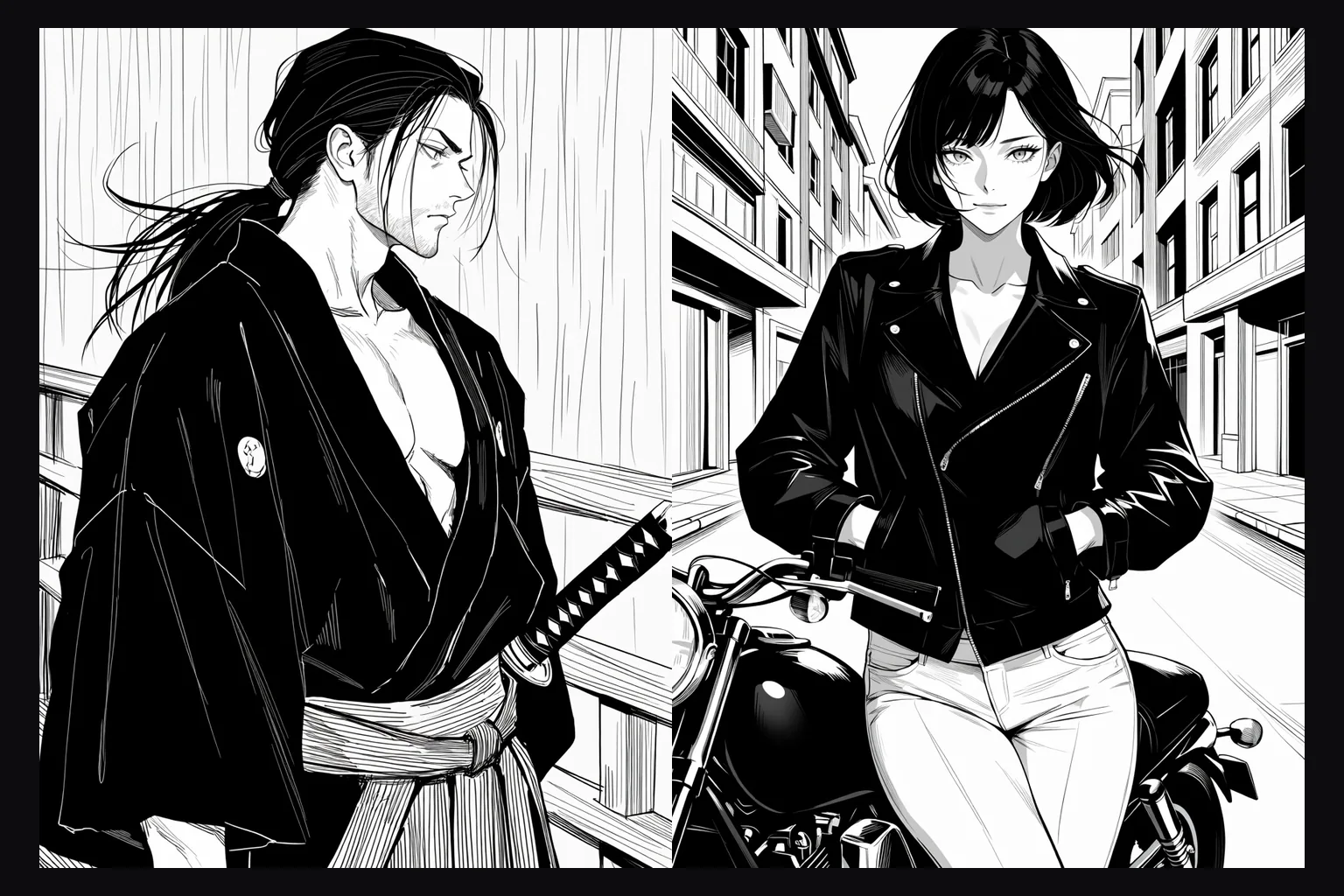
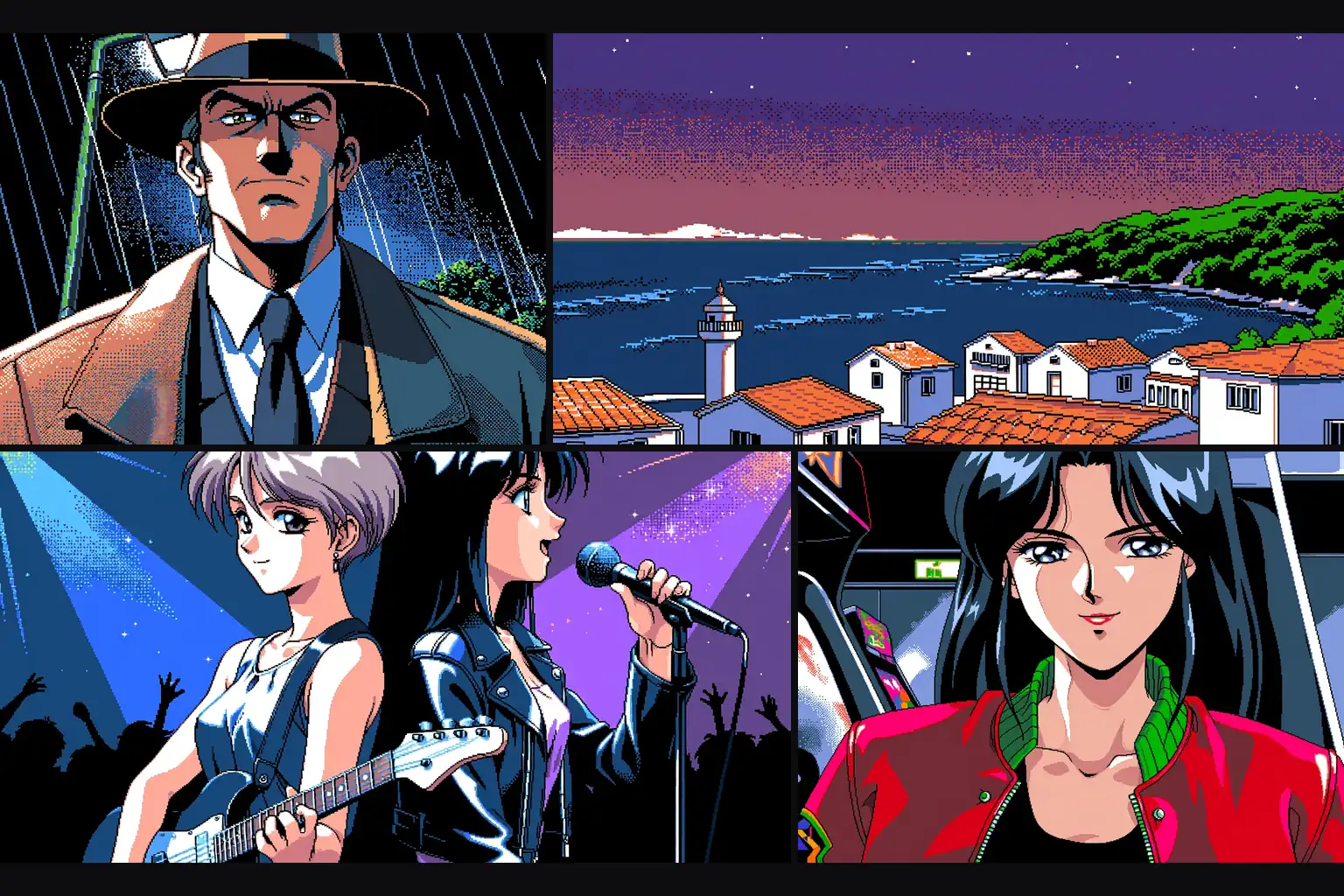
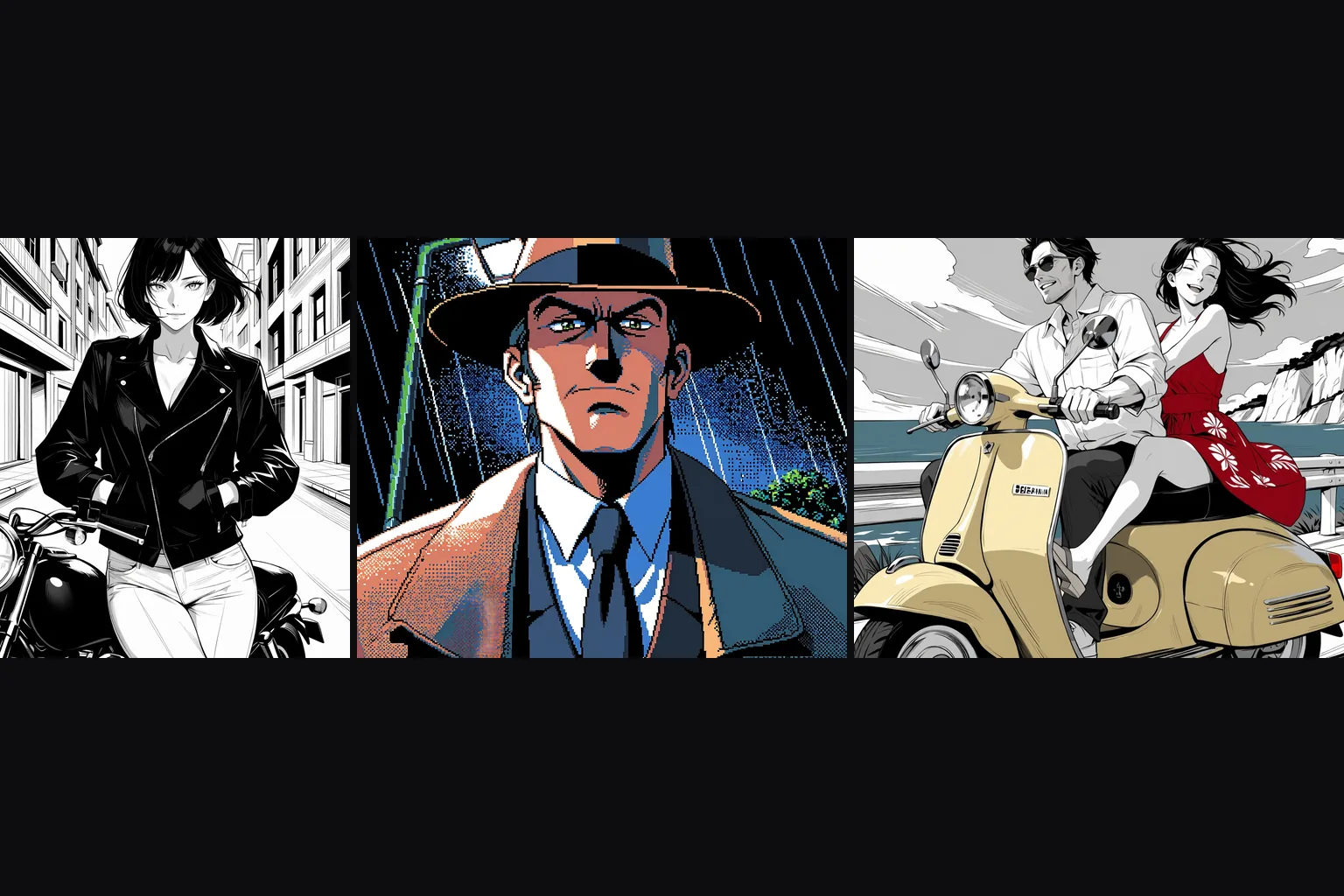
Hugging Face lists more than a hundred LoRAs trained for Anima: retro game styles, manga ink, painterly looks, characters and unfiltered styles. Pass the direct file link and a scale; nothing is uploaded to us in advance.
Three at once
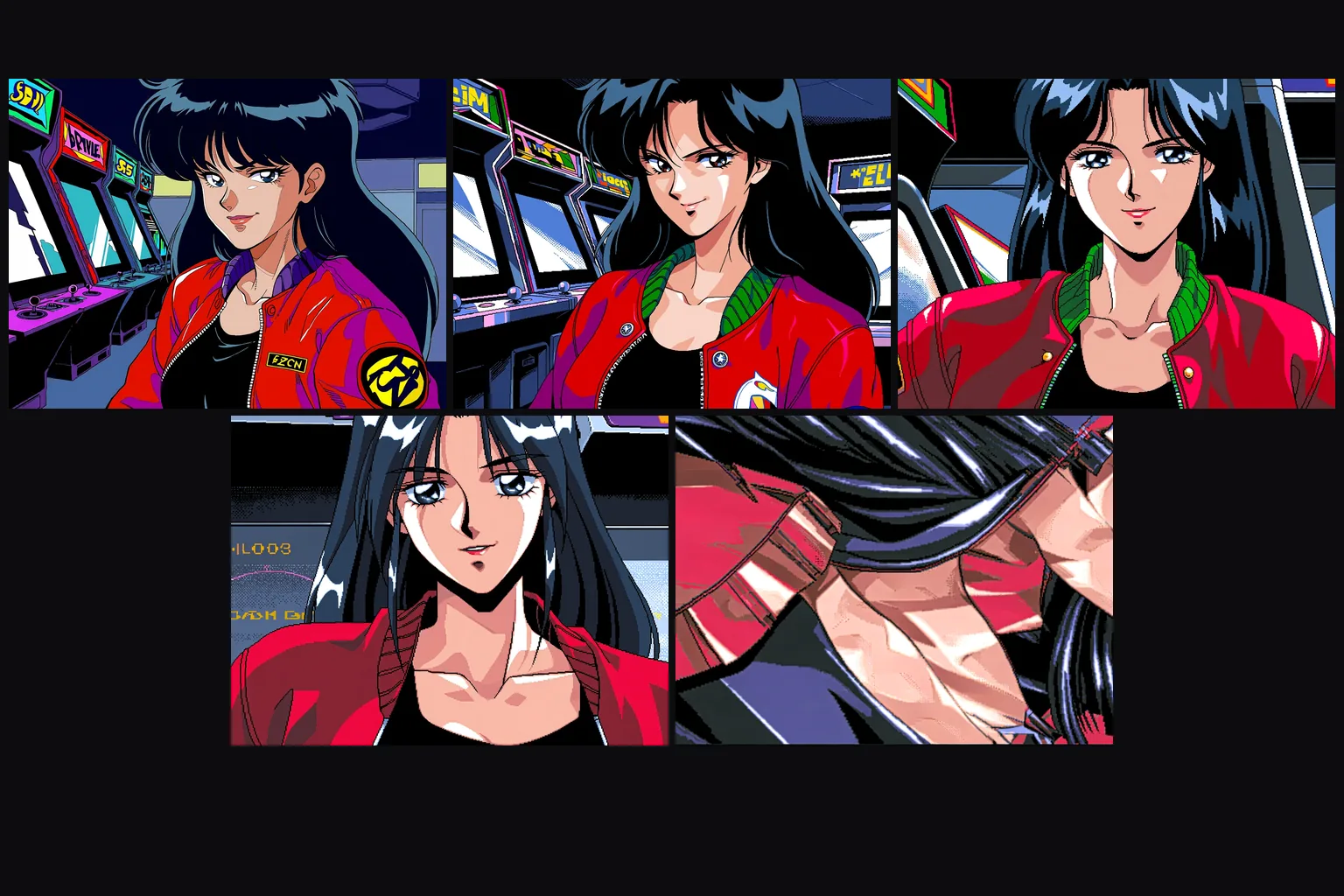
Up to three LoRAs per request, each with its own scale. In our test a PC-98 style at 1, a monochrome LoRA at 0.6 and an aesthetic LoRA at 0.25 loaded together and the main style still read clearly.
Seconds per image
Across 60 test runs the model took between 2 and 16 seconds per image and usually less than 10. The first request with a new LoRA can take longer while the file is fetched.
Uncensored with custom weights
Our strongest content probe came back as written with a LoRA loaded, with three stacked and with none. The weights are never reviewed and the output is never filtered.
Request parameters
| Parameter | Required | Description |
|---|---|---|
prompt | Yes | Put the LoRA's trigger words first, then tags or sentences for the picture, up to 5,000 characters. There is no negative prompt. at least 1 characters · at most 5000 characters |
aspect_ratio | No | Fifteen options from 3:1 to 1:3; 1:1 by default. The ratio changes the shape, not the price. |
resolution | No | 1k is about one megapixel and is the default. 1.5k is about 2.4 megapixels, generated natively, and costs more. |
loras | No | Up to three {path, scale} entries trained for Anima; scale 0 to 4, 1 is neutral and 0.5 to 1.2 is the useful range. Use a public direct link to the .safetensors file. Default: |
seed | No | Keeps a set of images comparable while you change one LoRA scale at a time. It does not guarantee the exact same pixels on every run. |
Pricing
Billed per image by resolution tier. The aspect ratio does not change the price, and loading LoRAs adds no separate charge.
| Specification | Price |
|---|---|
| $0.018 / image |
| $0.036 / image |
Use cases
Style batches
A style LoRA plus a list of prompts becomes a consistent set of illustrations, sprites or thumbnails. Fix the seed per layout and swap only the subject line.
Character sheets
Keep a character LoRA and a seed fixed and change only the outfit, place and light between prompts. The face and build stay recognisable across the whole set.
Uncensored stills for your platform
Load the LoRA your audience expects and write the image directly. There is no content flag and no second review of the result.
Prompt guide & pro tips
Trigger words first
Check the LoRA page for its trigger and put it at the very start. Some styles need plain tags instead of a made-up word: our monochrome LoRA only went black and white once "monochrome, greyscale" was in the prompt.
Compare against no LoRA
Run the same prompt and seed without the LoRA. If the two results are identical, the file was trained for another base model: such LoRAs load without an error and do nothing.
Stay near 1
The scale field accepts 0 to 4, but 0.5 to 1.2 is where the results are usable. At 4 the image broke apart in our test.
Use direct, public links
The link must download the .safetensors file itself. A repository page or a file that needs a login fails the request, which is then not charged.
API quick start
# Generate the idempotency key once; reuse it when retrying after a lost response.
export SPICY_IDEMPOTENCY_KEY="${SPICY_IDEMPOTENCY_KEY:-$(uuidgen)}"
curl -X POST https://api.spicyapi.ai/api/v1/jobs/createTask \
  -H "Authorization: Bearer $SPICY_API_KEY" \
  -H "Content-Type: application/json" \
  -H "Idempotency-Key: $SPICY_IDEMPOTENCY_KEY" \
  -d '{
  "model": "circlestone-labs/anima-turbo-lora/text-to-image",
  "input": {
    "aspect_ratio": "1:1",
    "prompt": "A ceramic teapot on a linen cloth, soft window light, muted palette",
    "resolution": "1k"
  }
}'

# Copy data.taskId from the response into TASK_ID, then poll the status.
TASK_ID="TASK_ID_FROM_RESPONSE"
curl "https://api.spicyapi.ai/api/v1/jobs/recordInfo?taskId=$TASK_ID" \
  -H "Authorization: Bearer $SPICY_API_KEY"
See the API reference for authentication, the complete schema, polling, and error handling.