Introduction
Anima Turbo LoRA Image to image redraws one source image on Anima Turbo, the distilled build of CircleStone Labs' anime model, guided by your prompt and up to three of your own LoRA files. A strength value from 0 to 1 decides how far the result moves from the source. The output keeps the source's aspect ratio and is not filtered.
Choose a mode by starting material
| What you have | Mode |
|---|---|
| a picture to restyle | Anima Turbo LoRA Image to image |
| a written description only | Anima Turbo LoRA Text to image |
Key features & highlights
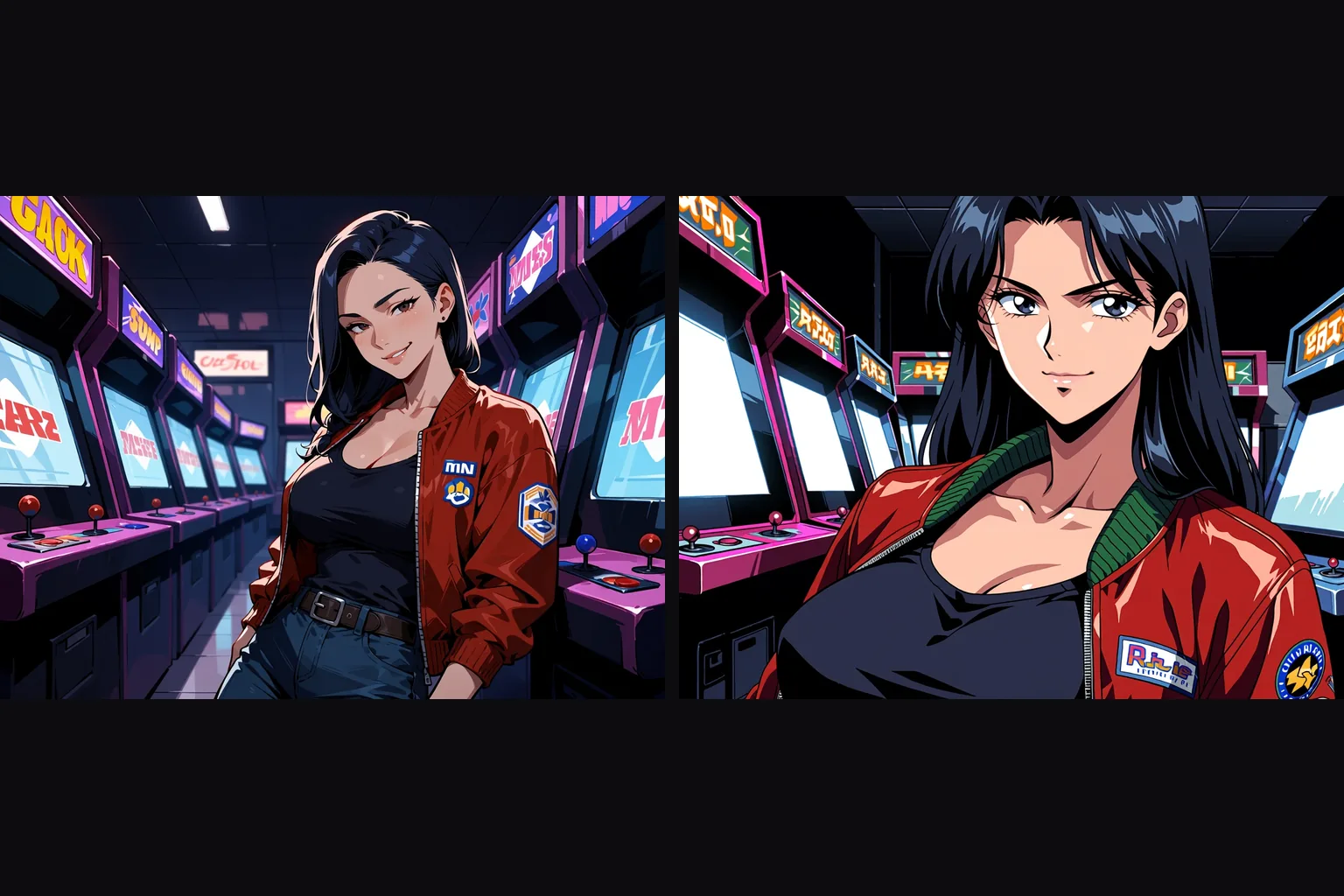
Style LoRAs do the restyling
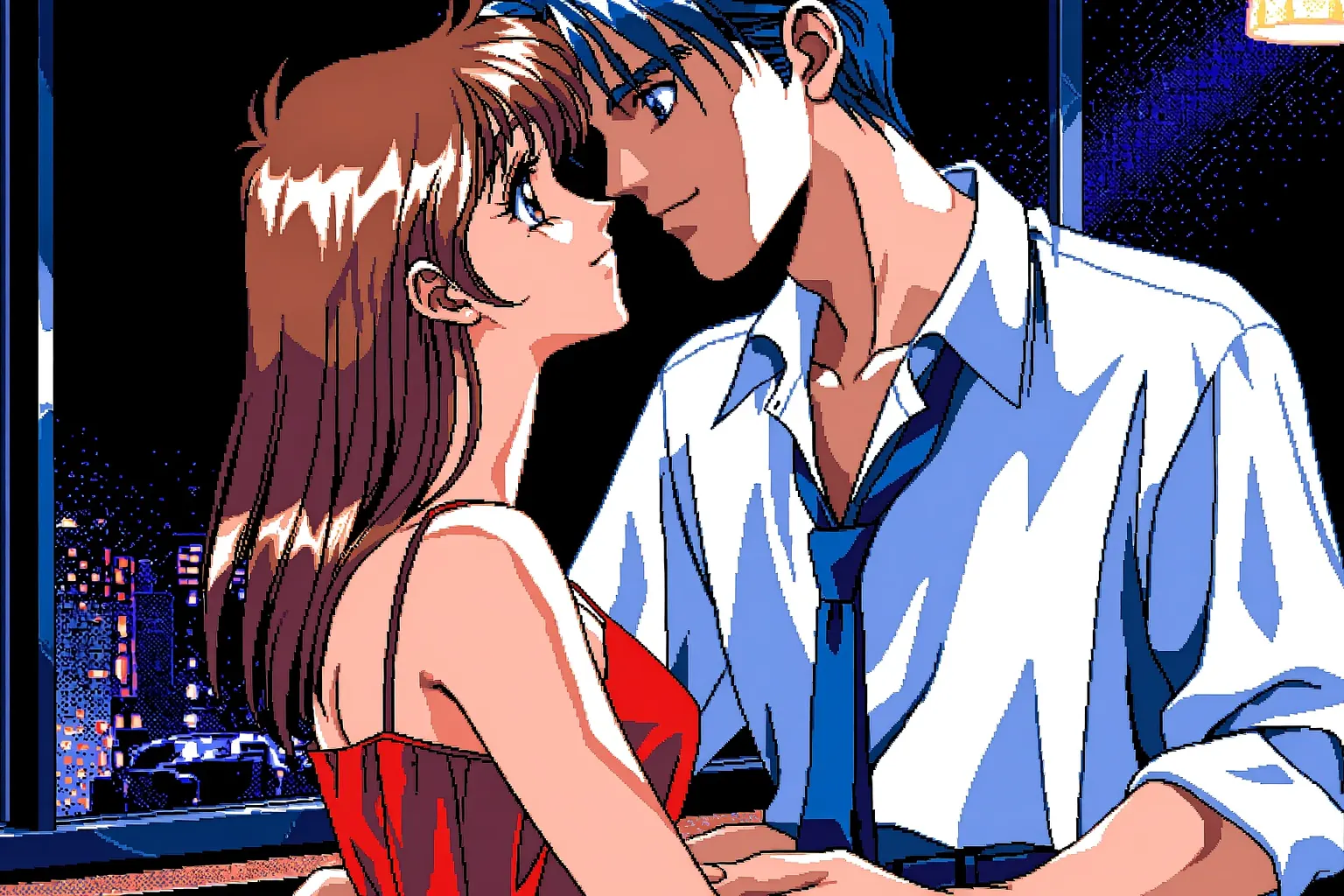
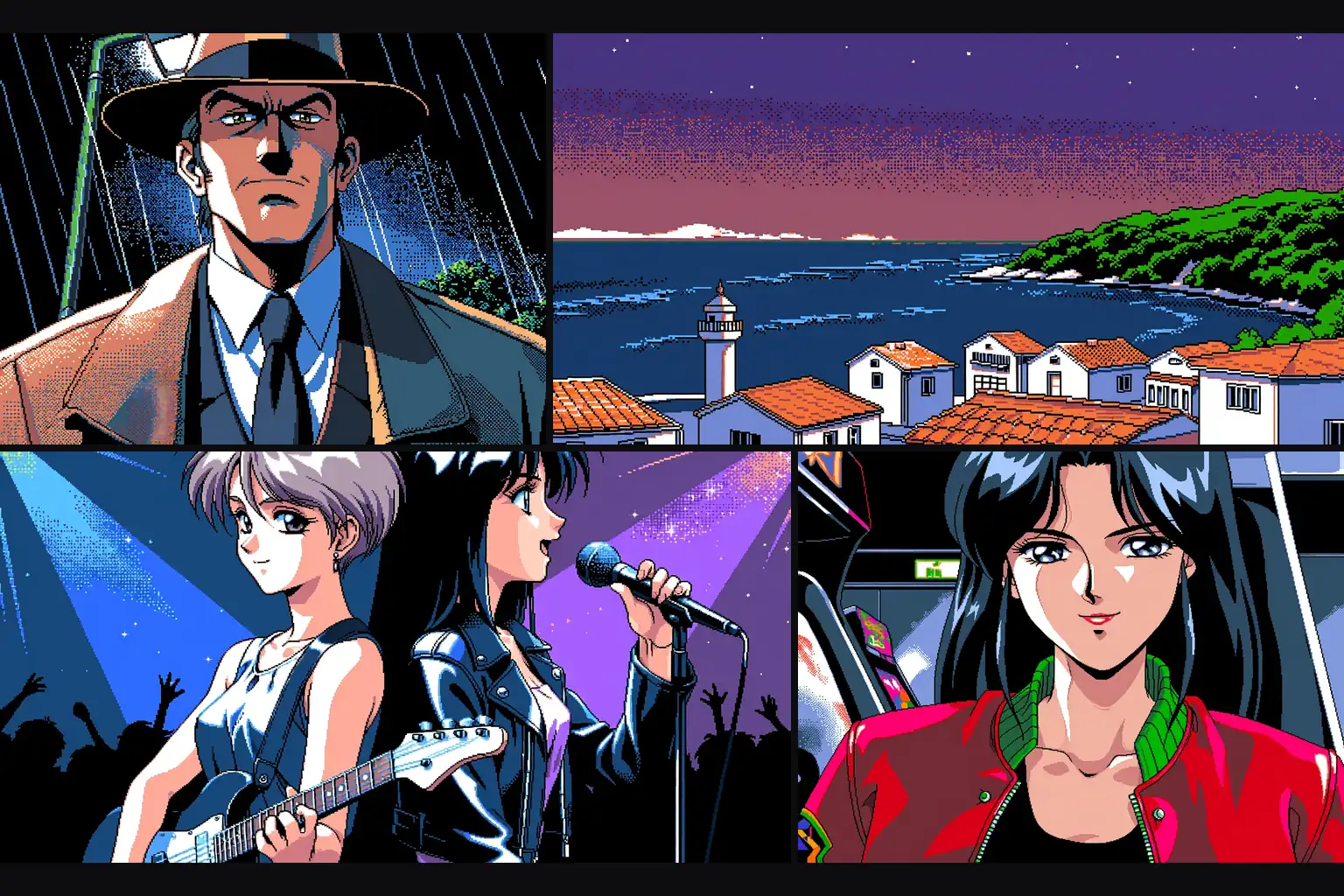
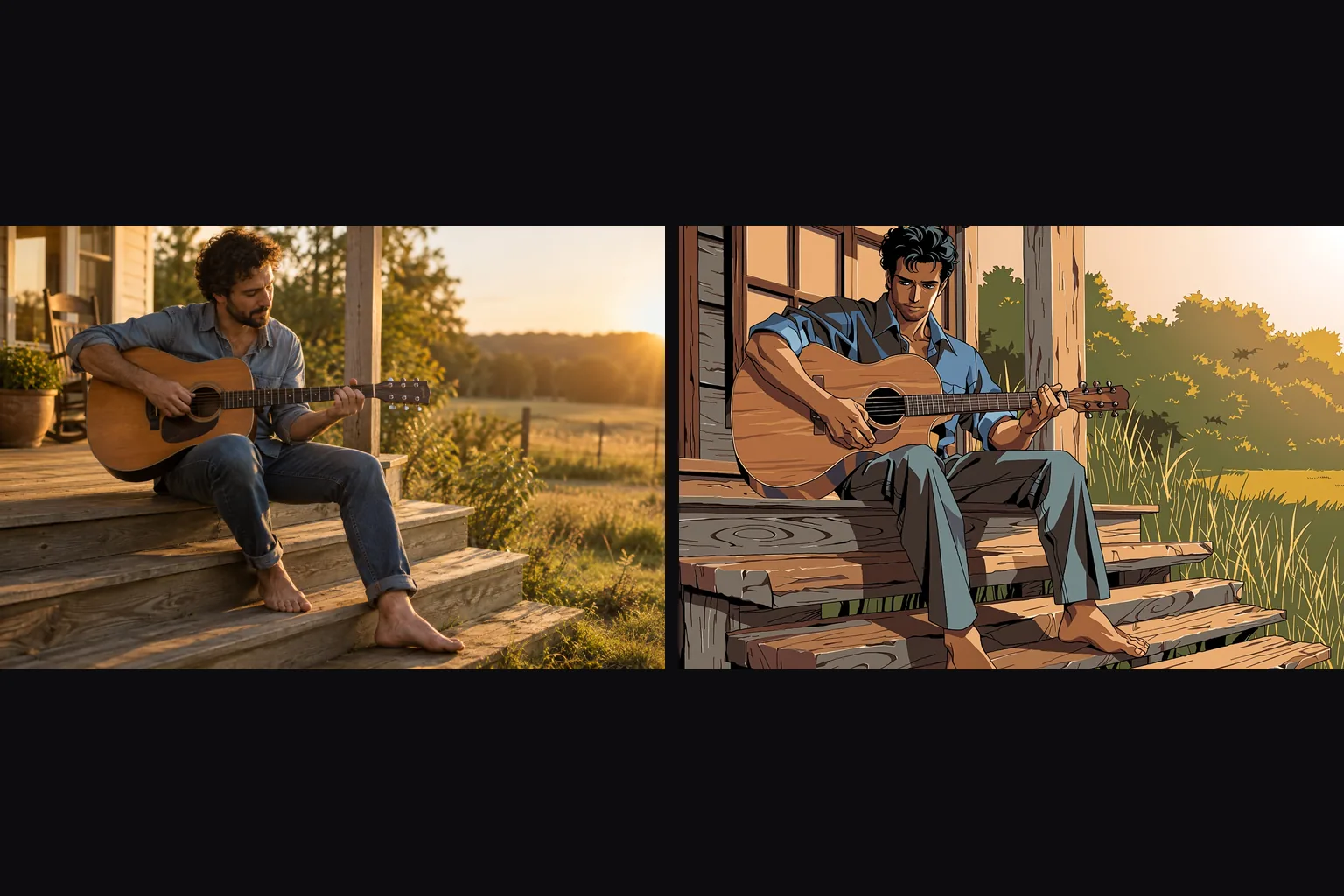
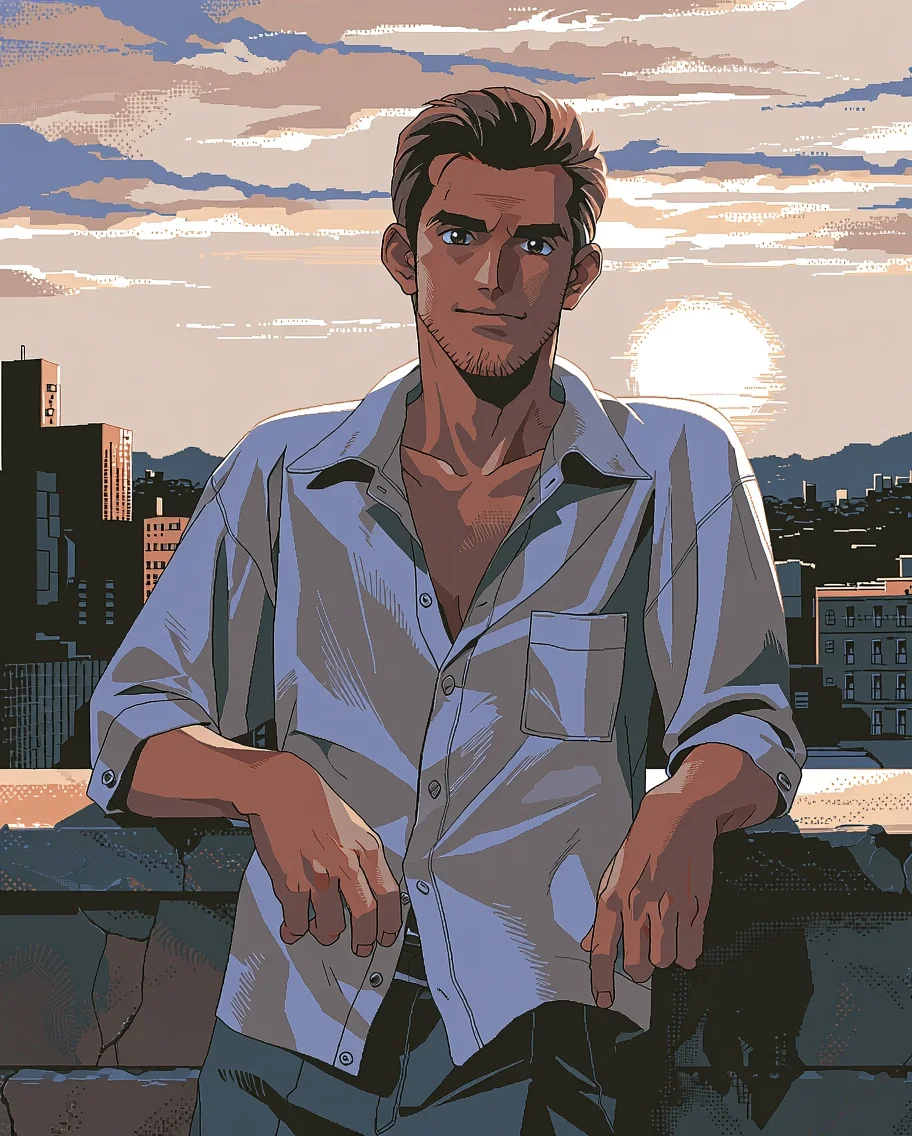
With a PC-98 LoRA at strength 0.75, a rooftop photograph came back as retro pixel-shaded anime with the same man, shirt and skyline. The prompt describes the scene; the LoRA supplies the look.
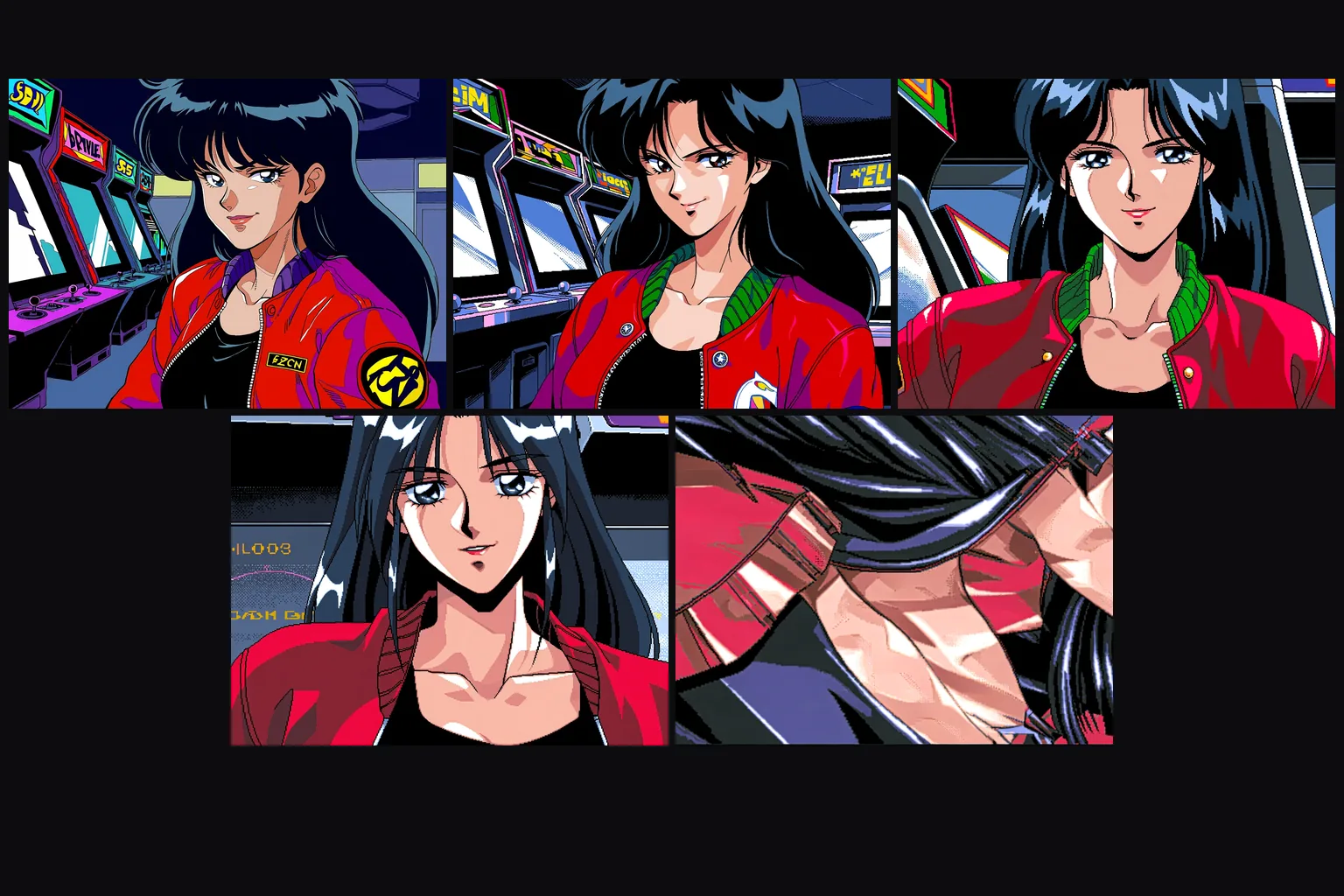
Strength decides how much survives
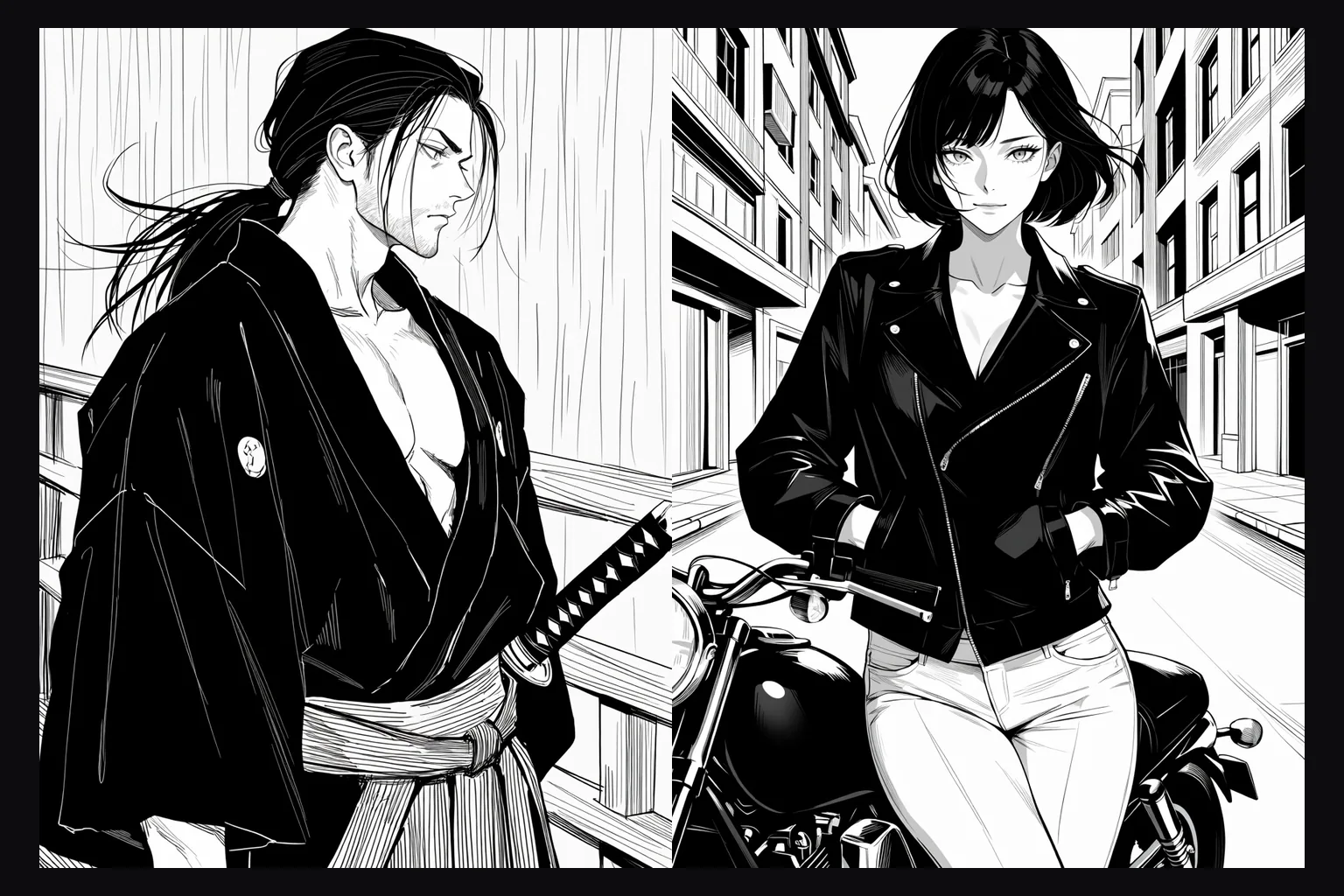
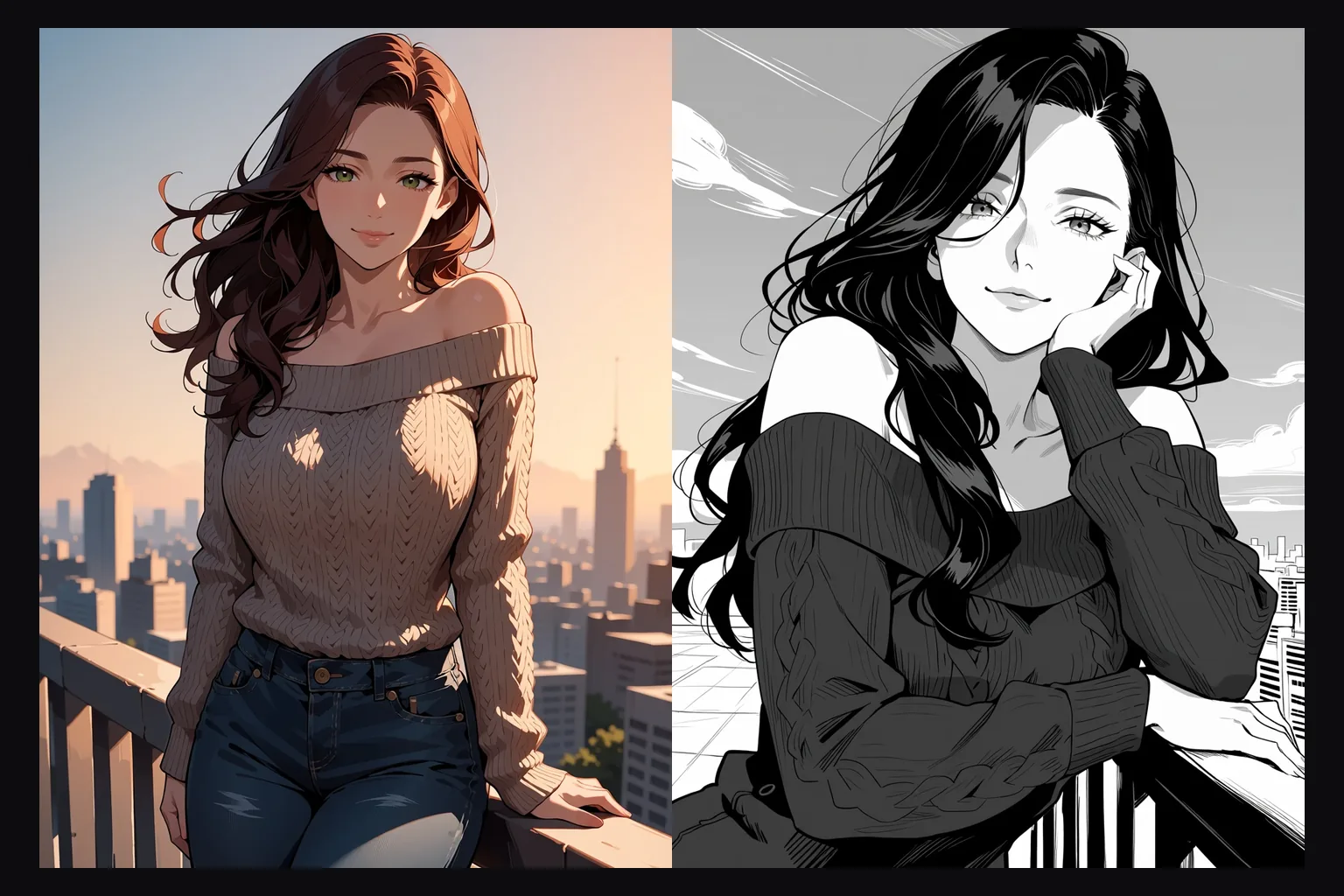
At 0 the source returns untouched and at 0.3 a photo is still a photo. Around 0.75 the style takes over while the composition stays. From about 0.85 the model redraws poses as well, which is what it took to turn a colour illustration into manga ink.
The shape follows the source
The result always keeps the source's aspect ratio. The resolution tier only sets the pixel count: about one megapixel on 1k, about 2.4 megapixels on 1.5k.
Uncensored with custom weights
The source, the prompt, the weights and the result are never filtered. With a style LoRA loaded, our unfiltered test came back as written.
Request parameters
| Parameter | Required | Description |
|---|---|---|
prompt | Yes | Put the LoRA's trigger words first, then describe the whole picture you want back: who is in it, what they wear, where they are. at least 1 characters · at most 5000 characters |
image_url | Yes | The picture to restyle. The result keeps its aspect ratio; the resolution tier sets how many pixels come back. |
resolution | No | 1k returns about one megapixel and is the default; 1.5k returns about 2.4 megapixels and costs more. The aspect ratio always follows the source. |
strength | No | How far to move from the source, 0 to 1; 0.8 by default. |
loras | No | Up to three {path, scale} entries trained for Anima; scale 0 to 4, with 0.5 to 1.2 the useful range. A style LoRA here does most of the restyling. Default: |
seed | No | Keeps results comparable while you adjust strength. It does not guarantee the exact same pixels on every run. |
Pricing
Billed per image by resolution tier, at the same rates as text-to-image. Loading LoRAs adds no separate charge.
| Specification | Price |
|---|---|
| $0.018 / image |
| $0.036 / image |
Use cases
Photos in a house style
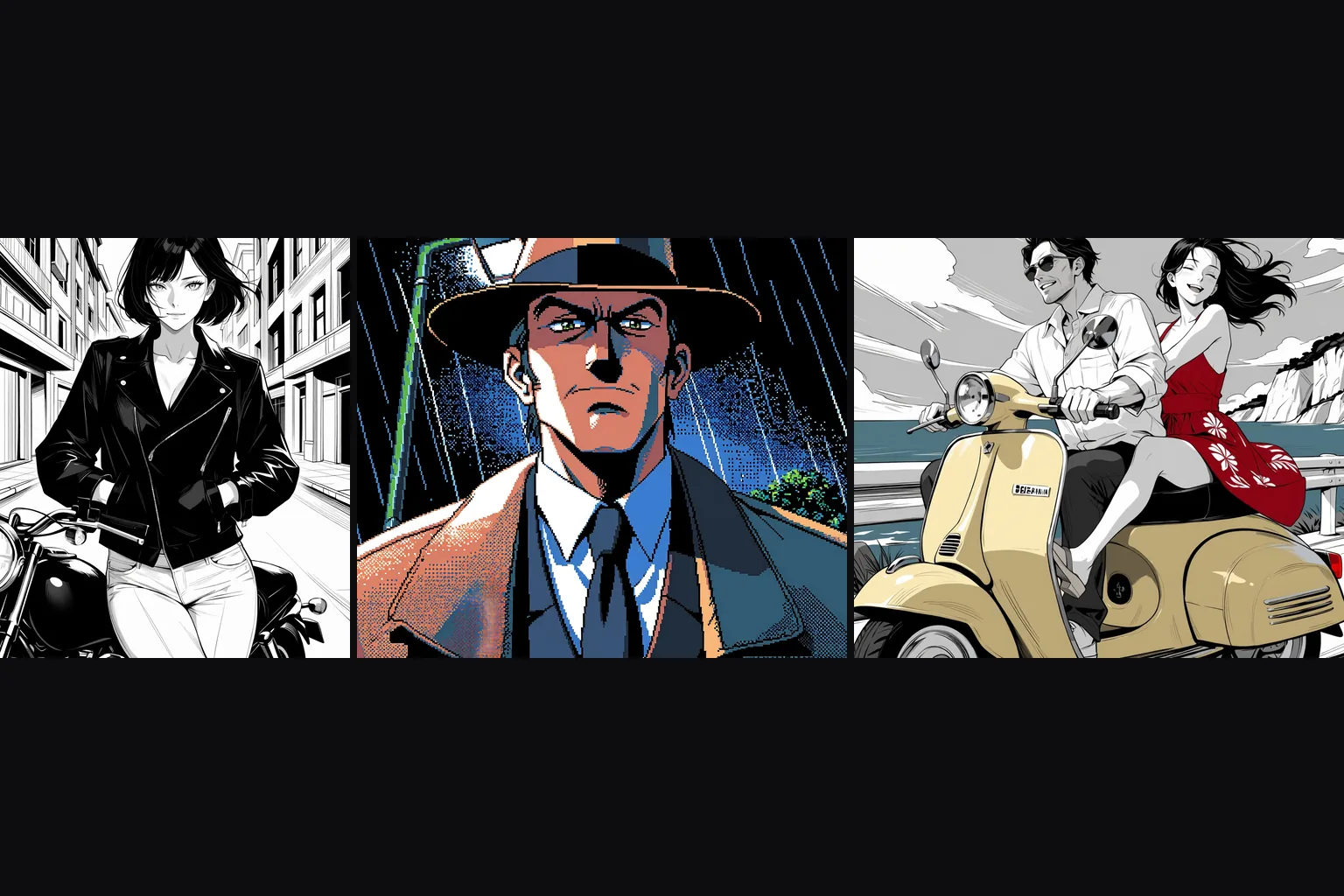
Turn portraits, product shots or stills into one custom anime style while the layout stays put, for avatars, covers and social posts that share a look.
One style across mixed sources
Run a folder of images through the same LoRA, strength and seed so that pictures from different tools end up in one consistent style.
Uncensored restyles
Unfiltered LoRAs apply to your own images with no review and no filter on the result, at the same per-image rates as text-to-image.
Prompt guide & pro tips
Trigger words first, then the whole picture
Start with the LoRA's trigger, then write what the final image contains. The model regenerates the entire frame, so anything left out of the prompt is left to chance.
Start at 0.75 and move in small steps
If the source shows through too much, raise strength by 0.05; if the pose or the face drifts, lower it. Keep the seed fixed while you compare.
Expect a jump near 0.85
Changing the medium of an already colourful picture is not gradual: in our test the image stayed in colour at 0.8 and turned fully black and white at 0.85.
Send a clean source
One clear subject and no borders, captions or watermarks. The model redraws everything it sees, including things you did not mean to keep.
API quick start
# Generate the idempotency key once; reuse it when retrying after a lost response.
export SPICY_IDEMPOTENCY_KEY="${SPICY_IDEMPOTENCY_KEY:-$(uuidgen)}"
curl -X POST https://api.spicyapi.ai/api/v1/jobs/createTask \
  -H "Authorization: Bearer $SPICY_API_KEY" \
  -H "Content-Type: application/json" \
  -H "Idempotency-Key: $SPICY_IDEMPOTENCY_KEY" \
  -d '{
  "model": "circlestone-labs/anima-turbo-lora/edit",
  "input": {
    "image_url": "https://example.com/reference.png",
    "prompt": "A ceramic teapot on a linen cloth, soft window light, muted palette",
    "resolution": "1k"
  }
}'

# Copy data.taskId from the response into TASK_ID, then poll the status.
TASK_ID="TASK_ID_FROM_RESPONSE"
curl "https://api.spicyapi.ai/api/v1/jobs/recordInfo?taskId=$TASK_ID" \
  -H "Authorization: Bearer $SPICY_API_KEY"
See the API reference for authentication, the complete schema, polling, and error handling.