Introduction
Anima Turbo LoRA combines a source picture with custom weights, so the reference supplies the layout and the LoRA guides the rendering style.
Anima Turbo LoRA accepts at most three {path, scale} entries, each pointing to weights trained for Anima.
With Anima Turbo LoRA image-to-image, the source determines the output shape while the attached weights influence its style.
Anima Turbo LoRA separates image strength from LoRA scale: strength defaults to 0.8, and the tested photo restyle used 0.75 with the PC-98 weight.
Each Anima Turbo LoRA scale accepts 0–4 and defaults to 1; SpicyAPI found 0.5–1.2 useful, while 4 damaged the tested image.
Custom-weight renders on Anima Turbo LoRA offer 1k and 1.5k, without a separate fee for loading the weights.
Anima Turbo LoRA charges per image and resolution tier; custom weights add no separate loading charge, and failed requests are not charged.
| Field | Value |
|---|---|
| Input | Image |
| Output | Image |
| Endpoints | Text to Image and Image to Image, each with LoRA support |
| Base model | This API runs the Turbo checkpoint with custom LoRA inputs; it is distinct from downloading CircleStone Labs’ Turbo distillation LoRA. |
| LoRA input | Anima Turbo LoRA accepts at most three {path, scale} entries, each pointing to weights trained for Anima. |
| LoRA strength | Each Anima Turbo LoRA scale accepts 0–4 and defaults to 1; SpicyAPI found 0.5–1.2 useful, while 4 damaged the tested image. |
| Resolution tiers | Custom-weight renders on Anima Turbo LoRA offer 1k and 1.5k, without a separate fee for loading the weights. |
| Aspect ratios | For a LoRA character portrait or a retro landscape, select one of Anima Turbo LoRA’s fifteen text-to-image aspect ratios — 1:1 / 16:9 / 9:16 / 4:3 / 3:4 / 3:2 / 2:3 / 21:9 / 9:21 / 2:1 / 1:2 / 3:1 / 1:3 / 5:4 / 4:5 |
| Image to image | With Anima Turbo LoRA image-to-image, the source determines the output shape while the attached weights influence its style. Anima Turbo LoRA separates image strength from LoRA scale: strength defaults to 0.8, and the tested photo restyle used 0.75 with the PC-98 weight. |
| Output format | JPEG |
Key features & highlights
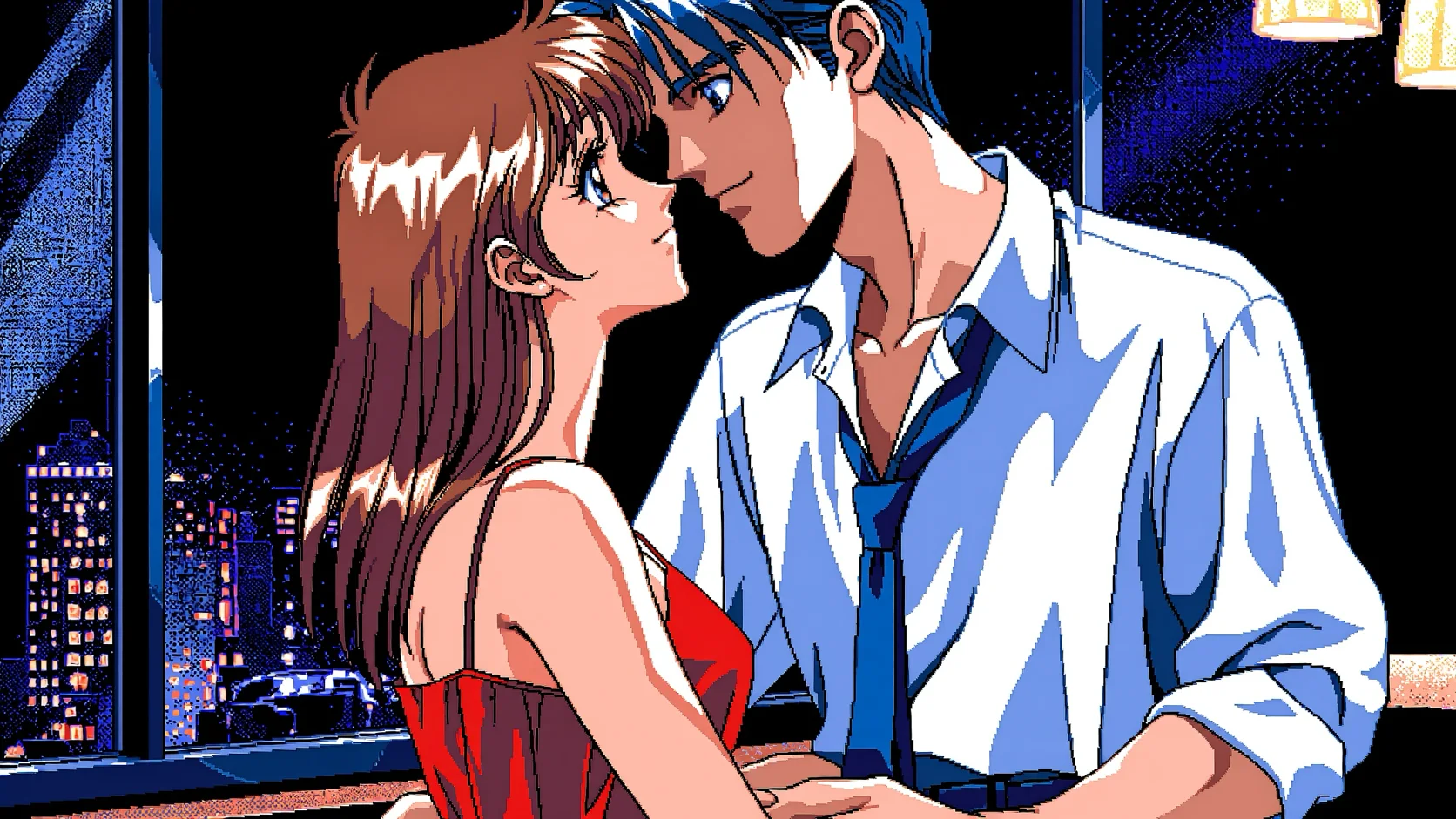
One trigger word, a whole era
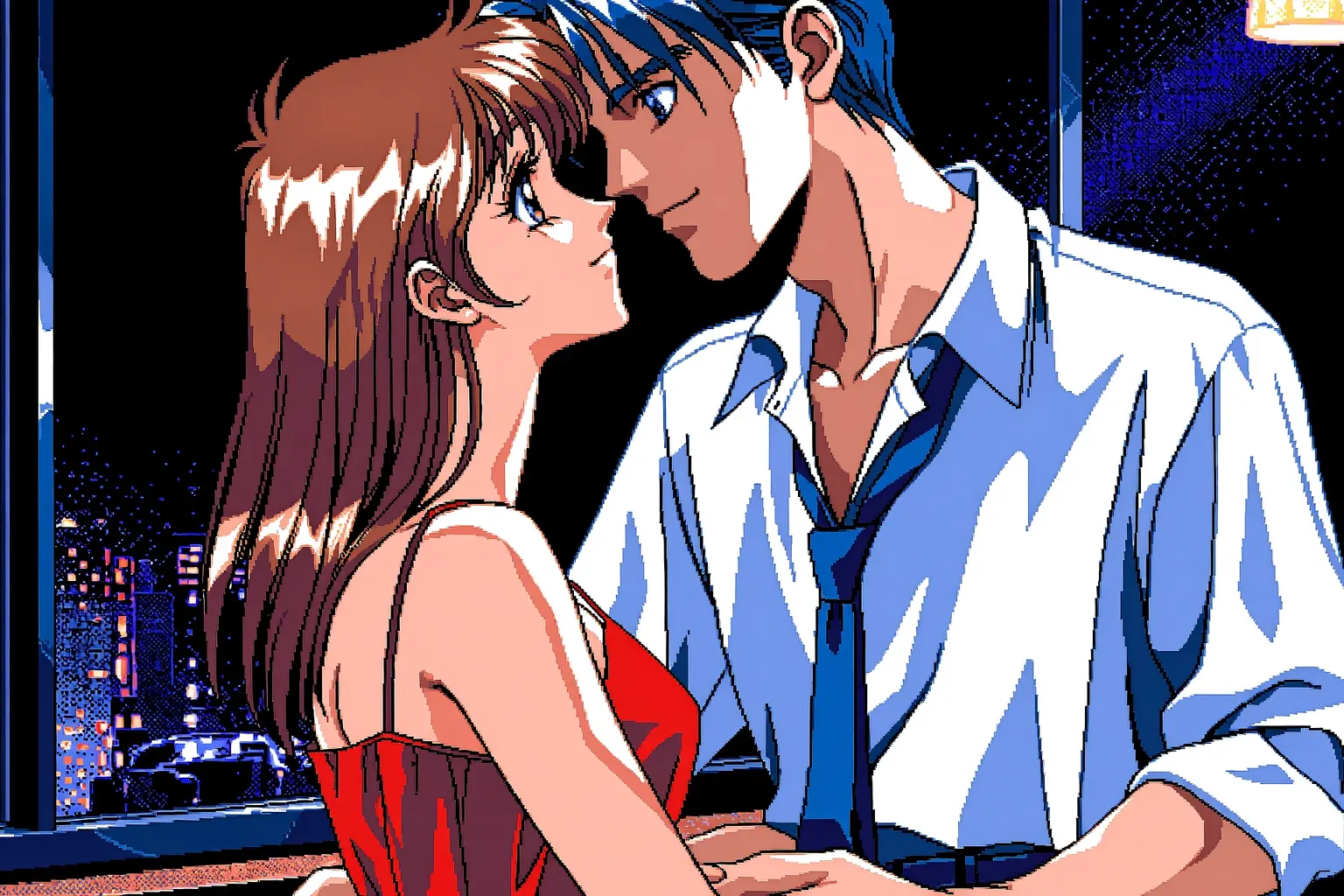
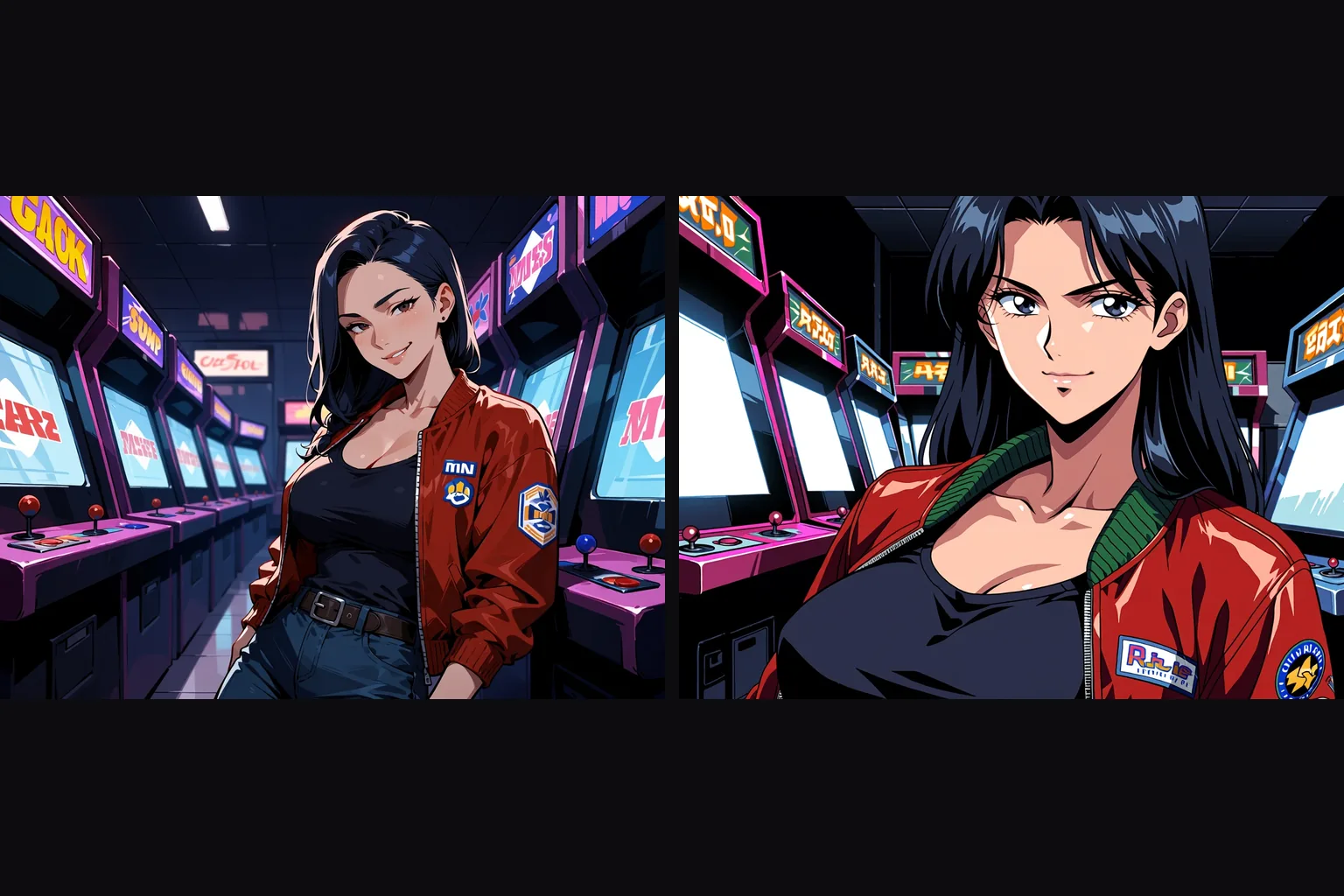
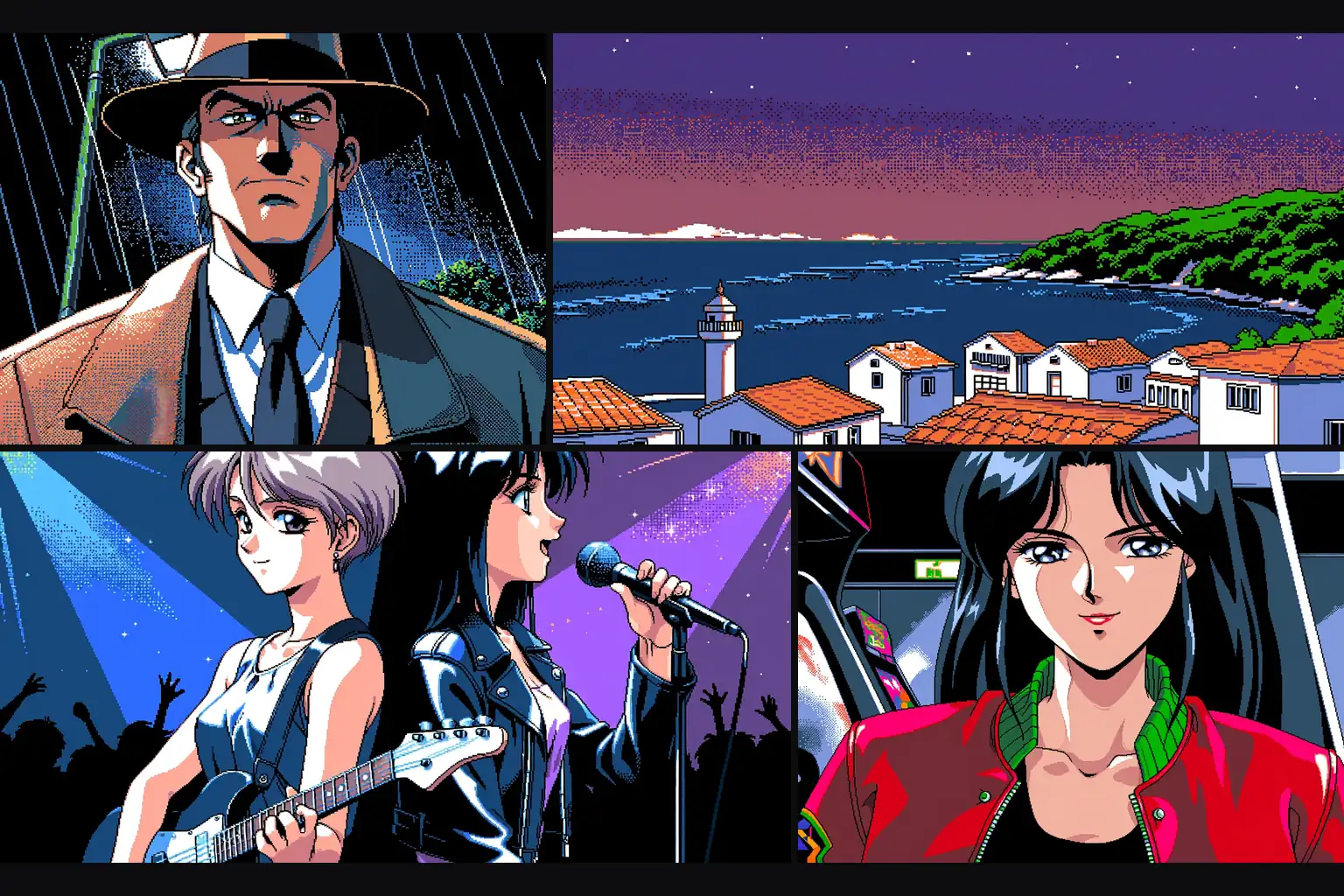
"pc98gal_style" at the start of the prompt and a community PC-98 LoRA at full strength: dithered shading, a limited palette and the hard highlights of early-nineties PC games, from the same model that draws modern anime.
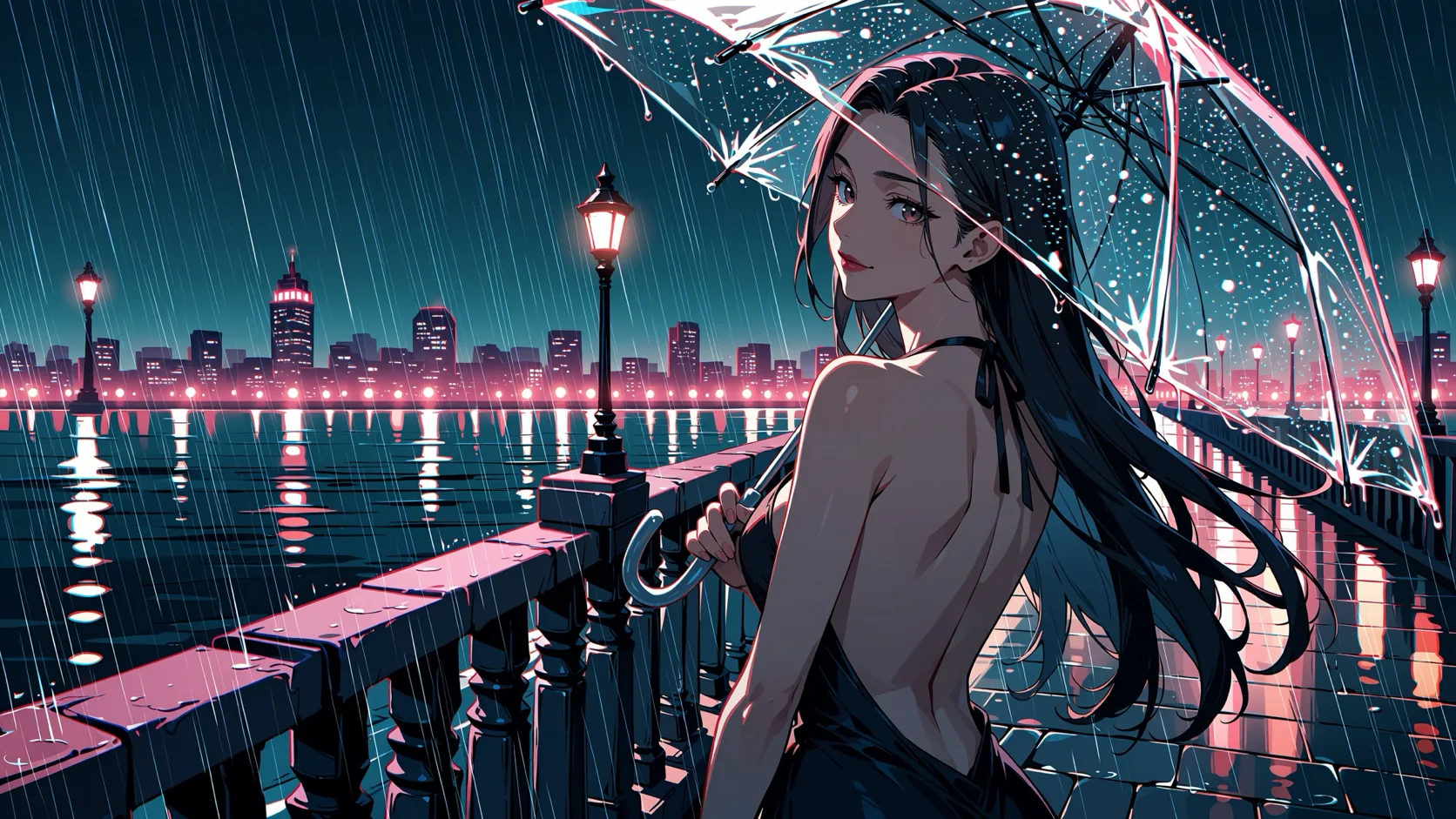
Manga ink from a monochrome LoRA
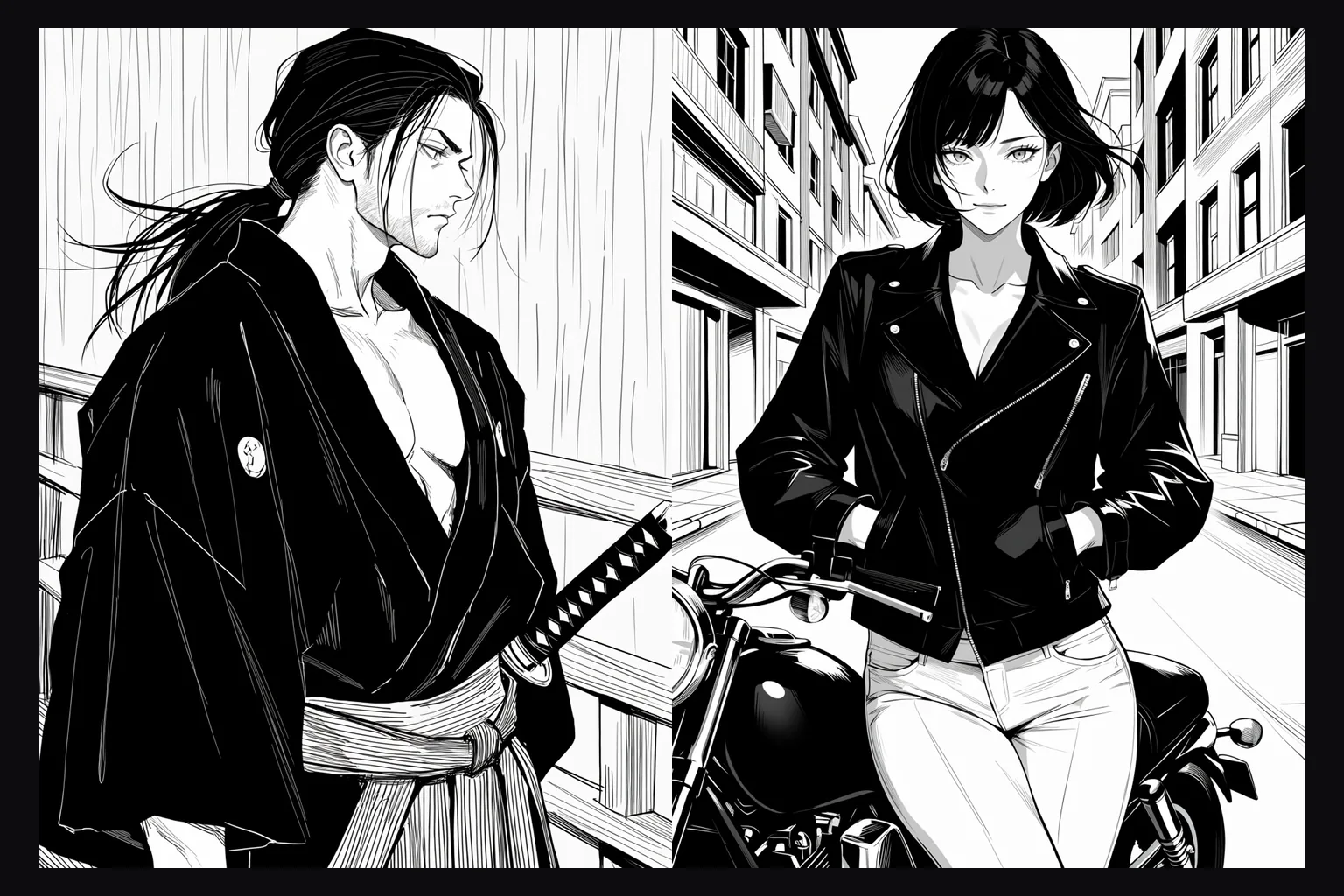
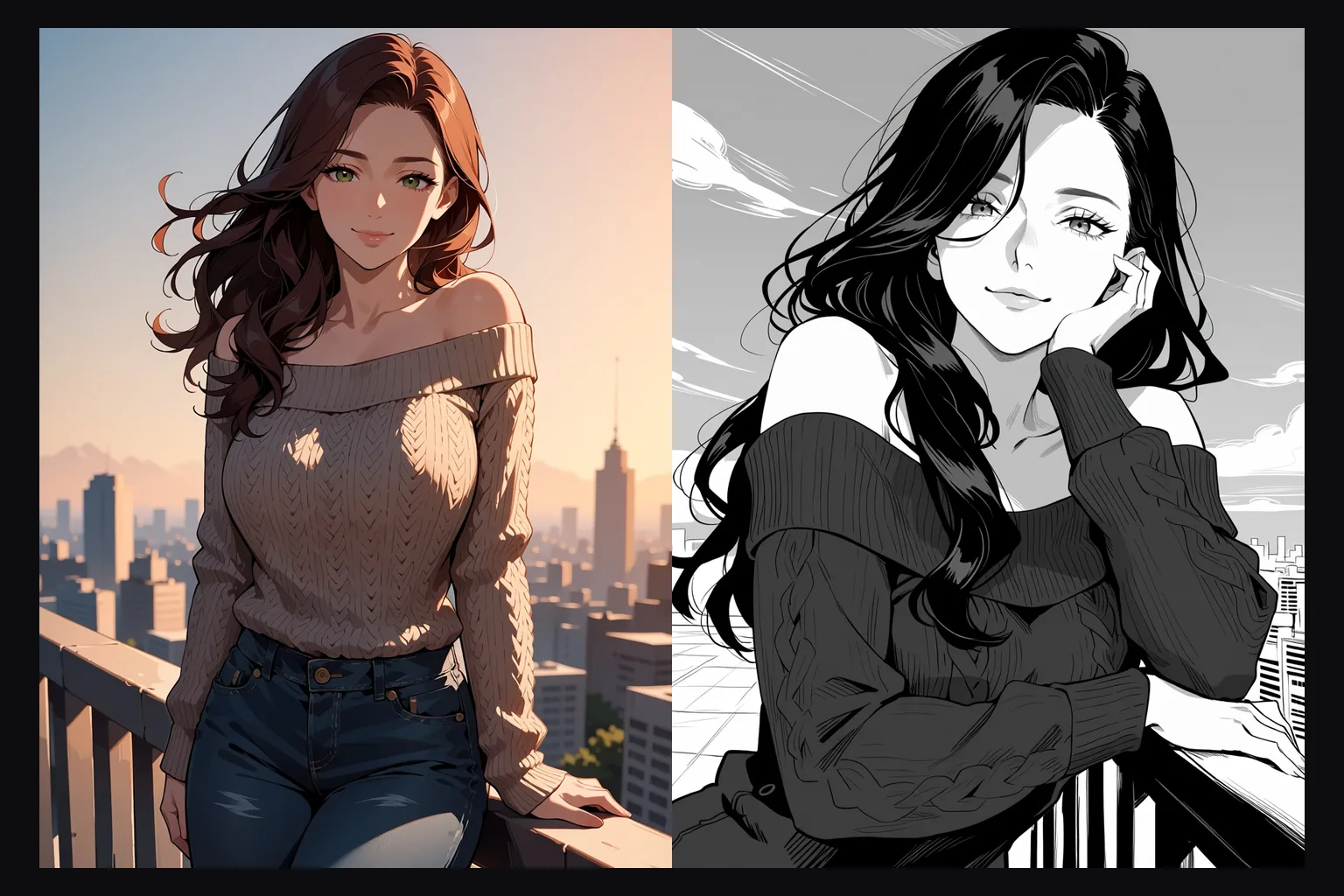
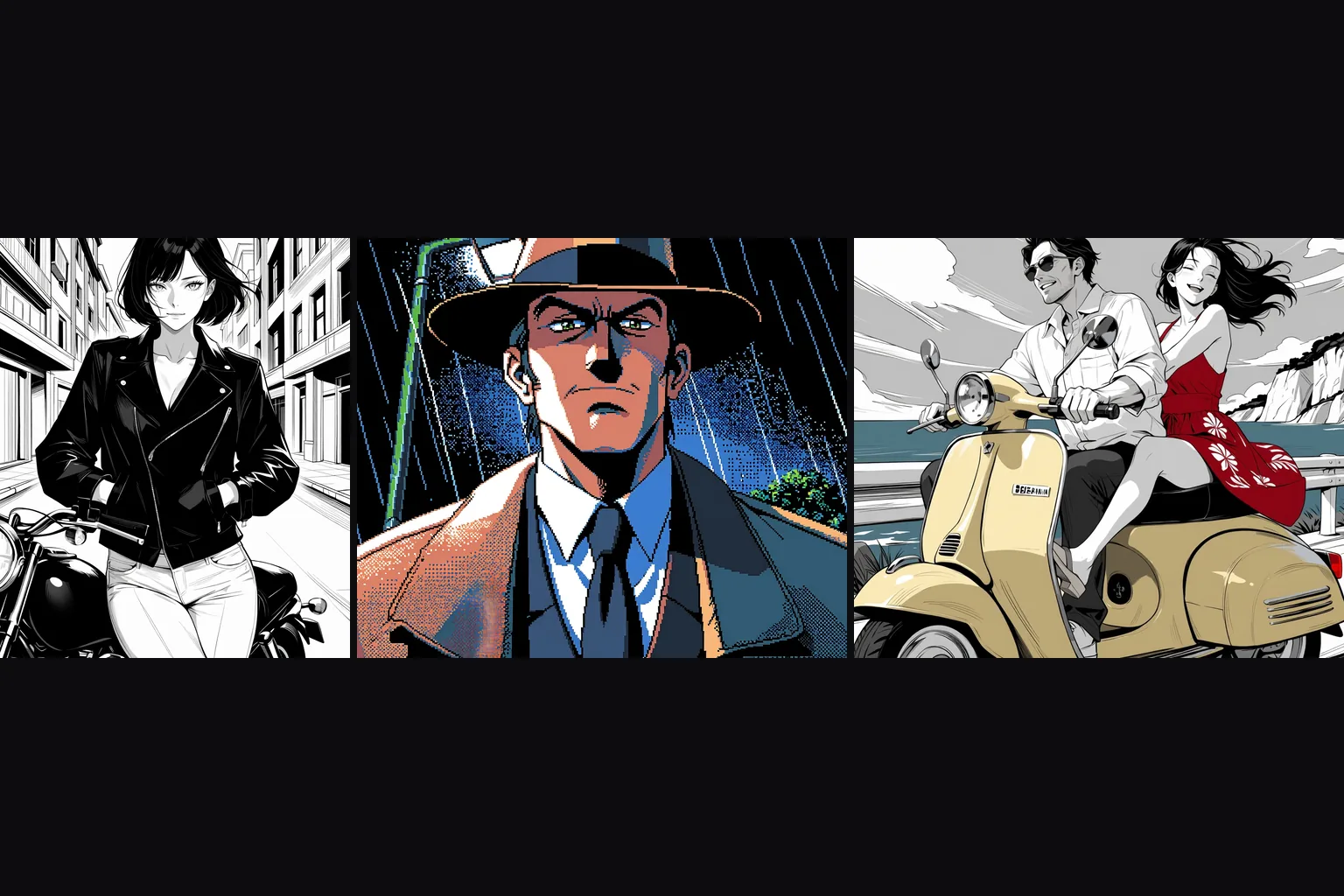
A monochrome LoRA with the tags "monochrome, greyscale" turns the model into an inker: hatching, screentone-like shading and solid blacks, with no colour to clean up afterwards.
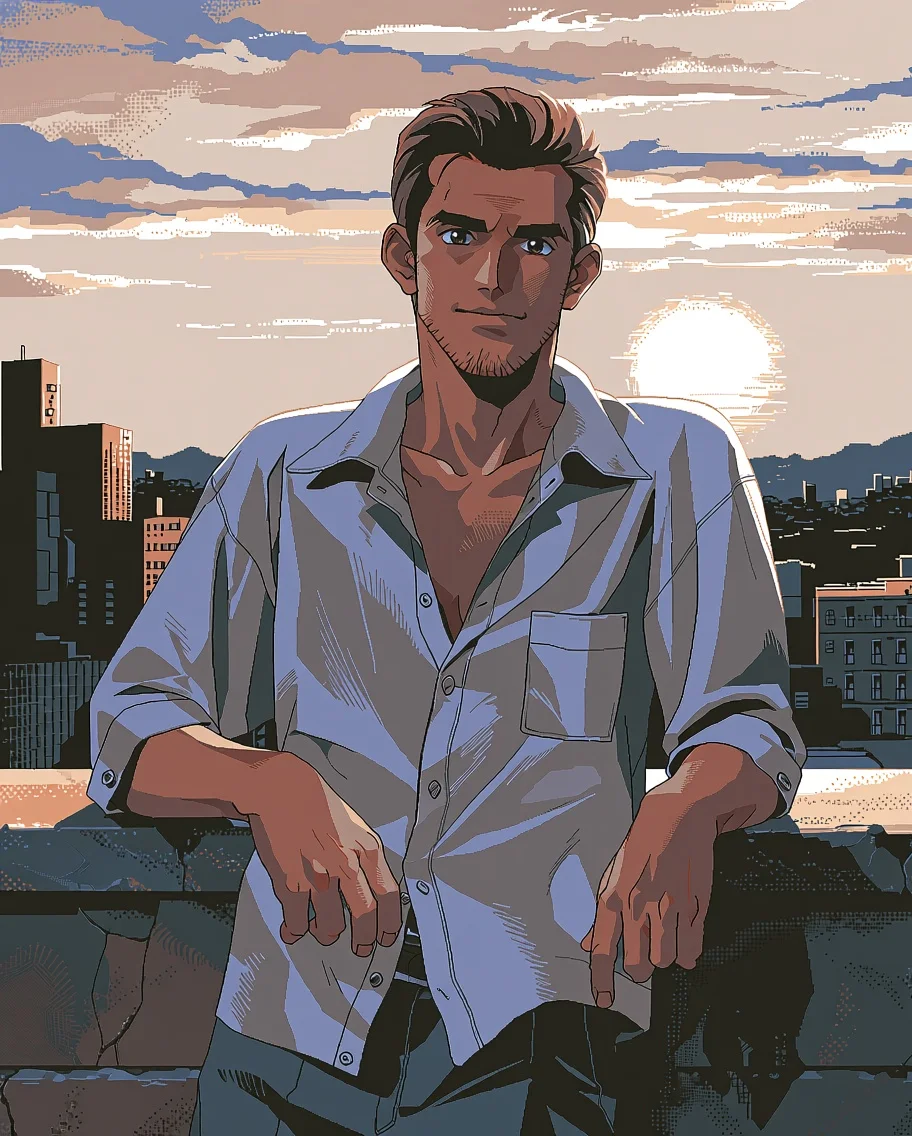
A photograph in a custom style
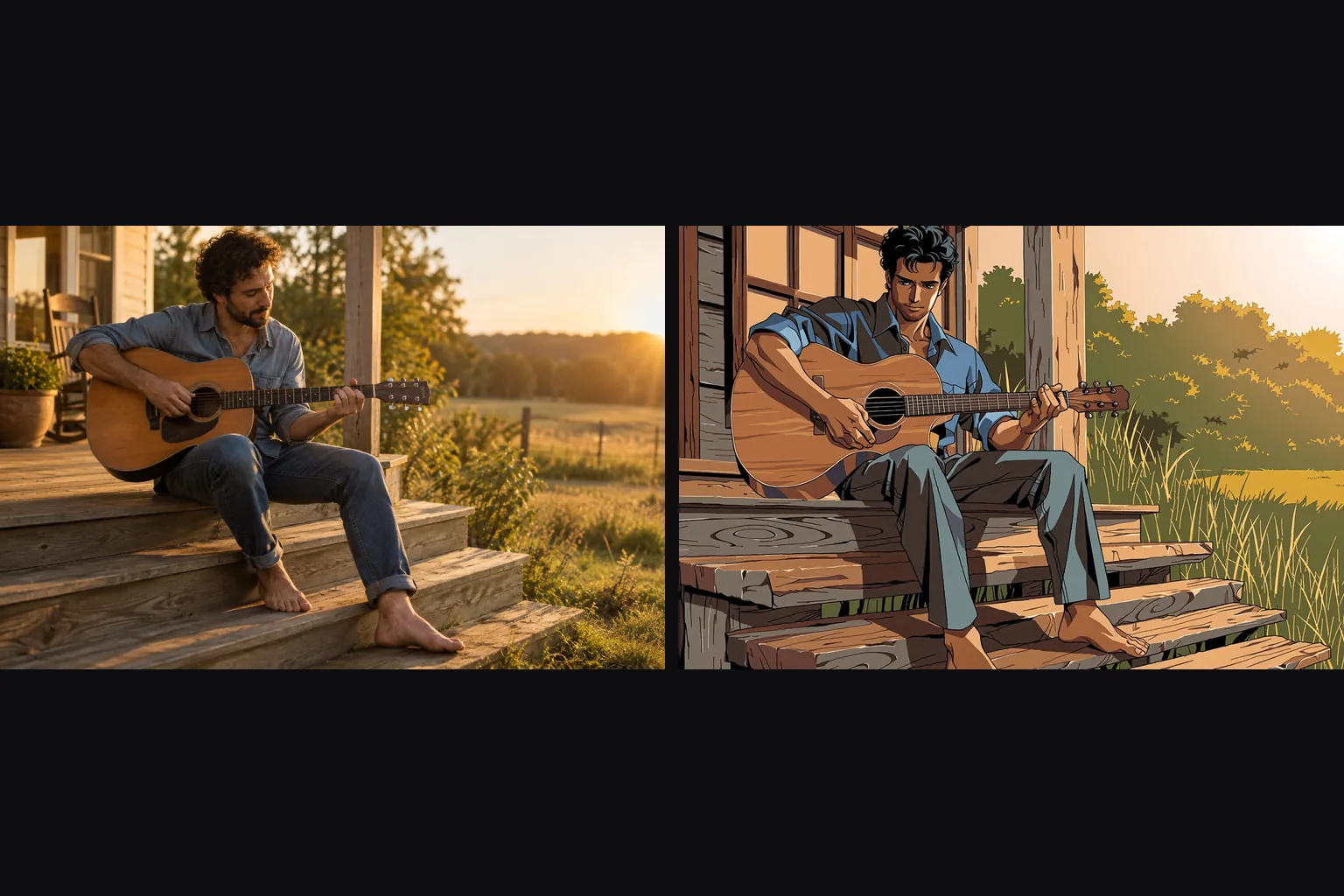
Image-to-image at strength 0.75 with the PC-98 LoRA: the man, his open linen shirt and the sunset skyline carry over from the photo, redrawn as retro pixel-shaded anime.
Request parameters
| Parameter | Required | Description |
|---|---|---|
prompt | Yes | Put the LoRA's trigger words first, then describe the whole picture you want back: who is in it, what they wear, where they are. at least 1 characters · at most 5000 characters |
image_url | Yes | With Anima Turbo LoRA image-to-image, the source determines the output shape while the attached weights influence its style. |
resolution | No | Custom-weight renders on Anima Turbo LoRA offer 1k and 1.5k, without a separate fee for loading the weights. |
strength | No | Anima Turbo LoRA separates image strength from LoRA scale: strength defaults to 0.8, and the tested photo restyle used 0.75 with the PC-98 weight. |
loras | No | Anima Turbo LoRA accepts at most three {path, scale} entries, each pointing to weights trained for Anima. Default: |
seed | No | When testing Anima Turbo LoRA scales, keep the seed and scene description fixed for a fair comparison, without expecting identical pixels. |
Pricing
Anima Turbo LoRA charges per image and resolution tier; custom weights add no separate loading charge, and failed requests are not charged.
| Specification | Price |
|---|---|
| $0.018 / image |
| $0.036 / image |
Use cases
A house style for a whole set
Retro PC-98, manga ink, watercolour: load the style LoRA and run a list of prompts. Every image in the set shares the look, which the base model alone cannot promise.
Consistent characters
Keep a character LoRA and a seed fixed and change only the outfit, place and light. The face and build stay recognisable across the set.
Photos in a custom style
Image-to-image with a style LoRA at strength 0.75 turns a photograph into that style while keeping its composition.
Uncensored stills with community weights
Unfiltered LoRAs load with no review and no filter on the result. The base model already renders our strongest content probe as written; a LoRA adds the style or character you want.
Prompt guide & pro tips
Put the trigger words first
Most style LoRAs expect a trigger at the start of the prompt, such as "
pc98gal_style" for a PC-98 look or "monochrome, greyscale" for manga ink. Then describe the picture in tags or sentences.Check the LoRA is doing the work
Compare a custom-weight Anima Turbo render with a render without that weight; no visible effect alone does not prove incompatibility, so also check the trigger.
Keep strength near 1
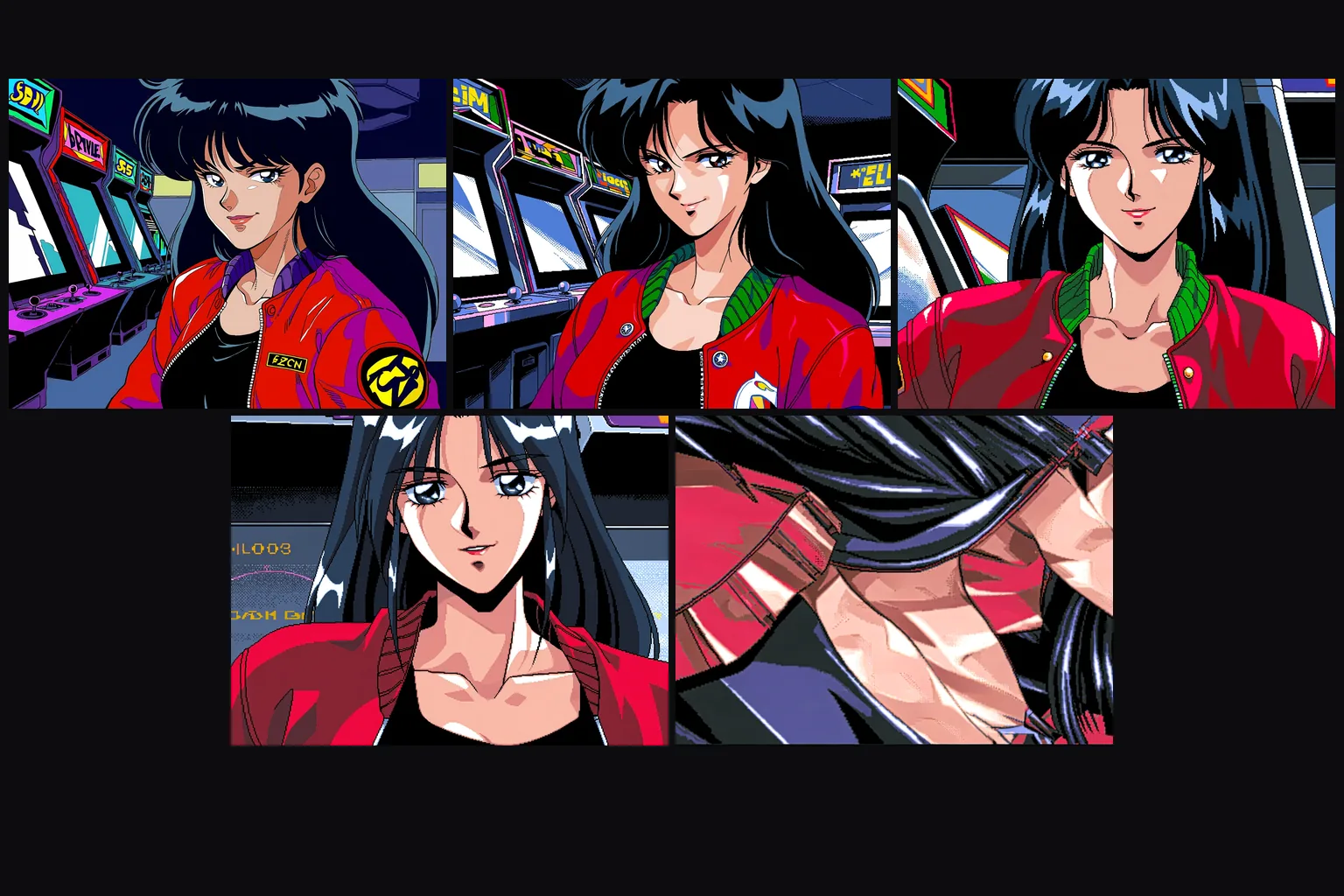
Scale runs from 0 to 4, but the useful range is narrow: 0.5 to 1.2 covered everything we tried, and at 4 the image dissolved into shapes.
Stack gently
Up to three LoRAs per call. Give the main style 0.8 to 1 and start a second one around 0.5; two styles at full strength usually fight each other.
Anima Turbo LoRA combines a source picture with custom weights, so the reference supplies the layout and the LoRA guides the rendering style.
Anima Turbo LoRA accepts at most three {path, scale} entries, each pointing to weights trained for Anima.
With Anima Turbo LoRA image-to-image, the source determines the output shape while the attached weights influence its style.
Anima Turbo LoRA separates image strength from LoRA scale: strength defaults to 0.8, and the tested photo restyle used 0.75 with the PC-98 weight.
Each Anima Turbo LoRA scale accepts 0–4 and defaults to 1; SpicyAPI found 0.5–1.2 useful, while 4 damaged the tested image.
Custom-weight renders on Anima Turbo LoRA offer 1k and 1.5k, without a separate fee for loading the weights.
Anima Turbo LoRA charges per image and resolution tier; custom weights add no separate loading charge, and failed requests are not charged.
Compare a custom-weight Anima Turbo render with a render without that weight; no visible effect alone does not prove incompatibility, so also check the trigger.
When testing Anima Turbo LoRA scales, keep the seed and scene description fixed for a fair comparison, without expecting identical pixels.
SpicyAPI tested Anima Turbo LoRA with a single style, stacked weights and no weights; the existing NSFW tests rendered the submitted requests.
API quick start
# Generate the idempotency key once; reuse it when retrying after a lost response.
export SPICY_IDEMPOTENCY_KEY="${SPICY_IDEMPOTENCY_KEY:-$(uuidgen)}"
curl -X POST https://api.spicyapi.ai/api/v1/jobs/createTask \
  -H "Authorization: Bearer $SPICY_API_KEY" \
  -H "Content-Type: application/json" \
  -H "Idempotency-Key: $SPICY_IDEMPOTENCY_KEY" \
  -d '{
  "model": "circlestone-labs/anima-turbo-lora/edit",
  "input": {
    "image_url": "https://example.com/reference.png",
    "prompt": "A ceramic teapot on a linen cloth, soft window light, muted palette",
    "resolution": "1k"
  }
}'

# Copy data.taskId from the response into TASK_ID, then poll the status.
TASK_ID="TASK_ID_FROM_RESPONSE"
curl "https://api.spicyapi.ai/api/v1/jobs/recordInfo?taskId=$TASK_ID" \
  -H "Authorization: Bearer $SPICY_API_KEY"
See the API reference for authentication, the complete schema, polling, and error handling.