Introduction
Anima Turbo redraws a supplied photograph as an illustration; it is not a masked editing tool.
Anima Turbo image-to-image follows the source aspect ratio instead of taking a separate framing choice.
Anima Turbo accepts strength 0–1 with default 0.8; SpicyAPI’s photo-to-anime examples use 0.75, which is an example rather than a universal setting.
Use lowercase tags with spaces, or describe the Anima Turbo scene in several sentences; this API exposes no negative prompt.
For Anima Turbo drafts, choose 1k; choose 1.5k when the finished illustration needs more pixels.
Anima Turbo is billed for each resulting image according to resolution, with the same tier rates for generation and redraws.
| Field | Value |
|---|---|
| Input | Image |
| Output | Image |
| Endpoints | Text to Image and Image to Image |
| Model | CircleStone Labs describes Turbo as the distilled Anima checkpoint for fast generation, with a stronger default style and less diversity. |
| Prompt | Use lowercase tags with spaces, or describe the Anima Turbo scene in several sentences; this API exposes no negative prompt. |
| Resolution tiers | For Anima Turbo drafts, choose 1k; choose 1.5k when the finished illustration needs more pixels. |
| Output size | 1024 x 1024 at 1:1 and 1360 x 768 at 16:9 on 1k; 1536 x 1536 and 2048 x 1152 on 1.5k |
| Aspect ratios | Anima Turbo offers fifteen text-to-image shapes, including wide scenery and upright character formats — 1:1 / 16:9 / 9:16 / 4:3 / 3:4 / 3:2 / 2:3 / 21:9 / 9:21 / 2:1 / 1:2 / 3:1 / 1:3 / 5:4 / 4:5 |
| Image to image | Anima Turbo image-to-image follows the source aspect ratio instead of taking a separate framing choice. Anima Turbo accepts strength 0–1 with default 0.8; SpicyAPI’s photo-to-anime examples use 0.75, which is an example rather than a universal setting. |
| Output format | JPEG |
Key features & highlights
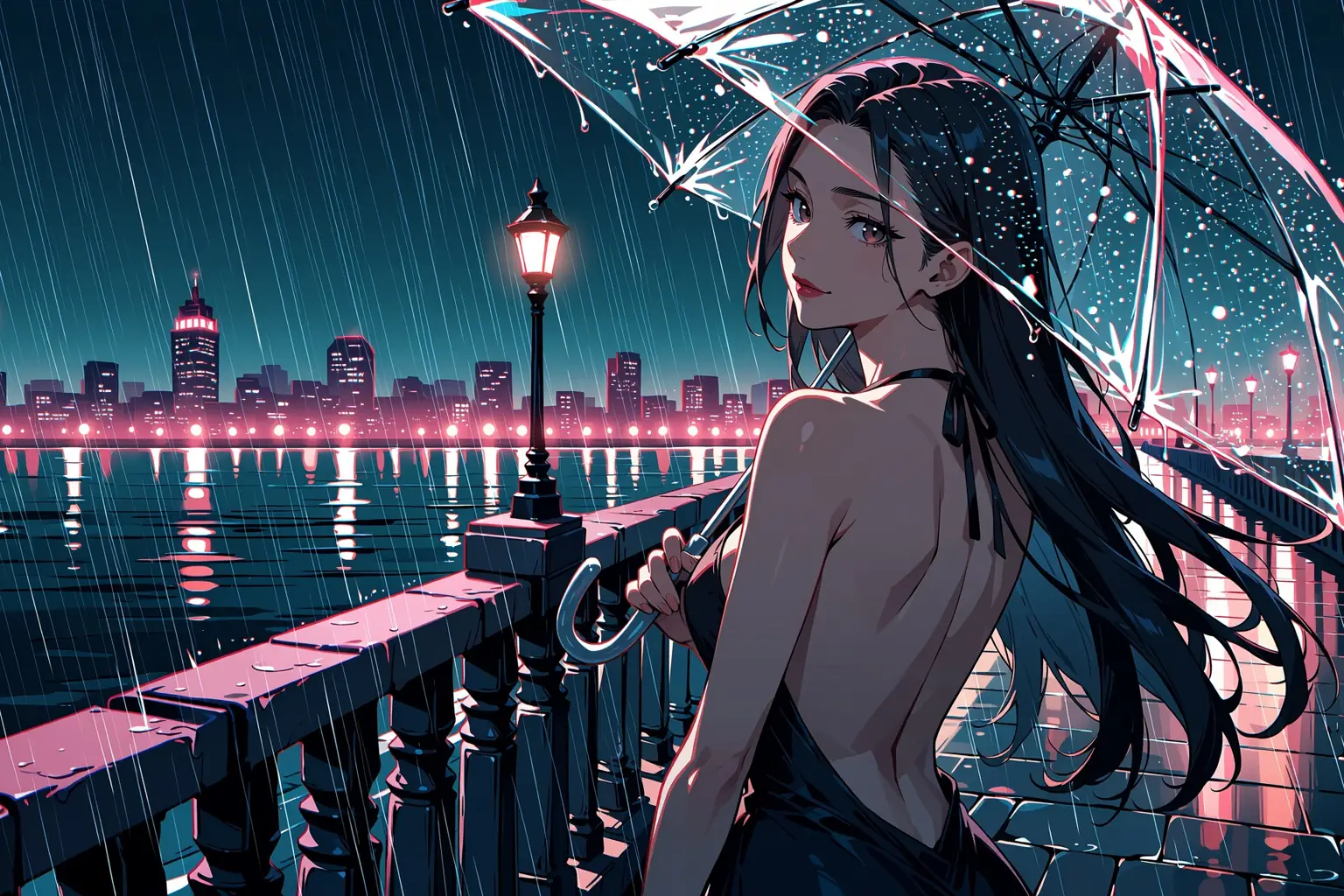
A character from a line of tags
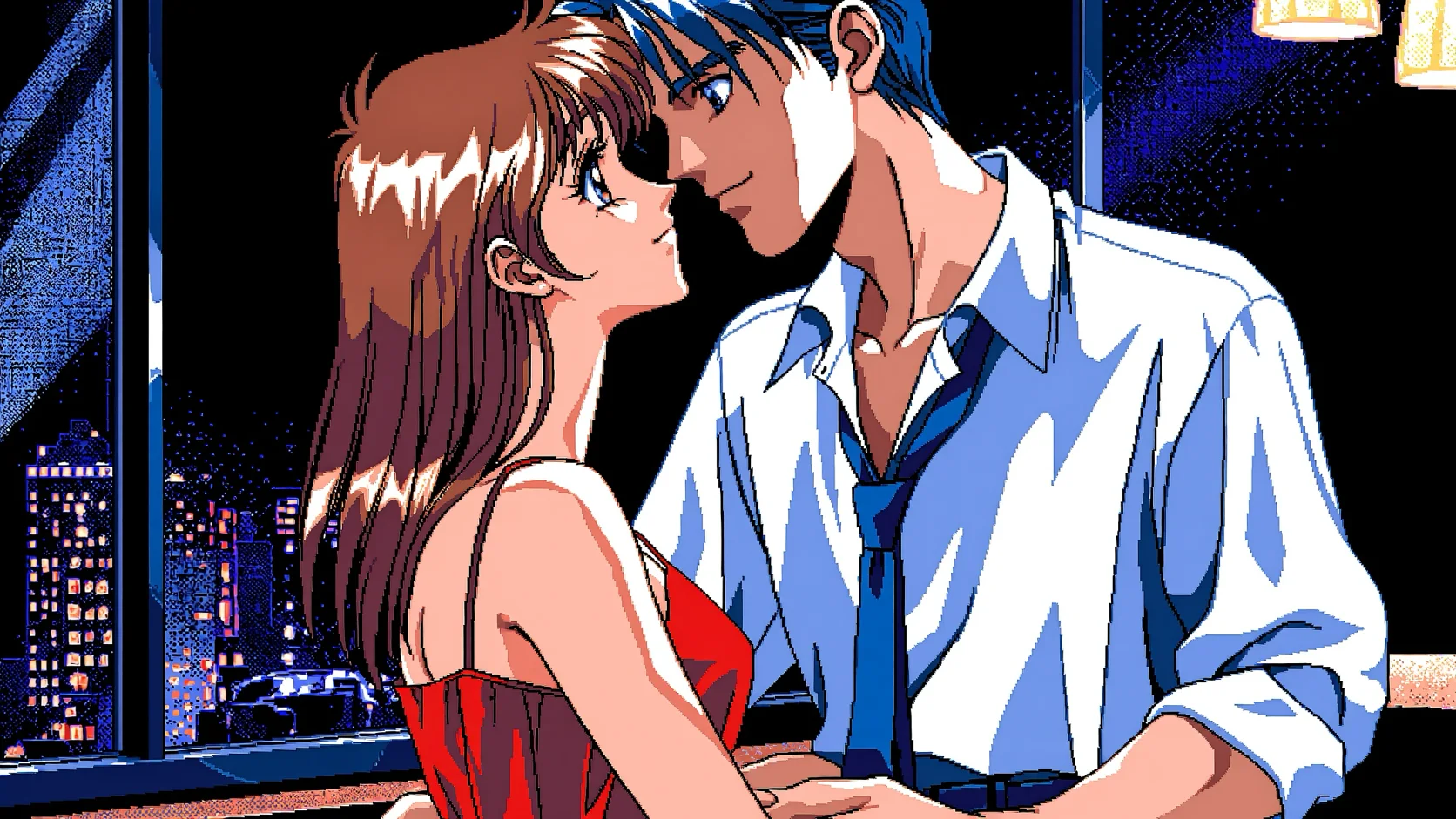
Quality tags, a rating tag, then the character: auburn hair, an off-shoulder knit, a rooftop at golden hour. Twenty-odd tags are enough for a finished illustration with rim light and a soft skyline.
Or describe the scene in plain English
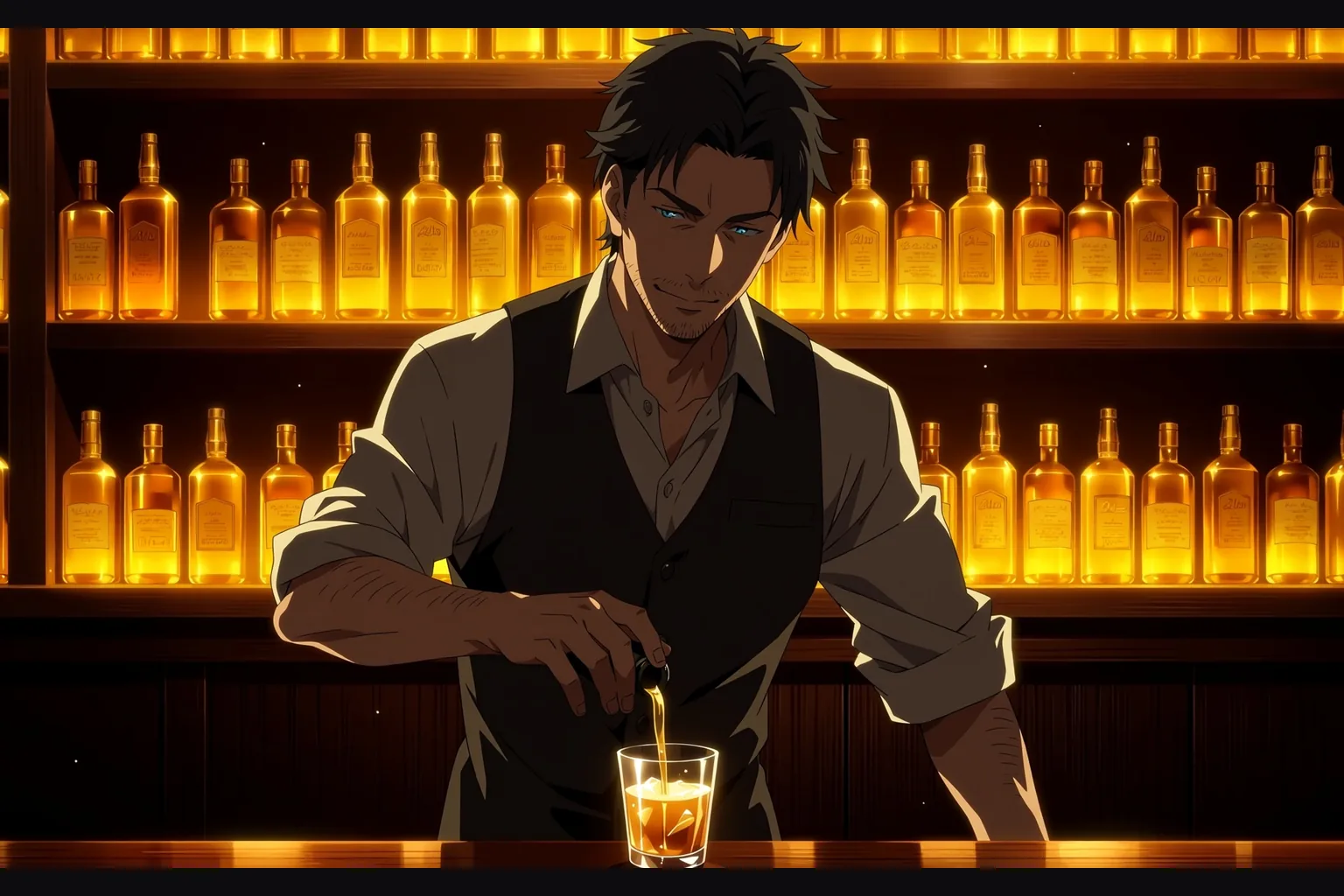
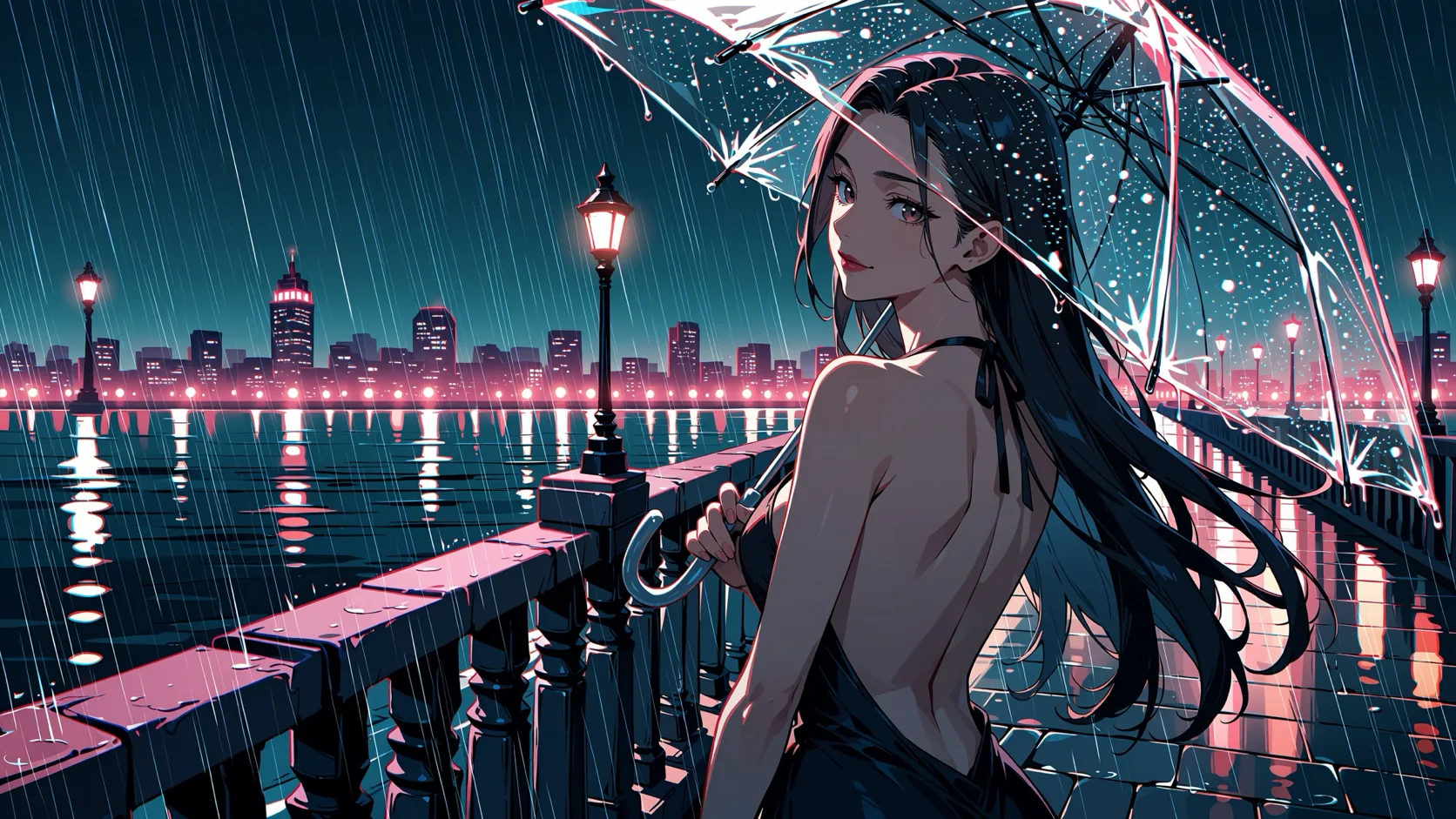
Three sentences about a bartender on the late shift, his rolled sleeves and the amber bottles behind him. Rendered at 2048 x 1152 on the 1.5k tier, with the backlight the prompt asked for.
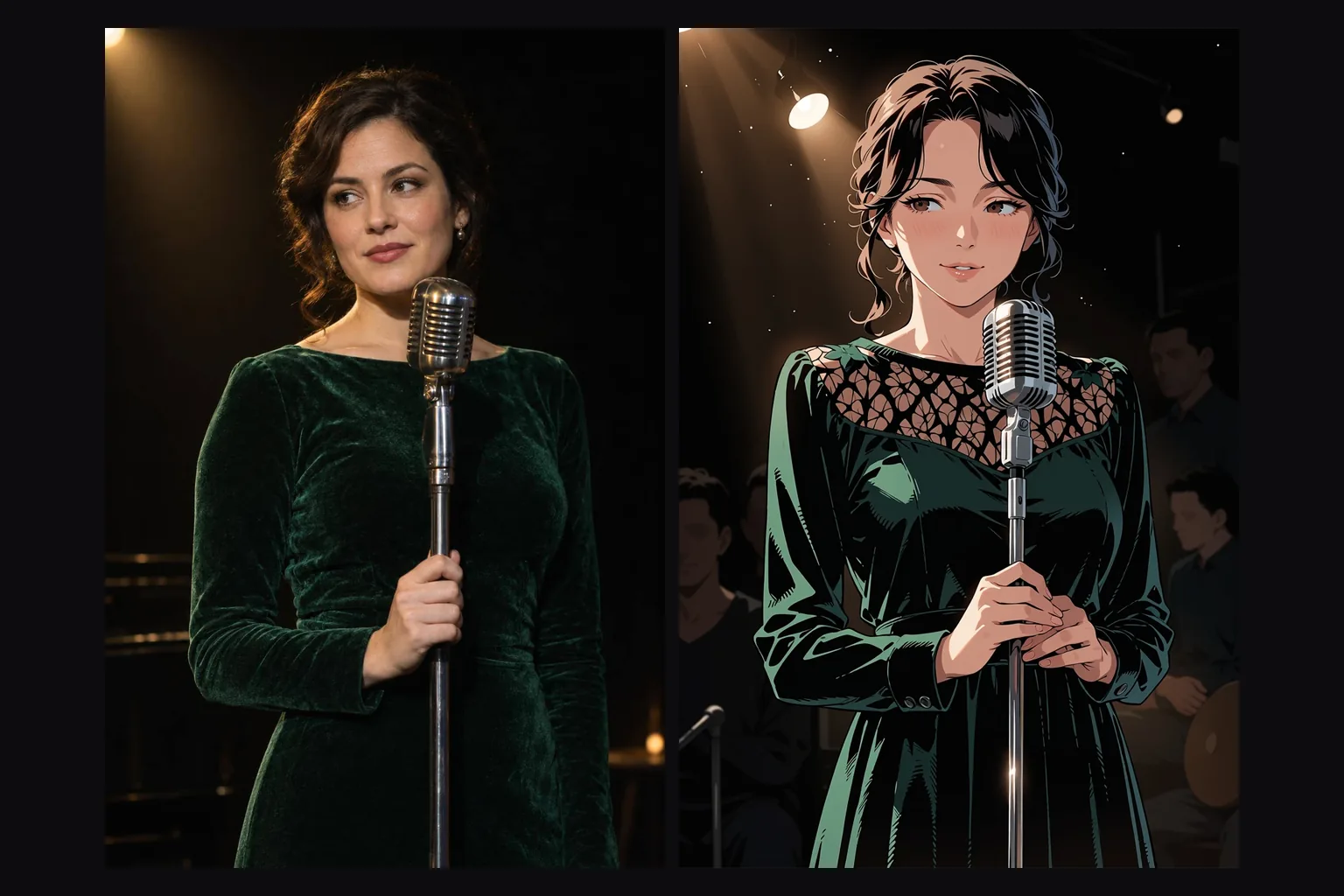
Turn a photograph into anime
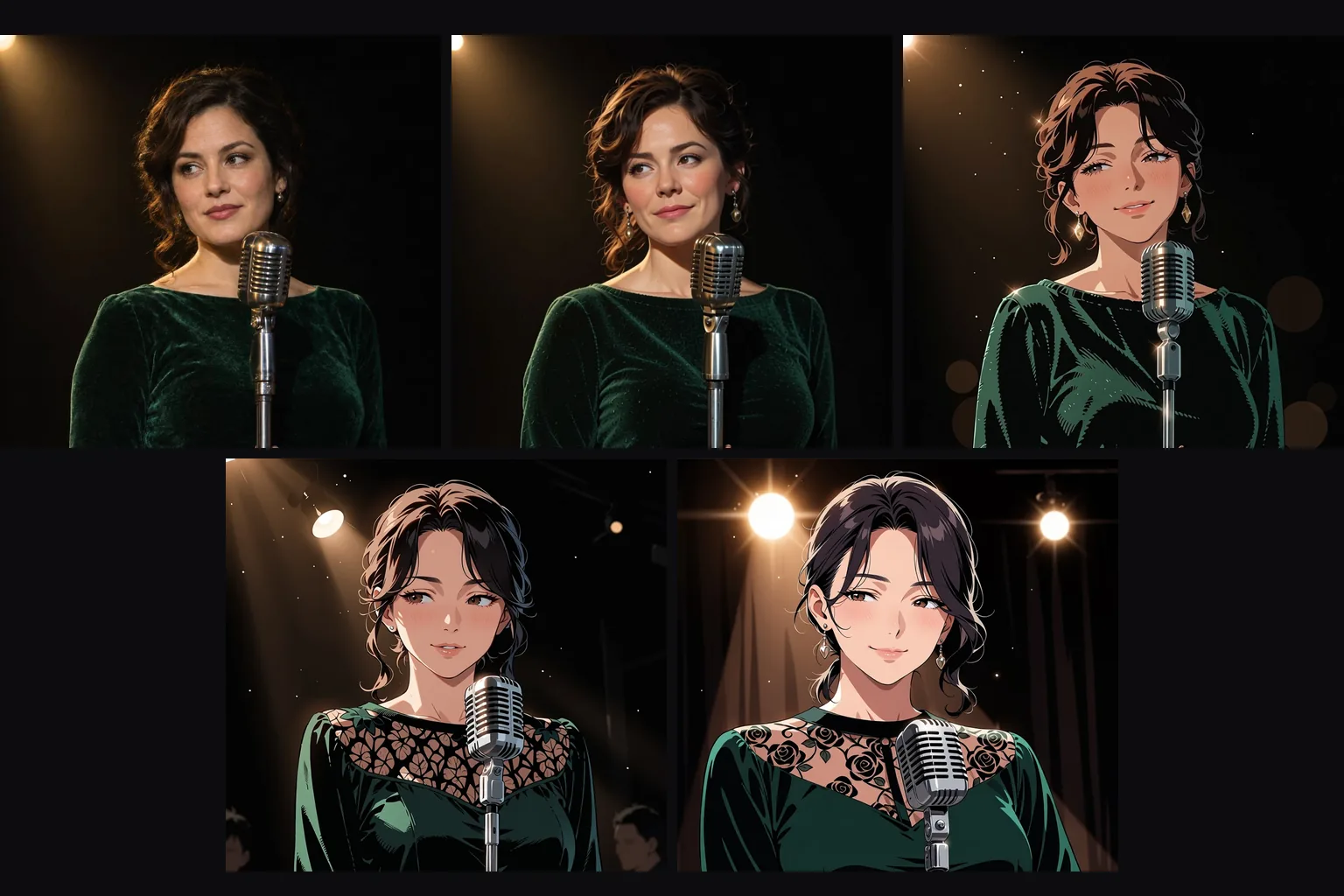
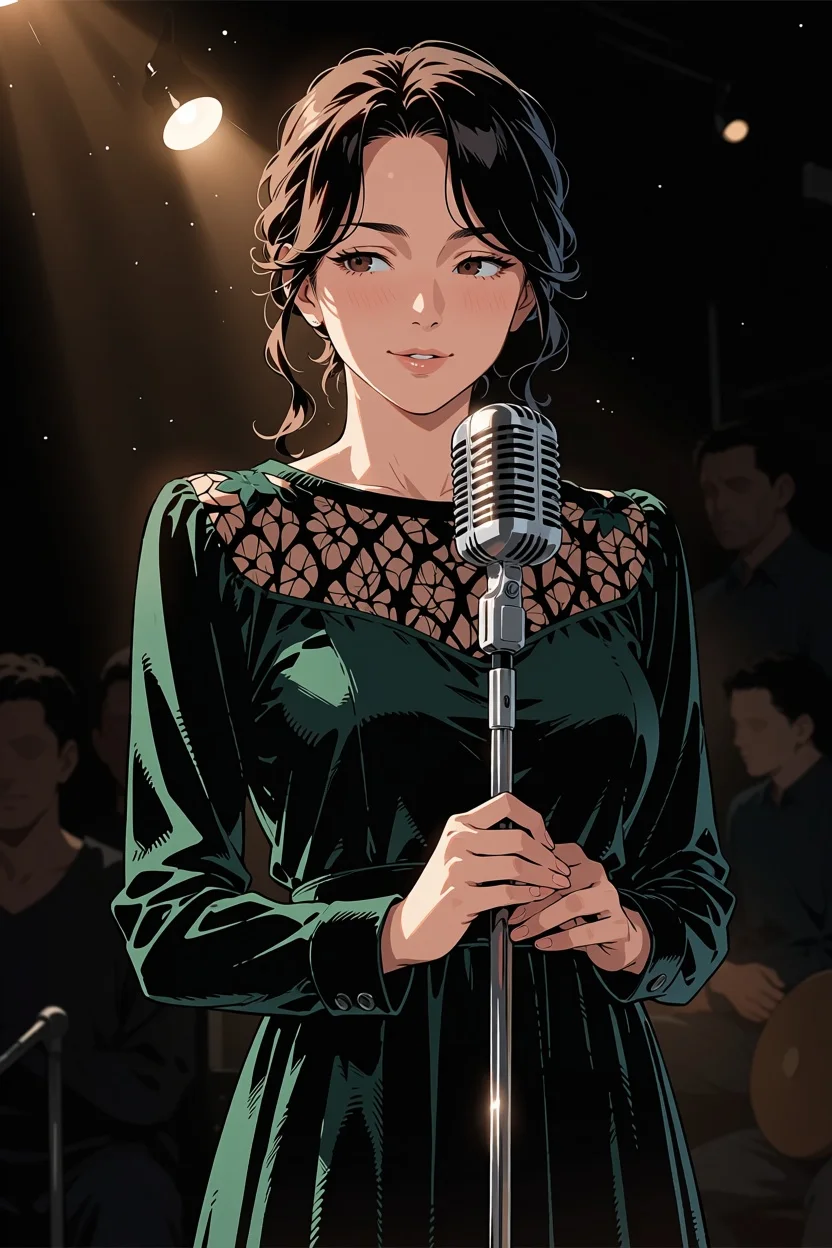
A stage photo goes in at strength 0.75 with a prompt describing the same scene. The velvet dress, the vintage microphone and the spotlight carry over; the photograph comes back as an illustration.
Request parameters
| Parameter | Required | Description |
|---|---|---|
prompt | Yes | Describe the whole picture you want back, not just the change: who is in it, what they wear, where they are. Tags, sentences or both. at least 1 characters · at most 5000 characters |
image_url | Yes | Anima Turbo image-to-image follows the source aspect ratio instead of taking a separate framing choice. |
resolution | No | For Anima Turbo drafts, choose 1k; choose 1.5k when the finished illustration needs more pixels. |
strength | No | Anima Turbo accepts strength 0–1 with default 0.8; SpicyAPI’s photo-to-anime examples use 0.75, which is an example rather than a universal setting. |
seed | No | Keep Anima Turbo’s seed unchanged when comparing prompt revisions; pixel-identical results are not guaranteed. |
Pricing
Anima Turbo is billed for each resulting image according to resolution, with the same tier rates for generation and redraws.
| Specification | Price |
|---|---|
| $0.012 / image |
| $0.024 / image |
Use cases
Character art and key visuals
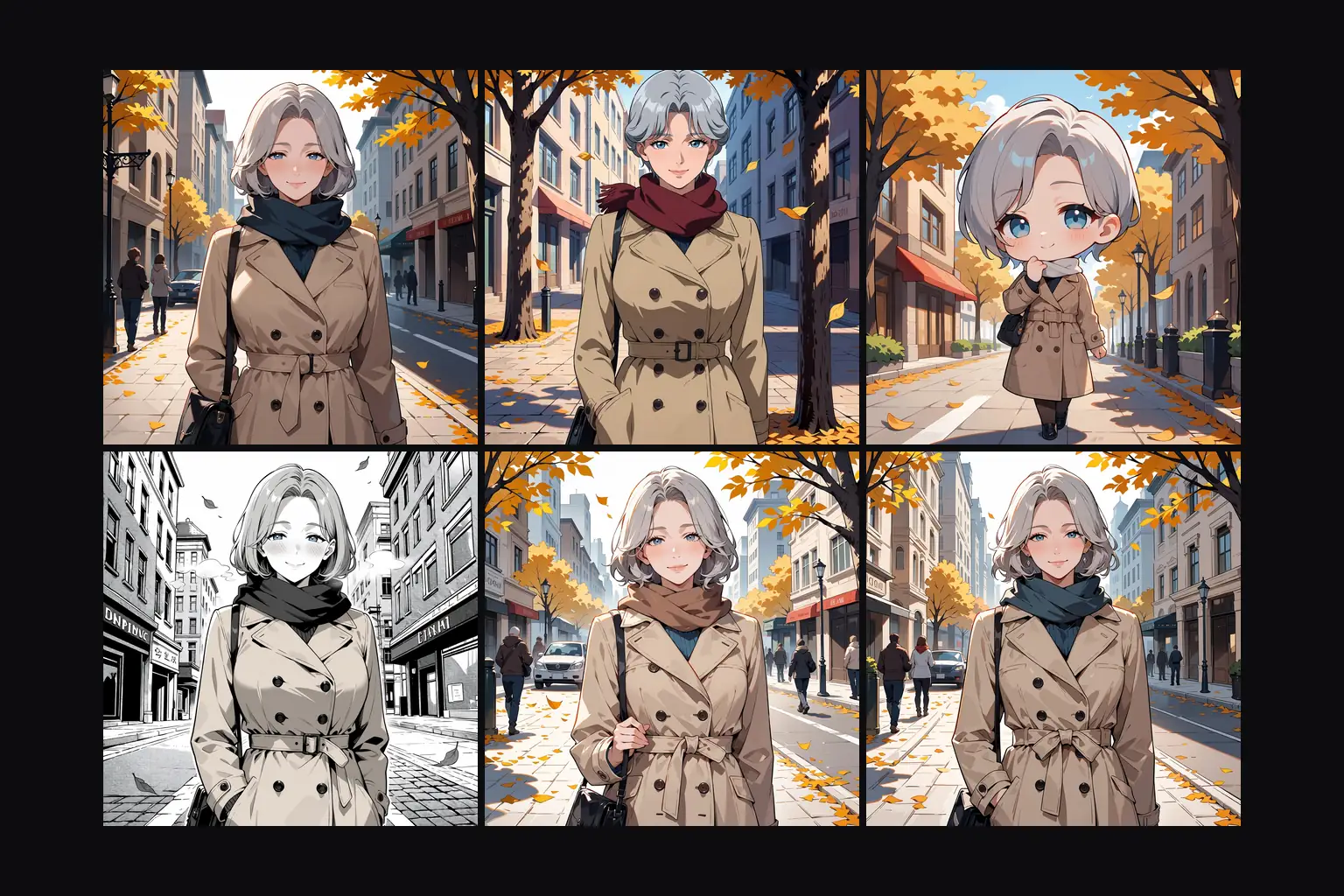
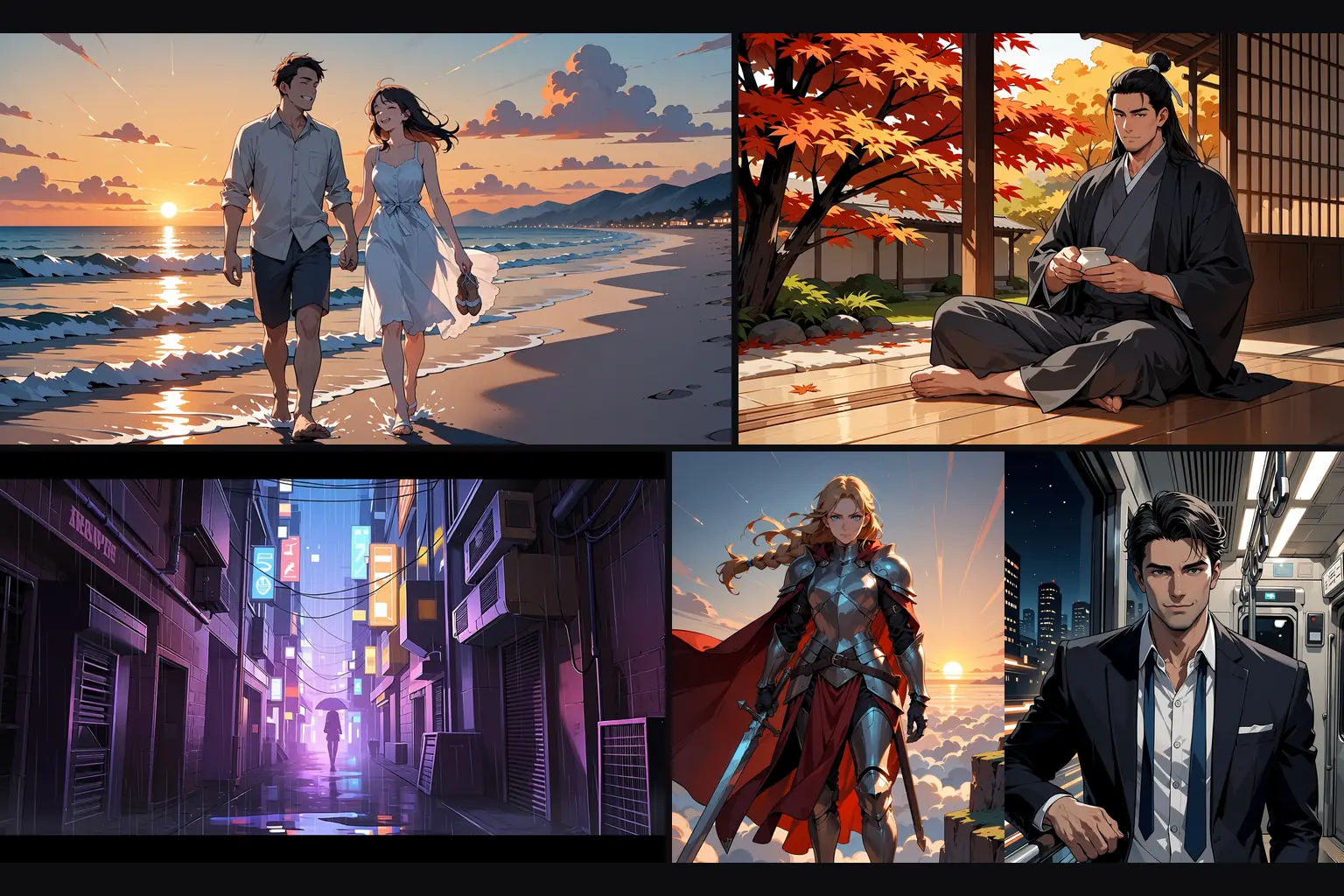
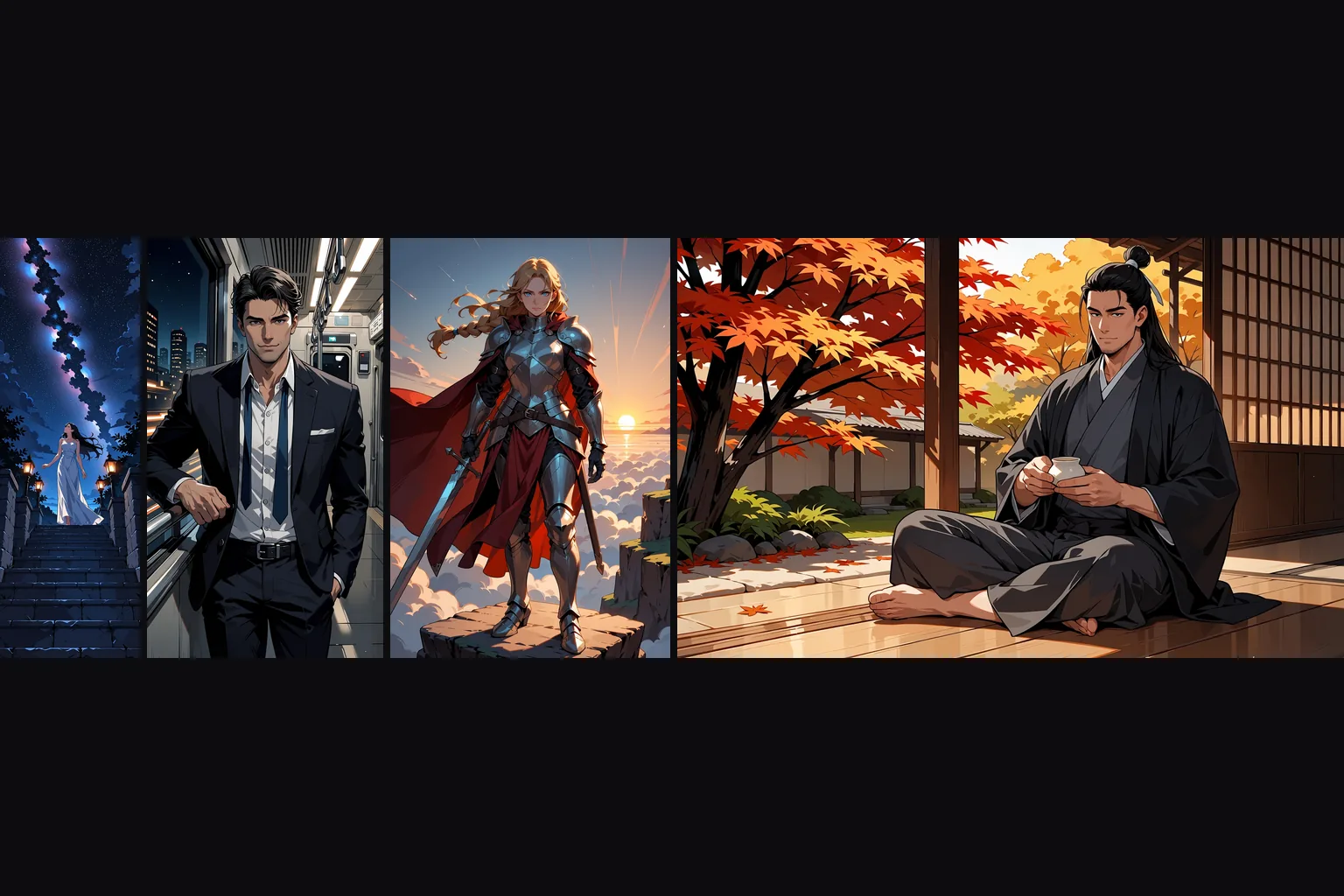
Describe a character in tags and get a clean anime illustration in seconds. Fifteen aspect ratios cover portraits, banners and phone wallpapers, and the 1.5k tier gives enough pixels for print.
Photo to anime
Send a photo to image-to-image with a prompt that describes the same scene. At strength 0.75 the pose, framing and light carry over and the photograph comes back as an illustration.
Backgrounds and scenery
"scenery, no humans" plus a place and a time of day gives the painted backgrounds anime is known for. 21:9 and 3:1 suit banners and visual-novel backdrops.
Uncensored illustration
SpicyAPI’s Anima Turbo content tests rendered the NSFW requests submitted; the platform adds no content filter to this model.
Prompt guide & pro tips
Open with quality and rating tags
Use lowercase tags with spaces, or describe the Anima Turbo scene in several sentences; this API exposes no negative prompt.
Write tags the way the model learned them
Lowercase, spaces instead of underscores, in this order: quality, head count such as "1girl" or "1boy", character, then everything else. To borrow an artist's style, put "@" in front of the name; without it the effect is weak.
Or just write sentences
Natural language works too. Give it at least two sentences covering who is in the frame, what they wear, where they are and how the scene is lit. One-line prompts tend to drift.
On image-to-image, set strength first
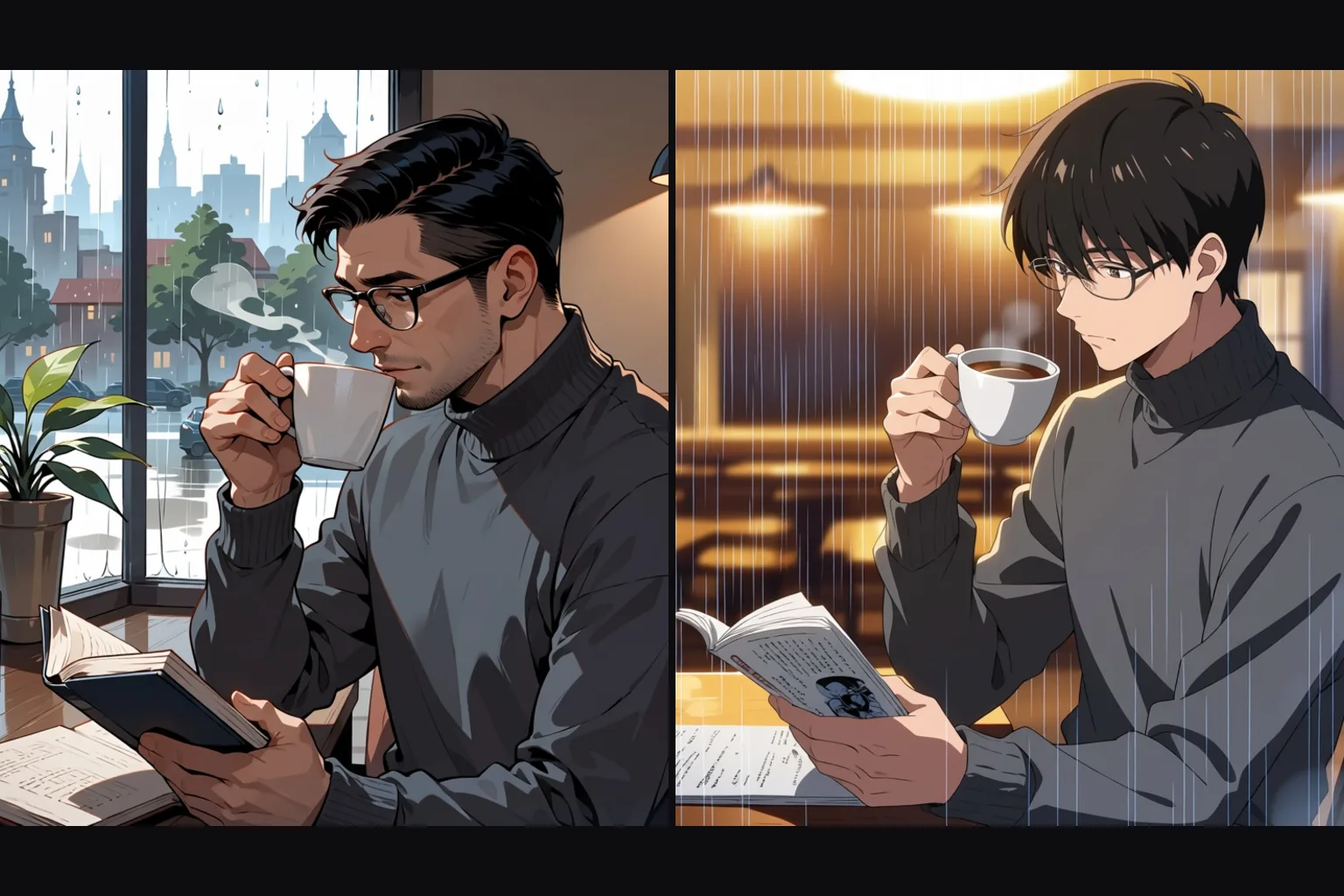
Around 0.75 turned our photos into anime while keeping the composition. At 0.3 a photo is still a photo, and at 1 the source is ignored.
Anima Turbo redraws a supplied photograph as an illustration; it is not a masked editing tool.
Anima Turbo image-to-image follows the source aspect ratio instead of taking a separate framing choice.
Anima Turbo accepts strength 0–1 with default 0.8; SpicyAPI’s photo-to-anime examples use 0.75, which is an example rather than a universal setting.
Use lowercase tags with spaces, or describe the Anima Turbo scene in several sentences; this API exposes no negative prompt.
For Anima Turbo drafts, choose 1k; choose 1.5k when the finished illustration needs more pixels.
Anima Turbo is billed for each resulting image according to resolution, with the same tier rates for generation and redraws.
Compare Anima Turbo tag and sentence prompts on the same scene before changing the framing.
Keep Anima Turbo’s seed unchanged when comparing prompt revisions; pixel-identical results are not guaranteed.
SpicyAPI’s Anima Turbo content tests rendered the NSFW requests submitted; the platform adds no content filter to this model.
API quick start
# Generate the idempotency key once; reuse it when retrying after a lost response.
export SPICY_IDEMPOTENCY_KEY="${SPICY_IDEMPOTENCY_KEY:-$(uuidgen)}"
curl -X POST https://api.spicyapi.ai/api/v1/jobs/createTask \
  -H "Authorization: Bearer $SPICY_API_KEY" \
  -H "Content-Type: application/json" \
  -H "Idempotency-Key: $SPICY_IDEMPOTENCY_KEY" \
  -d '{
  "model": "circlestone-labs/anima-turbo/edit",
  "input": {
    "image_url": "https://example.com/reference.png",
    "prompt": "A ceramic teapot on a linen cloth, soft window light, muted palette",
    "resolution": "1k"
  }
}'

# Copy data.taskId from the response into TASK_ID, then poll the status.
TASK_ID="TASK_ID_FROM_RESPONSE"
curl "https://api.spicyapi.ai/api/v1/jobs/recordInfo?taskId=$TASK_ID" \
  -H "Authorization: Bearer $SPICY_API_KEY"
See the API reference for authentication, the complete schema, polling, and error handling.