Introduction
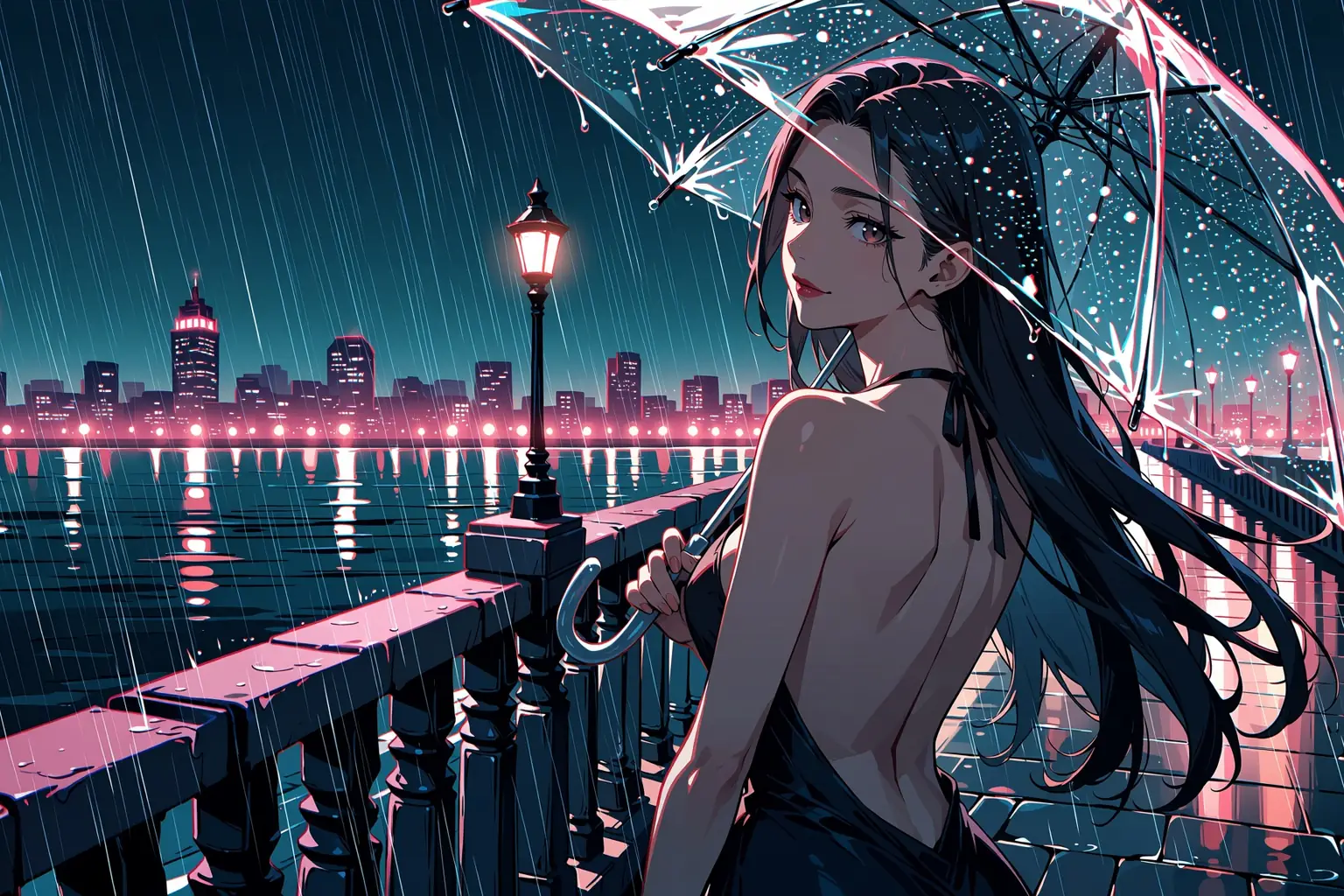
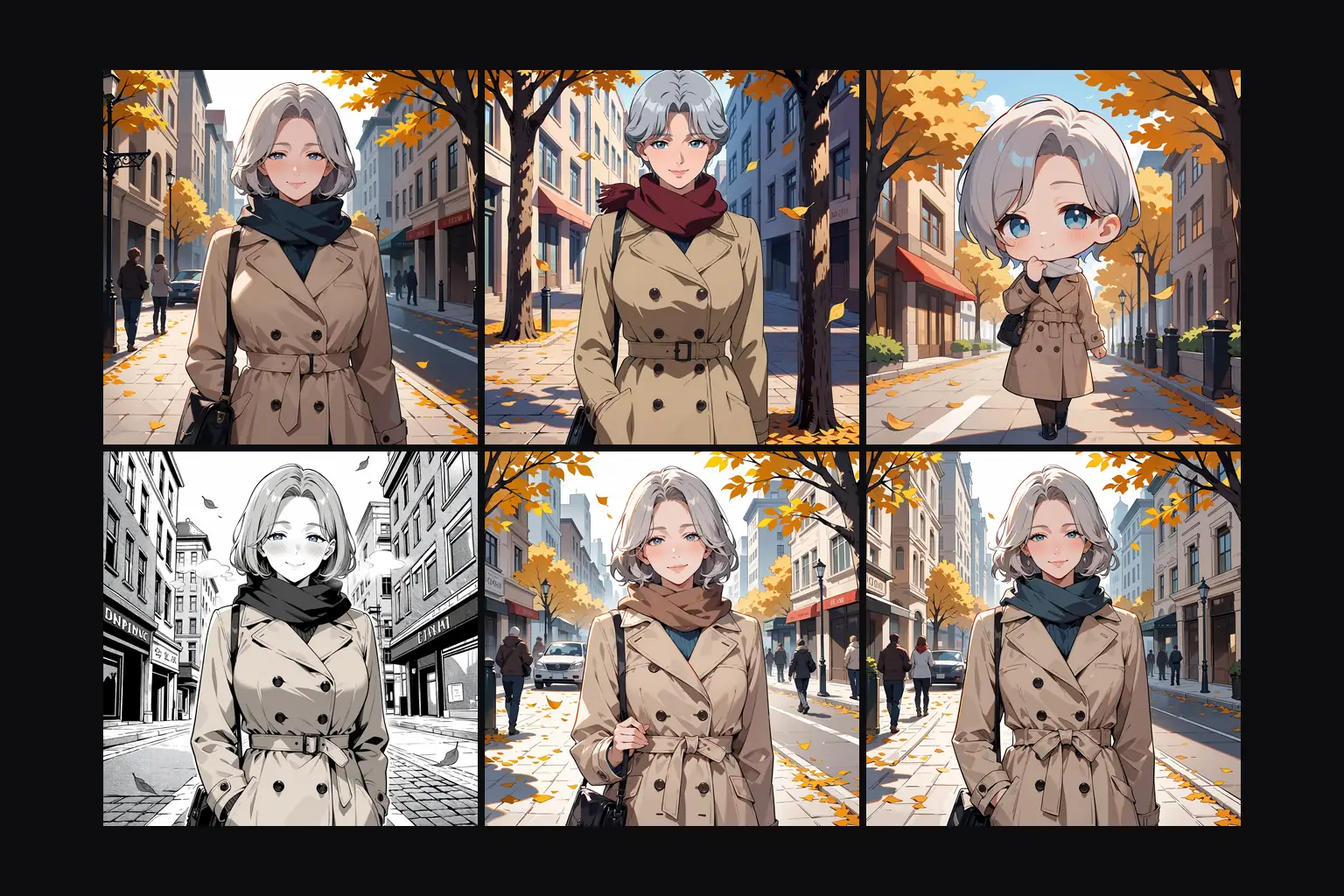
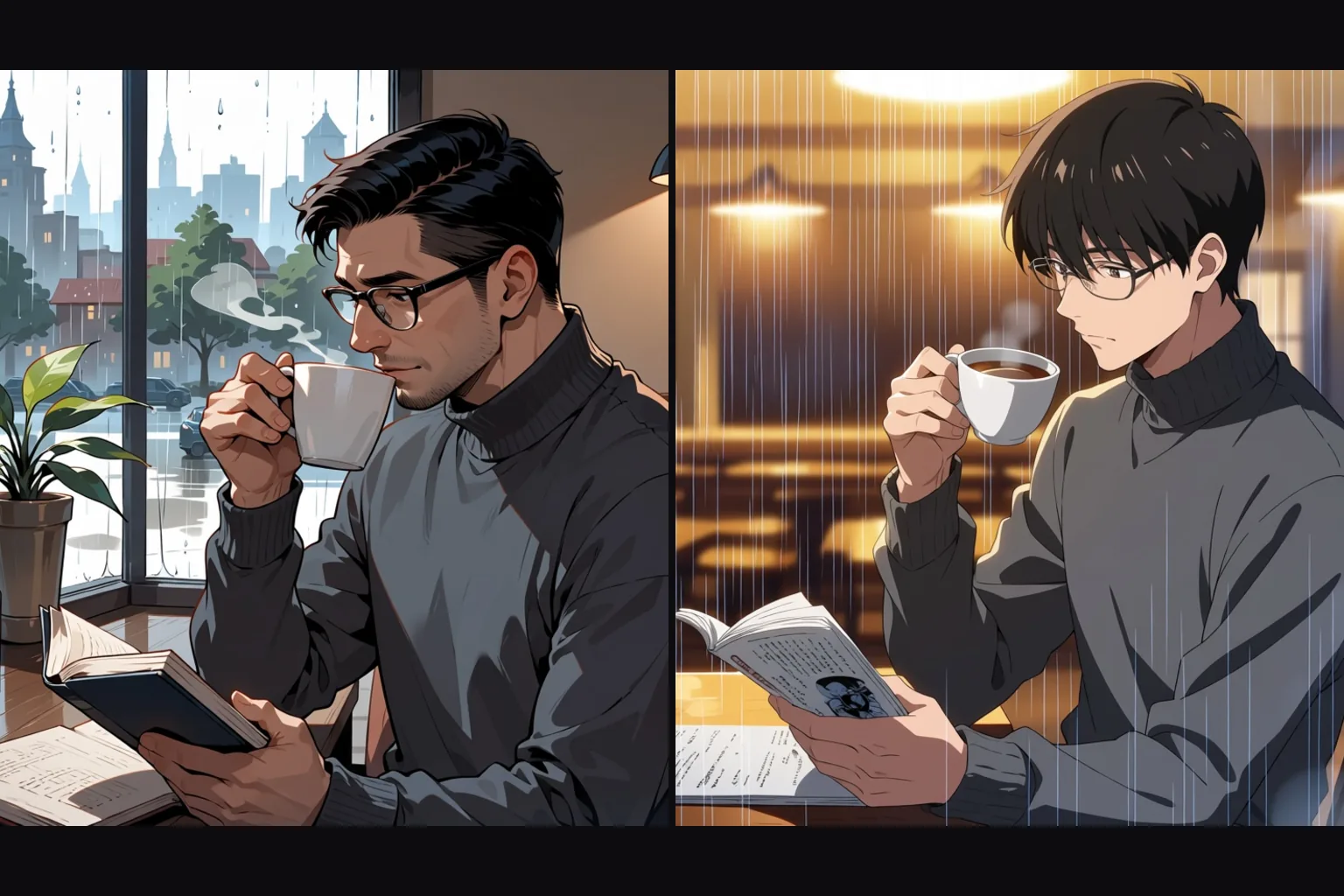
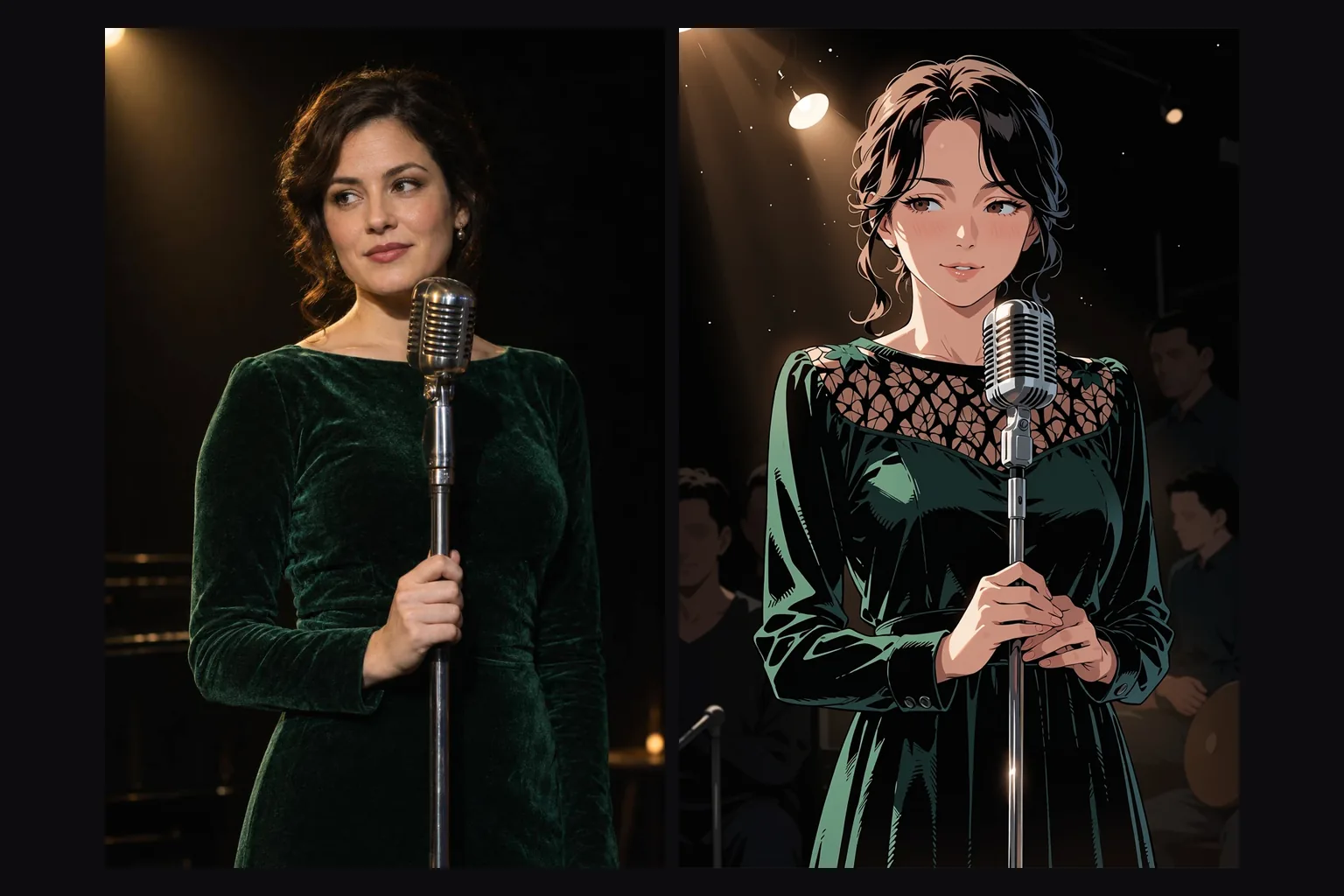
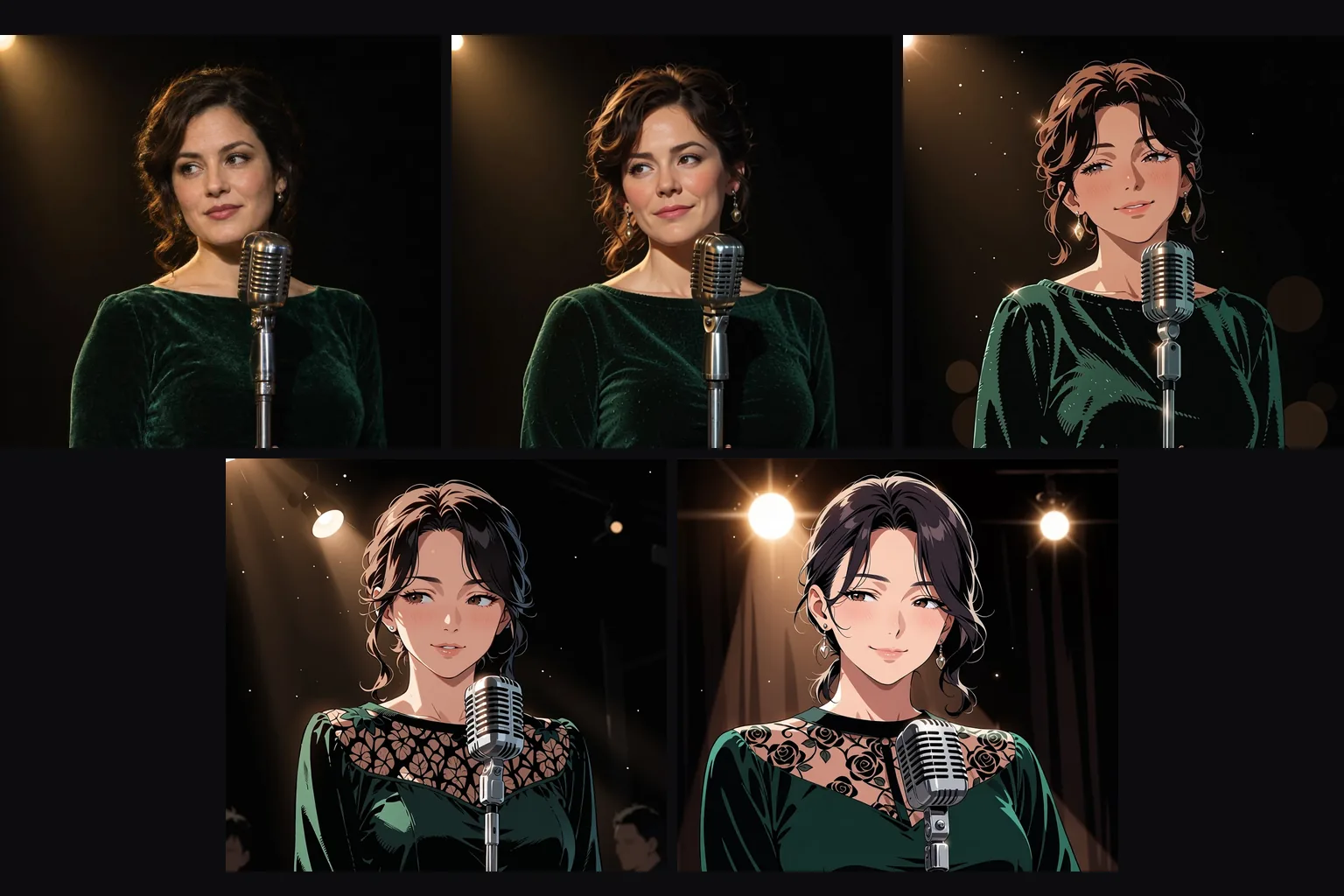
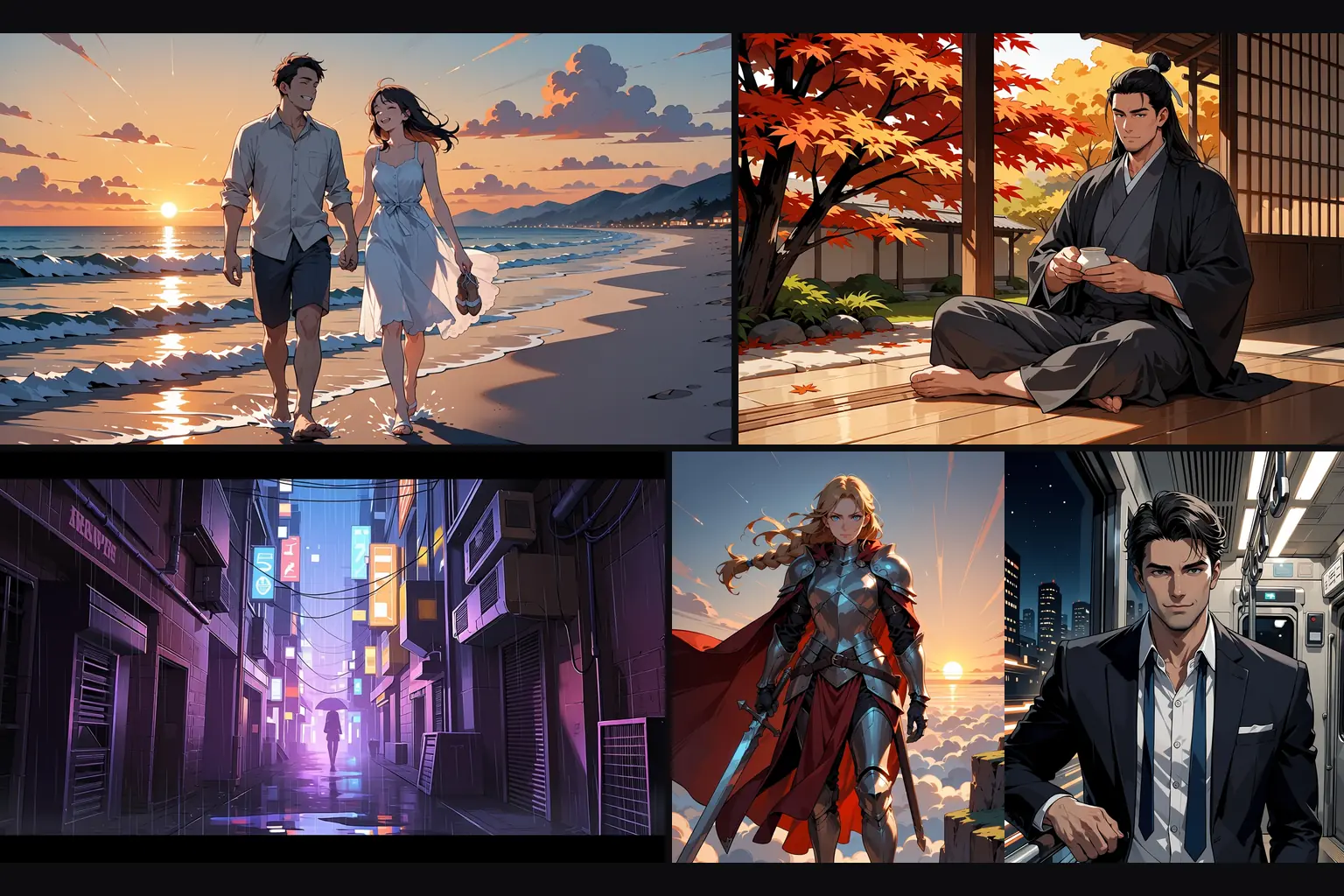
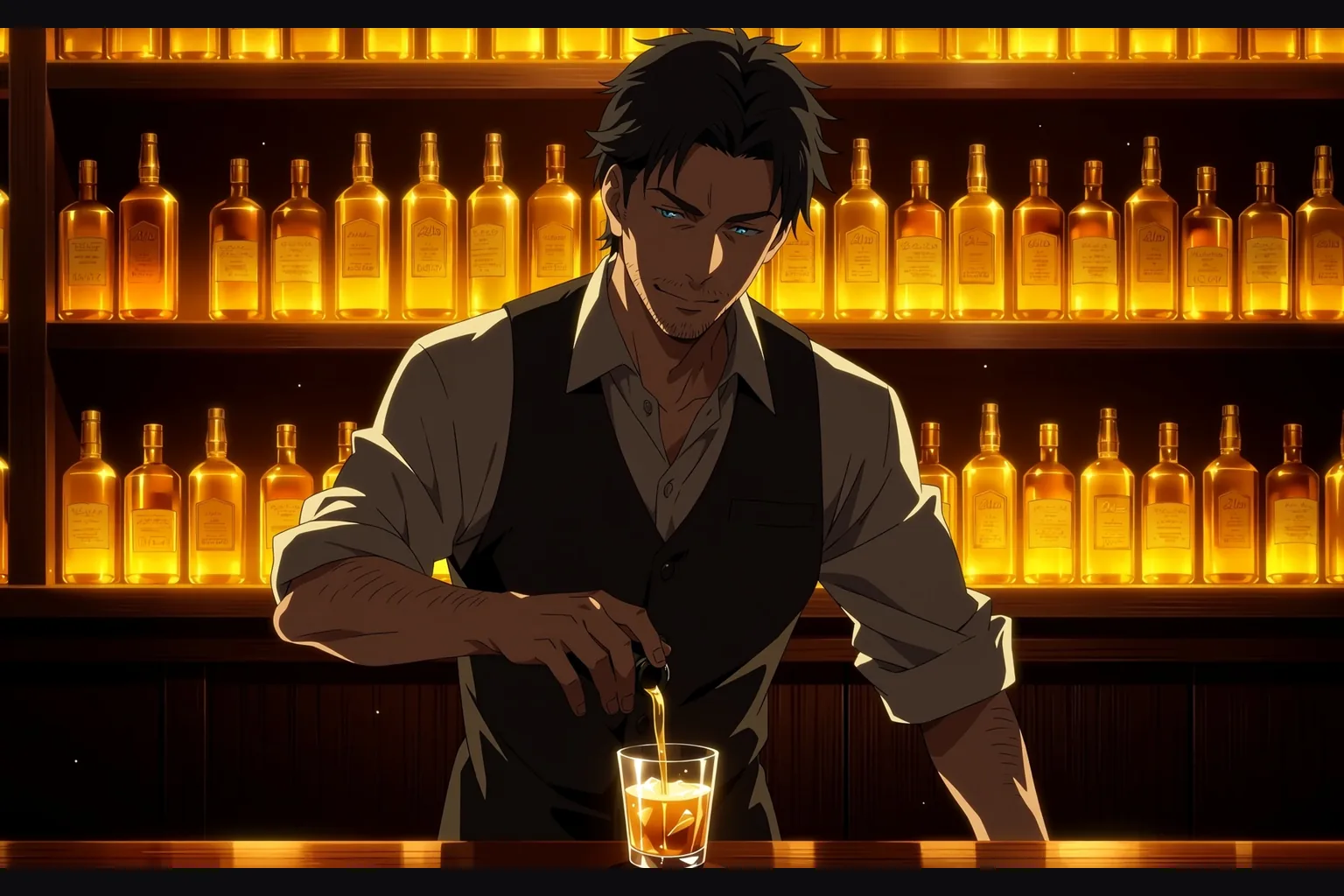
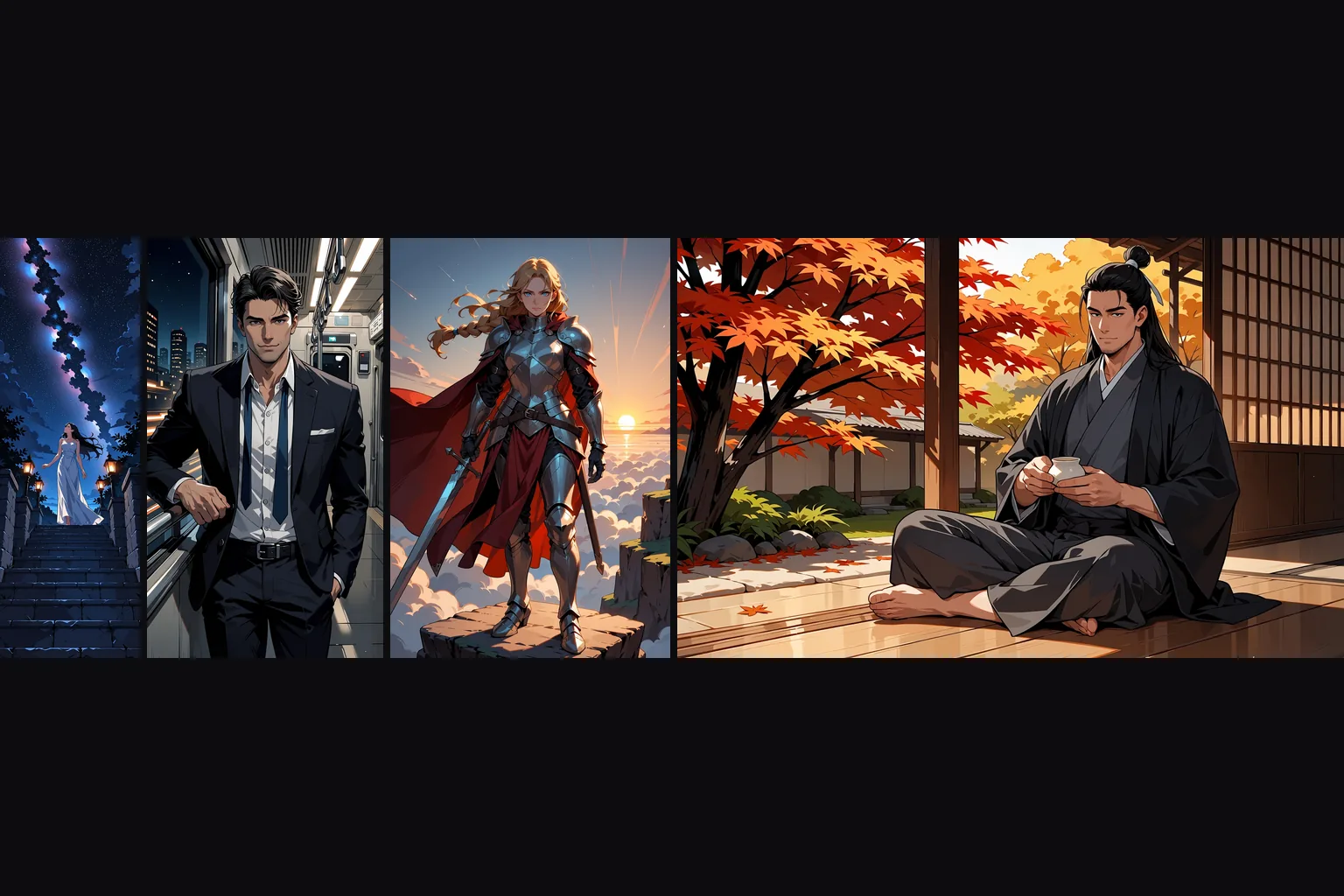
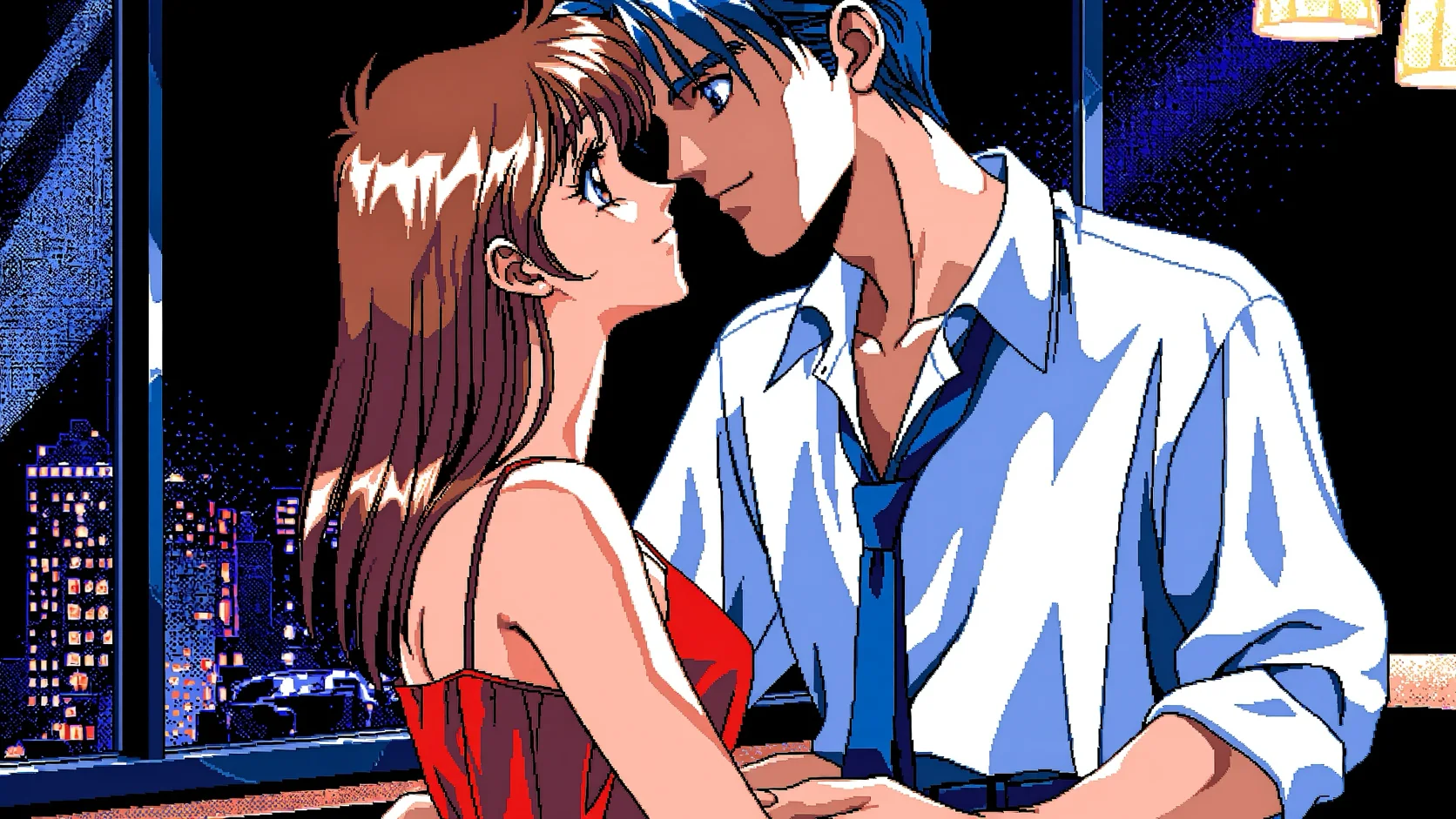
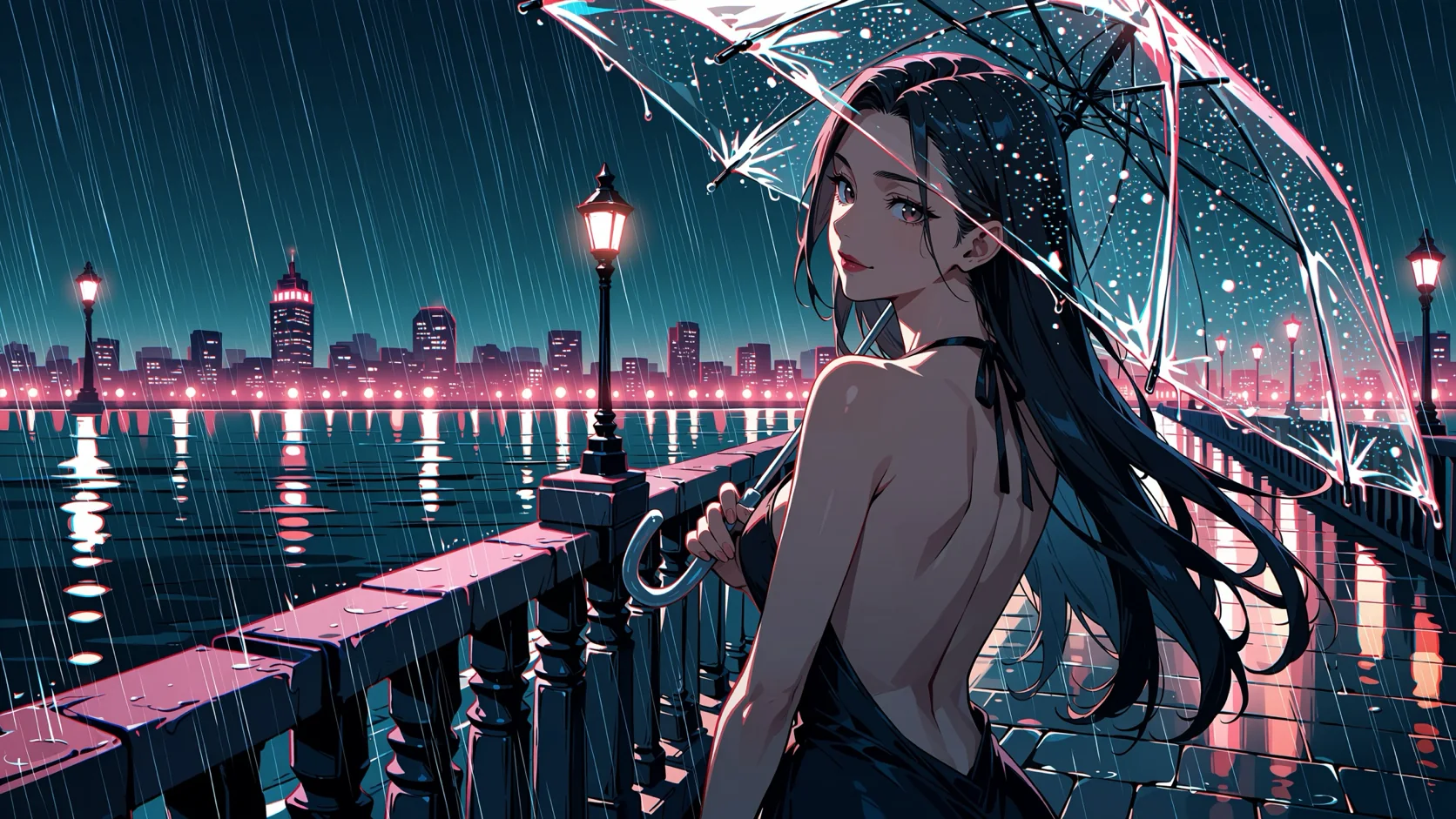
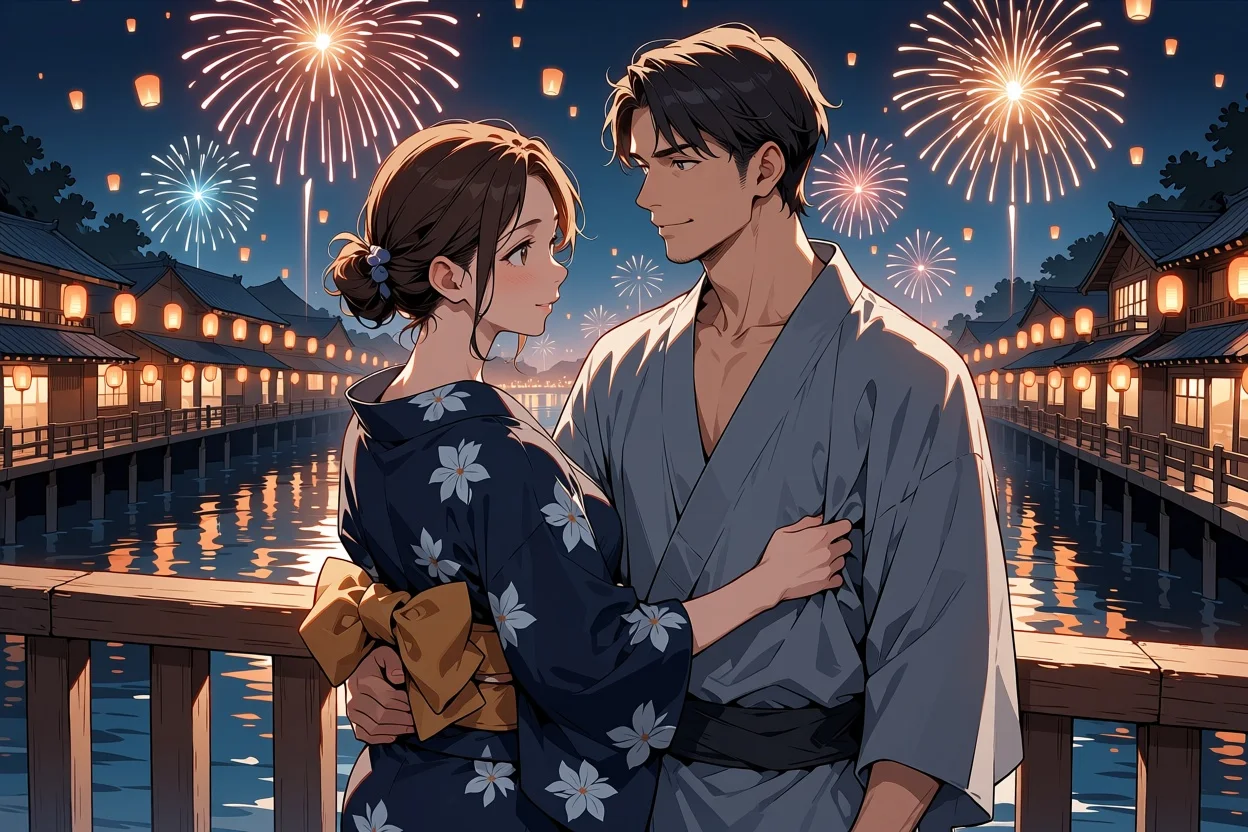
Anima Turbo Text to image draws one anime illustration from a written prompt. Anima is a 2-billion-parameter model from CircleStone Labs trained on several million anime images plus about 800,000 other artworks; Turbo is its distilled build, made for 8 to 12 sampling steps. Prompt it with Danbooru-style tags, plain sentences or both, pick any of fifteen aspect ratios and choose between two resolution tiers. The platform adds no content filter to the prompt or the image.
Choose a mode by starting material
| What you have | Mode |
|---|---|
| a written description | Anima Turbo Text to image |
| a picture to restyle | Anima Turbo Image to image |
Key features & highlights
Seconds per image
Across 60 test runs covering every aspect ratio on both tiers, the model took between 2 and 16 seconds per image and usually less than 10. That is fast enough to tune a prompt one tag at a time.
Tags, sentences or both
The model learned from Danbooru-style tags and from natural-language captions, so both work and they can be mixed freely. Tags are precise about characters, outfits and poses; sentences are better at describing a scene.
Fifteen shapes, two sizes
Every ratio from 3:1 to 1:3 is available on both tiers. The 1k tier gives about one megapixel, for example 1024 x 1024 or 1360 x 768; the 1.5k tier gives about 2.4 megapixels, for example 1536 x 1536 or 2048 x 1152, generated natively rather than upscaled.
Uncensored
Our strongest content probe came back as written on the first try, and a second seed gave the same result. Nothing is flagged, softened or reviewed on our side.
Request parameters
| Parameter | Required | Description |
|---|---|---|
prompt | Yes | Tags, sentences or both, up to 5,000 characters. Open with "masterpiece, best quality" and a rating tag such as "safe"; write tags in lowercase with spaces. at least 1 characters · at most 5000 characters |
aspect_ratio | No | Fifteen options from 3:1 to 1:3; 1:1 by default. The ratio changes the shape, not the price. |
resolution | No | 1k is about one megapixel (1024 x 1024 for a square image) and is the default. 1.5k is about 2.4 megapixels (1536 x 1536 for a square image), generated natively, and costs more. |
seed | No | Keeps a set of images comparable while you change one tag at a time. It does not guarantee the exact same pixels on every run. |
Pricing
Billed per image by resolution tier. The aspect ratio does not change the price.
| Specification | Price |
|---|---|
| $0.012 / image |
| $0.024 / image |
Use cases
Character illustrations
Portraits, full-body art and character posters from a list of tags. Fix the seed and change one tag at a time to explore outfits, expressions and lighting for the same character.
Scenery and backdrops
With "scenery, no humans" the model paints the skies, streets and interiors anime is known for. The wide ratios suit banners, video backdrops and visual-novel scenes.
Uncensored art for your platform
There is no content flag to set and no second review of the result, so what your users write is what they get back. The rating tags let them choose how far an image goes.
Prompt guide & pro tips
Follow the tag order
Quality and rating tags first, then the head count ("1girl", "1boy", "no humans"), then character, series and artist, then everything else. Use lowercase and spaces, not underscores. Within a group the order does not matter.
Use the rating tags
The model knows a small set of rating tags. "safe" keeps a picture suitable for any audience; "nsfw" removes that restraint. Because there is no negative prompt, this tag is the main way to set the tone.
Prefix artists with @
To lean on an artist's style, write the name with "@" in front. Without the prefix the effect is very weak.
Give sentences room
When writing natural language, use at least two sentences and describe appearance, clothing, place and light. Very short prompts leave too much to chance.
Change the seed if a signature appears
Now and then the model draws a signature-like scribble in a corner. Rerun with another seed rather than rewriting the prompt.
API quick start
# Generate the idempotency key once; reuse it when retrying after a lost response.
export SPICY_IDEMPOTENCY_KEY="${SPICY_IDEMPOTENCY_KEY:-$(uuidgen)}"
curl -X POST https://api.spicyapi.ai/api/v1/jobs/createTask \
  -H "Authorization: Bearer $SPICY_API_KEY" \
  -H "Content-Type: application/json" \
  -H "Idempotency-Key: $SPICY_IDEMPOTENCY_KEY" \
  -d '{
  "model": "circlestone-labs/anima-turbo/text-to-image",
  "input": {
    "prompt": "A ceramic teapot on a linen cloth, soft window light, muted palette",
    "resolution": "1k",
    "aspect_ratio": "1:1"
  }
}'

# Copy data.taskId from the response into TASK_ID, then poll the status.
TASK_ID="TASK_ID_FROM_RESPONSE"
curl "https://api.spicyapi.ai/api/v1/jobs/recordInfo?taskId=$TASK_ID" \
  -H "Authorization: Bearer $SPICY_API_KEY"
See the API reference for authentication, the complete schema, polling, and error handling.