Introduction
Seedream 5.5 image editing starts from existing pictures and uses a written instruction to revise or combine them. This AI image editing API accepts one to ten references. Identify the pictures by number, describe the new result, and state which details should remain unchanged.
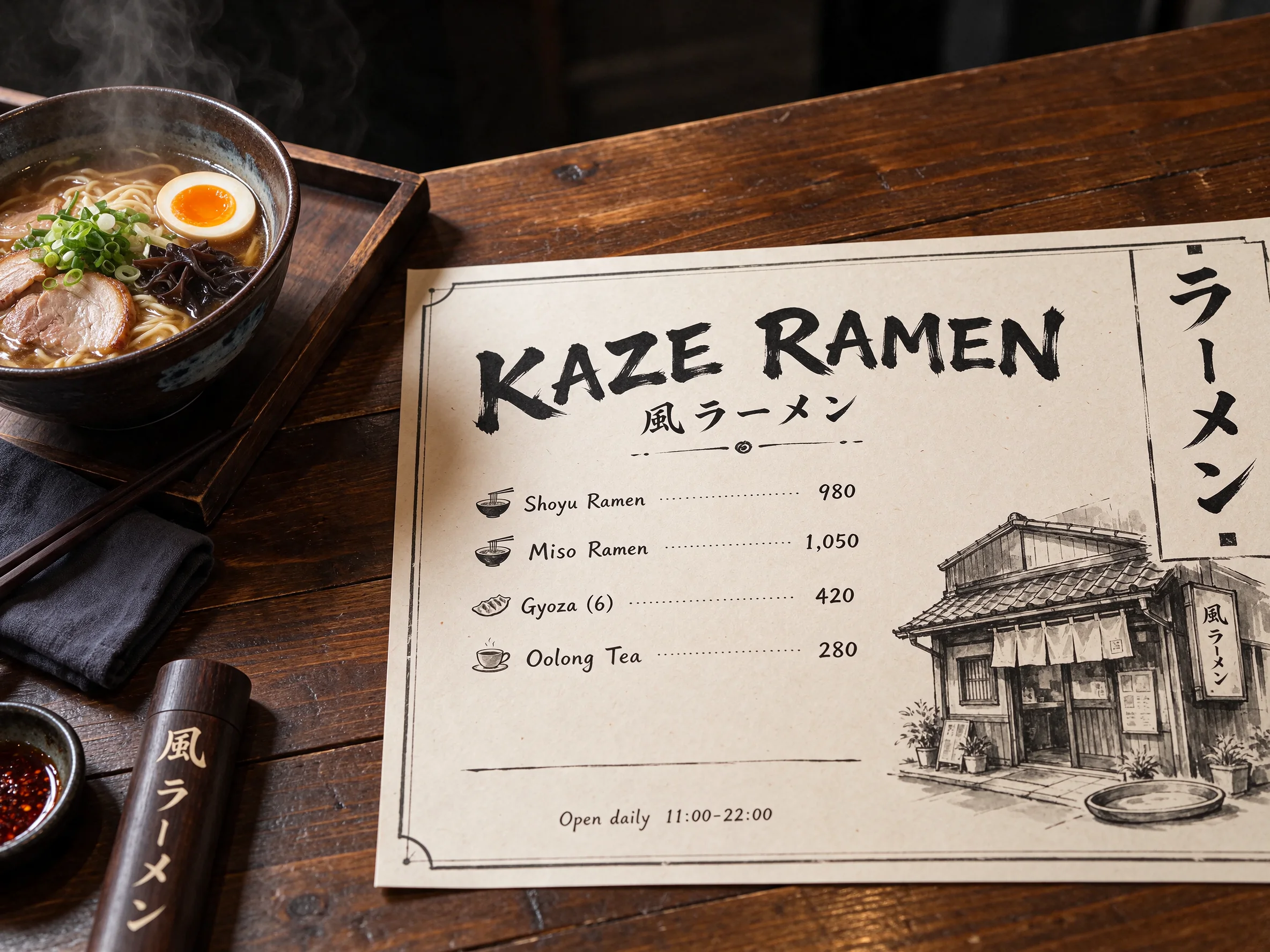
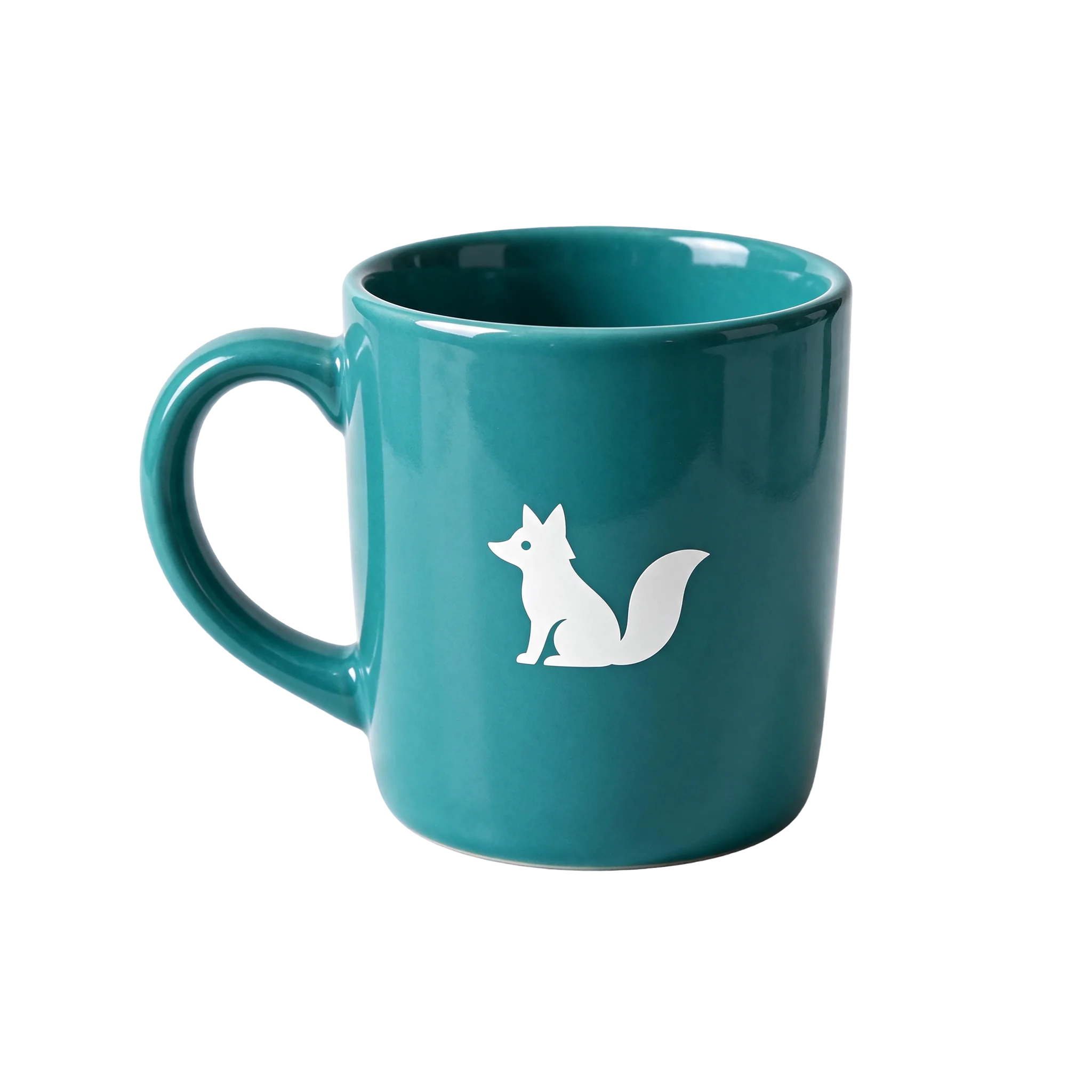
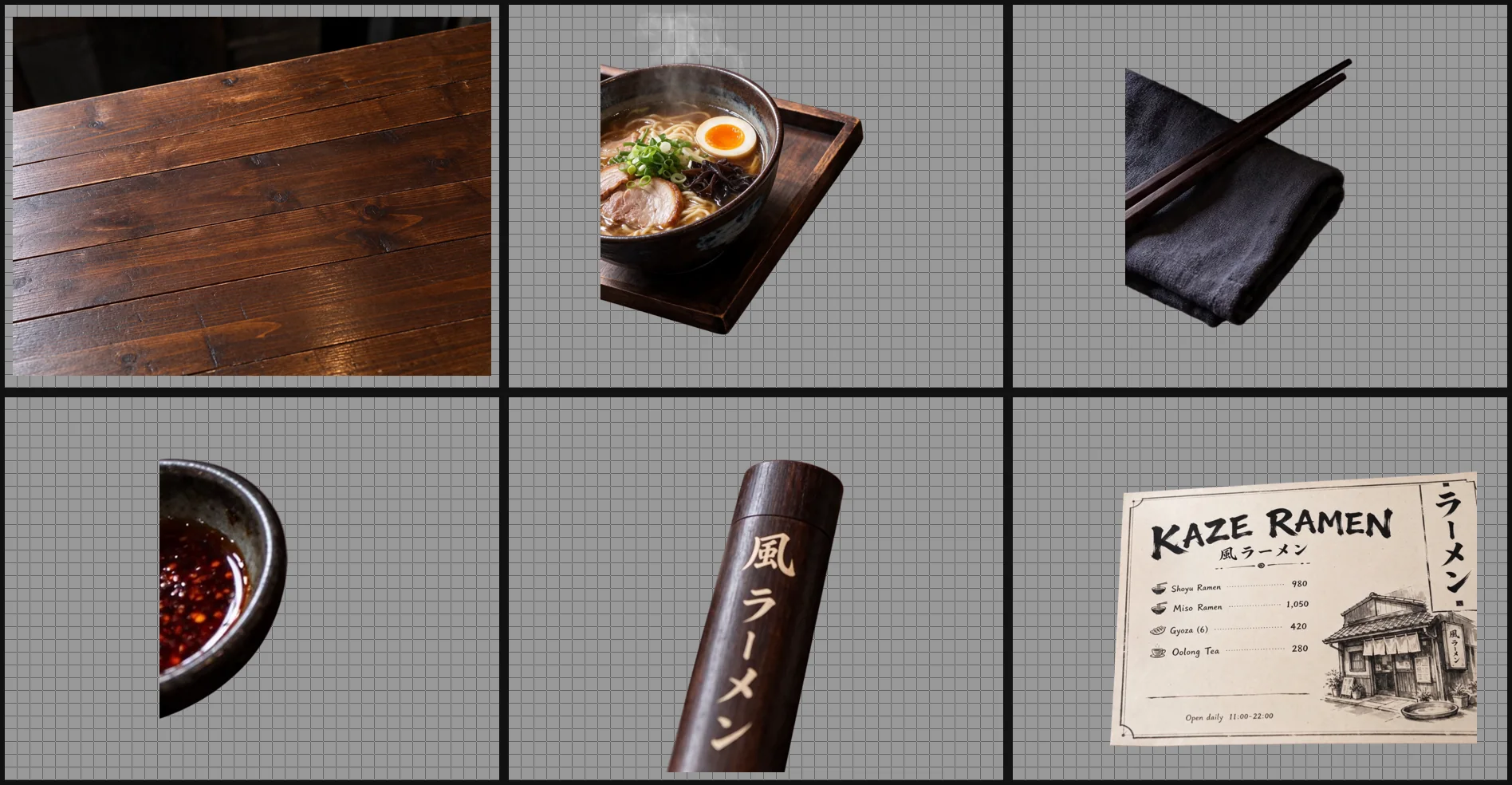
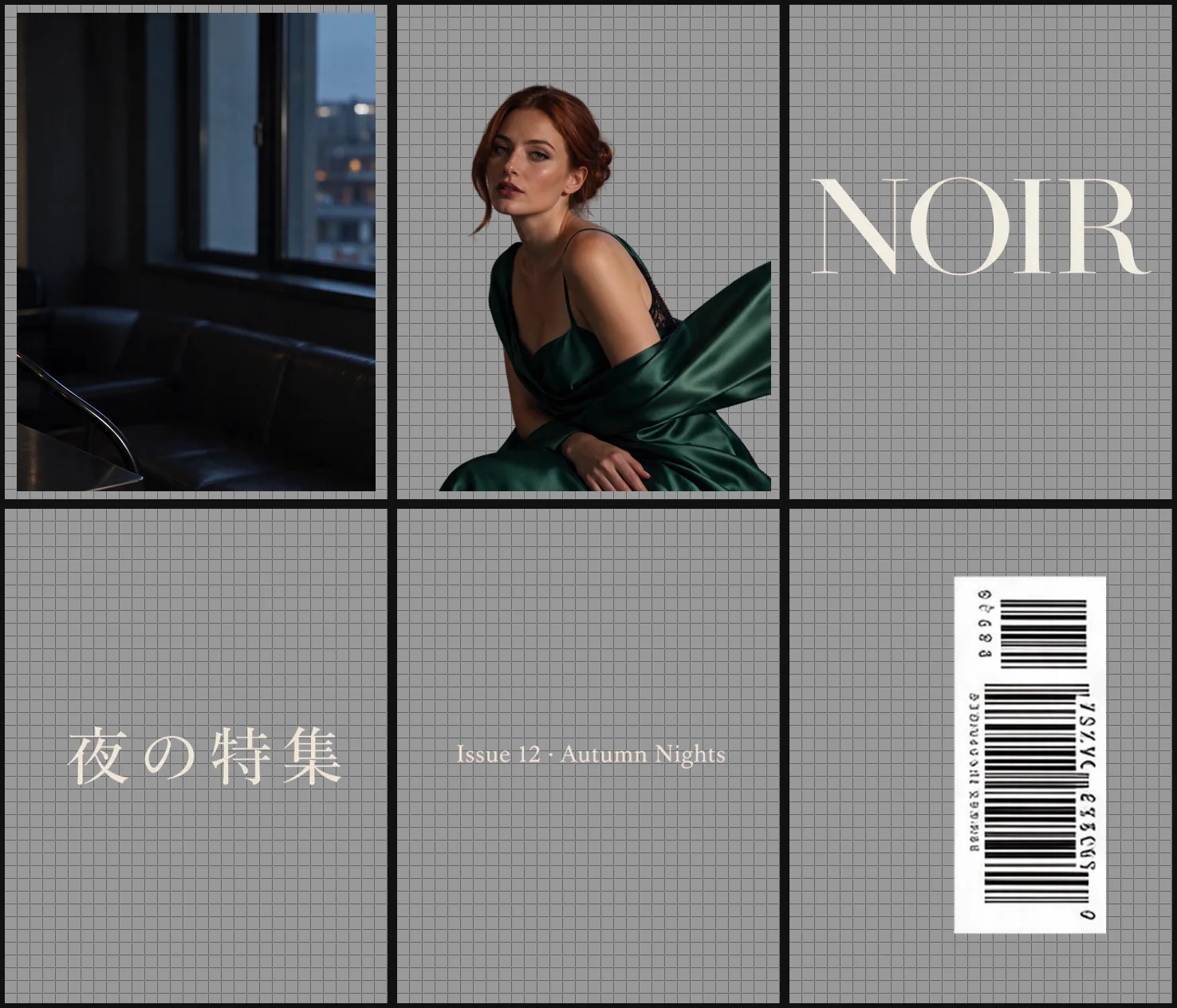
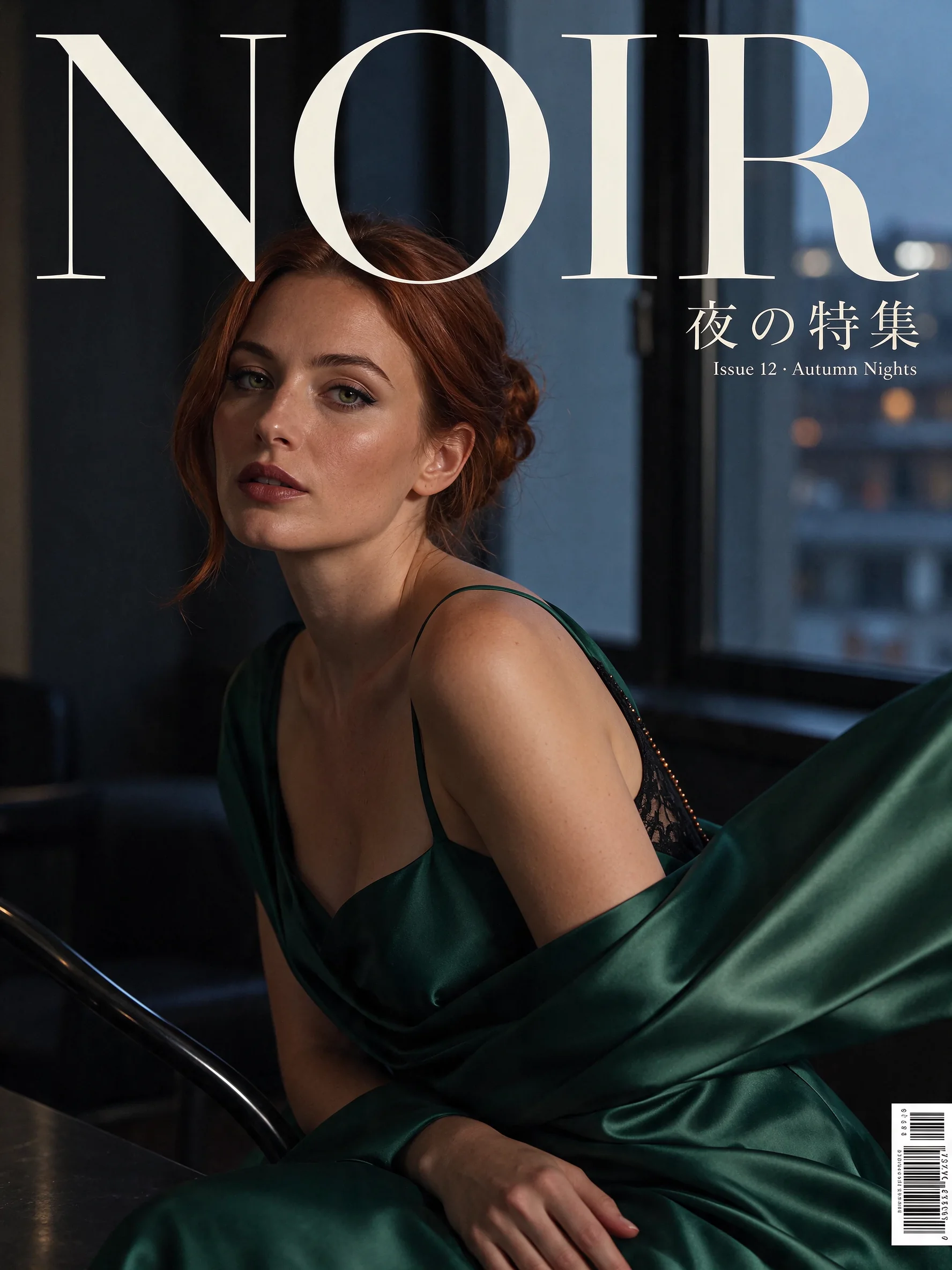
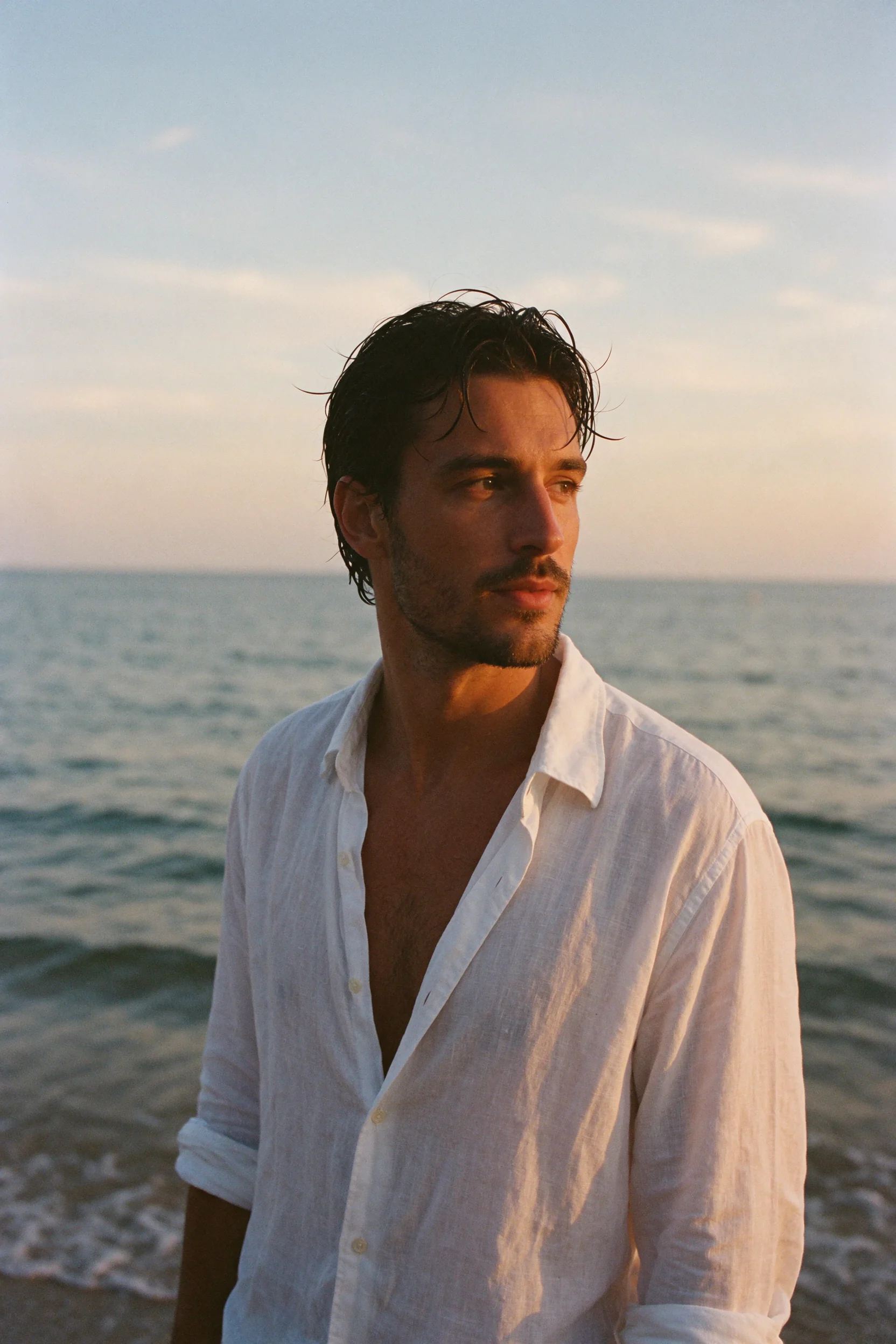
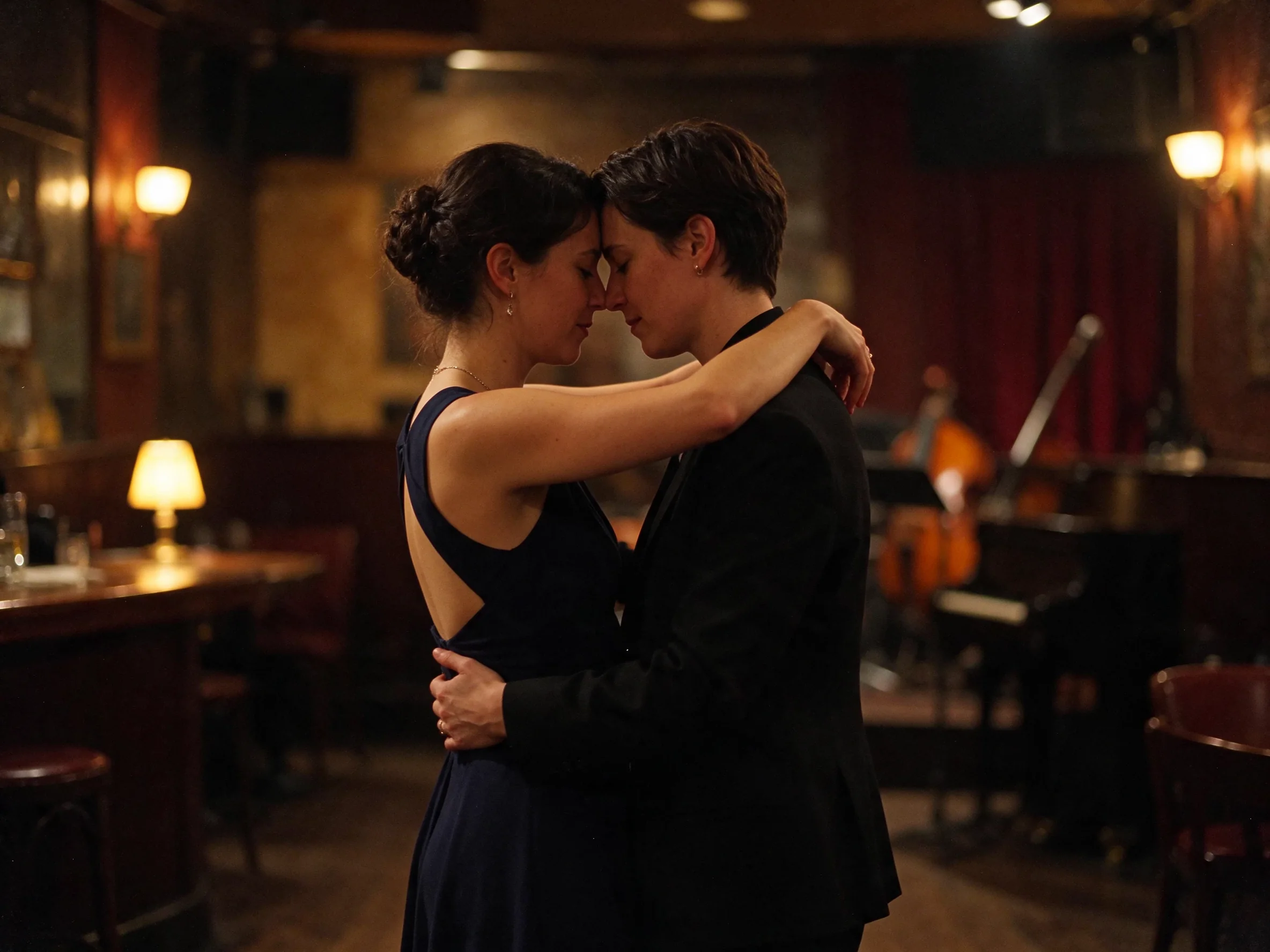
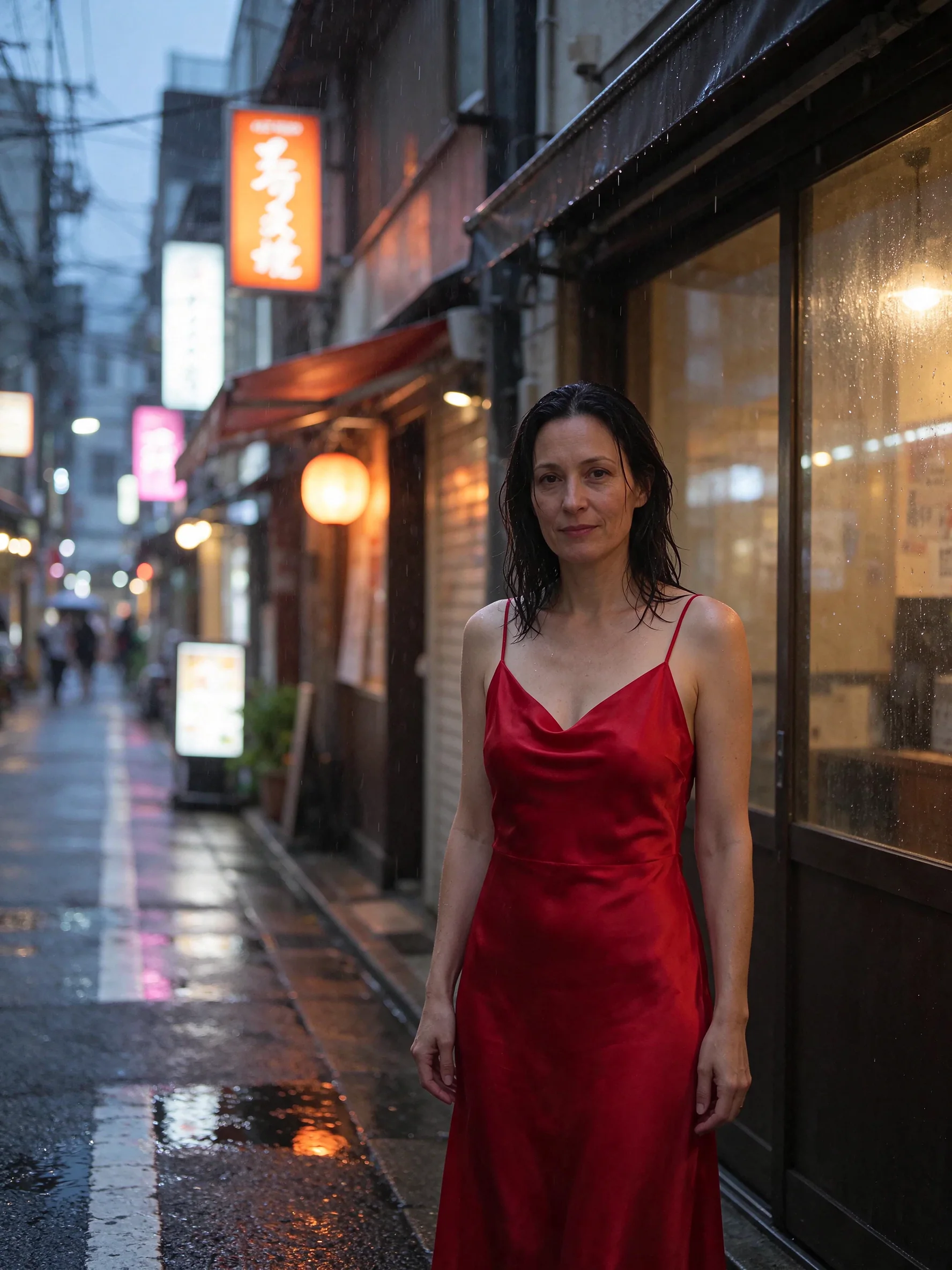
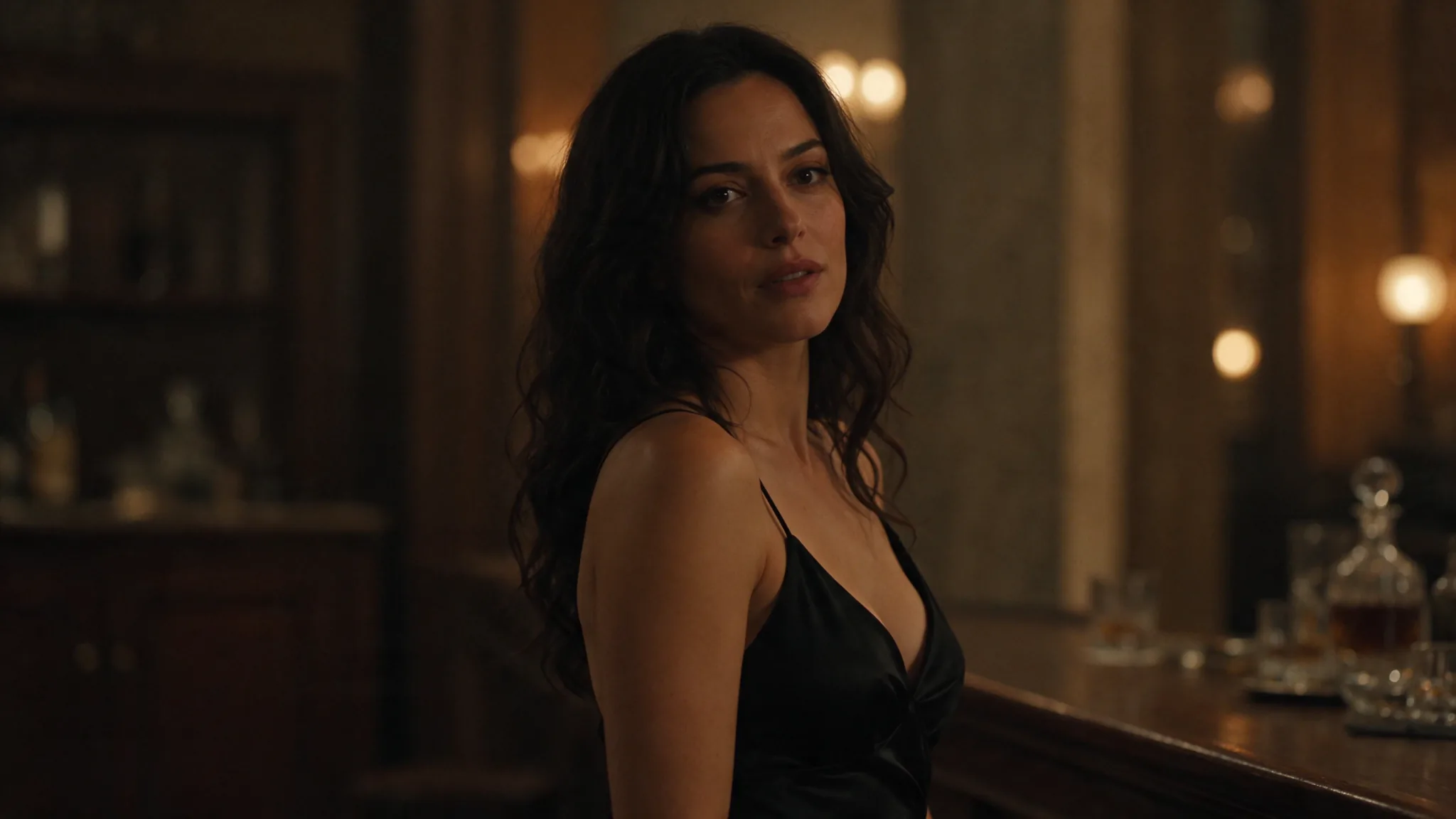
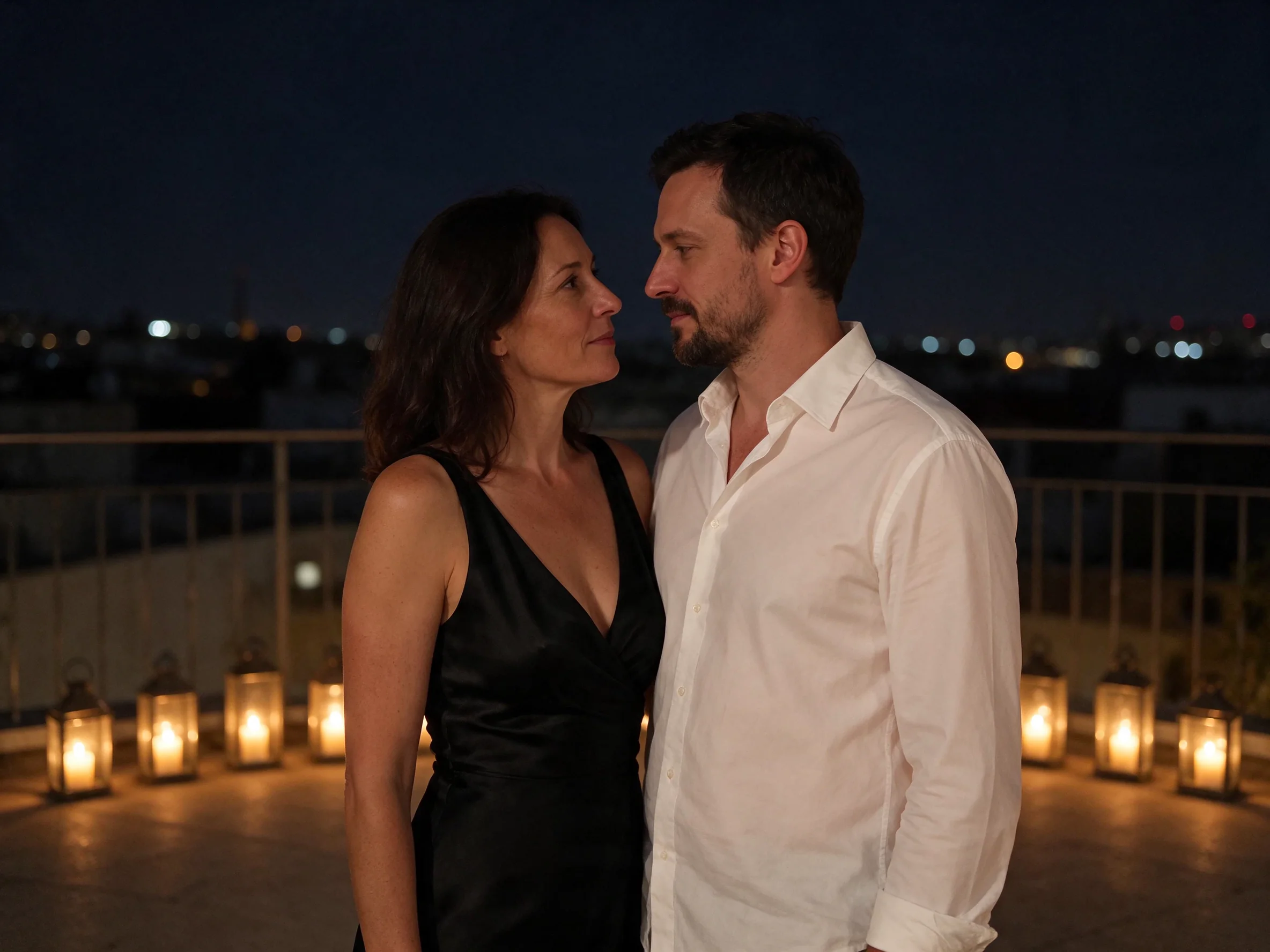
The examples on this page show two different editing briefs. One takes separate portraits into a candlelit rooftop scene. Another changes clothing and moves a portrait to a rainy Tokyo street at dusk. Our tests kept both people recognizable in the rooftop composition. A separate person-and-mug test retained the product logo.
Key features & highlights
Numbered sources with named roles
Use Image 1, Image 2, and later numbers to identify the sources in your instruction. A reference can supply a person or an object, while the text defines the new setting. Naming those roles makes the requested composition clear. For example: "Use the person from Image 1 and the mug from Image 2."
The rooftop prompt assigns a different portrait to each numbered input. Copy that structure for a combined scene rather than describing the sources as an unnamed group. Include a preservation instruction after the changes so the intended result has both a new direction and fixed details.
Changes with stated preservation goals
ByteDance describes keeping unedited areas stable through 100+ editing rounds. Our tests covered specific changes to clothing, location, and reference composition; they did not establish a 100-round editing history. Use the publisher statement and the measured examples as separate kinds of evidence.
The rainy Tokyo example asks for a new dress and street setting while preserving the person's identity. The rooftop example preserves the people from two source portraits. For a product composition, "Keep the mug logo unchanged" states a concrete detail to retain.
Output shape is a separate decision
An edit does not inherit the shape of its source image. aspect_ratio defaults to 1:1, even when the input is tall or wide. Choose a matching ratio when the original proportions matter, or choose a different supported ratio for a new placement.
The available shapes are 1:1, 4:3, 3:4, 16:9, 9:16, 3:2, 2:3, and 21:9. The rainy street example uses 3:4; the two-portrait rooftop uses 4:3. Keep the composition described in the prompt consistent with the selected canvas.
Resolution, format, and background
Editing offers 1k, 1.5k, 2k, and 4k, with 2k selected by default. At 4k, the 16:9 output is 3840 x 2160 pixels and the square output is 2880 x 2880. PNG is the default file format, and JPEG is also available. For an alpha channel, select PNG with background transparent; background otherwise starts at auto.
Request parameters
| Parameter | Required | Description |
|---|---|---|
prompt | Yes | This version is moderated, so some requests are refused without charge; an unmoderated version is coming soon. Give the required edit instruction; there is no default text. at least 1 characters · at most 5000 characters |
image_urls | Yes | Supplies 1 to 10 reference images; a source is required and none is selected by default. Number them in the instruction as Image 1, Image 2, and onward. at least 1 items · at most 10 items |
aspect_ratio | No | Sets the output canvas: 1:1, 4:3, 3:4, 16:9, 9:16, 3:2, 2:3, or 21:9. The default is 1:1. |
resolution | No | Sets the billed resolution tier: 1k, 1.5k, 2k, or 4k; 2k is the default. This changes the charge, with equal rates for 1k and 1.5k. |
output_format | No | Selects png or jpeg encoding; png is the default. Encoding does not change the charge. |
background | No | Controls the background: auto, transparent, or opaque; the default is auto. Choose transparent with png for an alpha channel. |
Pricing
The edit is charged at the chosen resolution tier, and every input image adds a small charge, including the first. The 1k and 1.5k tiers share a rate. Canvas ratio, encoding, and background do not add a charge.
| Specification | Price |
|---|---|
| $0.0195 / image |
| $0.0195 / image |
| $0.027 / image |
| $0.0525 / image |
Use cases
Move a portrait into a new location
Describe the replacement setting with concrete details, such as a rainy Tokyo side street, dusk light, and glowing shop signs. Name the source portrait and identify what should stay. This separates the scene change from the identity you want to retain. The example supplies a practical pattern for that instruction.
Bring separate portraits into one scene
Assign the first portrait to Image 1 and the second to Image 2. Describe where the people should appear together and how the setting is lit. The rooftop scene uses candles and a night setting. Our tests retained both source identities in that edit, giving a measured example of this reference workflow.
Combine a person and a product reference
Give the product its own image number so the instruction can refer to it directly. Tell the editor which object to use and which product details should remain. Our person-and-mug composition kept the logo intact. Use a phrase such as "Preserve the logo from Image 2" rather than leaving that requirement implied.
Revise clothing while retaining identity
Name the clothing change and the person it applies to. Add the setting and light if those should change as well. Then state the preservation goal separately, for example, "Keep the same person from Image 1." The rainy street prompt demonstrates this change-and-preserve pattern with a red dress and a new location.
Prompt guide & pro tips
Map the inputs before describing the result
Write a brief source list into the instruction: "Image 1 supplies the person; Image 2 supplies the mug." Check that these numbers match the order of your inputs. If you include more references, explain what each contributes instead of expecting an unassigned picture to communicate its purpose.
Separate changes from fixed details
Use direct clauses such as "Move the scene to a candlelit rooftop" followed by "Keep the people unchanged." For a product, specify "Keep the white fox logo on the mug." This makes preservation a named requirement rather than a general request for similarity. Compare those details with the sources after the edit returns.
Match the ratio deliberately
If you need the source proportions, select the corresponding supported aspect_ratio before submitting. A tall source can use 3:4 when that matches the intended frame. The unchanged default produces a square canvas, so placing a reference first does not make its shape the output setting.
Use marked regions for a local instruction
The prompt can refer to boxes, arrows, or coordinates marked on an input image. Keep the reference number and the marked area together, as in "Change the object inside the marked box in Image 1." Then describe the replacement and any surrounding details that should remain. This gives the instruction a visible target.
Keep exact wording attached to its object
When a reference includes a logo or printed text that matters, identify it as something to preserve. For supplied new copy, quote the intended wording and say no additional words should appear. The extra-text instruction follows our text-generation observations; it gives the edit brief a clear boundary for lettering as well.
Choose transparency through the output controls
A transparent result needs both png encoding and background transparent. JPEG cannot retain transparency, even if the prompt describes an isolated object. If the edit is intended as a complete scene, select the background mode for that purpose rather than copying cutout settings without checking them.
Keep a usable record of the edit
The editing prompt can contain up to 5,000 characters; ByteDance recommends no more than 600 English words. Focus the instruction on source roles, requested changes, and preservation details. Keep the inputs, wording, output settings, and downloaded result together so a later revision starts from a clear record of the design.
API quick start
# Generate the idempotency key once; reuse it when retrying after a lost response.
export SPICY_IDEMPOTENCY_KEY="${SPICY_IDEMPOTENCY_KEY:-$(uuidgen)}"
curl -X POST https://api.spicyapi.ai/api/v1/jobs/createTask \
  -H "Authorization: Bearer $SPICY_API_KEY" \
  -H "Content-Type: application/json" \
  -H "Idempotency-Key: $SPICY_IDEMPOTENCY_KEY" \
  -d '{
  "model": "bytedance/seedream-5.5/edit",
  "input": {
    "aspect_ratio": "1:1",
    "background": "auto",
    "image_urls": [
      "https://example.com/reference.png"
    ],
    "output_format": "png",
    "prompt": "A ceramic teapot on a linen cloth, soft window light, muted palette",
    "resolution": "2k"
  }
}'

# Copy data.taskId from the response into TASK_ID, then poll the status.
TASK_ID="TASK_ID_FROM_RESPONSE"
curl "https://api.spicyapi.ai/api/v1/jobs/recordInfo?taskId=$TASK_ID" \
  -H "Authorization: Bearer $SPICY_API_KEY"
See the API reference for authentication, the complete schema, polling, and error handling.