Introduction
GPT Image 2.6 Sunburst Image Editing changes a supplied picture using a written instruction. The precision tier focuses on fidelity and steady details through repeated revisions, with room for 1–16 input images.
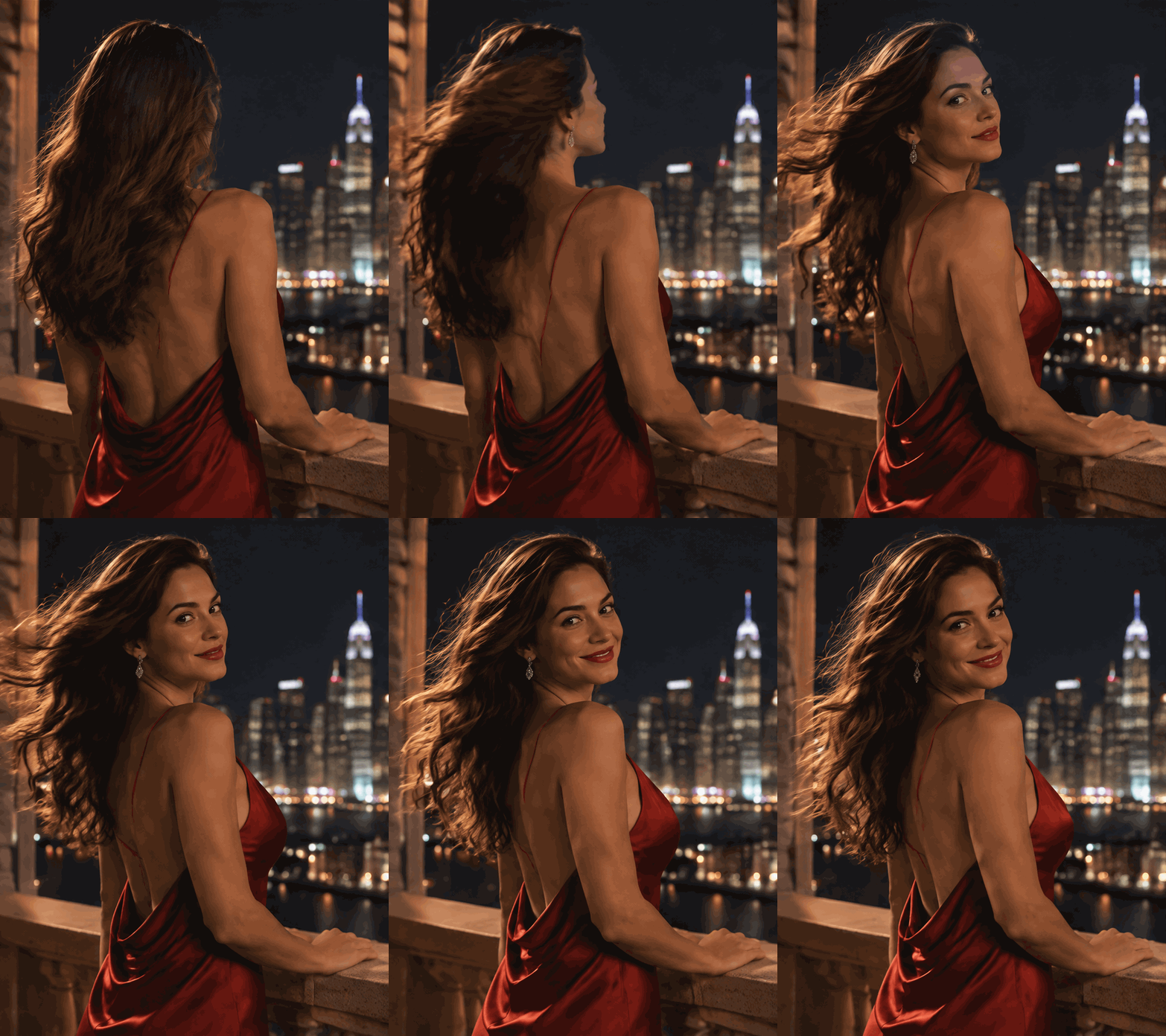
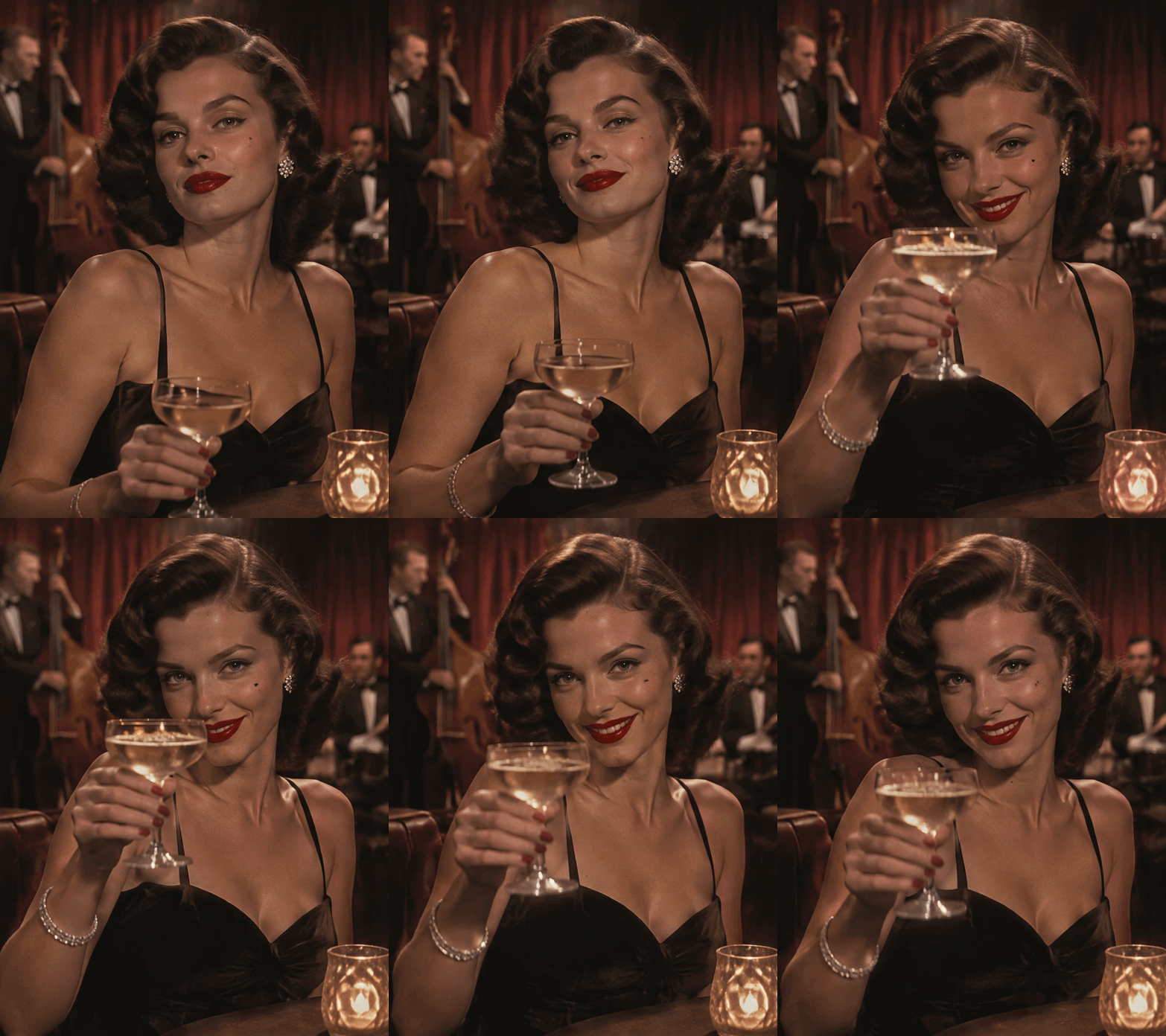
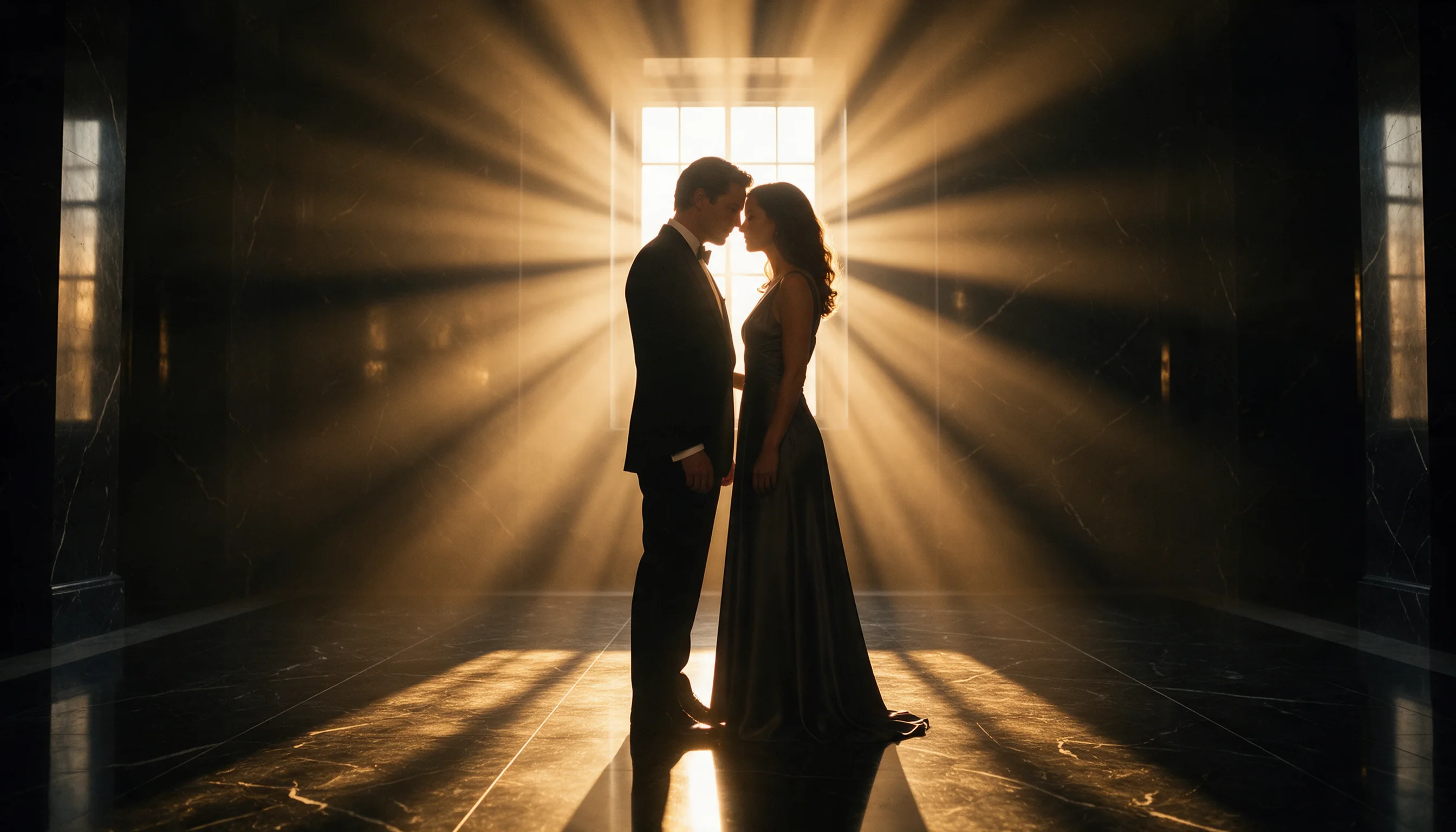
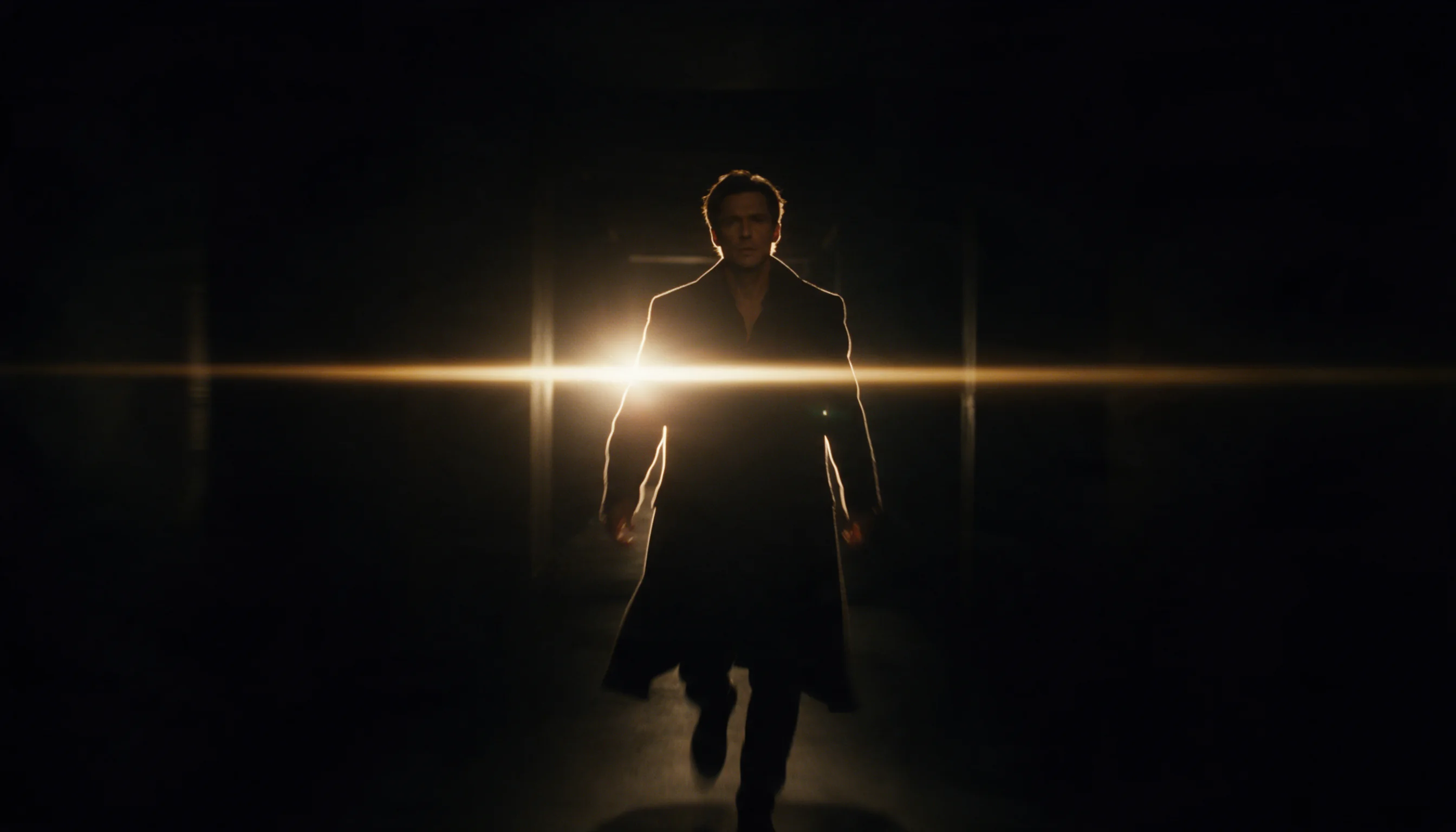
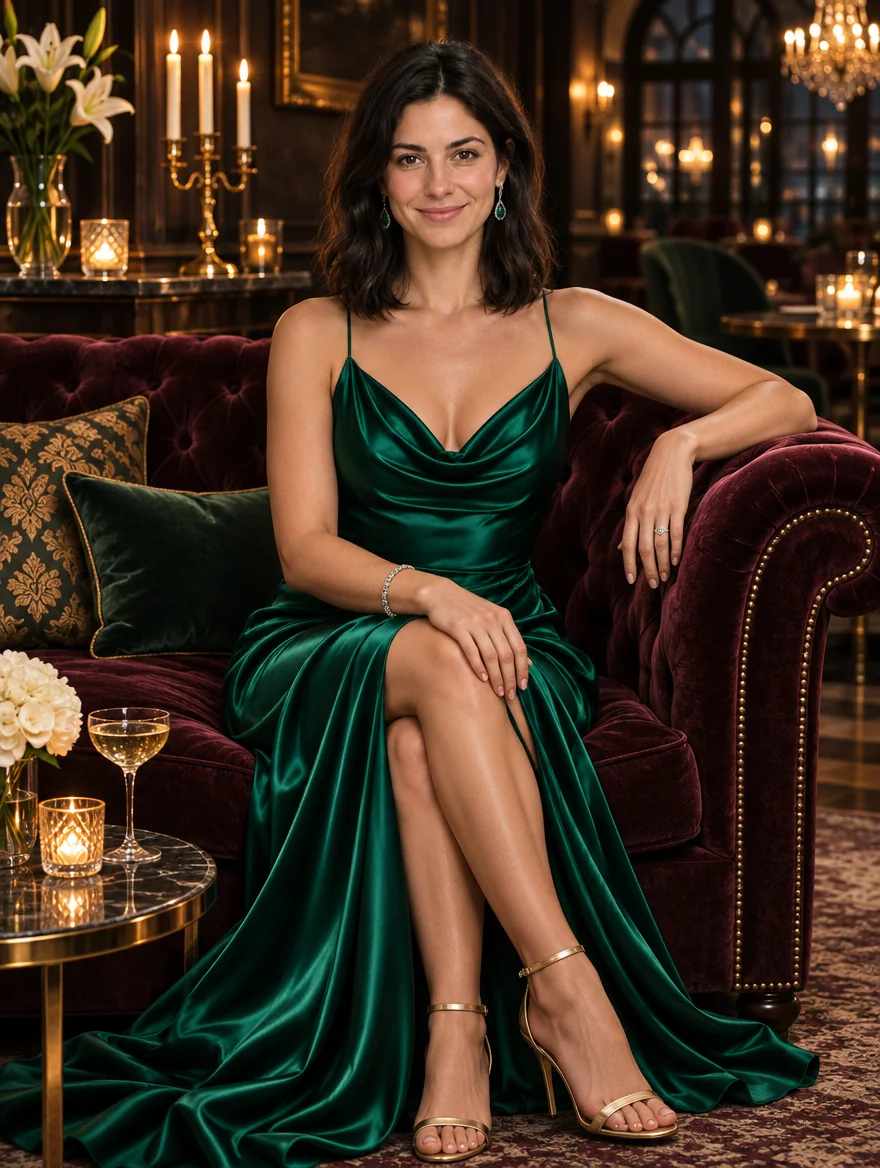
Place the picture to revise first and explain the role of each additional reference. An optional PNG mask marks a repaint region; in our tests, an outfit and location change retained the person’s appearance.
Key features & highlights
- Markup edits: use
markup_urlfor a transparent PNG of circles, sketches or notes at the first image’s dimensions; it adds one billed input and excludesmask_url. - Numbered references: call sources Image 1, Image 2 and later numbers to explain what each contributes.
- Local repainting: transparent pixels in a same-size PNG mask identify the area to change in the first source.
- Shape preservation: omitting
aspect_ratiokeeps the first image’s shape at 1k; 2k and 4k require a selected ratio. - Detail controls: five quality settings let you trade additional rendering time and cost for greater detail.
- Flexible delivery: save revisions as PNG, JPEG or WebP, with transparency supported in PNG and WebP.
Request parameters
| Parameter | Required | Description |
|---|---|---|
prompt | Yes | Required Sunburst revision instruction of up to 5,000 characters, with no default text; very long prompts add a small per-token charge. at least 1 characters · at most 5000 characters |
image_urls | Yes | Provide 1–16 Sunburst input image URLs, with no default source; identify them as Image 1, Image 2 and so on, and allow a small charge for each input image. at least 1 items · at most 16 items |
mask_url | No | An optional PNG mask must match the first Sunburst image; transparent pixels identify repainting, with no separate mask charge. Do not combine |
markup_url | No | Supply |
aspect_ratio | No | Pick one of 15 ratios from 1:3 to 3:1. Leave it unset to keep the first image's shape, which works only at the smallest size tier; set a ratio to use a larger tier. |
resolution | No | Choose a Sunburst size: 1k (about 1 MP), 2k (about 3.7 MP) or 4k (about 8.3 MP); no default is specified here, and this tier changes the price. |
quality | No | Set Sunburst detail to low, medium (default), high, xhigh or max; higher levels increase detail, rendering time and price. |
reasoning_effort | No | Sunburst |
num_outputs | No | Ask Sunburst for 1–10 images per request; no default count is specified here, and every output image is billed. |
background | No | Sunburst background choices are auto, opaque and transparent, with no default specified here; use PNG or WebP for transparency, with no background surcharge. |
output_format | No | Sunburst encodes files as png by default, with jpeg and webp alternatives; format choice has no pricing effect. |
output_quality | No | When an edited Sunburst result is saved as JPEG or WebP, compression runs from 0 to 100; PNG output ignores the setting and the price stays the same. |
Pricing
Sunburst bills each image by its quality and resolution tier; requesting more images multiplies that charge. Editing adds a small charge for every input image, while very long prompts add a small per-token charge. Refused Sunburst requests are not charged.
| Resolution | Quality: low | Quality: medium | Quality: high | Quality: xhigh | Quality: max |
|---|---|---|---|---|---|
| $0.02232 / image | $0.03915 / image | $0.04743 / image | $0.08433 / image | $0.18972 / image |
| $0.04131 / image | $0.07299 / image | $0.08847 / image | $0.15723 / image | $0.35379 / image |
| $0.07479 / image | $0.13221 / image | $0.16011 / image | $0.28512 / image | $0.64044 / image |
Use cases
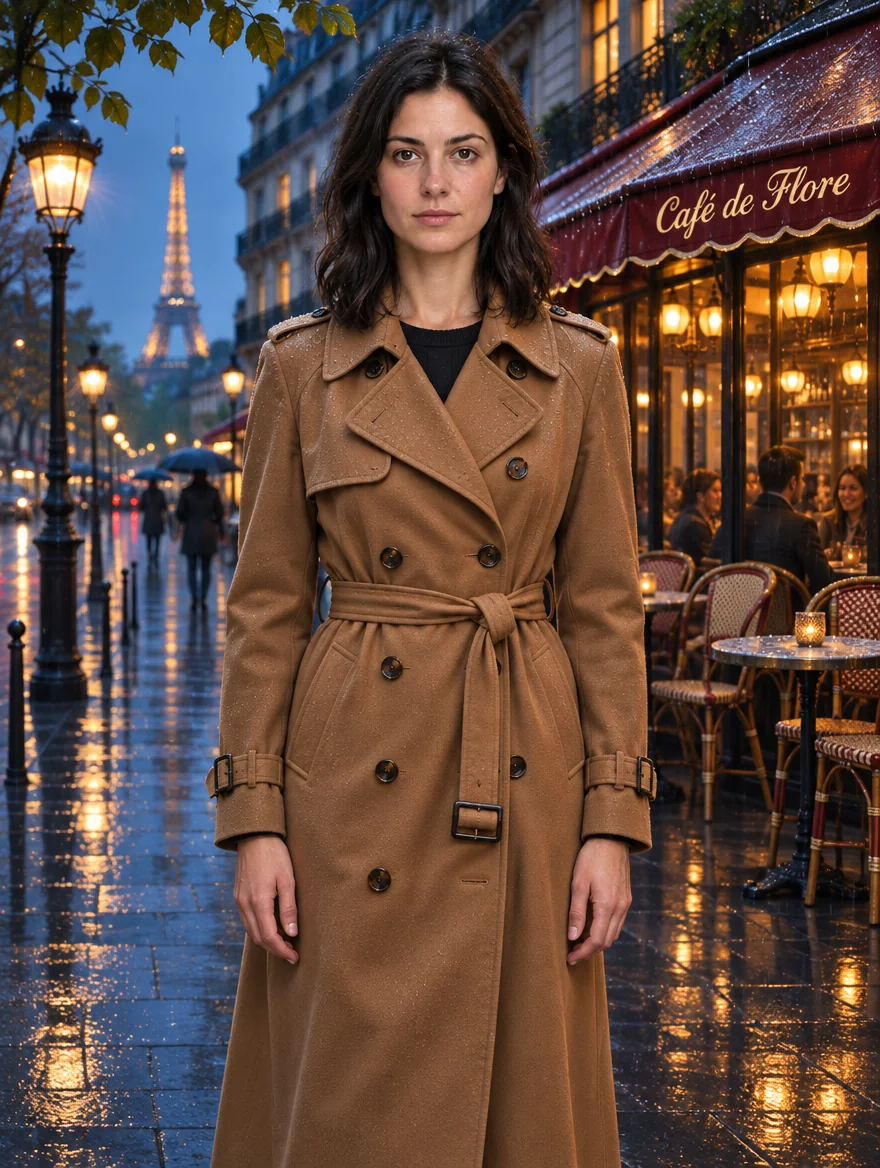
- Wardrobe revision: turn a supplied portrait into a camel trench coat scene for a campaign concept.
- Location change: move an existing subject to a rainy Paris street while describing what should remain.
- Localized artwork correction: mark a poster region with a mask and request a replacement background detail.
Prompt guide & pro tips
- Name the source: start with “Image 1 is the portrait to revise” so the instruction identifies its base.
- Describe continuity: add “keep the person’s appearance” before describing a new outfit or setting.
- Assign reference roles: write “use the color palette from Image 2” when adding another input.
- Describe the masked replacement: try “replace the marked wall with teal paint” with a matching PNG mask.
- State the new setting precisely: use “rainy Paris street at blue hour” to define place and lighting together.
- Set
reasoning_effortto low, medium or high (default); more planning helps dense text and complex layouts but takes longer without changing the price.
API quick start
# Generate the idempotency key once; reuse it when retrying after a lost response.
export SPICY_IDEMPOTENCY_KEY="${SPICY_IDEMPOTENCY_KEY:-$(uuidgen)}"
curl -X POST https://api.spicyapi.ai/api/v1/jobs/createTask \
  -H "Authorization: Bearer $SPICY_API_KEY" \
  -H "Content-Type: application/json" \
  -H "Idempotency-Key: $SPICY_IDEMPOTENCY_KEY" \
  -d '{
  "model": "openai/gpt-image-2.6-sunburst/edit",
  "input": {
    "background": "auto",
    "image_urls": [
      "https://example.com/reference.png"
    ],
    "num_outputs": 1,
    "output_format": "png",
    "prompt": "A ceramic teapot on a linen cloth, soft window light, muted palette",
    "quality": "medium",
    "resolution": "1k"
  }
}'

# Copy data.taskId from the response into TASK_ID, then poll the status.
TASK_ID="TASK_ID_FROM_RESPONSE"
curl "https://api.spicyapi.ai/api/v1/jobs/recordInfo?taskId=$TASK_ID" \
  -H "Authorization: Bearer $SPICY_API_KEY"
See the API reference for authentication, the complete schema, polling, and error handling.