
Introduction
GPT Image 2.6 Sunburst Text to Image creates a new picture from a written description. Sunburst is the precision tier of OpenAI’s November 5, 2026 release, built for fidelity and steady details across repeated edits.
This endpoint begins with text rather than a source image. Describe the composition, then select quality, resolution and ratio independently; in our tests, medium 1k took about 30 seconds per image.
Key features & highlights
- GIF loops: choose
output_formatgif and describe a precise motion cycle with an explicitaspect_ratio. - Five detail levels: medium is the default, with low, high, xhigh and max available to match the work.
- Larger output tiers: 1k is about 1 MP, 2k about 3.7 MP and 4k about 8.3 MP.
- Short lettering: in our tests, travel poster headlines and cafe menu entries rendered letter-perfect.
- Transparent assets: request a transparent background with PNG or WebP; low 1k PNG transparency worked in our tests.
- Multiple candidates: request 1–10 images, paying separately for each generated result.
Request parameters
| Parameter | Required | Description |
|---|---|---|
prompt | Yes | Required Sunburst scene description of up to 5,000 characters, with no default text; very long prompts add a small per-token charge. at least 1 characters · at most 5000 characters |
aspect_ratio | No | For Sunburst stills, the default |
resolution | No | For Sunburst stills, select 1k (~1 MP), 2k (~3.7 MP) or 4k (~8.3 MP). For GIF, resolution sets one frame: 512 (~0.26 MP), up to 16 frames; 768 (~0.59 MP), up to 12 frames. |
quality | No | Set Sunburst detail to low, medium (default), high, xhigh or max; higher levels increase detail, rendering time and price. |
reasoning_effort | No | Sunburst |
num_outputs | No | Ask Sunburst for 1–10 images per request; no default count is specified here, and every output image is billed. |
background | No | Sunburst background choices are auto, opaque and transparent, with no default specified here; use PNG or WebP for transparency, with no background surcharge. |
output_format | No | Sunburst supports png (default), jpeg, webp and gif. |
frame_count | No | Set 2–16 frames for a Sunburst GIF; the default is 9. The 768 frame size allows at most 12 frames, while 512 allows 16. |
frame_duration_ms | No | Sunburst GIF timing is 20–2000 ms per frame, default 200; describe the intended motion and loop in the prompt. |
output_quality | No | Pick Sunburst’s JPEG or WebP compression from 0 to 100: higher keeps more detail in a larger file, while PNG and GIF output ignore it and Sunburst’s price does not change. |
Pricing
Sunburst bills each image by its quality and resolution tier; requesting more images multiplies that charge. Editing adds a small charge for every input image, while very long prompts add a small per-token charge. Refused Sunburst requests are not charged. Sunburst GIF billing uses frame sheets of 8: each group of up to 8 frames costs one sheet at the selected quality tier, so 9 frames require 2 sheets.
| Resolution | Quality: low | Quality: medium | Quality: high | Quality: xhigh | Quality: max |
|---|---|---|---|---|---|
| $0.02232 / image | $0.03915 / image | $0.04743 / image | $0.08433 / image | $0.18972 / image |
| $0.027 / image | $0.04752 / image | $0.05742 / image | $0.10206 / image | $0.22941 / image |
| $0.04131 / image | $0.07299 / image | $0.08847 / image | $0.15723 / image | $0.35379 / image |
| $0.04392 / image | $0.07776 / image | $0.09432 / image | $0.1674 / image | $0.37638 / image |
| $0.07479 / image | $0.13221 / image | $0.16011 / image | $0.28512 / image | $0.64044 / image |
Use cases
- Travel artwork: develop a lighthouse poster with a short destination headline and a date line.
- Cafe signage: create a photographic chalkboard scene with quoted menu entries for review.
- Editorial illustration: describe a sunlit woodworking shop with a seated subject and named materials.
Prompt guide & pro tips
- Locate the words: write a phrase such as “PORTO AZUL at the top” to connect lettering with its placement.
- Specify materials: use “navy knit sweater in a woodworking shop” to give the scene concrete detail.
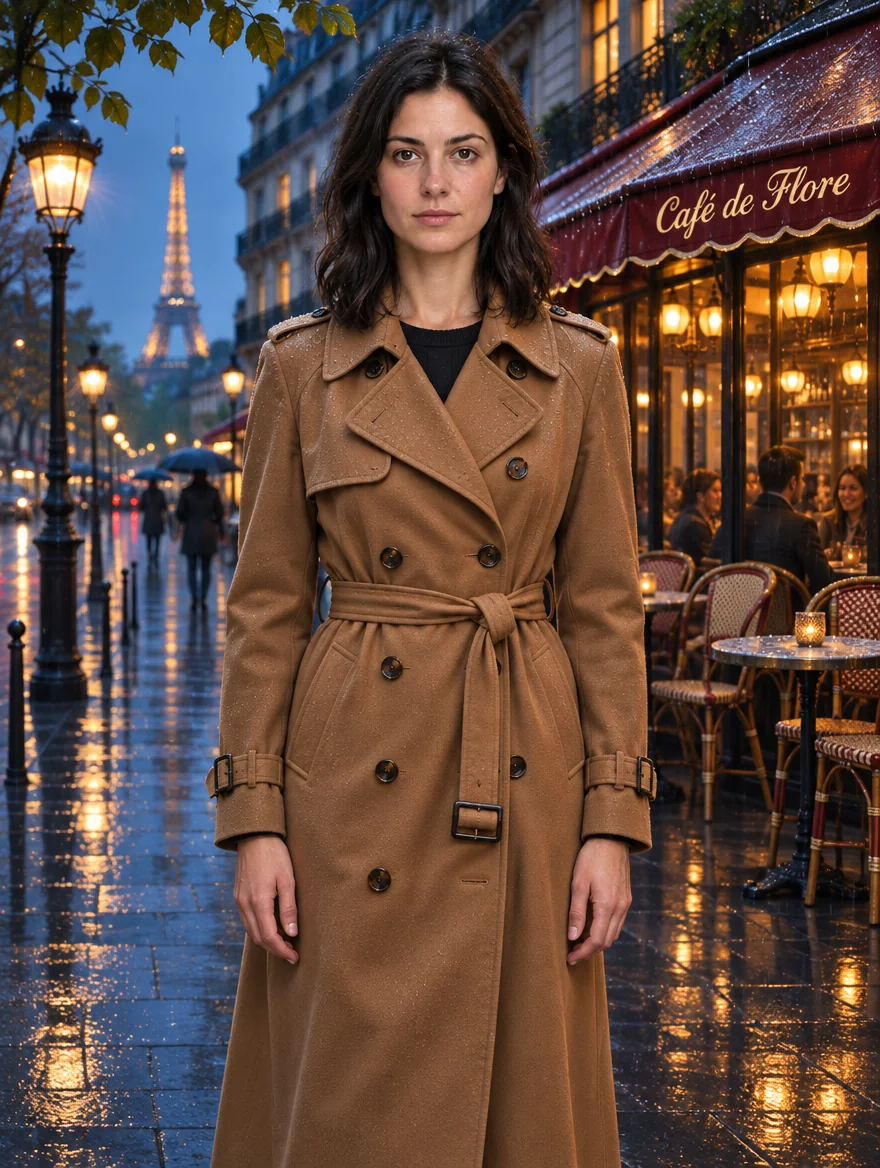
- Choose lighting deliberately: try “morning light outside a Paris cafe” instead of a vague mood label.
- Match the layout: use a phrase such as “vertical travel poster” and select a corresponding ratio.
- Request a cutout clearly: describe “a coffee cup on a transparent background” and select transparent with PNG or WebP.
- Set
reasoning_effortto low, medium or high (default); more planning helps dense text and complex layouts but takes longer without changing the price.
API quick start
# Generate the idempotency key once; reuse it when retrying after a lost response.
export SPICY_IDEMPOTENCY_KEY="${SPICY_IDEMPOTENCY_KEY:-$(uuidgen)}"
curl -X POST https://api.spicyapi.ai/api/v1/jobs/createTask \
  -H "Authorization: Bearer $SPICY_API_KEY" \
  -H "Content-Type: application/json" \
  -H "Idempotency-Key: $SPICY_IDEMPOTENCY_KEY" \
  -d '{
  "model": "openai/gpt-image-2.6-sunburst/text-to-image",
  "input": {
    "prompt": "A ceramic teapot on a linen cloth, soft window light, muted palette",
    "quality": "medium",
    "background": "auto",
    "resolution": "1k",
    "num_outputs": 1,
    "aspect_ratio": "1:1"
  }
}'

# Copy data.taskId from the response into TASK_ID, then poll the status.
TASK_ID="TASK_ID_FROM_RESPONSE"
curl "https://api.spicyapi.ai/api/v1/jobs/recordInfo?taskId=$TASK_ID" \
  -H "Authorization: Bearer $SPICY_API_KEY"
See the API reference for authentication, the complete schema, polling, and error handling.